The Windows Command Prompt is getting faster, smarter, and a lot more modern

DragonSlayer101

Posts: 989   +14
Staff
Something to look forward to: Microsoft released new Windows 11 Insider Preview builds to the Canary, Dev, and Beta channels this week, bringing multiple new features for developers and power users. The most notable change in build 29558.1000 for the Canary channel is a major overhaul of the classic Command Prompt, including the addition of modern features from the open-source Windows Terminal.
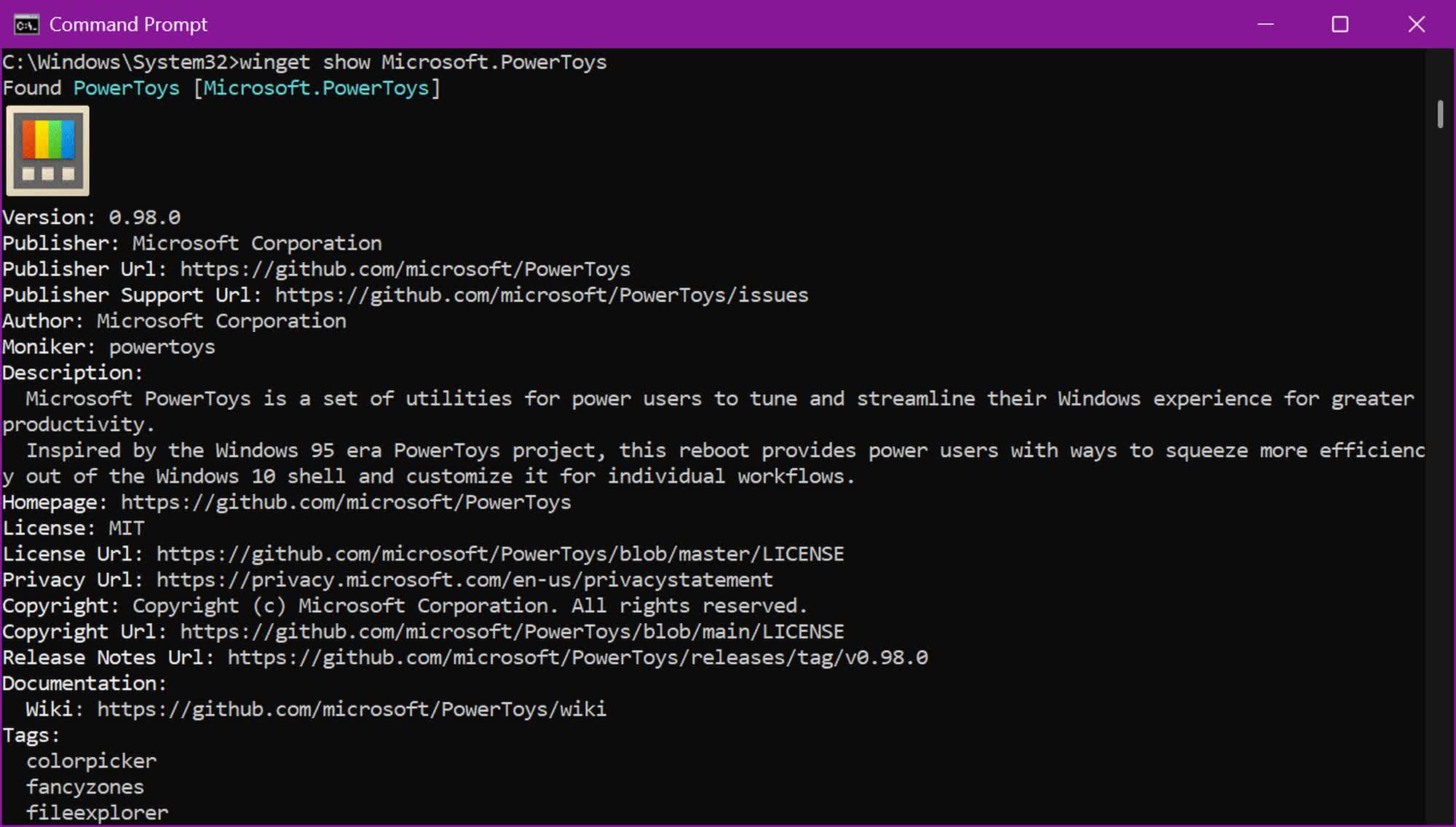
One key addition is support for rendering inline graphics such as Sixel images, allowing advanced command-line tools like the Windows Package Manager (WinGet) to display app icons and other visuals directly in the console.

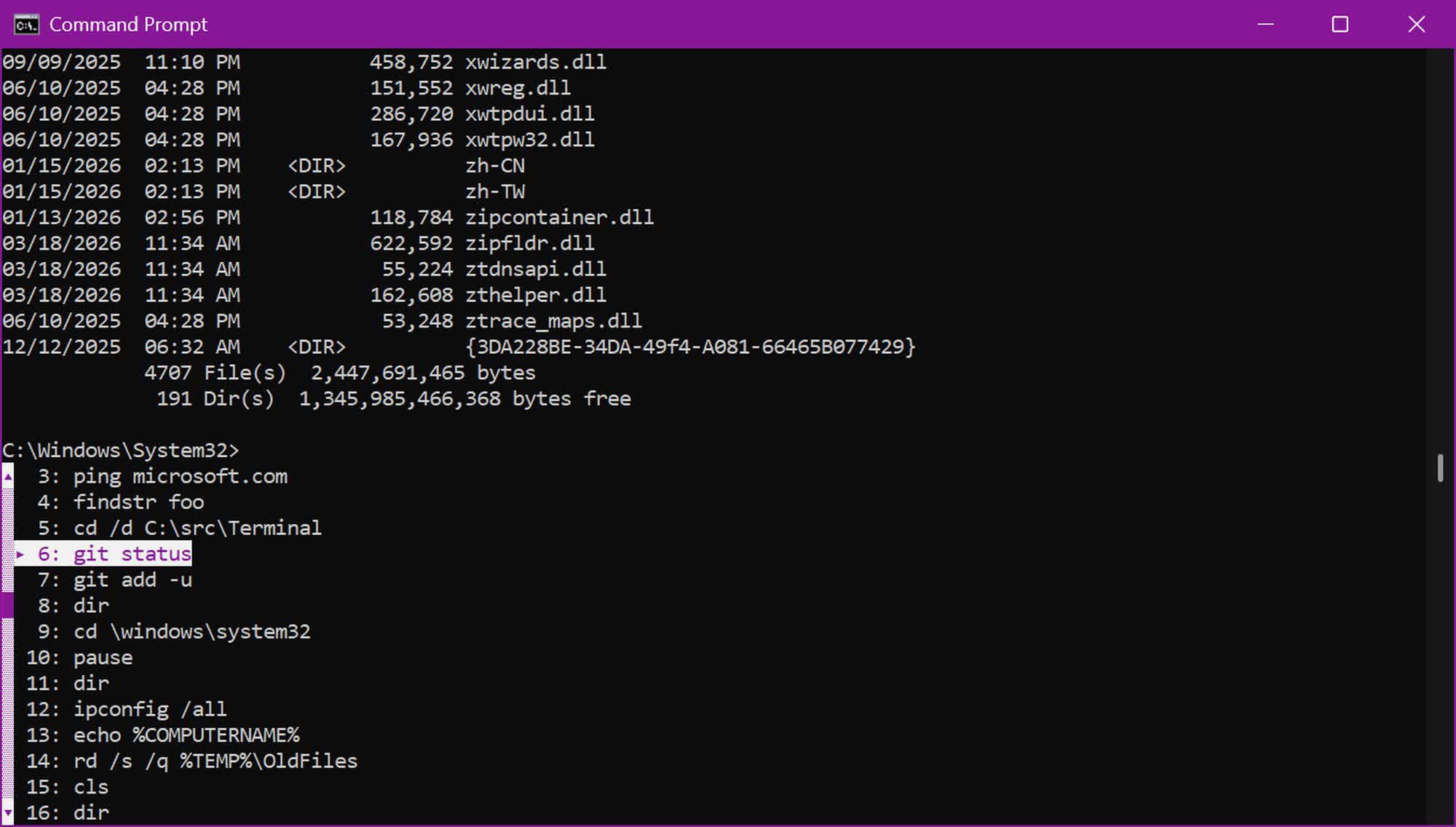
The legacy host is also receiving a significant performance boost, with Microsoft noting that scrolling can be up to ten times faster in some scenarios. The update also introduces an optional Atlas/Direct3D rendering path that can be enabled via a registry key.
Another welcome improvement for developers and power users is increased clipboard reliability. Microsoft has fixed a critical bug that could delete pasted characters due to code page limitations. The update also adds OSC 52 copy support in conhost, extending functionality that was previously limited to Windows Terminal. In addition, it resolves an issue that could mistranslate Codepage 936 text when using Alt+Numpad input.

The build also updates the Find dialog with support for regular expressions, making it easier to sift through complex outputs. Text rendering has been improved as well, with support for bold fonts in the original rendering engine.

Accessibility updates include a rewrite of legacy MSAA integration and parts of UI Automation support, improving compatibility with screen readers, magnifiers, speech-to-text tools, learning aids, and other assistive technologies.
The updated console experience is part of Microsoft's broader effort to modernize the Windows Console rather than treating it as a legacy compatibility layer. While many of these enhancements directly benefit developers and power users, improvements to the underlying subsystem extend those gains to a wider audience, including organizations that still rely on older scripts and deployment tools.

These features are included in Insider Preview build 29558.1000, released to the Canary channel on Monday. As usual, the rollout will be gradual, starting with a subset of Insiders and expanding over time to reduce the risk of widespread issues.

There's no word on when any of these features will make it to the stable channel, but Microsoft will take user feedback into account before making that decision.

Permalink to story:

 
why?

Anything you can do with CMD, you can do with Powershell, only better and faster.

Why not? Why? Because they can. And if something runs 10x faster than it did previously how can you make claims that PowerShell can do it better?

I think they're improving these things through Windows Terminal so that's where most of the work is being done for this gains anyway. So, again, why not, if the gains are mostly free.
 
Why not? Why? Because they can. And if something runs 10x faster than it did previously how can you make claims that PowerShell can do it better?

I think they're improving these things through Windows Terminal so that's where most of the work is being done for this gains anyway. So, again, why not, if the gains are mostly free.

I LOOOOVE when Msoft adds more attack surfaces :cool: .. so yes. make cmd more hackable with more power user tools built in to exploit.
 
Comparison vs. Poweshell kind of misses the point. But compared to Terminal, this is a little puzzling move. Terminal has been their command prompt replacement for quite many years, even Windows is pushing users to adopt it.
 
why?

Anything you can do with CMD, you can do with Powershell, only better and faster.
Umm PowerShell is not a terminal emulator but a scripting language/shell. It runs ON the windows terminal or any other terminal emulator you want. CMD is its own CLI that can run on the Windows terminal and is not mentioned by the article.

What Microsoft is improving on is the console host, the back end to the Windows Terminal. The Windows Terminal itself was first released in 2019 and replaced the long outdated Windows Console. Essentially, these changes will improve PowerShell’s terminal abilities (ie. it can render images) as well as all other CLI applications’ abilities.
Exactly my thoughts.

If you want better use powershell. CMD just exists for old scripts. At the point you’re adding graphics to your old scripts you can just make them powershell scripts.
PowerShell also cannot output images in the command prompt currently, but this change will enable that.
 
Fantastic. I'm really glad that M$hite are ignoring all the disastrous bugs and are adding massive amounts of bloat and attack vectors to the Command Prompt instead.

Solution: MOAR SATYA AND AI (Actually Indian) CODE!!!
 
I personally think that this is a lot of hype over nothing. The entire os, any os, is based in the registry where all information about the entire os is stored, like a GUI. Every possible set of circumstances that can occur when you are using a computer program like a word processor is taken into consideration when producing a GUI for a software program. They are stored individually in the registry. When, say you click the mouse to choose an option, say print, the correct GUI is called by the CPU from the registry and appears on the screen so you can use it to achieve the correct output, like print a page or play some music. This has changed very little over the years to me, similar to the way they change the cosmetic design of an automobile, so if you dent a fender you have to buy a new one because that particular fender was not already being produced and is not already available. The changes in the Windows operating systems have been thus to me. A resume is a resume and a movie is just a movie whether you stream it or play it with a DVD. It's just like the end result of any automobile is just to get you from point a to point b whether it is a corvette stingray or a Volkswagon. They keep making changes so you will have to buy their new stuff if you want anything to work. They keep making procedural and cosmetic changes so you will have to go to them to buy the stuff to make it work, ie, like W11 was restricted by hardware requirements so that it would not work with some older computers and the internet itself is restricted to newer operating systems so you have to buy new equipment to use it.
 
Last edited:
I personally think that this is a lot of hype over nothing. The entire os, any os, is based in the registry where all information about the entire os is stored, like a GUI. Every possible set of circumstances that can occur when you are using a computer program like a word processor is taken into consideration when producing a GUI for a software program. They are stored individually in the registry. When, say you click the mouse to choose an option, say print, the correct GUI is called by the CPU from the registry and appears on the screen so you can use it to achieve the correct output, like print a page or play some music. This has changed very little over the years to me, similar to the way they change the cosmetic design of an automobile, so if you dent a fender you have to buy a new one because that particular fender was not already being produced and is not already available. The changes in the Windows operating systems have been thus to me. A resume is a resume and a movie is just a movie whether you stream it or play it with a DVD. It's just like the end result of any automobile is just to get you from point a to point b whether it is a corvette stingray or a Volkswagon. They keep making changes so you will have to buy their new stuff if you want anything to work. They keep making procedural and cosmetic changes so you will have to go to them to buy the stuff to make it work, ie, like W11 was restricted by hardware requirements so that it would not work with some older computers and the internet itself is restricted to newer operating systems so you have to buy new equipment to use it.

But you don't have to do anything. If you don't want to use Windows 11 there are hundreds of different flavors of Linux available for your productivity or leisure. New hardware was/is necessary when moving to new technology, that's how it works.

They can't just magically wave a wand over a VHS player and now it starts playing DVDs.

Raising the conspiracy theory that this software update is about getting people to upgrade their hardware ...on this issue seems way off base.

And since PowerShell is probably 10x more powerful than CMD (which this isn't even really about as much as it is Windows Terminal) the security argument seems very weak also.
 
Last edited:
Just unify powershell and cmd into terminal to optimise resources and lessen the number of apps...
 
Just unify powershell and cmd into terminal to optimise resources and lessen the number of apps...
What you're suggesting would create bloat, not optimize resources... When a new developer builds a "Hello World" CLI app, it still needs to run on a console. Combining PowerShell and cmd into the terminal would mean all that has to be loaded every time.

Plus, users would still have to run some command to switch between shells if they want. You can run bash and node for instance, or the opposite and run PowerShell on Linux and macOS.
 
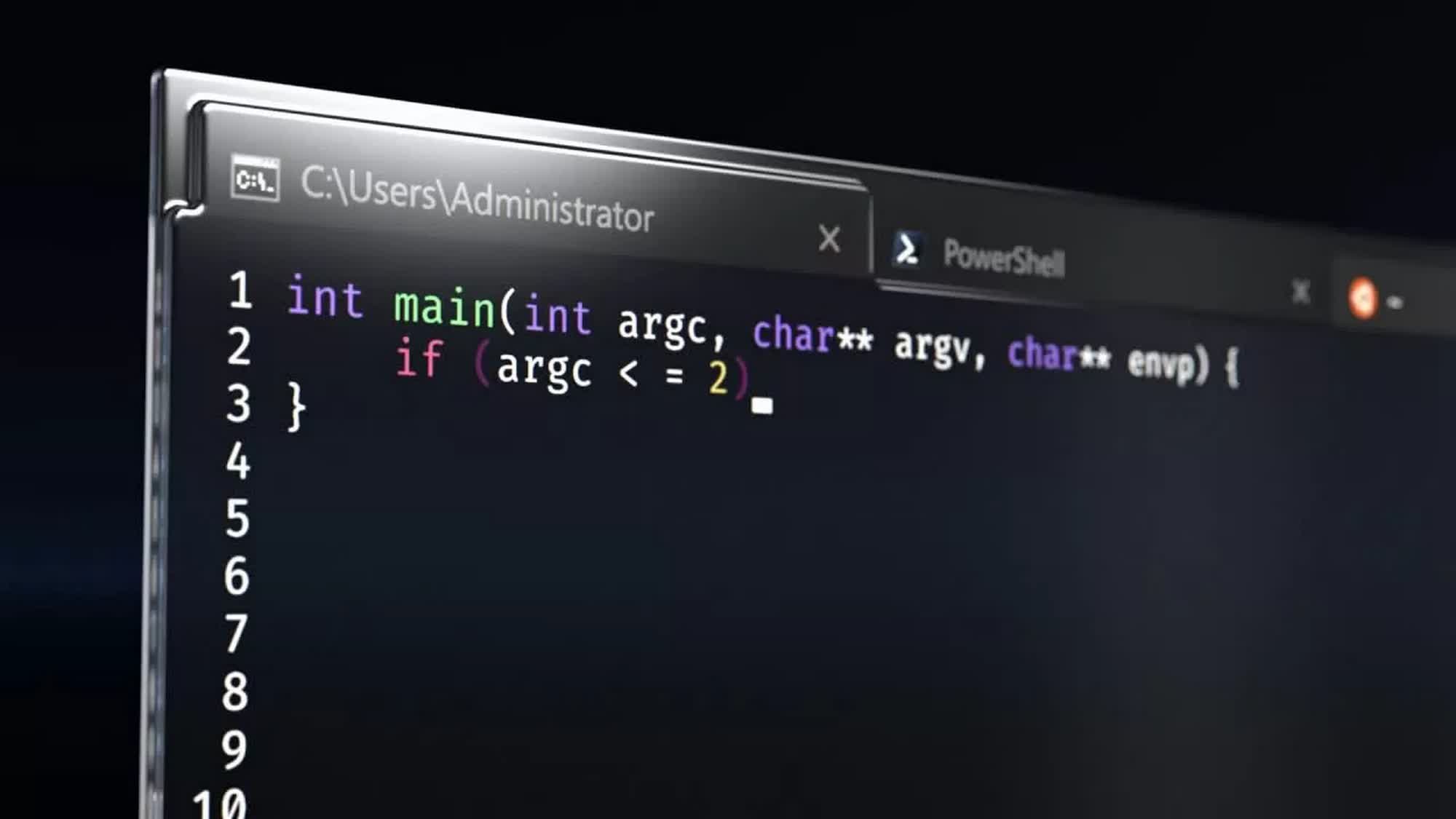
The author of this article really screwed it up. First by including an image of Windows Terminal, an app you can use to run command line interfaces in, and is NOT what MS is updating in the new preview. And secondly by making no attempt to clarify the subject of the news. What MS is updating is the default app in Windows that you use to interface with the command prompt, conhost.exe.
 
why?

Anything you can do with CMD, you can do with Powershell, only better and faster.
Because not every likes or want to use PowerShell. Why you ask? Many of the function commands are different and don't need to be. CMD CLI is easier and much more well known.

And before anyone says we should learn something new: Why when what exists and works perfectly does the jobs we need? No. Instead of replacing CMD, make it better and enhance it. Many have been asking for this for decades, Microsoft is finally listening.
 
Back