In a nutshell: Windows 11's overall functionality remains the same with the latest 25H2 stable update. The primary changes enhance administrative controls for enterprises, remove deprecated utilities, and keep the operating system's servicing schedule on track, all without overhauling the user interface.

Microsoft has moved its upcoming annual Windows 11 feature update, version 25H2, into the Release Preview Channel, marking a key milestone and beginning final public testing before broad release. The Release Preview Channel serves as the final stage before general availability, typically signaling that the code is stable and ready for large-scale deployment later in the year.
Windows 11 version 25H2 comes as an enablement package, a method in which the system compiles new features but keeps them dormant on existing installations until a brief update activates them. Built on a shared servicing branch with version 24H2, this approach lets most users upgrade with minimal disruption, usually requiring only a quick restart rather than a complete operating system overhaul. Build numbers for 25H2 start at 26200, distinguishing the release from last year's 24H2, which used the 26100 series.
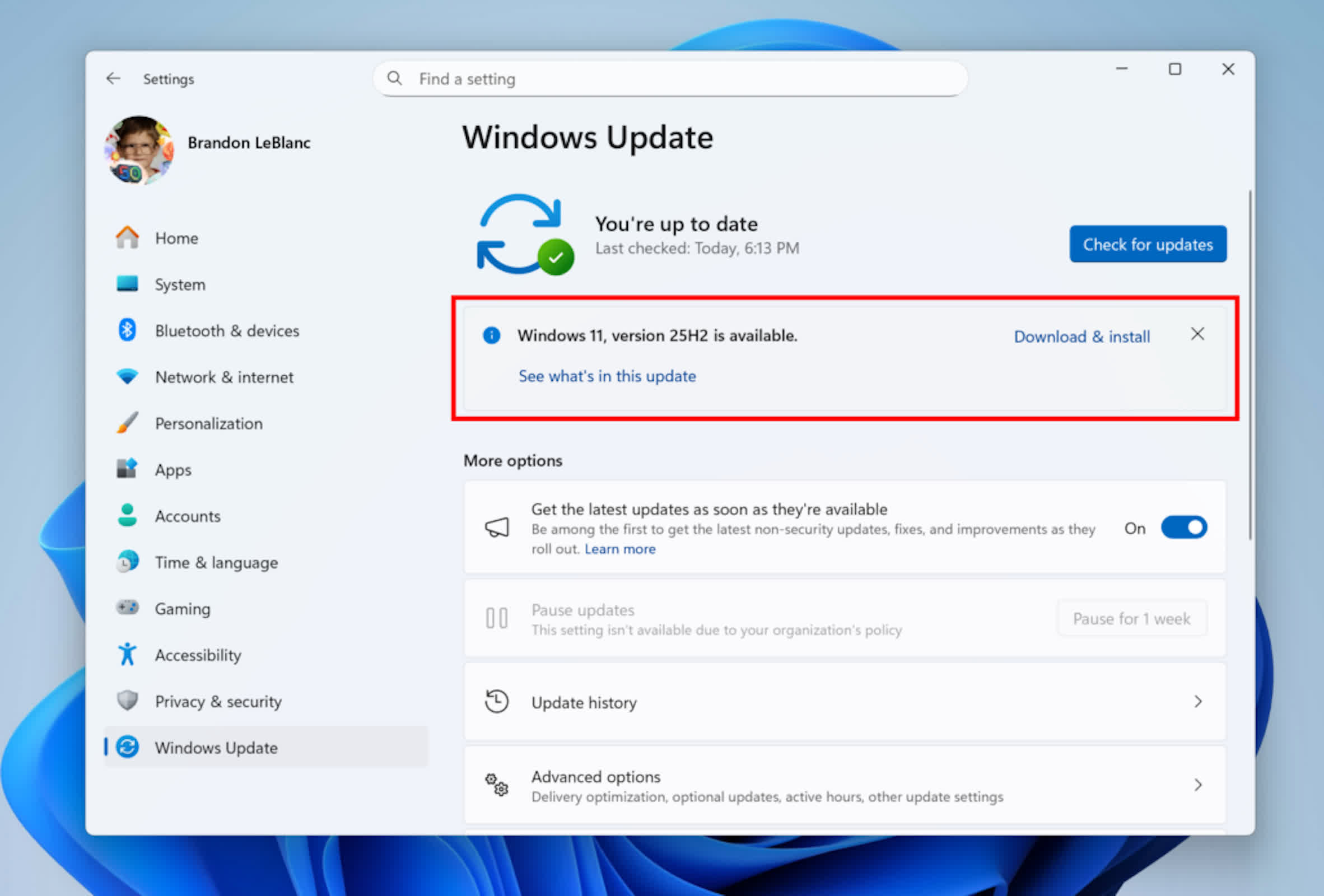
From a technical perspective, the 25H2 update does not overhaul the underlying system architecture or introduce significant new features for general consumers. Its primary function is to reset the lifecycle for Microsoft's security updates, giving supported systems an additional two years of monthly security patches. Most features and improvements in version 25H2 have been rolled out gradually over the past year, resulting in minimal differences in operation or compatibility compared with the previous 24H2 release.
Several changes and updates accompany the new release. Microsoft has fully phased out PowerShell 2.0 and the Windows Management Instrumentation Command-line legacy tools. A key administrative update for enterprise and education environments that lets IT managers automate the removal of select pre-installed Microsoft Store apps via Group Policy settings or Mobile Device Management CSP.
The 25H2 update process remains straightforward. Users enrolled in the Release Preview Channel on compatible hardware can access the new build through Windows Update, following prompts to download and install. As with past versions, Microsoft plans a phased public rollout, starting with a small subset of devices before expanding availability. Standalone installation and clean deployment will soon be possible via ISO files, making the update accessible beyond the Insider program.
Microsoft's servicing model reflects an ongoing transition toward incremental upgrades and shared branches, reducing downtime and simplifying deployments for both individual users and large businesses. Organizations can validate the update through standard channels such as Windows Update for Business and Windows Server Update Service, while Azure Marketplace support and downloadable media will follow.
Windows 11 25H2 enters release preview with stable, incremental changes


