Something to look forward to: Windows 11's Settings app includes a dedicated AI Components page, allowing users to view, manage, and verify details about local AI models running on their PC. A recent experimental preview build for Windows Insiders reportedly adds a more detailed version of this page, which not only displays information about installed AI models but also gives users the ability to uninstall some of them.
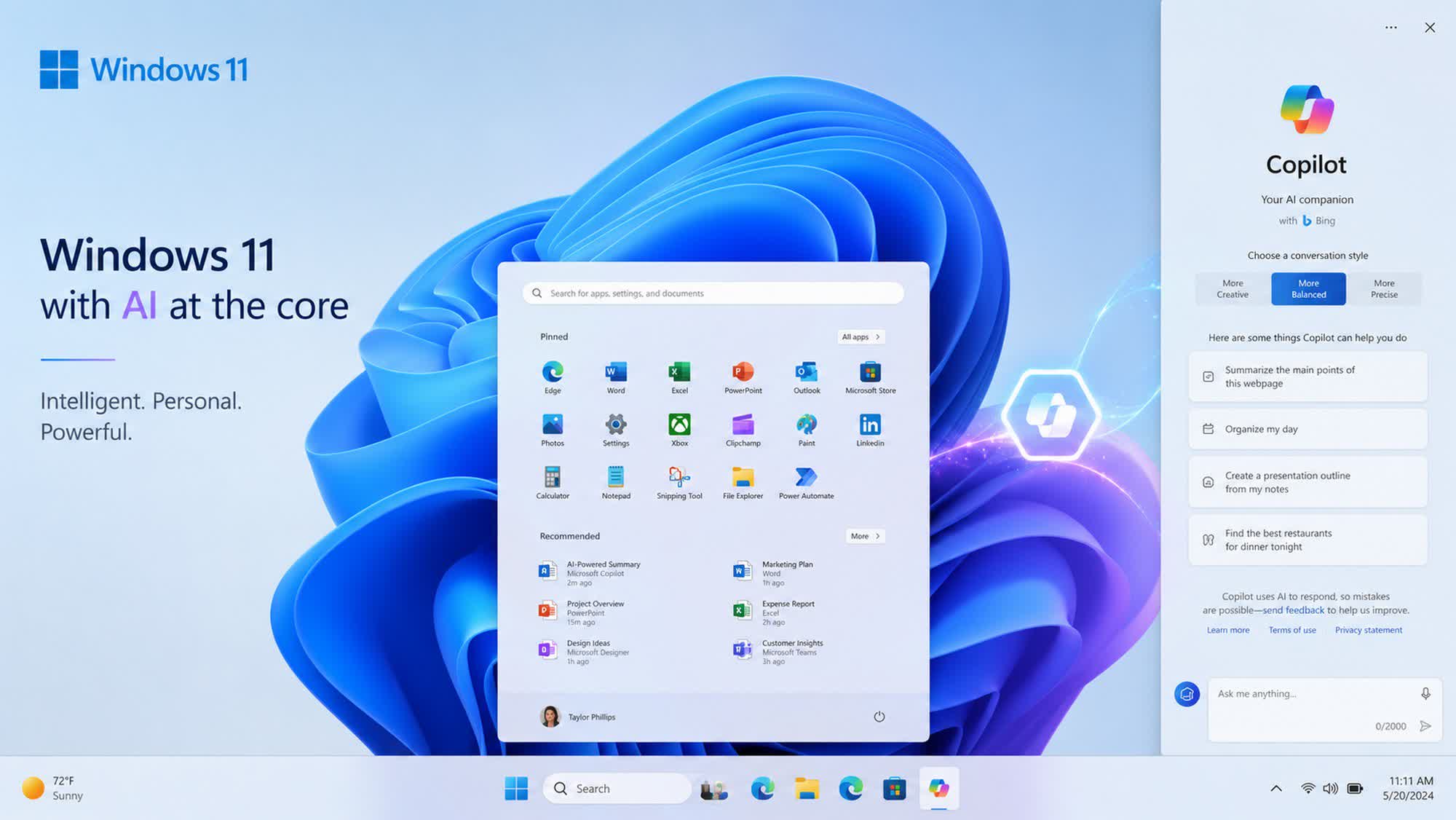
Windows 11 Insider Experimental Preview Build 26300.8553 rolled out last week with several new features, improvements, and bug fixes. Notable changes include expanded customization options for the Start menu, improved Search with substring matching, and support for touch swipe gestures to reveal the Taskbar when it is docked in an alternate position on the desktop.
Researchers at Pureinfotech now claim to have uncovered another feature, particularly relevant for Copilot+ PCs. According to their findings, the latest experimental build includes a hidden AI model management page within the Settings app, offering detailed information such as publisher, version, installation date, size, and total usage for each installed model.
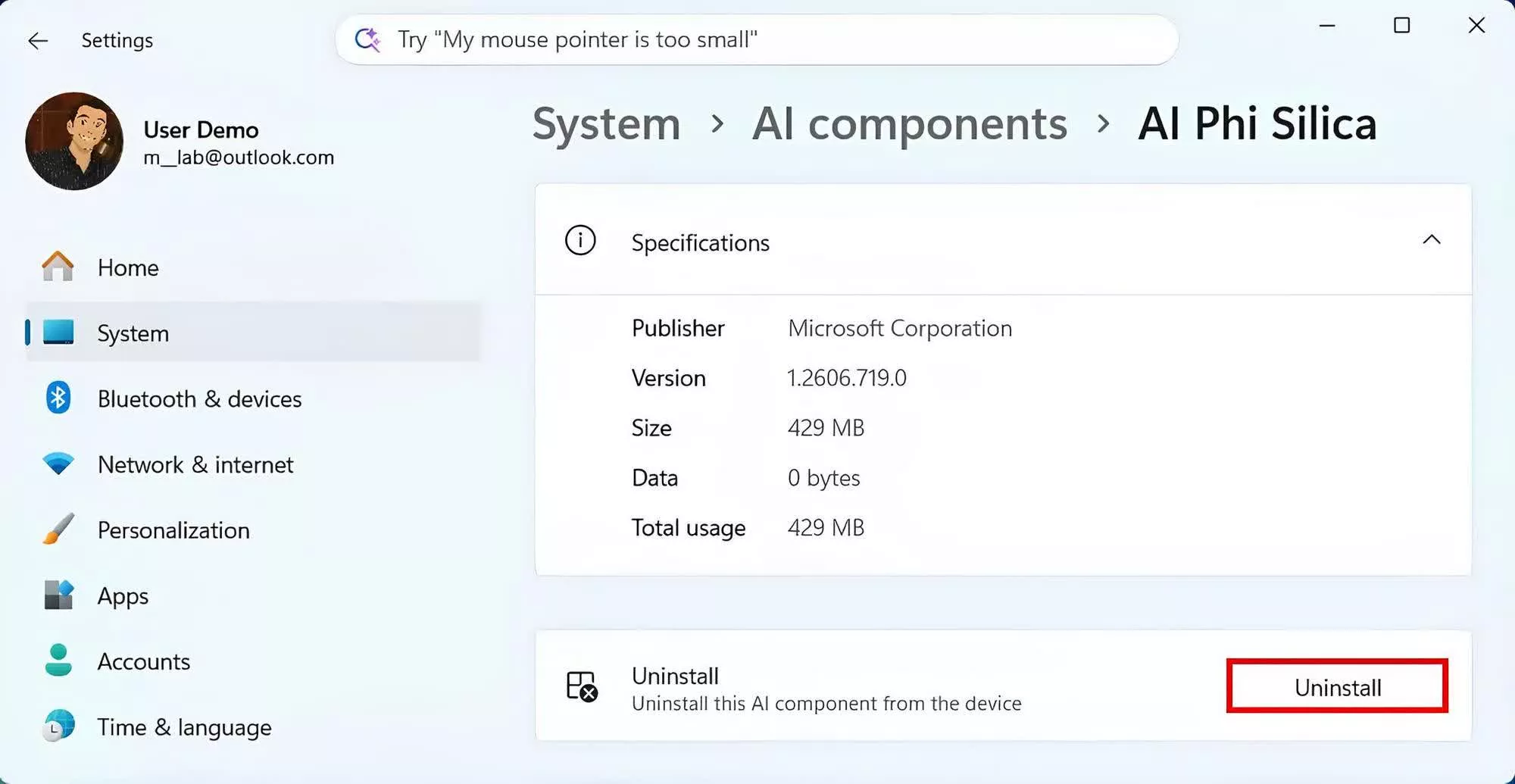
The new interface will also reportedly allow users to uninstall at least some AI models, potentially addressing one of the major pain points with Windows 11's increasing focus on AI in recent years. As of now, the only AI component that can be uninstalled is an on-device language model called Phi Silica, designed to run local AI workloads on Copilot+ PCs.
The feature also appears to be part of Microsoft's effort to provide greater transparency around the AI models integrated into Windows 11. The company has faced criticism for introducing AI features via automatic Windows updates without clear user choice, so any change that improves visibility into the purpose, data usage, and other details of installed AI components may be welcomed by users.
It is worth noting that the AI information page is not officially available yet, and Pureinfotech had to manually enable it on a test PC before accessing the uninstall option. However, its presence suggests that Microsoft may be responding to user feedback by offering more control over AI components that some users consider unnecessary.
Image credit: Pureinfotech
Windows 11 may soon let you uninstall the AI models Microsoft keeps installing on your PC


 hehe
hehe


