
Why it matters: The latest version of macOS marks the start of Apple's push into agentic operating systems, putting Apple Intelligence front and center and making it harder to disable. Unlike prior versions of macOS, Golden Gate no longer includes a unified AI off switch, but a custom solution is quickly gaining popularity.
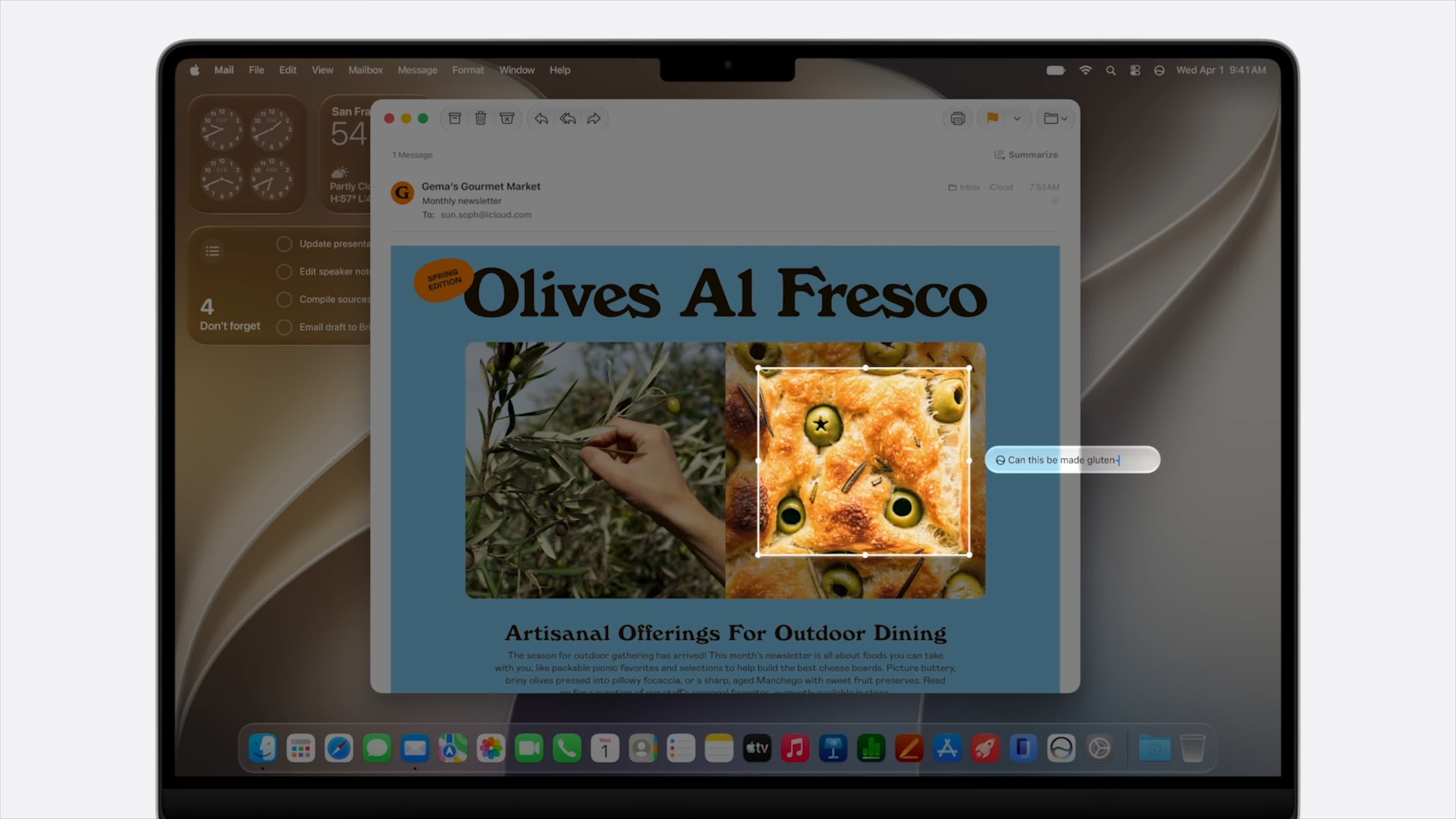
Omlahore's RemoveMacAI is a command-line script that installs and runs a program to deactivate macOS 27's AI features. It also deletes the AI models from disk, freeing around 12 GB of storage space.
Before upgrading Siri with AI features in macOS 27, Apple had been slower to adopt generative AI than Microsoft, OpenAI, Google, and Meta. While Microsoft has been pushing Copilot onto Windows 11 users for some time, Apple merely introduced a few AI features for its digital assistant, Siri, in recent macOS versions, with a simple off switch for those who aren't interested. Even the company's initial attempt to enhance Siri with AI faced delays.

That changed with macOS 27 Golden Gate, released in September. The OS encourages users to use Siri to search the web, edit photos, analyze images, write drafts, and more. The new Siri app consolidates AI chats across Mac, iPad, and iPhone.
Despite the tech industry's massive investments in the technology, many consumers are hesitant to use AI. Even Apple co-founder Steve Wozniak admitted that he rarely uses it.
Although users can disable individual Siri AI features, macOS 27 doesn't include an easy, across-the-board off switch. Furthermore, even when users deactivate or ignore Siri AI, Golden Gate retains its models on the disk and redownloads them during updates.
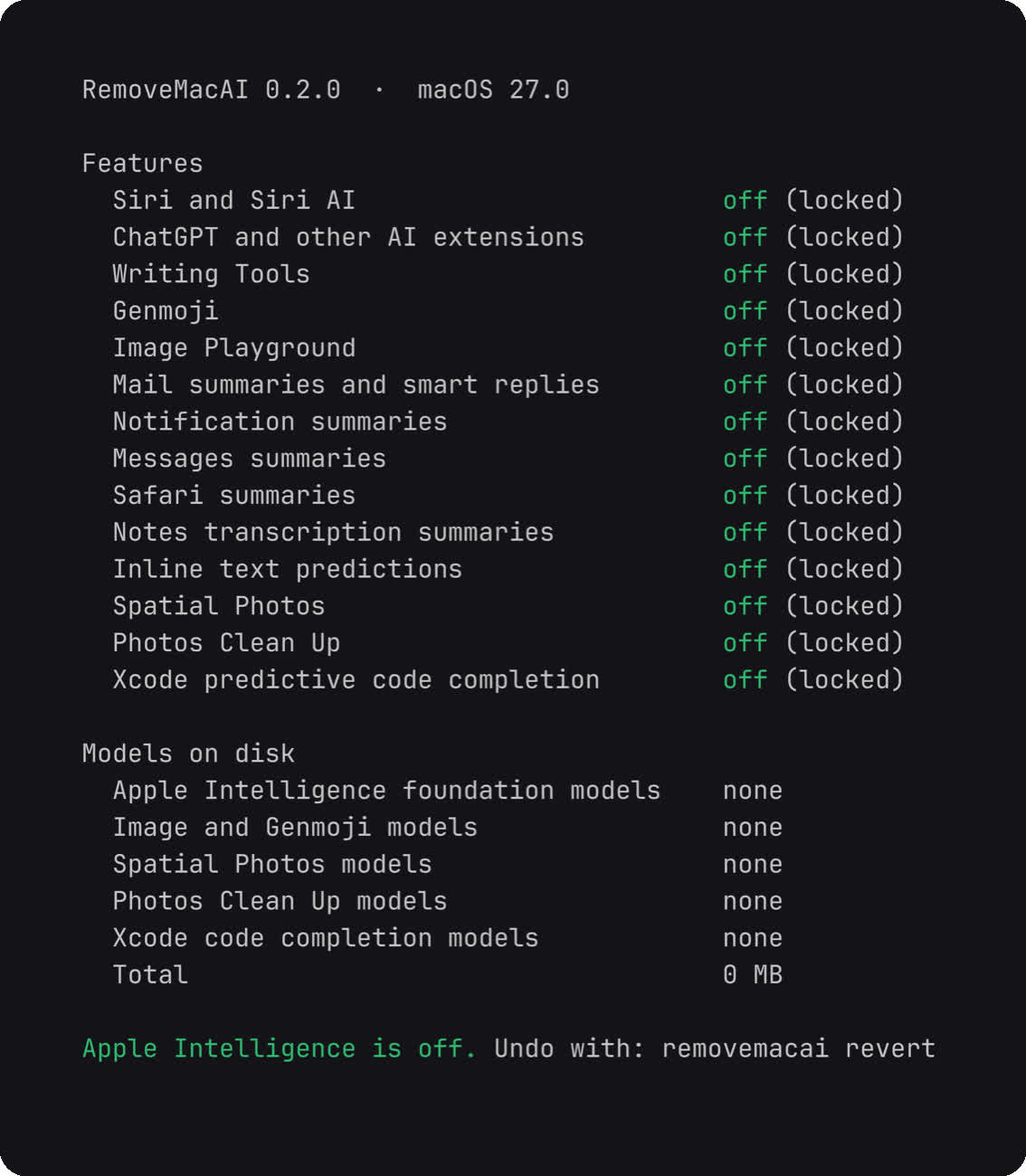
RemoveMacAI is a more comprehensive, permanent solution, but it is also reversible. Users can download and run the latest release or run the command-line script from Omlahore's GitHub repository to start the process. Different commands let users choose which AI features to deactivate, such as third-party AI extensions, Genmoji, email summaries, photo editing, auto-drafting, and more. RemoveMacAI also deletes the associated models and prevents future macOS updates from redownloading them or reactivating Apple Intelligence.
Another command reverts all changes and restores AI features to their default settings. However, the app doesn't disable dictation or remove its models, as they are separate from Siri AI. Users might also notice that a process called Siri is still running, which likely handles the Spotlight window and some other protected routines.
This script removes Apple Intelligence from macOS 27 and frees up 12 GB of storage


