Your Blu-ray drive can now rip GameCube, Wii, and Xbox games – legally

Daniel Sims

Posts: 2,464   +74
Staff
Connecting the dots: Emulating retro games occupies a legal gray area: copying titles you already own is generally permissible, but few players have a practical way to do it. A newly released custom firmware for PC optical drives changes that for several consoles that rely on proprietary disc formats.
GameCube, Wii, Xbox, and Xbox 360 owners looking to back up their physical game libraries for use with emulators – without crossing into piracy – can now do so with standard PC optical drives. The process is moderately involved and limited to specific hardware, though anyone who has ripped Blu-ray movies will likely find the setup familiar.

Backing up games from consoles that use standard disc formats like the Sega Saturn or the original PlayStation, has always been relatively straightforward. Later systems that adopted proprietary formats, including the Dreamcast, GameCube, Wii, Wii U, and Xbox consoles, are a different story; the process ranges from complicated to effectively impossible with conventional tools.

The go-to workaround has typically been a modded console, but disc drives in aging hardware have had decades to fail. Flashed PC drives offer a potential alternative for anyone looking to digitize their collection before more hardware gives out.

OmniDrive, which moved out of beta in February, adds support for MediaTek's MT1959 chipset, enabling drives to read proprietary formats that were previously off-limits. It can produce raw backups or playable digital copies, and works best with GameCube, Wii, original Xbox, and Xbox 360 titles. PlayStation 3, PlayStation 4, PlayStation 5, Xbox Series, and Wii U discs can also be copied, though those will remain encrypted.
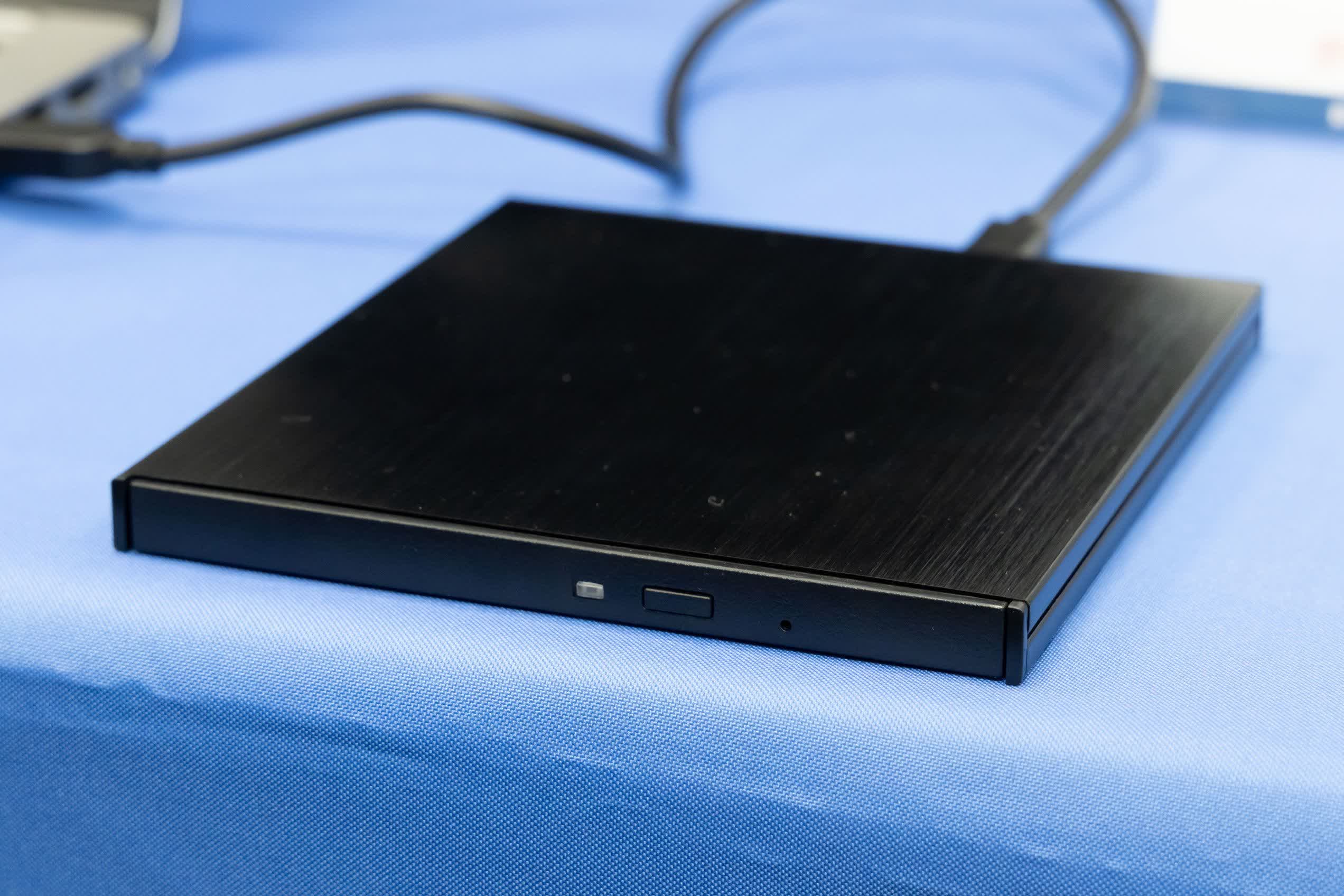
The Disc Preservation Project Wiki contains a list of compatible optical drive model numbers, which includes many internal and external drives, mostly from LG and Asus.

MakeMKV, a popular app for backing up movies from DVDs, Blu-rays, and 4K UHD Blu-rays, is probably the easiest way for users to confirm whether their drives are compatible. The start screen should display the drive's model number and chipset on the left side of the window as soon as it boots up.

YouTuber Archades Games has posted a detailed walkthrough (above) covering OmniDrive installation and disc backup using MPF. A few caveats are worth keeping in mind: flashing the wrong firmware can brick a drive, PC Blu-ray drives have become notably pricier in recent years, and RetroRGB notes the firmware continues to support standard UHD disc backups as well.

Permalink to story:

 
If only this couldve come out maybe 3yrs ago when I was trying to make legal backups of my old Xbox games. There were only two optical drives that were capable of it and those reached end-of-life like a decade ago.
 
So it can copy Gamecube games? Even though they spin backwards?
Well the wii can read both, so it should be possible to spin the drive backwards via firmware.

Either that or it simply reads the data backwards and compiled the files in order on the host PC. If it knows it's a GameCube disk it could be programmed to ignore the normal tracking errors that would come up if you tried that.
 
The legality of copying data from a protected disc is dubious at best and nothing legal can be done with the copied data itself. This is is useful, but let's be honest. Maybe we should ask Nintendo if it's okay to do.
 
I’ve had all of my Wii and GameCube games on an external HDD for years… my jailbroken Wii can play all of them…

Jailbreaking is legal - you just can’t sell jailbroken consoles or sell a jailbreaking method…
 
Ripping ROMs from games you own for your own personal use has long been deemed acceptable legally.

You're missing the important detail here. This circumvents disc encryption, which is a separate crime. In fact, that's specifically the progress being touted.
 
If one wanted to purchase a nice full featured USB-based burner now, that is compatible with the OmniDrive custom firmware optical drive, does anyone have advice? I see the list that is linked here in this article, but which one?

Ideally it could handle as many formats as possible, from CD to DVD to Blu-ray to M-Drive...

Edit:
Actually, I am interested in a good general purpose USB external optical drive that is a jack-of-all-trades, not just OmniDrive. EMP-proof data back ups, ripping all things, burning, etc... New? Used? Thoughts?
 
Last edited:
OmniDrive, which moved out of beta in February, adds support for MediaTek's MT1959 chipset, enabling drives to read proprietary formats that were previously off-limits.

This constitutes both encryption bypassing encryption DRM (proprietary disc formatting is end-to-end physical cryptography being used for the purpose of digital rights management), and creation of an unauthorized copy (as the discs are copy protected), even without distribution. This falls well within the purview of both the DMCA and Nintendo's rabid project monitoring programs. Why am I pointing all this out? To make the point that "raising awareness" of a project like this is a death sentence for that project and an article like this is basically whistle-blowing.
 
This constitutes both encryption bypassing encryption DRM (proprietary disc formatting is end-to-end physical cryptography being used for the purpose of digital rights management), and creation of an unauthorized copy (as the discs are copy protected), even without distribution. This falls well within the purview of both the DMCA and Nintendo's rabid project monitoring programs. Why am I pointing all this out? To make the point that "raising awareness" of a project like this is a death sentence for that project and an article like this is basically whistle-blowing.
You are technically correct - but Nintendo wouldn't be coming after the person doing the backing up. They come after the person distributing the methods to do so. As long as you aren't reselling your "backups", Nintendo will leave you alone.
 
The legality of copying data from a protected disc is dubious at best and nothing legal can be done with the copied data itself. This is is useful, but let's be honest. Maybe we should ask Nintendo if it's okay to do.

Doing the actual copying is fine per the DMCA; it's breaking the encryption that's not protected.
 
This constitutes both encryption bypassing encryption DRM (proprietary disc formatting is end-to-end physical cryptography being used for the purpose of digital rights management), and creation of an unauthorized copy (as the discs are copy protected), even without distribution. This falls well within the purview of both the DMCA and Nintendo's rabid project monitoring programs. Why am I pointing all this out? To make the point that "raising awareness" of a project like this is a death sentence for that project and an article like this is basically whistle-blowing.

The private user couldn't care less as they are backing their bought media up. It is obvious that an Enterprise is not only trying to avoid copies (that's why in court someone distributing then would lose), it's also blocking private backup (that's why private backup would win).

 
Well the wii can read both, so it should be possible to spin the drive backwards via firmware.

Either that or it simply reads the data backwards and compiled the files in order on the host PC. If it knows it's a GameCube disk it could be programmed to ignore the normal tracking errors that would come up if you tried that.

He was probably joking but that's an urban legend. Gamecube discs do not spin backwards.
 
Back