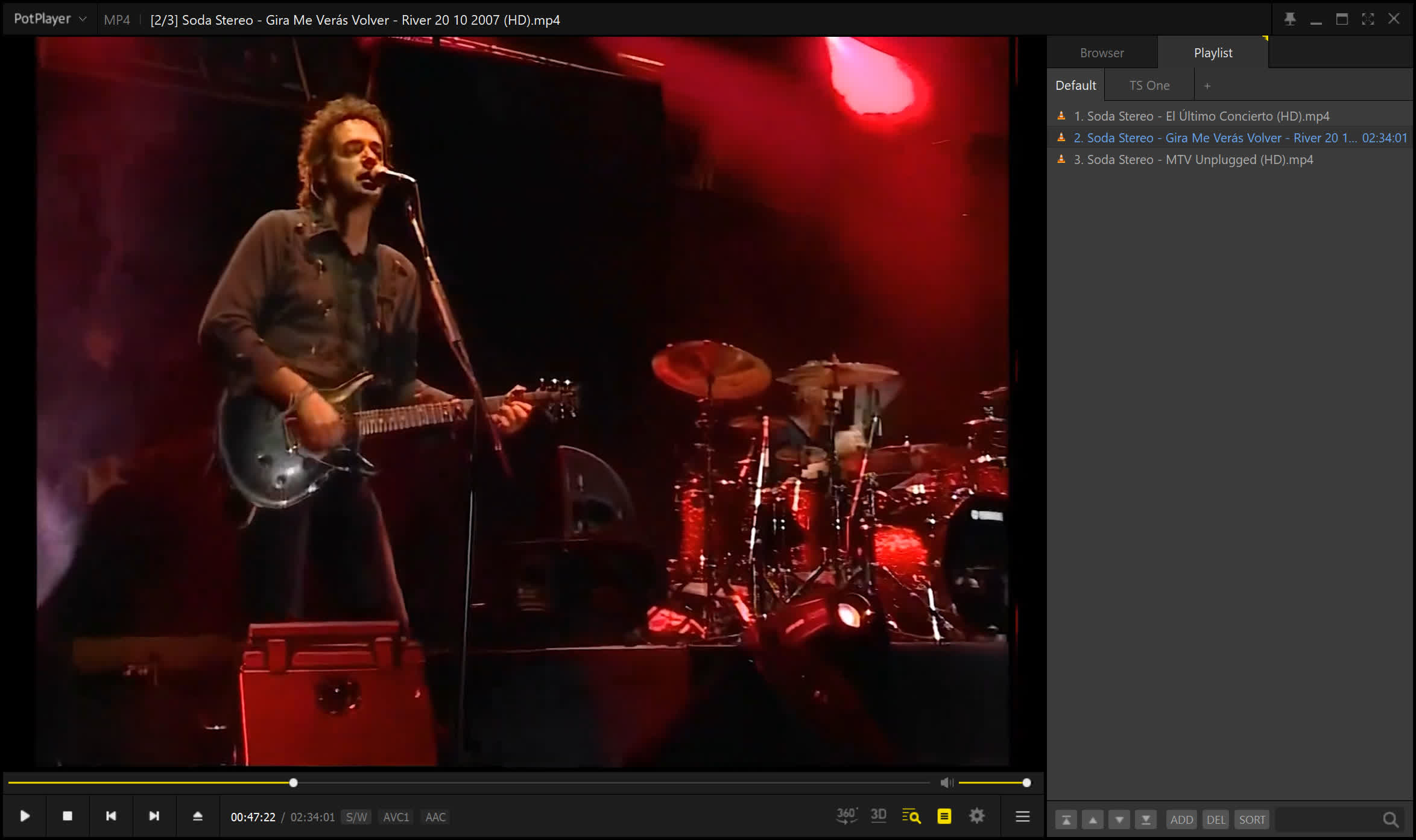
PotPlayer features high quality playback, support for all modern video and audio formats and a built DXVA video codecs.
PotPlayer supports almost every available video format out there and with support for internal codecs, you won't need to download anything additional. Other key features include Webcam/Analog/Digital TV devices support, gapless video playback, DXVA, and live broadcasting. A wide range of subtitles are supported and you are also able to capture audio, video, and screenshots.
Can PotPlayer play DVDs?
Yes, PotPlayer plays DVDs and Blu-Ray, including discs with protection. However, the legality of using PotPlayer to play protected DVDs depends on where you are located.
What video formats are supported by PotPlayer?
PotPlayer supports several video formats such as AVI, MPEG, ASF, WMV, M2V, MTS, DPG, DivX or AMV. It also supports thousands of audio files including MP3, WAV, FLAC, MOD, WMA, OGG, M4A, AAC, and RA. Through "OpenCodec" PotPlayer can support any other major video or audio format.
Can PotPlayer edit subtitles?
PotPlayer allows users to download ASS and SAA subtitles files online and sync any downloaded subtitles with audio or video files, but it is not possible to edit a downloaded subtitle from this app.
Is PotPlayer a screen recorder?
PotPlayer can record content from external sources such as Analog TV, Digital TV, webcam and streaming content, but it wont record your screen. Instead, it records a video directly from the "source" and converts the recording to a video format of your choice such as MP4, MKV, AVI etc.
Does PotPlayer work on macOS or Linux?
No, PotPlayer is only available for Windows. For macOS or Linux, we recommend checking out VLC.
Features
- Support for most audio/video formats and DVD.
- Internal DXVA video codecs (H.264/AVC, VC-1, MPEG2) and EVR (Windows 7 only).
- Hi Quality playback and low resources usage.
- Support all types of subtitling.
- Skins, logos, color themes.
- Digital TV devices support. Live broadcasting.
- and much, much more...
What's New
- Changed default renderers (D3D11 for video, WASAPI for audio)
- Added MPEG4 DXVA support
- Added support for playing HLS/DASH streams from local files
- Added the ability to customize the playlist search method
- Added support for playing 180° videos
- Added ReplayGain support
- Fixed slow WebP encoding speed
- Fixed an issue where some MPEG TS files could not be played
- Improved image quality when doubling the frame rate
- Fixed an error when playing certain MP4 files