

Moonlight (formerly Limelight) is an open source implementation of Nvidia's GameStream protocol. We implemented the protocol used by the Nvidia Shield and wrote a set of 3rd party clients.
You can stream your collection of PC games from your GameStream-compatible PC to any supported device and play them remotely. Moonlight is perfect for gaming on the go without sacrificing the graphics and game selection available on PC.
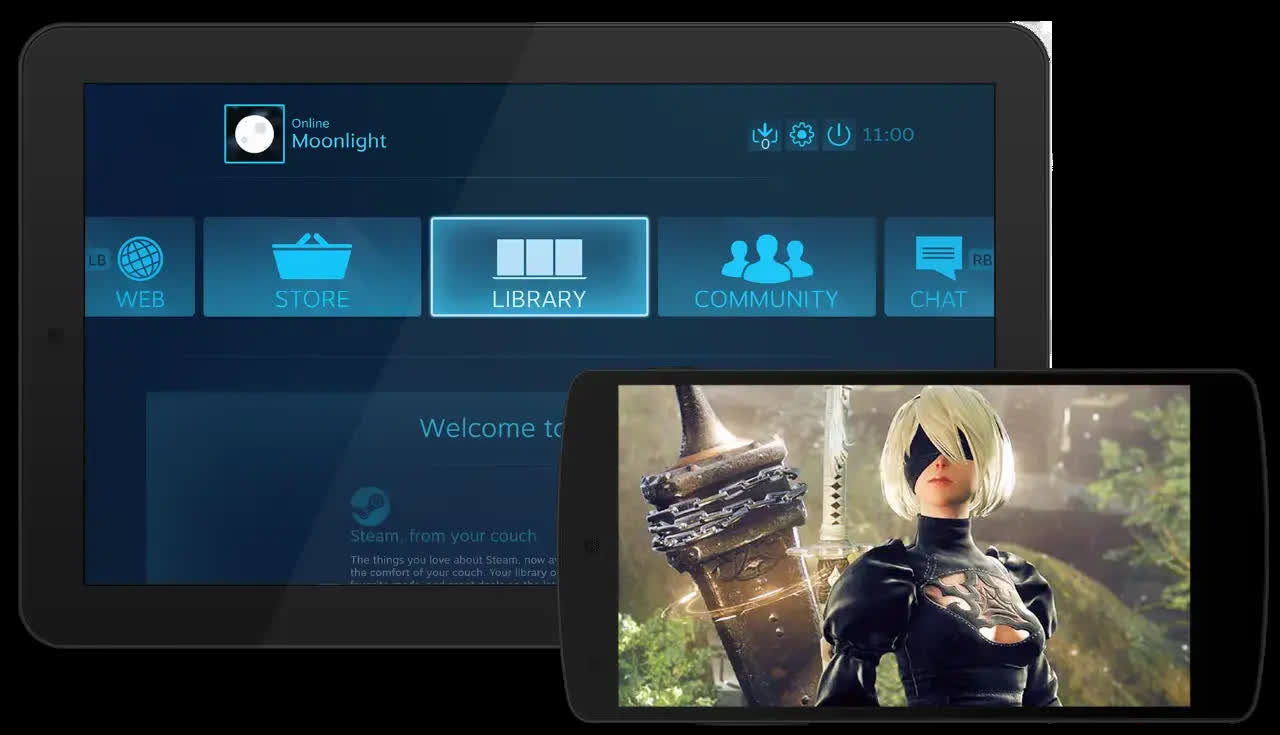
What is Moonlight Stream, and what can I use it for?
Moonlight Stream is a free, open-source tool that lets you stream your PC's games or desktop to almost any device-like your phone, tablet, smart TV, or another computer. It's built off Nvidia's GameStream technology and gives you near-console-quality graphics, even far from your gaming rig.
Which platforms does Moonlight support?
Moonlight works on a wide range of devices, including: Windows, macOS, Linux, Android, iOS/iPadOS, Apple TV, ChromeOS, and more. You can even use it on single-board PCs (like Raspberry Pi), and smart TVs.
What streaming quality can I expect?
On a capable setup, Moonlight can stream up to 4K resolution with HDR, support 120 FPS, and offer smooth audio – including 7.1 surround sound and advanced codecs like H.264, HEVC, and AV1 (when supported).
Do I need special software on my PC for host streaming?
Yes, If your PC has an Nvidia GPU, you can use the Nvidia App and enable GameStream. If not-or if you prefer open-source-use Sunshine, which works with any GPU and fully supports end-to-end encryption. Together, Sunshine (on the host PC) and Moonlight (on your device) form a full, flexible streaming solution.
Is Moonlight secure?
Yes, Pairing between your device and PC uses unique security keys. When using Sunshine, full end-to-end encryption is enabled by default-covering video, audio, inputs, and connection setup.
Features
Stream at up to 4K resolution
If you can see it on your PC, you can stream it using Moonlight, including your full Windows desktop at 4K 120 FPS with a capable client.
Support for 120 FPS streaming
Stream at up to 120 FPS using the new Moonlight PC client with the option to disable V-Sync for the lowest possible latency.
Run your own cloud gaming server
You can host your own gaming server on many residential ISPs by just installing the Moonlight Internet Hosting Tool on your gaming PC.
Multiple client platforms
If you have an Android device, iOS device, Apple TV, PC or Mac, Chromebook, PS Vita, or even a Raspberry Pi, you can use Moonlight to stream games to it.
Open source
The code for our Moonlight clients is hosted on GitHub under the GPLv3 license. We welcome contributions and would be happy to help with ports to new platforms.
Completely free
Moonlight is a project run by the community, not a company. We have no interest in pushing ads, bundled services, paid versions with extra features, or subscriptions.
Complete setup guide can be found here. Hosting setup can be found here.
What's New
New Features
- Experimental YUV 4:4:4 support for improved text clarity during remote desktop usage
- Host must be running latest Sunshine pre-release build or v0.24.0 (when released)
- Sunshine only currently supports YUV 4:4:4 encoding on Windows hosts
- HDR streaming is now supported with software decoding (requires GPU with Vulkan or Metal support)
- Bitrate limit can now be increased to 500 Mbps
- These bitrates are not officially supported but can improve image quality if client and host can handle it (Ethernet strongly recommended).
- Audio decoding now uses 32-bit floating point format
Bugfixes
- Fixed inability to connect to hosts on macOS Sequoia
- Fixed incorrect color range when streaming with AV1 from a host with an AMD GPU
- Fixed unexpected Left Control key input when pressing the AltGr key on Windows clients
- Fixed unexpected tearing artifacts when streaming with Intel Ivy Bridge GPUs
- Fixed Windows installer failures due to failed firewall exception registration
- Fixed GUI breakage on Raspberry Pi OS Buster or Ubuntu Bionic
- Fixed Vulkan video decoding crash with recent Nvidia drivers using the AppImage build
- Silenced log message spam when streaming HDR using Vulkan Video decoding on Linux
- Fixed inability to see video output on SpacemiT K1 due to incorrect overlay plane selection
- Fixed suboptimal pixel format selection with non-hwaccel FFmpeg hardware decoders
- Fixed incorrect hardware decoding warning on embedded systems that use custom OpenMAX hardware decoding patches
- Fixed build failure of libplacebo renderer on 32-bit platforms
- Updated community-contributed translations from Weblate
Dependency Updates:
- Updated Qt in Windows and macOS builds to 6.7.2
- Updated OpenSSL to 3.3.2
- Updated libplacebo to 7.349.0
- Updated libva in AppImage build to 2.22.0
- Updated WiX to 5.0.1
