
In brief: Microsoft initially introduced its controller-friendly Windows interface with the Asus ROG Xbox Ally in October, but all Windows handhelds will support it starting from today. Windows insiders can begin testing it on other devices soon, and a third-party tool enables anyone to try it now.
The announcement came at the end of Microsoft's November 2025 partner direct event. Making the full screen experience generally available could significantly streamline the process of launching games on devices like the Lenovo Legion Go, MSI Claw, GPD Win, and earlier Asus ROG Ally models.
In contrast to the Steam Deck, Windows handhelds can run PC games without resorting to Valve's compatibility layer and include the anti-cheat support needed to play many popular multiplayer titles. Some models are also significantly faster than the Steam Deck, but the Windows desktop is ill-suited to gamepads and small screens.
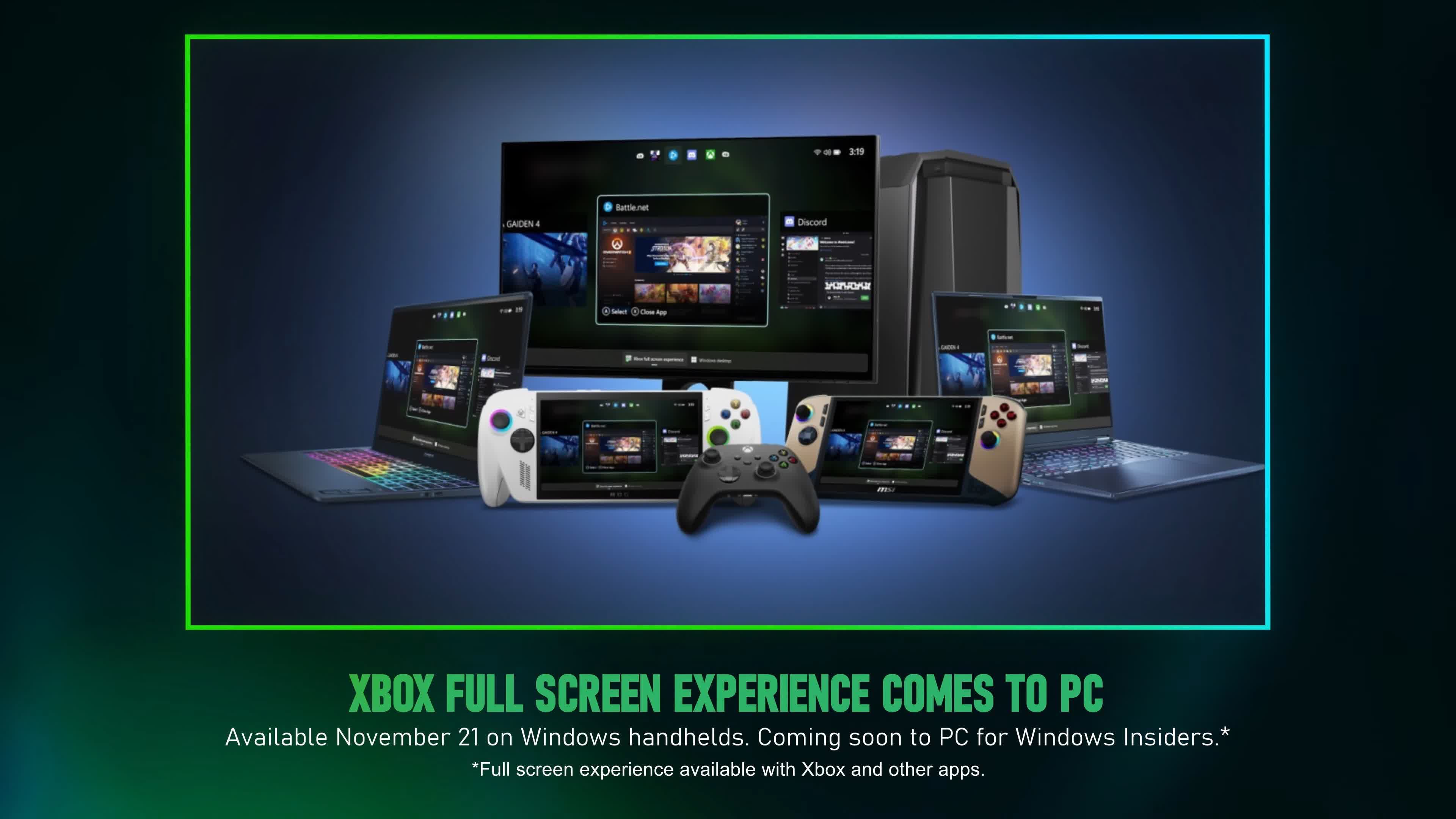
To remedy the issue, the full screen experience replaces the traditional Windows desktop with a new frontend that allows users to launch games from Steam, the Xbox app, Battle.net, and other launchers using only gamepad buttons. Although many consider Valve's SteamOS far superior to Microsoft's solution, the latter is expected to improve significantly over time.
Users have a couple of options to test the full screen experience on non-handheld Windows devices, such as PCs connected to TVs. The official method involves joining the Xbox or Windows Insider program by installing the Insider Hub or registering with the Insider Program after the update becomes available. A Feedback Hub for Insider features is available via the Start Menu.

However, those who don't want to wait and are willing to accept a certain amount of risk can download the unofficial Xbox Full Screen Experience Tool from GitHub. The mod allows anyone with Windows 11 24H2 or 25H2 and a controller to activate the full screen experience, which is already hidden in the operating system.
The developer warns that the tool makes deep modifications to Windows. Users should back up their systems in case a serious error forces them to reinstall the OS. The mod also requires overriding the screen dimensions when using monitors or TVs.
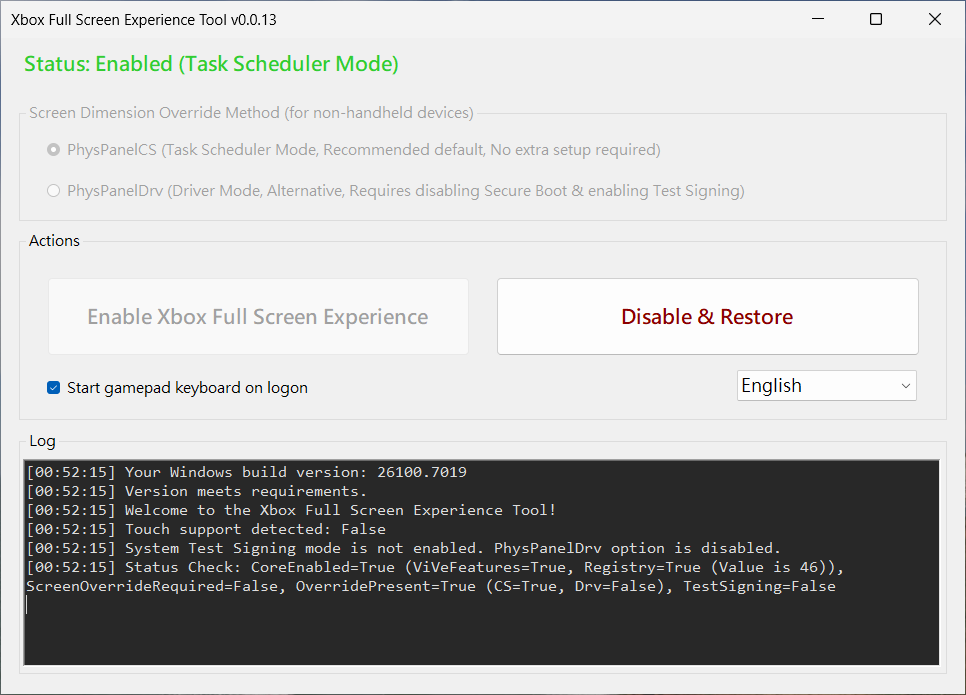
If you want to try the unofficial tool, download the latest .msi package from the GitHub page, run the installer, and start it from the desktop shortcut. After choosing one of the panel modes described in the directions, click the button to enable the new frontend and reboot.
The next step is to update the Xbox Game Bar from the Microsoft Store's Downloads section. Finally, navigate to Settings > Gaming > Full screen experience and select Xbox under "Choose Home app," and enable "Enter full screen experience on startup." To reverse the process, click "Disable & Restore" and reboot.