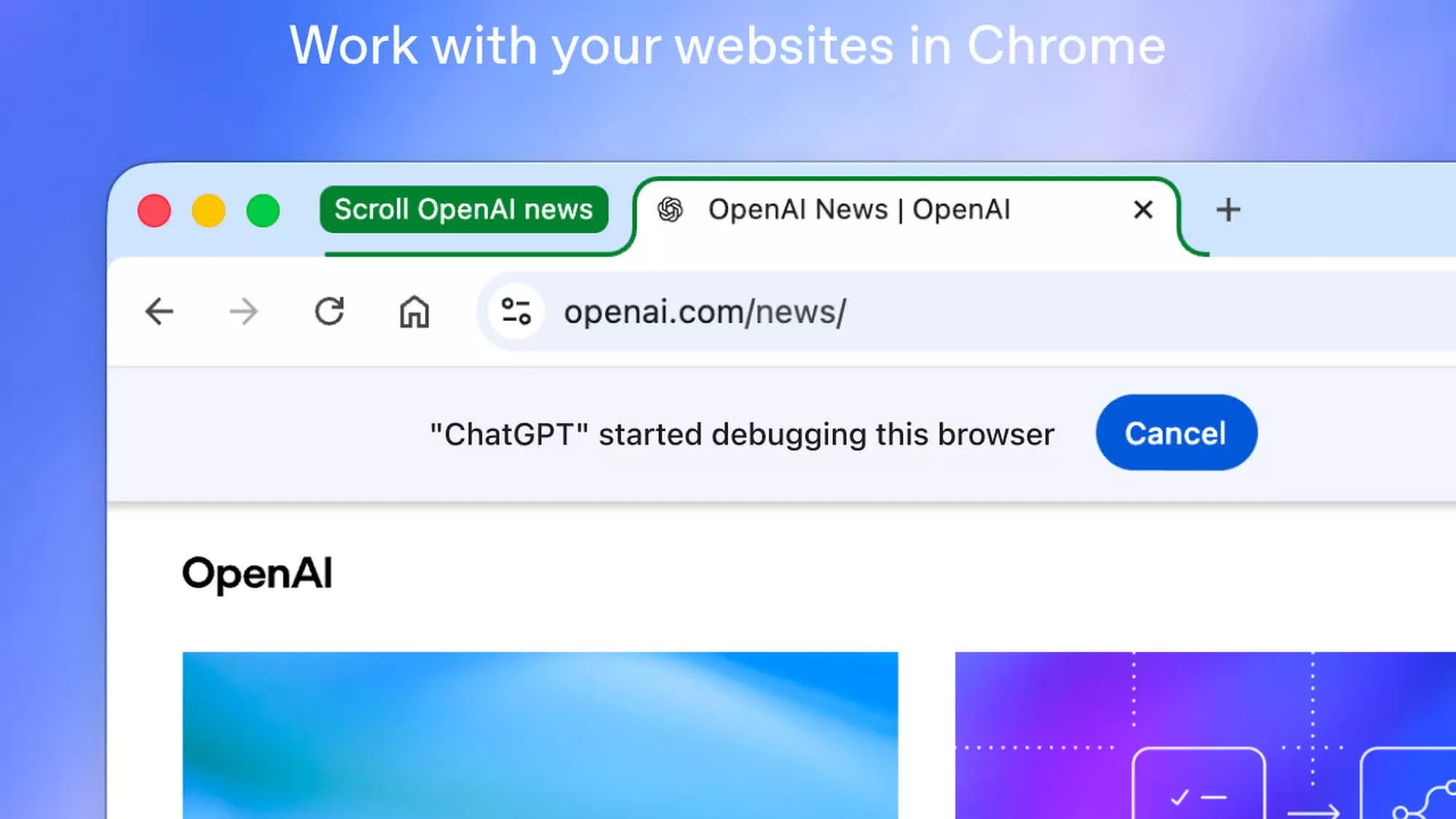
In a nutshell: OpenAI has released a major update to its ChatGPT browser extension, bringing deeper integration with Google Chrome. The extension can now access content from open webpages, analyze information, and complete tasks directly in the browser. The update also introduces new voice features and support for several additional languages.
ChatGPT's Chrome extension gained the ability to access content from open tabs last July. The latest update introduces two distinct AI modes, Chat and Work, allowing ChatGPT to interact with browser tabs and perform a wide range of tasks, including filling out online forms using information from documents stored on the device.
In Chat mode, the AI can read content from open tabs to analyze information and answer questions based on the active page context. For example, users can compare prices, delivery times, return policies, and other factors for products listed across different shopping sites.
In Work mode, ChatGPT can control the browser to send messages, download files, and group open tabs by topic. It can also fill out forms using information gathered online or extracted from files stored on the computer. Once a form is completed, users can review it manually before submitting it.
– ChatGPT (@ChatGPT) October 15, 2026
Users can also tag ChatGPT with "@Chrome" directly in the ChatGPT app or on the website to perform browser tasks without opening the extension's side panel. Additionally, ChatGPT can now be restricted to specific tabs, preventing it from accessing other open pages.
Another new feature is a dedicated ChatGPT tab in Chrome that contains the user's ChatGPT history. Users can ask questions in Chat mode or perform tasks in Work mode from this tab. When accessing chat history or visiting new websites, ChatGPT will ask for permission, allowing users to choose between "allow once," "allow for this site," "allow for all sites," and "decline."
The new features are available for free in several Chromium-based browsers, including Chrome, Edge, Brave, Opera, and Vivaldi. However, they will not be immediately available in Firefox or Safari. The updated extension can be downloaded from the Chrome Web Store.
OpenAI originally integrated ChatGPT into Chrome last July, allowing users to access several AI features through the extension's Side Chat panel. The update enabled ChatGPT to summarize articles, explain complicated content in simple English, answer questions about YouTube videos, and translate text from a wide range of supported languages.
While OpenAI continues to improve ChatGPT's support for third-party browsers, its own Atlas browser, which debuted last year with ChatGPT integration, was retired in August after failing to capture a substantial share of the browser market from established competitors such as Chrome, Safari, Edge, and Firefox.