
Intelligent maintenance keeps the system fast, optimized, error-free, and with more available space, automatically and without intervention. Keep the system clean and secure by removing malware, unnecessary files, privacy-compromising data, and obsolete remnants, freeing up space quickly and efficiently. Speed up the system, launch applications instantly, improve performance in games and daily tasks, and optimize available resources. Identify and fix errors, restore damaged files or settings, and correct vulnerabilities quickly and easily. Additional functions that streamline tasks, enhance data security, and optimize system performance.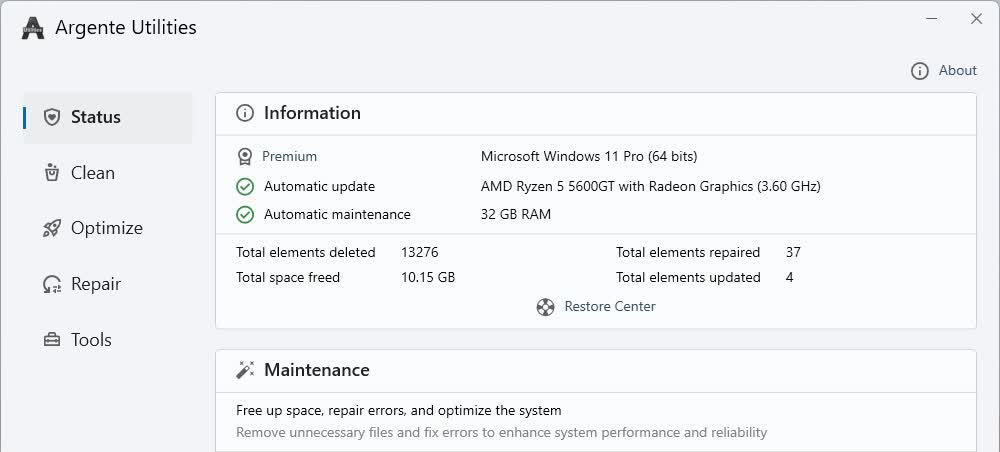
Features
- Less mistakes: Fix all types of mistakes
- More available space: Remove files and applications
- Faster: Higher speed and stability
- Safest: Remove malwares and clean your traces
- Better configured: Establish the better configuration
- Automatic: Scheduled tasks without your intervention
What's New
- New: [Password Manager] added a button to copy properties in the item list
- Improved: [Password Manager] category selection when adding an item
- Improved: [Duplicate Finder] dynamic tab system
- Improved: [Duplicate Finder] alphabetical sorting of categories
- Fixed: [Password Manager] issue with the title not displaying in edit windows
- Fixed: [Password Manager] error when selecting a deleted category
- Fixed: [General] other internal errors
