

Fast and easy to use
Our fastest browser for Android is purpose-built for what you want to do online. It's simple and intuitive to use.
Find inspiration
Check out the Discover feature in Opera for Android to get recommendations for news, entertainment and other popular content tailored for you.
Get organized
Opera's Speed Dial displays your favorites, bookmarks and saved pages as a gallery of images. Add folders or reorder your Speed Dial with the swipe of a finger.

Save time and money
On a slow connection? Or need to control your Android's data use? Switch to Off-Road mode in Opera to save data and browse faster.
Stay safe
With Opera's solid track record on security and data privacy, you can browse with confidence.
Manage your downloads
Start, stop, resume, save and rename movies, music and other downloads at your convenience.
Features
- AI features
- Find friends
- Discover personalised news
- Download movies and music
- Search better. Do more online using less data, with the Opera browser. It's our best all-in-one app for Android.
- Fast and easy to use: Our fastest browser for Android loads webpages almost instantly, in the right size and format for your phone.
- Keep your connection: Browse at high speed outside 3G coverage with Off-Road mode.
- News for you: Find out what's happening with the Discover feature, your personal news feed.
- Instant favourites: Set your top sites and bookmarks in the Speed Dial - open them with one click!
- Music, movies and more: Start, stop, resume, save and rename the media files you keep on your phone with our download manager.
What's New
We're excited to announce the release of Opera for Android version 88, and with it comes a renewed Aria interface that makes your interactions with our built-in browser AI more interactive and visually appealing. The enhanced Aria UI encourages you to get curious and creative while keeping you engaged with an aesthetically pleasing interface.
Additionally, we're adding a new exclusive app icon that you can easily unlock. We introduced new app icons a while ago with Opera for Android version 86 and today we're adding a very special one for those of you who are true Opera users – we appreciate you!
Aria UI facelift
We realized that Aria's interface needed some love and with this update we're upping our game so you can get an enhanced experience when you use Aria. This makeover changes entirely the Aria onboarding screen, making it more welcoming and inviting you to interact with Aria, this is how it looks now:
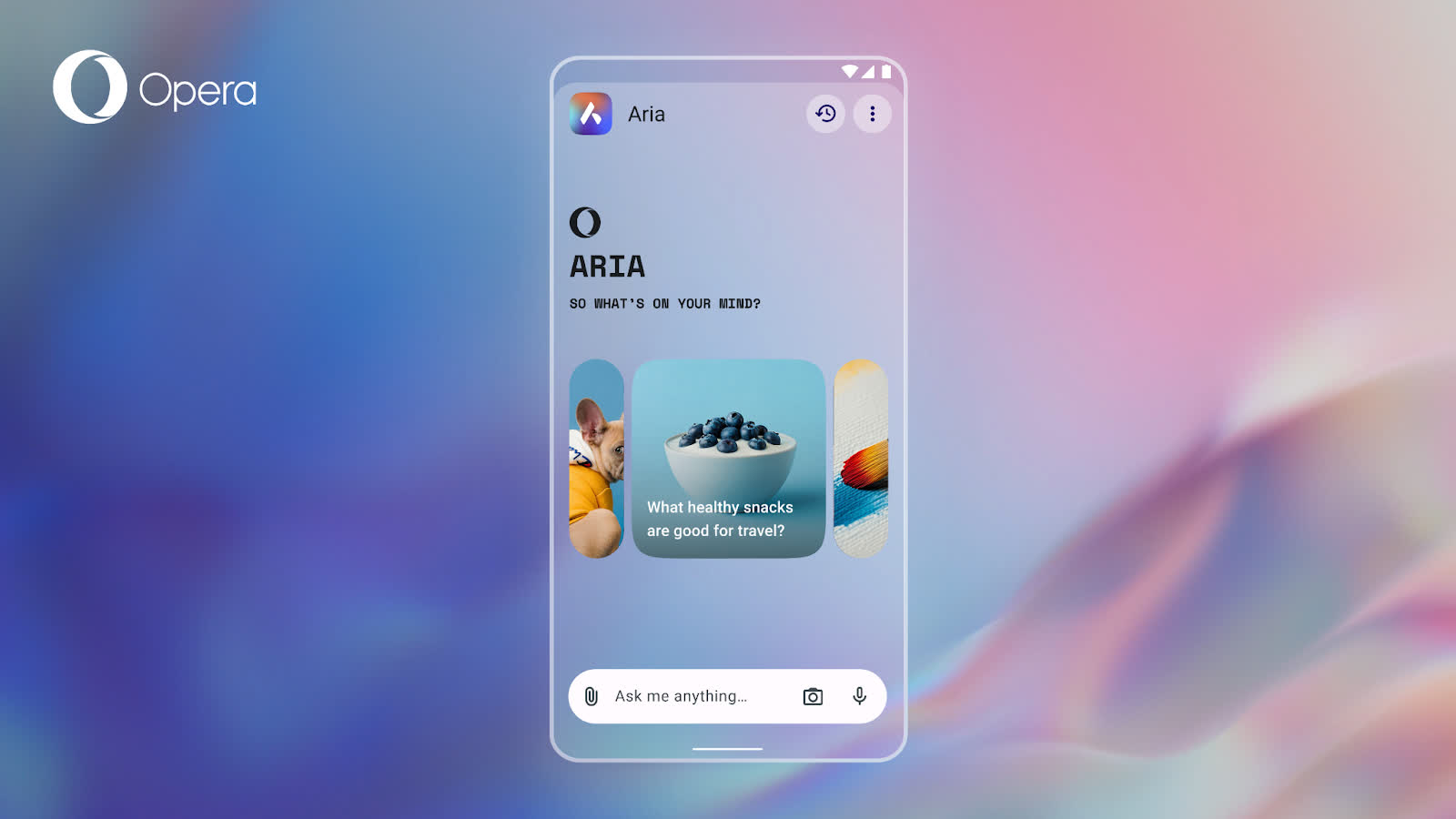
The renewed onboarding screen features a carousel of recommendations of different things that you can ask Aria, these recommendations will change over time so you don't always see the same ones. This makes the Aria onboarding screen more engaging, as it shows you different ways in which Aria can help you go about your day. Get curious and explore these options, you might be surprised!
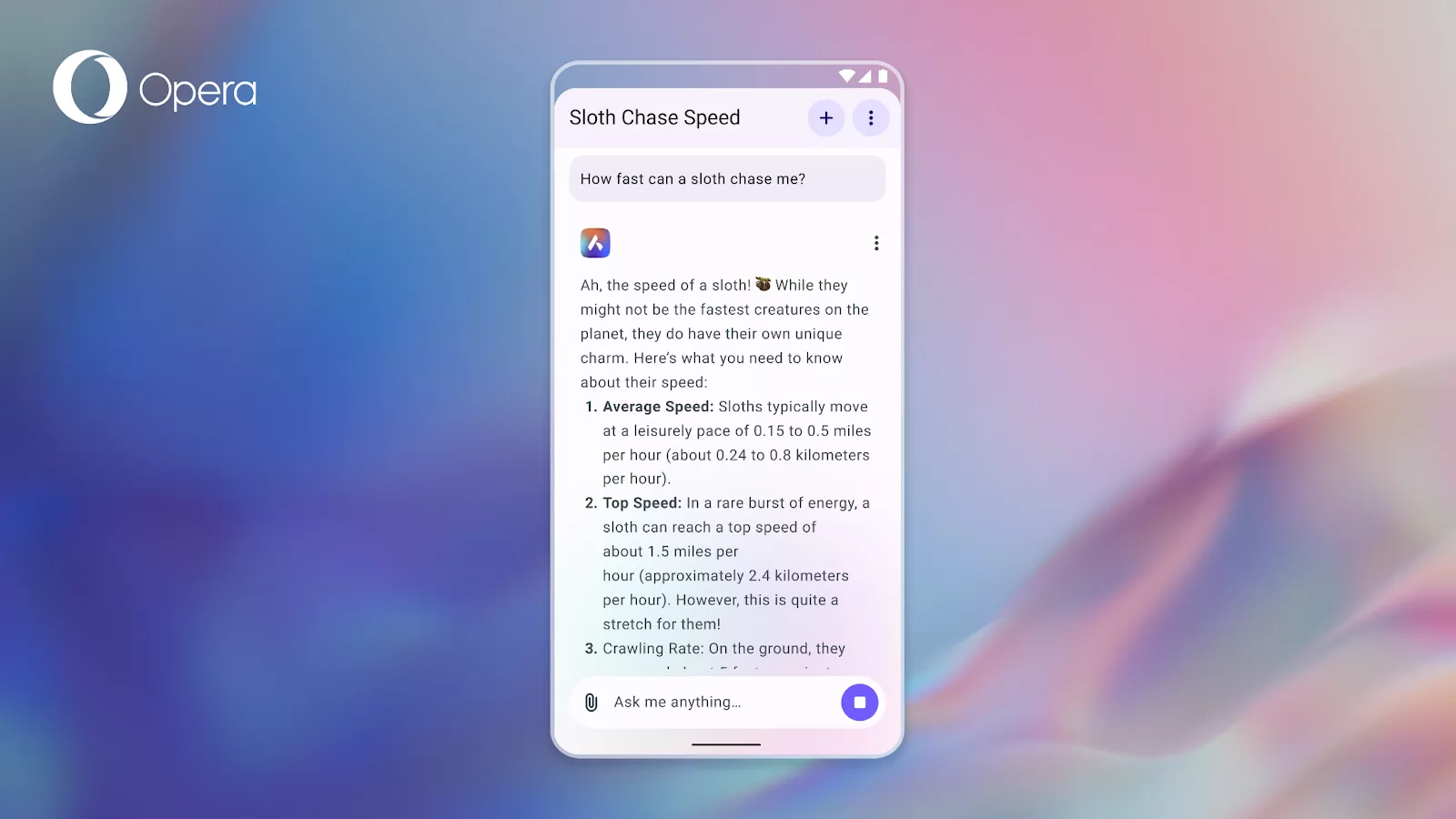
In addition to the new onboarding screen we're also changing the overall Aria interface – but don't worry, we're not moving things from their usual place, so you won't get lost when updating your Opera browser. The new UI is cleaner and gives you a smoother color contrast between the background and what's happening on the screen.
New exclusive app icon
We're adding an exclusive app icon to the collection for those who have set Opera for Android as their default browser. Custom app icons were first introduced in Opera for Android 86, allowing users to personalize their home screen style. Today, we're expanding this feature with an exclusive new icon for our most dedicated users.
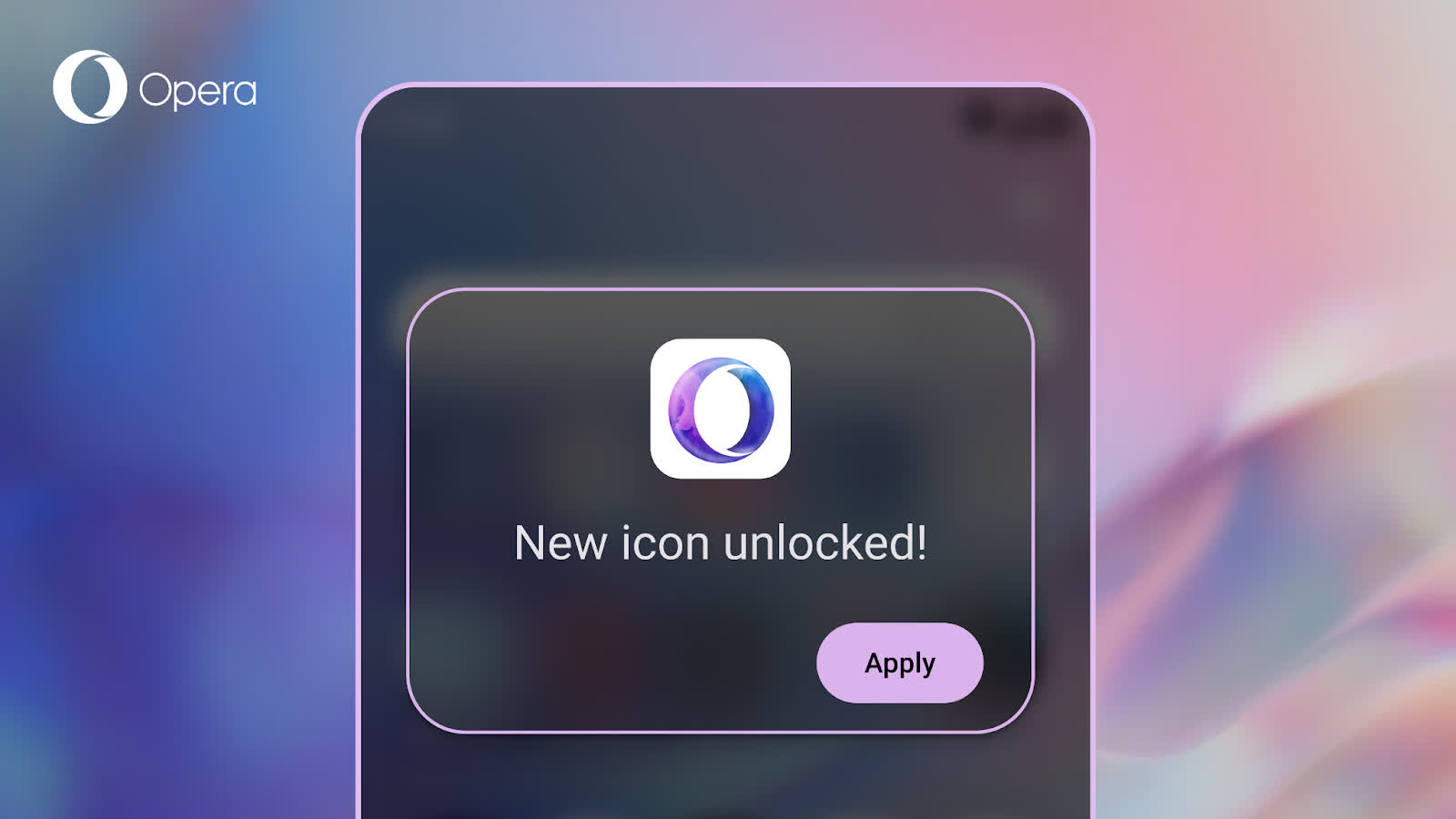
Now you can set Opera as your default browser on your Android device and make your home screen look great with this exclusive app icon. We wanted to show a little appreciation to those of you using Opera on a daily basis by adding this nice little feature that will give your phone's home screen a unique touch.
