
Choosing the best gaming monitor has become considerably more interesting in 2026. OLED prices have continued to fall, newer generations of WOLED and QD-OLED panels have brought meaningful improvements to image quality, and there are some genuinely exciting new display formats at the high end. Even budget LCDs are offering a level of performance and features that would have been difficult to find at these prices a couple of years ago, and that's the way it should be.
For our latest gaming monitor buying guide, we've refreshed our recommendations across 8 categories, from flagship 5K2K ultrawides and premium 4K OLEDs to affordable 1440p displays, mini-LED LCDs, and ultra-high-refresh-rate monitors for competitive gaming. We're also introducing a new category for high-resolution monitors that are particularly well suited to a combination of gaming and productivity.
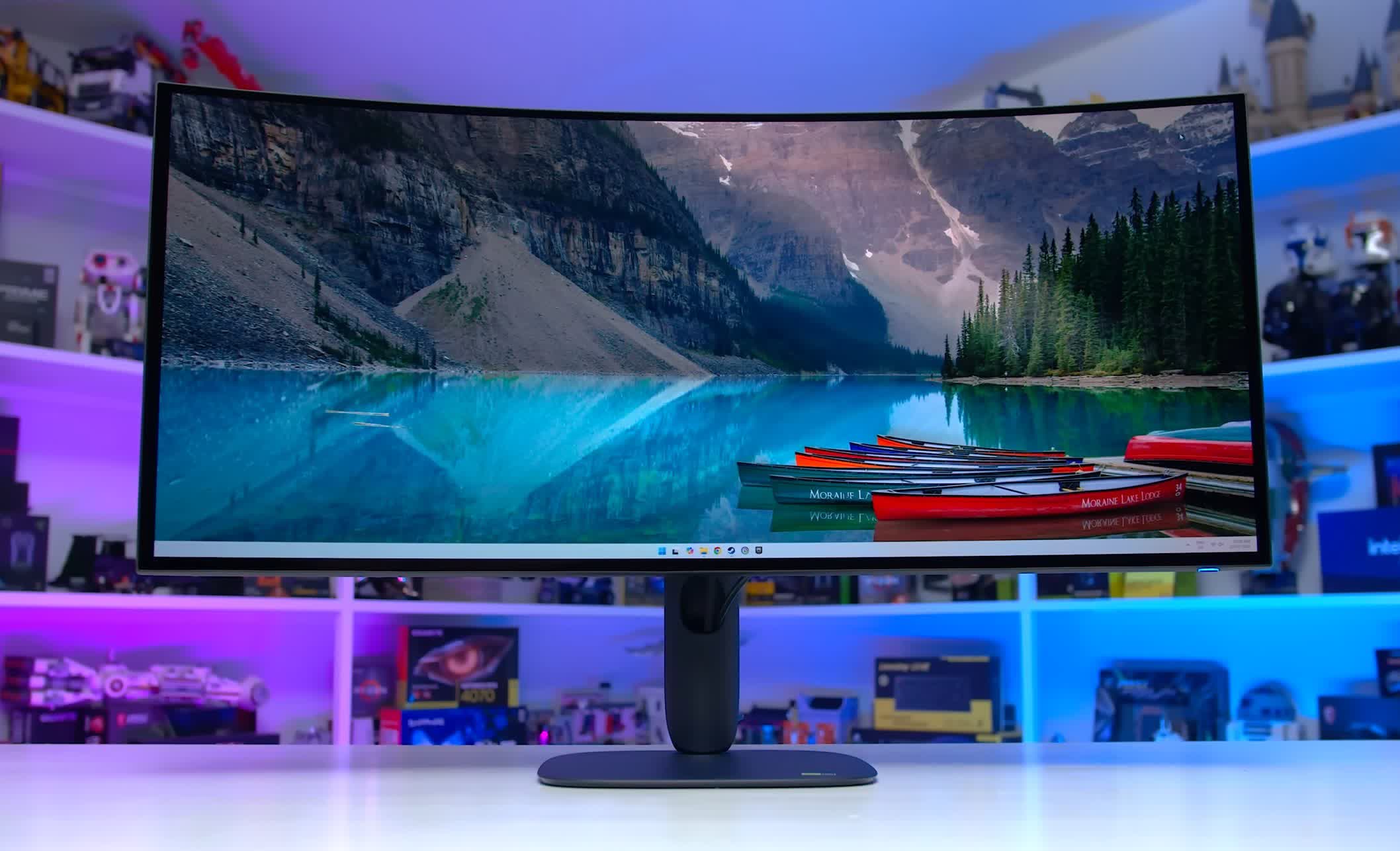
As always, our recommendations are based on extensive hands-on testing, rather than simply comparing spec sheets. Nearly every monitor featured here has been thoroughly reviewed either on TechSpot or over at Monitors Unboxed, with a few recommendations based on closely related models and familiar panel technology. Our dedicated reviews and more specialized buying guides provide a deeper look at the performance of each display.
Whether you're spending $150 or more than $1,000, there are some excellent options available right now. Here's what we'd buy.

- Ultimate Gaming
- Best 4K Gaming Monitor
- Best 1440p OLED
- Best 4K Mini-LED
- Best Affordable Monitors
- Best for Competitive Gaming
- Best Ultrawides
- Best 5K and 6K Monitors
The Ultimate Gaming Monitor
Dell Alienware AW3926QW
For the past few updates, we've recommended that flagship monitor buyers purchase a nice, high-end 32-inch 4K OLED. Those are still great products, but a new category in 2026 has taken over this position at the top of the market. In our opinion, the best gaming monitor format right now is the 39-inch 5K2K ultrawide. If you're going to spend over $1,000 on a display, this is where we'd be spending that money.
A 39-inch 5K2K display, with a resolution of 5120x2160 and a 21:9 aspect ratio, is a large, immersive format for gaming. It's the same height as a 32-inch 4K 16:9 monitor, but with an additional 20cm of width, enveloping substantially more of your field of view. The latest models released in 2026 include crucial upgrades that mean they no longer lag behind other high-end panel types. They're finally in a position where we can wholeheartedly recommend them.
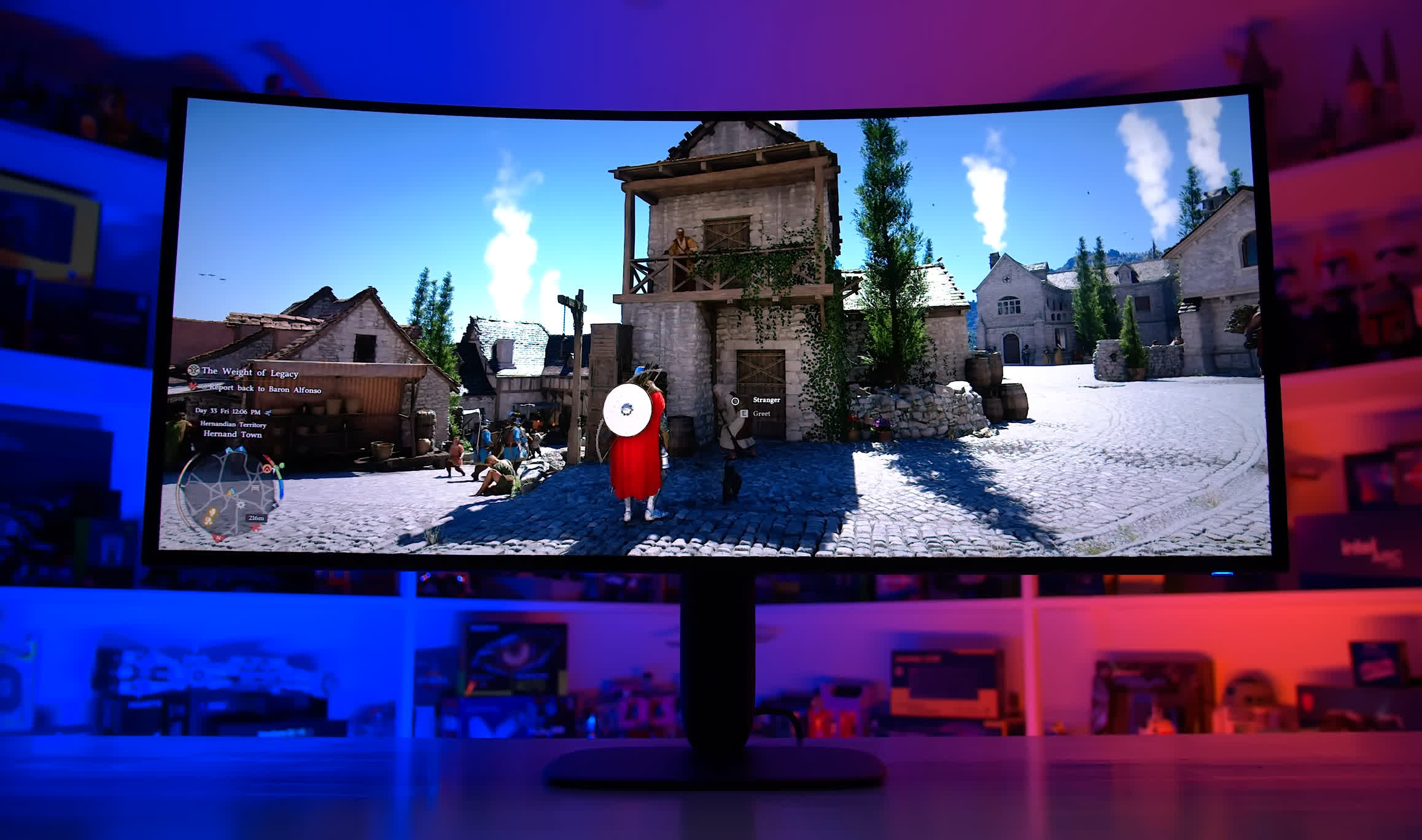
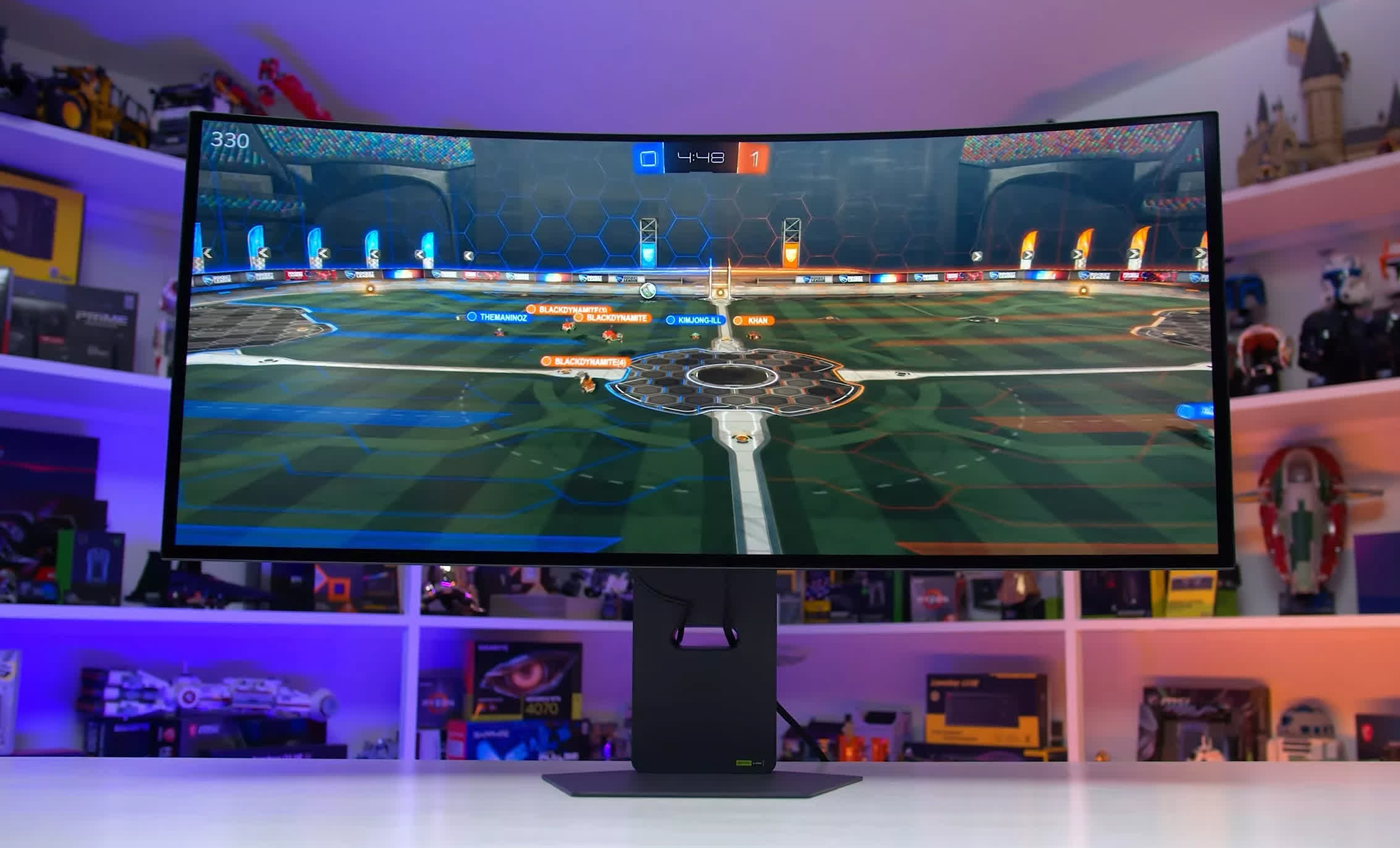
The best 39-inch 5K2K OLED monitor is the Dell Alienware AW3926QW, which has just hit a new all-time low price of $1,000. Even at its regular $1,100 MSRP, we think this display is a great buy. It uses a Tandem WOLED panel with an RGB Stripe subpixel layout, has a beautiful glossy finish that preserves deep blacks, and performs really well across most areas. It's actually the monitor I personally use for gaming, and I've gone into considerable detail about why I made that decision in a separate feature.
In our opinion, the best gaming monitor format right now is the 39-inch 5K2K ultrawide. If you're going to spend over $1,000 on a display, this is where we'd be spending that money. It's the same height as a 32-inch 4K 16:9 monitor, but with an additional 20cm of width, enveloping substantially more of your field of view.
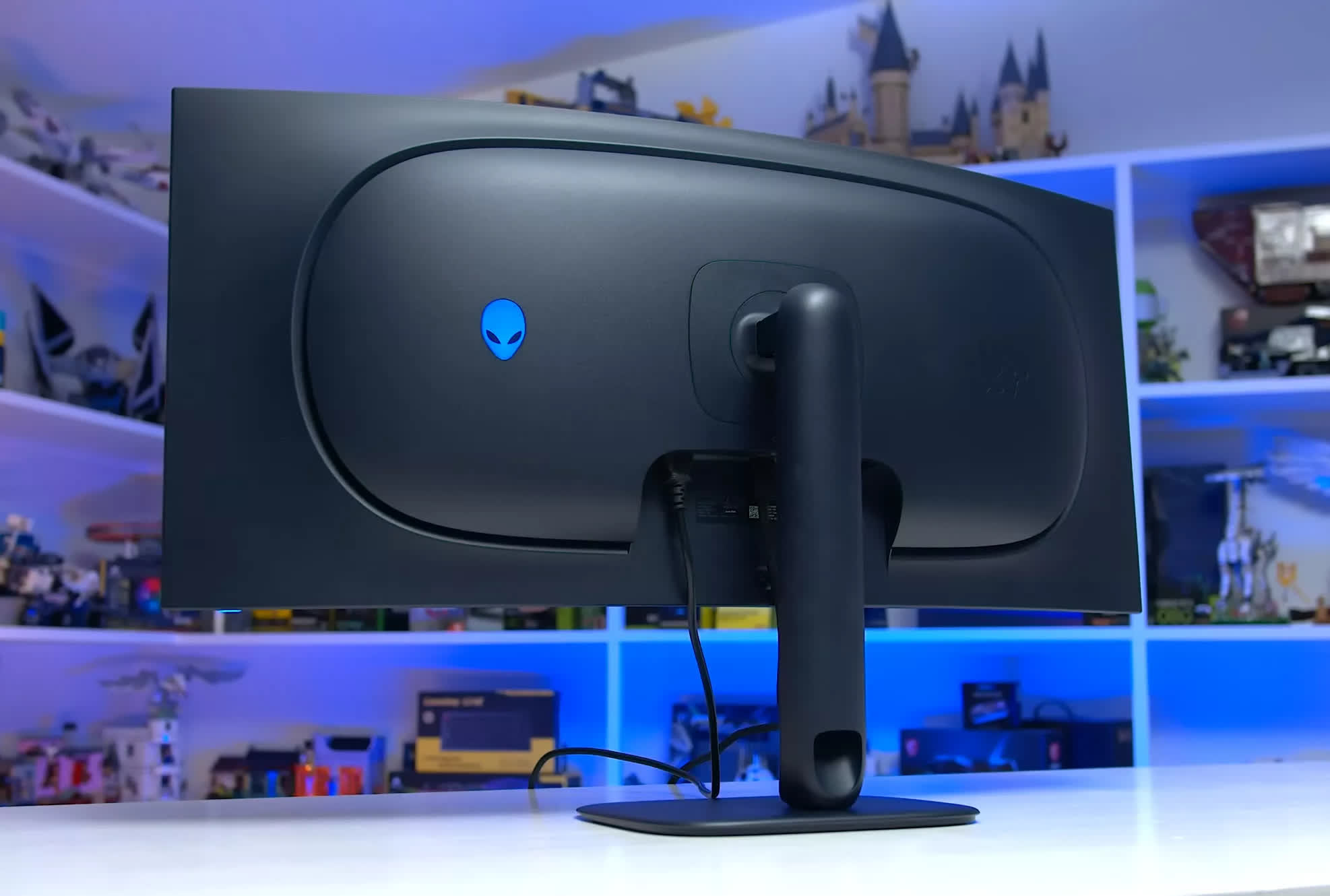
The 5K2K resolution is a big upgrade over previous ultrawides of this size, as this level of pixel density is necessary to produce a crisp image on such a huge screen. It uses a pleasant 1500R curve, rather than the overly aggressive 800R curvature found on some competing monitors, and the OLED technology is current-generation Tandem WOLED, the latest from LG Display.
It offers great HDR performance, including decent peak brightness, vibrant colors, true zero-level blacks, and amazing contrast. Dell has also done a wonderful job of calibrating the screen, even offering several useful HDR modes.
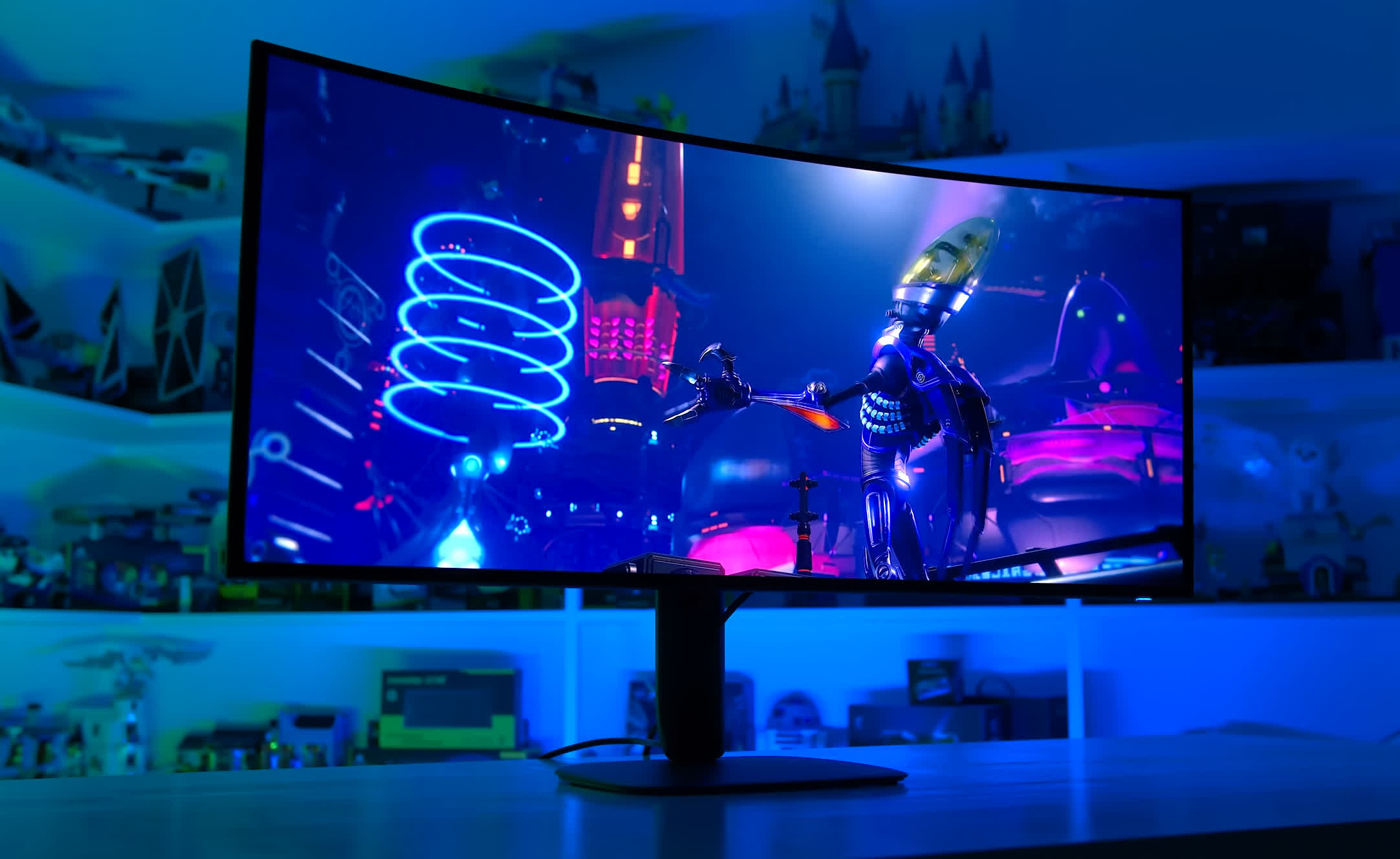
As with all products, there are some drawbacks, the main one being its 165Hz refresh rate. We'd have loved to see this monitor offer 240Hz, but currently no 5K2K ultrawide does. Still, as this monitor is designed primarily for immersive single-player experiences, 165Hz is sufficient.
Some aspects of performance are less impressive than we'd have liked, such as panel dimming and uniformity, which you can learn more about in our full review. But these drawbacks aren't significant enough to stop us from recommending the AW3926QW, especially considering its outstanding value at the standard $1,100 asking price.
LG 39GX950B
The other main option at this size is the LG 39GX950B, though the panel itself is different, with LG opting for the RGWB subpixel version and a matte screen coating.
The LG model is still a great monitor, but we don't think it performs as well as the Dell overall, and it's more expensive. Unless you specifically want a feature the LG offers, we'd just get the AW3926QW. Make sure to update the firmware if you do end up purchasing one, though, as the latest version includes some crucial fixes.
Best Premium 4K Gaming Monitor
Gigabyte Aorus FO32U24G | Asus ROG XG32UQWMS
If you're after a high-end gaming monitor in the $700 to $900 range, or simply don't want a massive 39-inch ultrawide, this is where we think a 32-inch 4K 240Hz OLED makes sense. These are fantastic displays, offering a large screen size, high resolution and refresh rate, plus all the latest benefits of OLED technology.
There are so many 32-inch 4K OLED panel options right now, including WOLED and QD-OLED variants spanning several generations of each technology. No option is perfect, as both WOLED and QD-OLED have their strengths and weaknesses, but we think the best option for most people right now is a Tandem WOLED display using the RGWB subpixel layout. This is the very latest generation of the technology, found in displays that have only just hit the market.
No option is perfect, as both WOLED and QD-OLED have their strengths and weaknesses, but we think the best option for most people right now is Tandem WOLED.
This panel offers a combination of strengths that sets it apart from competing QD-OLEDs and other WOLED formats. One major advantage is the screen coating. Tandem WOLED is available with a glossy finish that does a fantastic job of preserving deep blacks across a range of lighting conditions.
Gigabyte Aorus Elite FO32U24G
Another advantage is more consistent HDR brightness across both bright and dark scenes: you won't find panel dimming here. This leads to better-looking HDR without having to constantly fiddle with the settings. You also get dual-mode functionality, offering a 1080p 480Hz configuration that increases motion clarity compared to the standard 4K 240Hz mode, making it suitable for fast-paced competitive gaming.
Aside from these competitive advantages, the WOLED RGWB panel is just fantastic, and the monitors using it are excellent. You get the usual exceptionally fast response times, great color calibration, high HDR brightness, and strong feature sets.
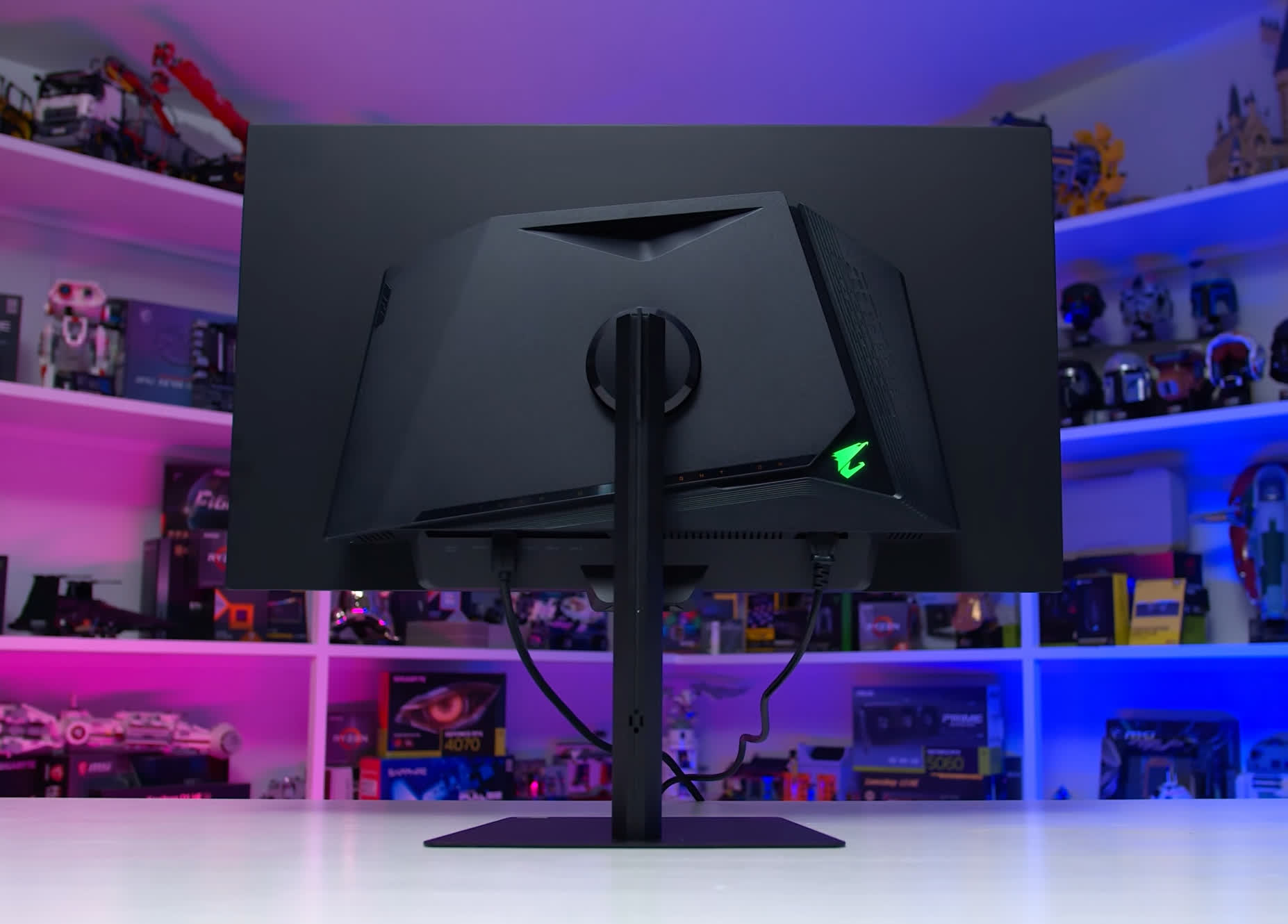
This 2026 panel is used in both the Asus ROG Strix XG32UQWMS and Gigabyte Aorus Elite FO32U24G. We've tested both and found the Gigabyte model to be slightly better, but both monitors are great buys in our opinion. The Asus model has been available for as little as $700 on sale, which is an exceptionally good deal, but even its $900 MSRP is reasonable.
What about QD-OLED alternatives?
You should buy a QD-OLED instead if you don't want to deal with Tandem WOLED's biggest flaw: dark gray banding. Choosing to avoid this issue comes with a trade-off, of course, as QD-OLED has its own set of issues, including raised blacks and HDR panel dimming. But some buyers find the gray banding on WOLEDs extremely annoying, so if you think this will be a deal-breaker for you, just get a QD-OLED. We'd also recommend a QD-OLED if you want higher color brightness and a less reflective screen coating.
The other reason to get a QD-OLED is pricing. The XG32UQWMS is a great buy at $700 and one of the cheapest 32-inch 4K OLEDs on the market at that price. But it's not always available for $700, given its $900 MSRP.
Gigabyte MO32U24
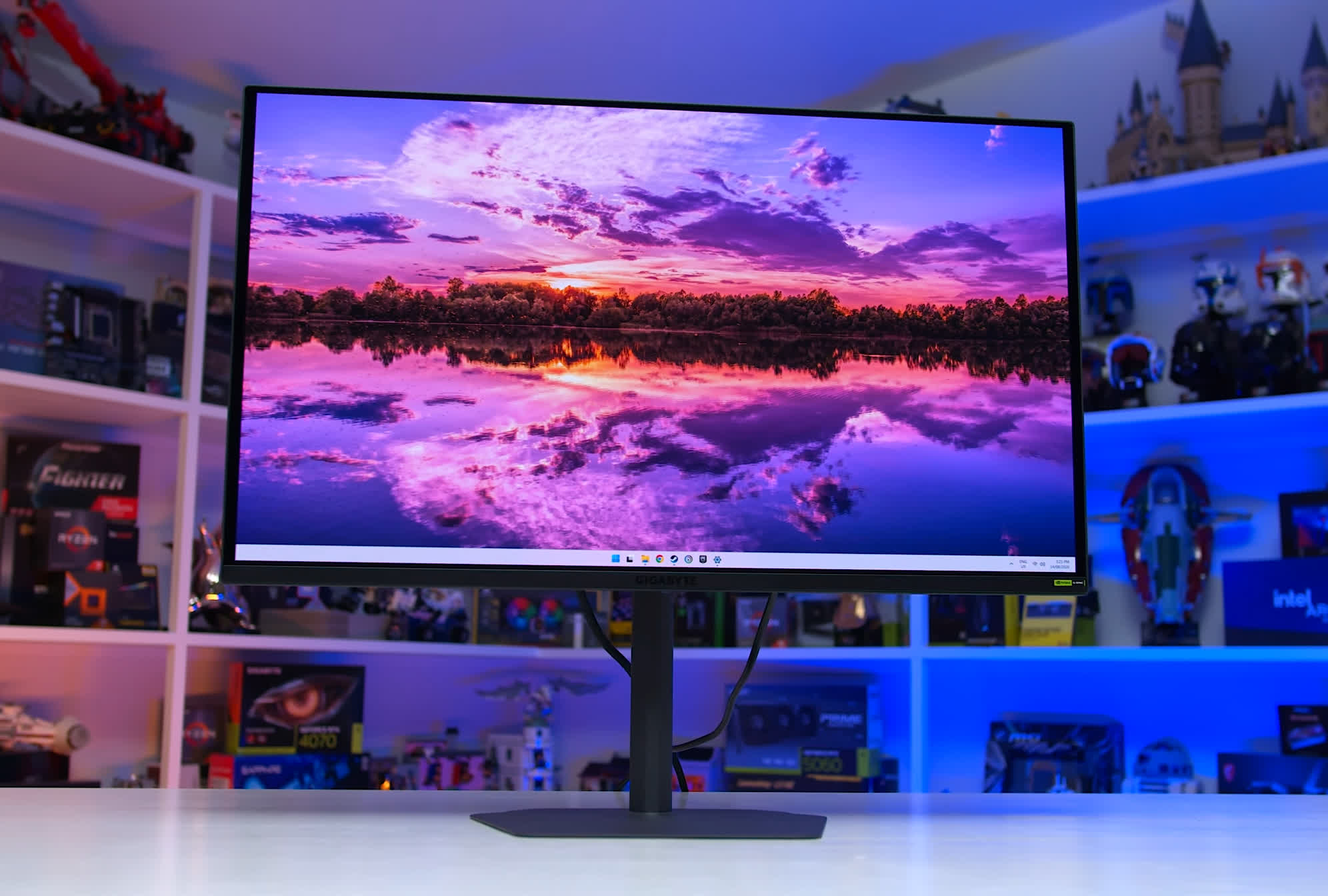
In those situations, QD-OLED can be cheaper, with models like the MSI 321UPX starting at $700 and the Gigabyte MO32U24 offering a newer generation panel at $800. These are worth considering if Tandem WOLED options are too expensive in your region. As they're still 32-inch 4K 240Hz models, they offer the same motion clarity and all the usual benefits of OLED's per-pixel control.
Lastly, it's worth noting that in the first quarter of 2027, Samsung Display will be releasing a new generation of 32-inch 4K panels equipped with a 360Hz refresh rate and upgraded brightness. It could be worth waiting for these new monitors if you're planning on buying something high-end.
We expect pricing to start north of $1,000, so they might not be overly competitive with existing $800 Tandem WOLEDs or QD-OLEDs, but the specifications revealed so far are tantalizing.
Best 1440p OLED Gaming
Gigabyte MO27Q28GR
The best mid-range gaming monitors on the market right now are 1440p OLEDs, and you won't need to break the bank to get one. While we generally consider the mid-range of the monitor market to be around $500, you can now pick up some very good 1440p OLEDs for around $400, occasionally even less if you find a particularly good deal.
As with the 32-inch 4K category, at 1440p you need to choose between a WOLED or QD-OLED panel, and the pros and cons of each type are similar to what we discussed in the previous section. We've covered the differences in detail in a separate feature, but as with 32-inch 4K models, we generally believe that 1440p Tandem WOLED panels are the best overall.
The best mid-range gaming monitors on the market right now are 1440p OLEDs, and you won't need to break the bank to get one.
Our primary recommendation in this category is the Gigabyte MO27Q28GR, a 27-inch 1440p 280Hz WOLED using the latest generation of panel technology. While normally priced around $500, you can grab this display for less than $430 right now. The GR model that we'd recommend to most people uses a fantastic glossy screen coating, but you can save a small amount by going with a matte coating instead, as Gigabyte's MO27Q28G is just $400 right now. The G and GR variants are virtually identical in performance outside of the differences in screen coating.
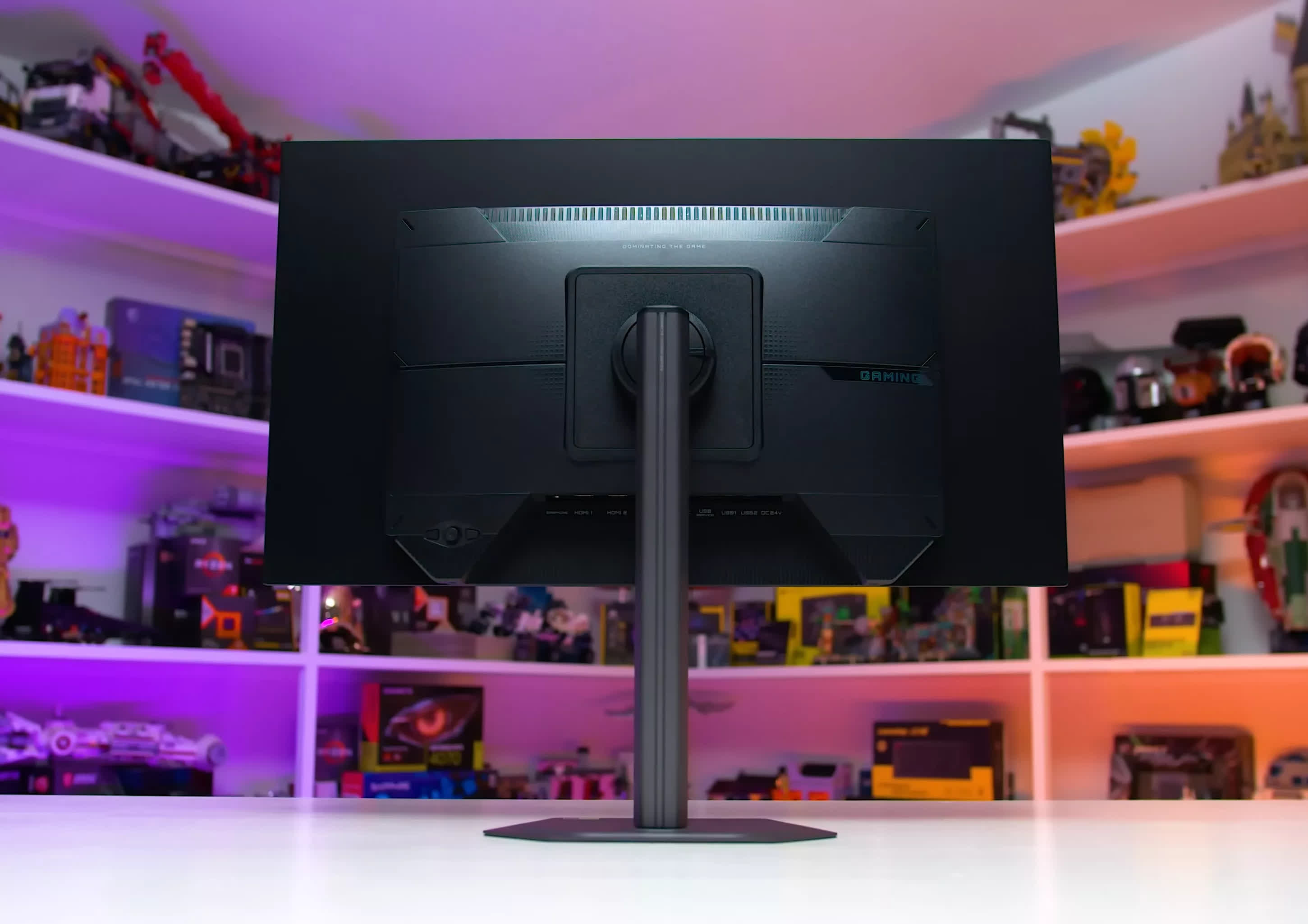
The MO27Q28GR provides great brightness across SDR and HDR modes, typically offering a brighter experience than competing QD-OLEDs. HDR brightness is also much more consistent between different types of scenes, as there's no QD-OLED-like panel dimming. This means you get a combination of higher peak brightness in favorable conditions, and more impactful, accurate HDR in brighter scenes. It's a significant factor in why we recommend Tandem WOLED and why we prefer its HDR experience.
The Gigabyte models offer a good set of features, including black frame insertion, an anti-flicker mode, USB-C input, and a KVM switch. They also perform well in color accuracy tests and offer excellent motion clarity thanks to their 280Hz refresh rate.
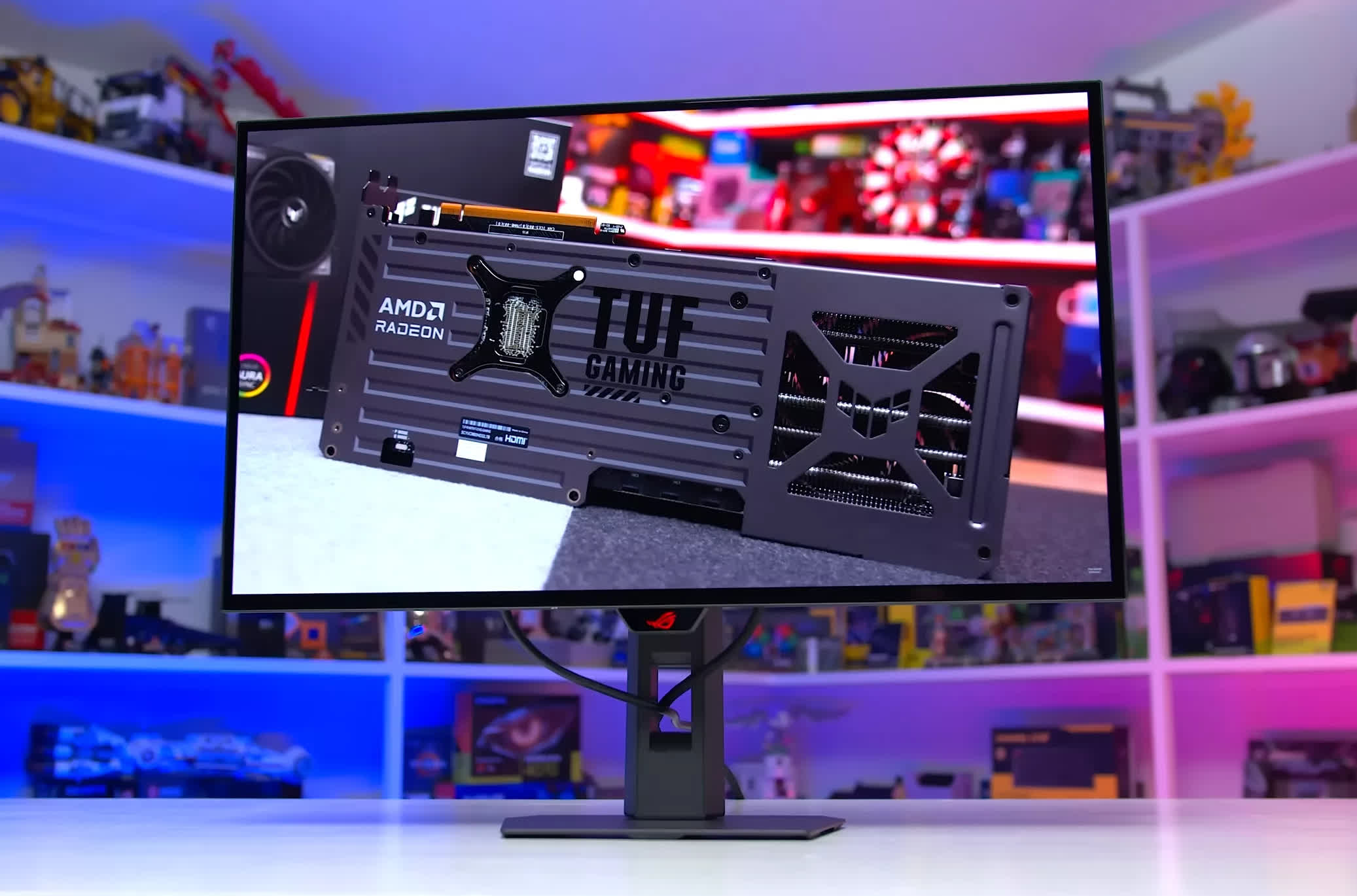
Asus ROG Strix XG27AQWMG
The Asus ROG Strix XG27AQWMG is another option that performs very well, and we've seen it for just $400 when on sale. However, its standard price of $650 is higher than the Gigabyte models. It's not significantly better, so we'd get whichever model is cheaper.
More affordable 1440p QD-OLEDs
Again, 1440p QD-OLEDs are a suitable alternative in this category if you don't like the idea of dark gray banding, want higher color brightness or lower reflectivity, or simply want to save some money. In some regions, the price difference is substantially in favor of QD-OLED, so be sure to check the full range of options available to you.
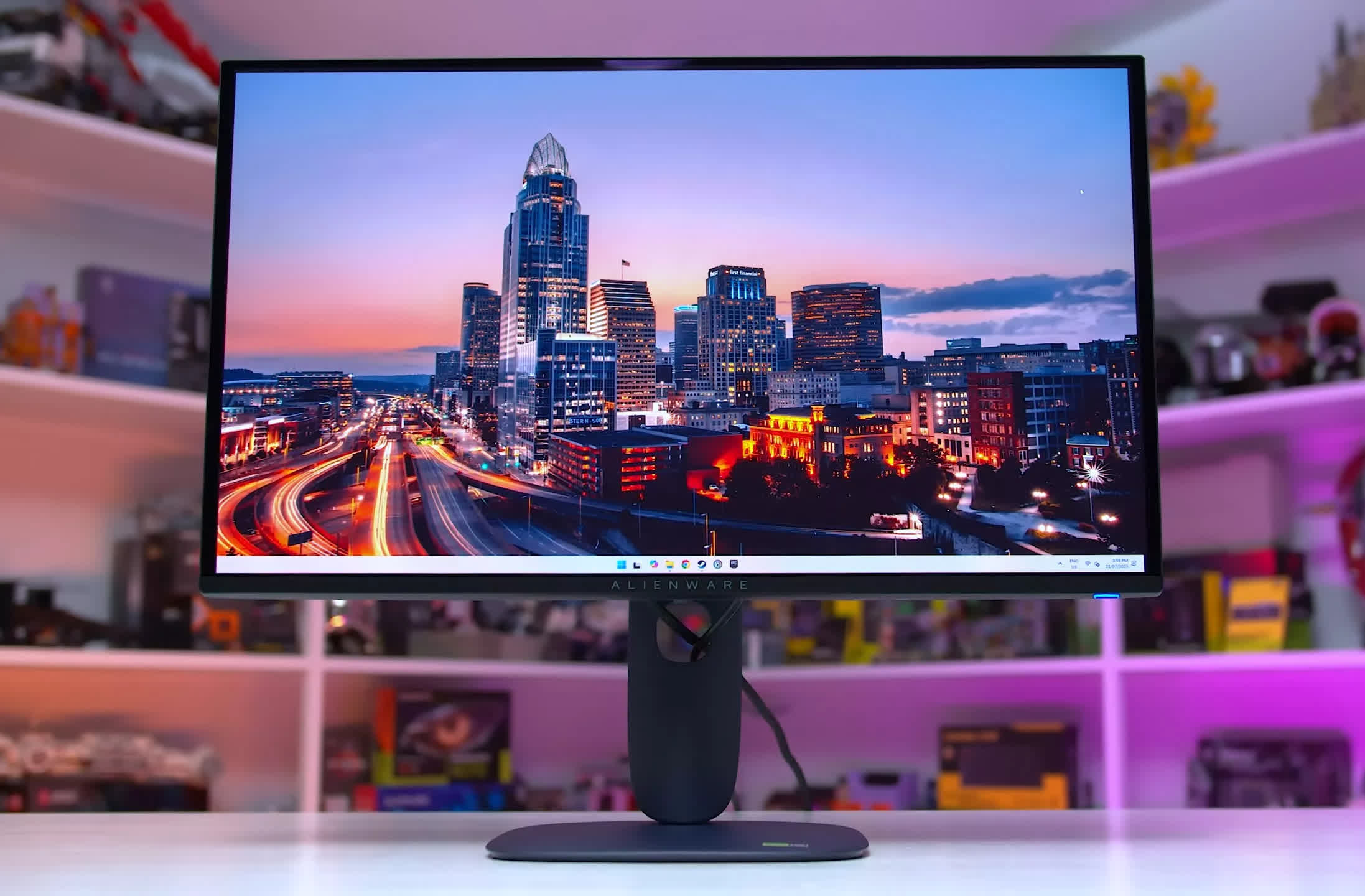
Dell Alienware AW2725D
We can comfortably recommend the Dell Alienware AW2725D at just $350. This is a 27-inch 1440p 280Hz QD-OLED model that uses the full-brightness panel from Samsung Display.
Usually in this price range we only see the limited-brightness QD-OLED Edge panels, which are a bit of a trap as they only offer 400 nits of HDR brightness instead of 1,000 nits. But at least right now, the AW2725D is $350, which is an absolute steal and an all-time low price.
The AW2725D is one of our favorite models to use the 280Hz panel, and it recently performed well in our budget 1440p QD-OLED roundup. It offers solid calibration, a good refresh rate, strong HDR brightness, and a great design.
Even with the Alienware at just $350, we'd still lean toward Tandem WOLED at $400 to $430, as we think those panels are better overall. But this is an amazing bang-for-your-buck product if you can't quite stretch your budget that far or would be annoyed by dark gray banding.
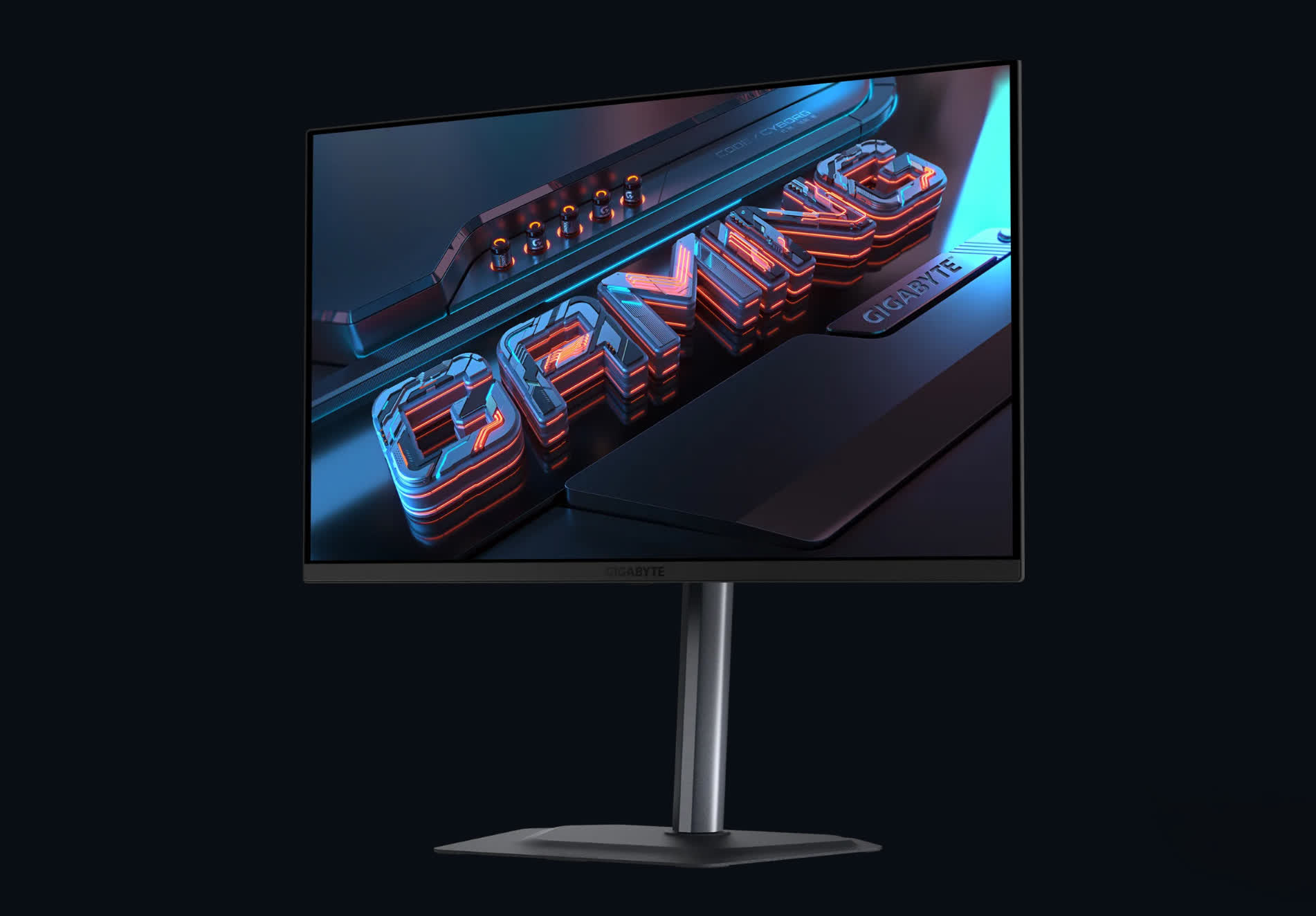
Gigabyte MO27Q2A
One alternative to the AW2725D that has consistently been available at a great price over the last few months is the Gigabyte MO27Q2A, which uses the same 1440p 280Hz QD-OLED panel. While we haven't tested this specific model, we're familiar with how the panel performs and have been impressed with the quality of Gigabyte's recent displays, so we're comfortable recommending it.
For really budget-conscious shoppers who can't justify spending $350 or $400 on a gaming monitor, this is where the limited-brightness QD-OLED panels make more sense. We'd want a decent discount, though. Right now, with the AW2725D at $350, it's hard to justify saving just $50 to grab a 240Hz model that doesn't properly display HDR content.
The Gigabyte GO27Q24A, for example, is a great choice among displays that use the limited-brightness panel, but at $300 we'd just spend the extra $50 to grab the 280Hz Alienware.
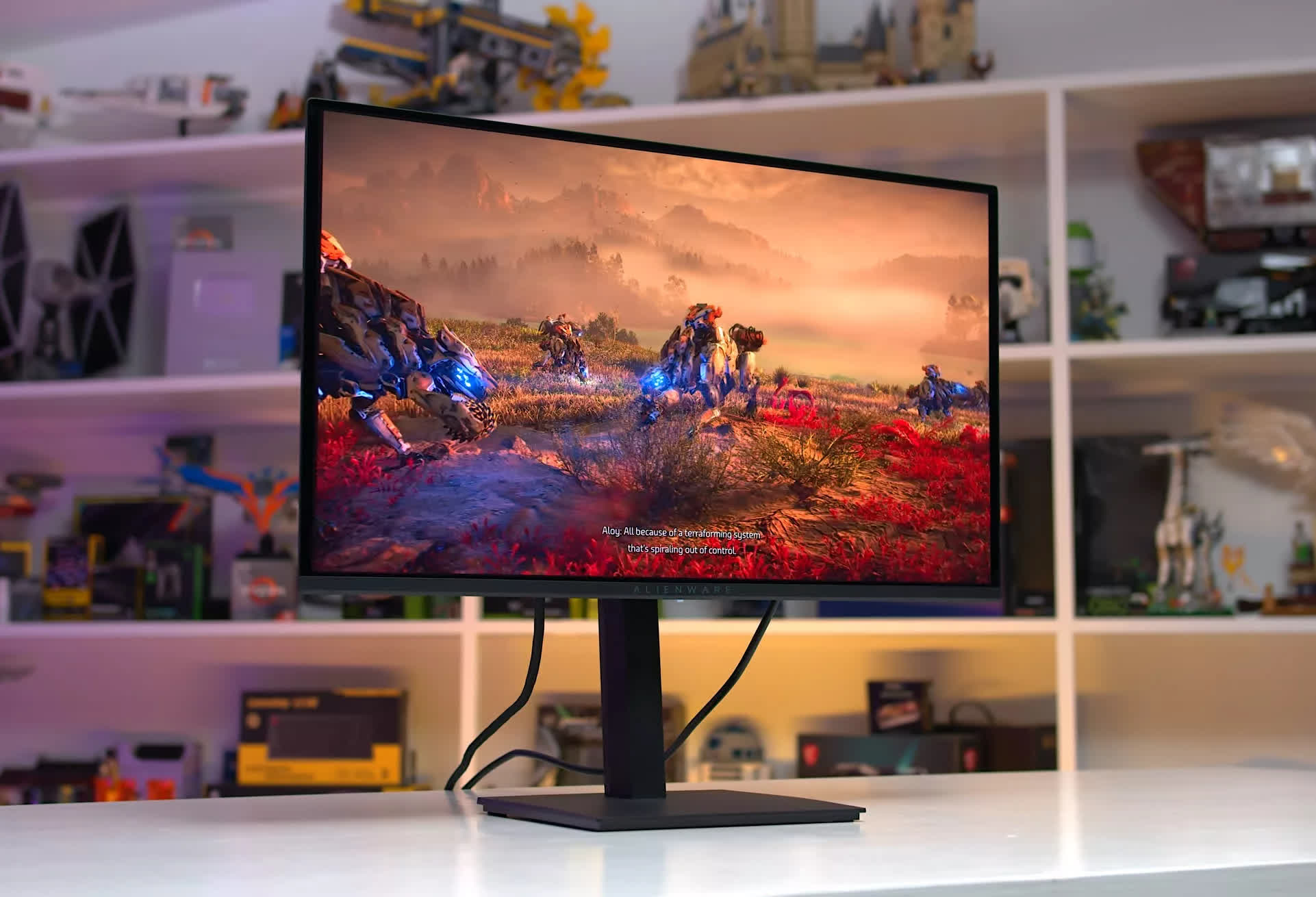
Alienware AW2726DM
The Alienware AW2726DM is approaching the sort of price range where it makes sense to grab a dirt-cheap QD-OLED, as it's currently available at an all-time low of $280. However, these discounts may not last, so as a general rule, we'd want to see at least a 20% price gap between limited-brightness and full-brightness models. You can learn about several other options in our recent budget QD-OLED roundup.
Best 4K Mini-LED Gaming Monitor
MSI 274URDFW E16M | Koorui S2741LM
Something we regularly hear from a subset of our readers is that they want to spend $300 to $500 on a monitor capable of gaming, but for one reason or another don't want to purchase an OLED. And there are several valid reasons for that.
If you do a lot of productivity work on your display, the prospect of OLED burn-in over time is not ideal. You may want a higher resolution than 1440p, but can't justify spending at least $600 on a 27-inch 4K OLED. Or maybe you want to enjoy HDR gaming with a ton of brightness and punch, in which case a mini-LED LCD is a great option.
If you're after a mid-range LCD monitor priced between $300 and $500, we'd generally recommend a 27-inch 4K mini-LED LCD. You can also purchase 1440p displays with refresh rates of 300Hz or higher in this category, but on balance, we think 4K mini-LED makes the most sense, especially if you're looking for a hybrid gaming and productivity display.
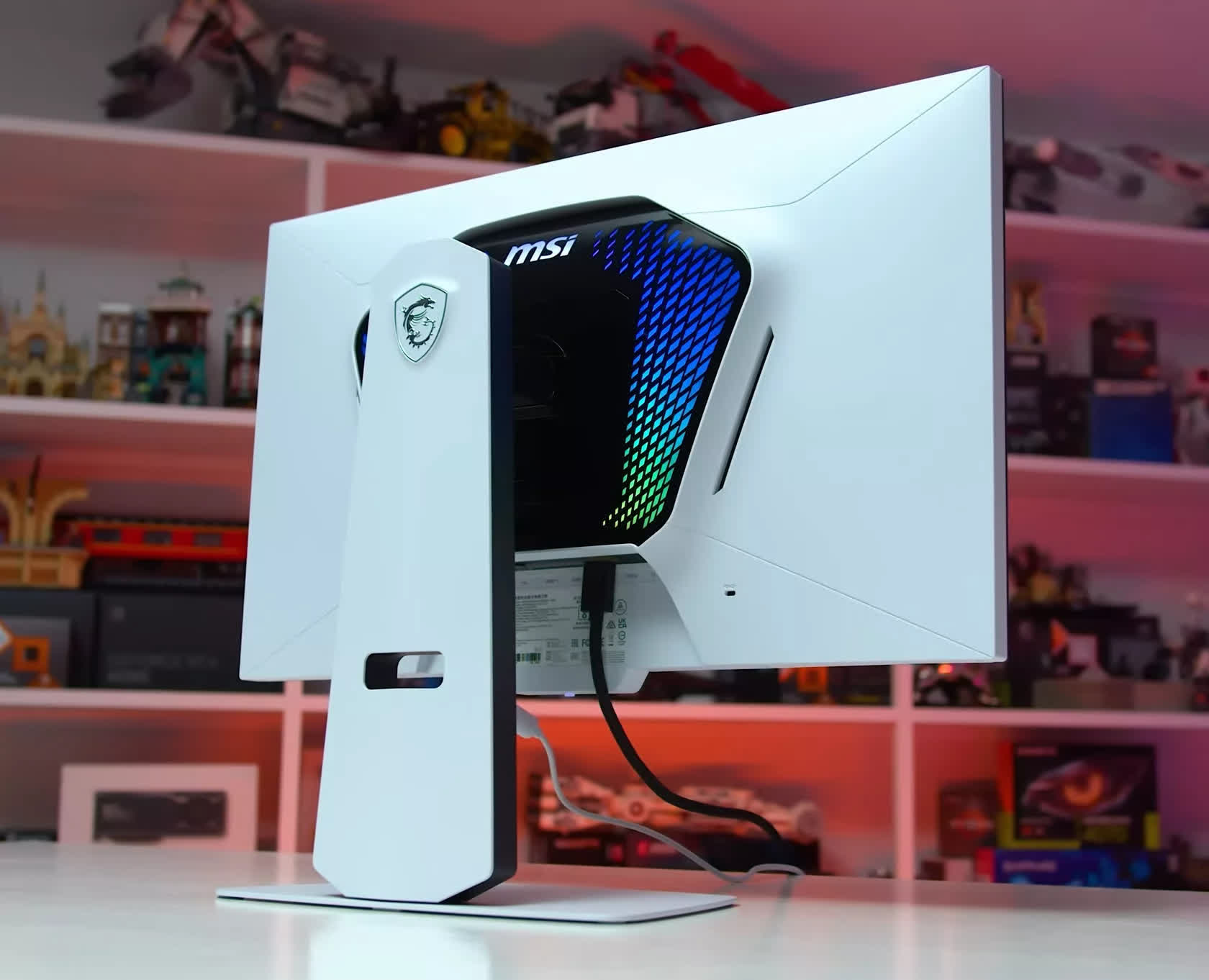
MSI MPG 274URDFW E16M
Late last year, we tested several 27-inch 4K mini-LED LCDs in a dedicated roundup and found that all of them were great buys, with a variety of strengths depending on the product in question. It's well worth checking out that roundup for more details, but in short, right now we'd be looking at either the MSI MPG 274URDFW E16M or the Koorui S2741LM, both of which are available for $400. The MSI's regular price is on the higher end, normally around $500, but at $400 it's a much better buy.
Both models use a 27-inch 4K IPS LCD panel with a 160Hz refresh rate and a 1,152-zone mini-LED backlight. With full-array local dimming, these 4K LCDs are genuinely capable of displaying HDR images properly, unlike fake HDR products that lack local dimming and are often labeled with misleading "HDR 400" specifications.
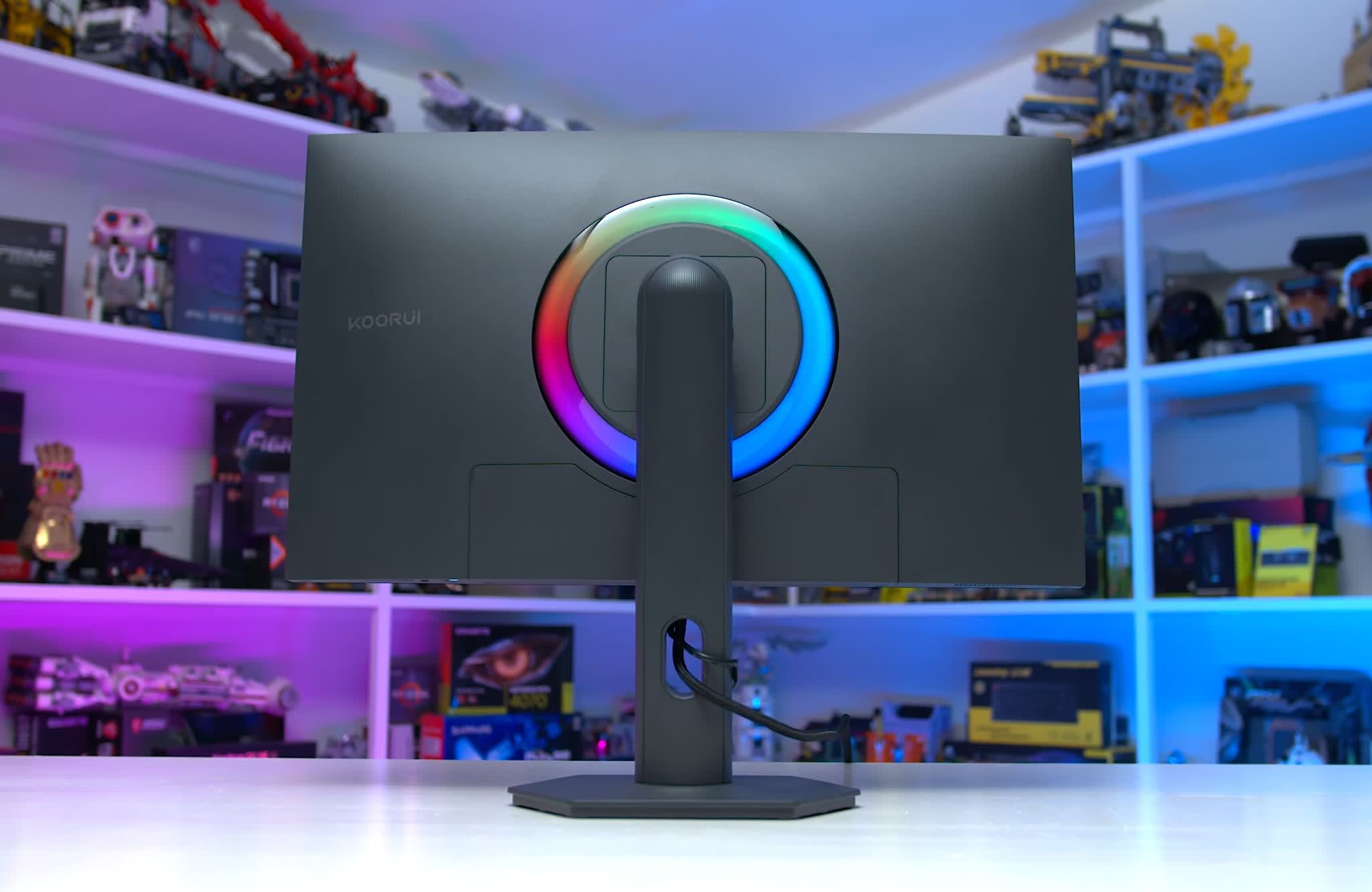
Koorui S2741LM
Having 1,152 backlight zones allows for a substantial increase in contrast over SDR monitors, with deeper blacks and decent control over individual areas of the screen, meaning bright and dark elements can be displayed at the same time. This creates the dazzling, impressive HDR effect that you're paying for. It's not simply a matter of running the screen at a higher brightness level.
Having 1,000+ backlight zones gets you the impressive HDR effect you're paying for. It's not simply a matter of running the screen at a higher brightness level. In the right circumstances, these LCDs can look remarkably similar to an OLED.
Speaking of brightness, these monitors are capable of some very impressive results, especially in brighter scenes. The Koorui achieves over 1,600 nits in real-scene tests. Along with good shadow detail and a fast dimming response, we get solid performance for HDR gaming that takes things to the next level relative to cheaper SDR products. In the right circumstances, these LCDs can look remarkably similar to an OLED.
Motion performance is pretty good across these models. They're typical fast IPS panels, with different levels of optimization depending on the model you get. The 1080p 320Hz dual mode increases motion clarity for multiplayer gaming, making these quite versatile products: HDR gaming in single-player titles, 320Hz gaming in multiplayer titles, and productivity work without the risk of burn-in.
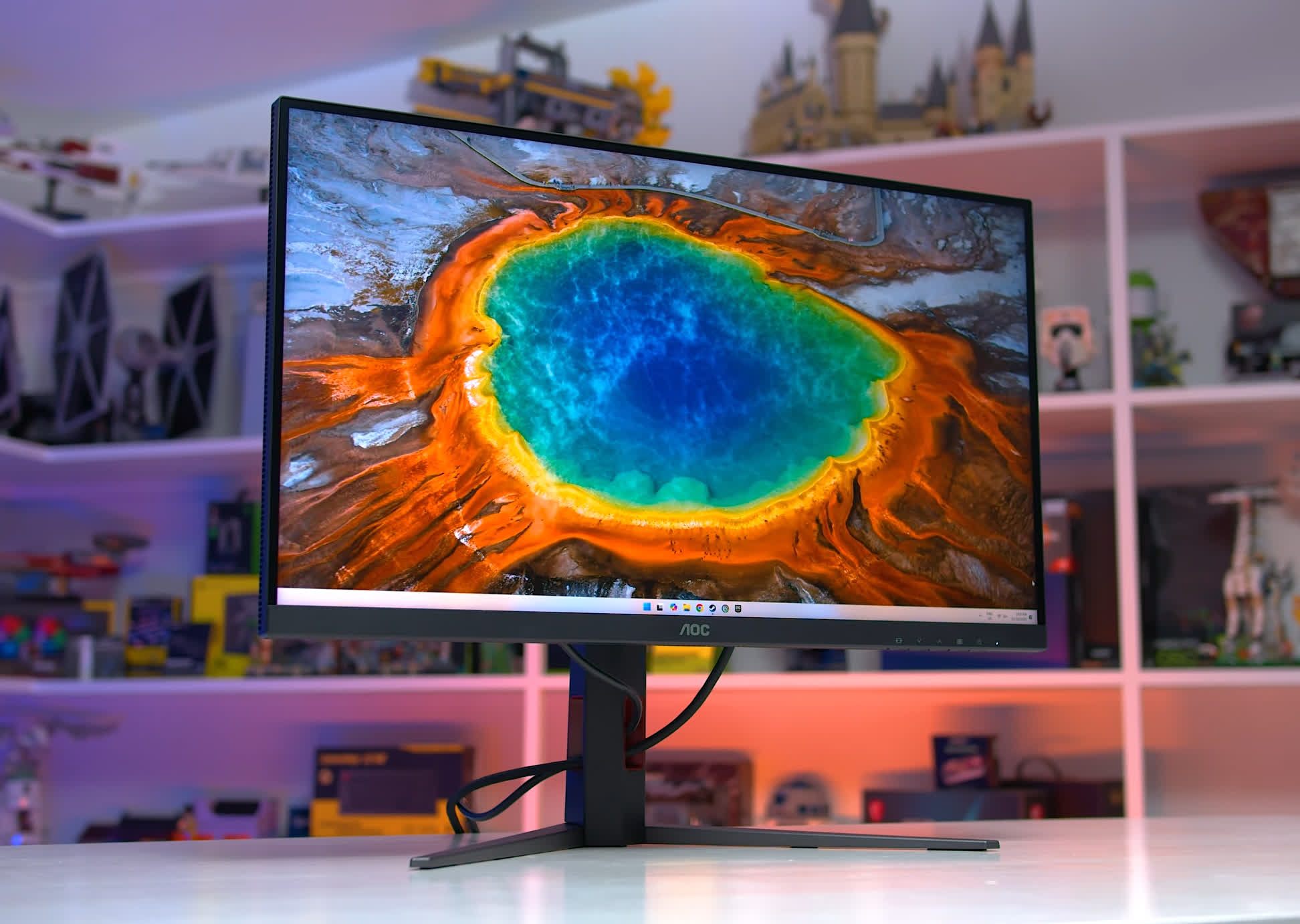
AOC U27G4XM
The AOC U27G4XM is also an option at just $350, though we don't think it's quite as good as the MSI or Koorui models. Whether or not the $50 saving is worth it depends entirely on whether you prioritize value or performance. The AOC model performs well, so we still recommend it, but the others have stronger feature sets.
Best Affordable Gaming Monitors
Gigabyte M27Q2 QD | AOC Q27G40XMN
Good news for anyone shopping for a budget gaming monitor: we recently published a roundup looking at nine different 27-inch 1440p LCDs, all priced below $200. That's by far the best resource for exploring which entry-level option you should buy, and it goes into considerably more detail than we'll cover here. Of the options we've tested, there are two standouts.
The Gigabyte M27Q2 QD, or M27Q2 SA in some regions, is a fantastic $160 gaming monitor offering a 1440p 210Hz IPS LCD panel. It has a wider color gamut than most of its competitors and better response time tuning, including variable overdrive and a single overdrive mode experience. It also has a height-adjustable stand with excellent overall build quality, both USB-C and a KVM switch, which are rare in this price tier, and a good set of gaming features. The only drawback is that color calibration isn't as strong as on the best models.
Other monitors priced around $160 might match the M27Q2 QD in a couple of areas, but not as a complete package. Some might have comparable response time tuning but only offer a fixed-height stand. Others might be better calibrated but have a smaller color gamut and a limited port selection.
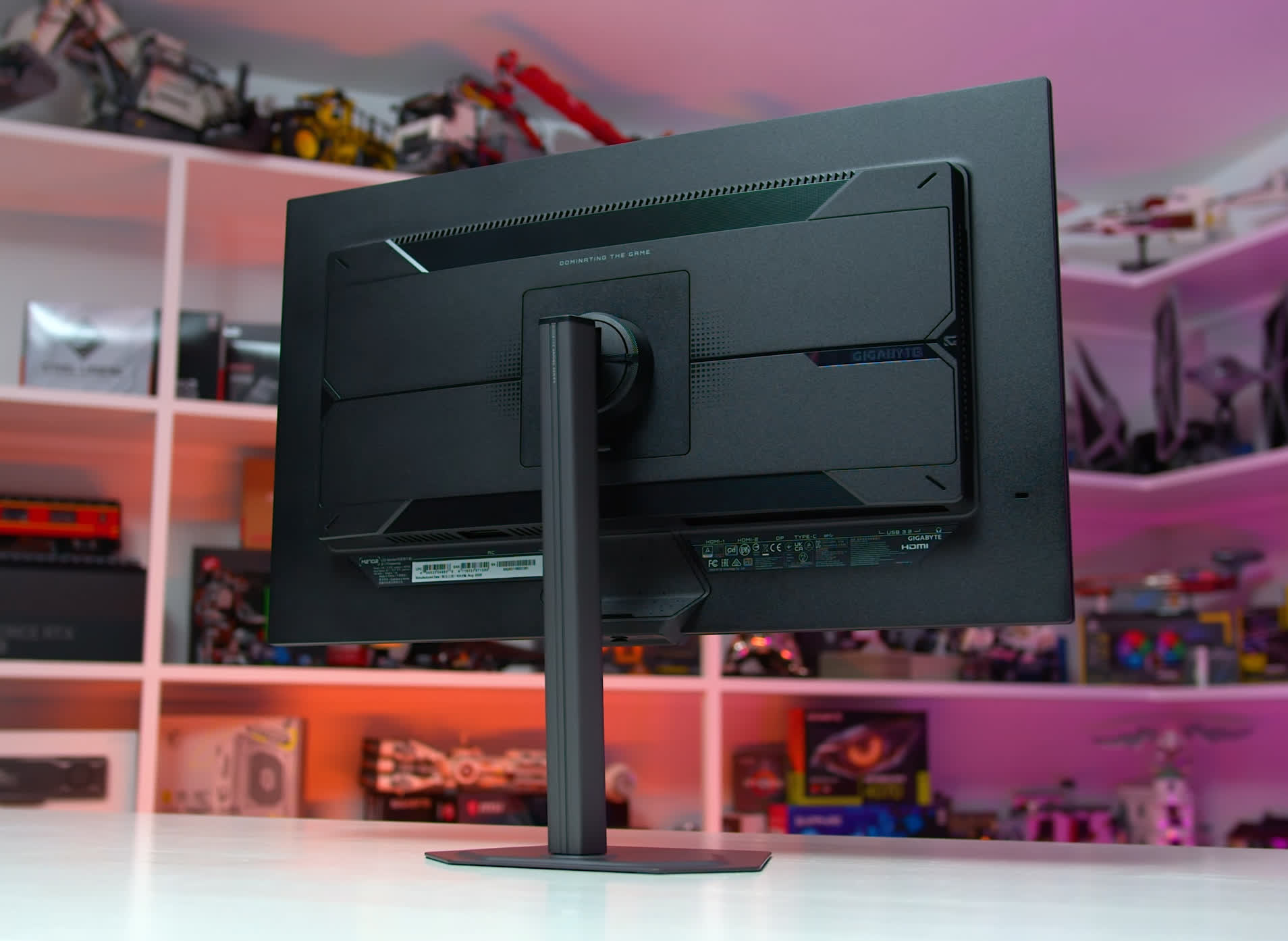
It's the balance of performance, a strong feature set, and excellent design that makes the M27Q2 QD our go-to choice.
Best Value HDR option
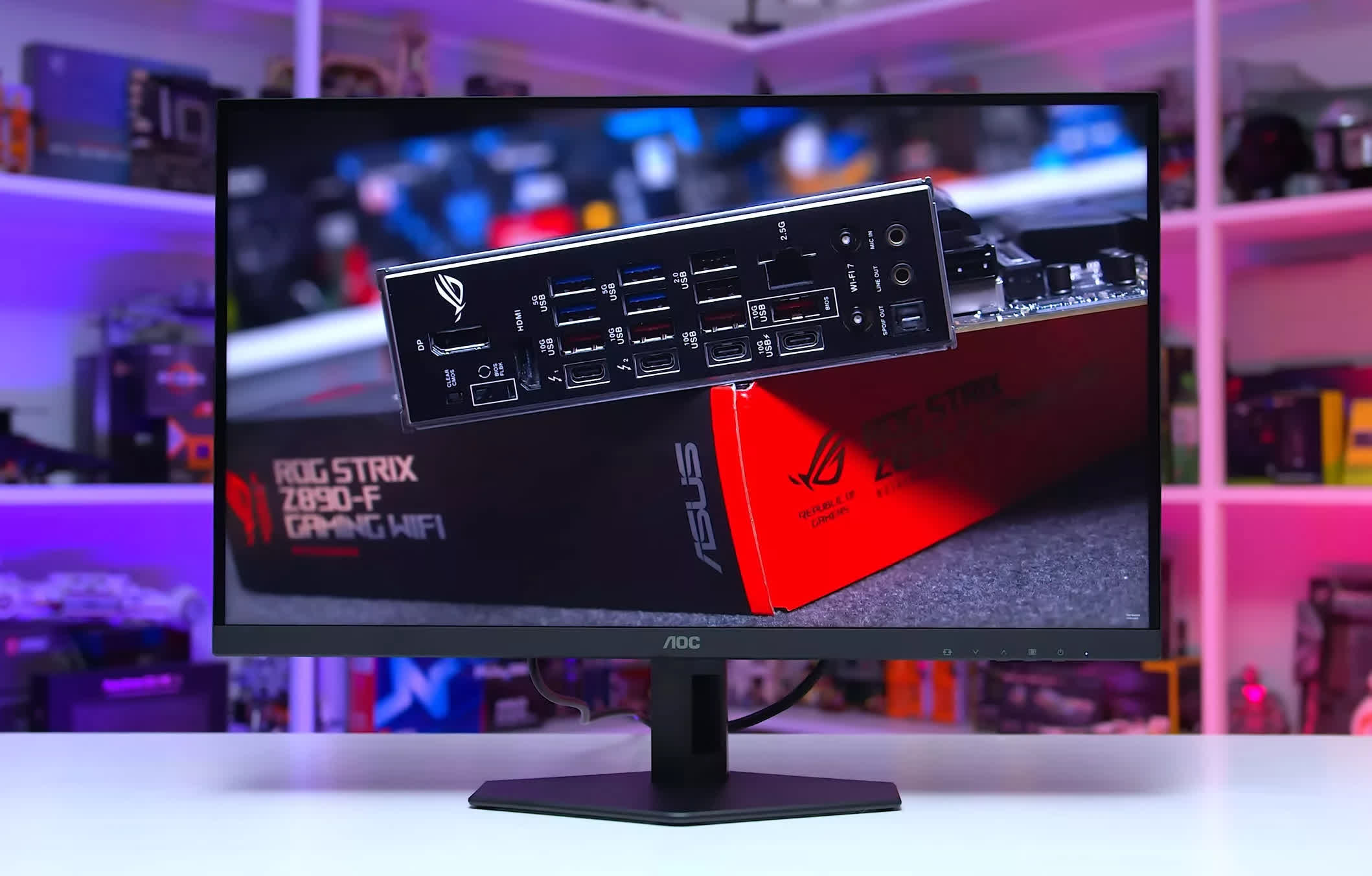
The other option we highly recommend is the AOC Q27G40XMN. This is the clear winner if you want a display with HDR, and for a lot of gamers it's probably what we'd recommend overall, especially for those who primarily play single-player games. It's one of very few models at $200 that offer true HDR capabilities, thanks to a 1,152-zone backlight and brightness output approaching 1,400 nits.
AOC Q27G40XMN
There are some caveats, though. It has a fixed-height stand, which is disappointing. Response time performance is average at best, although not too bad considering it's a VA LCD panel, and viewing angles are weak relative to the IPS alternatives. But it has an amazing contrast ratio, deep blacks, and real HDR capabilities. It's definitely a product to consider if it's available in your region.
There were other models in our roundup that we found to be reasonable and could be worth considering depending on pricing in your region. These include the LG 27G610A, KTC H27T6, and Asus TUF Gaming VG27AQL5A. Check out the full roundup for more information. However, if these products are the same price or more expensive than the Gigabyte M27Q2 QD, just get the Gigabyte. It's the better monitor.
Best for Competitive Gaming
G-Sync Pulsar | MSI MAG 272QP X50
A lot of the monitors in this buying guide so far have been all-rounder picks, suitable for many use cases, or even leaning toward single-player gaming. But if you primarily play competitive multiplayer games and want to prioritize motion clarity, input latency, and speed, we have a different set of recommendations catering specifically to those characteristics.
There are essentially two ways you can go here. A G-Sync Pulsar monitor is a great choice if you want the absolute best motion clarity. The other main choice is an ultra-high-refresh-rate OLED monitor, which might be the best option if you want speed while retaining the image quality and HDR benefits of an OLED display.
G-Sync Pulsar
G-Sync Pulsar is revolutionary because it allows you to use backlight strobing and variable refresh simultaneously. If you're not familiar with backlight strobing, it's a technology that pulses the backlight on and off between refresh cycles, instead of holding the image on screen for the full cycle. This impulse-based approach significantly reduces persistence blur. When your eyes track objects across the screen, the impulse essentially performs some visual trickery, allowing your brain to perceive the object with greater clarity.
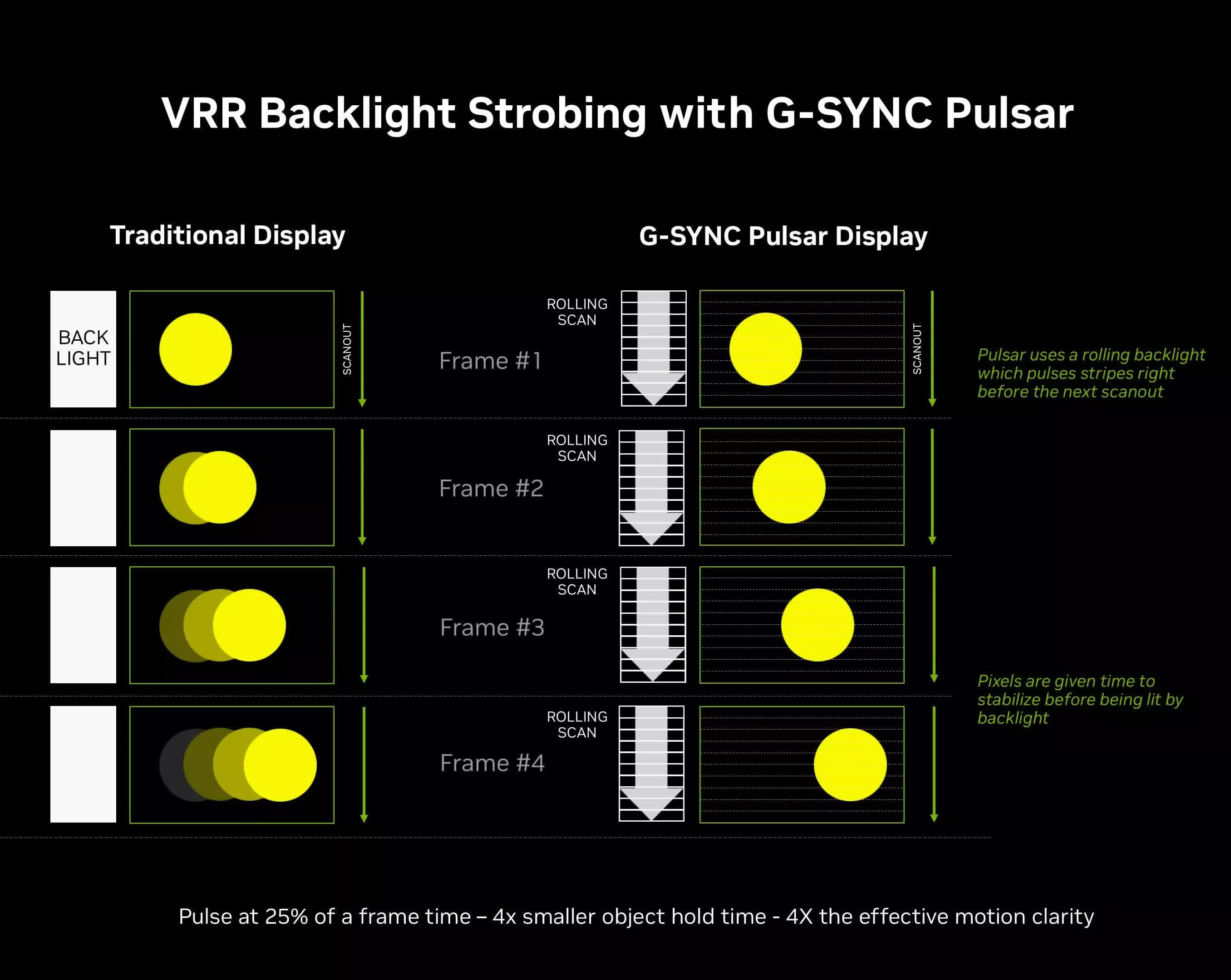
G-Sync Pulsar is flawless in how it handles variable refresh, giving you the full benefit of strobing across its supported variable refresh rate range. You no longer have to run games at a specific fixed refresh rate and disable crucial features to get the best motion clarity.
This has big benefits in games where motion clarity is important, like fast-paced shooters, racing games, and anything that requires tracking enemies, objects, or even text in motion.
In our testing earlier this year, we found that 1440p 360Hz G-Sync Pulsar displays look clearer than OLEDs at high refresh rates, and much clearer at moderate to lower refresh rates.
This makes Pulsar the clearer technology in a wide range of situations, whether you're playing lightweight games that run at really high frame rates or typically play at, say, 120 fps. And Pulsar just works in all these situations. You enable it and away you go, with no need for further configuration.
As for specific monitors, there are four G-Sync Pulsar options on the market: the Asus ROG Strix Pulsar XG27AQNGV, MSI MPG 272QRF X36, AOC Agon Pro AG276QSG2, and Acer Predator XB273U F5. We're still working on full reviews of the Asus and MSI models, but all four use the same panel and offer the same G-Sync Pulsar functionality. The Asus and MSI models seem very solid based on what we've seen so far, and both have been available for less than $400, which is a fantastic price given that they debuted above $600 earlier this year.
Ultra-high-refresh-rate OLEDs
An alternative to G-Sync Pulsar is a high-refresh-rate OLED. This will be a better option if you'd prefer the superior image quality of an OLED panel versus an IPS LCD, want proper HDR functionality, or don't have an Nvidia GeForce GPU, as that's required for Pulsar.
If you're sensitive to the flicker of backlight strobing, you may also find OLED more comfortable to view, although OLED still exhibits a slight, rapid flicker during normal operation that causes eye strain for a tiny percentage of people.
Asus ROG Swift PG27AQWP-W
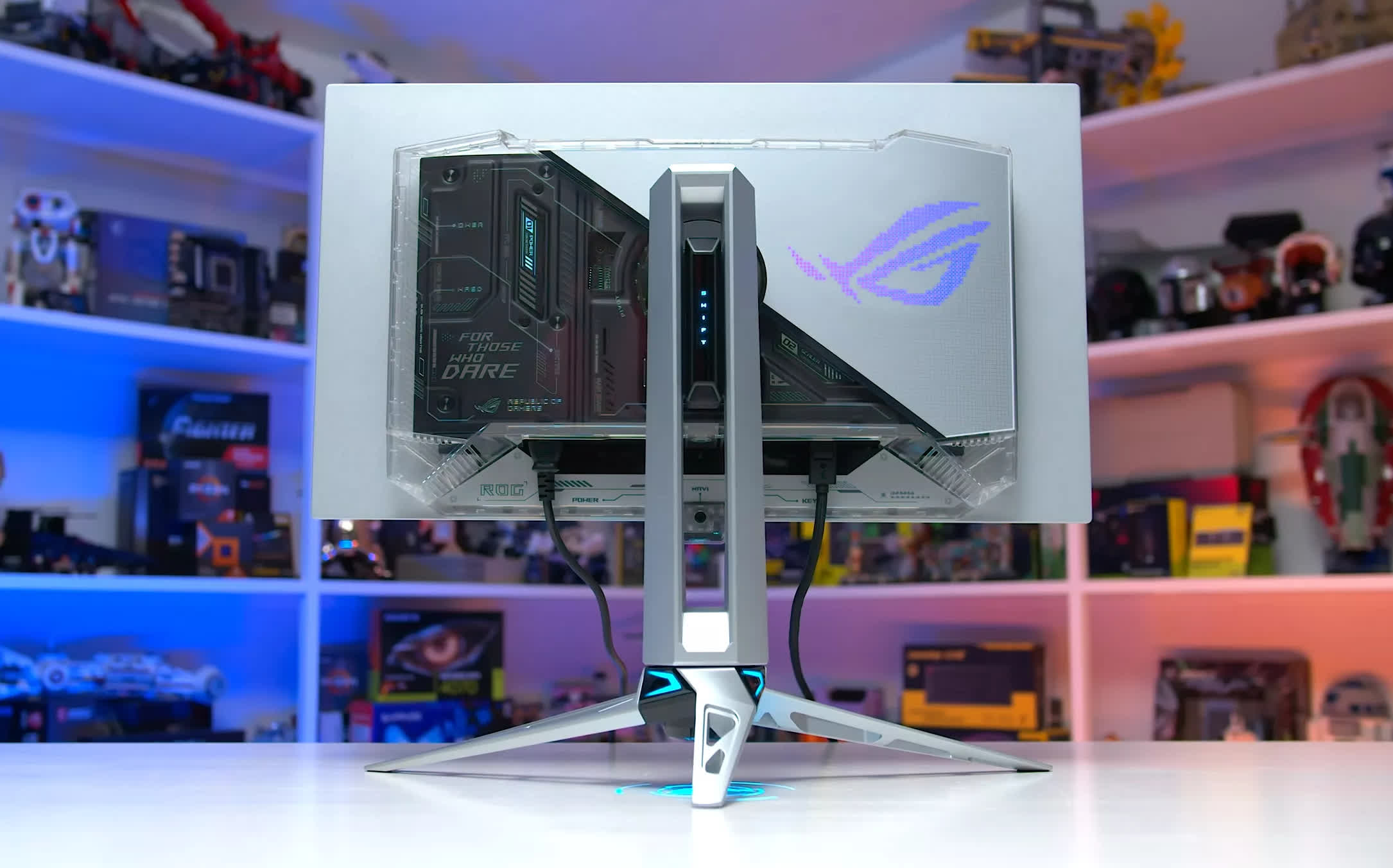
The best high-refresh-rate OLED is the Asus ROG Swift PG27AQWP-W, which uses a 27-inch 1440p 540Hz Tandem WOLED panel. This is a very similar display to the 280Hz Tandem WOLEDs we discussed in an earlier section, except with the refresh rate increased to 540Hz. It also offers a 720p 720Hz dual mode, which you might find useful in some situations, though I generally found the resolution to be too low.
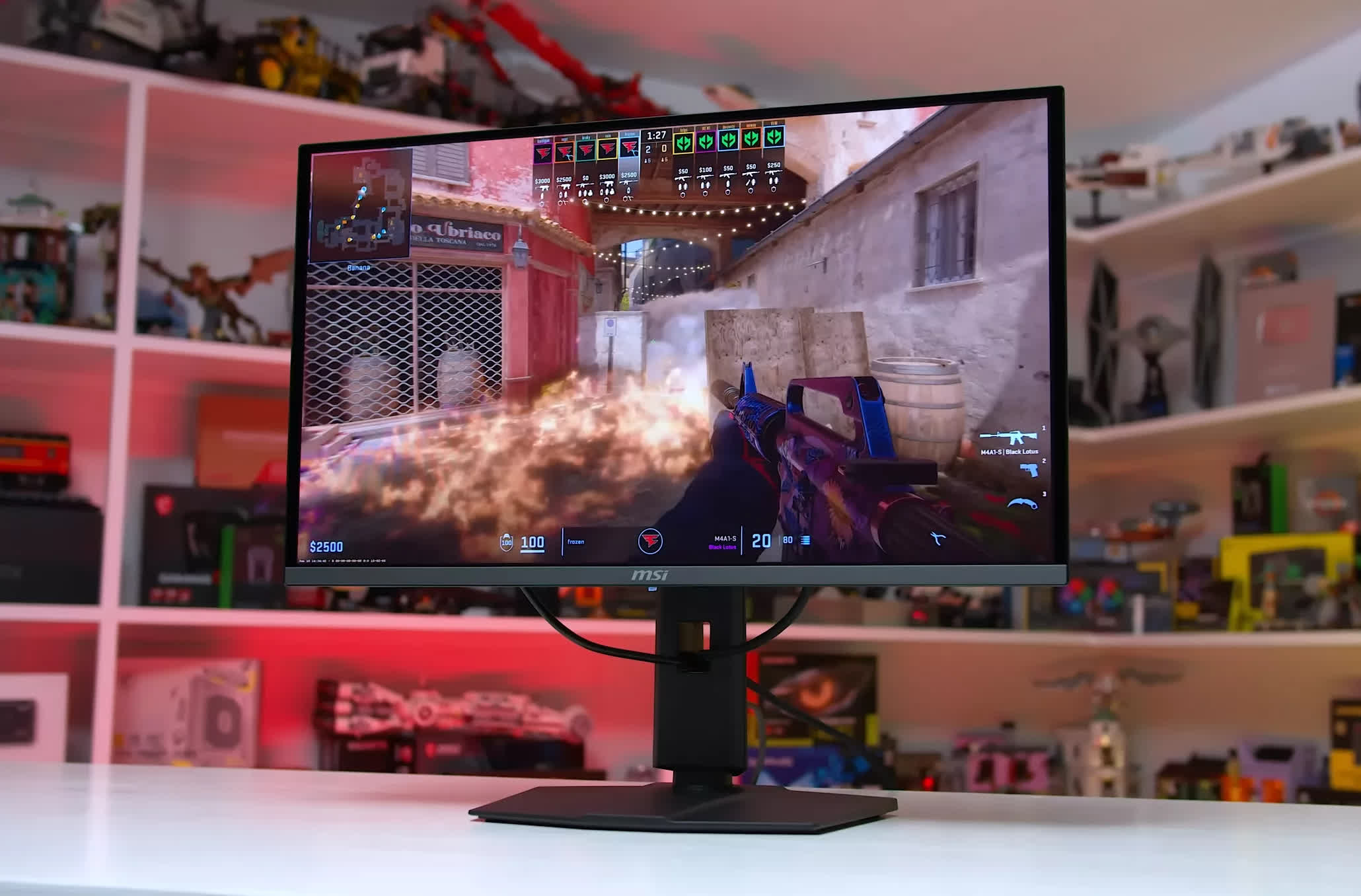
While 540Hz Tandem WOLED is the best option in this category, the Asus model is extremely expensive at over $1,000. For most people, we think opting for a 500Hz QD-OLED makes a lot more sense, as they're priced closer to $500 to $600 these days.
MSI MAG 272QP X50
We'd be looking at the MSI MAG 272QP X50, and you can learn more about the available options in several of our other features, including our 500Hz monitor roundup and our dedicated 1440p and OLED buying guides.
High-refresh-rate 1080p OLEDs have also come onto the market over the last month or so, targeting hardcore competitive gamers who love the 24.5-inch display format. They're worth exploring as well, and we'll be reviewing them shortly.
Best Ultrawides: 34" and Larger
Dell Alienware AW3426DW | Alienware AW3926QW
The best ultrawide category is fairly straightforward. The ultimate choice is the Dell Alienware AW3926QW, which we already covered in the best flagship monitor section. If you're after a 39-inch ultrawide panel, that's the one to get.
But there are several other excellent options if you want a different panel size. In the 34-inch category, the best monitors right now use the latest 3440x1440 QD-OLED panel, released this year with an RGB Stripe subpixel layout and improvements to brightness and screen coating. This panel is primarily available in two versions, one with a 280Hz refresh rate and one with a 360Hz refresh rate. Our testing has shown these panels to be identical in performance outside of the refresh rate.
Naturally, the 360Hz version is better because of its higher refresh rate, making it the best overall option on the market at this size in terms of performance. But there's usually a decent price difference between the 360Hz and 280Hz models, which makes the 280Hz versions better value and ultimately the better buy in most situations.
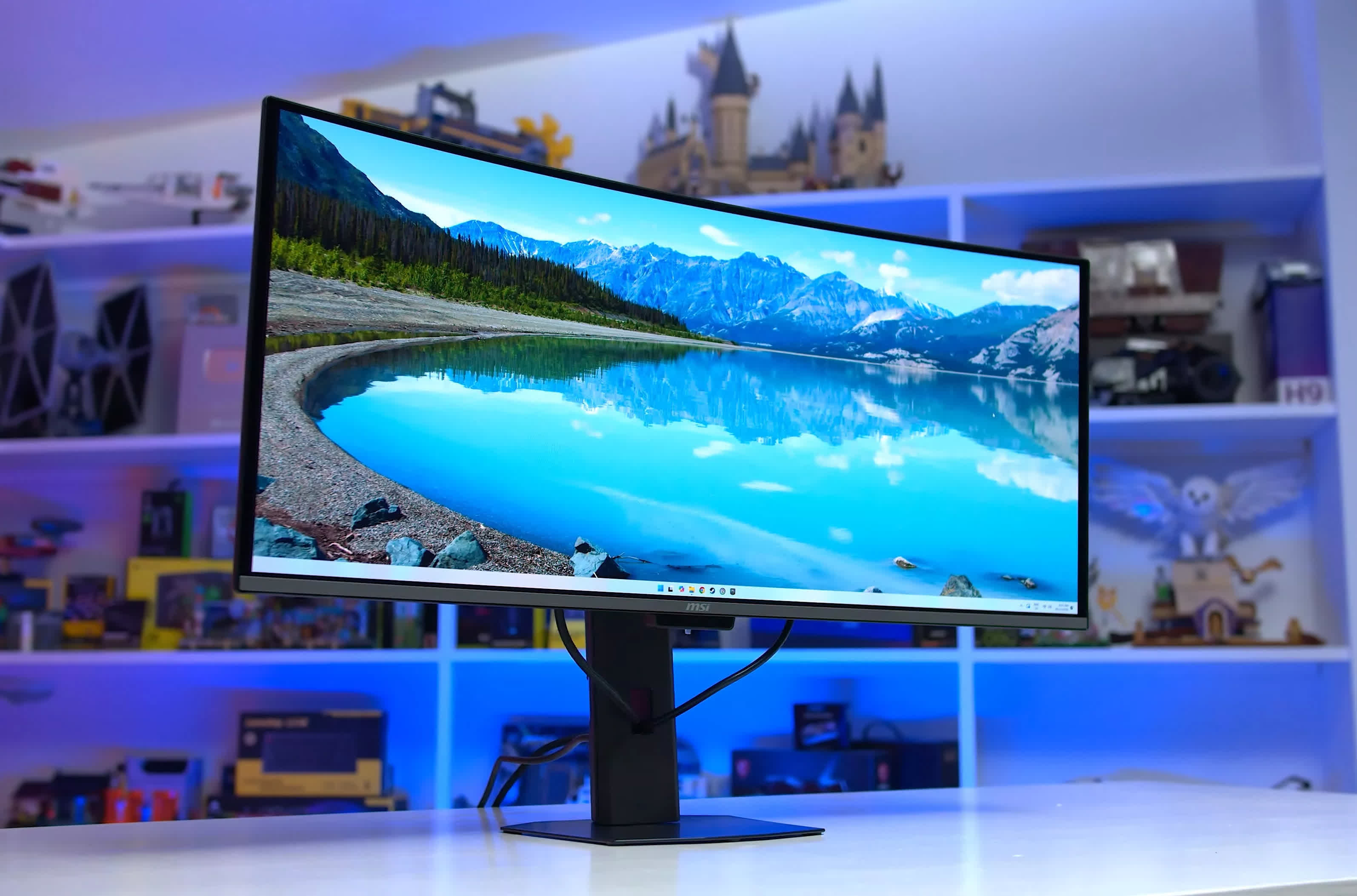
MSI MPG 341CQR X36
For example, the MSI MPG 341CQR X36 is a great 360Hz variant that costs $900 these days. If you really want the highest refresh rate, it's the option we'd get. It's even been on sale for as little as $800, but is currently out of stock at that price. The 280Hz variants, which aren't that much slower, are available for just $650, though. The Dell Alienware AW3426DW is a monitor we've tested that offers excellent performance and recently dropped to an all-time low of $650, so that's the model we'd be looking at.
The MSI 341CQP X28 and Asus XG34WCDMS are also products to look out for. With the 280Hz models, you could potentially save over 25% by shaving a bit off the refresh rate for what is otherwise the same QD-OLED panel experience.
Going even bigger: 45-inch ultrawides
If you're interested in a larger ultrawide, our recommendation here is unchanged: the best 45-inch OLED ultrawide is still the LG 45GX950A. It has a massive 45-inch 5120x2160 WOLED panel running at 165Hz, providing an incredible level of immersion. We're not as fond of this monitor as we are of the 39-inch alternatives, as it's using slightly older panel technology and a more aggressive 800R curve.
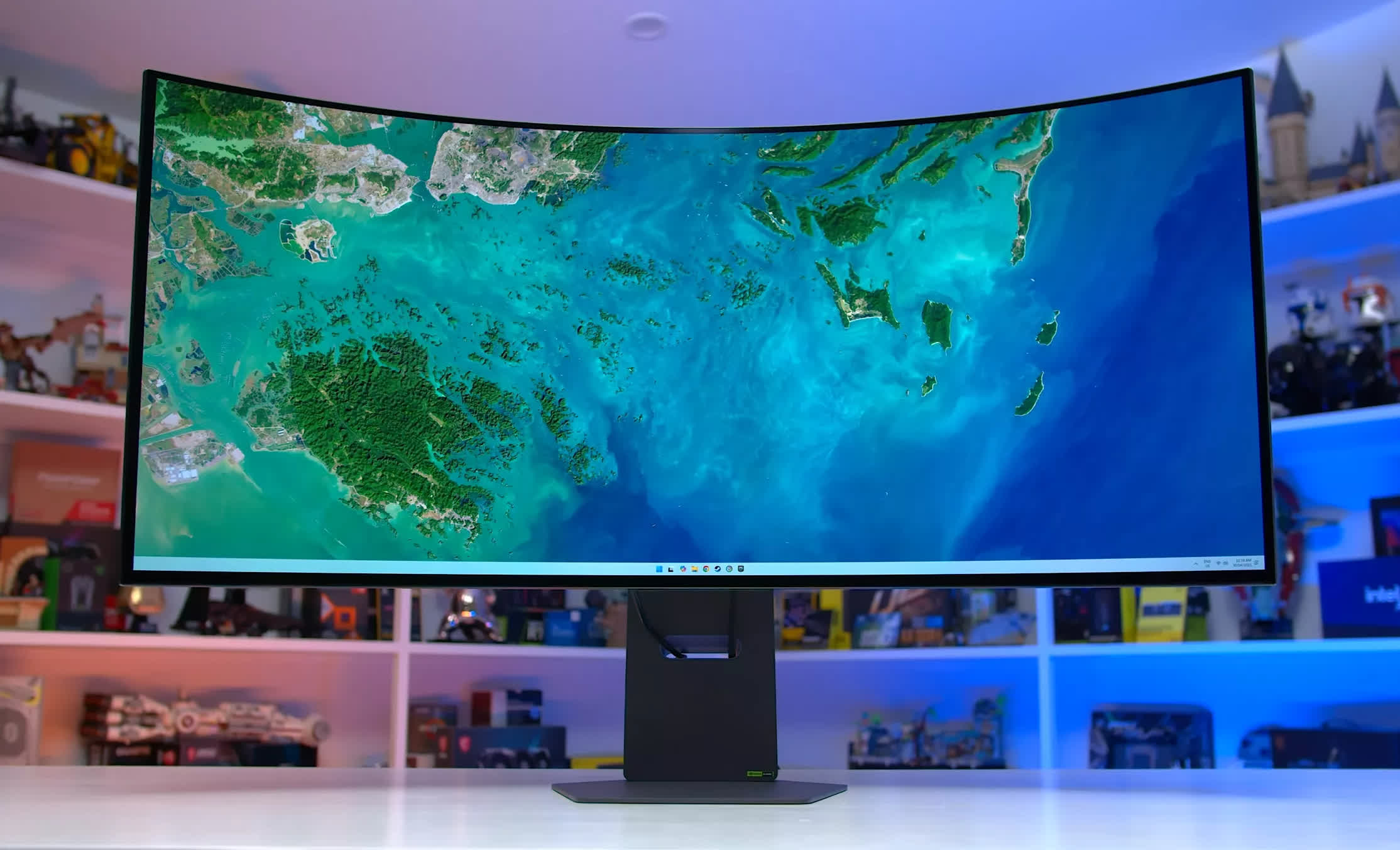
LG 45GX950A
But it's still a decent display for those building simulator rigs or other setups that require a huge monitor.
Best 5K and 6K Monitors for Gaming and Productivity
LG 27GM950B | Samsung Odyssey G80HS
Our final category is a new addition to this buying guide: high-resolution monitors. By that we mean resolutions higher than 4K, which these days has become a fairly standard option in the premium segment.
You might be wondering why someone would even want a higher-than-4K monitor for gaming, but the primary reason actually has little to do with gaming. Higher resolutions like 5K and 6K offer greater pixel densities and more screen real estate, which is even better for productivity work. Once you get above 200 PPI on a desktop monitor, the image is remarkably crisp, with exceptionally sharp text.
High-DPI displays don't normally provide significant benefits specifically for gaming, but the latest high-resolution monitors have a few tricks up their sleeves that make them great choices as dual-use displays.
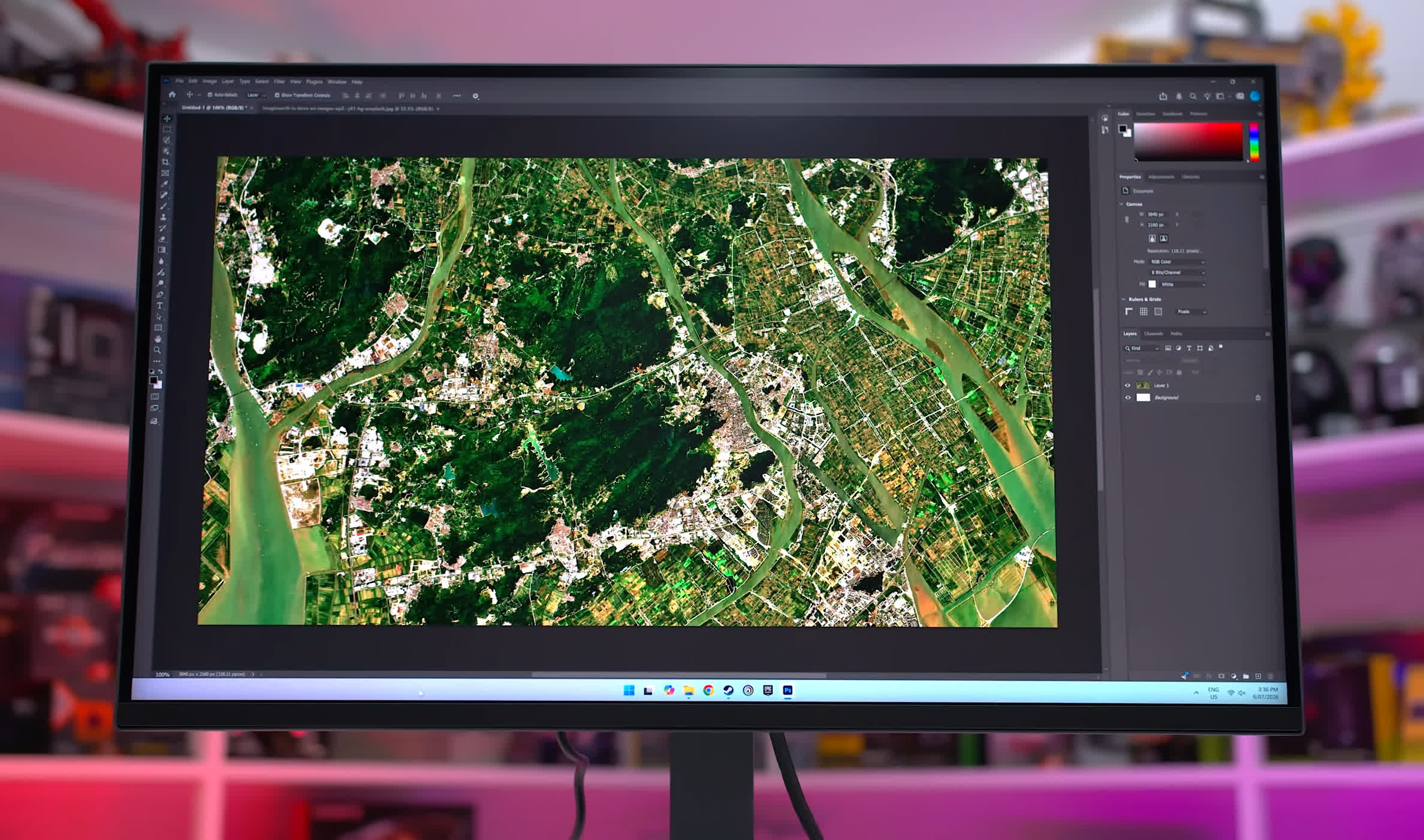
LG 27GM950B
For a start, new products released in 2026 finally offer decent refresh rates at their native resolutions. The Samsung Odyssey G80HS and LG 27GM950B are native 6K 165Hz and 5K 165Hz displays, respectively. These are refresh rates that are actually suitable for gaming and offer huge improvements in smoothness for productivity work.
Once you've upgraded from a 60Hz display to a 165Hz display, you'll never want to go back to 60Hz again, regardless of what you're doing.
Once you've upgraded from a 60Hz display to a 165Hz display, you'll never want to go back to 60Hz again, regardless of what you're doing. Most gamers probably won't want to deal with the performance costs of gaming at 5K or 6K, even if the refresh rate is 165Hz. It's a great experience in lightweight games where you can enjoy the exceptionally high resolution, but most AAA titles are difficult to run at these resolutions, especially 6K.
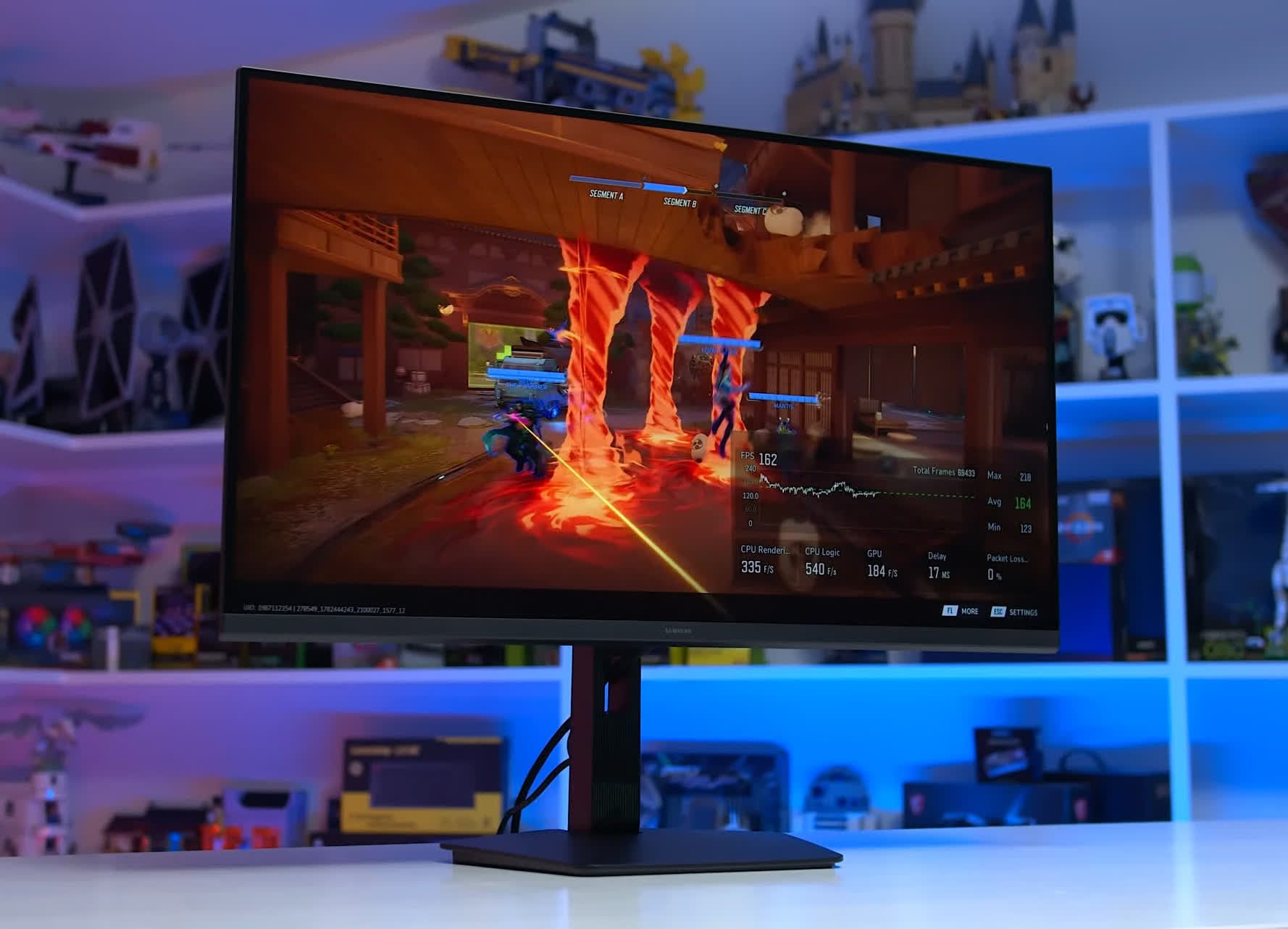
Samsung Odyssey G80HS
However, both models offer a 330Hz dual mode that runs at a lower resolution, purpose-built for gaming. On the 27GM950B it's 1440p 330Hz, and on the G80HS it's 3K 330Hz. Both 1440p and 3K are great resolutions for gaming and are significantly less demanding on GPU hardware. This is where these monitors become great choices for a mixture of productivity and gaming.
You can use the 5K or 6K modes in desktop applications, benefiting from the exceptionally high resolution and screen real estate, then switch to the 1440p or 3K modes for higher-performance gaming without sacrificing too much image clarity. It all works surprisingly well and finally brings high-DPI panels into the modern era of gaming monitors.
The LG 27GM950B is the 5K 165Hz option we've tested. It uses a 27-inch IPS LCD panel and has a mini-LED backlight with 2,304 zones, so it offers proper HDR functionality. It's a great option, but when we reviewed it, we found the $1,200 MSRP to be a bit high, considering some 4K OLEDs are half the price. These days, though, it's available for $800, which is much more reasonable if the combination of a 5K panel and mini-LED backlight sounds appealing.
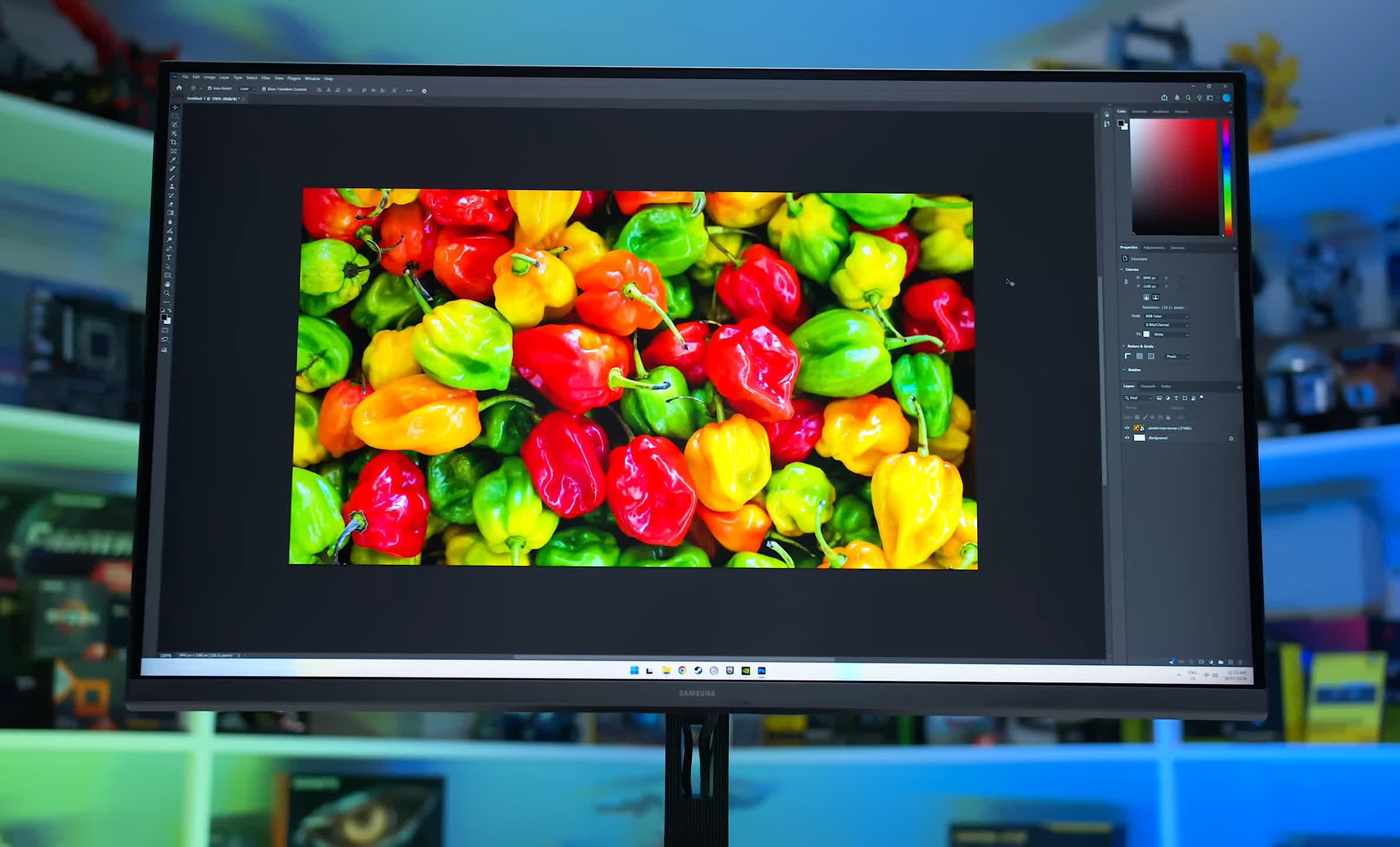
Samsung Odyssey G80HS
The Samsung Odyssey G80HS is a 6K 165Hz model using a 32-inch IPS LCD panel. It has a similar pixel density to the 5K model, but at a larger screen size. Unfortunately, Samsung's design does not include a mini-LED backlight, which is a bit of a letdown considering the high price, but it's essentially the only 6K panel suitable for gaming right now. As with the LG, we thought its MSRP of $1,600 was far too high, but these days it will set you back just $1,100, putting it in a much better position.
We don't expect either of these monitors to be at the top of most people's lists when shopping for a gaming display. But for those who want the exceptional text clarity of a high-DPI productivity monitor without giving up the speed and responsiveness of a modern gaming display, it's great to finally see these sorts of options debut in 2026.