
Today we're taking a comprehensive look at budget 1440p QD-OLED gaming monitors. This category offers fantastic value at the moment, with plenty of options available below $500. In fact, over the last couple of months we've seen some models drop as low as $300, which is pretty crazy.
For this round-up, we've tested 11 different monitors, including quite a few models we haven't covered before. The goal is to compare the options that matter most and hopefully make it easier to narrow down your buying decision.
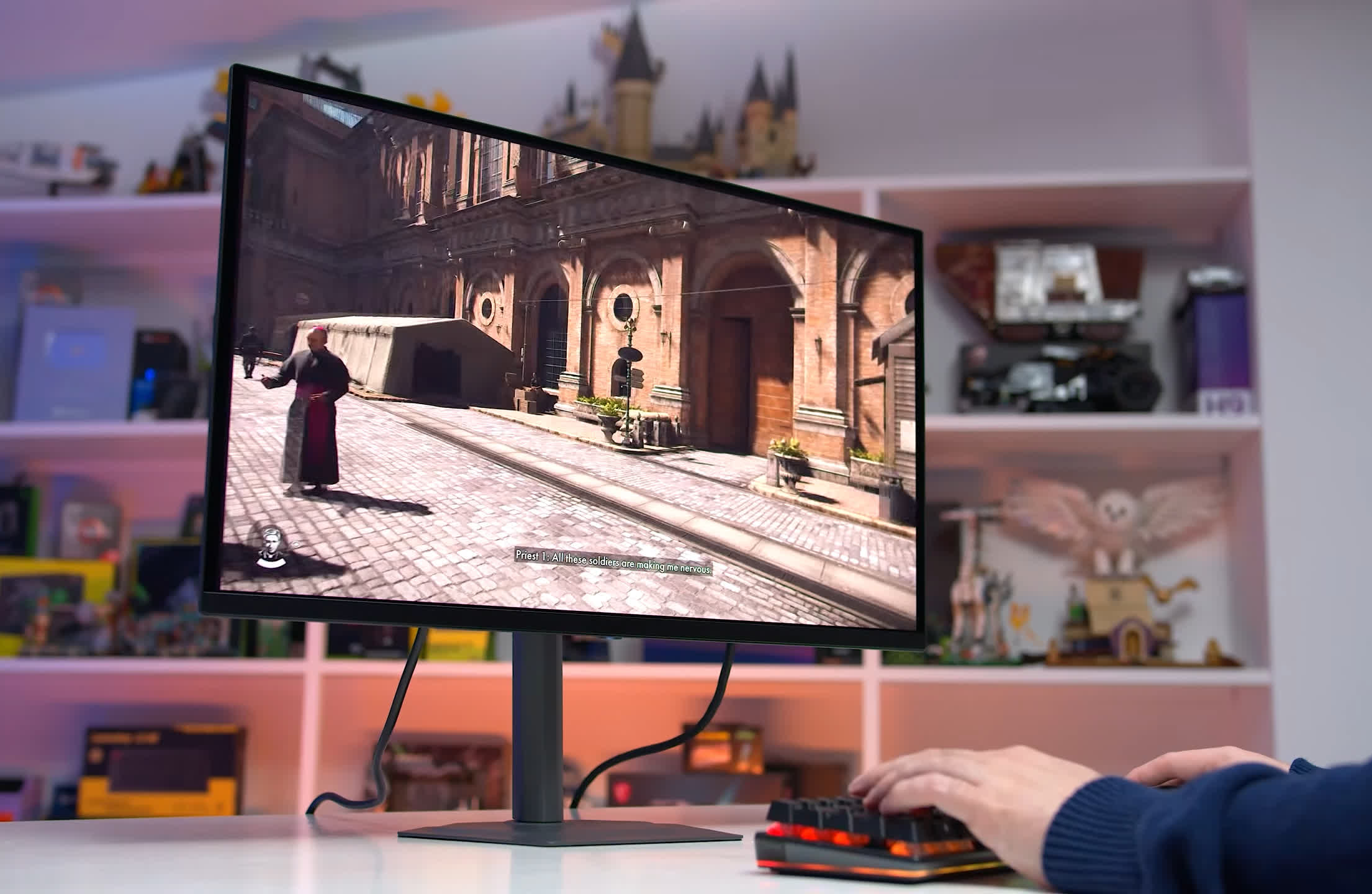
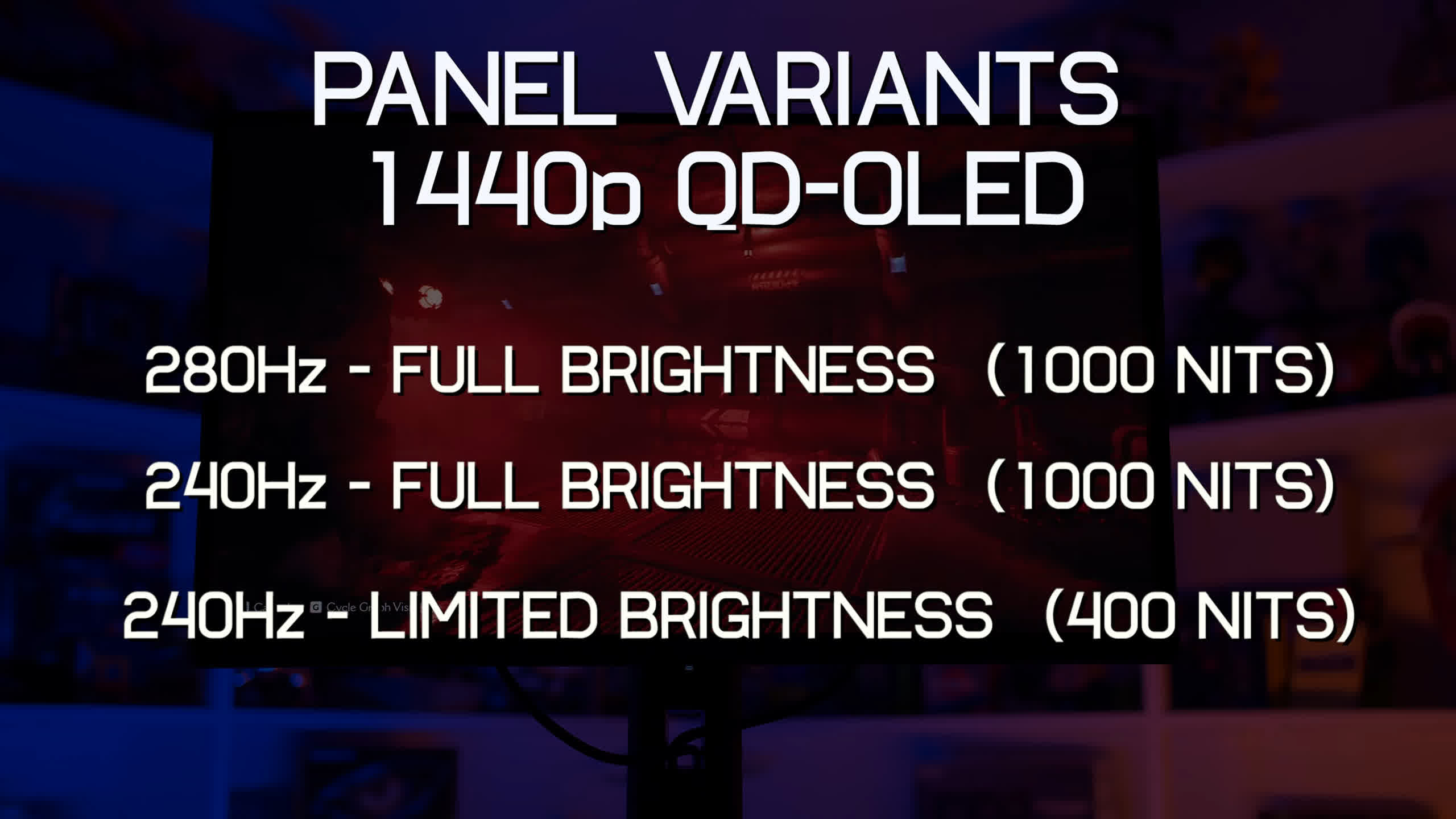
Before getting into each monitor, there's one important detail you need to know. When shopping for a 27-inch 1440p QD-OLED, you'll generally encounter three different panel variants, often within a similar price range and sometimes separated by less than $100. All use the same generation of QD-OLED technology, so the fundamental hardware is largely similar across the range. However, the three variants are:
- 1440p, 280Hz, with full brightness capabilities
- 1440p, 240Hz, with full brightness capabilities
- 1440p, 240Hz, with limited brightness capabilities
There's an obvious trap here. Two of these panels run at 240Hz, but one can reach up to 1,000 nits of peak brightness, while the other is limited to just 400 nits.
That's a problem because when you see a 1440p 240Hz QD-OLED listed at a retailer, it isn't immediately obvious which version you're getting. Things become even more confusing when both options are priced similarly. Some brands are also being a little deceptive here, in our view, using very similar names for the full- and limited-brightness variants. That only adds to the confusion when browsing through the available models.
Making matters worse, the limited-brightness panel arrived well after the full-brightness version. QD-OLED established itself as a monitor technology capable of around 1,000 nits of peak brightness, and for a while that was what buyers could expect from essentially every model. Then, somewhat quietly, this nerfed 400-nit panel began appearing on the market.
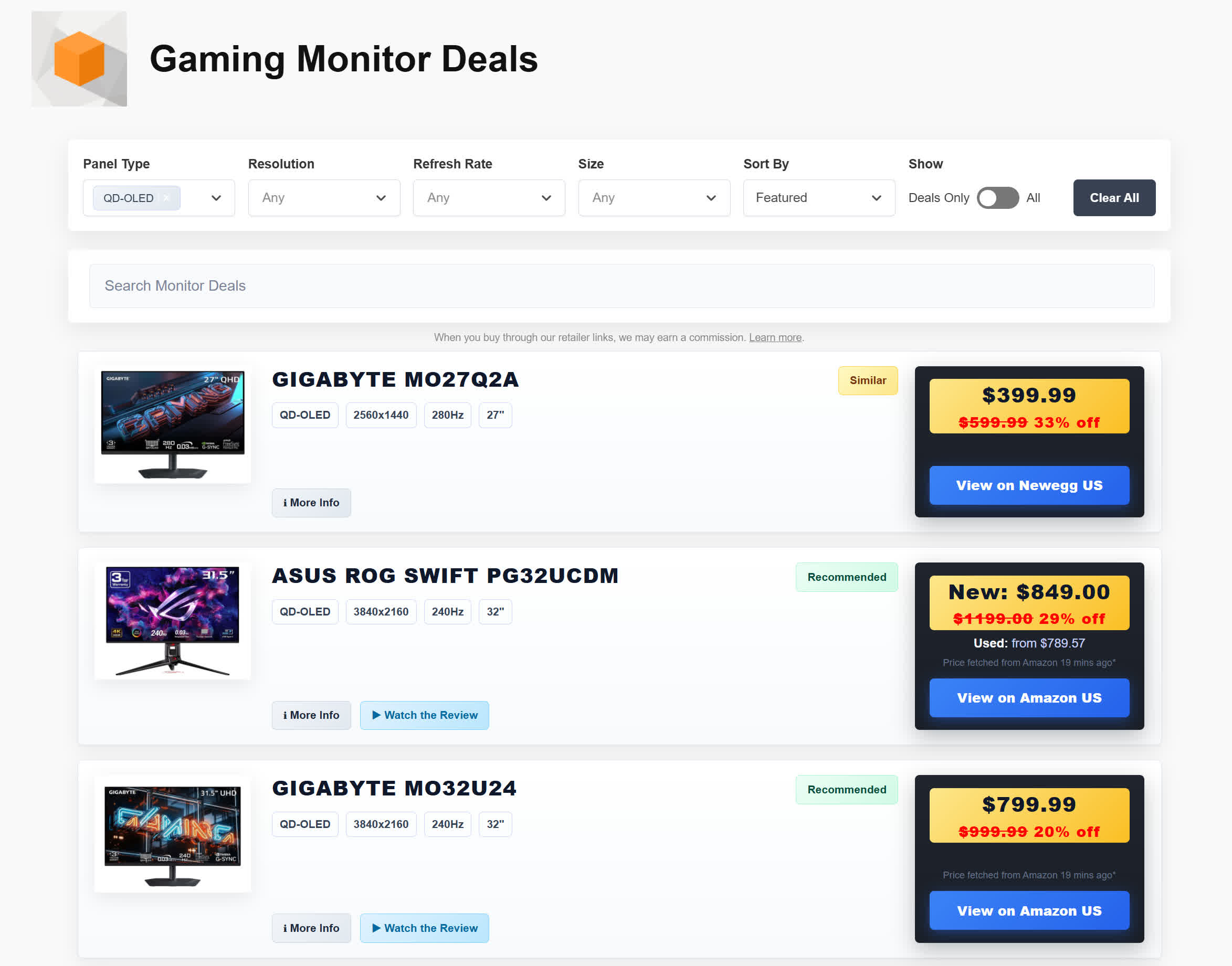
Throughout this round-up we'll make it clear which monitor uses which panel, but there are also a few ways you can double-check this yourself. One option is our website, Monitor Deals. We've validated the specifications for every product included on the site and clearly identify which panel each monitor uses. Product pages also include a warning when a model has lower brightness than you might expect, while our similar-monitors feature groups together products that use identical panels.
You can also look closely at the manufacturer's spec sheet. The 280Hz panel is always the full-brightness variant. For 240Hz models, full-brightness versions are typically rated for 250 nits of SDR brightness, 1,000 nits peak HDR brightness, and DisplayHDR 400 certification. The limited-brightness models lack DisplayHDR 400 certification and are rated for just 200 nits SDR and 400 nits HDR. If you see those specifications on a product page, you're probably looking at the limited-brightness panel.
A Quick Look at the Monitors
| Monitor | Refresh Rate | Brightness Tier | SDR / Peak HDR | Recent Pricing |
|---|---|---|---|---|
| Dell Alienware AW2725D | 280Hz | Full | 250 / 1,000 nits | $400 |
| MSI MAG 271QP X28 | 280Hz | Full | 250 / 1,000 nits | $450 |
| MSI MAG 273QP X24 | 240Hz | Full | 250 / 1,000 nits | – |
| MSI MAG 271QPX E2 | 240Hz | Full | 250 / 1,000 nits | $350 |
| Gigabyte MO27Q2 | 240Hz | Full | 250 / 1,000 nits | <$600 |
| Acer Predator X27U X1 | 240Hz | Full | 250 / 1,000 nits | $450 |
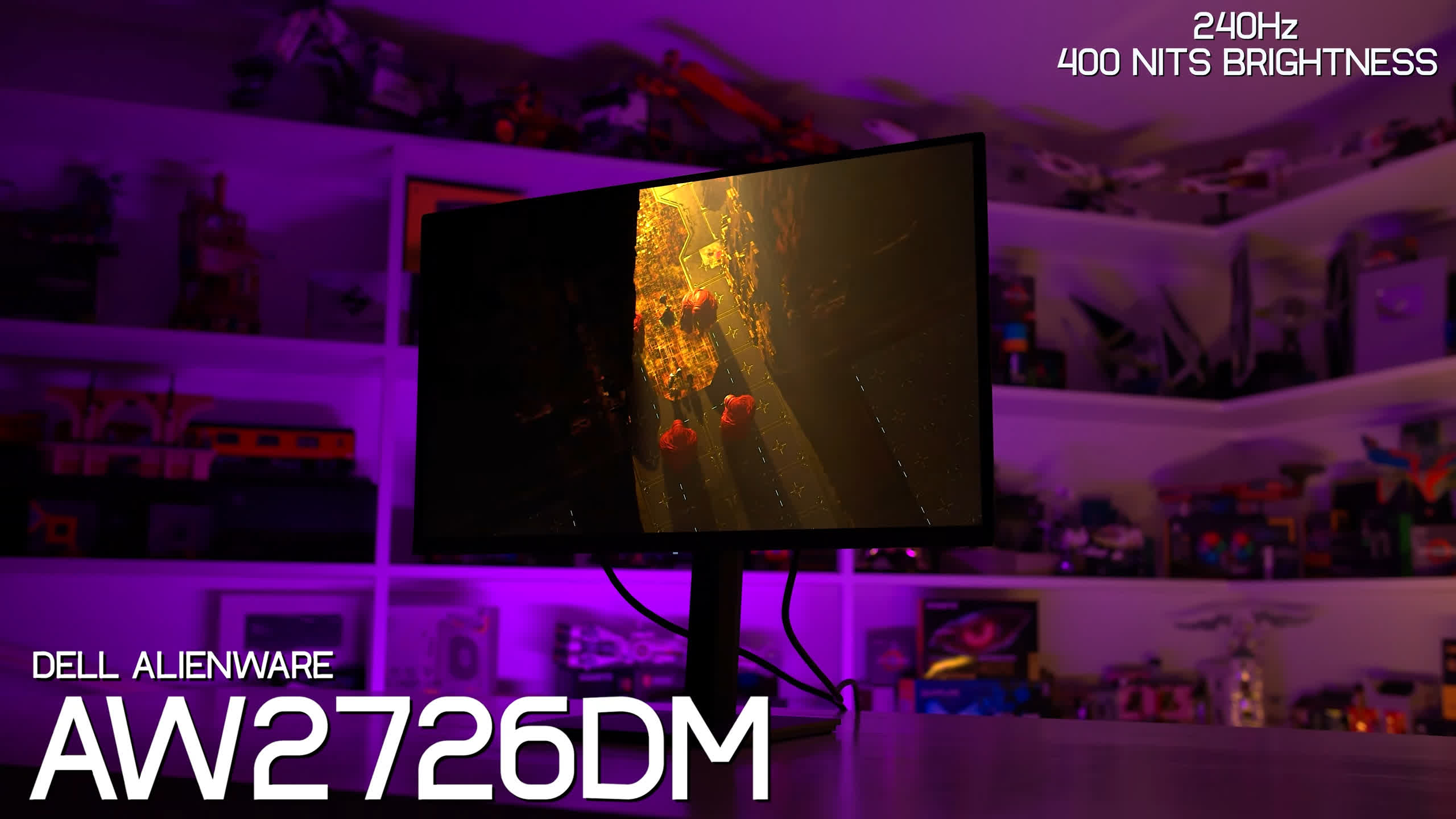
| Dell Alienware AW2726DM | 240Hz | Limited | 200 / 400 nits | $350 |
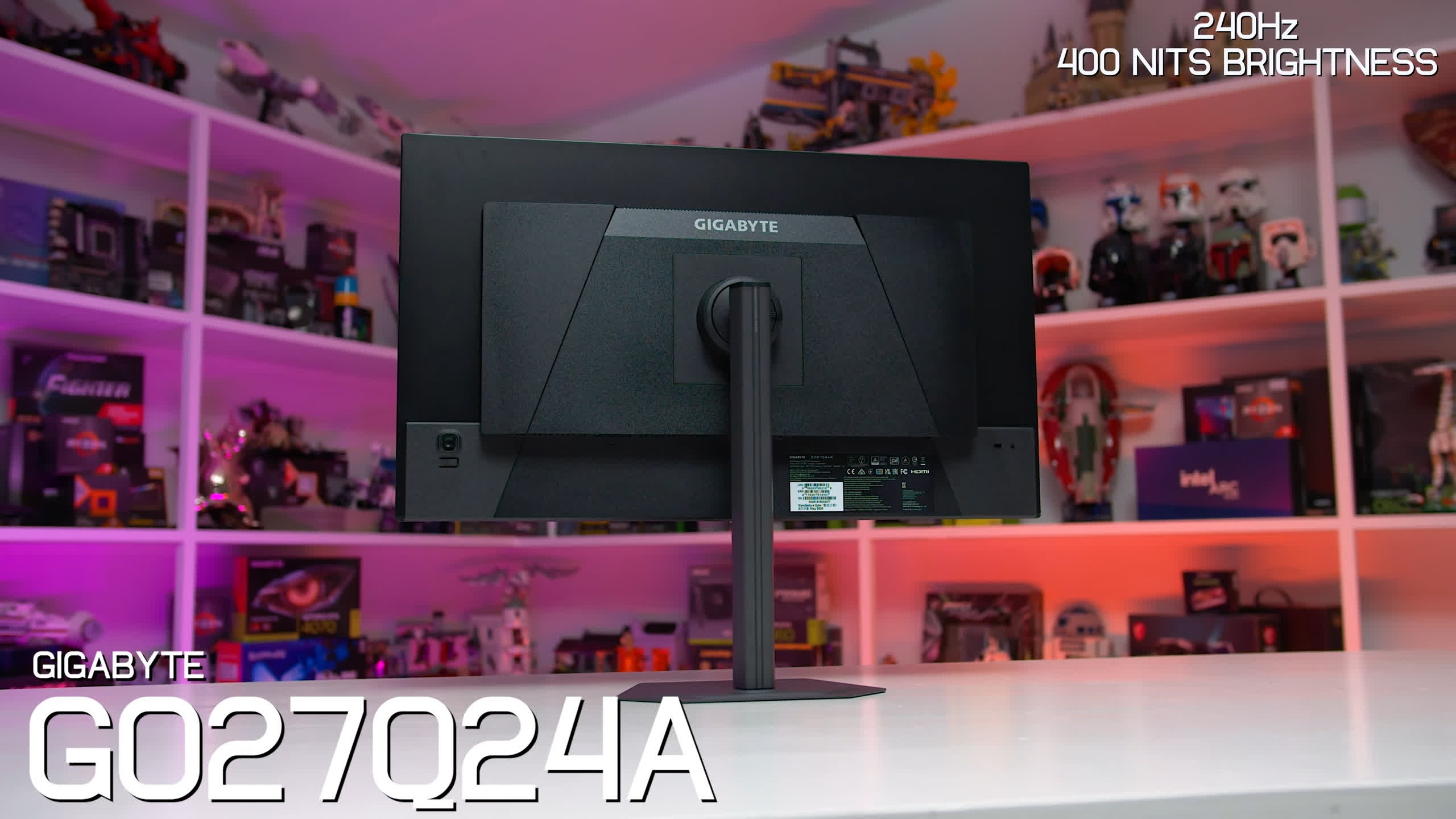
| Gigabyte GO27Q24A | 240Hz | Limited | 200 / 400 nits | $350 |
| AOC Q27G40ZDF | 240Hz | Limited | 200 / 400 nits | – |
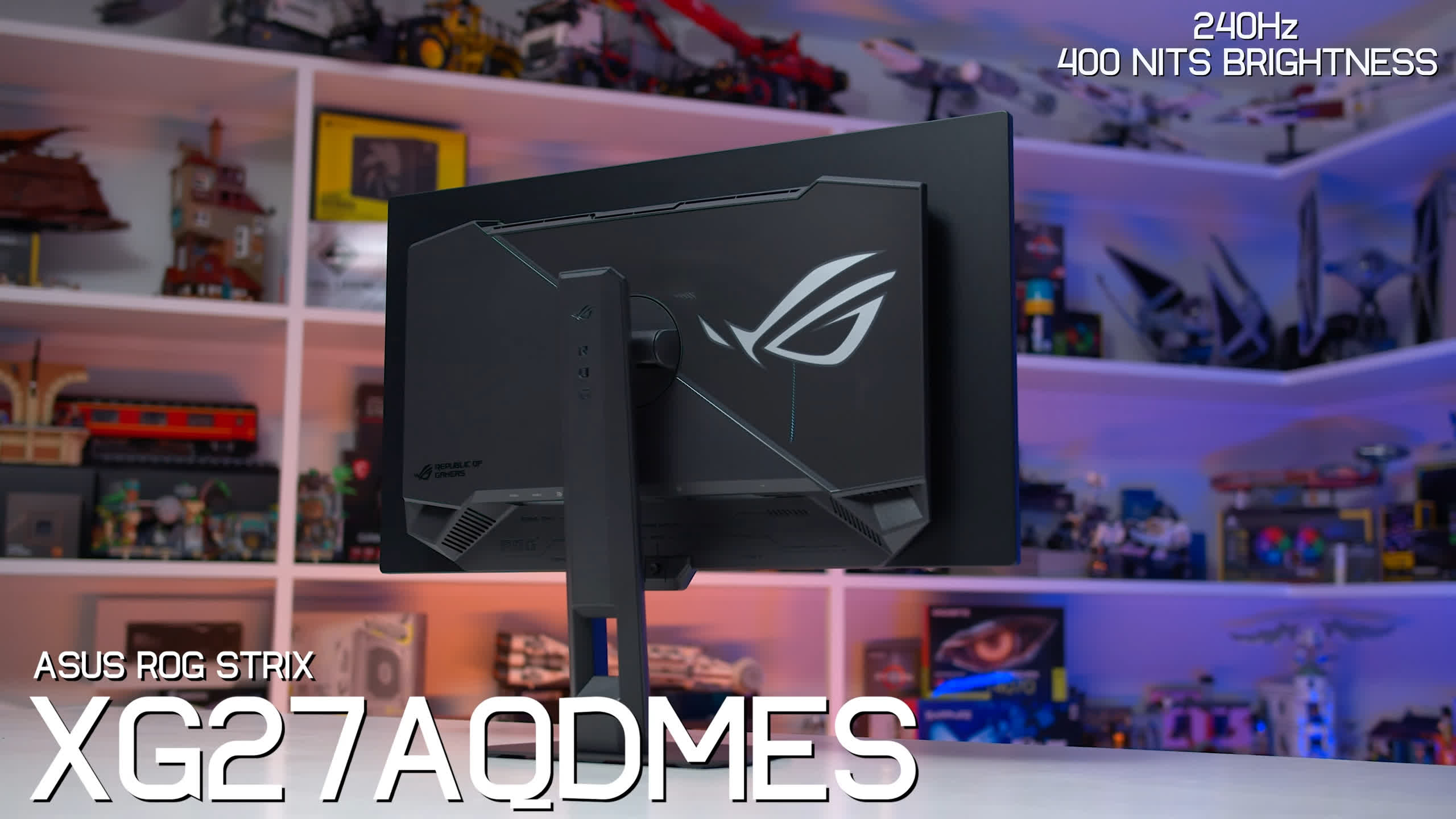
| Asus ROG Strix XG27AQDMES | 240Hz | Limited | 200 / 400 nits | $400 |
| MSI MAG 272QP X24 | 240Hz | Limited | 200 / 400 nits | $400 |
Let's start with the 280Hz models.
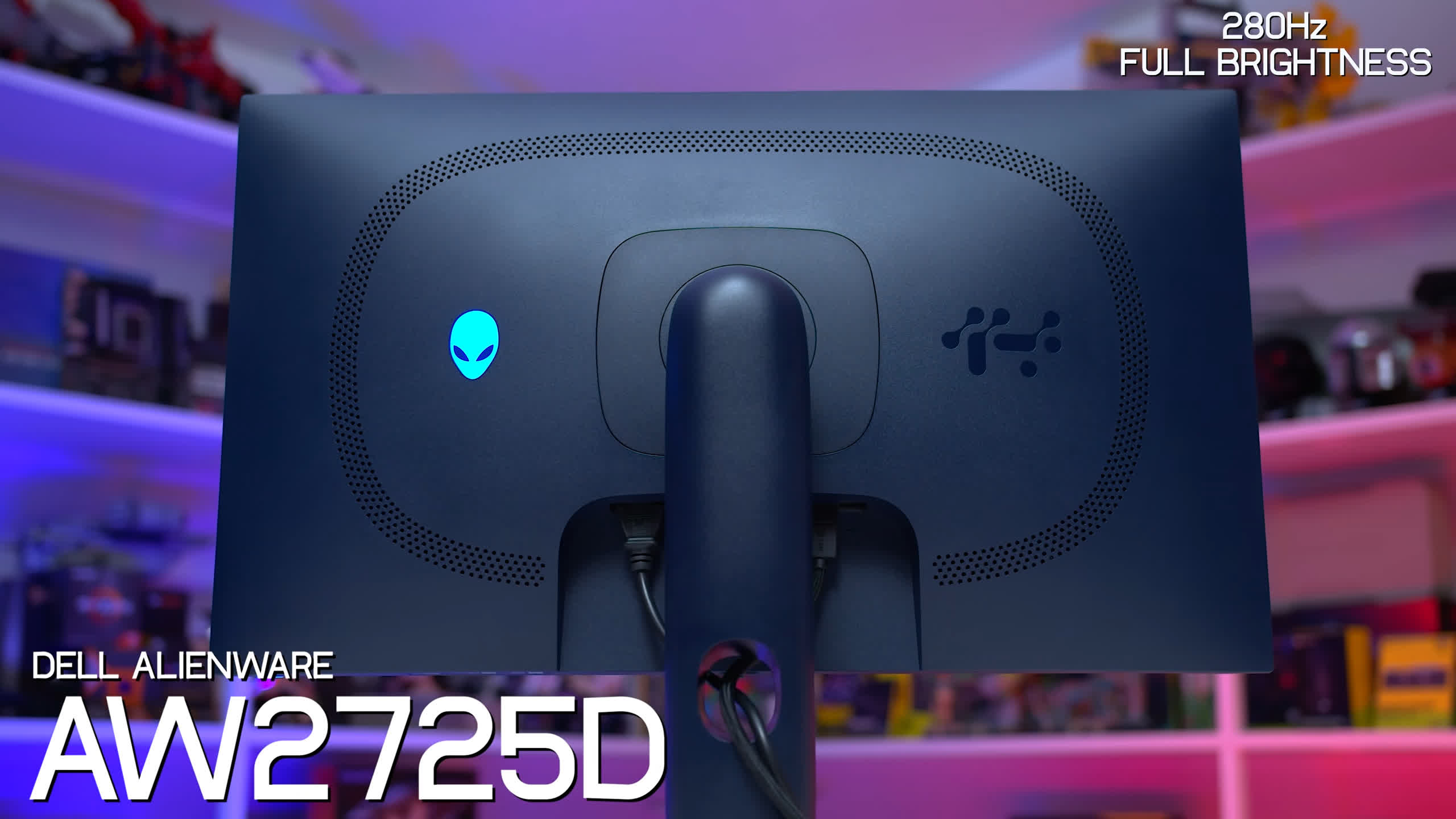
The first is the Dell Alienware AW2725D, which we reviewed in 2025. It has an MSRP of $550, but has recently been discounted to $400, and we'd expect to see sales around that price regularly from here on.
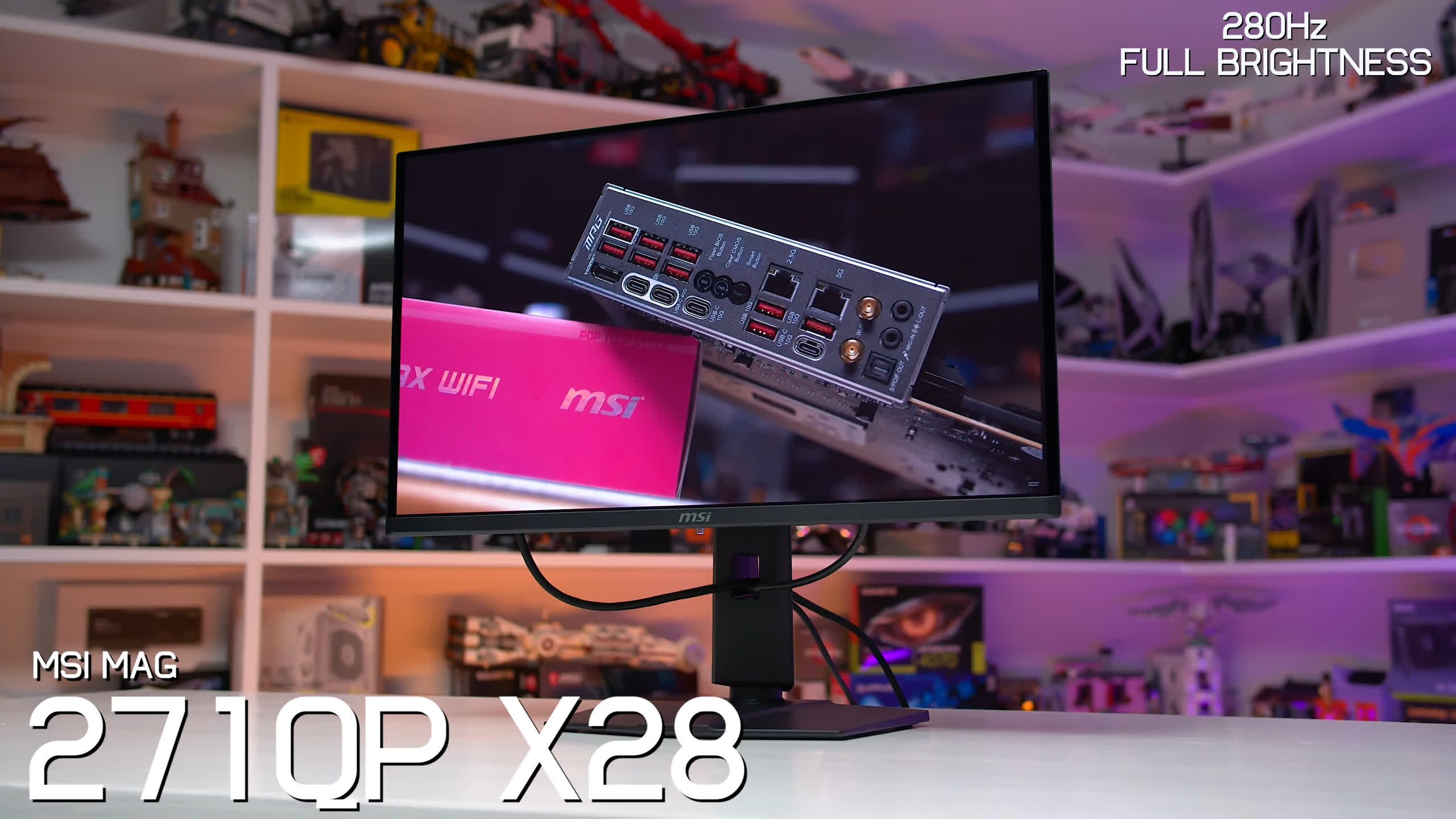
The other 280Hz option in this round-up is the MSI MAG 271QP X28, which has an MSRP of $500 but is more typically found for around $450. Both the Dell and MSI models offer the full brightness capabilities of these 1440p QD-OLED panels, reaching up to 1,000 nits peak.
Next are the 240Hz models using full-brightness panels.
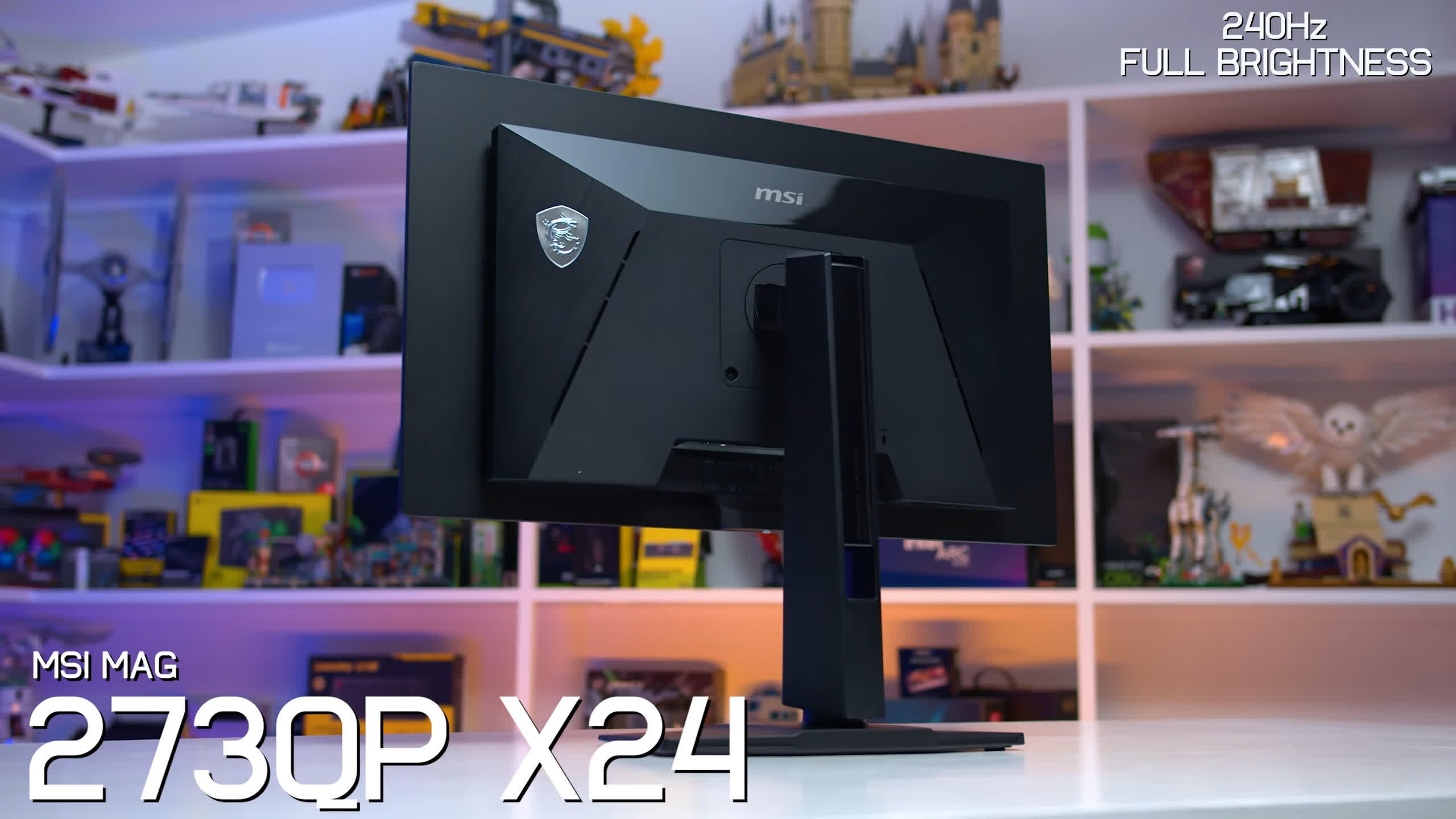
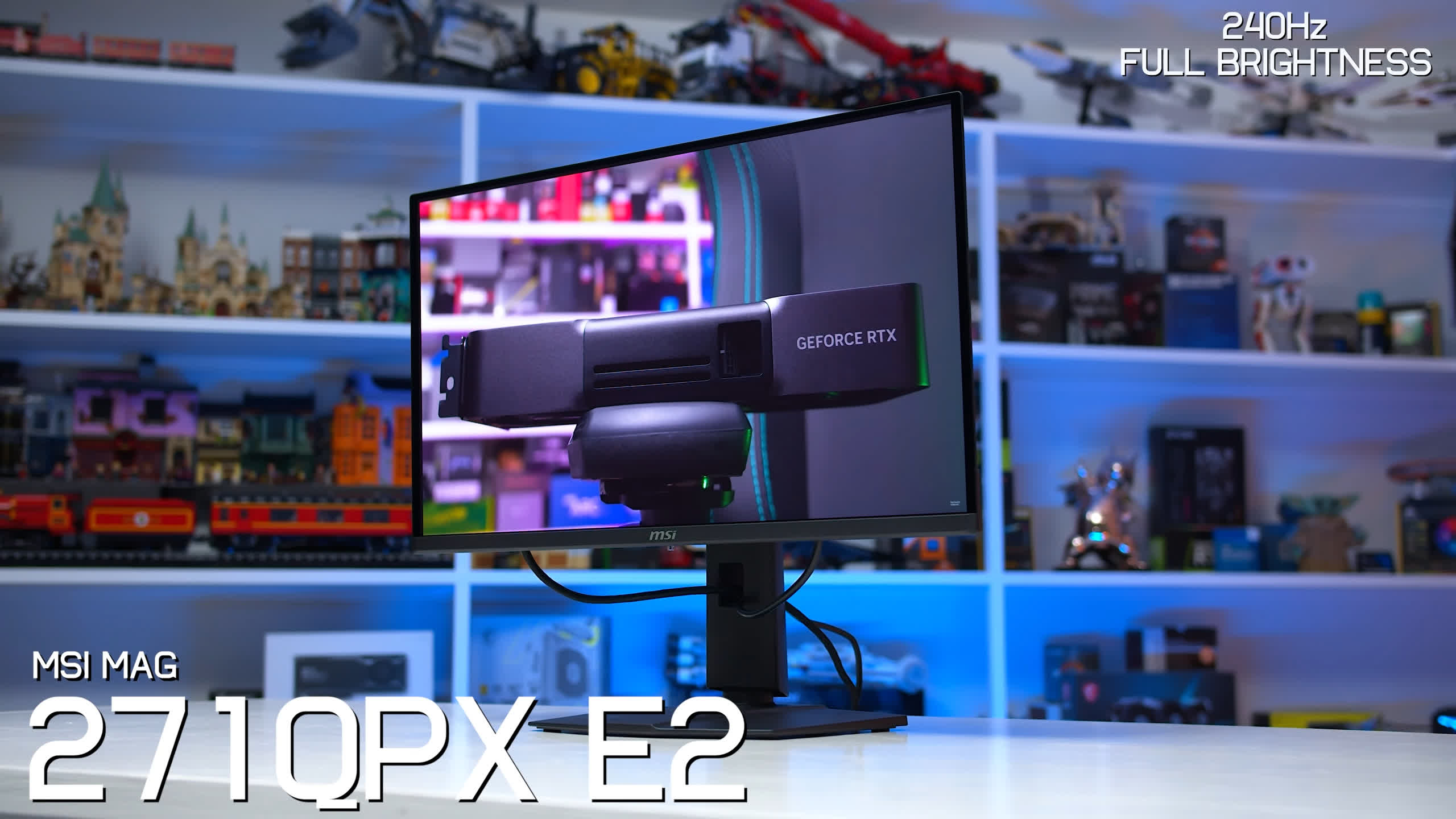
For some reason, MSI has produced multiple versions based on this panel, so we've included both the MAG 273QP X24 and the older MAG 271QPX E2. The E2 can occasionally be found for around $350, while the 273QP X24 has been discontinued in some markets. MSI's 271QP X24 is a minor variant of the 273QP X24 with a slightly different design, although we haven't tested that particular model.
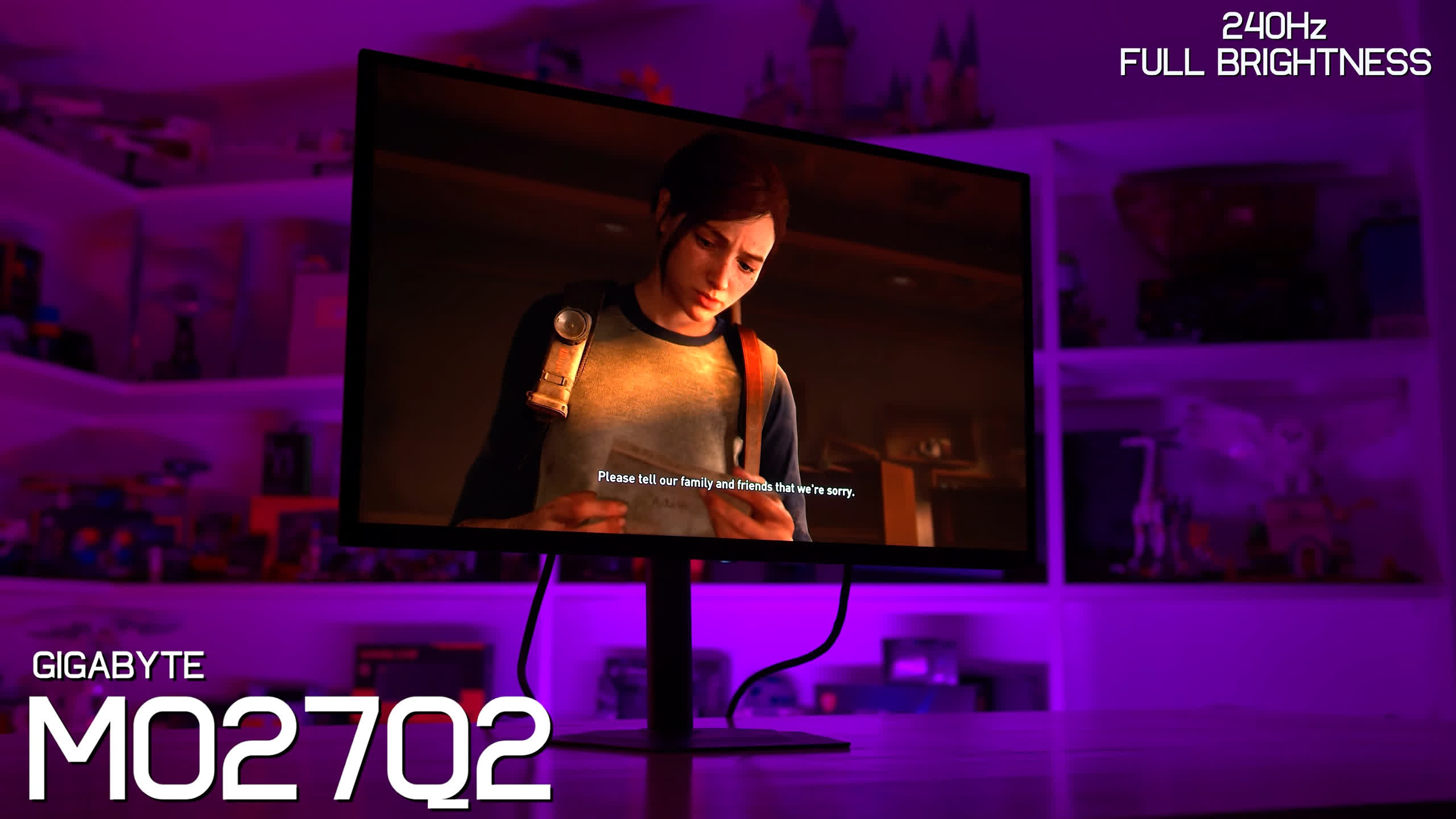
The Gigabyte MO27Q2 is another 240Hz full-brightness option, which we reviewed in 2025. It launched at $600 but was frequently sold below that price, and it's still available in some regions despite largely being replaced by the MO27Q2A, which uses a 280Hz panel.
We've also tested the Acer Predator X27U X1, which is commonly found for around $400 to $450. Acer offers several X27U models: the X1 tested here uses the 240Hz full-brightness panel, the Z1 uses the 280Hz panel, and the W1 uses the lower-brightness 240Hz panel.
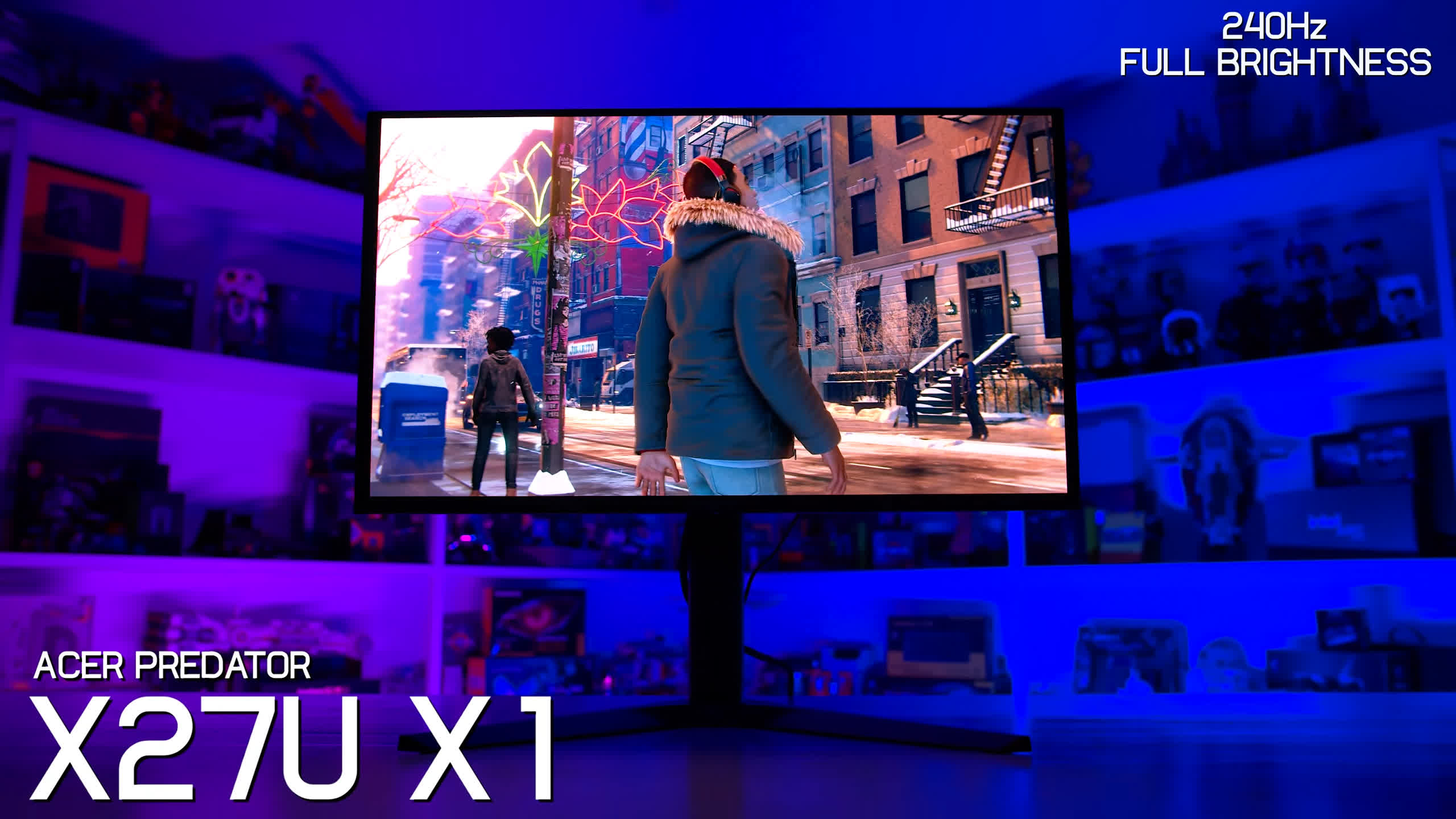
All three models look very similar, and Acer's naming scheme doesn't make them especially easy to distinguish. For this round-up, though, we're specifically testing the 240Hz X1.
The Lower-Brightness 240Hz Models
Then we get to the 240Hz models using the limited-brightness panel.
One we've already reviewed is the Dell Alienware AW2726DM, which made a huge splash when it launched with an MSRP of just $350. That aggressive price forced a number of other QD-OLED manufacturers to respond and helped push prices down across the category.
We also have the Gigabyte GO27Q24A, which carries an MSRP of $450 but typically sells for around $350, matching the Alienware. Gigabyte has actually done a decent job with its naming scheme here. A G at the beginning indicates the lower-cost, lower-spec variant, while an M indicates a step up with full-brightness capabilities. Just watch the letter at the end. The GO27Q24A is the QD-OLED model, while the GO27Q24G uses a WOLED panel.
The AOC Q27G40ZDF is another low-cost 240Hz QD-OLED, although AOC appears to offer several variants using this limited-brightness panel depending on the retailer and region.
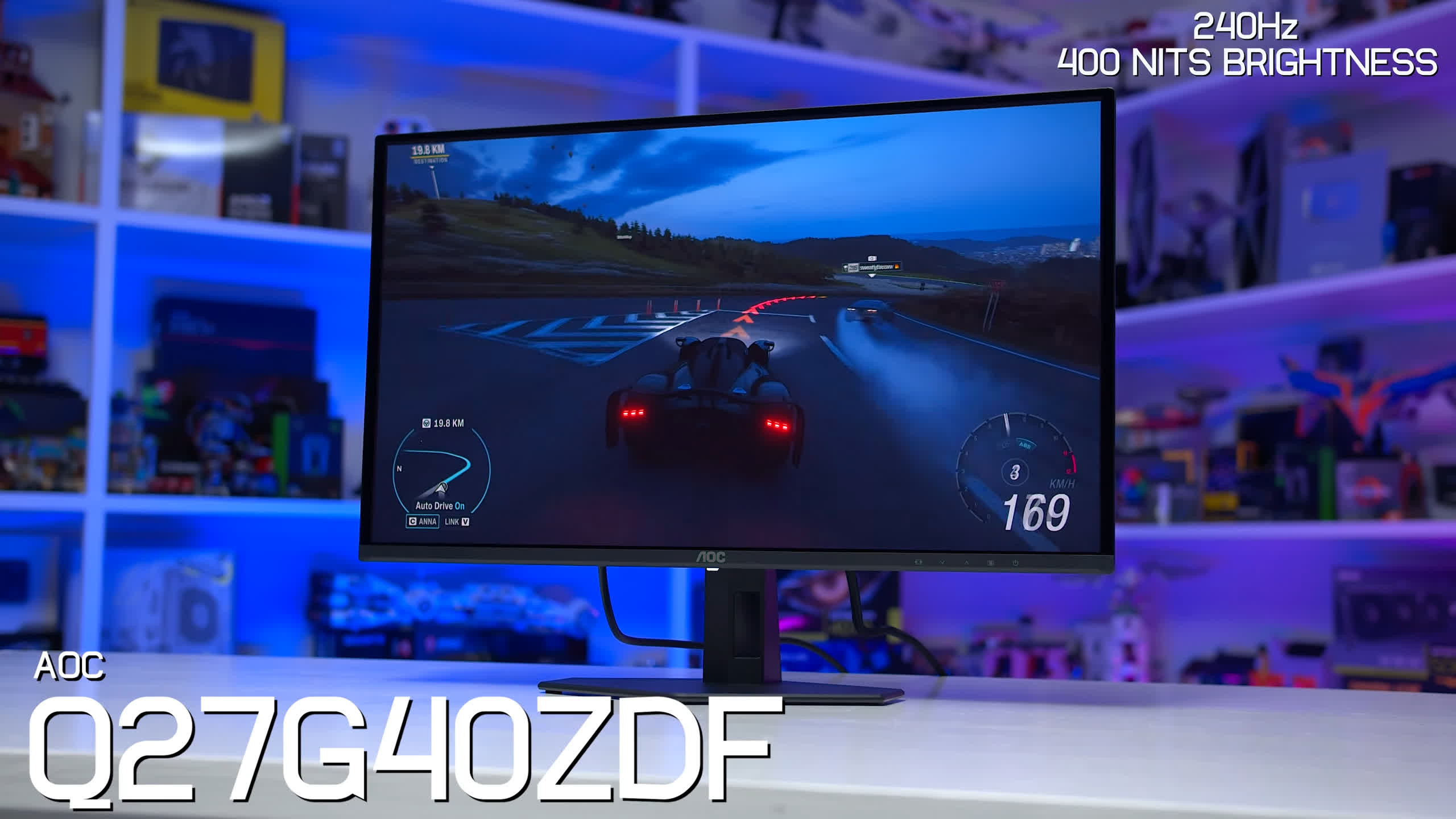
Also in the same family are the Q27G41ZDF and Q27GAZD. All three are extremely similar, so our findings for the G40ZDF should broadly apply to the other two models. Even the design and connectivity are essentially the same.
The ROG Strix XG27AQDMES is Asus' take on the 240Hz limited-brightness panel. It bizarrely launched with an MSRP of $600, though more recently it has been available for around $400.
Lastly, we have the MSI MAG 272QP X24, which also uses the lower-brightness 240Hz panel.
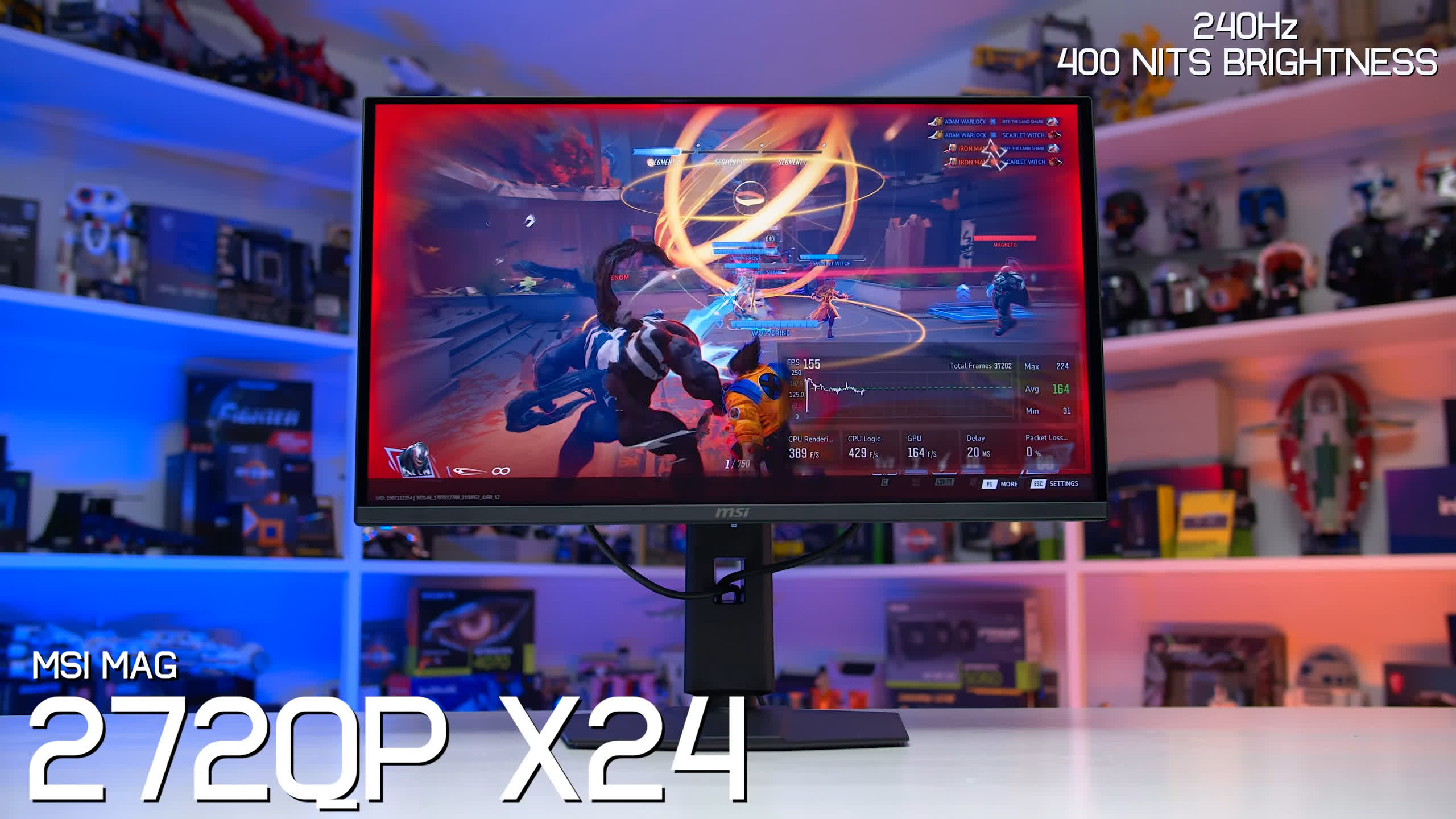
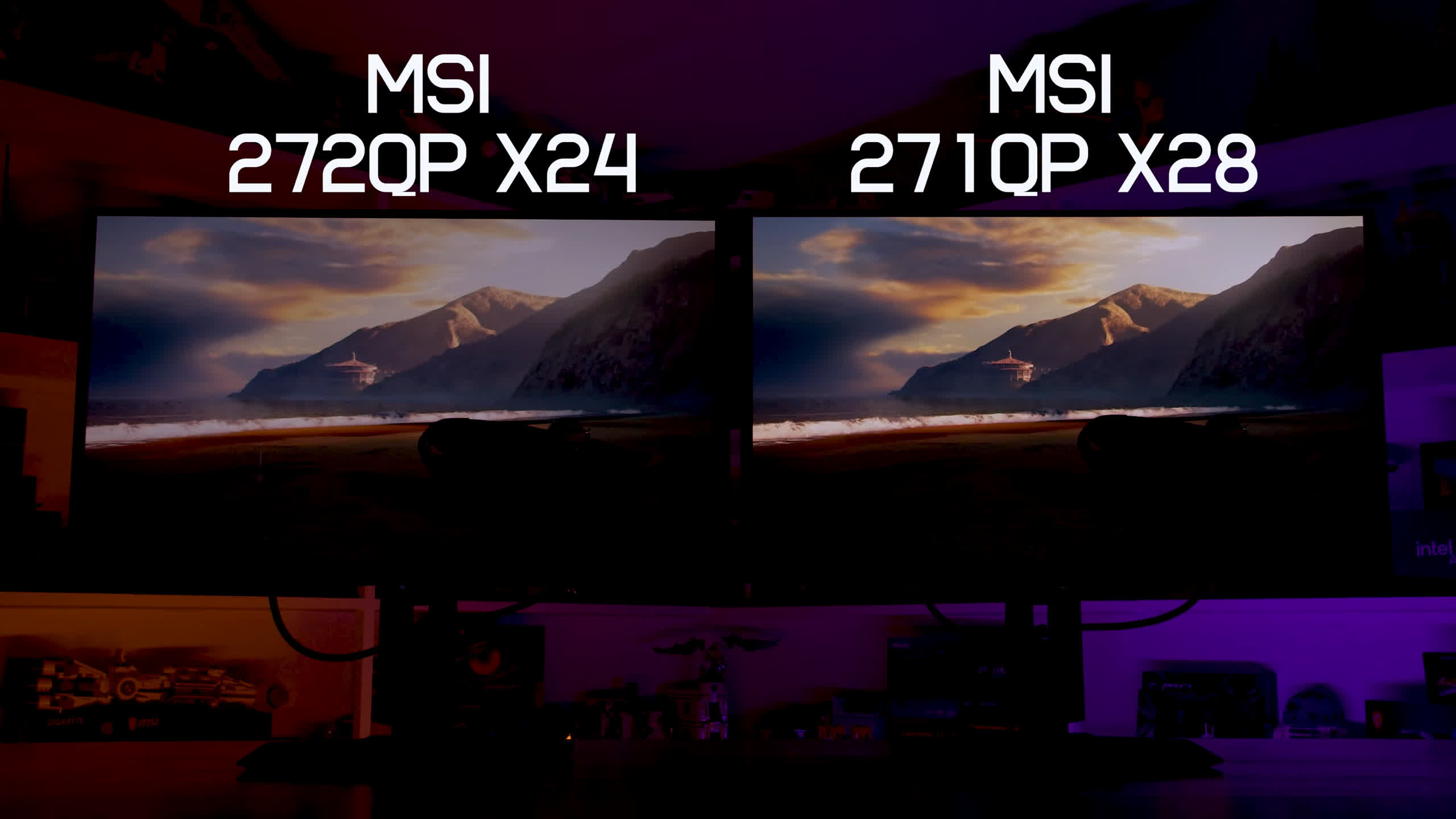
This is where MSI's line-up becomes particularly confusing and, in our opinion, somewhat deceptive. The 272QP X24 and very similar 274QP X24 both use the limited-brightness panel and are typically available for $350 to $400. Meanwhile, the 271QP X24 and 273QP X24 both use the full-brightness 240Hz panel.
That's nowhere near enough differentiation in the naming. If anything, the model numbers make the limited-brightness versions sound newer or higher-end, with the 274QP appearing to sit above the 273QP. So if you're shopping for an MSI QD-OLED, you'll need to pay very close attention to the exact model number. A single digit in the middle of the product name can determine which panel you're actually getting.
These aren't all of the budget 1440p QD-OLEDs currently on the market. As mentioned, there are several minor variants of the products we're testing here, along with a handful of models we haven't been able to get our hands on yet. We'll continue to test more monitors in this category, but these 11 models provide a good starting point for understanding the current budget QD-OLED landscape.
QD-OLED Similarities: Panel Coating and Subpixel Layout
While there are three panel variants used across these budget QD-OLED monitors, all of them use the same generation of QD-OLED technology and share the same baseline capabilities. The panel structure, layout, per-pixel control, and deep-black performance are effectively identical across all 11 monitors in this round-up.
That means characteristics such as black depth, screen coating, and subpixel layout are the same regardless of which variant you buy.
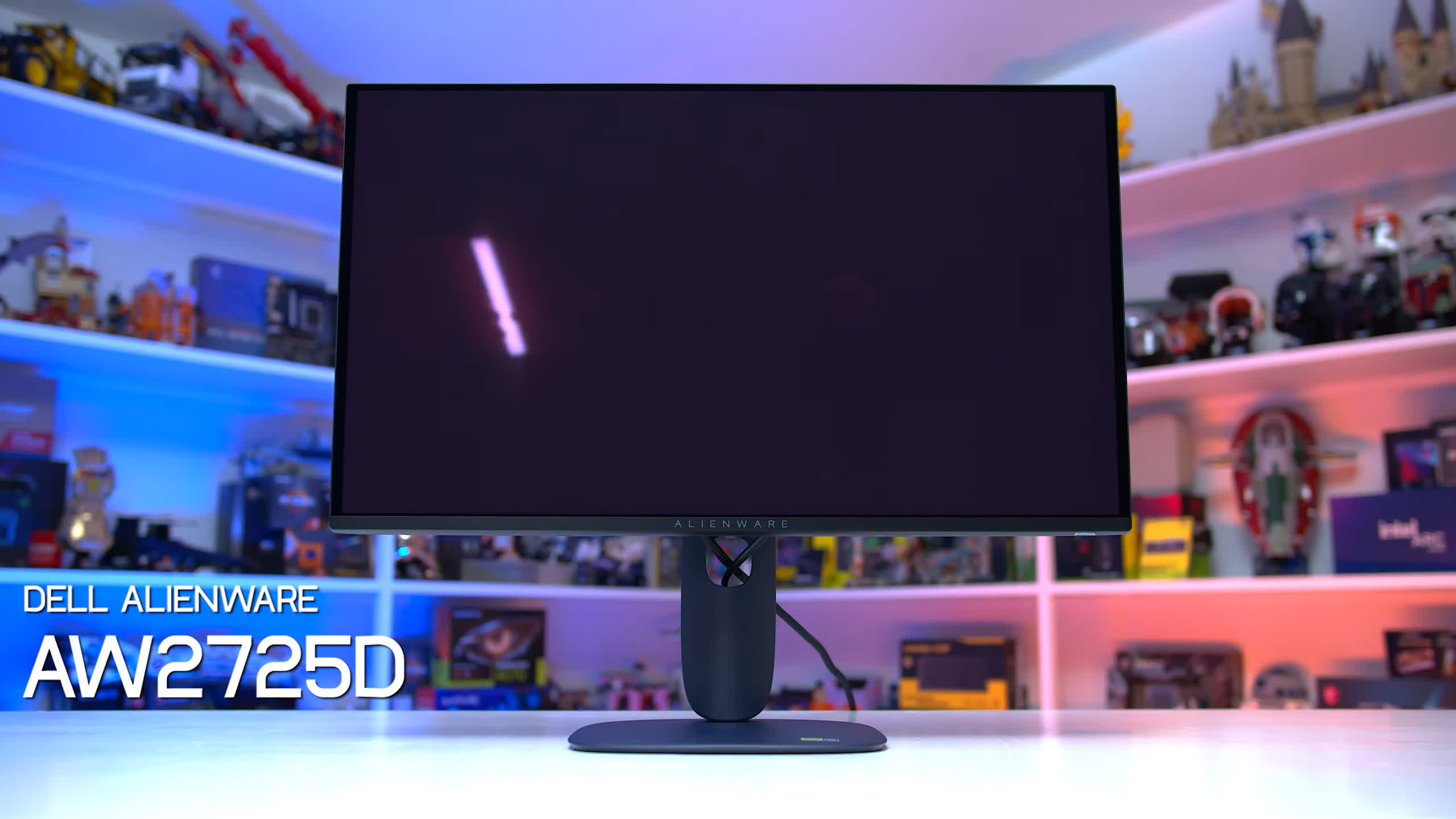
The screen coating on all 11 models is the same glossy QD-OLED finish we've seen for several years now. Its main strengths are a grain-free appearance that delivers excellent clarity, along with very good reflection handling. Because it's glossy, there is still some mirror-like reflectivity, but direct reflections are generally more subdued than on many other glossy displays. If you're using the monitor in an environment where light sources aren't directly hitting the screen, it's a great coating that produces a vibrant, clear image.
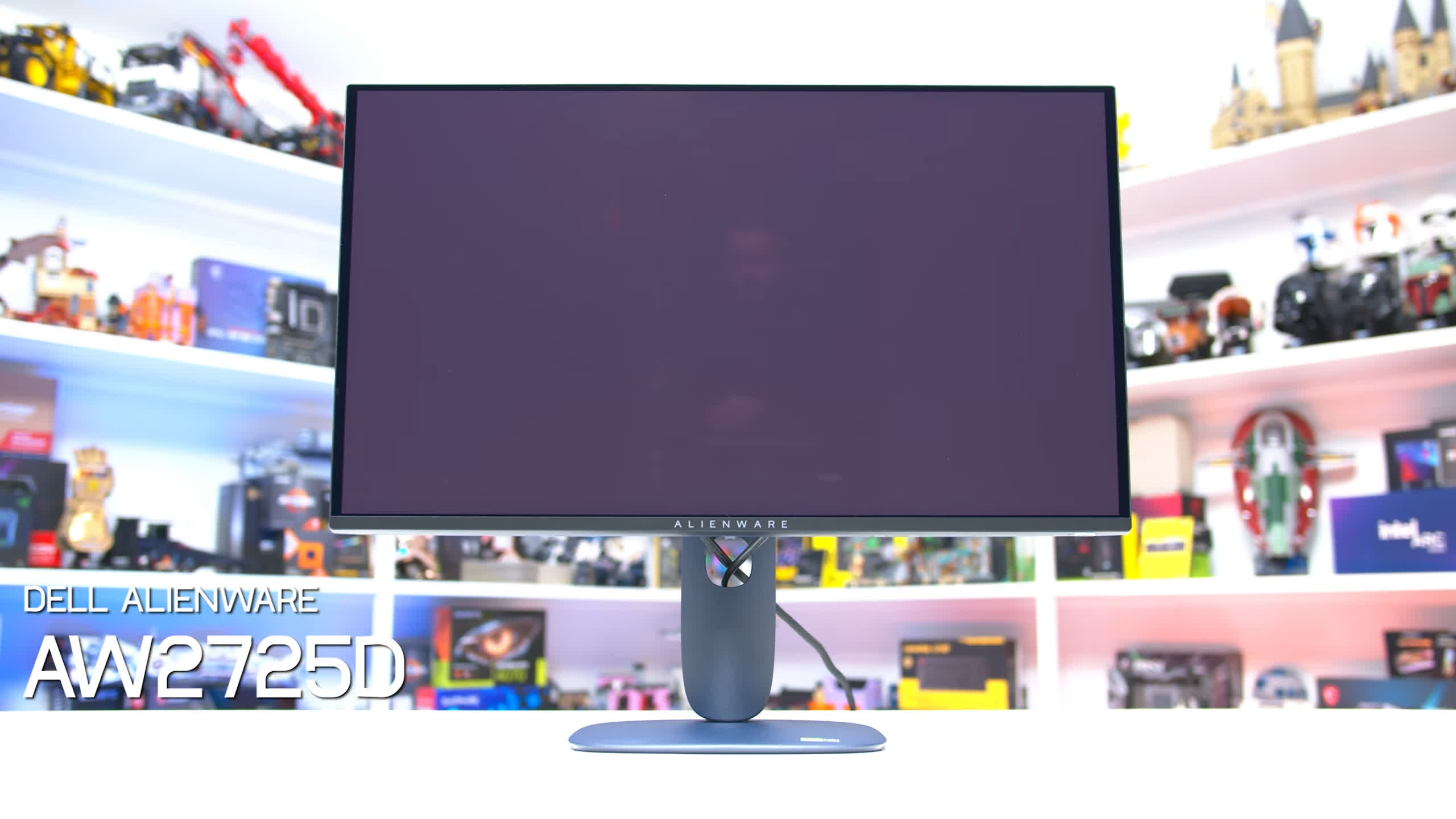
The main weakness is ambient-light reflectivity. In moderately to brightly lit environments, QD-OLED panels reflect ambient light in a way that raises black levels and gives the screen a slight reddish-purple tint. Under these conditions, blacks can appear gray rather than properly black, reducing one of OLED's biggest advantages.
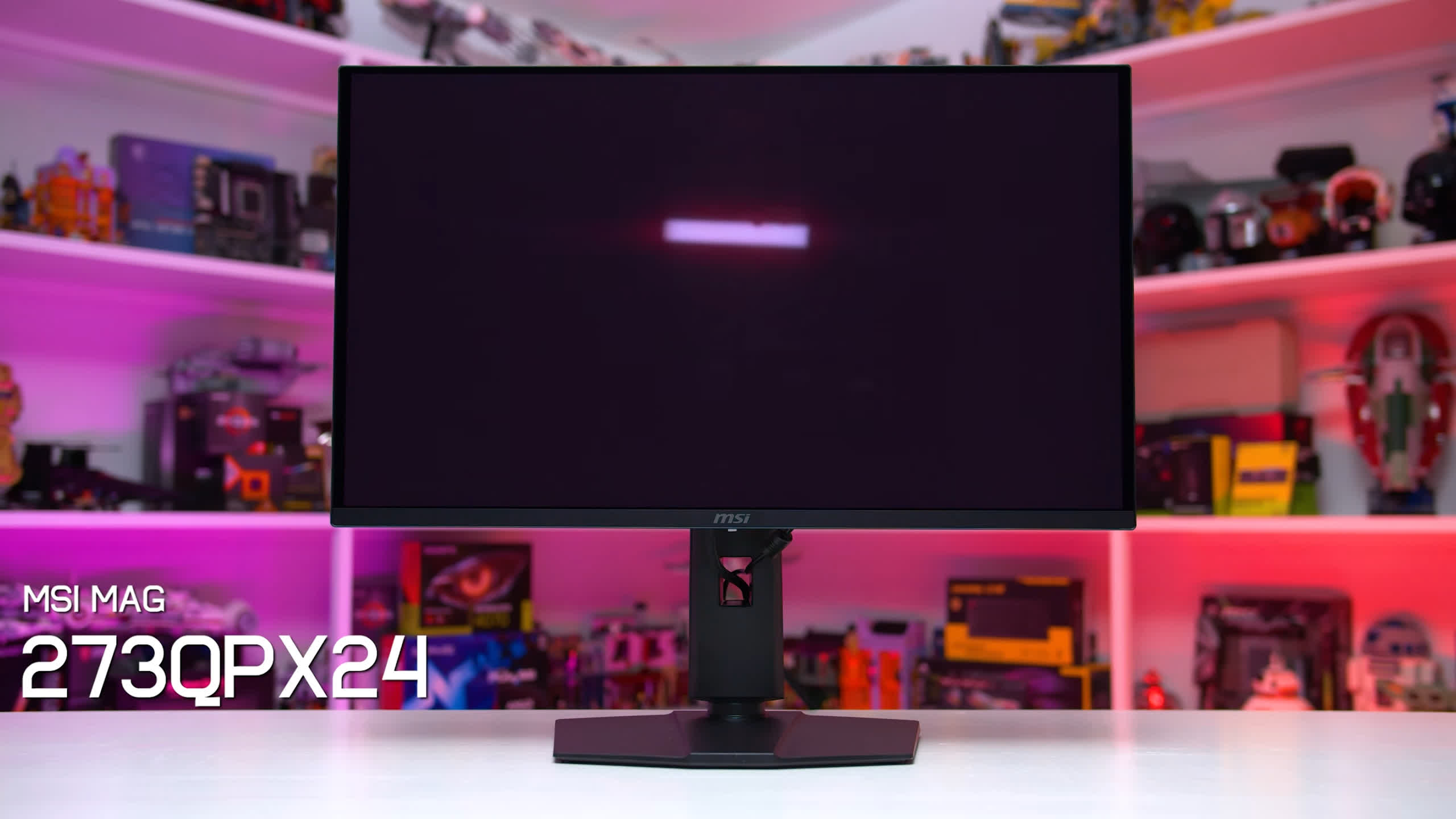
You can mitigate this by positioning light sources so they don't hit the display directly, but that won't be practical for everyone. Ultimately, it's a limitation of this type of panel, and one reason QD-OLED monitors are best suited to darker rooms where the strengths of the technology can really shine.
Text rendering is also identical across all of these budget 1440p QD-OLEDs because they use the same triangular RGB subpixel layout. Since this isn't a traditional RGB stripe, it isn't fully compatible with modern subpixel font-rendering techniques.
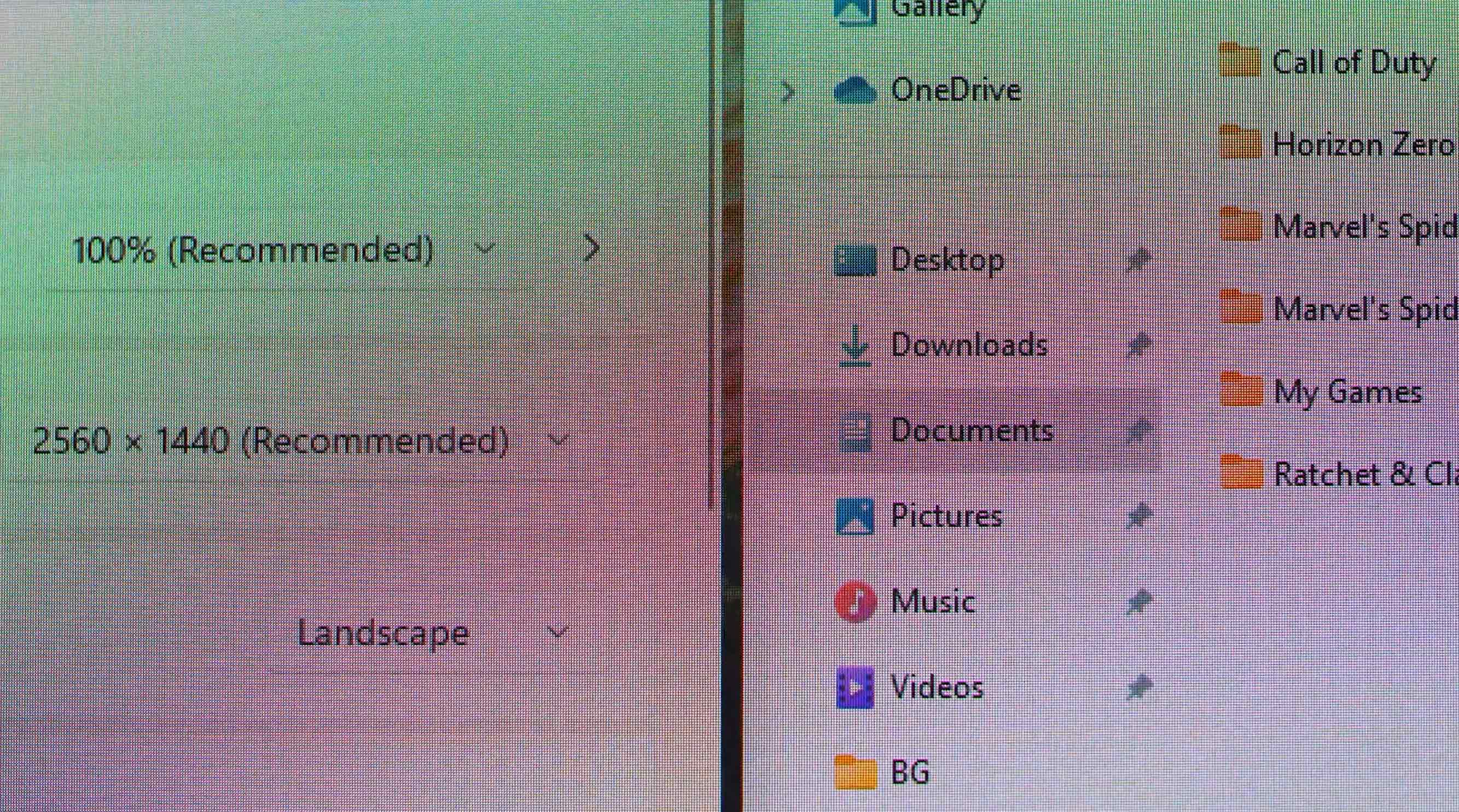
As a result, text quality isn't as good as on monitors that use a conventional RGB stripe, such as most LCDs. With the triangular RGB layout, you may notice faint pink and green fringing around the top and bottom edges of text, which reduces overall clarity and can be a downgrade if you're coming from an LCD.
Text Rendering Quality
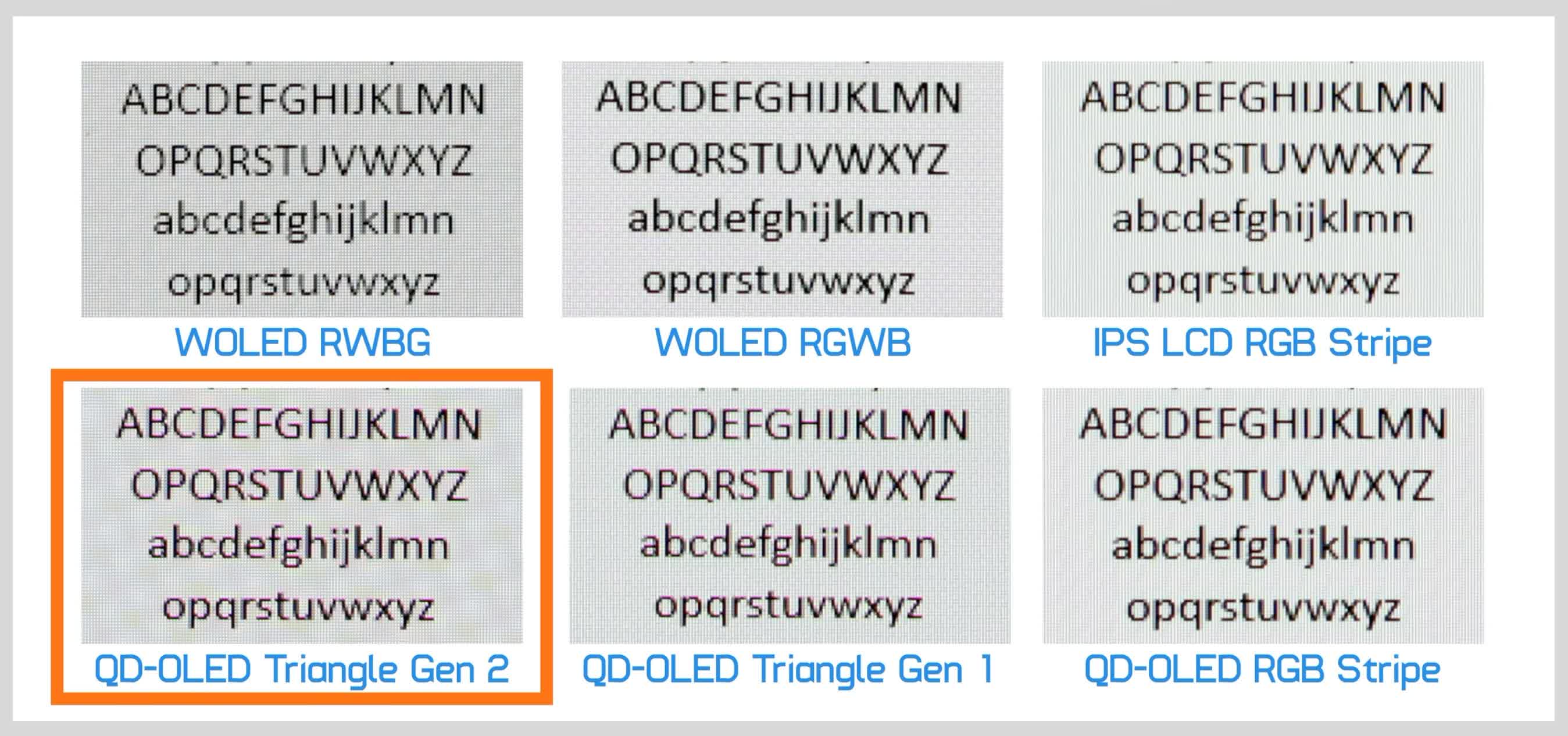
That said, we've heard from plenty of users who barely notice the issue, so how distracting it is will depend on your sensitivity to these artifacts and how much time you spend reading text. The subpixel layout has essentially no impact when watching video or playing games, where these displays look excellent.
Brightness: SDR and HDR
Brightness is where the different panel variants start to separate more clearly, which makes sense given that some are designed with limited brightness while others offer the full capabilities of QD-OLED. This affects both SDR and HDR performance, starting with SDR.
All of the full-brightness monitors are capable of around 250 nits in full-screen white SDR content, with no meaningful difference between them. The limited-brightness models, meanwhile, typically achieve around 190 to 200 nits. There's slightly more variation within this lower-brightness group. For example, we measured the Gigabyte GO27Q24A at around 8% brighter than the Dell AW2726DM, but broadly speaking these are 200-nit displays.
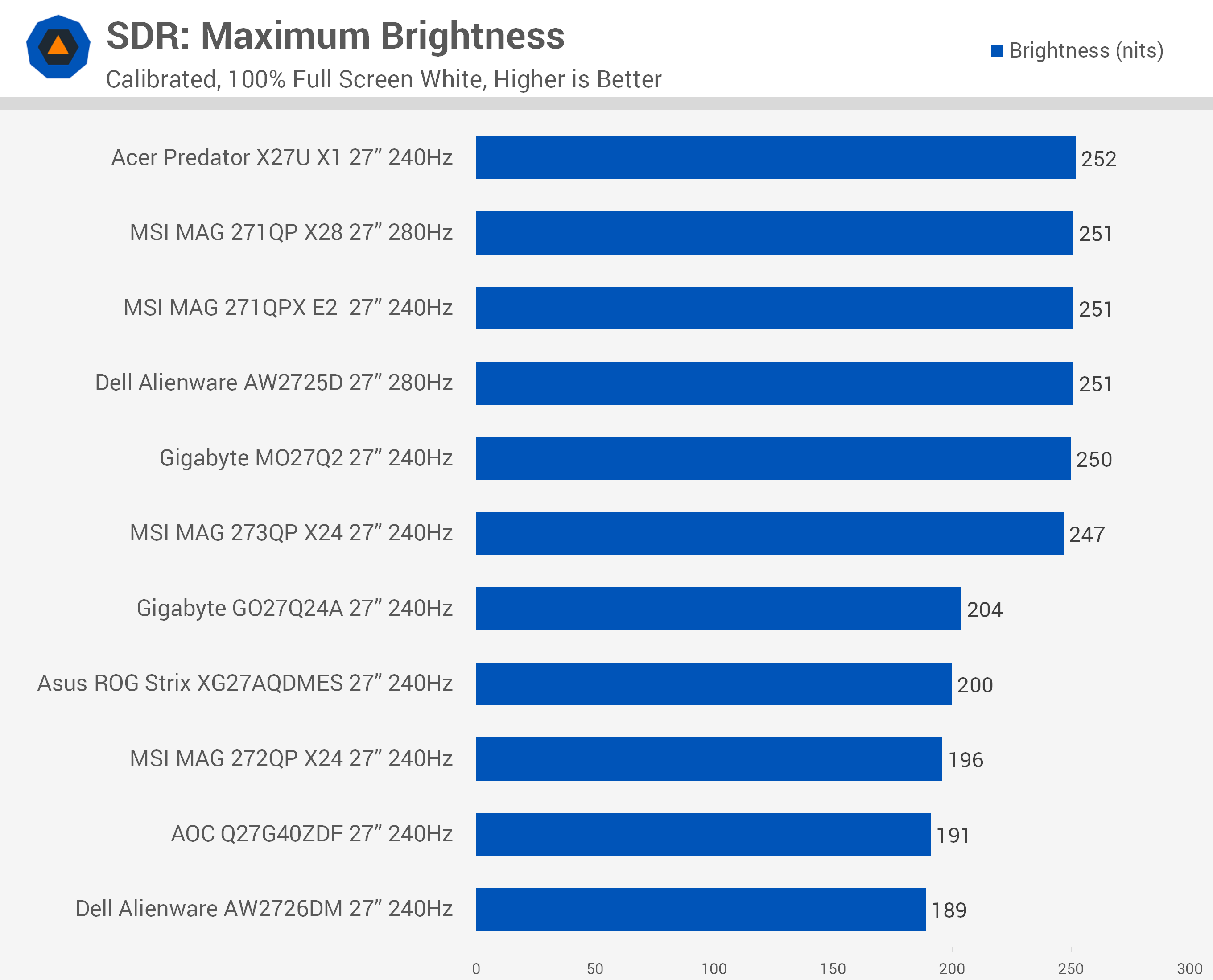
That means the full-brightness models are ultimately capable of around 25% higher SDR brightness.
But does that actually matter? It depends on your use case.
We generally find 200 nits sufficient for indoor use in a moderately lit or darker room, particularly where glare isn't an issue. In those conditions, we'd often turn down a 250-nit monitor anyway for a more comfortable viewing experience.
But if you use your monitor in a brighter room, deal with significant glare, need extra brightness to overcome reflections, or simply prefer running your display at high brightness levels, 200 nits may not be enough. In that situation, opting for a full-brightness QD-OLED makes much more sense.
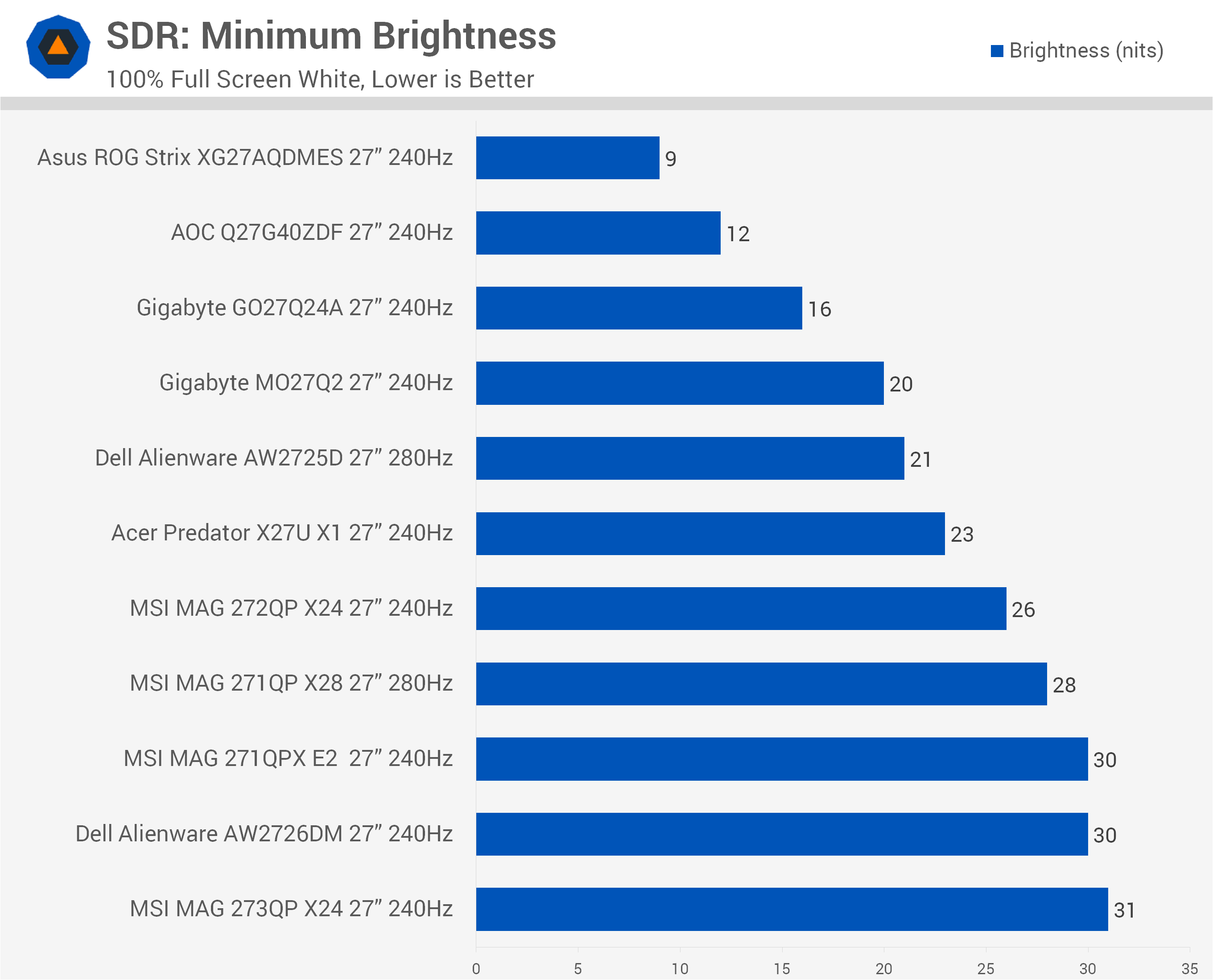
Minimum brightness is very good across the board. The highest minimum we measured was around 30 nits, which is already quite low and should be perfectly usable in dark environments. A few monitors can get much dimmer, particularly the Asus and AOC models, although we're not sure how practical it would be to actually use one at around 10 nits.
HDR Is Where the Gap Gets Much Larger
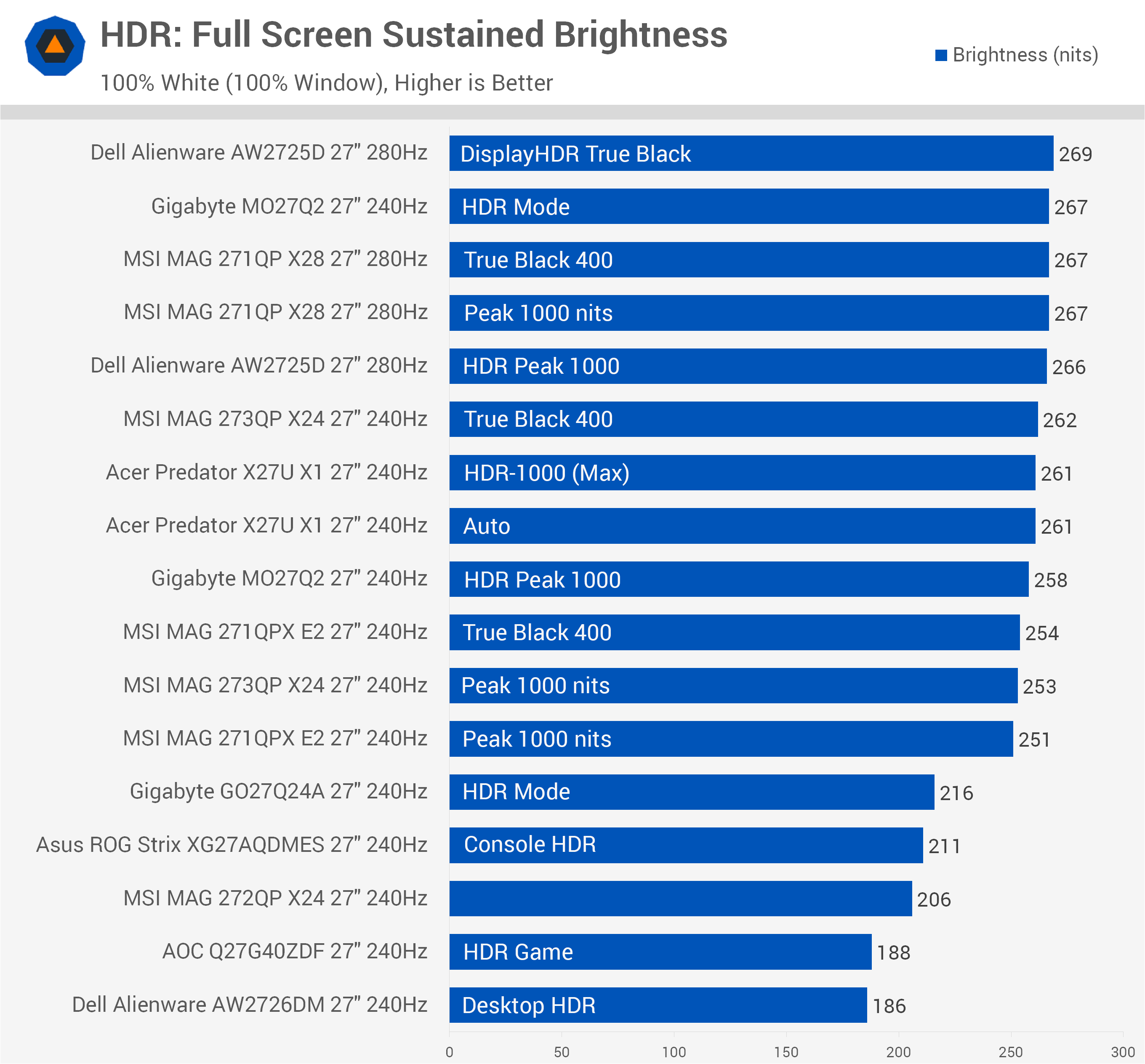
The difference between the limited- and full-brightness panels becomes much more pronounced in HDR. Starting again with full-screen brightness, performance is broadly similar to what we saw in SDR. The full-brightness models sit between roughly 250 and 270 nits, while the limited-brightness models range from around 186 to 216 nits. The AOC and Dell models post particularly low results here compared with the rest of the group.
The gap narrows somewhat with a 10% window, although the full-brightness models still hold an advantage. Most of them deliver between 455 and 485 nits, a spread of only around 7% from the lowest to highest result.
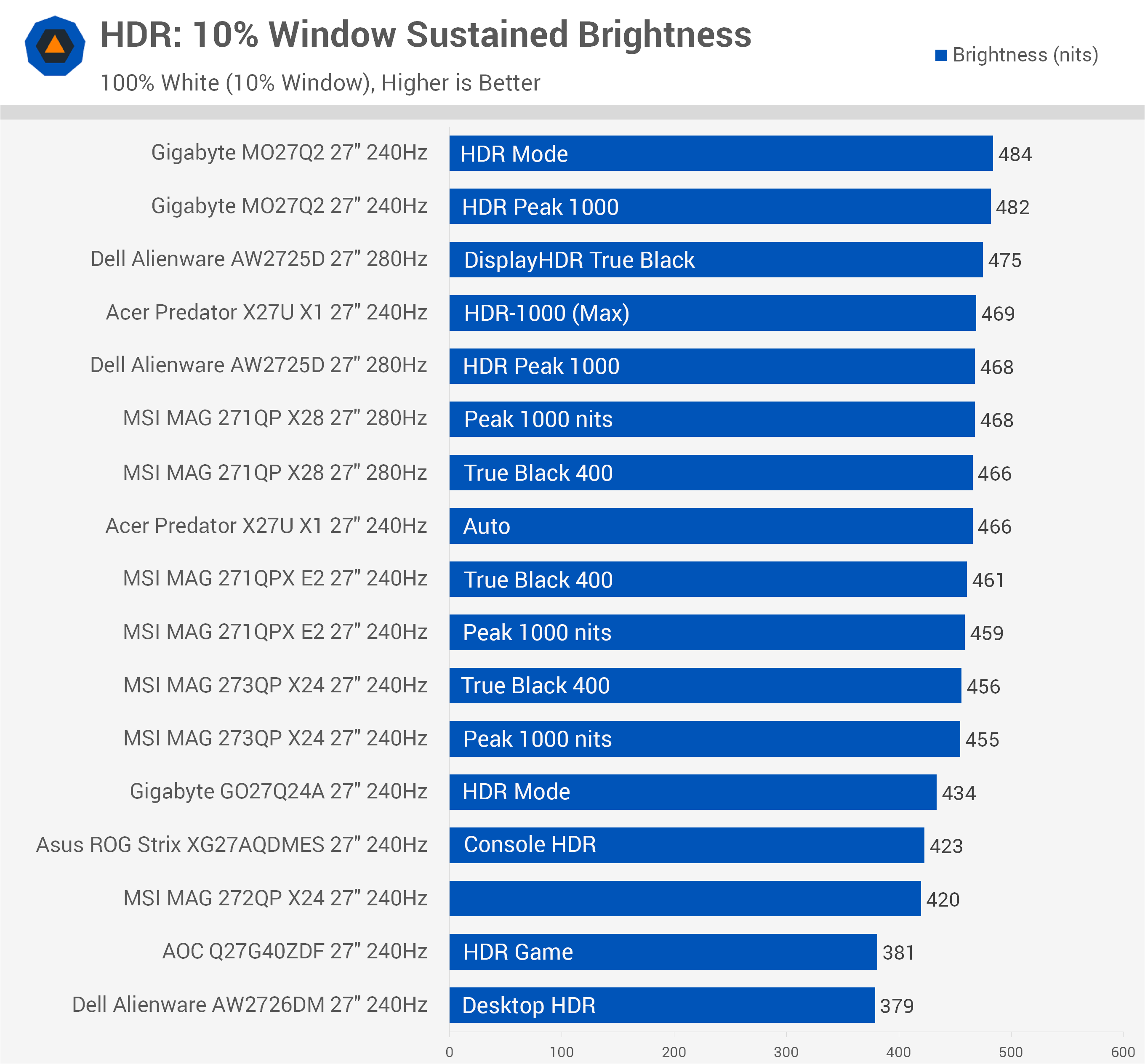
The limited-brightness models fall between roughly 380 and 435 nits. In the worst cases, that's up to 20% dimmer than the full-brightness models, although some get surprisingly close. The Gigabyte GO27Q24A, for example, trails the higher-tier models by only around 20 nits.
The biggest difference appears in peak brightness, represented by our 2% window test. All six full-brightness monitors we tested are capable of exceeding 1,000 nits. None of the limited-brightness models reaches even 450 nits.
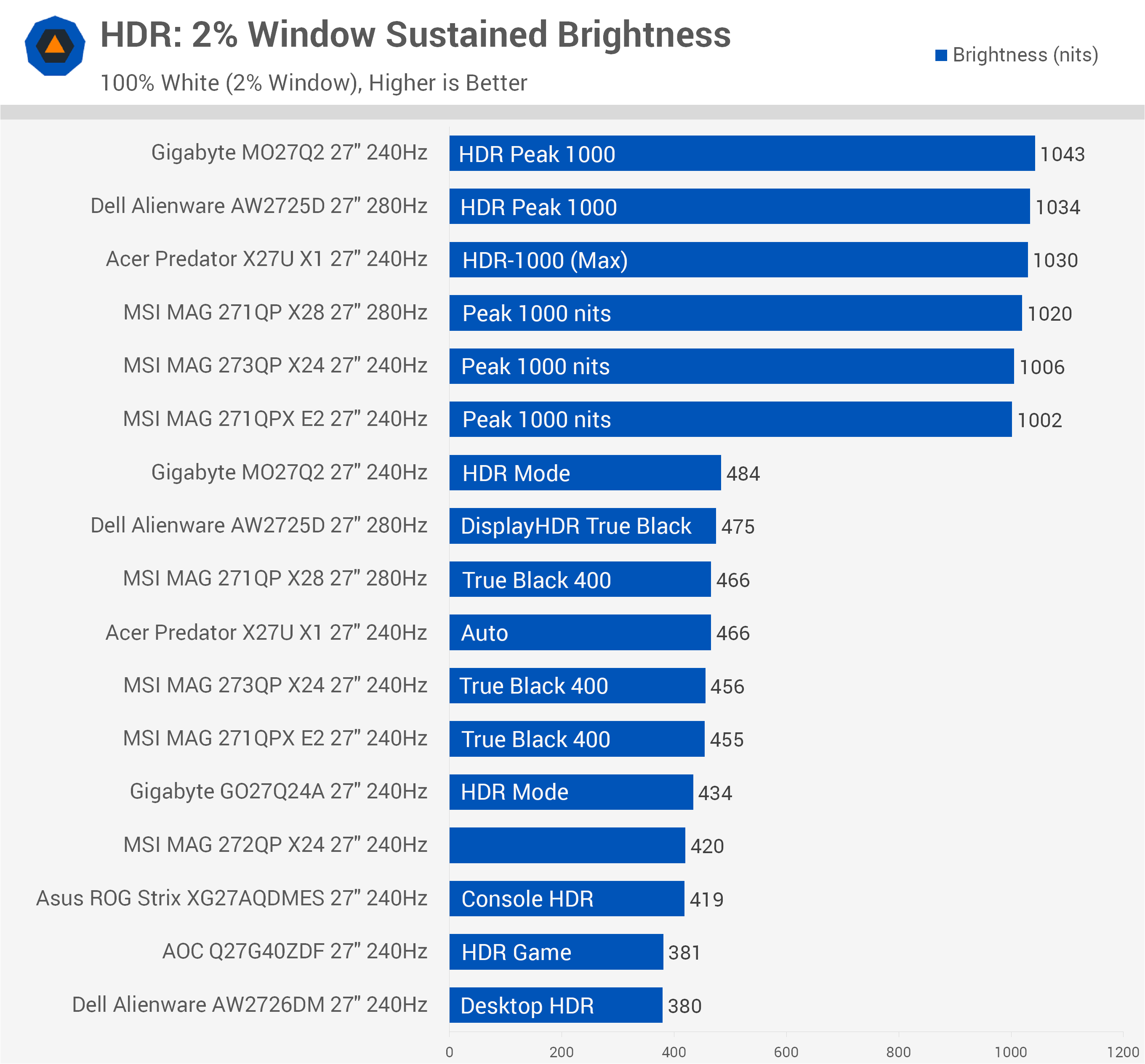
That's a massive difference. In the best cases, the full-brightness models can deliver more than twice the peak luminance of the limited variants. Interestingly, even when the full-brightness models are switched into their "True Black" modes, which typically reduce peak brightness in exchange for improved accuracy, they still slightly outperform the limited-brightness models. So while the size of the advantage varies depending on the content and window size, the full-brightness models are consistently brighter.
For the written version of this round-up, we've deliberately skipped some of the deeper testing around HDR mode configurations, HDR and SDR calibration, and color accuracy to keep the article focused on the information most relevant to a buying decision. Those results are covered in detail in the video for readers who want to dig further into the data.
Ports and Features
Connectivity is fairly basic on most of these monitors. The AOC Q27G40ZDF has the weakest port selection, with just one DisplayPort input, one HDMI port limited to HDMI 2.0 speeds, and no USB ports at all. The Dell AW2726DM is also fairly lackluster, although it at least provides two HDMI 2.0 ports.
Every other model offers HDMI 2.1 alongside a DisplayPort 1.4 connection.
| Monitor | DisplayPort | HDMI | USB-C | USB Hub | USB Hub Speed | KVM Switch | Power Supply |
|---|---|---|---|---|---|---|---|
| Acer Predator X27U X1 | 1x 1.4 DSC |
2x 2.1 48 Gbps | No | No | No | No | External Brick |
| AOC Q27G40ZDF | 1x 1.4 DSC |
1x 2.0 18 Gbps | No | No | No | No | Internal |
| Asus ROG Strix XG27AQDMES | 1x 1.4 DSC |
2x 2.1 48 Gbps | Yes (service only) | No | No | No | Internal |
| Dell Alienware AW2725D | 1x 1.4 DSC |
2x 2.1 48 Gbps | Yes, 15W PD (no DP-Alt) | Yes, 2 Port | 5 Gbps | No | Internal |
| Dell Alienware AW2726DM | 1x 1.4 DSC |
2x 2.0 18 Gbps | No | No | No | No | Internal |
| Gigabyte GO27Q24A | 1x 1.4 DSC |
2x 2.1 48 Gbps | No | No | No | No | Internal |
| Gigabyte MO27Q2 | 1x 1.4 DSC |
2x 2.1 48 Gbps | Yes, 18W PD, DP-Alt | Yes, 2 Port | 5 Gbps | Yes | Internal |
| MSI MAG 271QP X28 | 1x 1.4 DSC |
2x 2.1 48 Gbps | Yes, 15W PD, DP-Alt | No | No | No | Internal |
| MSI MAG 271QPX E2 | 1x 1.4 DSC |
2x 2.1 48 Gbps | Yes, 15W PD, DP-Alt | No | No | No | Internal |
| MSI MAG 272QP X24 | 1x 1.4 DSC |
2x 2.1 40 Gbps | Yes, 15W PD, DP-Alt | No | No | No | Internal |
| MSI MAG 273QP X24 | 1x 1.4 DSC |
2x 2.1 48 Gbps | No | No | No | No | External Brick |
Several monitors also include USB-C, although the implementation varies. On the Dell AW2725D, USB-C does not function as a display input, while on the Asus XG27AQDMES it is reserved for service use.
Three of the MSI models support DisplayPort Alt Mode over USB-C with 15W of power delivery, although they don't include additional USB ports. Only two monitors offer a proper USB hub: the Dell AW2725D and Gigabyte MO27Q2. Of those, only the Gigabyte also includes KVM functionality and USB-C with DP Alt Mode.
From a connectivity standpoint, the MO27Q2 clearly has the strongest port selection of the group, although most of the other models still provide a basic but sufficient set of inputs.
Useful OSD Features
Each monitor includes additional features accessible through the OSD, and most provide the usual mix of color controls and gaming features such as crosshairs and FPS counters. Rather than going through every common setting, we'll focus on the more notable differences we found during testing.
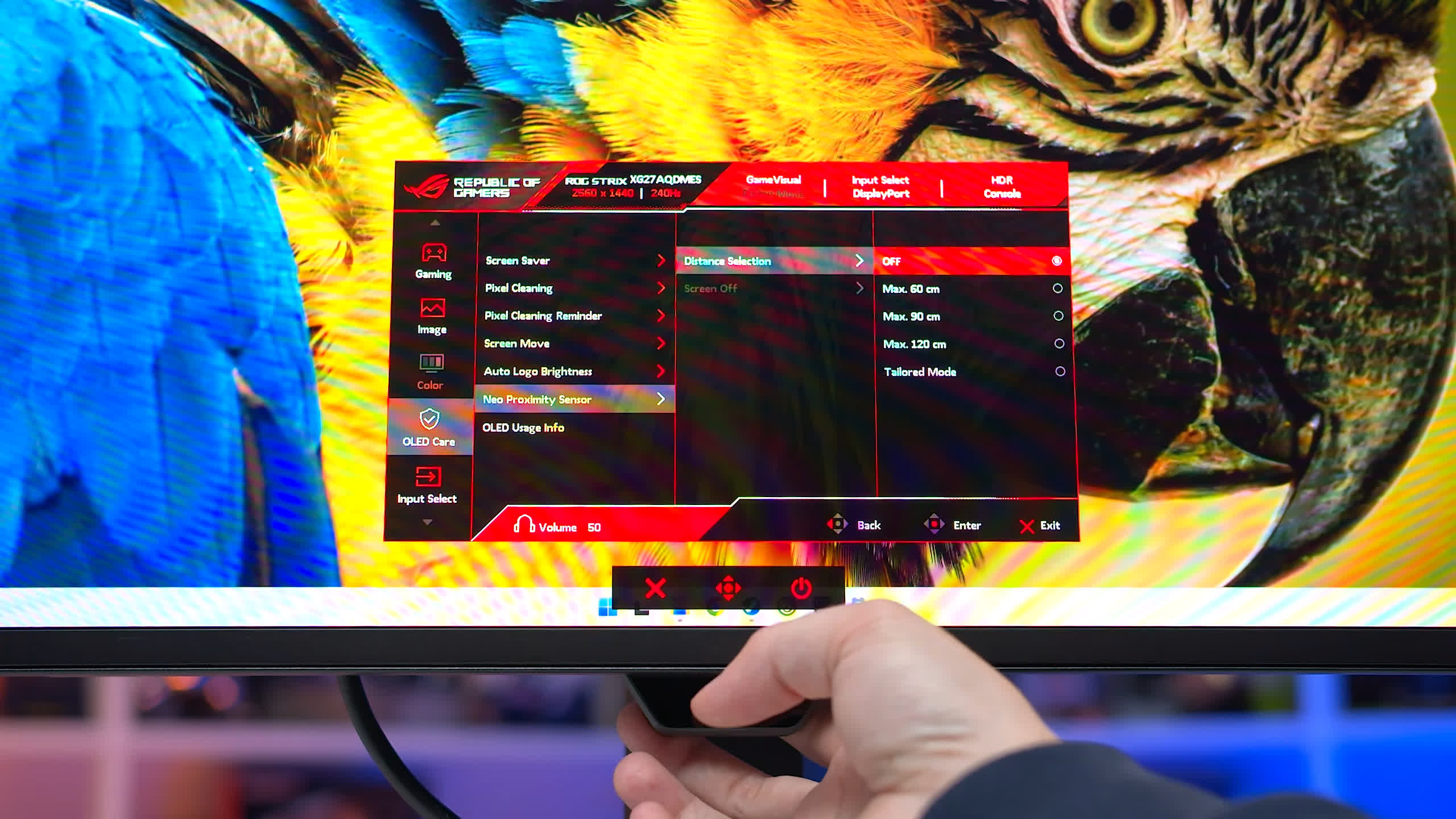
The Asus XG27AQDMES is the only model here with a proximity sensor that can automatically switch off the OLED panel when you leave your desk. We've seen this feature implemented across several Asus OLED monitors, and we're pleased to see it make its way to the more affordable AQDMES as well. It works well and is a useful complement to the other OLED care features.
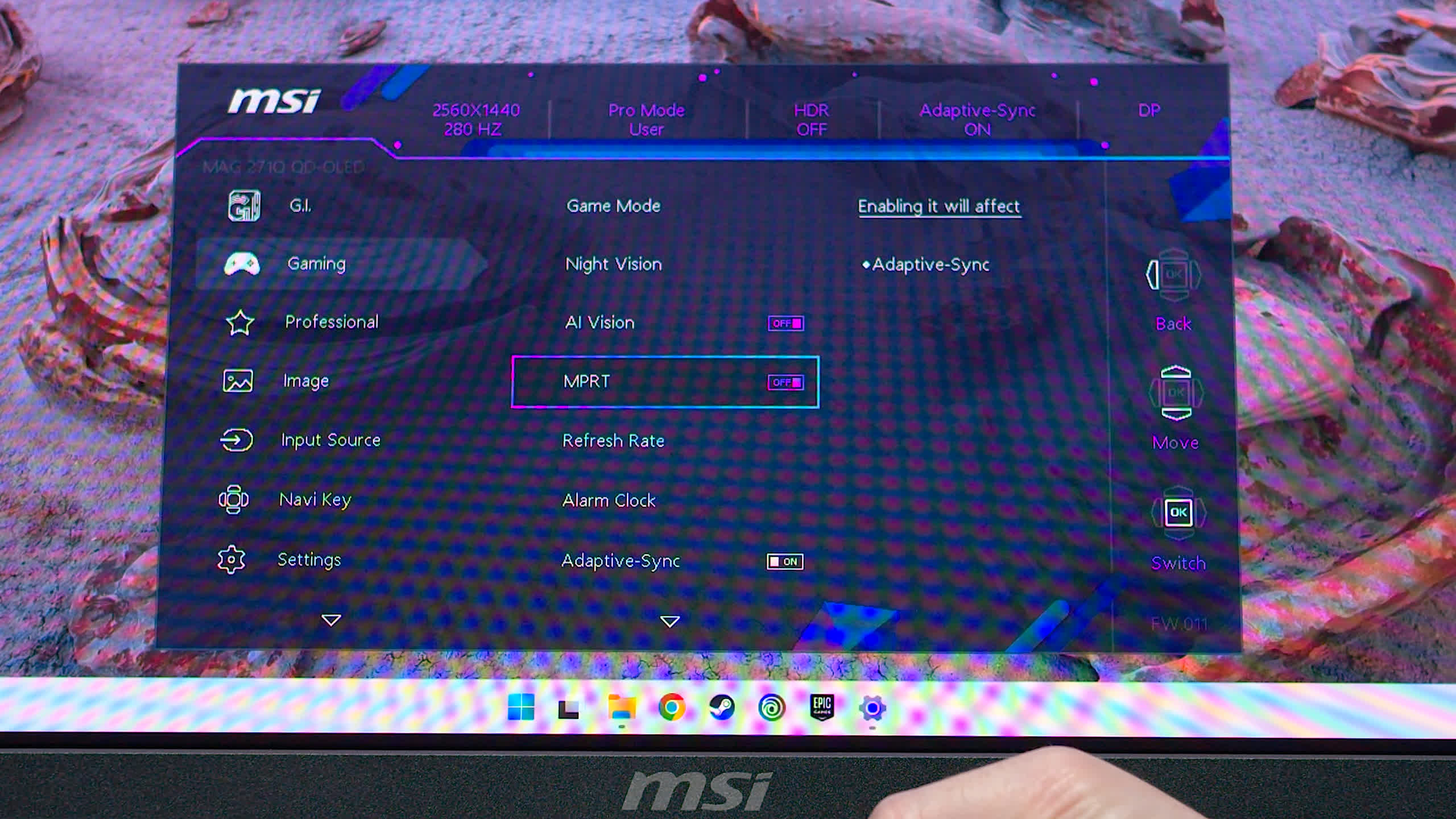
Several displays also include black frame insertion, which can operate at 120Hz to provide motion clarity closer to 240Hz. As we've mentioned in previous reviews, however, this is a fairly inflexible feature because it requires disabling variable refresh rate support. The monitors that include this are the MSI 271QP X28 and 272QP X24 (labeled MPRT), the Asus XG27AQDMES (labeled ELMB) and the Gigabyte GO27Q24A (labeled Ultra Clear).
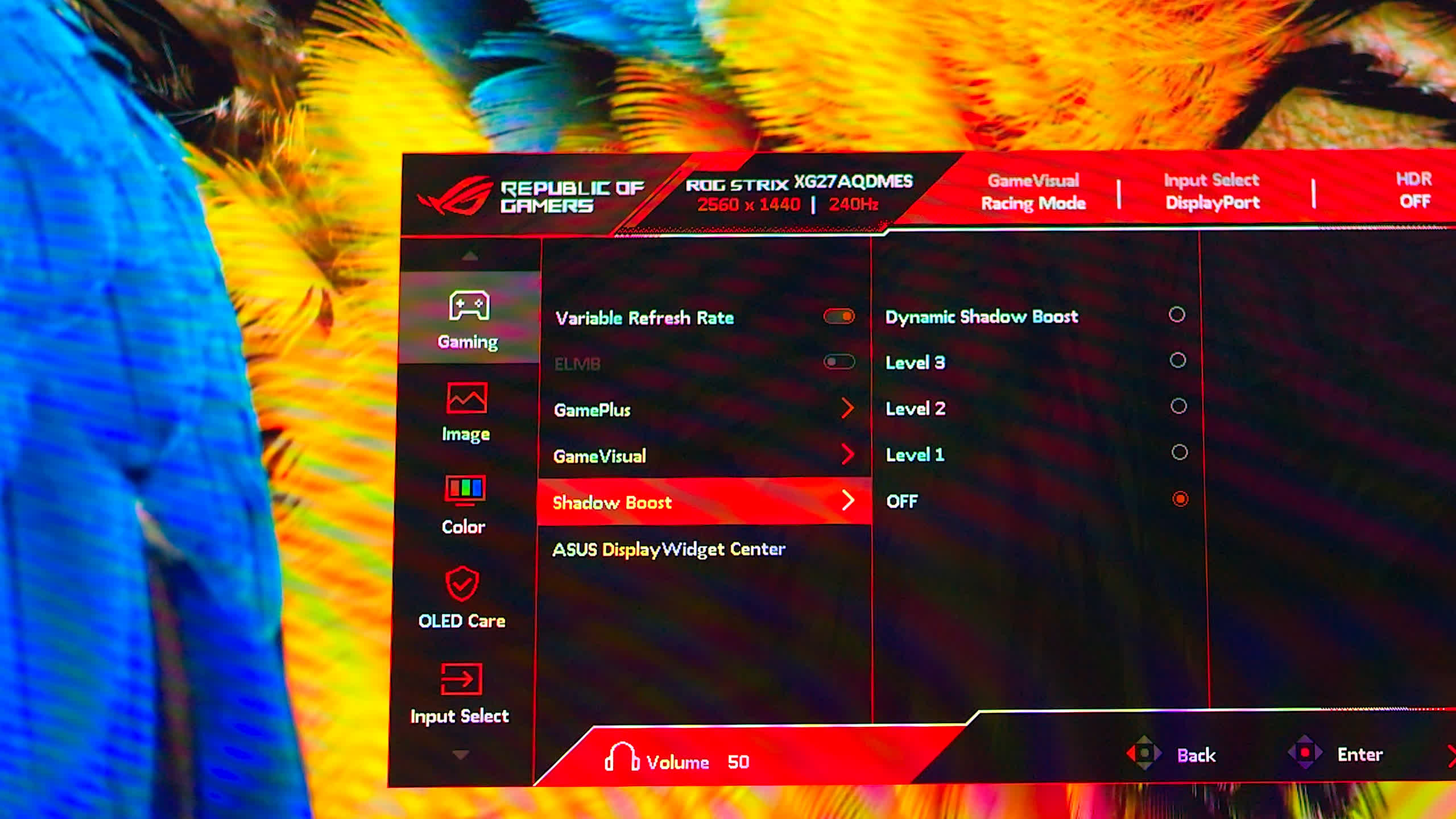
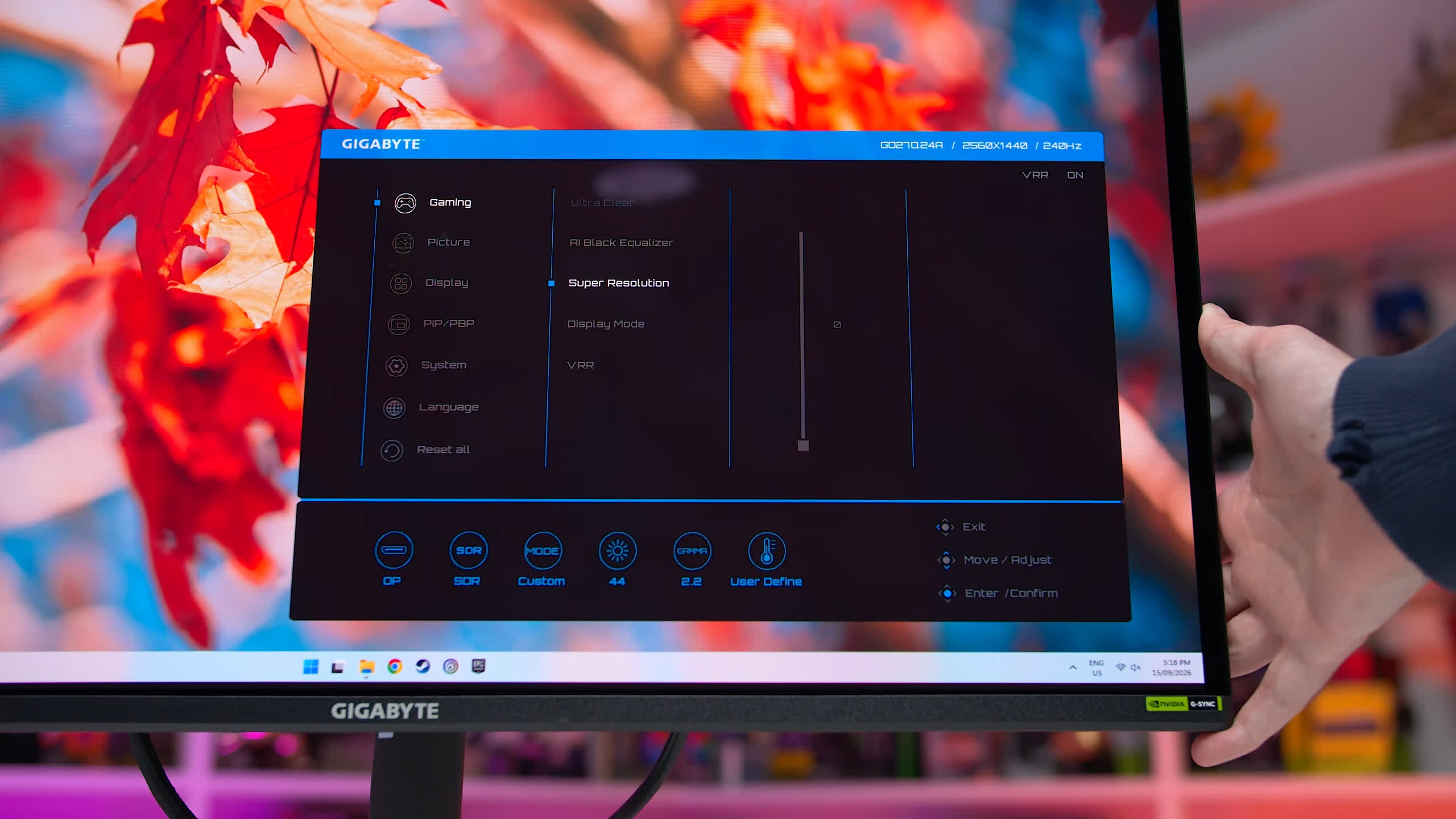
Two models also include an Anti-Flicker feature: the Asus XG27AQDMES and Gigabyte GO27Q24A. This lets you raise the minimum refresh rate used during variable refresh operation, which can help reduce flicker when frame rates fluctuate heavily. It's a moderately useful feature and we're glad to see it included, even if it's not a game changer.
Acer's HDR Switching Is a Pain
On a more negative note, the Acer Predator X27U X1 handles switching between SDR and HDR very poorly. There is an "Auto" HDR mode, but it isn't actually automatic. Selecting this option keeps the monitor in its HDR configuration even when HDR is disabled in the operating system, which can lead to incorrect-looking colors.
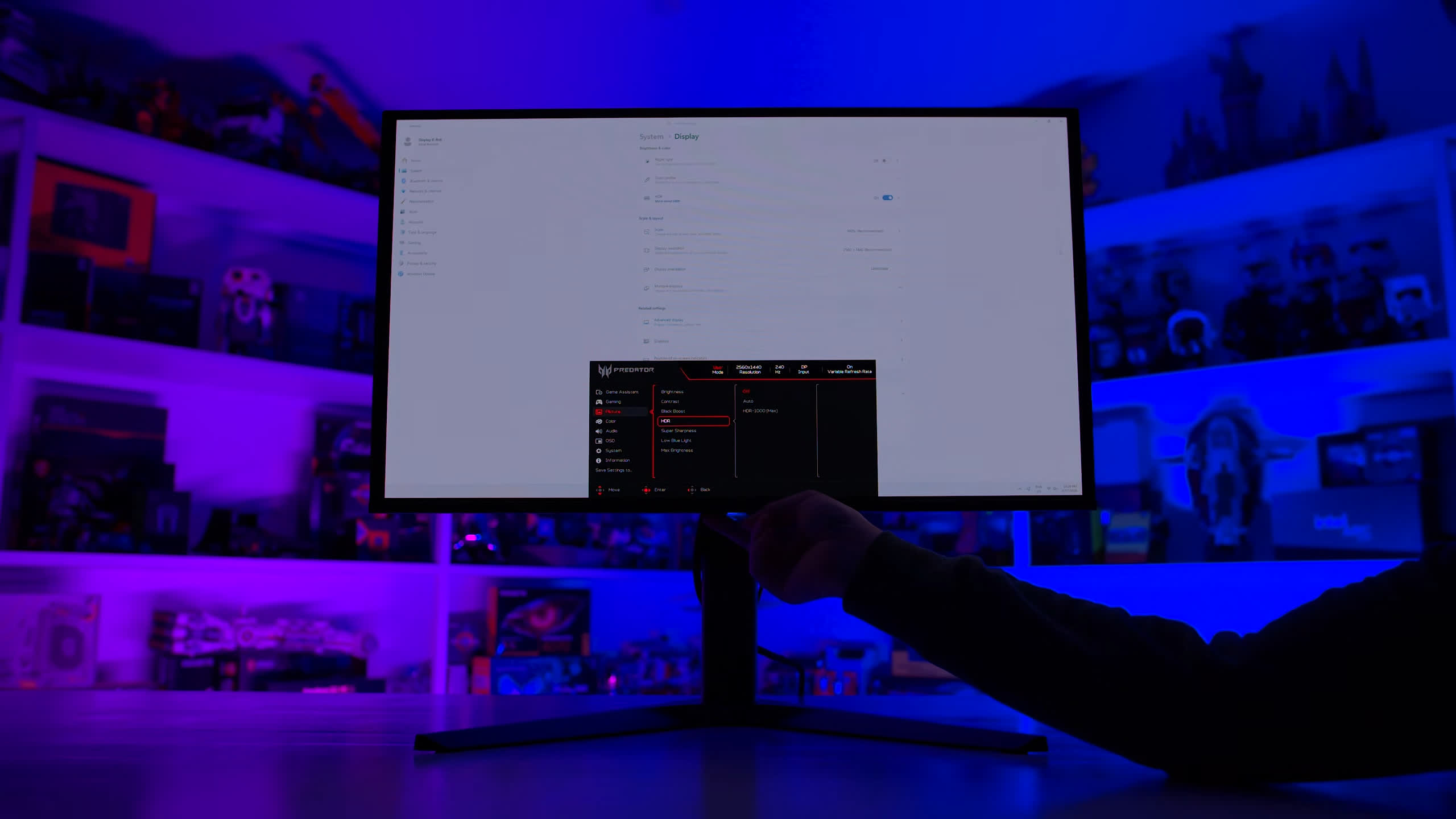
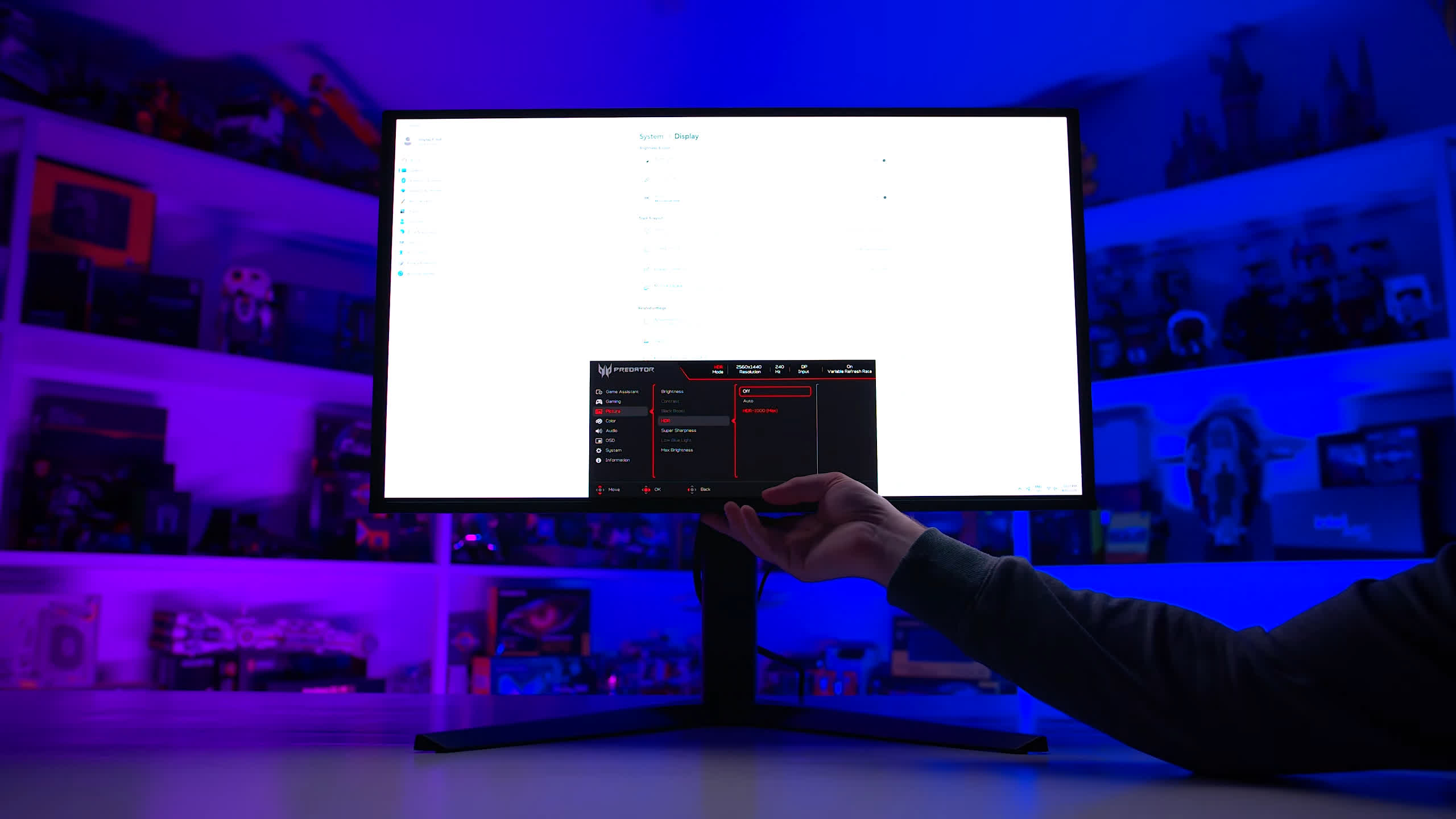
For the best experience, you need to manually change OSD settings depending on whether you're using SDR or HDR, which is unnecessarily cumbersome. The monitor also has particularly annoying OLED panel-cleaning warnings compared with the other models. They appear frequently and require user interaction before disappearing.
OLED Care and Burn-In Warranties
Each display includes a different set of OLED care controls for features such as automatic dimming, edge dimming, pixel shifting, and related protections. Having some control over these features is useful, particularly if you find certain dimming behaviors distracting or overly aggressive.
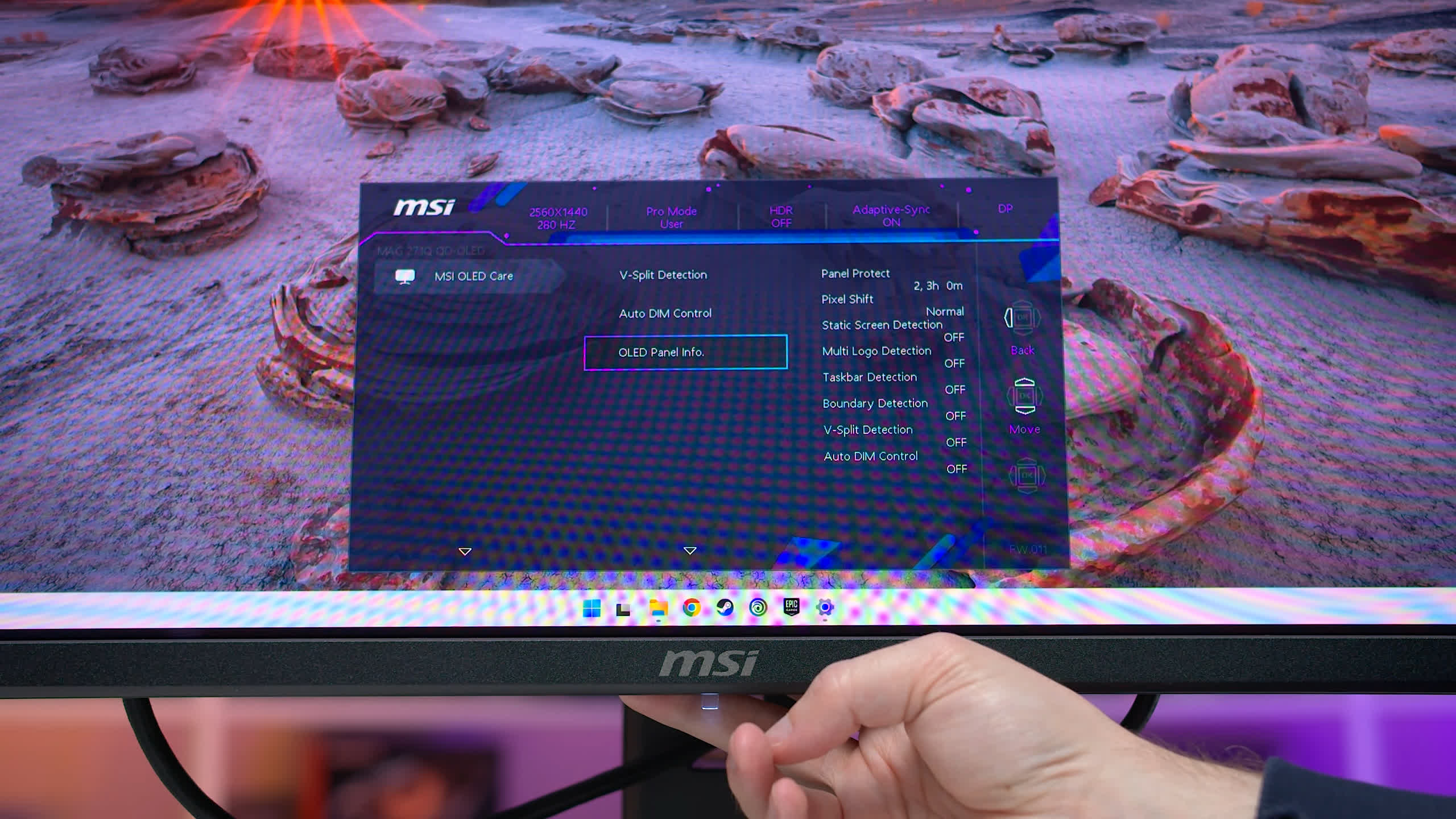
MSI does the best job here, offering both the ability to disable some OLED care functions and adjust others, including the delay before dimming activates and the strength of the dimming effect. The AOC also provides some customization for individual OLED care features, although not to the same extent as the MSI models.
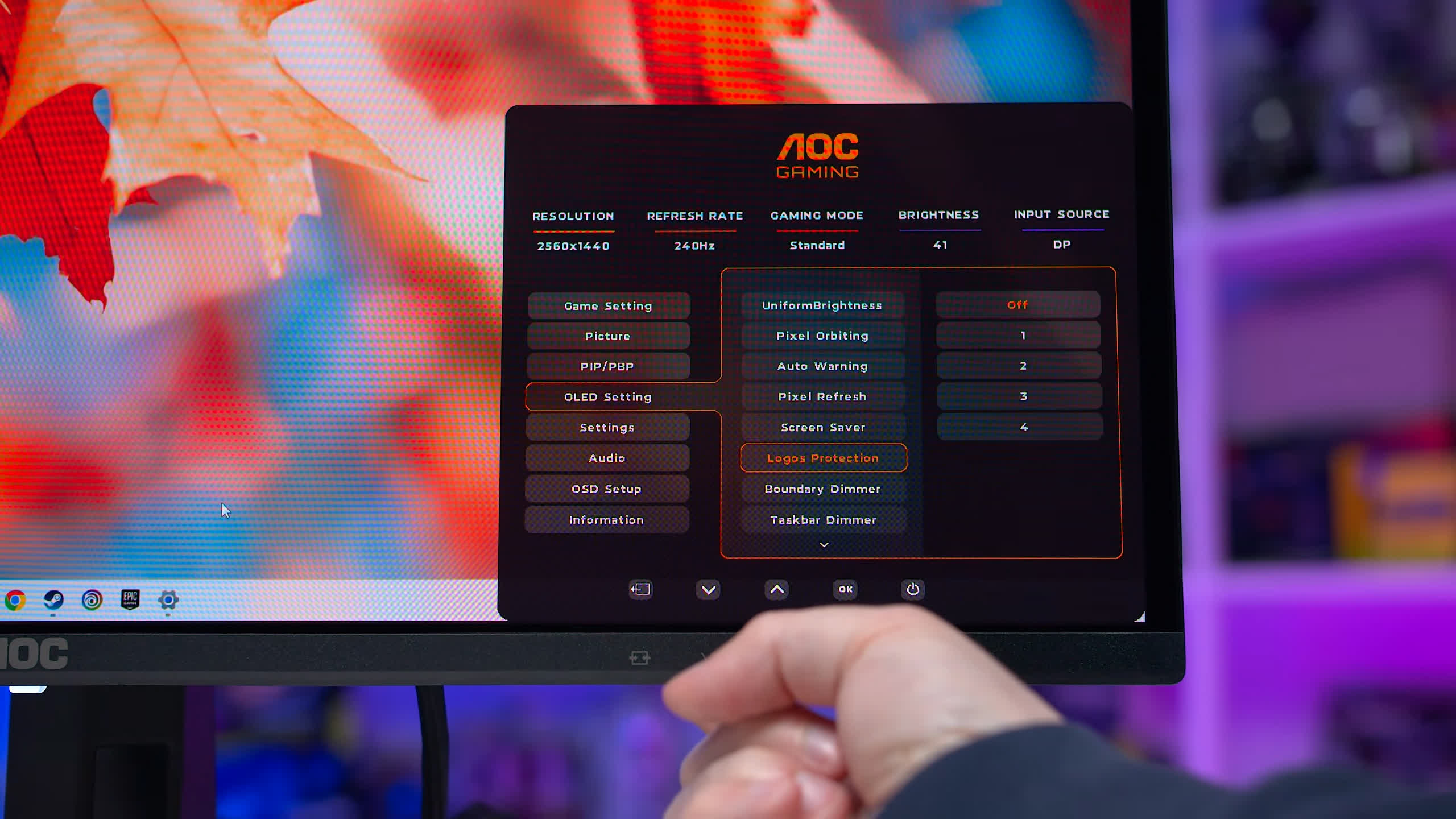
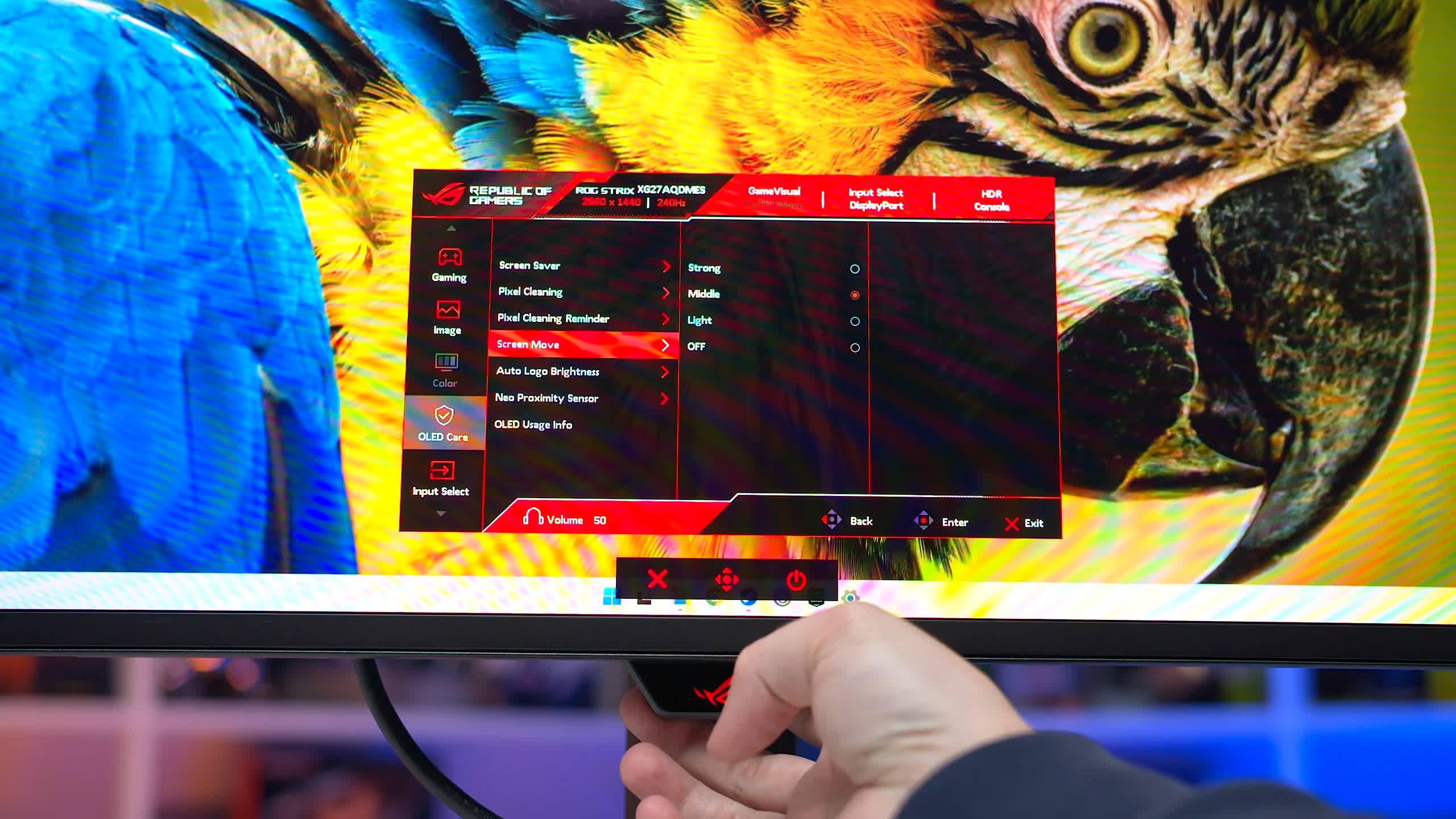
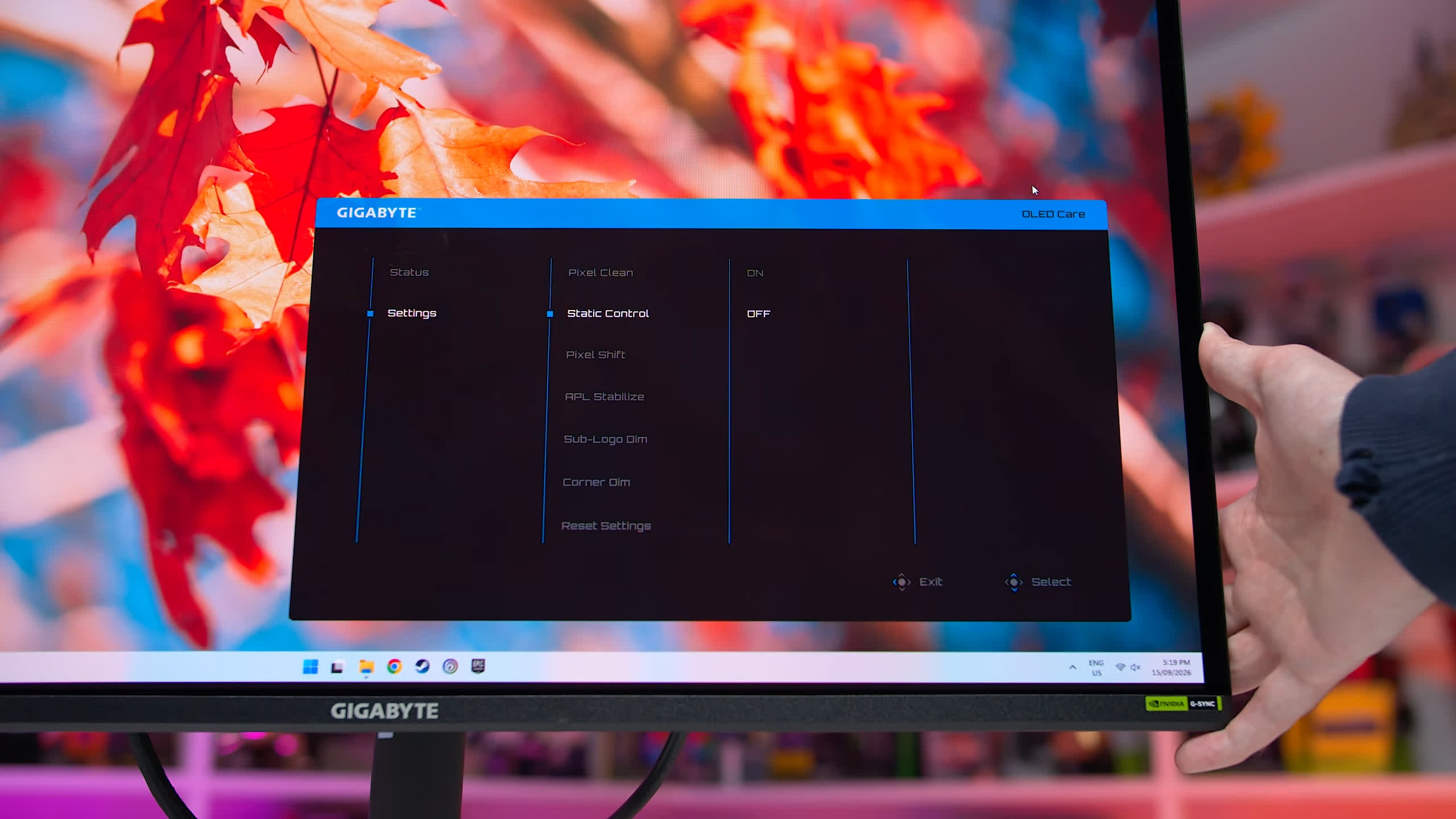
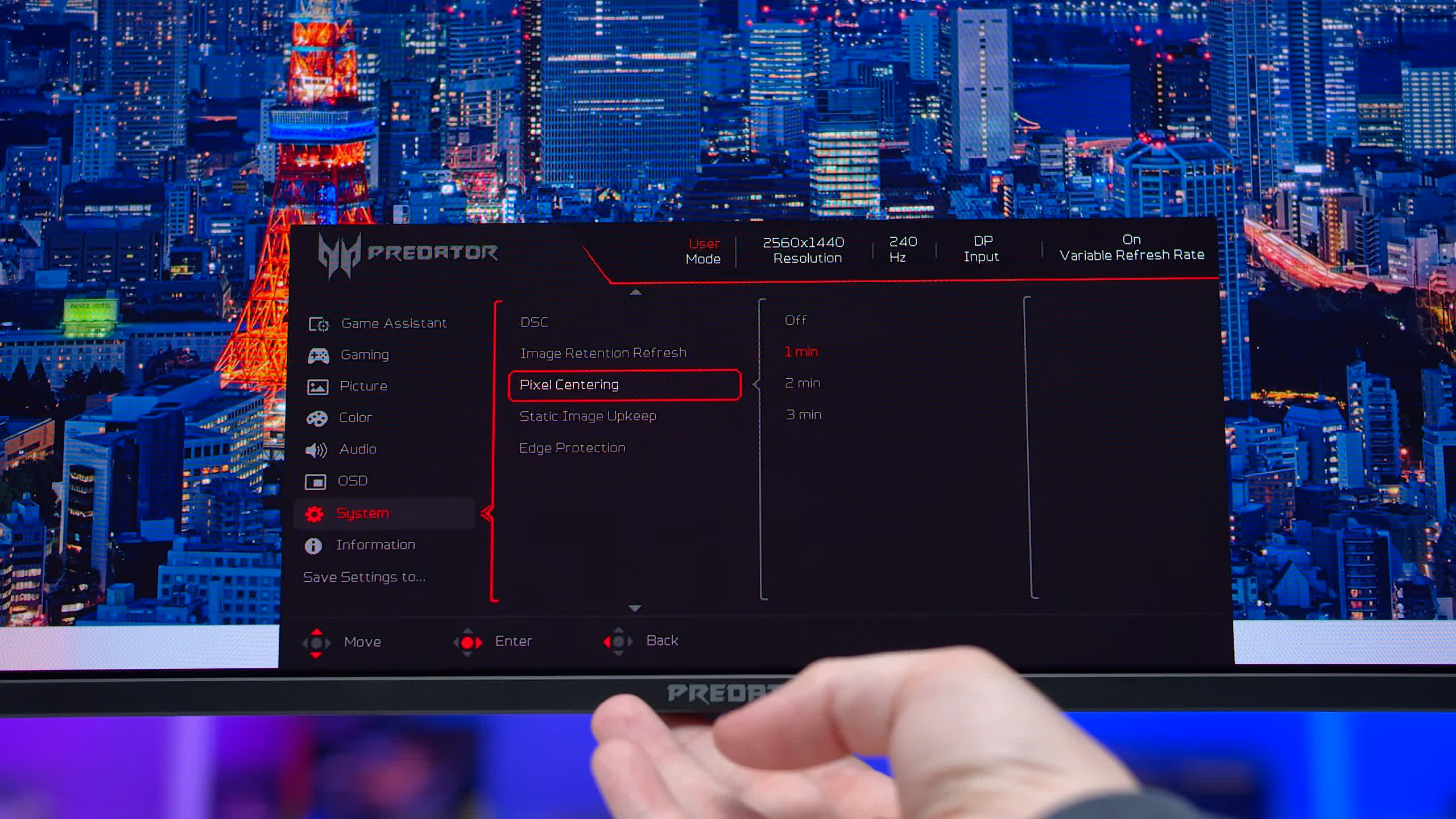
Asus offers a good range of options as well, though most are simple on/off toggles. Gigabyte's implementation is similar, but with slightly fewer controls. Acer provides only a handful of OLED care settings, while Dell offers no user control over these features at all, making its monitors the weakest in this area.
As for burn-in, all of these monitors use fundamentally similar panel hardware, so the underlying risk of permanent image retention should be broadly comparable. Actual behavior will still depend on usage patterns and which OLED care features are enabled, but at the hardware level these panels use the same type of emissive technology.
Based on publicly available warranty information, all six brands represented in this round-up offer a three-year burn-in warranty for these displays, which has effectively become the industry standard.
Monitor Design and Build Quality
We're not going to spend too much time on aesthetics because monitor design is ultimately subjective. You may simply prefer the look of one model over another, and that's perfectly reasonable. However, there are some meaningful differences in ergonomics, stand design, build quality, and general usability.
The AOC Q27G40ZDF, along with its closely related variants, uses a fixed-height stand. It's the only monitor in this round-up that doesn't offer height adjustment. That's a significant downside, especially because the AOC isn't substantially cheaper than many competing models that do provide a fully adjustable stand. Build quality is also fairly basic, and the monitor lacks a directional joystick for navigating the OSD. Instead, menu navigation is more cumbersome than it needs to be.
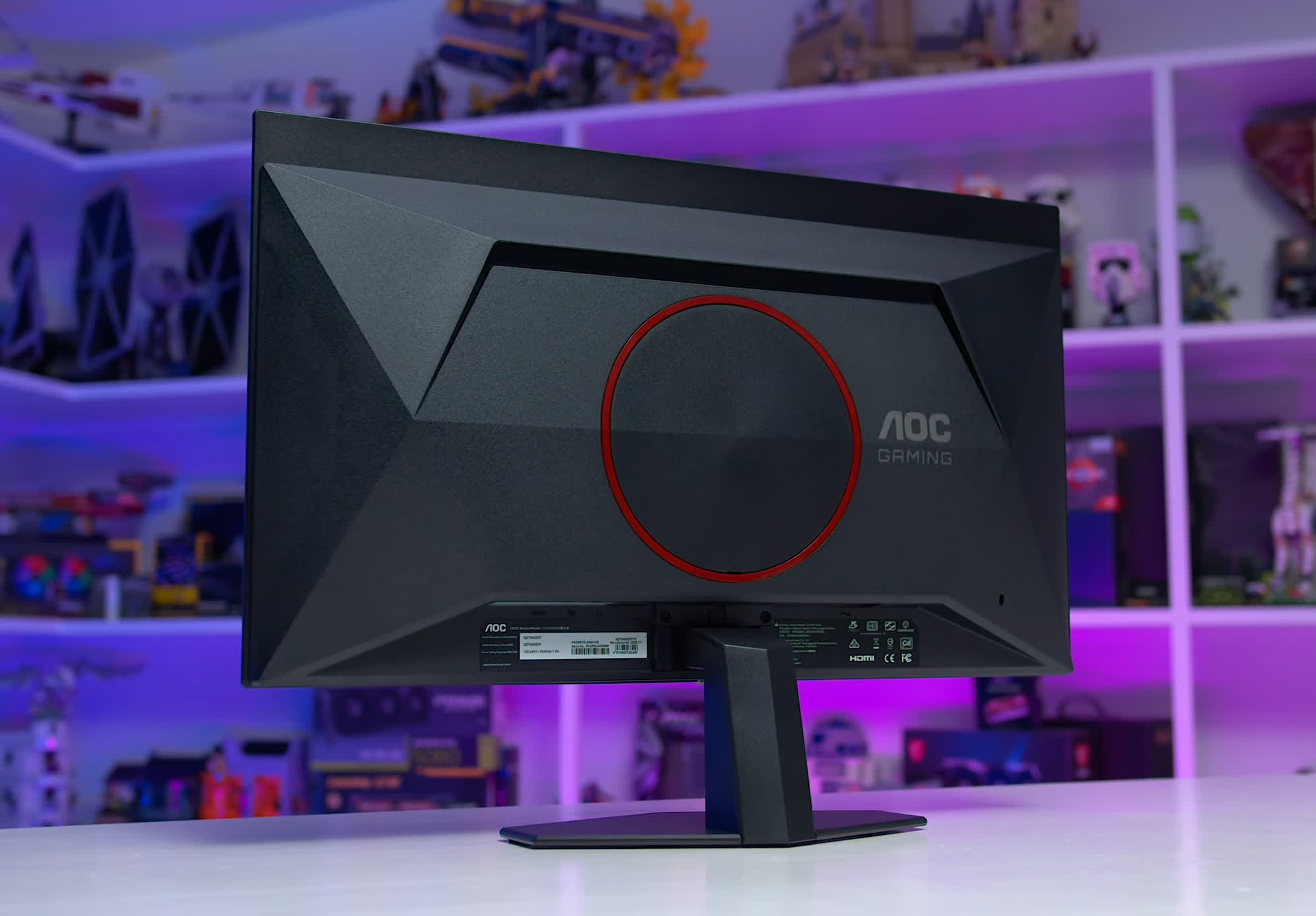
Every other monitor here includes a directional control, so from an ergonomic and usability perspective, the AOC is the weakest of the group.
The Dell AW2726DM is also relatively basic, although it does include height adjustment.
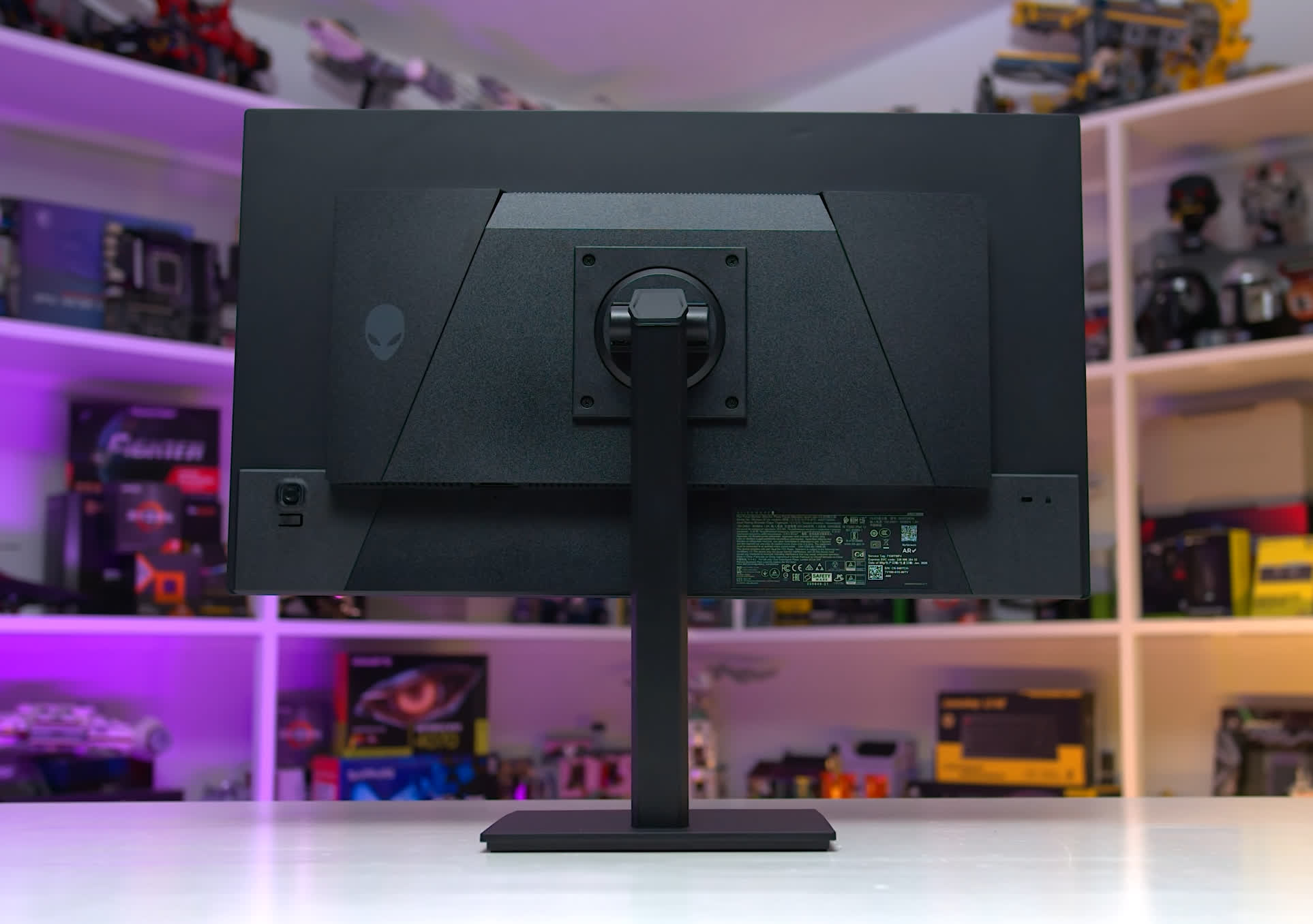
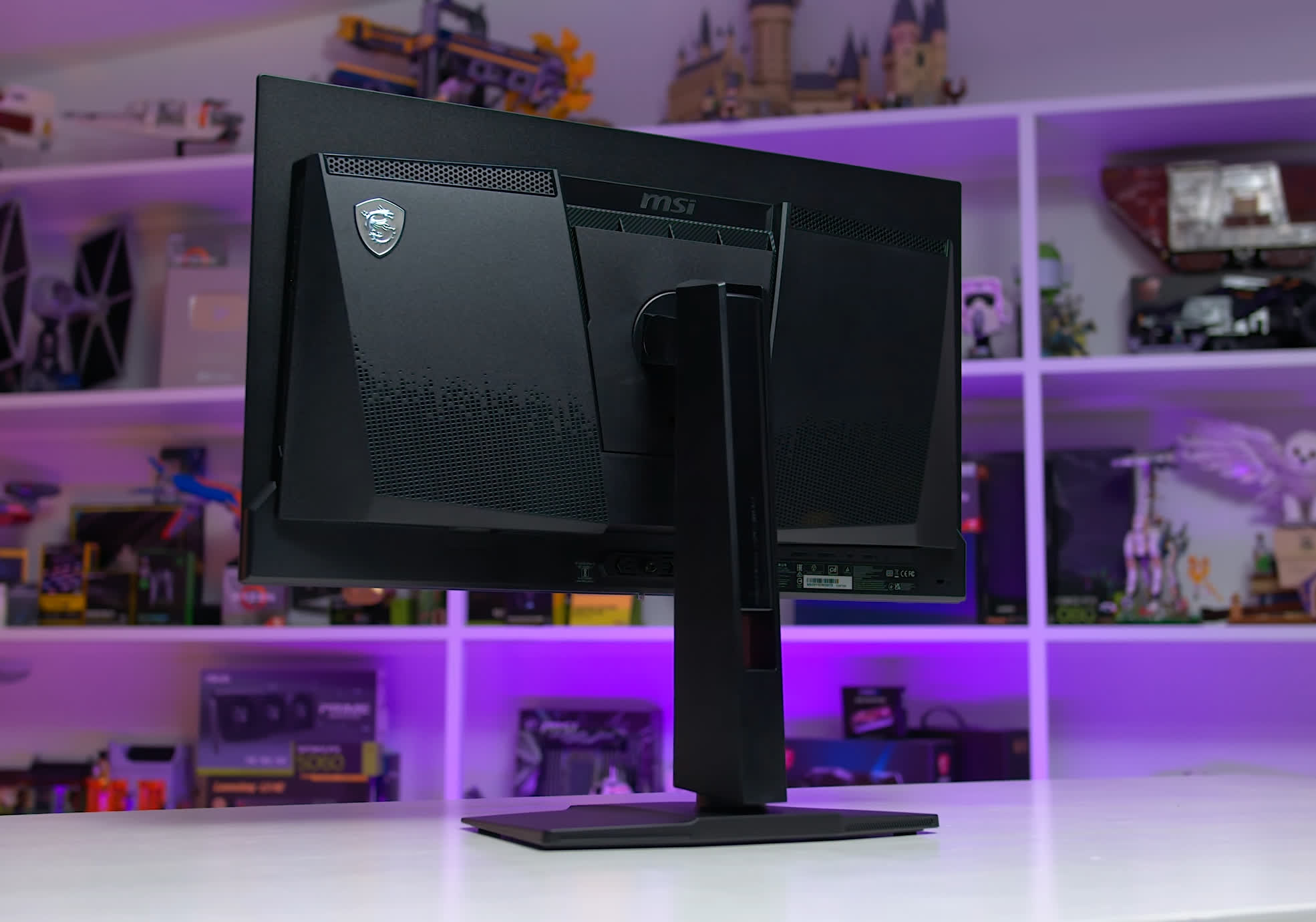
MSI's models are broadly similar to one another in both styling and build quality. They're perfectly acceptable overall, without doing anything particularly noteworthy.
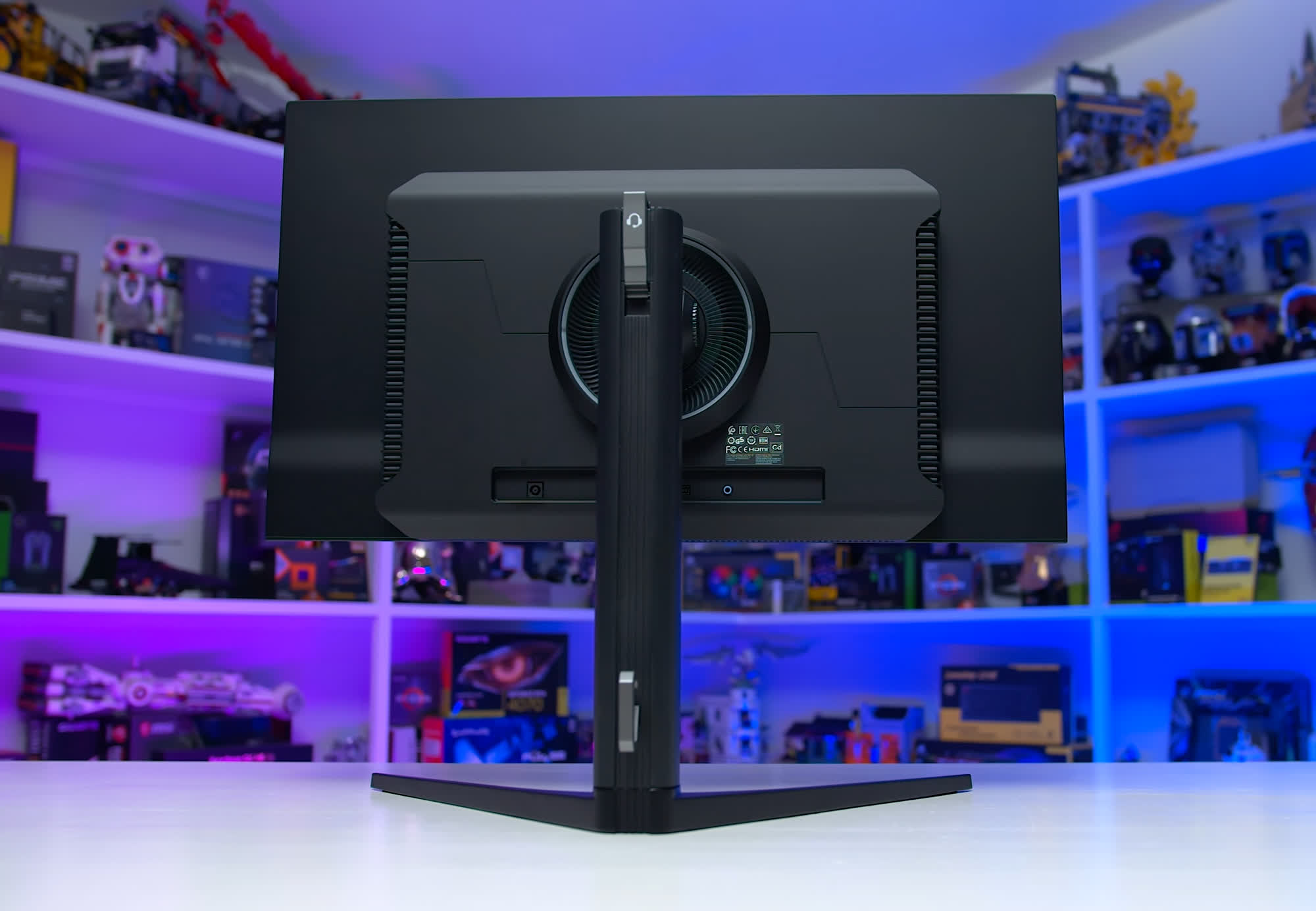
The Acer Predator X27U X1 uses a wide V-shaped stand base. Personally, we don't think this works as well as the smaller, flatter bases used by many of the competing models because it occupies noticeably more desk space.
Gigabyte's design is one of our favorites in this group, and it's used across both the M-series and G-series models with only minor variations. You get a height-adjustable stand, a directional joystick for the OSD, and a very nice metal stand base with a thin metal pillar. Build quality is excellent for a budget-oriented product.
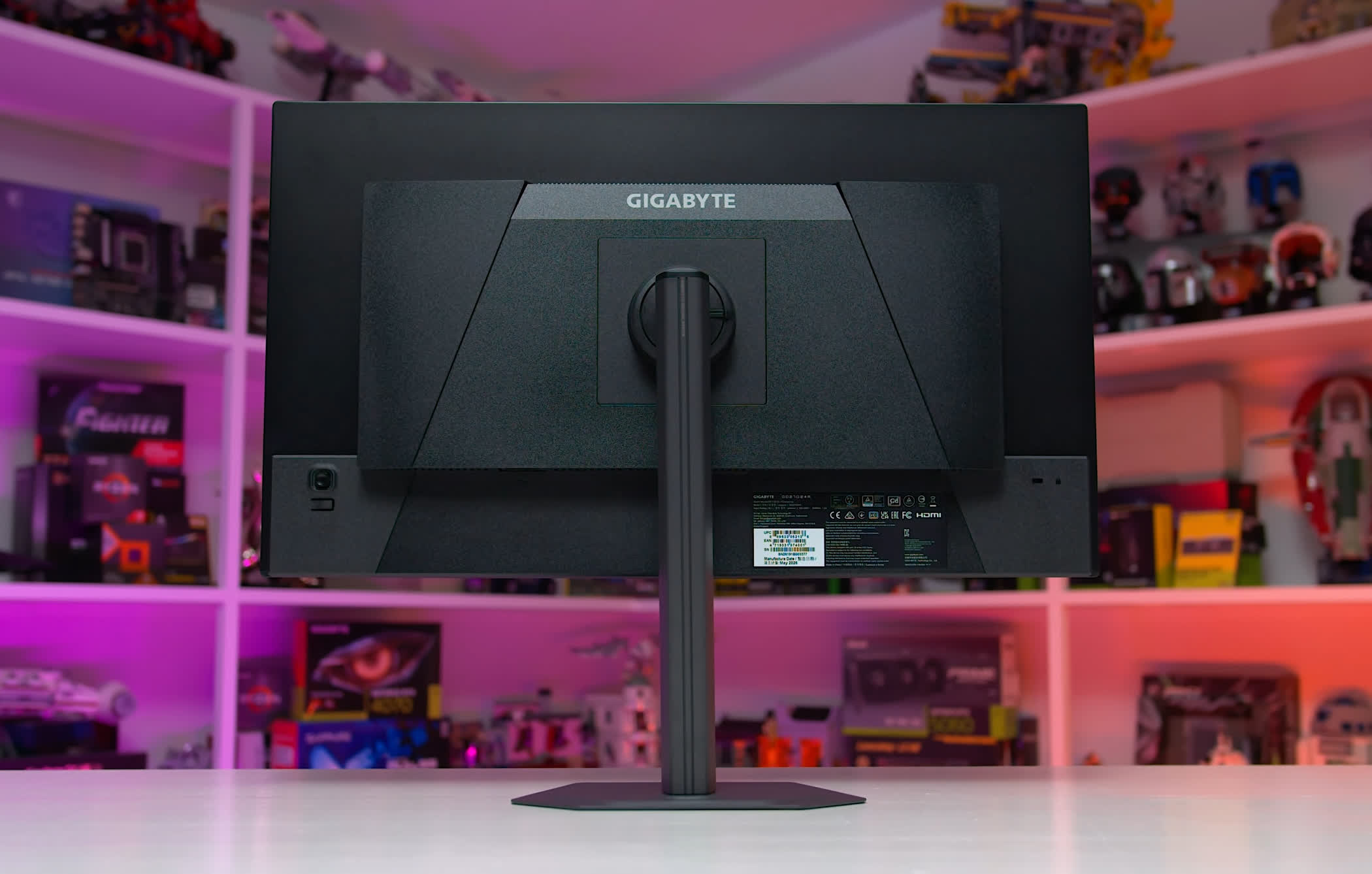
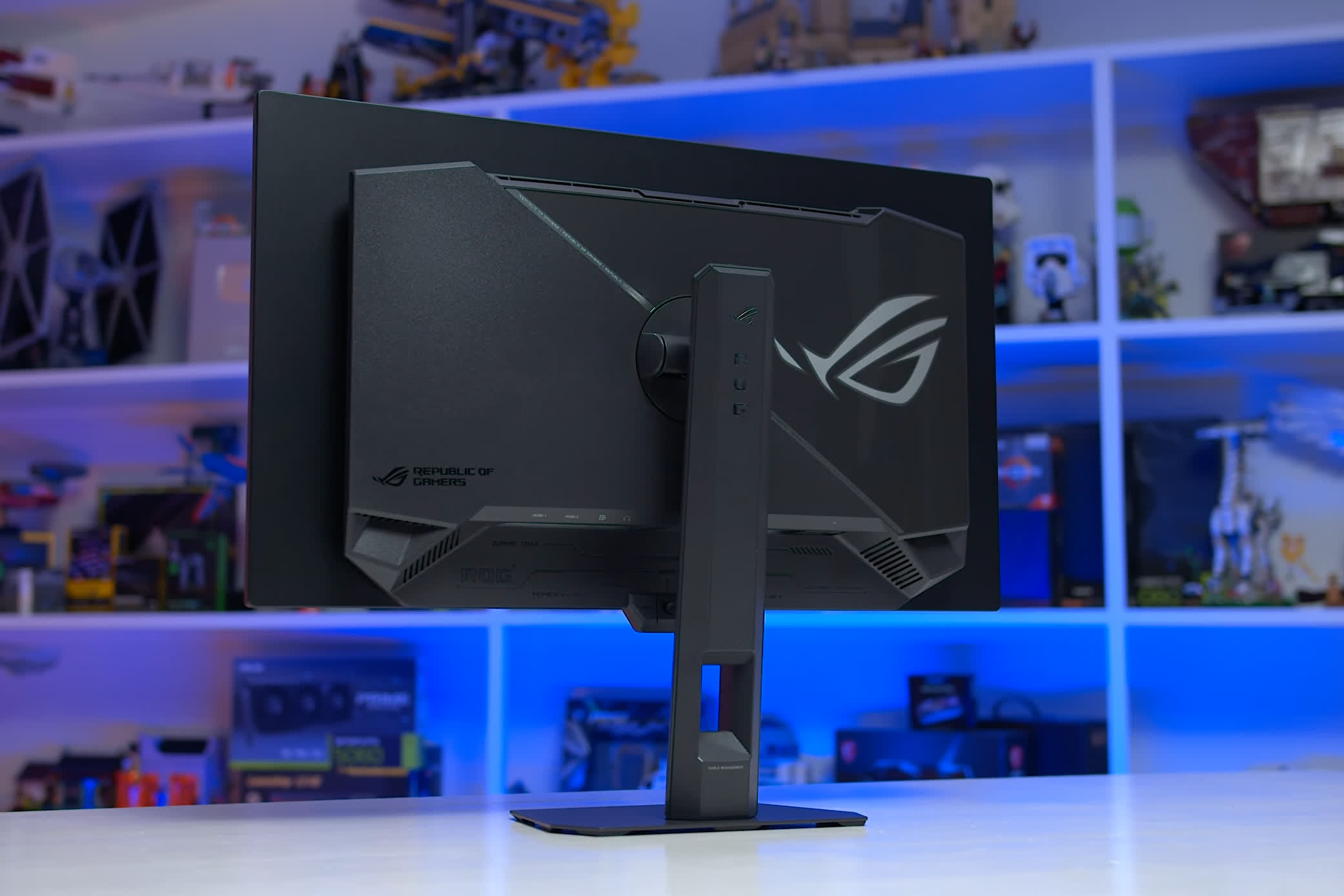
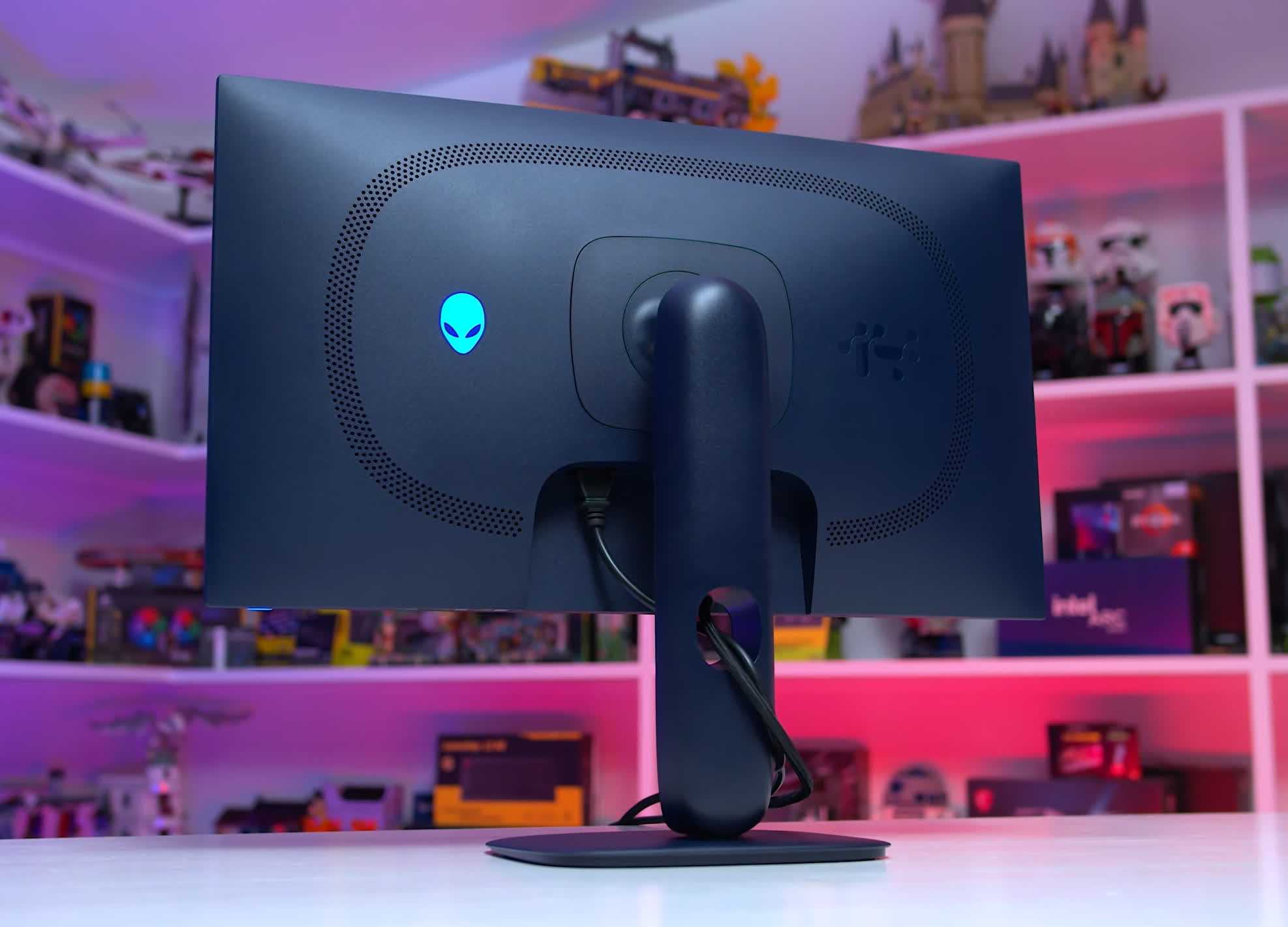
The Asus XG27AQDMES is also particularly well built, with a compact metal stand base and above-average overall construction. Lastly, the Dell AW2725D is another strong design. Although most of its external surfaces are plastic, the quality and finish of that plastic are noticeably better than on many of the other monitors in this round-up.
Picking Winners: The Best Options
As we've emphasized throughout this article, the most important thing to understand is that there are two versions of the 240Hz 1440p QD-OLED panel: one with the usual 1,000-nit peak brightness capability, and another limited to around 400 nits. It's not always obvious which panel a monitor is using, but this is one of the biggest differences between the options on the market today.
The 1,000-nit panel is simply better. Everything the limited-brightness 400-nit panel can do, the full-brightness version can also do, while adding around 25% higher SDR brightness and a huge increase in peak HDR output. In our view, the full-brightness panel is also the only one of the two that delivers a genuinely convincing HDR experience. So if two monitors cost roughly the same and one uses the full-brightness panel while the other doesn't, the choice is obvious.
How Much Should You Pay?
The going rate for a 27-inch 1440p limited-brightness QD-OLED is around $350. Multiple models are regularly available at that price, and we wouldn't pay more than $350 for this panel regardless of the official MSRP. Closer to $300 is even better, and we've seen some models approach that level over the last few months.
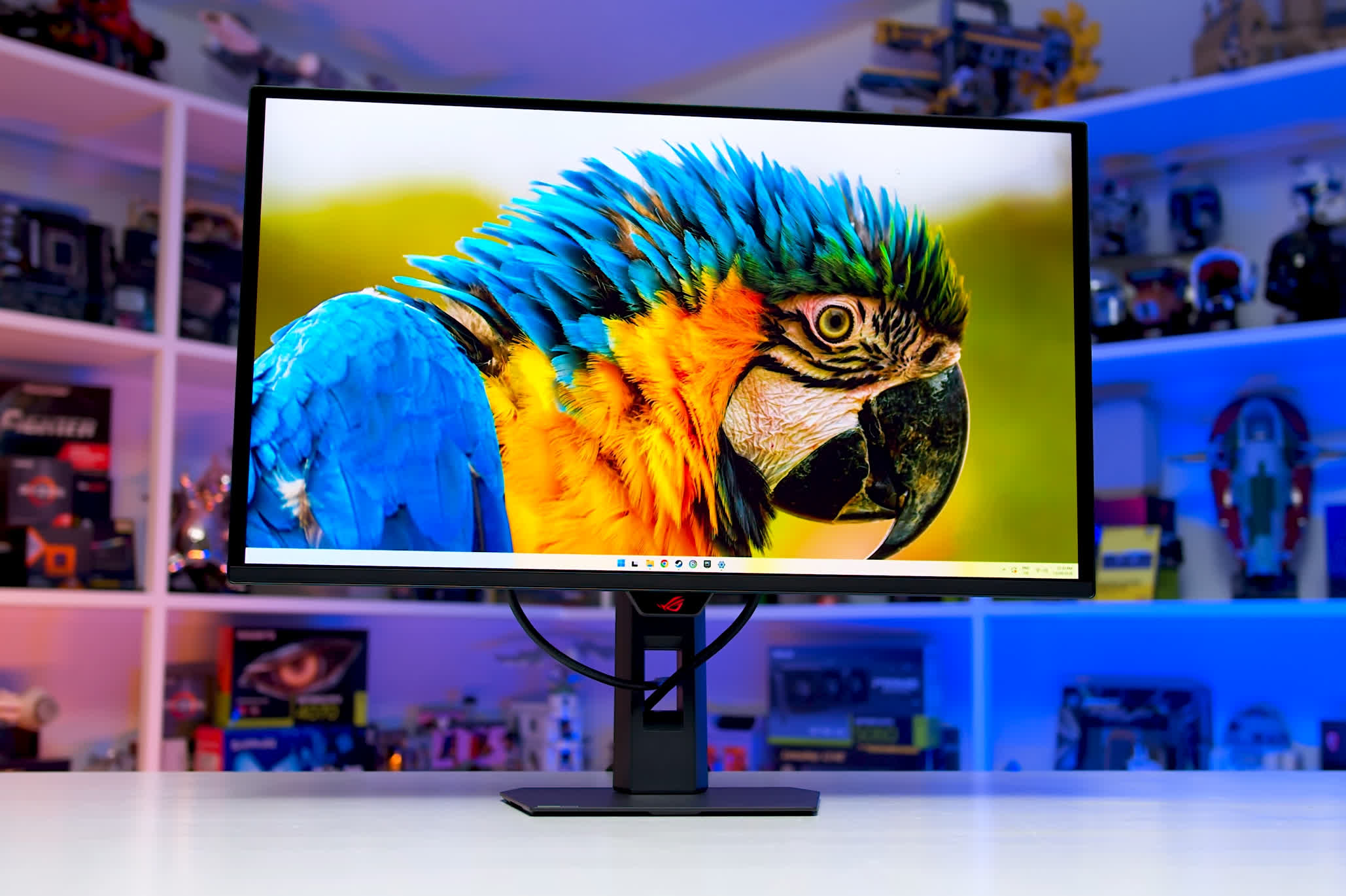
Given the HDR performance advantage, we'd be comfortable paying around 25% more for a full-brightness model. Around $400 is an excellent deal, while $450 is still reasonable.
The good news is that most of the monitors covered here have already been available within those price ranges. The 280Hz Alienware AW2725D, for example, recently dropped to $400. The MSI 271QP X28 is regularly available for around $450, while most of the 240Hz limited-brightness models sell for $350 or less.
The Best Budget QD-OLED Options
It's encouraging that most of these 1440p QD-OLED monitors are genuinely good. There isn't a single model in this round-up that we'd avoid entirely because of a major flaw. Regional pricing also varies significantly, so any of them could make sense if heavily discounted.
If you're on a tighter budget and simply want the cheapest good-value QD-OLED, this is where the limited-brightness models make the most sense. They still provide a high refresh rate, excellent motion clarity, very good image quality, and the outstanding contrast you'd expect from OLED.
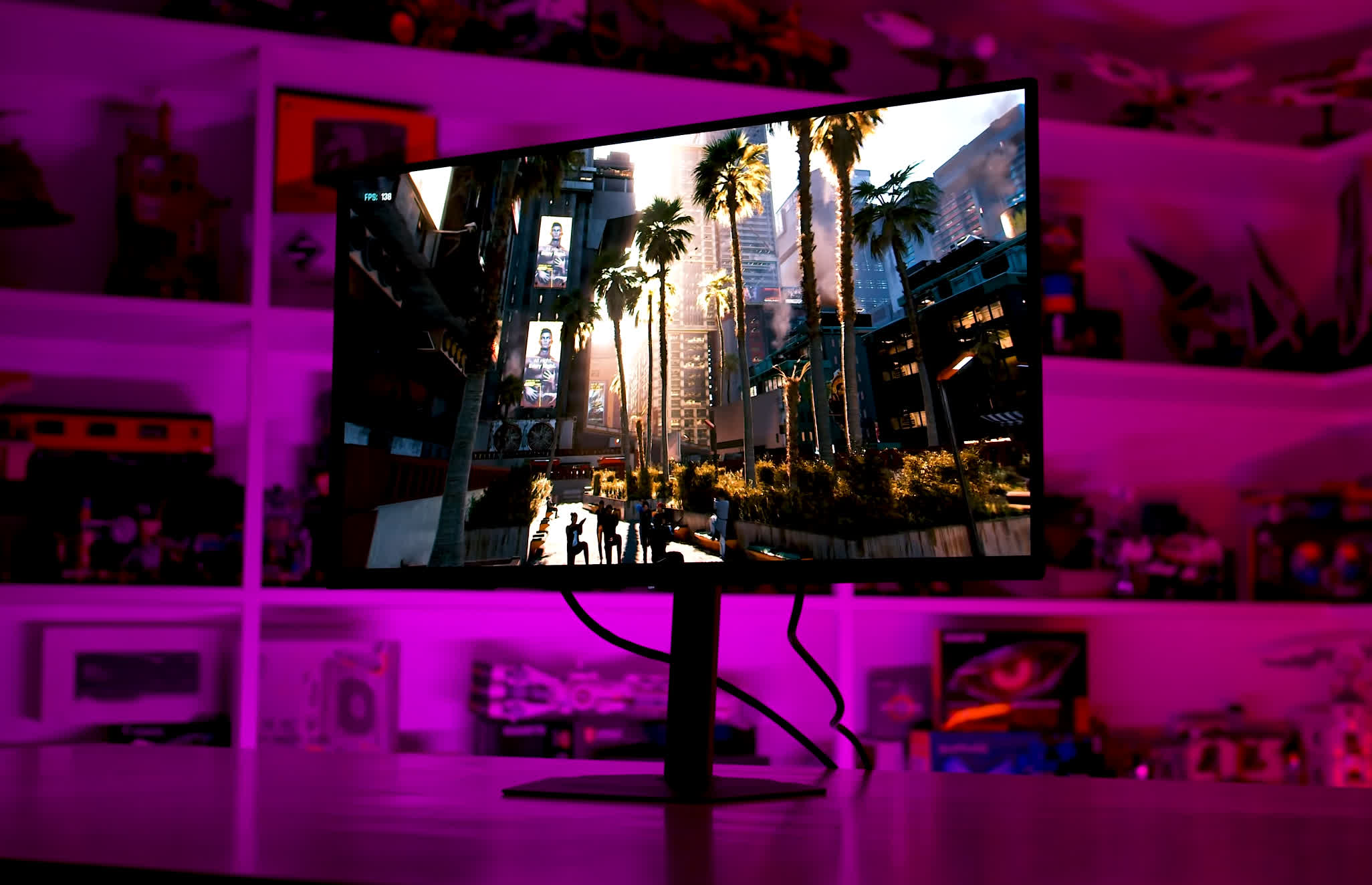
We tested five models in this category and ended up with two clear standouts. The Gigabyte GO27Q24A is our preferred option, with better HDR and SDR calibration, a higher-quality design, and a stronger feature set than the rest of the group. The MSI 272QP X24 is a close second and also a strong choice at the right price.
Our Top Overall Pick: Dell Alienware AW2725D
The Dell Alienware AW2725D is our top overall pick. It delivers well-balanced performance across both SDR and HDR, generally strong calibration, a higher 280Hz refresh rate, and a very good physical design. There are a few weaknesses. Dell provides no customization for its OLED care features, and the monitor lacks a boosted-brightness HDR mode. But across the complete package, we think the AW2725D strikes the best balance of the models tested here.
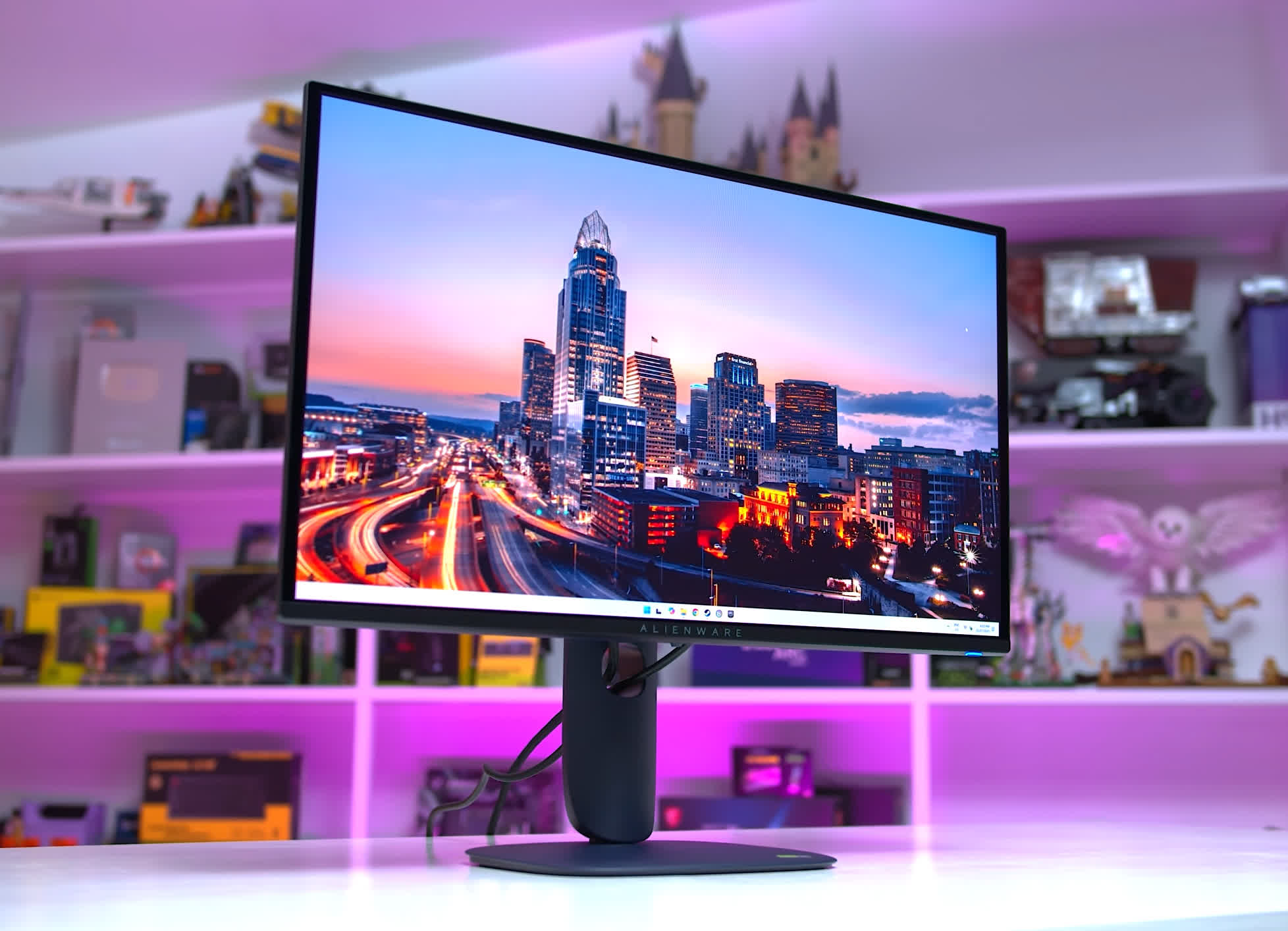
At its original $550 MSRP, it isn't especially compelling today. At around $400 on sale, however, it becomes a much stronger proposition. We've already seen it reach that price, and with the holiday shopping period approaching, we'd expect similar discounts to appear again.
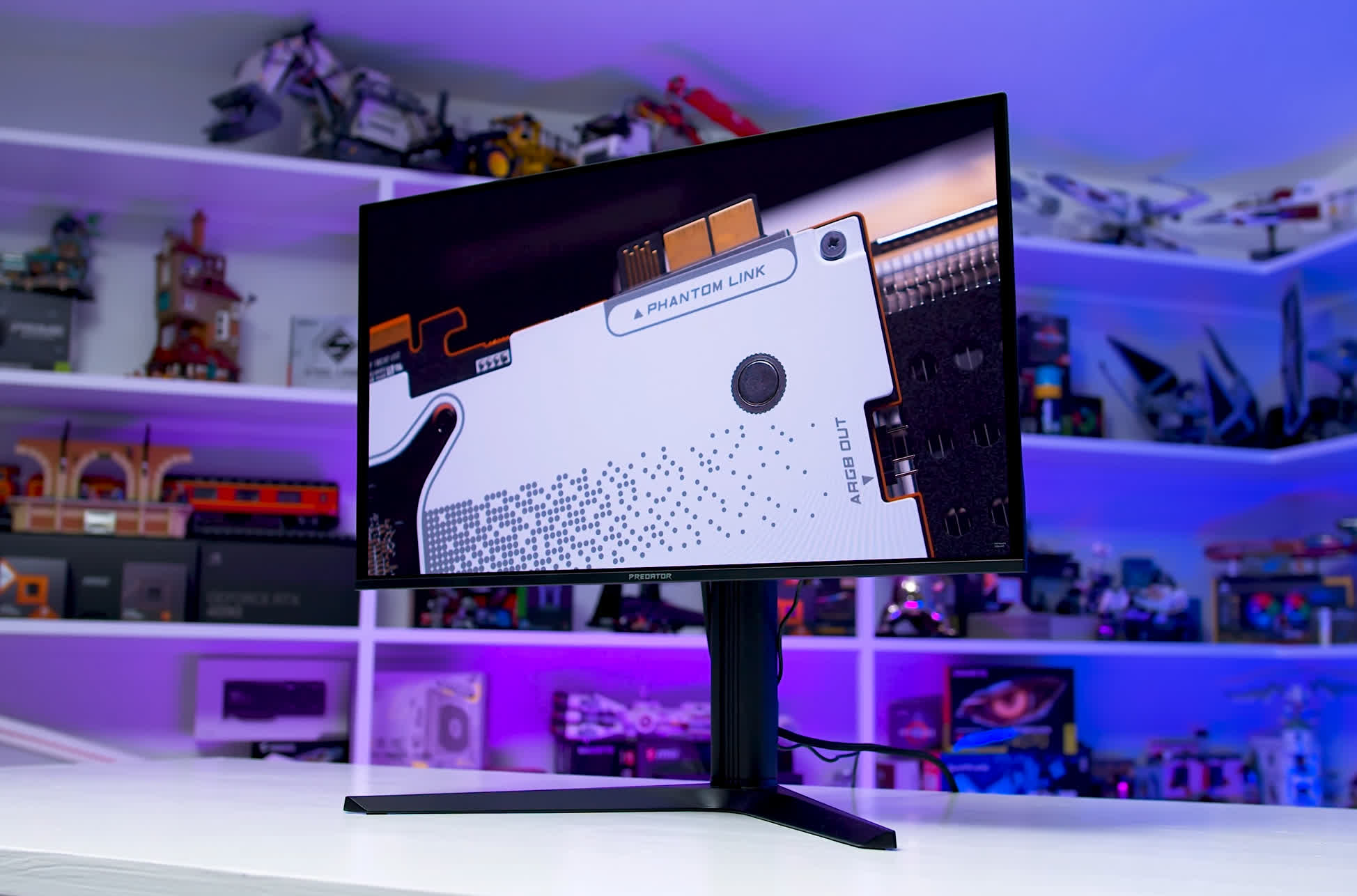
As for the other full-brightness options, the Acer Predator X27U X1 loses points because of its awkward SDR-to-HDR switching. The Gigabyte MO27Q2 lacks a proper "Peak" HDR mode and is becoming difficult to find, having largely been replaced by the newer MO27Q2A.
The MSI 271QPX E2 has the weakest calibration among the full-brightness models and doesn't offer enough standout features to compensate. We also weren't overly impressed with the MSI 271QP X28. Its 280Hz refresh rate is a plus, but it suffers from noticeable black crush in SDR, although HDR performance is better and it supports all three major HDR configurations.
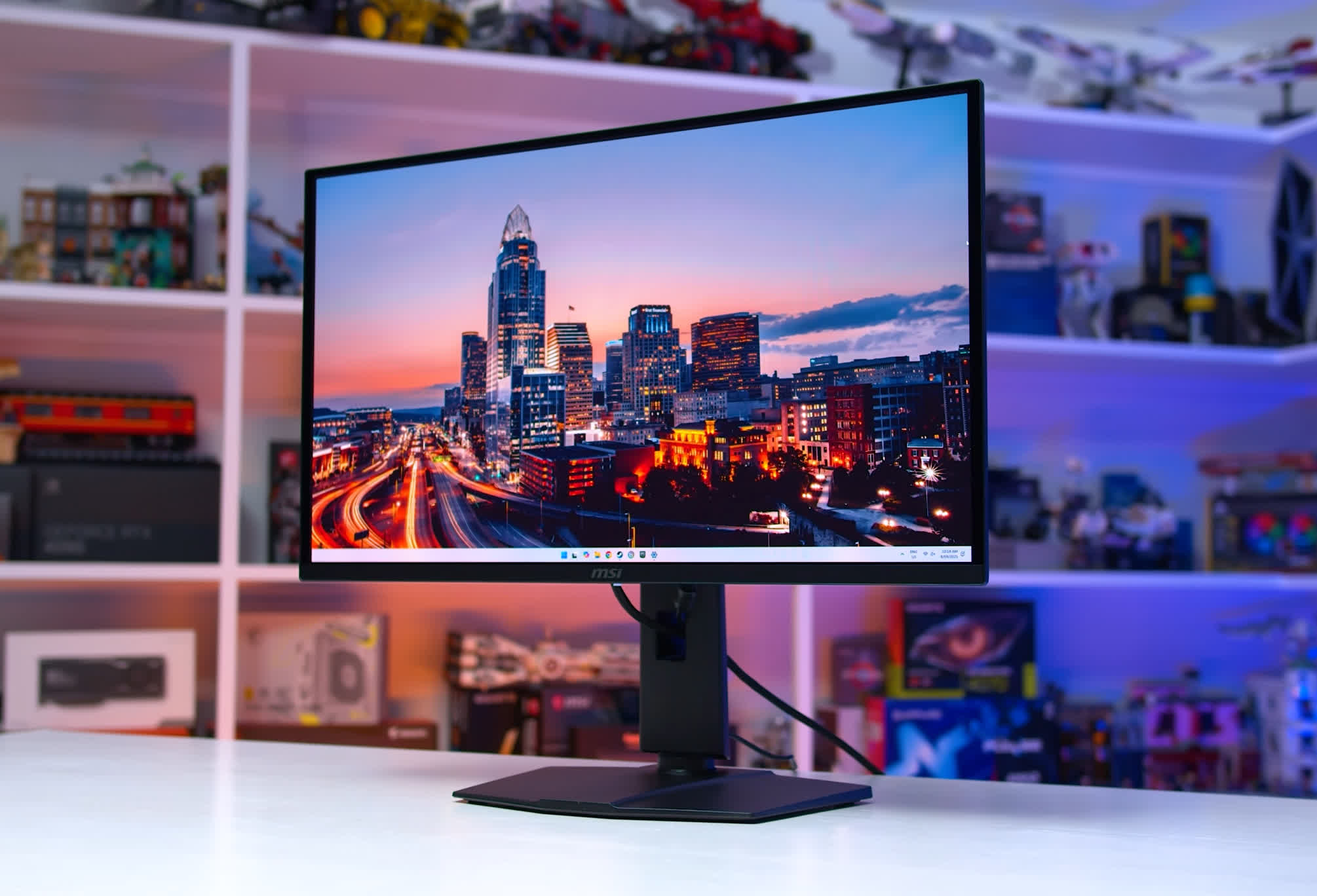
The MSI model we prefer is actually the 273QP X24, but it has some HDR saturation issues and has been discontinued in several markets, making it difficult to recommend broadly.