
OLED has reshaped the gaming monitor market, and the current lineup is the strongest it has ever been. Prices have come down considerably, panel technology has matured across multiple size and resolution categories, and there are now compelling options at nearly every budget point, from sub-$400 budget picks to flagship 4K and ultrawide displays pushing well past $1,000.
Every recommendation in this guide is based on hands-on testing. We don't recommend monitors from spec sheets alone, so every pick here has either been fully reviewed or is a close variant of something we've tested. Full reviews and additional testing data are available here at TechSpot and over at Monitors Unboxed on YouTube.

Best Overall (4K OLED)
Asus ROG Strix OLED XG32UCWMG 32"

At this point, we've been saying this for a couple of years and it remains true today: 32-inch 4K OLED is one of the best monitor formats on the market. These panels are large, high resolution, fast, and produce excellent HDR for gaming. With two main panel types to choose from (QD-OLED and WOLED), there are plenty of great monitor options, and it's rare to find one that's outright bad.
The overall best 32-inch 4K OLED is the Asus ROG Strix XG32UCWMG. This is a 32-inch 4K WOLED with a 240Hz refresh rate, and what makes it stand out is its excellent feature set.
The stunning glossy TrueBlack finish is superior to QD-OLED's glossy coating, doing a better job of preserving blacks across all lighting environments. QD-OLED has a persistent problem of blacks appearing grey in brighter rooms, which is a complete non-issue on the WOLED-based UCWMG.
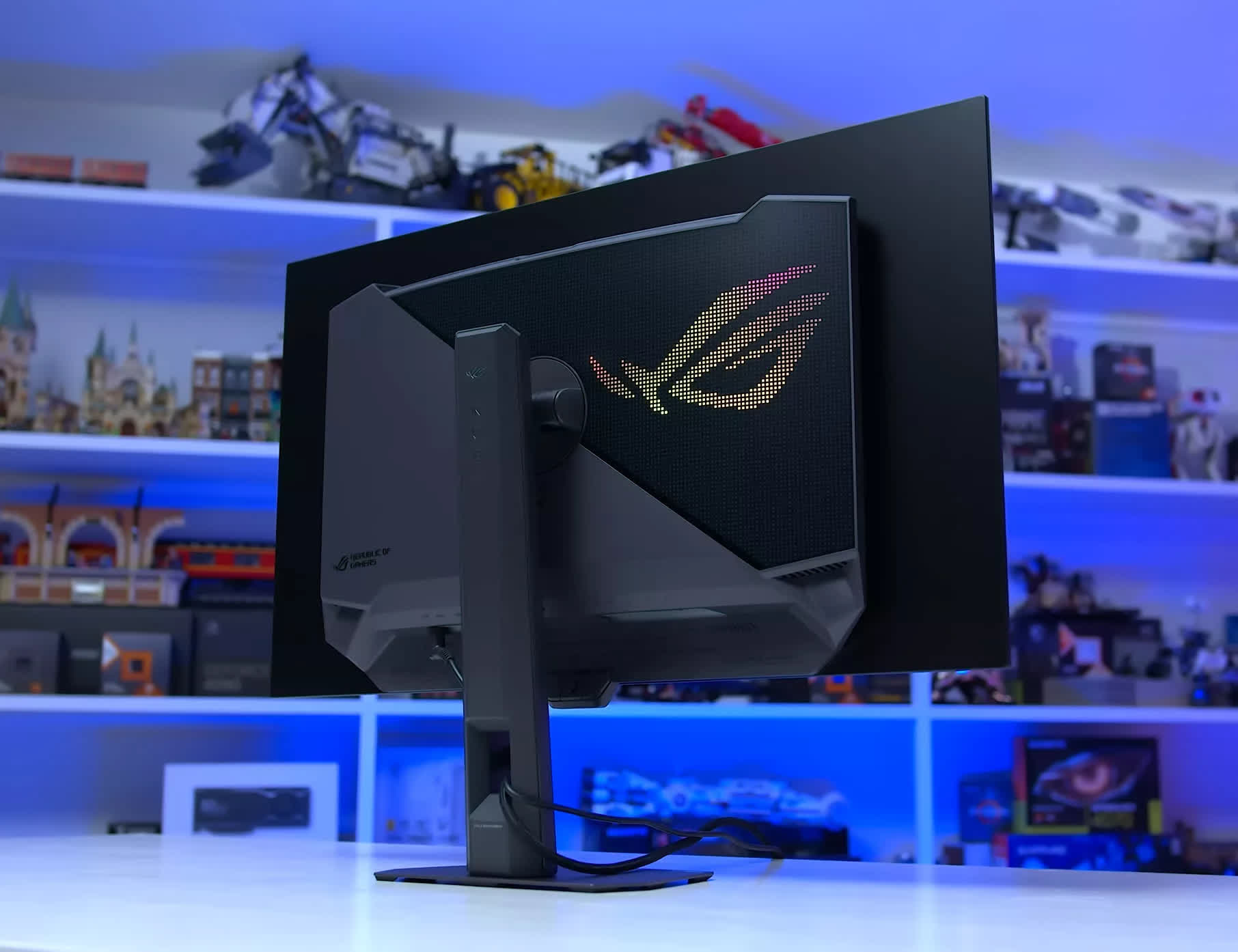
There are two other advantages WOLED has over QD-OLED. One is better HDR performance thanks to more consistent brightness output, with no panel dimming in bright scenes and peak brightness that still reaches 1,000 nits.
4K 240Hz WOLED also offers dual mode support, allowing the monitor to run in a 1080p 480Hz configuration. This mode is ideal for competitive gaming and adds versatility for those who play multiple game genres.
Asus includes some great features like their Neo Proximity Sensor, OLED Anti-Flicker mode, ELMB, and unlocked color controls. QD-OLED does have some advantages, including a wider color volume with higher color brightness and better uniformity, but the overall package that the latest glossy WOLED panels offer remains the best on the market.
The XG32UCWMG is slightly cheaper now than it was last year, typically retailing for $1,000. That's on the higher end of 32-inch 4K pricing, but it's not outrageous compared to QD-OLEDs that start around $800. You'll likely find better bang for buck with a QD-OLED, but if you're after a premium 4K model, spending 25% more on this Tandem WOLED is reasonable.
Worthy Alternatives
When it comes to bang-for-buck QD-OLEDs, it's hard to go wrong since most offer great performance. In 2026 there are two main 32-inch 4K 240Hz panel variants: the older panel that first launched in 2024, and a new updated version that launched at the start of this year.
The newer panel, which we tested in the Asus PG32UCDM Gen 3, delivers higher full-screen brightness (300 nits vs. 250 nits), slightly improved black levels in bright rooms, and is 8% brighter in HDR content. You can distinguish the new panel from the old by its DisplayHDR True Black rating: the 500-tier is the 2026 panel, the 400-tier is the 2024 panel.
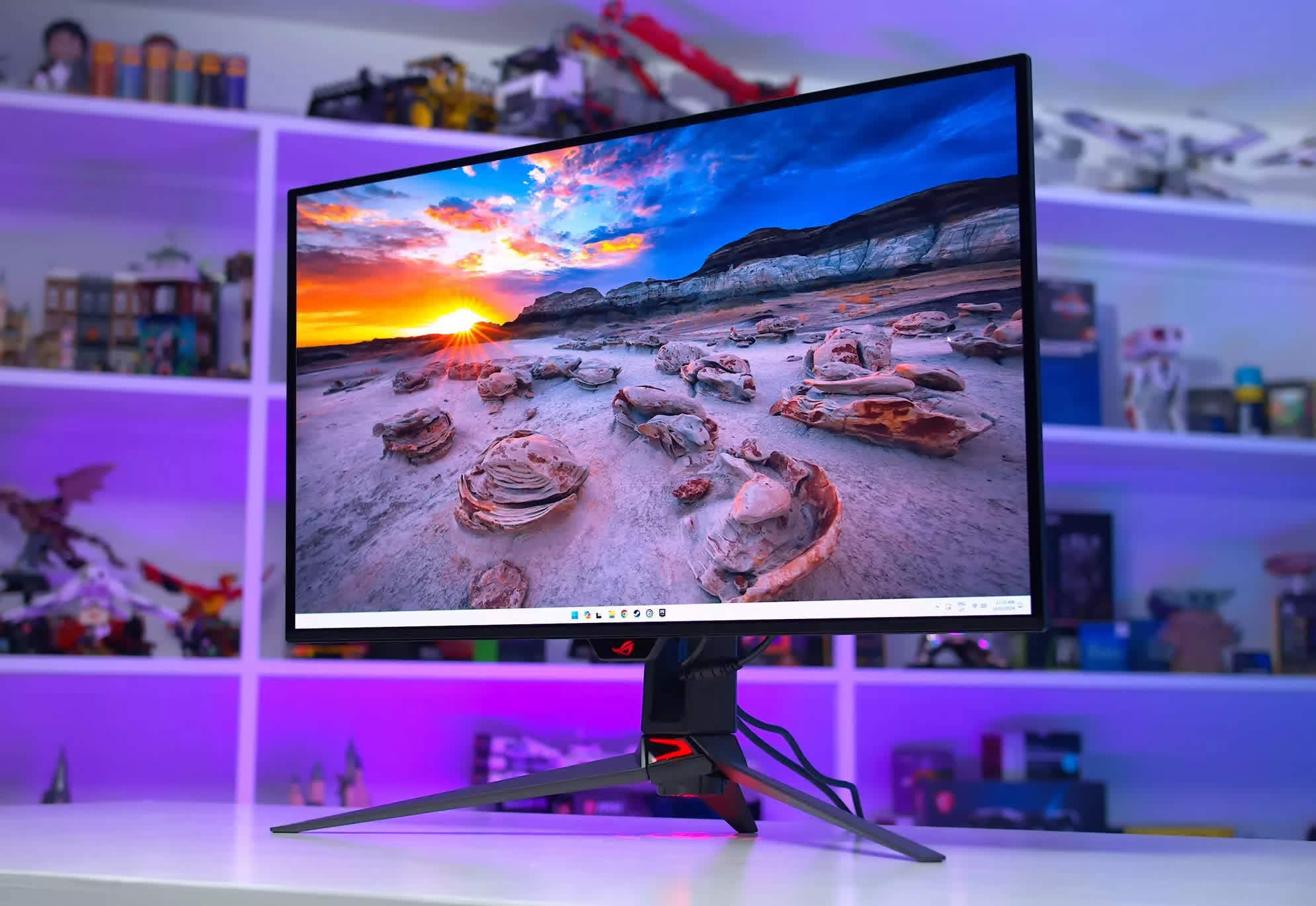
The new panel is better, but not by much, so it's not worth a steep price premium. If you find a 2026 model at the same price as a 2024 model, by all means get it, but right now the monitors using the original panel are considerably cheaper. For example, the MSI 321UPX is just $800, while the new 322UR X24 is debuting at $1,100. In that situation, saving $300 and going with the older 321UPX makes more sense.
The 321UPX is the model we'd recommend in most situations, as it's routinely a great value buy. But there are others we've tested and liked, including the MSI 321URX, the Dell AW3225QF for those who want a curved option, or the Samsung G81SF for those who prefer a matte finish. We'd suggest looking at the options available in your region and choosing the most affordable model with the features you want. Most variants offer great performance, and you can find our full reviews on Monitors Unboxed.
You may want to hold off on purchasing a 32-inch 4K OLED for now, because new Tandem WOLED panels are expected to hit the market within the next few months. At Computex 2026 we saw two new WOLED panels from LG Display, one using the RGWB subpixel layout and one with an RGB stripe, both in a 32-inch size. These panels should offer even better performance than the Asus XG32UCWMG. We still need to test performance and assess pricing, but we'd recommend waiting unless you come across a particularly strong deal on a 32-inch OLED.
Smaller 4K OLEDs
For those interested in a smaller 27-inch panel, our recommendations are unchanged from the last update. As of right now, the only available panel uses QD-OLED technology, and it's a scaled-down version of the first-gen 32-inch panels. Expect similar performance to the larger versions, in a more compact, higher-density format.
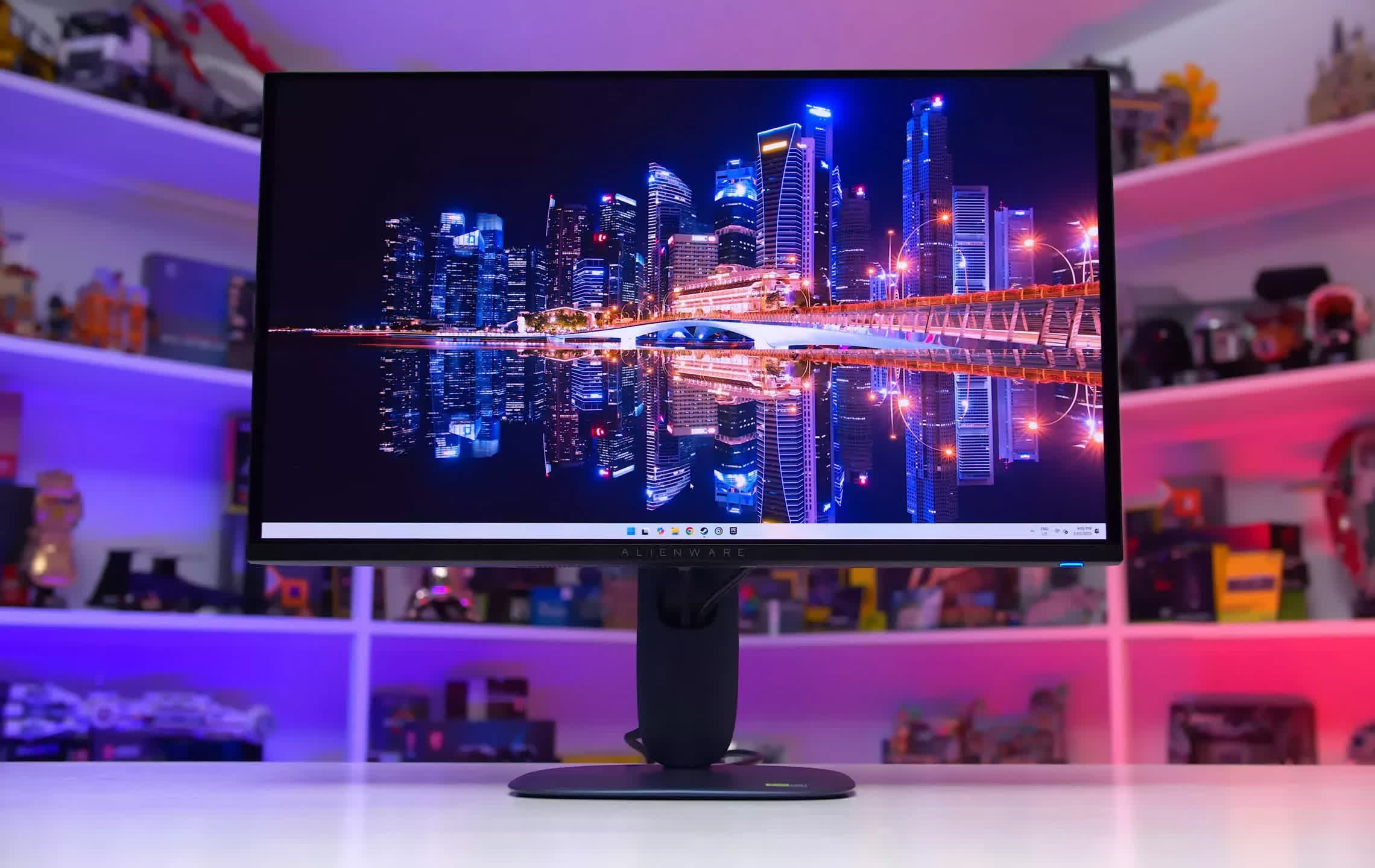
Dell Alienware AW2725Q
For most people, we recommend the Dell Alienware AW2725Q, which continues to offer outstanding value. Throughout most of this year, the AW2725Q has been available for just $700, making it the most affordable 27-inch 4K OLED on the market, occasionally dipping as low as $650.
Pricing is cyclical and it does occasionally rise back to its $900 MSRP, but waiting a few weeks for the lower part of the cycle usually rewards patience.
The AW2725Q offers comparable performance to other options we've tested: it's just as bright, looks excellent for HDR gaming, uses a glossy panel with deep blacks, and the only real downside is the absence of some premium features, such as USB-C display signal input.
A few other models are worth considering depending on pricing in your region. The Asus ROG Swift PG27UCDM is excellent, but at $1,100 it's too expensive against the Dell. You simply don't get enough extras to justify the $400 price difference. The ROG XG27UCDMG is a more compelling option now that it sits at $800, just $100 more than the Alienware.
The Asus model adds features worth considering, like the Neo Proximity Sensor, KVM switch, and unlocked sRGB mode, making it a solid upgrade pick over the Dell if you're comfortable spending about 15% more. Overall panel performance, however, is very similar between these options.
Best 1440p OLED
Gigabyte MO27Q28GR 27" OLED

If you're after a 1440p OLED gaming monitor, there's good news: this is the most competitive segment on the market, with the most options and the best prices. Like the 4K category, there are two main panel variants, QD-OLED and WOLED, each offering different strengths and weaknesses.
Our top recommendation in this category is the Gigabyte MO27Q28GR. This is a 27-inch 1440p 280Hz Tandem WOLED using the glossy panel variant. This glossy panel preserves black levels in brighter environments much better than comparable QD-OLED monitors, while retaining excellent clarity with no coating grain. Reflections are somewhat more problematic than QD-OLEDs in certain situations, though Gigabyte also offers a matte version, the MO27Q28G, for those who prefer maximum reflection reduction.
Right now, we believe 4th-gen Tandem WOLED is the best overall 1440p OLED panel type.
The MO27Q28GR delivers strong brightness in both SDR and HDR modes, typically offering a brighter experience than QD-OLEDs. HDR brightness is also far more consistent across different scene types, as there's no QD-OLED-style panel dimming. This means higher peak brightness in favorable conditions, along with better punch and accuracy in bright scenes. It's a significant factor in why we recommend Tandem WOLED and prefer its HDR experience overall.
Gigabyte offers a solid feature set, including a black frame insertion mode, anti-flicker mode, USB-C input, and KVM switch. Color accuracy is good, and motion clarity and input lag are excellent, as is typical across OLED monitors. The MO27Q28GR stands out in particular because of its pricing.
The base MSRP of $600 is highly competitive with other Tandem WOLEDs, and it has recently gone on sale for as low as $480, putting it firmly in bang-for-buck territory.
More Options
Another strong option is the Asus ROG Strix XG27AQWMG, which is very similar to the MO27Q28GR as it uses the same glossy Tandem WOLED panel. It's arguably the slightly better monitor overall, with a few more color customization options and a handy proximity sensor, but it's more expensive at $650 and rarely goes on sale.
If both monitors are priced the same in your region, the Asus is the better pick, but the Gigabyte is likely to be noticeably cheaper most of the time, making it the superior value choice.
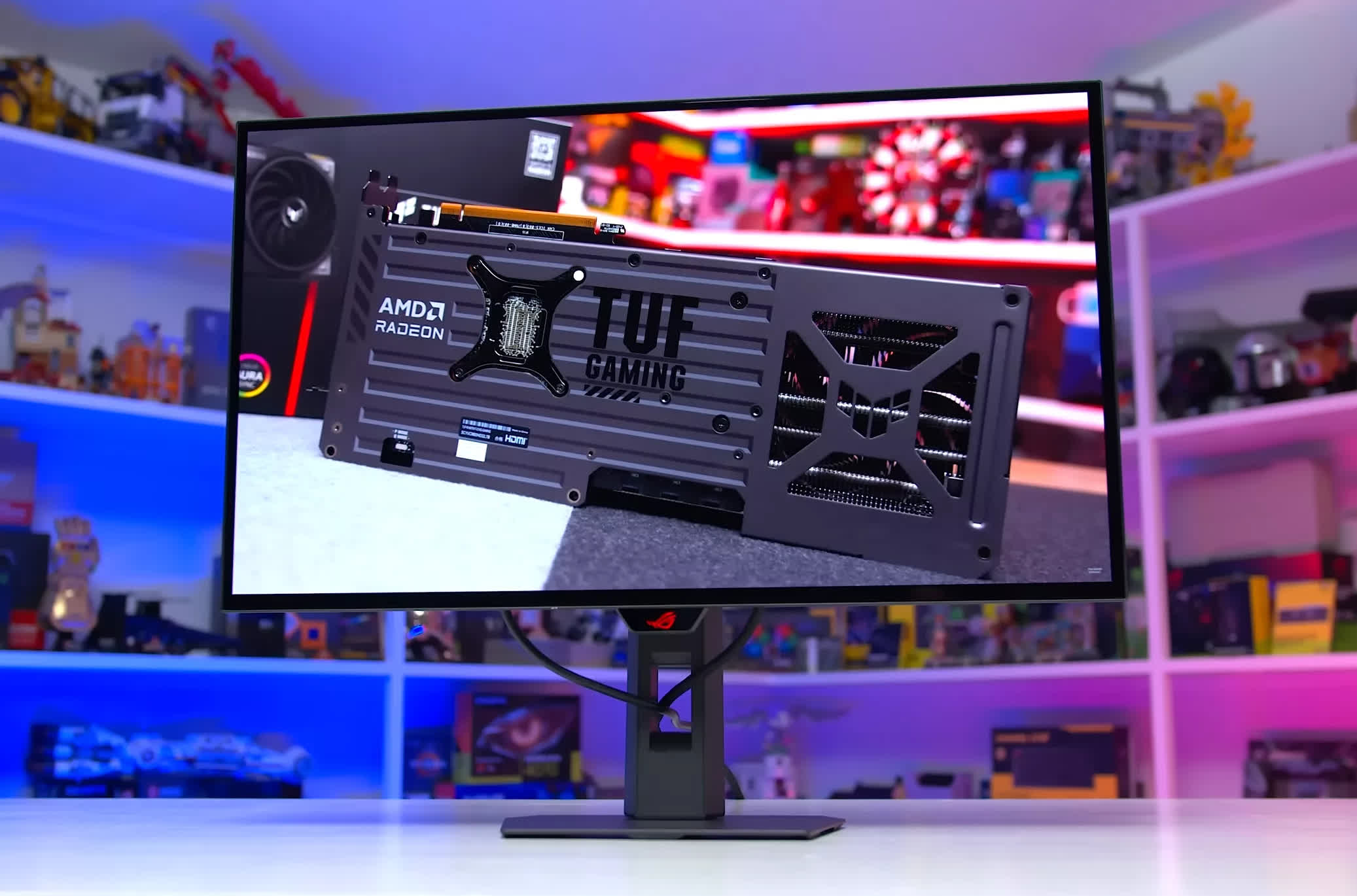
Asus ROG Strix XG27AQWMG
While we lean toward WOLED over QD-OLED in the 1440p category right now, WOLEDs do carry one significant flaw: dark grey banding. All Tandem WOLED monitors suffer from this problem regardless of brand, and severity varies from unit to unit.
In many cases the panel you receive will be fine. Most units we've tested don't exhibit noticeable banding during gaming, but in some outliers the issue is severe. It's an unfortunate hardware-level problem, and one you should be aware of before purchasing a Tandem WOLED screen.
What about 1440p QD-OLEDs?
As for 1440p QD-OLEDs, are they worth buying? That depends on your situation, but the answer is yes for two types of buyer. First, if you'd rather avoid the WOLED grey banding issue entirely, QD-OLED is free of this problem and generally offers better screen uniformity. Second, if pricing is a priority: QD-OLEDs are typically more affordable.
It will ultimately come down to how it's priced relative to WOLEDs in your region. In Australia, for example, the MO27Q28GR currently retails for $830, while the Dell Alienware AW2725D, a 27-inch 1440p 280Hz QD-OLED, can be found for just $600. That's a 28% saving, and given that the AW2725D is an excellent product, that kind of price gap would make the Alienware the better recommendation. In the US, however, the MO27Q28GR is actually slightly cheaper, so this isn't a universal call.
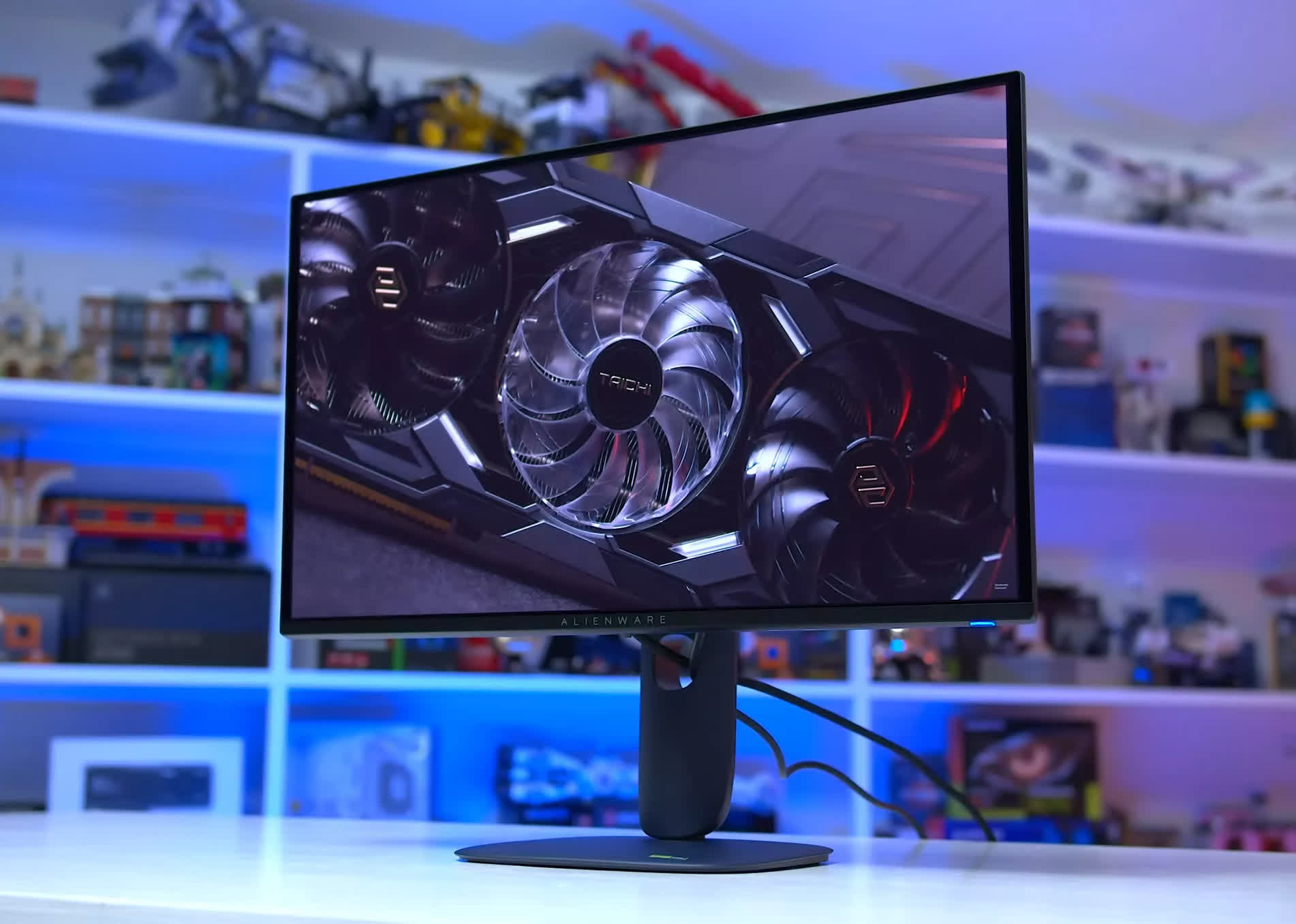
Dell Alienware AW2725D
One important thing to be aware of: there are several budget QD-OLED panel variants on the market right now with very similar specifications. At 240Hz, there are actually two distinct panel types. One carries DisplayHDR True Black 400 certification and delivers up to 1,000 nits of peak HDR brightness. The other has no DisplayHDR rating and tops out at just 400 nits. The certified panel is also brighter in SDR mode, reaching 250 nits compared to 200 nits on the lower-spec variant.
If you're shopping for a high-performance 1440p OLED for HDR gaming and deciding between Tandem WOLED and QD-OLED, avoid monitors without a DisplayHDR rating.
The lower-brightness QD-OLED variant is simply not competitive with Tandem WOLED, so check the spec sheet for DisplayHDR tier and brightness figures before buying. True Black 400 panels with 250 nits SDR brightness and up to 1,000 nits peak brightness are the panels that hold up as genuine alternatives to Tandem WOLED. The Alienware AW2725D is one such model.
There is one reason to consider those lower-spec QD-OLED monitors, and that's if you're working with a tight budget, which leads us to the next category...
Best Budget
Alienware AW2726DM QD-OLED 27"

If you're after a budget OLED gaming monitor, there is an undisputed champion: the Dell Alienware AW2726DM. Priced at just $350, this is the cheapest 1440p OLED on the market, and provided you're aware of the drawbacks that allow it to hit that price point, it's well worth considering.
In the previous section covering 240Hz 1440p QD-OLEDs, we mentioned that there are two panel variants: one with DisplayHDR True Black 400 certification and one without. The AW2726DM uses the latter, meaning it has limited brightness compared to most other QD-OLEDs.
In our testing it reached just 190 nits of full-screen SDR brightness, and HDR brightness never exceeded 380 nits, far lower than the 1,000 nits we see from other 1440p QD-OLED panel variants.
This means the AW2726DM is not a very good HDR gaming monitor. In our review, we noted it falls short of delivering a true HDR experience. So why recommend it? The simple answer is that OLEDs are excellent for gaming even without true HDR. Relative to an LCD in the same price tier, the AW2726DM is faster, clearer, higher contrast, and more vivid.
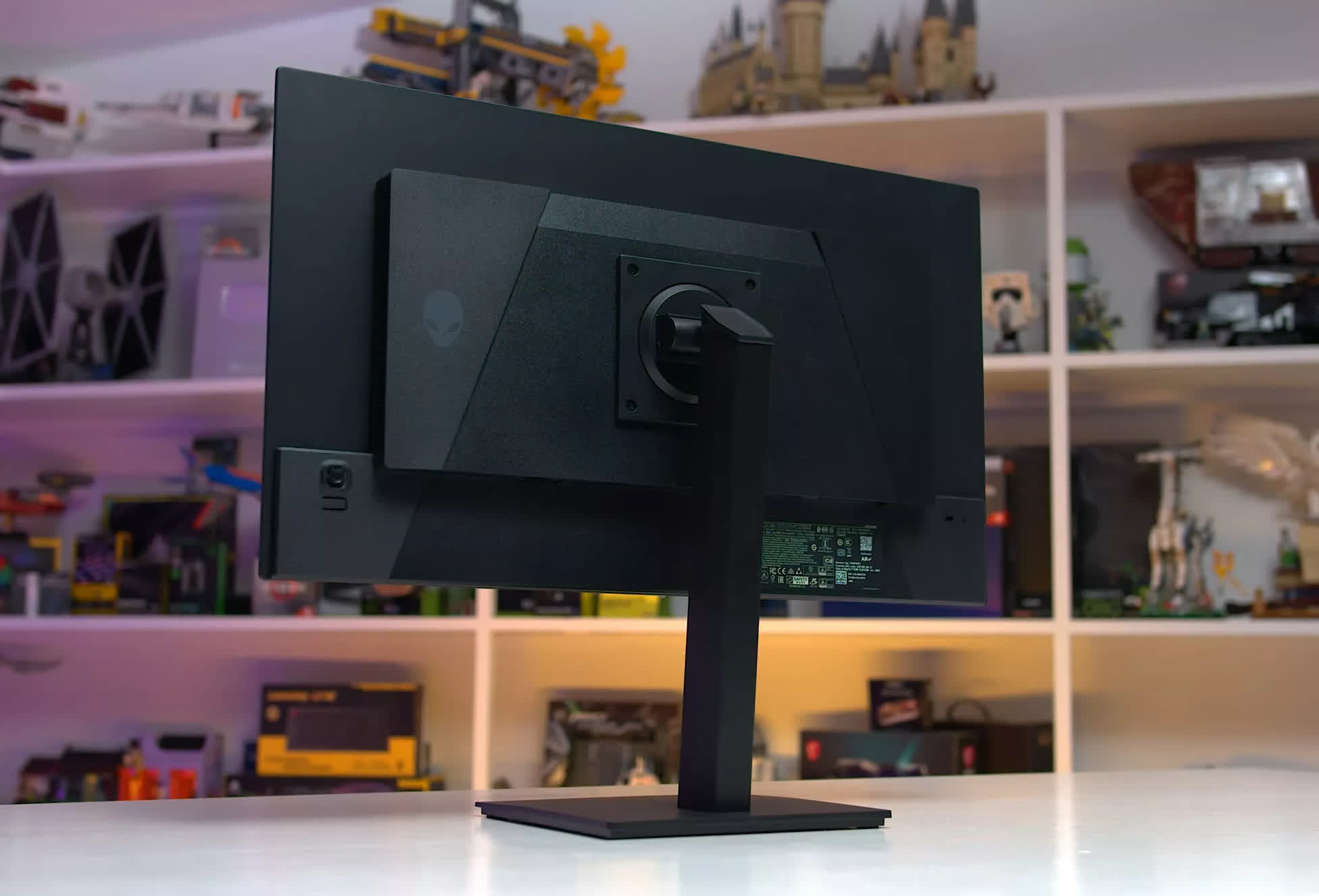
As a 1440p 240Hz QD-OLED, motion clarity is excellent, outperforming all LCDs at a similar refresh rate. There's no need to worry about overdrive settings or overshoot artifacts. This QD-OLED is clean, artifact-free, and consistent across refresh rates. If you enjoy fast-paced games or tend to play at high frame rates, an OLED is a significantly better choice than an LCD at this price point.
Overall image quality is also a step above the competition. Even without high brightness levels, the AW2726DM delivers deep zero-level blacks and per-pixel control, resulting in outstanding contrast.
LCDs simply can't compete with OLED blacks. Viewing angles are better, uniformity is better, color gamut is wider, and the monitor uses a glossy, grain-free coating. There isn't a $350 LCD that can match this QD-OLED's contrast and motion performance, which is why this Alienware model is easy to recommend for budget-conscious gamers.
But the price is key: the AW2726DM is a great buy because it's $350. At a higher price it runs into much stronger competition from Tandem WOLEDs and the better QD-OLED panels, which offer higher HDR brightness and a true HDR experience.
If the AW2726DM isn't significantly cheaper than those monitors in your region, it isn't worth buying. Right now in the US, this Alienware model is ~30% cheaper than True Black 400 QD-OLEDs, which is the kind of price gap that justifies the trade-offs.
Best Extreme Refresh Rate Monitor
Asus ROG Swift OLED PG27AQWP-W 27"

If money is no object and you want the absolute best 1440p gaming monitor available, the Asus ROG Swift PG27AQWP-W remains on top. It uses the same 4th-gen Tandem WOLED panel discussed in the previous section, but bumped up to a 540Hz refresh rate. This monitor excels across the board, whether you're after the best single-player HDR experience or the fastest motion and lowest input lag for competitive gaming.
All of the benefits that apply to the XG27AQWMG carry over to the PG27AQWP as well, including its TrueBlack glossy coating and excellent WOLED panel. It also adds an interesting extra: a 720Hz 720p dual mode, which pushes clarity even further beyond the standard 540Hz 1440p configuration.
The 720p resolution is quite low and can be problematic in games with small text or UI elements, so sticking with 540Hz will be the right call for most users. Still, it's a useful bonus feature for niche competitive scenarios.
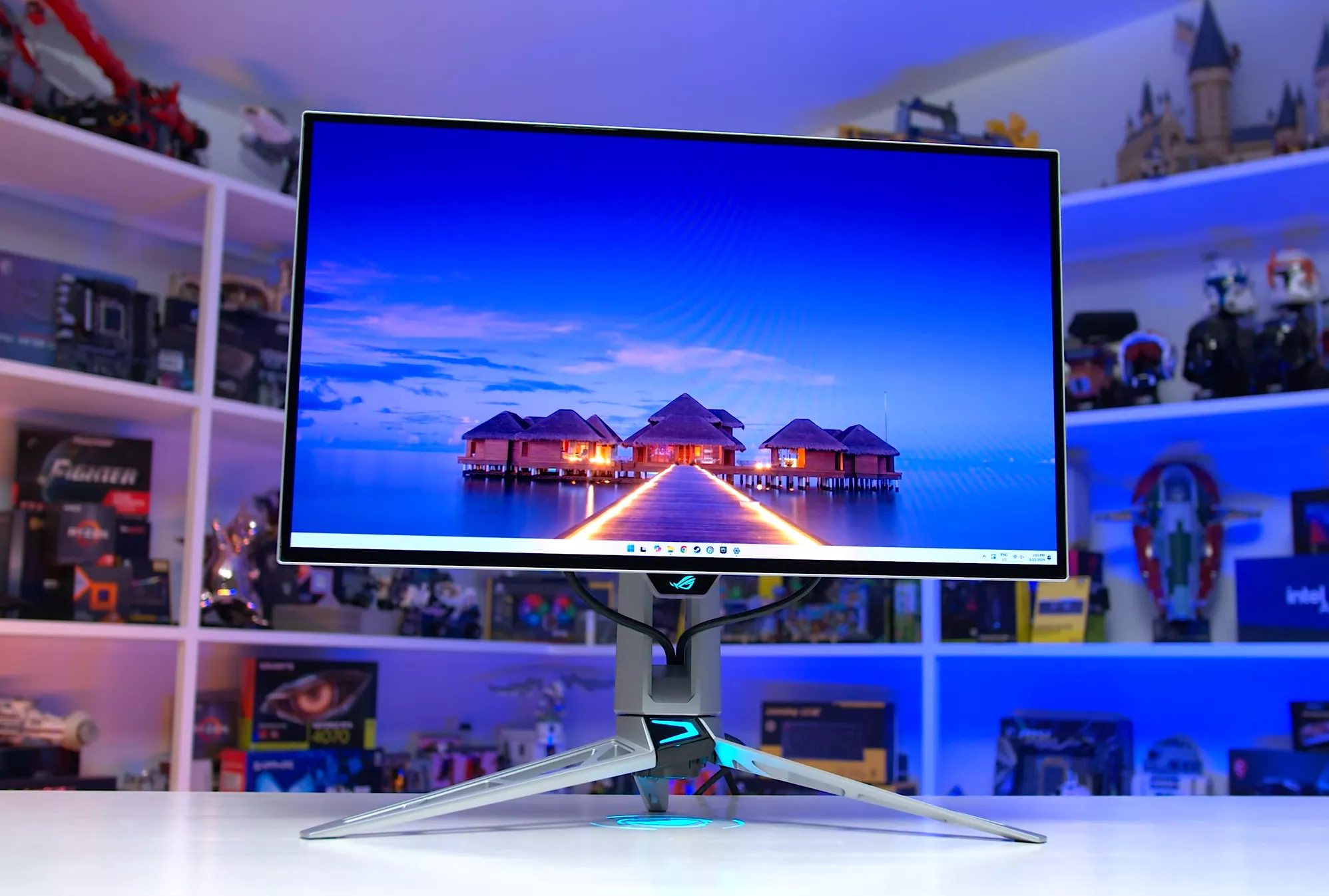
The major downside to the PG27AQWP is its price. It debuted at $1,100 late last year and has held at that level into 2026. That's at least $500 more, or an 83% premium, over a 280Hz WOLED for what is otherwise a very similar monitor outside of the refresh rate.
If you won't regularly be playing games above 280 FPS, there's little justification for spending that kind of money on 540Hz. For highly competitive gamers who demand the best possible clarity and responsiveness, however, the premium can be justified.
If the high refresh rate and motion clarity of this monitor appeal to you but $1,100 feels steep, opting for a QD-OLED is a good way to bring costs down. Current-generation 500Hz QD-OLED monitors start around $650 and can be found slightly below $600 on sale, making them significantly better value than the PG27AQWP. The difference between 500Hz and 540Hz is minimal, so the motion clarity on offer is just as excellent at a roughly 40% lower price.
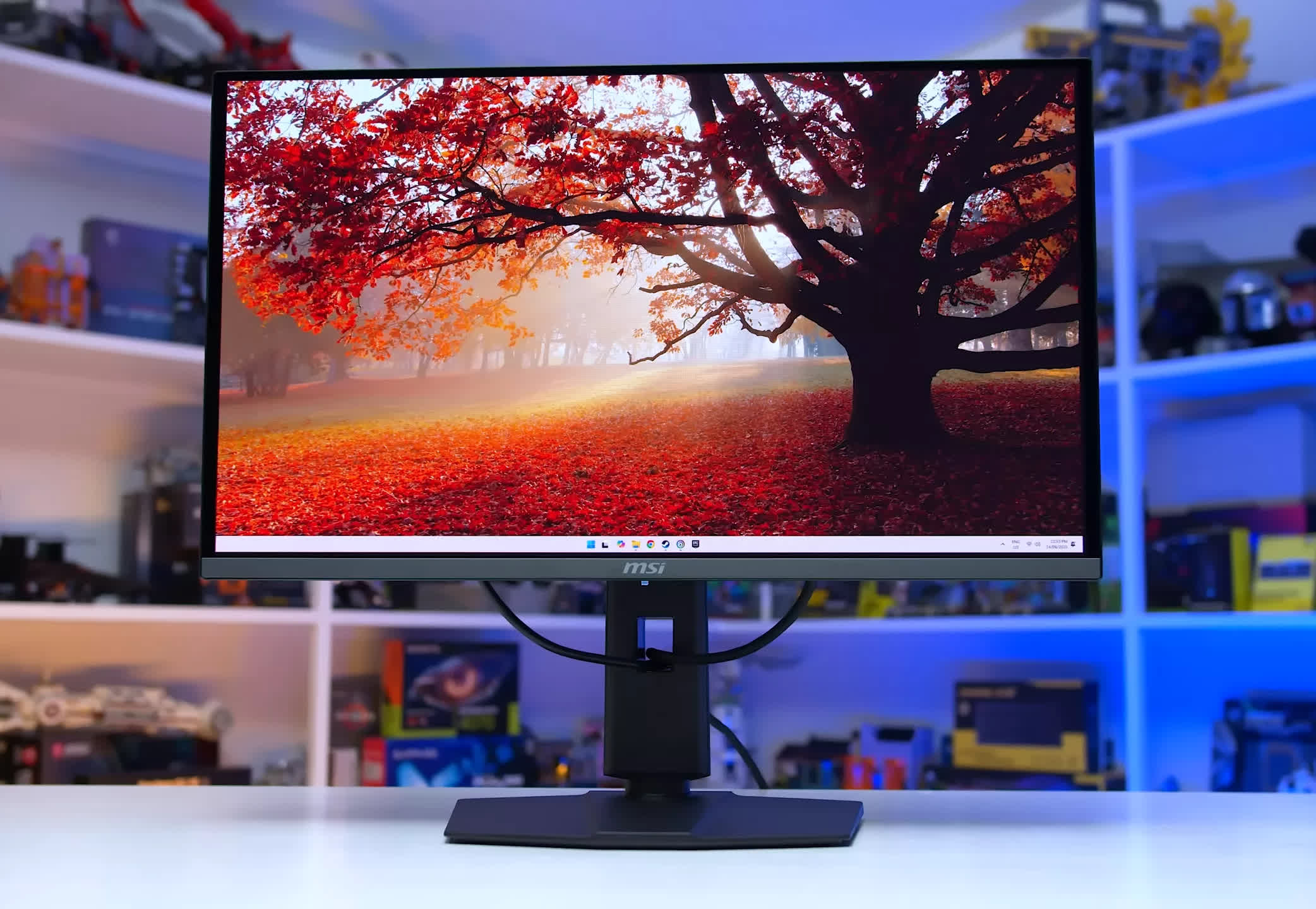
MSI MAG 272QP X50
The WOLED vs. QD-OLED debate is also more competitive at these higher price points, because 500Hz QD-OLED panels are brighter than their 240-360Hz counterparts. They exceed 300 nits in SDR content and deliver brighter output in some HDR scenes as well, though panel dimming remains an issue.
The 540Hz WOLED panel is still the stronger performer overall, but in the flagship tier the performance gap between WOLED and QD-OLED narrows while the price gap widens, giving QD-OLED a much more compelling case.
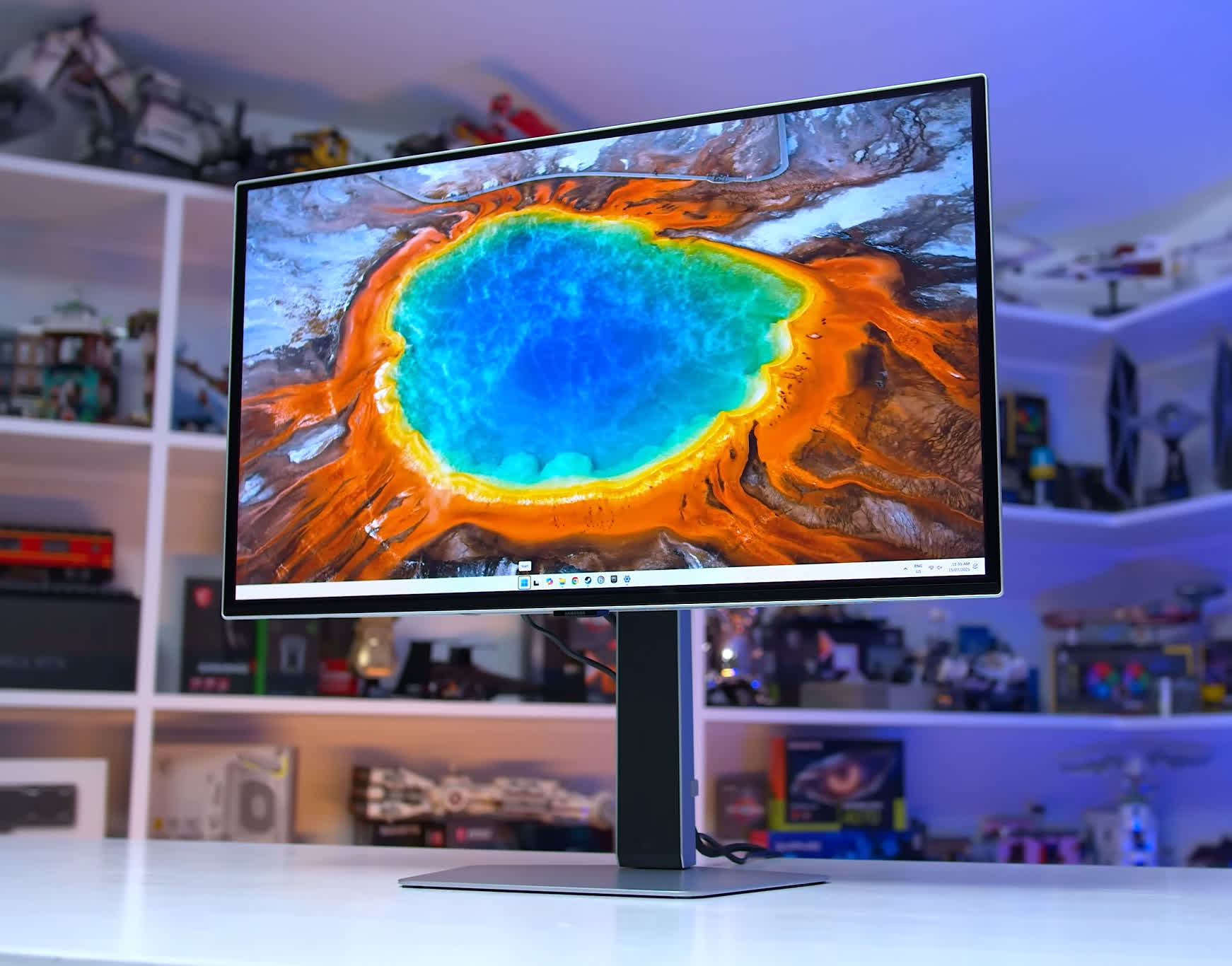
Samsung Odyssey OLED G6 (G60SF)
As for which 500Hz QD-OLED to buy, we recently compared five different options and found that all delivered similar performance. We'd typically lean toward the MSI models for their strong value and feature sets. The 272QP X50 is around $650, which is a great price, and the slightly higher-end 271QR X50 is only $50 more.
The Samsung G60SF is also worth a look. It has a matte screen coating, which won't suit everyone, but it has been available for around $600 over the past month, making it a highly competitive option.
Best Ultrawide Monitor
LG UltraGear Evo 39GX950B 39" Curved

2026 is the year OLED ultrawides finally came into their own. There's now a strong range of options across multiple sizes, without many of the flaws of early models. We recently published a dedicated buying guide covering the best ultrawides on the market, but here's a summary of our thoughts within the OLED category.
The overall best ultrawide right now is the LG 39GX950B. It's a 39-inch 5120 x 2160 Tandem WOLED at 165Hz, and 39 inches is the sweet spot for an ultrawide: the same height as a 32-inch 16:9 monitor, but with the added width that makes the format worthwhile. This LG monitor offers an excellent 5K2K resolution, deep blacks in all environments, and consistent HDR brightness across most scene types, avoiding pitfalls like panel dimming.
Overall performance is excellent thanks to the latest Tandem WOLED technology, but there's plenty more to like. The 1500R curve works well for both gaming and productivity use, the subpixel layout handles text rendering well, and dual mode functionality boosts the refresh rate to 330Hz at 2,560 x 1,080.
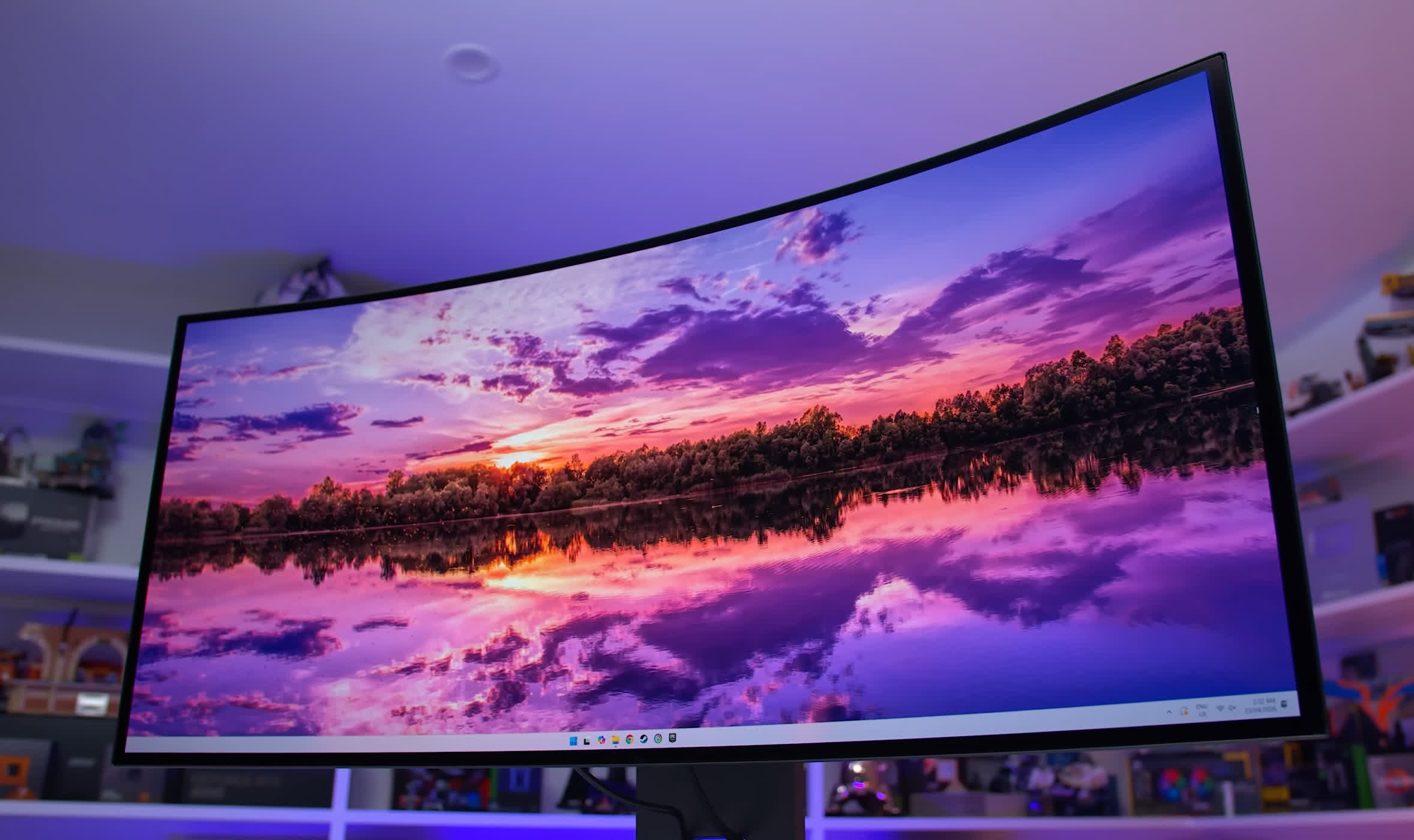
The main downsides are the relatively modest 165Hz refresh rate at native resolution and the steep asking price of $1,800.
The LG remains our pick for the best 39-inch OLED ultrawide right now, but Dell recently announced the Alienware AW3926QW, which is worth paying attention to. Scheduled for release in July, it's also a 39-inch 5K2K Tandem WOLED, but with an RGB stripe subpixel layout and glossy finish. Dell has indicated pricing of around $1,100, which is substantially cheaper than the LG. We'd recommend waiting to see how this upcoming model performs before committing to a purchase in this category.
Smaller and Larger Ultrawides
In the 34-inch segment, the best monitors right now use the latest 3440 x 1440 QD-OLED panel, which launched at the start of 2026. This new panel features a 360Hz refresh rate, an RGB stripe subpixel layout that Samsung Display calls V-Stripe, and improvements over older models in areas like brightness and panel coating.
We've tested two monitors using this panel and found them extremely difficult to separate: the MSI MPG 341CQR X36 and the Asus ROG Swift PG34WCDN. Both deliver excellent calibration across SDR and HDR modes, along with identical brightness and general panel performance, meaning they look virtually identical in games and applications. There are some minor feature differences covered in our individual reviews, but either option is a safe choice.
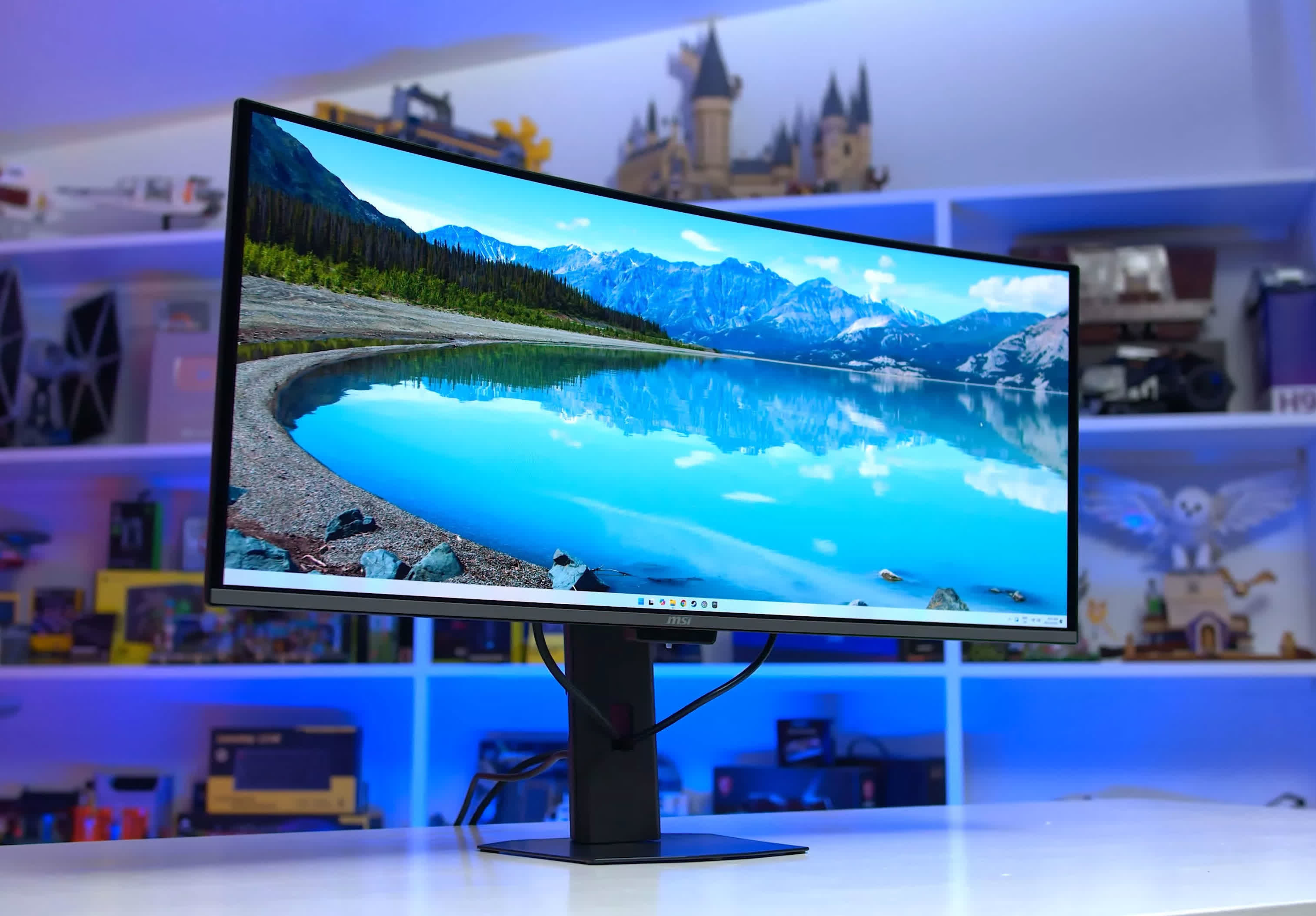
MSI MPG 341CQR X36
These monitors are quite expensive, typically running over $1,000. For those who want something more affordable at the same size, it may be worth waiting a couple of months.
Samsung Display is preparing a 280Hz version of the new V-Stripe QD-OLED panel, set to appear in lower-cost ultrawides such as the upcoming Dell Alienware AW3426DW. These monitors are expected to land in the $800 range and should offer very similar performance to the 360Hz models.
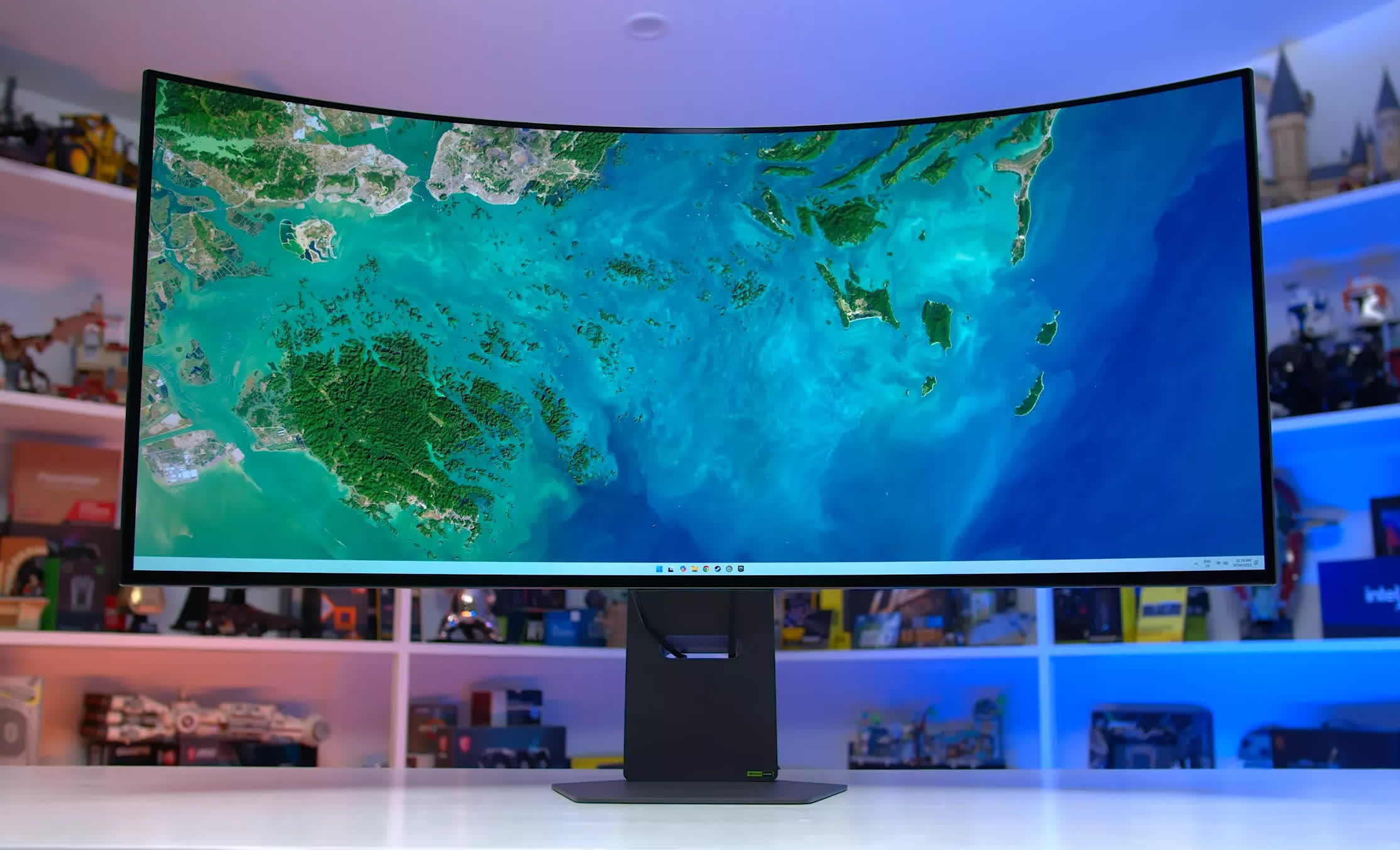
LG Ultragear 45GX950A 5K2K
Lastly, for those interested in a larger ultrawide, our recommendation is unchanged: the LG 45GX950A remains the best 45-inch OLED ultrawide on the market.
It features a massive 45-inch 5120 x 2160 WOLED panel running at 165Hz, delivering an immersive experience well suited to simulator rigs or setups that simply demand a large screen. It relies on slightly older panel technology and uses a more aggressive 800R curve, which makes it a less rounded option than the 39-inch model, but it remains a solid choice for the right use case.