Microsoft PowerToys packs more than 30 utilities into a single toolbox, but not all of them are worth using. These 11 stand out as genuinely useful, and a few others you can safely ignore.
The only tool here that really matters is the Keyboard Manager for remapping the Copilot key to get your right control button back:
Separately, Sysinternals is incredibly useful. It was so good that it was bought by Microsoft long ago and the original creator is now CTO of Azure. If you ever wanted to securely delete a file, that's where you can get the official tool to do it.
If you want to track all files/registry keys an application reads from/write to (useful for extracting a lost registration code of an paid application), there's a tool for that. If you need to make some space on your computer and don't know why you've run out, there are tools to help you with that: https://learn.microsoft.com/en-us/sysinternals/
Not sure if it's part of PowerToys, but when I worked with multiple laptops I used Microsoft Garage Mouse Without Borders to switch between laptop screens.
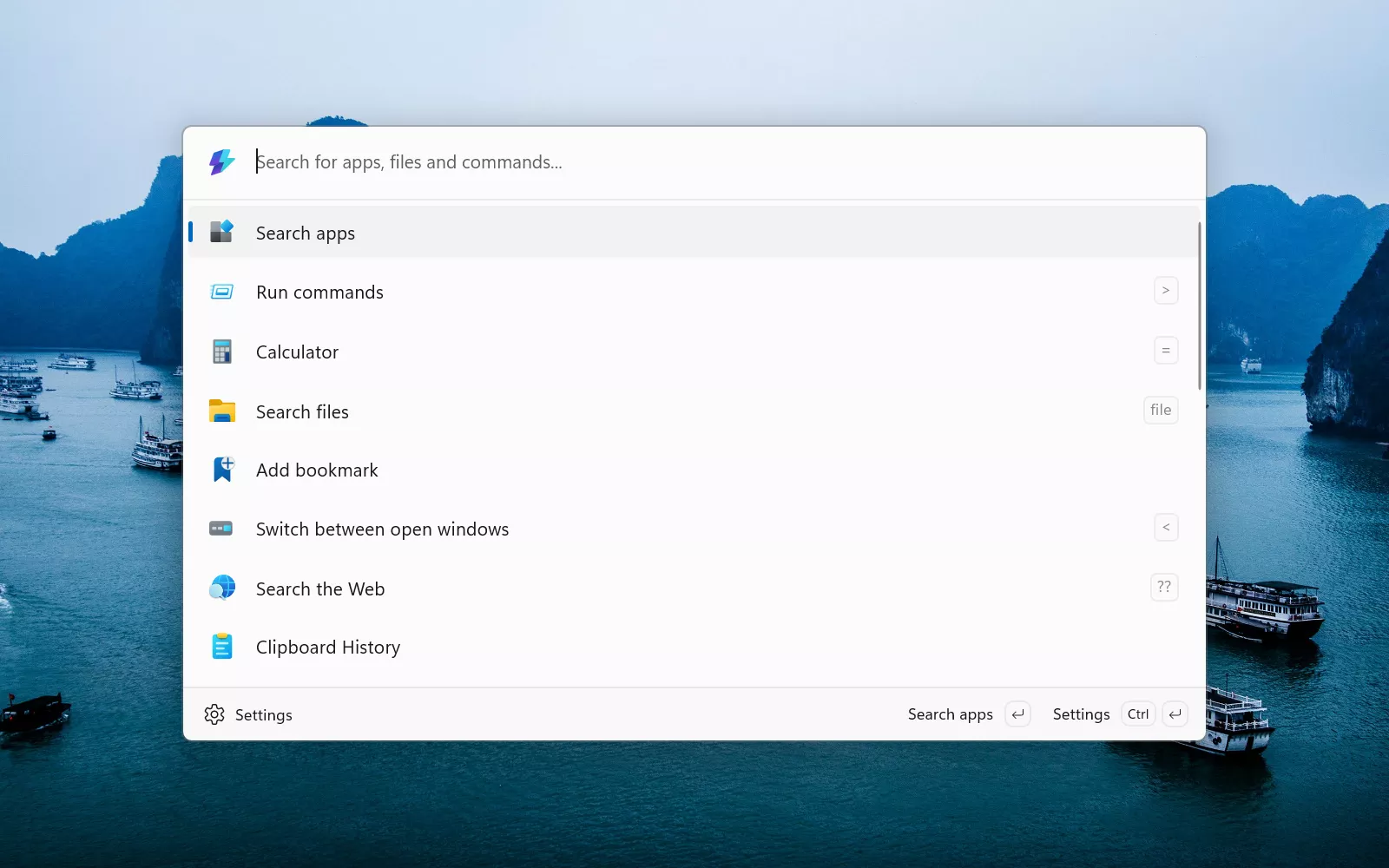
I love that PowerToys has both productivity stuff like a command launcher and weird little gems like cursor wrapping. Niche scenarios (for power users) mean tools people can genuinely use every day.