
Facepalm: Security software is supposed to be the good guy. But when it's outdated, bloated, or running in duplicate, it can cripple performance as effectively as the threats it's meant to stop. On a machine that's only a few years old, a bad slowdown might look like a hardware problem, but knowing your software can mean the difference between a system you can patch and one you abandon entirely.
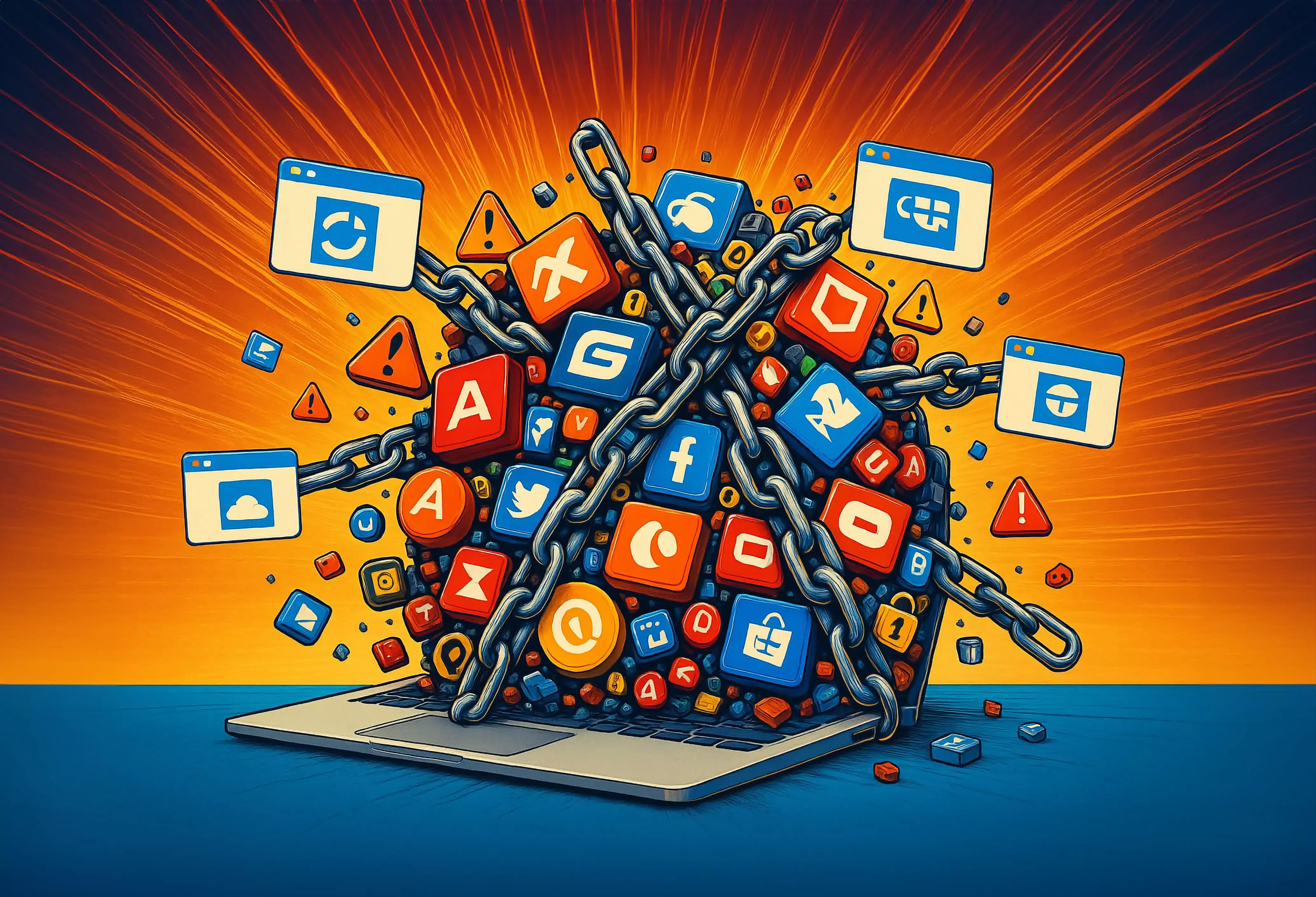
It's a scene most tech enthusiasts will recognize all too well. You're visiting a less tech-savvy friend or relative, the conversation barely underway before the request comes: "Could you take a quick look at my laptop?" The machine is not ancient, just a few years old, but the moment you touch the trackpad, you can feel the resistance. Applications barely open, browsers crash mid-session, and even simple OS prompts feel sluggish.
A few frustrating minutes into the postmortem, the culprits start to reveal themselves. Two different antivirus suites are running, fighting for dominance, this in the midst of constant pop-ups from OneDrive, and Windows Update nagging endlessly yet breaking whenever you attempt an upgrade.
I recently encountered this exact scenario. The laptop was a relatively modern Windows 10 laptop that could barely load a single web page without choking. Chrome refused to update itself, and attempts to download and reinstall the browser would stall midway through.
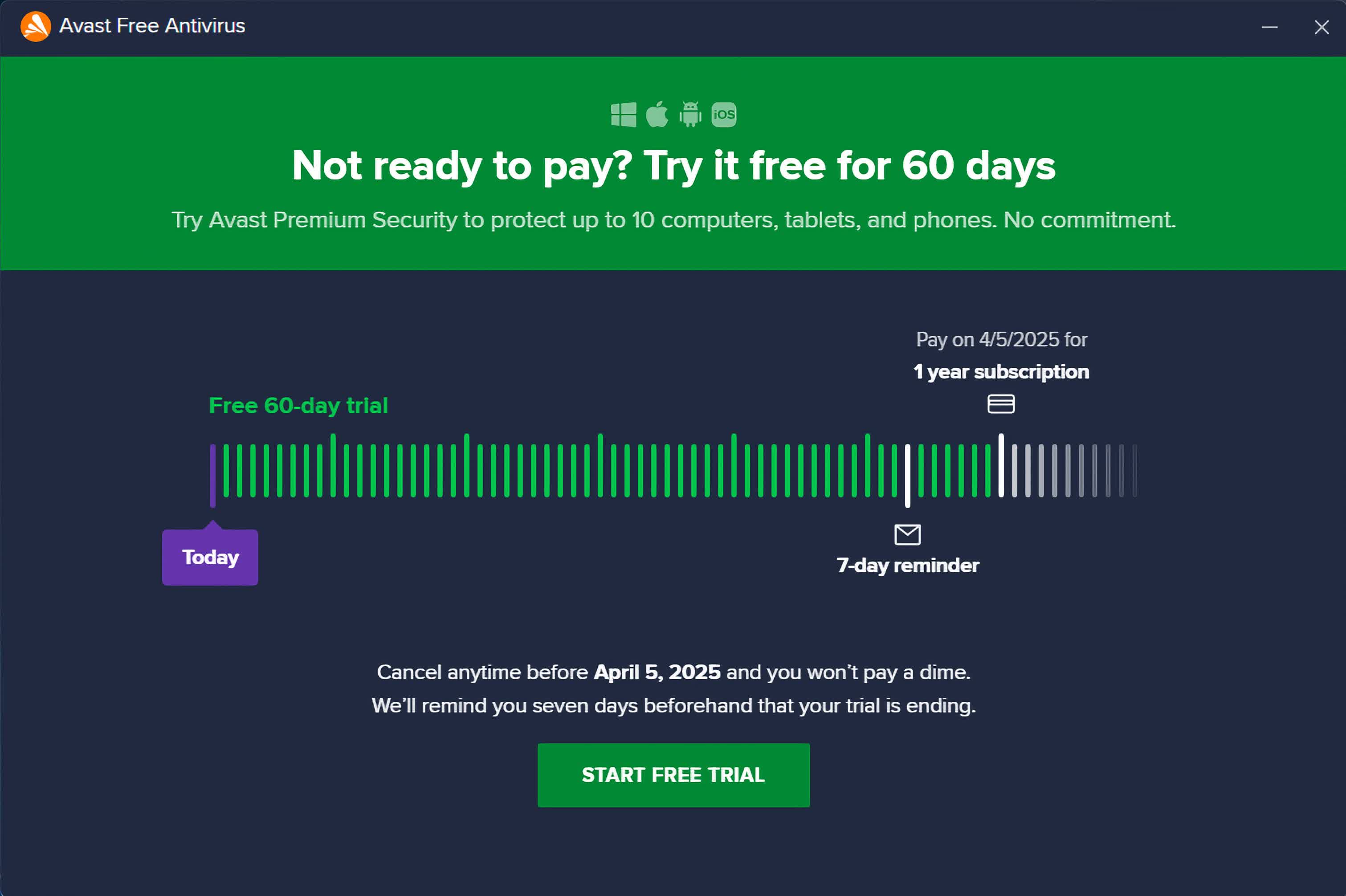
The underlying issue turned out to be something I've seen more than once: an outdated, malfunctioning version of Avast Antivirus that had burrowed so deeply into the system that it was effectively behaving like malware. This is the paradox of modern antivirus: software designed to protect a PC can, in certain circumstances, degrade it more thoroughly than the threats it's meant to guard against. And the offenders aren't sketchy no-name apps, they include big names like Avast, Norton, and McAfee.
Part of the problem lies in the industry's evolution. Antivirus products are rarely "just" antivirus anymore. Free and entry-level versions often arrive festooned with add-ons: VPN clients, password managers, browser extensions, "system cleaners." Each one competes for memory and CPU time, and many are configured to start at boot.
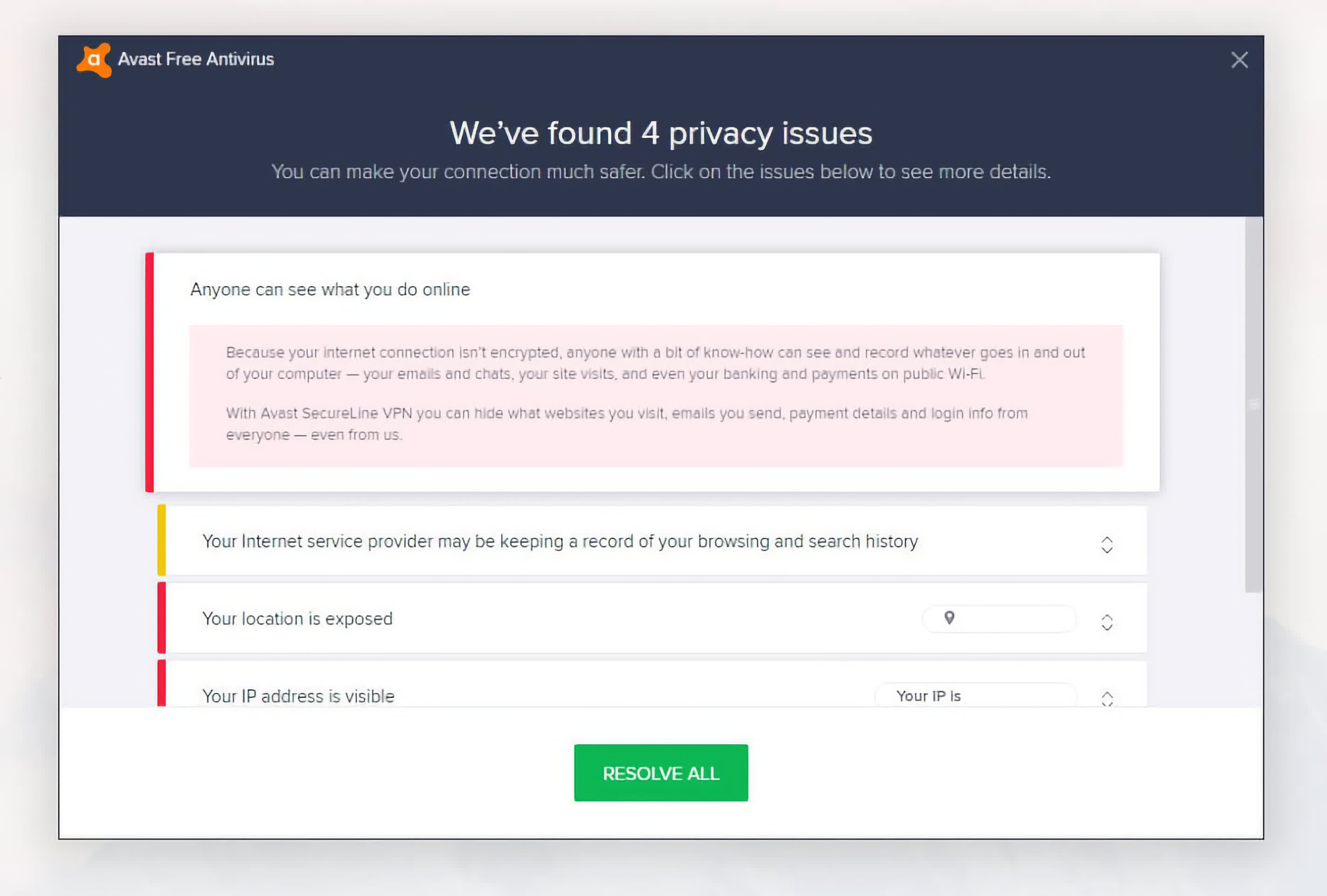
Worse, these suites often use deceptive dark patterns to nudge or scare users into upgrading – flashing red warnings about "unprotected" status, or sending renewal prompts that look suspiciously like security alerts.
When everything works, it's mostly an annoyance. But when an update fails or a component becomes corrupted – as in this scenario – the damage compounds. The broken Avast installation was blocking browser updates, interfering with app installations, and degrading overall Windows performance.
Layer on the reality that Windows 10 is heading toward end-of-life, and that many older but still-functional PCs can't make the jump to Windows 11 without hardware changes, and you've got a recipe for long-term vulnerability.
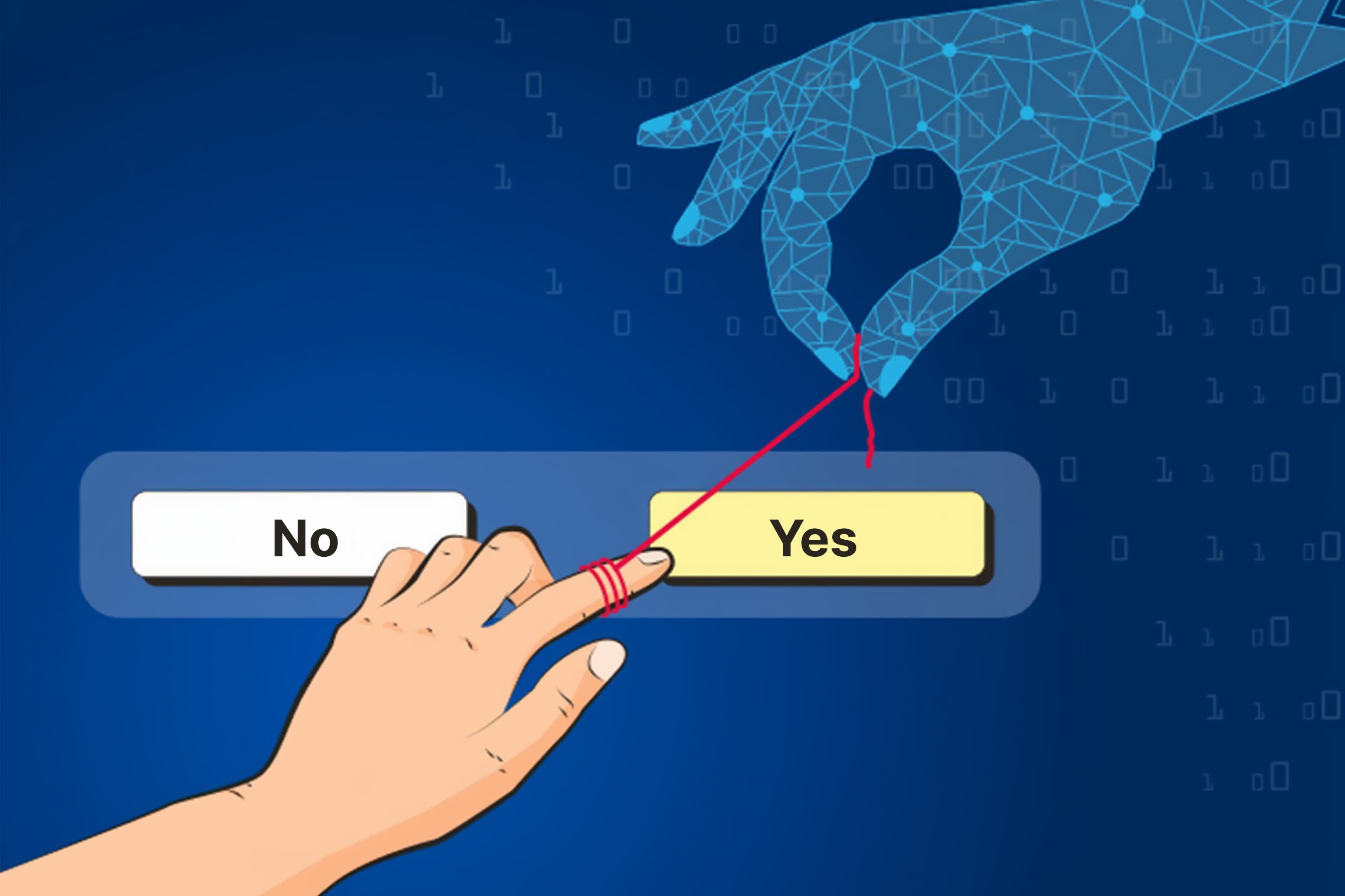
The situation escalates to unforeseen levels when multiple antivirus programs are unknowingly installed, often the result of a deceptive "click-through" on a download page or a pre-checked box in a setup wizard. The resulting turf war for control over the system's security stack can create crippling slowdowns and even system instability.
A useful list of antivirus removal tools
Figuring out the solution isn't always obvious, but if you've arrived to the same conclusion I did, standard uninstall methods for some security software may leave residual files or background services active, continuing to harm performance.
For this reason, most major vendors quietly offer dedicated removal tools. In my case, the fix was Avast Clear, a standalone utility that scrubs out every last trace of Avast. Two reboots and a bit of housekeeping later, the laptop felt reborn. Websites loaded instantly. Chrome updated without protest. Even basic OS prompts were snappy again. The laptop returned to peak performance.
If you've hit the same wall, here's a short list of official removal tools from the major players:
- Avast and AVG: Avast Clear
- McAfee Product Removal Tool
- Norton Remove and Reinstall Tool
- Bitdefender Uninstall Tool
- Kaspersky Products Remover
- ESET AV Remover
- Symantec Cleanwipe Removal Tool
Many users endure these sluggish systems for months or even years, not understanding why their relatively new PCs feel outdated. They resort to phones or tablets, relegating expensive laptops to dust-collectors because something has crippled their functionality.
For the most part, Mac users appear able to sidestep this problem, not because macOS is immune to malware, but because Apple's OS doesn't allow this level of deep-system intrusion that entirely breaks the user experience.
Sticking with Windows' built-in Defender and supplementing it with a tool like Malwarebytes is the combination I usually recommend to experienced users. As we noted in our Essential Apps feature, we're not big fans of installing third-party antivirus software on every system, and we're not fully up to date on which products currently perform best. That said, AV-Test has a long track record of evaluating top antivirus solutions, so we recommend checking their latest reports.
If something unknown is suddenly making your computer feel 10 years older, the only "update" you might need is a clean uninstall.
Antivirus bloatware may be killing your (not so old) Windows PC


