Best SSD for Gaming: PCIe 5.0 vs 4.0 vs 3.0 vs SATA vs HDD Comparison

Samsung 2TB x4 PCIE 3.0 970 EVO I bought for £70 in 2023 seems like a good purchase. Would be interested if these games are quicker to load on PS5, I suspect they are.
 
Great article. Proves you don't need a new pcie 5.0 storage and with most game launchers ( like Steam) allowing for secondary, tertiary drives etc you don't need high premium higher capacity models. I got the old goat 970 evo plus 2 terabytes ( secondary)and new goat 990pro 2 terabytes ( as primary) for a total of 4 terabytes storage. I have dozens of modern titles installed and still have about 50% storage left. Cheers!
 
Great article. Things are mostly unchanged except SATA SSDs are showing their age.

I've got a mix of 4.0, 3.0, SATA, and HDD across my computers and SATA will be replaced first. HDDs are still great for my video library, backup, and for sidestepping redownloading games that I might play again.

Still, I wish 8TB 3.0/4.0 drives were cheap enough to replace all my 40TB of HDDs but that doesn't look like it will happen any time soon.
 
I come from the Win 3.1, slow as hell HDD drive generation and have no major problem with load times when using a SATA SSD. Hell, I even use a modern 7200RPM HDD for many older games. I really don't see enough of a difference to sweat over it. It's only when it effects in game performance that I become concerned. But I also make it a habit to load demanding games on faster storage, so it's seldom a problem.
 
Some more things:

So long as what you have is gen 3 or later, there isn't much point to replacing your SSD for gaming speed. (Replacing it with a higher capacity drive is another matter.) You will almost certainly get more bang for your buck by spending that money on some other part of your system.

Don't bother with PCIe gen 5 SSDs in laptops in 2025, even if your laptop supports it. (No AMD laptop processor supports gen 5; the latest Intel processors do.) They consume a lot more power than gen 4 drives and don't buy you a lot of extra performance. You're better off with a gen 4 or even a gen 3 drive to optimize battery life. This advice may change in the future as more power efficient gen 5 SSDs reach the market.

If you're using an old computer that has no M.2 ports, installing a SATA SSD will still make a huge difference. Adding a SATA SSD can also be a worthwhile upgrade for a computer that has only one M.2 port that is already filled with an SSD with a terabyte or more capacity. If you have a smaller drive than that, you're probably better off upgrading the existing drive first.

The generations are backward compatible. If you have an old system that only has a gen 2 slot you can still put a gen 3 or gen 4 drive in it. But it will run at gen 2 speed, so don't waste money on a high end SSD. If you run into a real antique that only has gen 1 (I'm not sure whether gen 1 M.2 slots even exist), you might as well just put a SATA SSD in it.
 
At this day and age It should be obvious that HDDs belong in Your NAS/backup, and Your PC should run on SSD.
Are There people That still need convincing?
Or maybe Steve and Tim are making Those videos for fun?
 
Thank you for the article!
I'd just like to make one important note - slc cache size is related to fill status. If your qlc 2tb ssd is 50% full the maximum SLC cache size becomes 250gb, 1/4th the remaining space. SLC cache isn't additional flash it's just treating TLC/QLC as if it was SLC so 1/4 to 1/3 the remainin space as maximum SLC cache, not just firmware level dependent.
As for the SATA results my guess would be parallelism and overhead of the protocol. SATA only has a single 32 entires queue, nvme has potentially 64k queues with 64k entries each. Would be interesting to see actualy drive busy stats and iops and cpu/cores load.
Would also be very interesting to see how having the OS on the same ssd and random iops from the OS would affect these results!
 
At this day and age It should be obvious that HDDs belong in Your NAS/backup, and Your PC should run on SSD.
Are There people That still need convincing?
Or maybe Steve and Tim are making Those videos for fun?
Yes but "should run on SSD" isn't as accurate as it once was.

Now that games and apps are designed for SSD, the type of SSD actually matters. Sure a SATA SSD is miles better than a HDD, but now we're at "should run on PCIe SSD".

That's what the video is for: to see where the performance line is today. And it's finally moved past all SSDs are basically the same.
 
Yes but "should run on SSD" isn't as accurate as it once was.

Now that games and apps are designed for SSD, the type of SSD actually matters. Sure a SATA SSD is miles better than a HDD, but now we're at "should run on PCIe SSD".

That's what the video is for: to see where the performance line is today. And it's finally moved past all SSDs are basically the same.
Agreed.
But You unnecessarily stirring the controversy. Most above games are relatively new. Whoever is trying running them probably already got a newer system, probably with SSD. Probably Those budget restrained got SATA SSDs bought years ago, together with a system. And no one upgrading system today could actually buy SATA, as last few years They were mostly retired from offers and are actually now more expensive than PCIe ones.
And those thinking about replacing SATA with PCIe SSD, looking at the above performance bars, well, should be hard pressed. Few second differences.
MOBOs got m.2 ports since like 2014-15, but very often there's a compatibility issue. Few years back I almost heart attacked when updating Z390 mobo BIOS to run "beta" BIOS adding PCIE 4.0 drive support. For some, this kinda update will Be unavailable. And to remind You, according to Steam survey, lots of people is running 6core Intel with GTX/RTX 1XXX, so many pre-2020 machines out there.

I genuinely think That boys from HU just like making those tests. ;-)
 
Last edited:
My oldest and hardest working Silicon Power ssd works fine living its 6th year now.
I had a couple of Crucial drives but I can no longer learn about their reliability as I accidently returned them with a motherboard to Amazon.

I highly recommend SP drives. Cheap, but amazingly reliable.
 
Agreed.
But You unnecessarily stirring the controversy. Most above games are relatively new. Whoever is trying running them probably already got a newer system, probably with SSD. Probably Those budget restrained got SATA SSDs bought years ago, together with a system. And no one upgrading system today could actually buy SATA, as last few years They were mostly retired from offers and are actually now more expensive than PCIe ones.
And those thinking about replacing SATA with PCIe SSD, looking at the above performance bars, well, should be hard pressed. Few second differences.
MOBOs got m.2 ports since like 2014-15, but very often there's a compatibility issue. Few years back I almost heart attacked when updating Z390 mobo BIOS to run "beta" BIOS adding PCIE 4.0 drive support. For some, this kinda update will Be unavailable. And to remind You, according to Steam survey, lots of people is running 6core Intel with GTX/RTX 1XXX, so many pre-2020 machines out there.

I genuinely think That boys from HU just like making those tests. ;-)
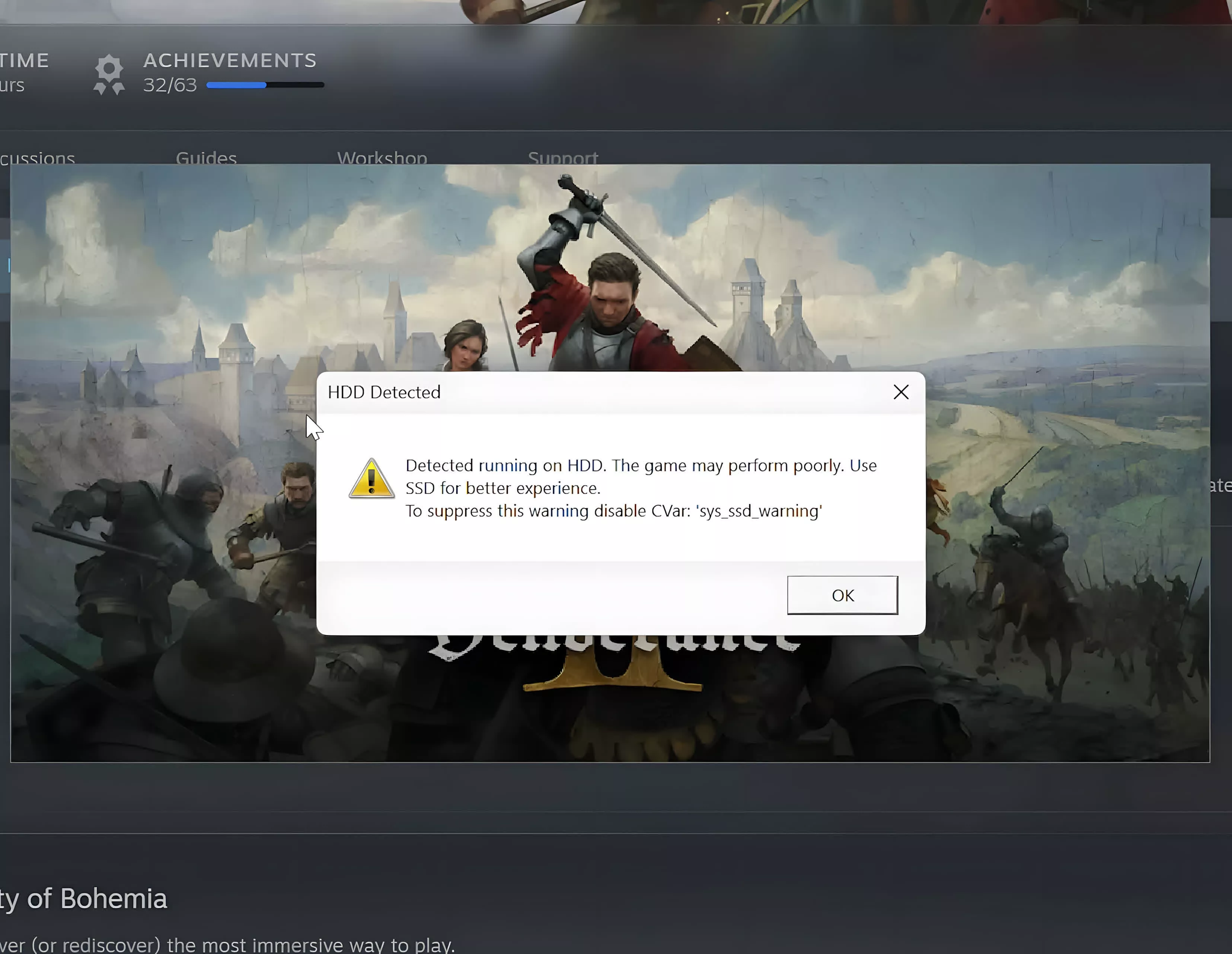
I sometimes sell older PC parts. People actively buy them. There are a lot of ancient computers indeed.
 
Long story short, virtually any SSD will dramatically cut load times when gaming.
Same goes for content creators when they are editing a video.
HDD is best kept for storing videos, photos and other large files you aren't currently working with.
 
Sorry to be the lone downer on this ong set of tests, but it must be noted that there are MANY inconsistencies in these tests. Missing HDD's in some, SSD's in some, no 'load from save' in some... Total adds up to apple / orange comparisons .

And why was a photo of a motherboard fresh from the box included? Doesn't seem to have ANY relevance to this artical at all.
 
Problem arise when you are out of space and using an ITX motherboard without any other free Nvme slots.
 
The latest cutting edge SSDs aren’t for gaming (but they advertise for that to gain sales), they’re for workstations.

Gen 5 DOES make a difference when copying / moving large files constantly… I’ve noticed a large difference on my Threadripper build…

I’m sure it will eventually matter for gaming - but that time hasn’t arrived yet.
 
Some throw back for my 1st SSD running Crysis 15 years ago.
😊 Shaved 2 minutes from previous HD for each map. 😳
 
Back