Intel Panther Lake APU could take the fight to AMD in handheld gaming PCs

Daniel Sims

Posts: 2,482   +76
Staff
The big picture: Since the Steam Deck popularized handheld gaming PCs, AMD chips have nearly dominated the emerging sector. However, Intel doesn't plan to let Team Red have the market to itself. The company has been relatively slow to introduce processors for handheld gaming PCs, but its next product may have recently leaked.
Hardware leaker OneRaichu recently revealed basic specifications for the integrated graphics chips in Intel's upcoming Panther Lake mobile processors. One of these chips appears intended for future handheld gaming PCs, potentially to compete with AMD's Ryzen Z2 series.

The leaker describes an Arc B380 running at 2.3G Hz with 12 Xe3 cores. Another source subsequently claimed that the full chip will feature four performance cores, four efficiency cores, and four LPE cores – totaling 12 cores instead of the 16 used by high-end Panther Lake chips. This suggests that Intel may be tailoring the silicon for relatively affordable handhelds, similar to the low- and mid-range Ryzen Z2 APUs. Intel confirmed its continued commitment to the handheld gaming sector earlier this year.
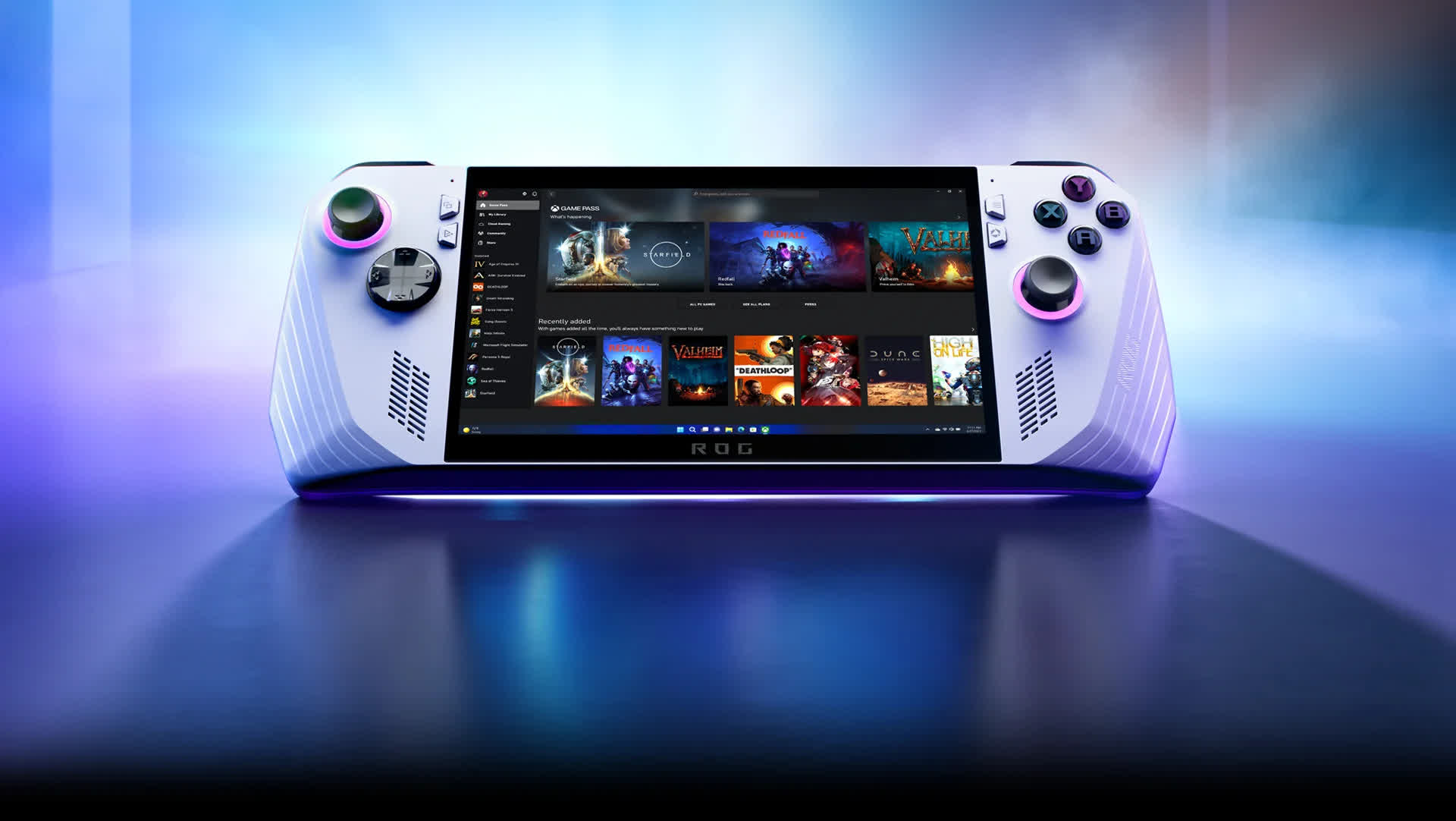
AMD currently powers most handheld gaming PCs, including the Steam Deck, Asus ROG Ally, GPD Win, and Lenovo Legion Go. The only exceptions are certain MSI Claw models, which use Intel processors.

Although Intel chips do not match Ryzen APUs in raw performance, the MSI Claw supports Intel XeSS upscaling, which outperforms the FSR3 solution used by other handhelds. It remains the only handheld gaming PC with machine learning-based upscaling capabilities.

Intel's ongoing development of gaming APUs will likely complement its recently announced collaboration with Nvidia to design similar chips incorporating RTX graphics. This partnership would place Intel and Nvidia directly in a market that AMD has long dominated.

Other recently revealed Panther Lake iGPUs include the Arc B390, expected to feature the 16-core processors leaked last month for laptops, and the lower-end Arc B370 and B360, each with 10 Xe3 cores.

A presentation slide from last month suggests that Panther Lake chips are already in production, with devices incorporating them expected to launch in early 2026. While the lineup primarily targets laptops, a new handheld could potentially debut alongside them.

Permalink to story:

 
Although Intel chips do not match Ryzen APUs in raw performance, the MSI Claw supports Intel XeSS upscaling, which outperforms the FSR3 solution used by other handhelds. It remains the only handheld gaming PC with machine learning-based upscaling capabilities.
Is that even relevant?
These things don't typically run very high resolution displays (and if they did you wouldn't need a great upscaling method for it anyway as the physical screen size is small).
Unless I was intending to hook it up to an external display I'd give absolutely zero F's about it.
 
I've been saying this for a long time now, AMD needs to stop excluding their 680/780/8060m GOUs to their super high end APUs. They aren't even 7600 class GPUs and they are charging over $2k for their APUs. The ARC GPUs are fine. Are they good? No, but they're fine. The go above and beyond being a minimum viable product.
 
Intels drivers are still a buggy mess and their support window makes AMD look good. Even if (big if) this xe3 GPU turns out to be a powerhouse, I’d still rather wait for AMDs response.
Is that even relevant?
These things don't typically run very high resolution displays (and if they did you wouldn't need a great upscaling method for it anyway as the physical screen size is small).
Unless I was intending to hook it up to an external display I'd give absolutely zero F's about it.
yes, If you’ve ever bothered to look up performance benchmarks for these chips, you’d know that many AAA games need up scaling to do 1080p at acceptable performance at anything over the lowest settings. The blurry effect of earlier upscale is absolutely noticeable even on these small screens unless you have the visual clarity of a blind boomer.
 
Intels drivers are still a buggy mess and their support window makes AMD look good. Even if (big if) this xe3 GPU turns out to be a powerhouse, I’d still rather wait for AMDs response.

yes, If you’ve ever bothered to look up performance benchmarks for these chips, you’d know that many AAA games need up scaling to do 1080p at acceptable performance at anything over the lowest settings. The blurry effect of earlier upscale is absolutely noticeable even on these small screens unless you have the visual clarity of a blind boomer.
But upscaling from anything 1080p or lower looks like absolute *** anyway? Why bother at that point, just play another game that doesn't need it.
IMO upscaling to 1080p is unacceptable, if you're playing on WQHD and it can be upscaled from 1080p give it a go. If you're on 4k and upscaling from WQHD you ought to be fine.

I've set my monitor to no upscaling before and forced games to not do so before as well. Sometimes I'll take only using part of my screen over how crappy upscaling can look.
 
I've been saying this for a long time now, AMD needs to stop excluding their 680/780/8060m GOUs to their super high end APUs. They aren't even 7600 class GPUs and they are charging over $2k for their APUs. The ARC GPUs are fine. Are they good? No, but they're fine. The go above and beyond being a minimum viable product.

Well, for starters, those 2k APU's are the only ones on the market that aren't limited by 8gb gpu memory. Add to that the 8060s runs pretty close to the 7600, it's not a cut and dried also ran. You're also getting a 16 core 32 thread cpu in a tablet or handheld with as much as 128gb memory between the two and the price isn't as ridiculous as it sounds.

As far as upscaling, I'd wait and see how Redstone turns out before I write AMD off completely.

I'd also wait to find out how much power Intel will need to run this thing. They haven't held the efficiency crown for quite some time. Although winter is coming up...it it's close to their usual efforts, they will make great hand warmers.
 
But upscaling from anything 1080p or lower looks like absolute *** anyway?

If you're using a 22 or 24" 1080p screen. On a 7" or 8" screen those flaws are 1/9 the size and therefore way less visible.

Why bother at that point, just play another game that doesn't need it.
IMO upscaling to 1080p is unacceptable, if you're playing on WQHD and it can be upscaled from 1080p give it a go. If you're on 4k and upscaling from WQHD you ought to be fine.

I've set my monitor to no upscaling before and forced games to not do so before as well. Sometimes I'll take only using part of my screen over how crappy upscaling can look.

You're comparing 2 different use cases and assuming they work the same. Hint: they don't.

If you're sitting 0.7m from a 27" 1440p screen, the pixels are twice the apparent size compared to sitting 0.4m from a 8" 1080p screen. Which means your upscaling will look worse on that typical 109ppi 1440p screen than the 275ppi 1080p one.

Upscaling works well on portable screens because they are so small with high DPI so the imperfections of upscaling are even less obvious than on a typical PC monitor.
 
If you're using a 22 or 24" 1080p screen. On a 7" or 8" screen those flaws are 1/9 the size and therefore way less visible.


You're comparing 2 different use cases and assuming they work the same. Hint: they don't.

If you're sitting 0.7m from a 27" 1440p screen, the pixels are twice the apparent size compared to sitting 0.4m from a 8" 1080p screen. Which means your upscaling will look worse on that typical 109ppi 1440p screen than the 275ppi 1080p one.

Upscaling works well on portable screens because they are so small with high DPI so the imperfections of upscaling are even less obvious than on a typical PC monitor.
Simply comes down to pixel density and viewing distance. Even from a distance upscaling say 540p to 1080p looks awful on a bigger screen and that should be the same experience (if you have 20/20 vision).
imo there's a minimum to the amount of pixels (information) you need to have something presentable and when dropping below 1080p you run into to trouble.

disclaimer: My eyes seem to be especially tuned towards detail. I've been that annoying guy that points out the dead pixel on the screen someone hadn't spotted yet (even after months of use) and ended up annoying them so much after knowing it's there they replaced the screen. The touch layer on my partners laptop screen is also clearly visible (and atrocious) to me whilst it doesn't bother her in the slightest, heck she didn't even spot it until I pointed it out.
Refreshrates on the other hand don't do all that much for me. I've got a 144Hz screen next to a 60Hz one and can barely tell the difference, my partner instantly notices. I guess everyone's eyes are different (or at least how our brains process sight).
 
I've set my monitor to no upscaling before and forced games to not do so before as well. Sometimes I'll take only using part of my screen over how crappy upscaling can look.
I think you're confusing GPU/Display scaling with upscaling. FSR and DLSS (upscaling) isn't something you set in your monitor [OSD]. It's determined by the supported GPU and driver and has to be enabled in-game to use it.
 
I think you're confusing GPU/Display scaling with upscaling. FSR and DLSS (upscaling) isn't something you set in your monitor [OSD]. It's determined by the supported GPU and driver and has to be enabled in-game to use it.
No confusion here.
DLSS>XESS/FSR>GPU upscaling>Monitor Upscaler
It's just that in rare cases I opt to not use any of them them because if the base resolution is extremely low, I'd rather use none and simply use 1:1 pixel mapping and have part of the screen be black.
 
Well, for starters, those 2k APU's are the only ones on the market that aren't limited by 8gb gpu memory. Add to that the 8060s runs pretty close to the 7600, it's not a cut and dried also ran. You're also getting a 16 core 32 thread cpu in a tablet or handheld with as much as 128gb memory between the two and the price isn't as ridiculous as it sounds.

As far as upscaling, I'd wait and see how Redstone turns out before I write AMD off completely.

I'd also wait to find out how much power Intel will need to run this thing. They haven't held the efficiency crown for quite some time. Although winter is coming up...it it's close to their usual efforts, they will make great hand warmers.
Putting a 16 core CPU in a laptop is silly. AMD has some very good GPUs in their products but limiting their midranges GPUs to, and I'm being generous by calling them that, to their super high end laptop CPUs is silly. They need to put the 8060 in something like a ryzen 9600. Why doesn't AMD have any laptop market share? Because they are offering consumers a **** product. Desktop and server side, they provide a great product. Laptops, it's garbage. Intel sees this and ended up partnering with nVidia which sucks for all of us. Intel XE cores(ARC graphics) are fine and could end up being an excellent product.
 
Oh good, Intel’s desperate need to compete is incentivizing them to improve their integrated graphics with today’s tech rather than 18+ months old tech (looks at AMD). That will be great for handhelds.
 
No confusion here.
DLSS>XESS/FSR>GPU upscaling>Monitor Upscaler
It's just that in rare cases I opt to not use any of them them because if the base resolution is extremely low, I'd rather use none and simply use 1:1 pixel mapping and have part of the screen be black.
Monitors don't have upscalers though. They have scalers from the factory to display content properly.
 
Monitors don't have upscalers though. They have scalers from the factory to display content properly.
That is the monitor upscaler?
If you have everything else set not to to upscale it's your monitor doing it. Or perhaps a more common example if you have say a old WQHD screen with HDMI 1.4.
HDMI back then didn't go any higher than 1920x1200 but it would still fill the entire screen so it's obviously upscaled and by none other than the monitor itself.
Almost every monitor has an upscaler the only exception I know of is my gray market Qnix branded screen from Korea (and similar ones under different brands). It only has a dual link DVI input and doesn't do any additional processing on the image (so no upscaling either). Big downside for example is that it can't be used to display my UEFI BIOS or even be used to install windows. If the input isn't 2560x1440 it simply stays black.
 
Back