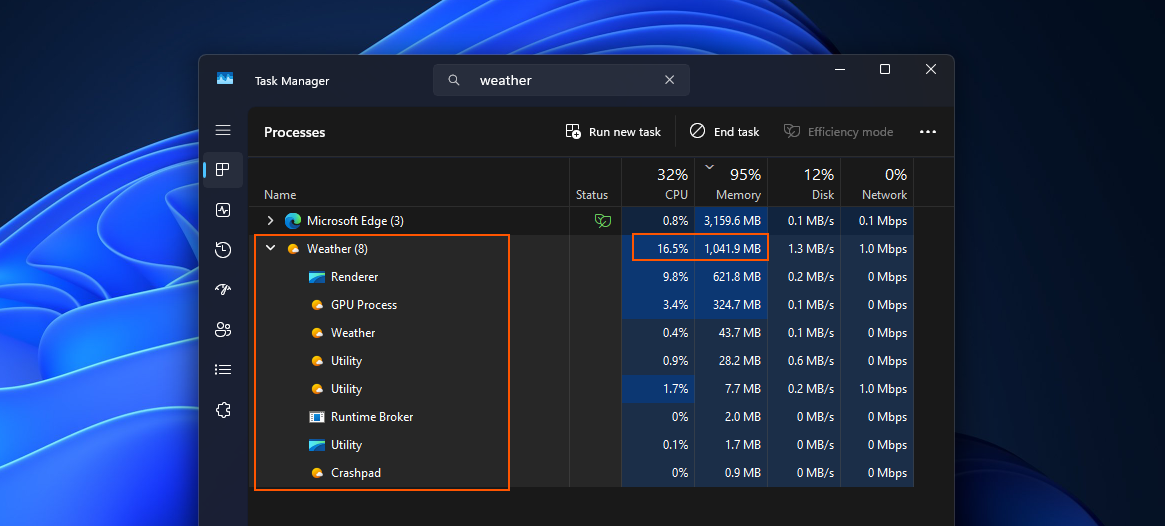
Facepalm: Microsoft's default Weather app in Windows 11 can use nearly 1.2 GB of RAM while sitting open on a forecast screen, according to testing by Windows Latest. The app doesn't need to be actively used to reach that level of memory consumption. The report found that MSN Weather launches as many as nine Chromium-based subprocesses, suggesting the app is built around a web wrapper rather than as a fully native application. That design helps explain why a basic system utility can use so much memory.
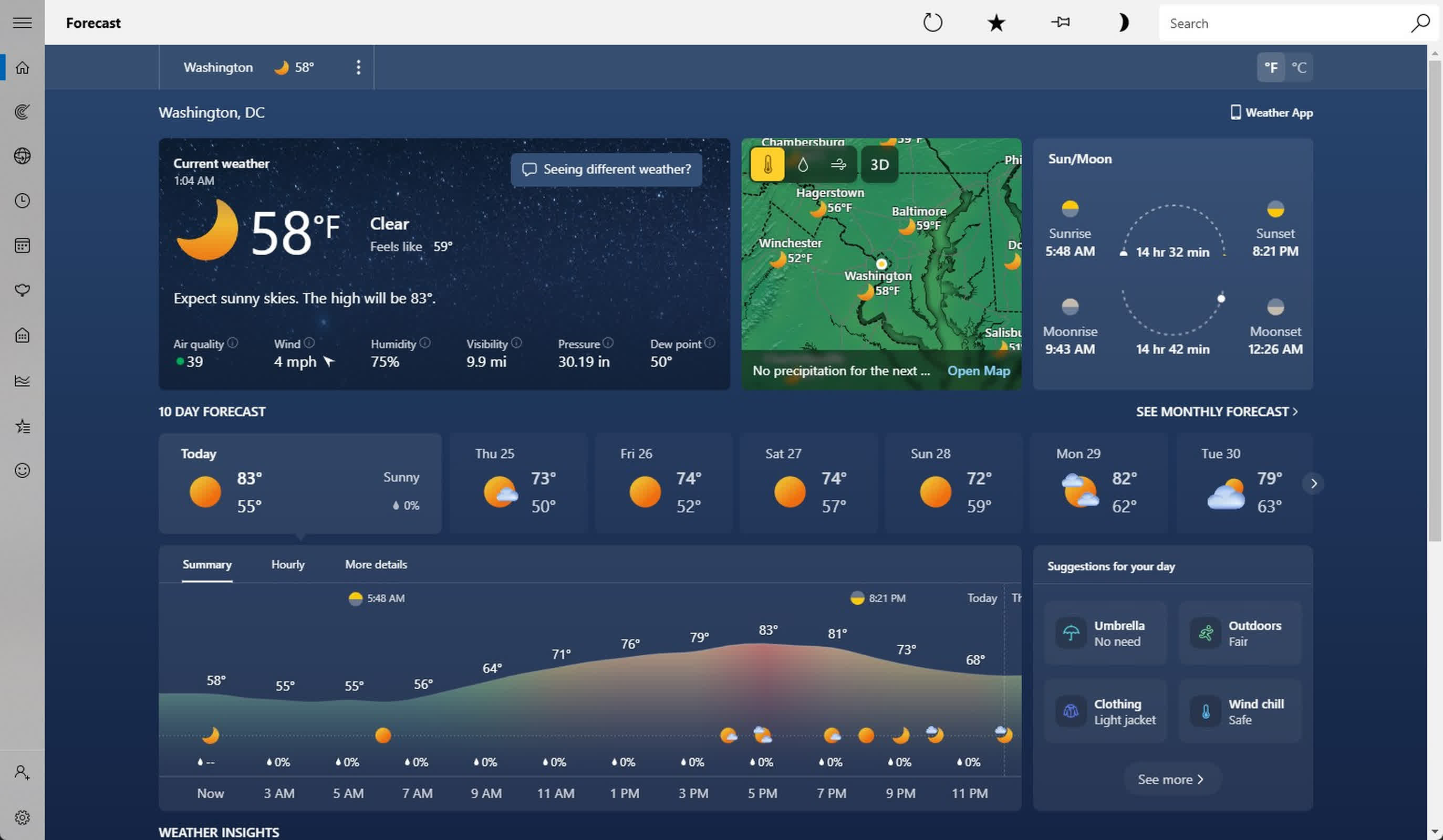
MSN Weather is the standard weather app included with Windows 11. It provides a detailed set of tools, including live radar, hourly forecasts, wind and precipitation data, air-quality readings and moon phases. The data comes from several weather providers, with Foreca serving as a primary source.
The app's interface is modern and works smoothly, but still, the level of resource use stands out when compared with Apple's Weather app on macOS, which uses about 250 MB of RAM while providing similar forecast details. That is about five times the RAM usage for the built-in Windows alternative.
The Windows app also carries advertising. Windows Latest's testing cited ads for Adobe Acrobat while others saw ads for LendingTree and Spotify. Microsoft may need to offset the cost of delivering weather data, but ads in a Microsoft-owned app remain a point of frustration for users who have already paid for a Windows license.
The report arrives as Microsoft has been talking more openly about Windows 11 performance. The company recently removed material recommending 32 GB of RAM for gaming PCs, and has said Windows 11 is optimized to run smoothly on systems with 8 GB of memory.
On an 8 GB machine, an app using close to 1.2 GB of RAM would take up roughly 15% of the system's available memory. That is a significant share for an application users may open only to check the temperature or see whether rain is expected.
But it seems Microsoft has been building simple apps like this one using WebView2, the company's framework for embedding web content inside Windows apps. It runs on the same Chromium engine that powers Microsoft Edge, splitting rendering, networking and GPU work into separate processes. That's why Task Manager shows Weather behaving less like a single lightweight app and more like a small browser session running in the background.
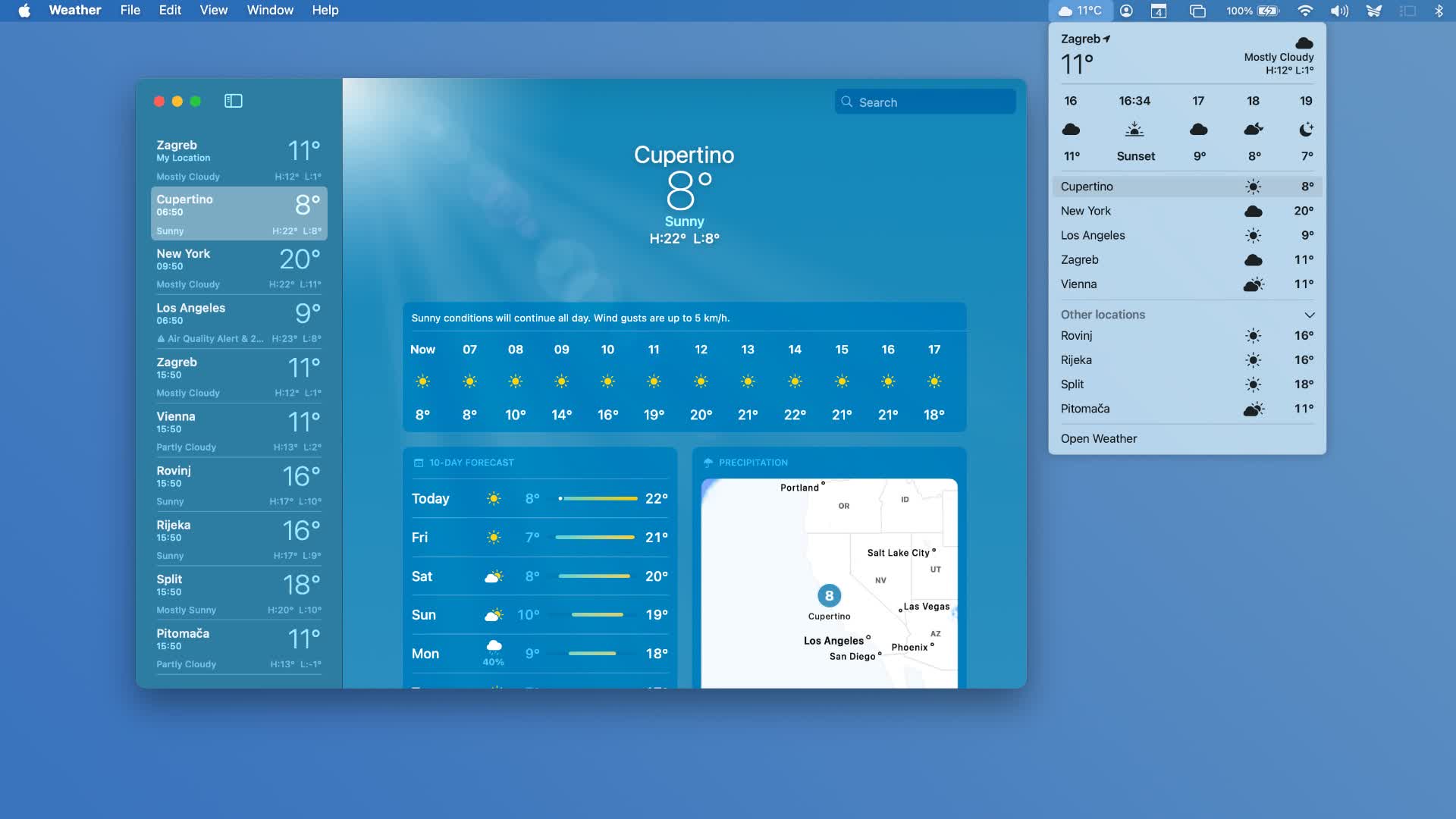
Apple's Weather app uses far fewer resources than MSN Weather.
Microsoft has said it plans to improve performance, reliability and memory use across Windows 11. It has also discussed updating the apps included with the operating system as it shifts from older Win32 and UWP approaches toward WinUI-based development.
It's not clear whether that work will include MSN-branded services such as Weather and News. Those services are built into the Windows experience, but Microsoft hasn't specifically said they'll be part of the planned overhaul.
For now, the Weather app shows the gap between Microsoft's broader optimization goals and the experience of using some Windows utilities today. The app is visually polished and offers plenty of forecast data, but its browser-based structure, high memory use and ads make it an awkward fit for a default desktop app.
Microsoft's Weather app can eat up to 1.2GB of RAM just sitting open


