
PSA: Notepad++ users who haven't yet updated to version 8.8.9 or later should manually download the latest installer as soon as possible. Following reports of malicious activity, a December 2025 update strengthens the security of the app's automatic updater. Users who suspect their systems may have been targeted should also review gup.exe, the updater component, for any unusual or suspicious behavior.
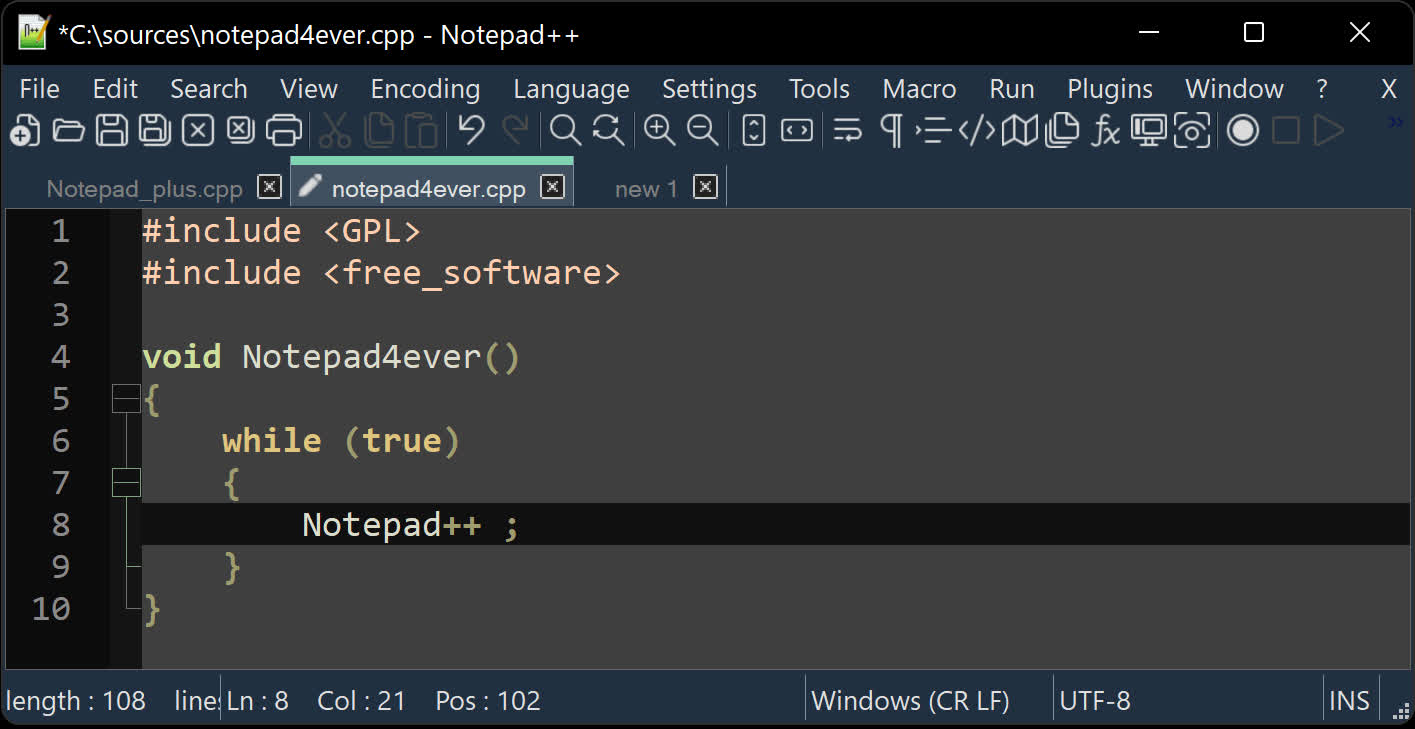
The developers of Notepad++ recently discovered an actively exploited vulnerability that enabled hackers to hijack the popular editor's automatic updater. Version 8.8.9 addresses the issue, but users should avoid relying on the updater in earlier releases and instead download the latest installer directly from the Notepad++ website or from TechSpot's download section.
According to cybersecurity researcher Kevin Beaumont, a few organizations recently suffered security breaches originating from Notepad++ after updating the app. The developers eventually discovered a flaw that allowed threat actors to redirect traffic from the app's updater to malicious servers to install a compromised version.
Notepad++ uses an update process called WinGUP, which retrieves a file from the developer's website containing the URL for the new version. Because traffic to the Notepad++ website is relatively low, determined attackers can intercept it and alter the update file's URL with a low chance of detection. The attacks appear to target specific organizations in Asian countries.
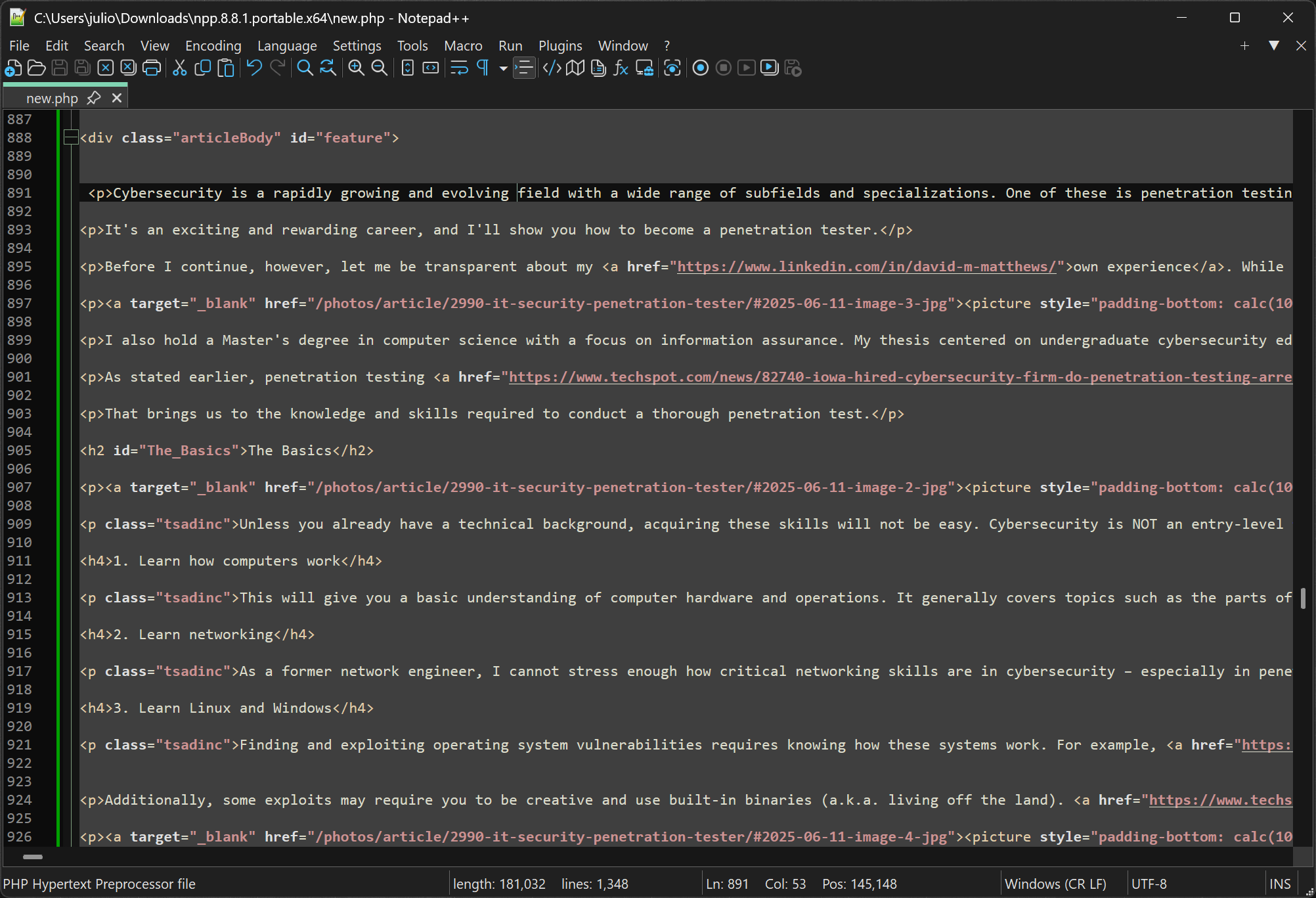
Although Notepad++ developers are still investigating the issue, version 8.8.9 mitigates it by forcing the update URL to GitHub, which handles significantly more traffic and is therefore harder to compromise. Additionally, versions 8.8.7 and later use a legitimate GlobalSign certificate for their binaries, so installing the Notepad++ root certificate is no longer necessary. Users who previously installed the root certificate should remove it.
Notepad++ has long been a favorite among developers and power users by sticking to a formula of lightweight design that doesn't bury users under bloat. The open-source app delivers far more than its minimalist footprint suggests, with syntax highlighting for dozens of languages, tabbed editing, drag-and-drop support, zoom controls, bookmarks, and a plugin ecosystem.
Sublime Text is another powerful editor, but it's a paid product with a . Visual Studio Code, meanwhile, is also free and open-source but considerably heavier – an excellent editor, but not one known for staying out of your way.
Notepad++ has no direct connection to Windows' built-in text editor, which until recently had remained a largely static barebones tool. Microsoft has started to roll out a wave of upgrades to it including tabs, text formatting, autocorrect, Markdown support, and even tables. Microsoft has also woven in Copilot AI features, such as automatic rewriting, a move that hasn't sat well with everyone, as it drifts away from the simplicity that made the app appealing.
Notepad++ users urged to update immediately after hackers hijack the app's updater


