
TL;DR: Anyone who regularly uses Microsoft Word probably knows the frustration of pasting text into a document only to see it ruin the formatting because it retained its original size, color, and font. The common mistake will likely occur less often now, as Microsoft recently responded to customer feedback by changing the software's default paste function.
Microsoft Word users should now begin noticing that text pasted into documents will match the document's formatting by default. Microsoft also recently altered some keyboard shortcuts to make room for a new paste option.
Pasting text into Word typically presents a few options to users. "Keep Source Formatting" inserts the text exactly as it originally appeared. "Merge Formatting" only retains bold, italics, and underlining elements. Finally, "Keep Text Only" completely discards the original formatting.
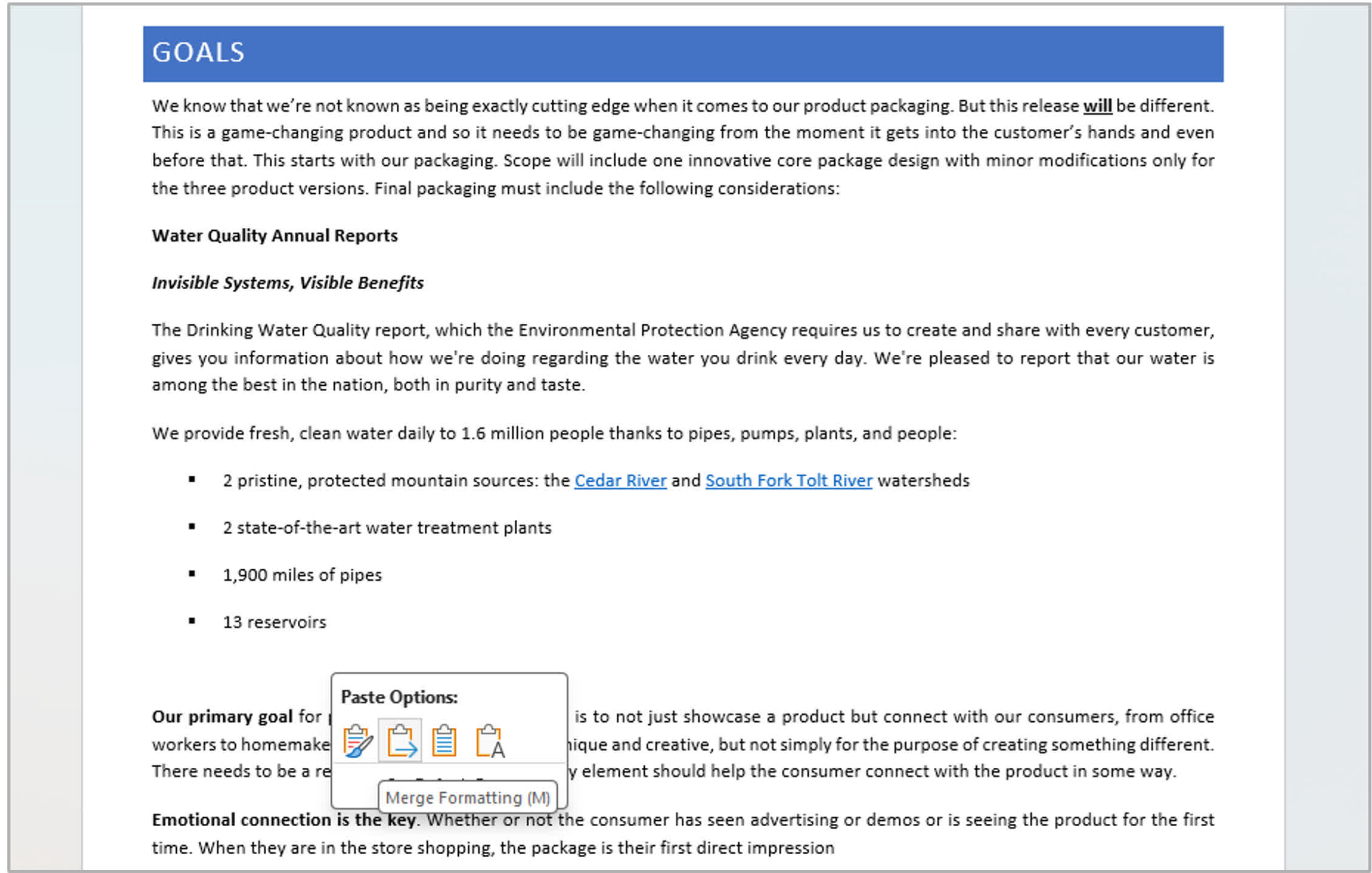
Before the recent update, "Keep Source Formatting" was the default method whenever users pasted content without accessing the paste menu, typically through the Ctrl + V shortcut. Microsoft seems to have finally realized that the feature is broadly unpopular. I don't know how often I've accidentally inserted text with the wrong formatting, had to click "Undo," and then manually use the paste menu. Eventually, I stopped using the shortcut and now always paste using the menu.
Also read: Top 10 Hacks for Microsoft Word
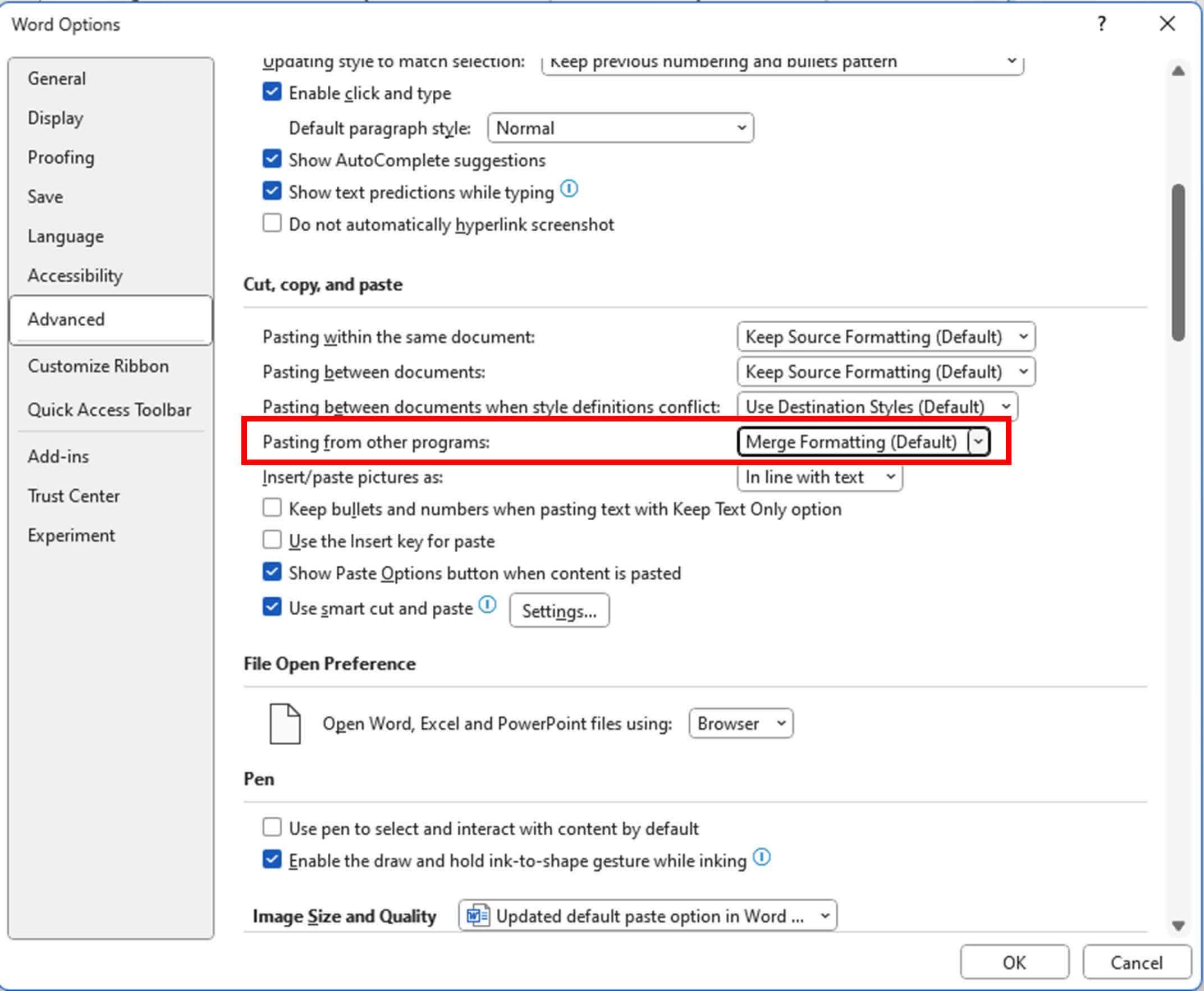
Word Version 2405 (Build 17624.20000) or later makes the merge option default. Those who like it the other way can set the default paste options under File > Options > Advanced > Cut, copy, and paste > Pasting from other programs. However, this option isn't available on the web and Mac editions.
In related news, Microsoft recently added a new shortcut for the "Keep Text Only," option. Hitting Ctrl + Shift + V (or Cmd + Shift + V on Macs) will now paste plain text. Since the shortcut originally opened the paste format painter, the company has had to shuffle several other paste shortcuts. Microsoft published a guide to the new shortcuts, but users can also view and customize them under File > Options > Customize Ribbon > Keyboard shortcuts > Customize.
The standalone version of Microsoft Office 2021, which includes Word with all the recent changes, is frequently on sale. The latest deal offers a one-device lifetime license to the Windows or macOS version for $49. Office 2024 ships later this year for $149.
Pasting into Microsoft Word no longer ruins your formatting by default


