SilverStone Mammoth MM01

I'm building. The Mammoth isn't easy, because the documentation is rather sparse.

First question: Is there any reason I can't install an SSD in the 5" cage plugged into the SATA socket without a mounting bracket or other support?

Second question: Cables from the intake fans have a tag that says "special power requirement, see manual." But the manual says nothing about them. Any clues?
 
Hard to figure out what you are getting at, a picture of the ssd aslo a picture of the manual that says special power requirement would help.
 
Ah, yes.

20-147-669-V06.jpg

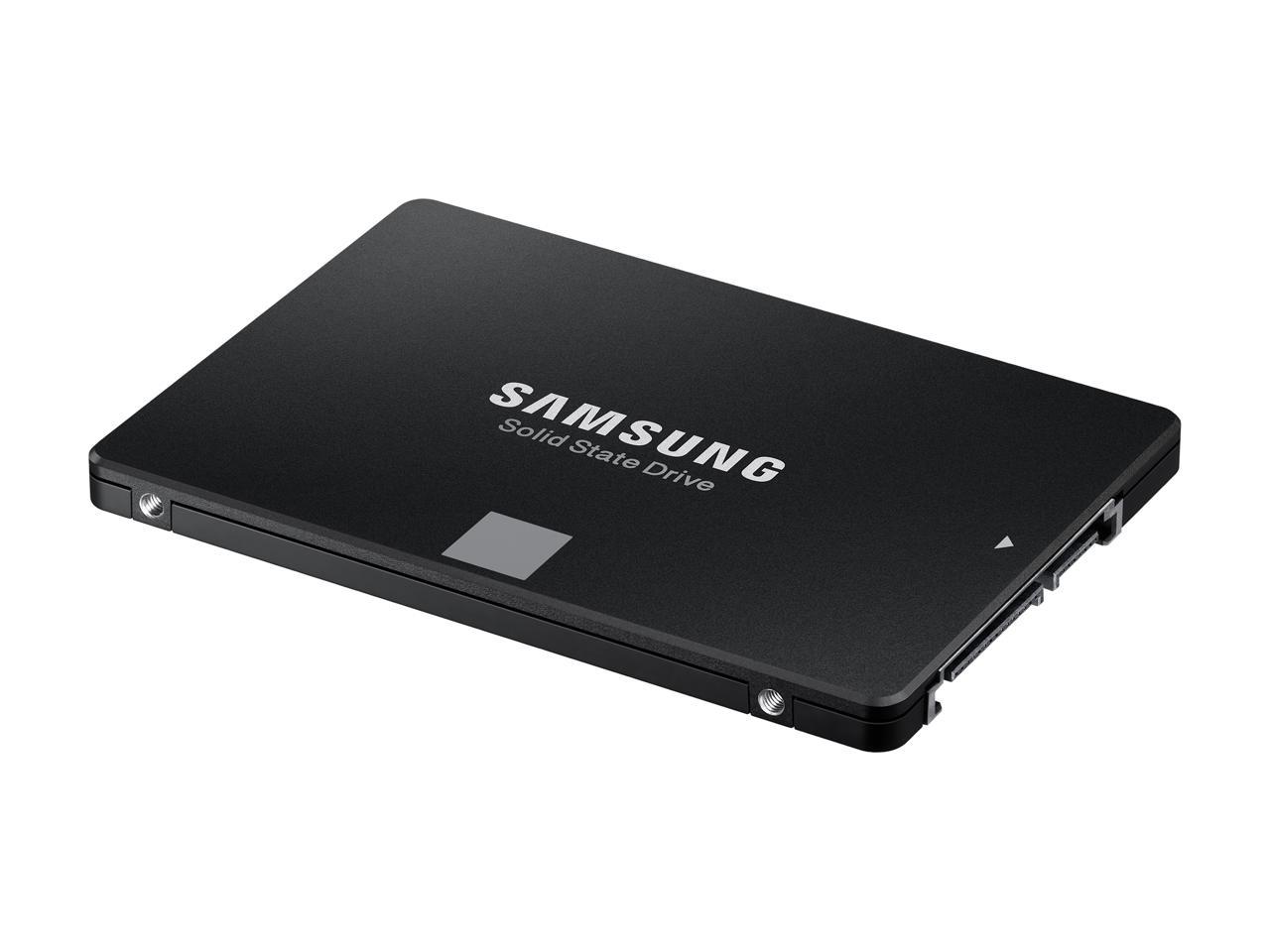
SAMSUNG 860 EVO 2.5" Drive, SATA – I obviously didn't order a bracket to go with it, so the question is should I order a bracket? It plugs into the MM01 (there's a SATA connection inside the cage), and it seems to be stable without any support.

The manual says nothing about special power requirement. There is a tag around the power cord that says "special power requirement, see manual." If only the manual said what the special requirement is . . .
 
Okay, regarding the "special power requirement", I got through to SilverStone tech support. The "special power requirement" is that it must be connected to the power supply and not to the motherboard.

The connector is a 4-pin power plug, so it's a bit of a stretch to think someone would connect it to the motherboard, BUT I'm sure there are people out there who would try.:eek:
 
Okay, regarding the "special power requirement", I got through to SilverStone tech support. The "special power requirement" is that it must be connected to the power supply and not to the motherboard.

The connector is a 4-pin power plug, so it's a bit of a stretch to think someone would connect it to the motherboard, BUT I'm sure there are people out there who would try.:eek:

Actually I see why they would mention that, my raidmax helios case needed that for the 2 120 corsair fans I put in last year.
Make sure your psu has enough 4pins and take one of them and put it through the adapter.
4pin-power-Molex.jpg

Make sure the dangling wire is out of the way by other fans.
Mainly the cpu heatsink fan zip ties help when tucking away things like that.
About your ssd I would go out ahead and order the bracket and mount it properly, just incase you need to move your case.

You don't want that 2.5inch drive sliding and being banged some, a little bit of that will cause headaches for you when the drive acts up over time.
11-156-254-5.jpg

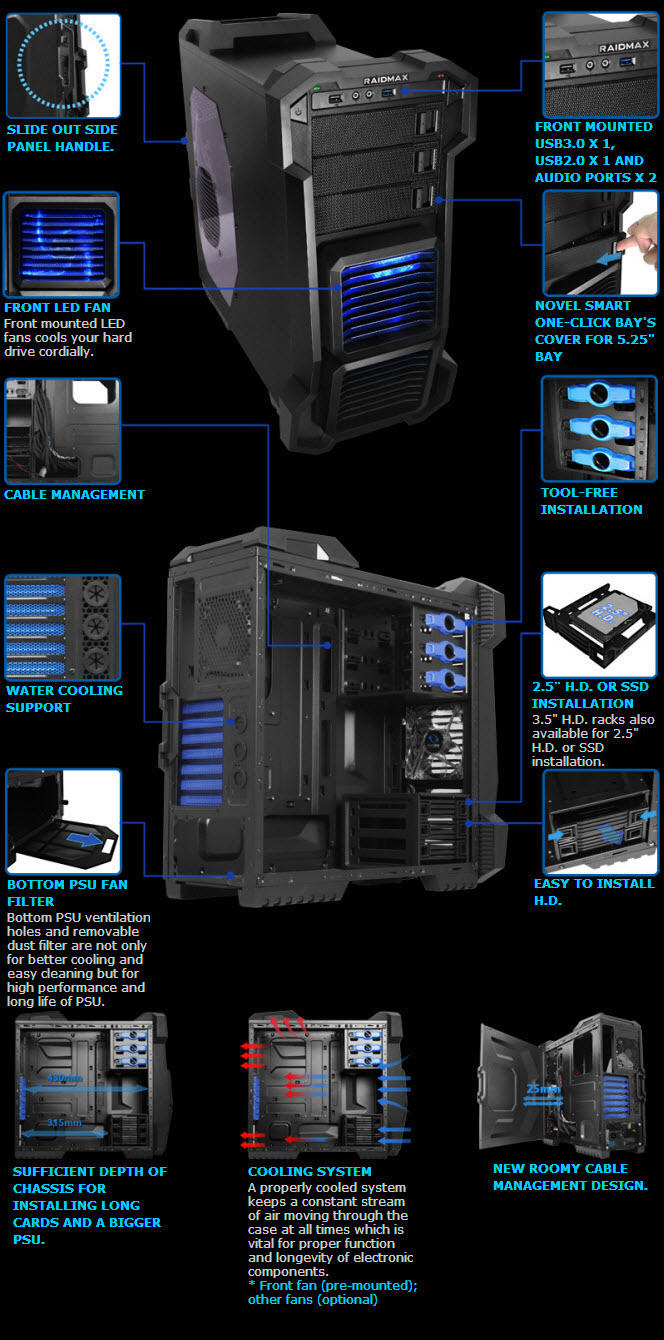
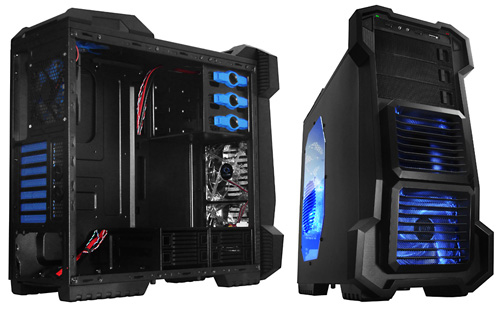
If you can see the hard drive cage in my case, this is something you would want.
adi-raidmax-helios-3.jpg

I have 2 western digitals in it, if I wanted to put in a ssd drive.
I would put it on top, loop the sata cables in the back, of fhe cage and close the drive bay drawers.
 
Last edited:
Nice case, and good advice. I have ordered a bracket for the SSD, and will mount it (with a 6 terabyte HDD) in the 3.5" cage (which conveniently mounts in the lower area (and is easy to remove). Today's technology is simply amazing.

I'm finding the MM01 is very well-engineered, so that much of the innards are conveniently located and organized. They also have openings through which cables (power and data) can be routed through spaces outside the inner structure, but inside the exterior walls, for good cable management. The removable motherboard tray is genius.

I did find that trying to mount a water-cooling system would have been difficult. The massive air cool system I'm using is much easier, much less expensive, and just as effective (if not more so) because of the two massive (180 mm) MM01 fans, plus my additional 120 mm rear supplemental fan.

It's been a long and somewhat tedious build, but I think it's going to be well worth it. My biggest complaint is that the MM01 manual is sparse and of limited value (although in several different languages) for a non-expert DIYer.

No worries on my PSU (a Corsair 1,200 w), which comes with many connections, and labeled cables. I remember when builders had connections / rails that were not labeled, and cables that you had to investigate to see what they were meant for. They should have used different language on the fan power cables (e.g., connect to PSU via molex).

My old DIY computer (SIlverStone TJ-07 WindTunnel, 600 w PSU, ASUS Rampage III Extreme, Core i7, two AMD Radeon 6800) is still better than most other computers I see around, but this new one is going to be awesome. I just hope the Optane memory card and Optane accelerator are all that they are advertised to be. My new ASUS Maximus X Hero would benefit from an expanded instructional manual.

Thanks for your input.
 
Back