

Geekbench includes updated CPU workloads and new Compute workloads that model real-world tasks and applications. Geekbench is a benchmark that reflects what actual users face on their mobile devices and personal computers.
Features
CPU Benchmark
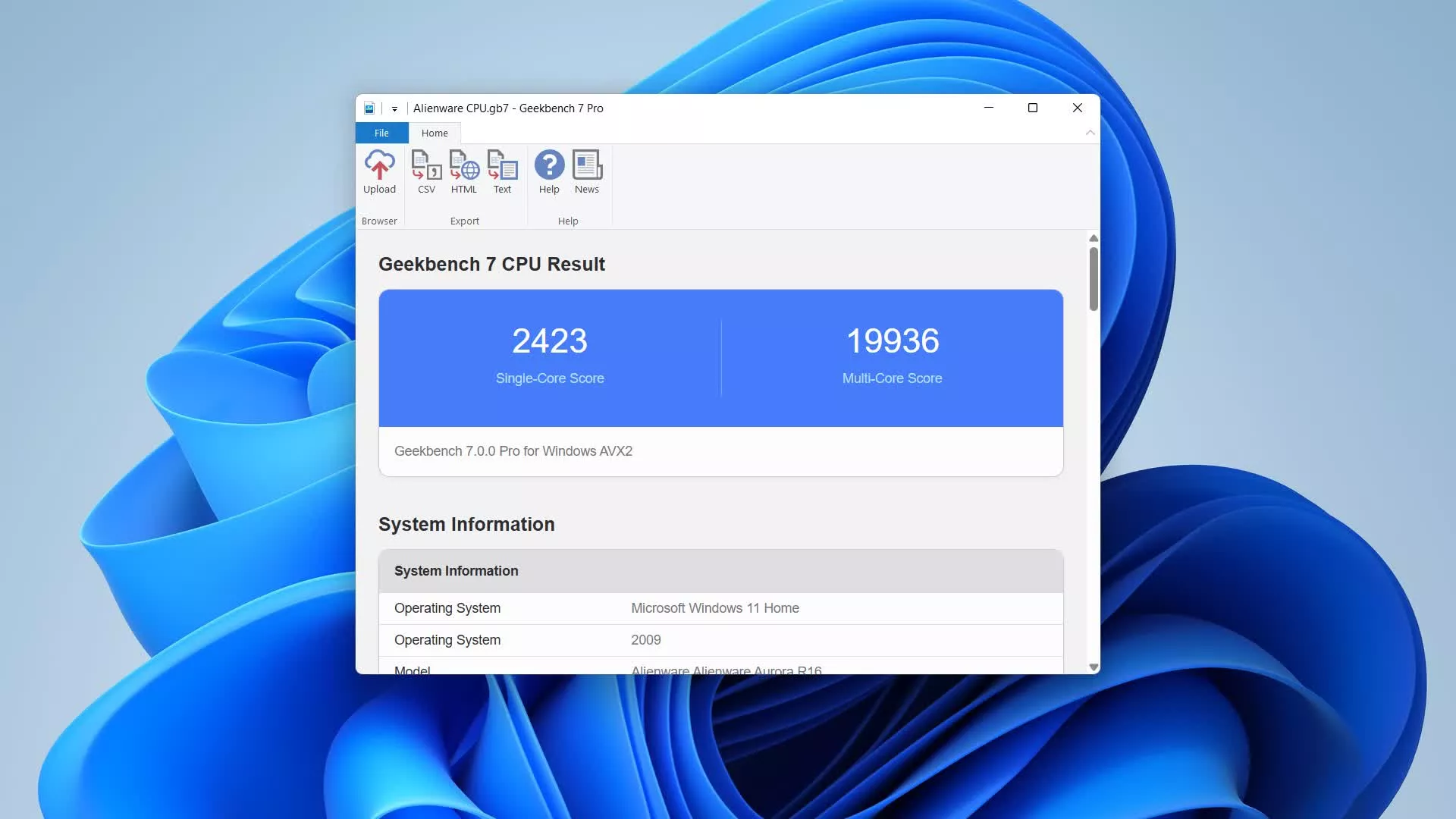
Geekbench 7 measures your processor's single-core and multi-core power, for everything from checking your email to taking a picture to playing music, or all of it at once. Geekbench 7's CPU benchmark measures performance in new application areas including video conferencing, streaming, and game physics, so you'll know how your system handles the tasks you rely on every day.
GPU Benchmark
Test your system's potential for GPU compute tasks including machine learning, image processing, and video editing with the GPU Benchmark. Test your GPU's power with support for the OpenCL, Metal, Vulkan, and CUDA APIs. New to Geekbench 7 is an increased focus on Machine Learning, and support for NVIDIA'S CUDA API.
Real-World Tests
Geekbench uses practical, everyday scenarios and datasets to measure performance. Each test is based on tasks found in popular real-world apps and uses realistic data sets, ensuring that your results are relevant and applicable. Geekbench 7's multi-core tests only run multi-threaded when real applications do, so your scores reflect how software actually behaves.
Cross-Platform
Compare apples and oranges. Or Apples and Samsungs. Designed from the ground-up for cross-platform comparisons, Geekbench 7 allows you to compare system performance across devices, operating systems, and processor architectures. Geekbench 7 supports Android, iOS, macOS, Windows, and Linux.
Geekbench Browser
Upload your results to the Geekbench Browser to share them with others, or to let the world know how fast (or slow) your devices can go! You can track all your results in one place by creating an account, and find them easily from any of your devices.
Benchmark Charts
Verify device performance using the Geekbench Benchmark Charts. Available on the Geekbench Browser, these charts are based on data aggregated from real users in real-world environments. Whether you're considering a new purchase or are curious about a device's capabilities, use these charts to make informed decisions.
Stress Tests
Geekbench includes stress tests, which are tests that help determine the stability of your system. Stress tests help you find small problems with your system before they become big problems.
Multicore Aware
Every test in Geekbench is multi-core aware. This allows Geekbench to show you the true potential of your system. Whether you're running Geekbench on a dual-core phone or a 32-core server, Geekbench is able to measure the performance of all the cores in your system.
Here's what the different numbers mean:
Battery Runtime is the battery test runtime. If the test started with the battery completely charged and ended with the battery completely discharged then the test runtime is also the battery lifetime.
Battery Score is a combination of the runtime and the work completed during the battery test. If two phones have the same runtime but different scores, then the phone with the higher score completed more work. As with Geekbench scores, higher battery scores are better.
Battery Level is the battery level at the start and the end of the test.
What's New
Geekbench 7, the latest version of Primate Labs' cross-platform benchmark, has arrived and features both new and improved workloads to measure the performance of your CPUs and GPUs.
New Media Workloads
Geekbench 7 includes new media workloads that measure how well your CPU handles audio and video encoding, decoding, and processing. The workloads model the tasks behind video conferencing, screen sharing, and everyday content consumption. These new workloads:
- Encode screen-sharing video with the AV1 codec, modeling the screen-sharing features in video conferencing apps.
- Compress music and spoken-word audio with the Opus codec, modeling voice memo and podcast apps.
- Decode video and audio while generating live captions with the Whisper speech recognition model, modeling video playback with automatic subtitles enabled.
Alongside the new media workloads, Geekbench 7 adds a Game Physics workload built on the Jolt Physics engine used in popular video games, expands the Photo Editor workload with a richer set of real-world edits, and updates the Photo Library workload to support importing and processing modern image formats such as JPEG XL and DNG.
A Smarter Multi-Core Benchmark
The multi-core benchmark in Geekbench 7 has been redesigned to better reflect how real applications behave. Not every task in the real world is multi-threaded, and pretending otherwise distorts scores without telling you anything useful about your device.
In Geekbench 7, a workload only runs in multi-threaded mode if the task it models actually runs multi-threaded in real applications. For example, the HTML5 Browser test isn't included in the multi-threaded suite because web browsers are single-threaded (or lightly threaded).
The result is a multi-core score that's a more accurate, more useful, and more relevant measure of how your device performs the work you actually do.
A Refreshed GPU Benchmark
The GPU benchmark has a new focus on the machine learning and content creation applications that increasingly define GPU performance. For machine learning, the GPU benchmark includes workloads that:
- Track faces and apply real-time filter effects to video, modeling the face filters in social media apps.
- Upscale images with machine learning, modeling super resolution features in content creation apps.
- Blur backgrounds in video conferencing streams, modeling virtual background features in video conferencing apps.
Geekbench 7 also introduces new GPU image editing and synthesis workloads, including RAW image processing, LUT-based video color grading, path tracing, and fluid simulation.
And by popular demand, CUDA joins OpenCL, Vulkan, and Metal as a supported API in the GPU Benchmark. You can now measure your NVIDIA GPU using the API that powers its most demanding applications.
Larger Data Sets
Since the release of Geekbench 6, the tasks people perform have become more strenuous, and the data sets they use have grown larger and more demanding. To reflect this, we've updated the data sets the workloads process so they're more challenging for your device and better reflect the files people work with today. This includes:
- More (and more varied) archives in the File Compression workload, spanning source code, object code, and text documents.
- More (and more varied) documents in the PDF Viewer workload, from park maps to technical documents to academic papers.
- More assets and different image formats throughout the developer and image processing workloads.
