

PeaZip is a free and open-source file archiver utility that serves as an alternative to popular tools like WinRAR, WinZip, and 7-Zip. Designed to be cross-platform, it runs on Windows, Linux, and macOS, offering a user-friendly interface paired with advanced features.
Built on open technologies including 7-Zip/p7zip, Zstandard (by Facebook), Brotli (by Google), FreeArc, PAQ, and the PEA project, PeaZip provides powerful and flexible file compression and extraction capabilities.
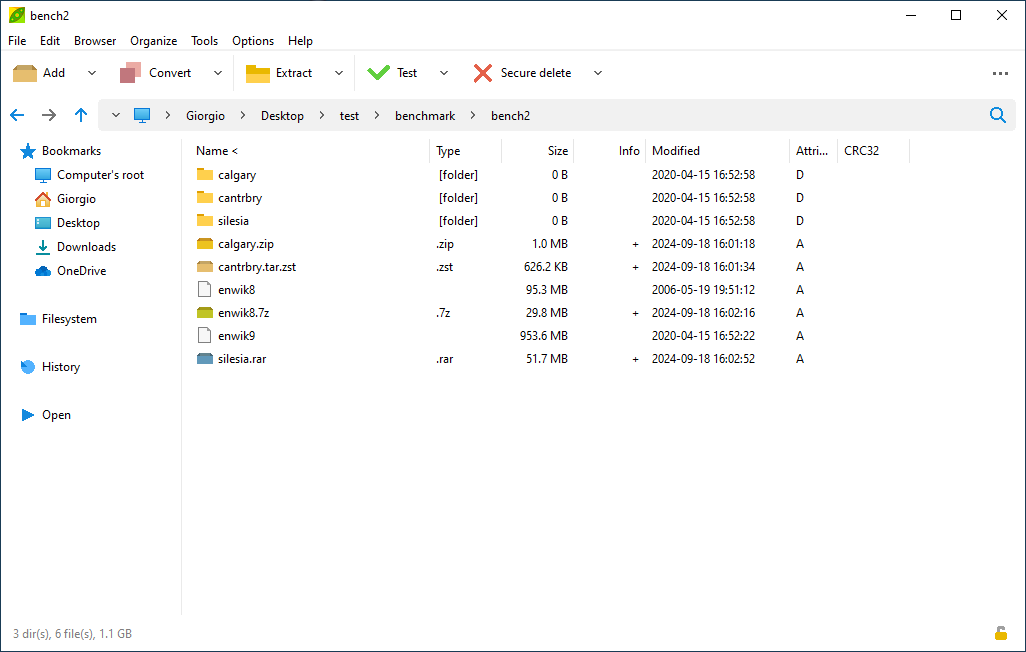
It supports opening and extracting over 200 archive formats-such as 7Z, RAR, ZIP, ISO, TAR, CAB, and ACE-and allows users to create compressed archives in major formats like 7Z, ZIP, TAR, and WIM. In addition to standard compression features, PeaZip excels at managing encrypted archives, offering support for strong encryption algorithms like AES, Twofish, and Serpent.
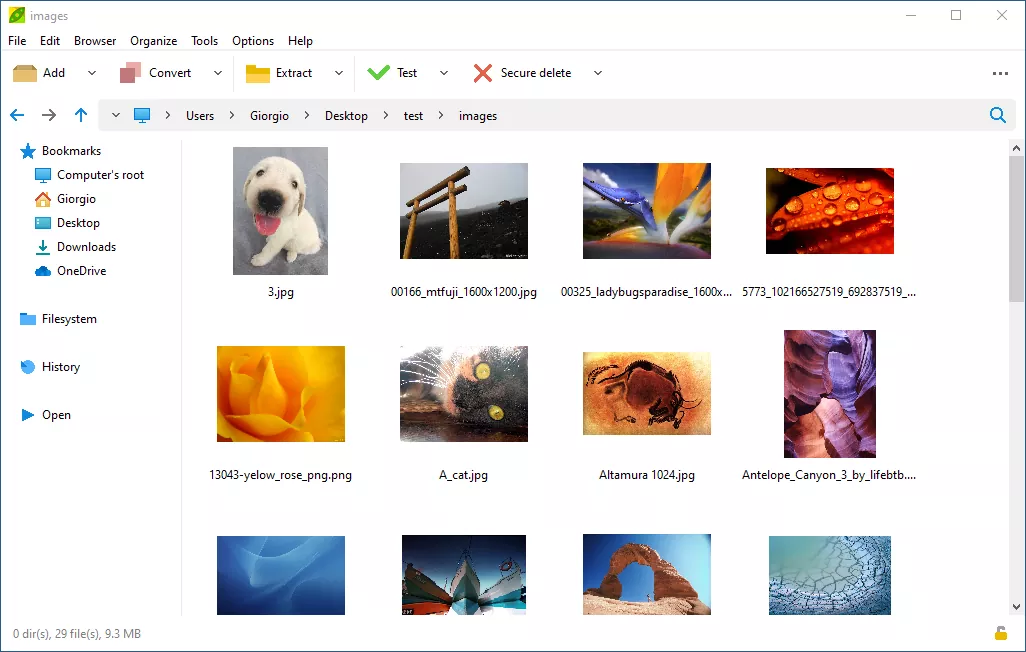
PeaZip also integrates a comprehensive file manager with tools for browsing, viewing, editing, and searching archive contents. It includes robust data security features, such as an encrypted password manager, two-factor authentication (via password and keyfile), secure file deletion, and file hashing. Tasks performed through the graphical interface can be exported as command-line scripts for automation.
Can PeaZip open or create password-protected archives?
Yes, PeaZip supports strong encryption using AES, Twofish, and Serpent algorithms. It can both open and create encrypted archives, manage saved passwords securely, and even use two-factor authentication (password + keyfile) for added protection.
Is PeaZip a good alternative to WinRAR or 7-Zip?
Yes, PeaZip offers a modern GUI, support for more formats than some competitors, strong security tools, and scripting features. It's fully free and open source, making it a reliable and privacy-conscious alternative.
Does PeaZip include any file management features?
Yes, In addition to archiving, PeaZip has a built-in file manager that allows users to browse, search, edit, and securely delete files, as well as generate checksums and automate tasks via GUI-exported command-line scripts.
Features
- Open Source, released under LGPLv3 license which allows to easily integrate it in any licensing environment
- Cross-platform and cross-architecture, same full featured GUI application on Linux, macOS, and Windows, providing full featured file manager and archive manager on all platforms, also available as portable application
- Supports over 200 archive formats, ranging from very powerful compressors like 7Z and ZPAQ, to extremely fast compressors like Brotli and Zstandard, with option to easily convert archives
- Supports strong encryption, optionally two factor authentication and authenticated encryption
- Can easily export tasks defined in the GUI as command line scripts
What's New
PeaZip 11.3.0 provides improved ZPAQ support, new test function for PEA archives, mandatory master password for the integrated Password Manager, and usability improvements as the new "Open with" picker screen (Shift+F12).
- Backend are updated to 7z/p7zip 26.03 and Pea 1.33.
- Due to multiple security fixes and improvements it is recommended to update to the new version.
- Sources are compiled with Lazarus 4.x, and are still compatible with Lazarus 3.x and 2.x.
- A total of 243 file extensions are now supported as archives by PeaZip.
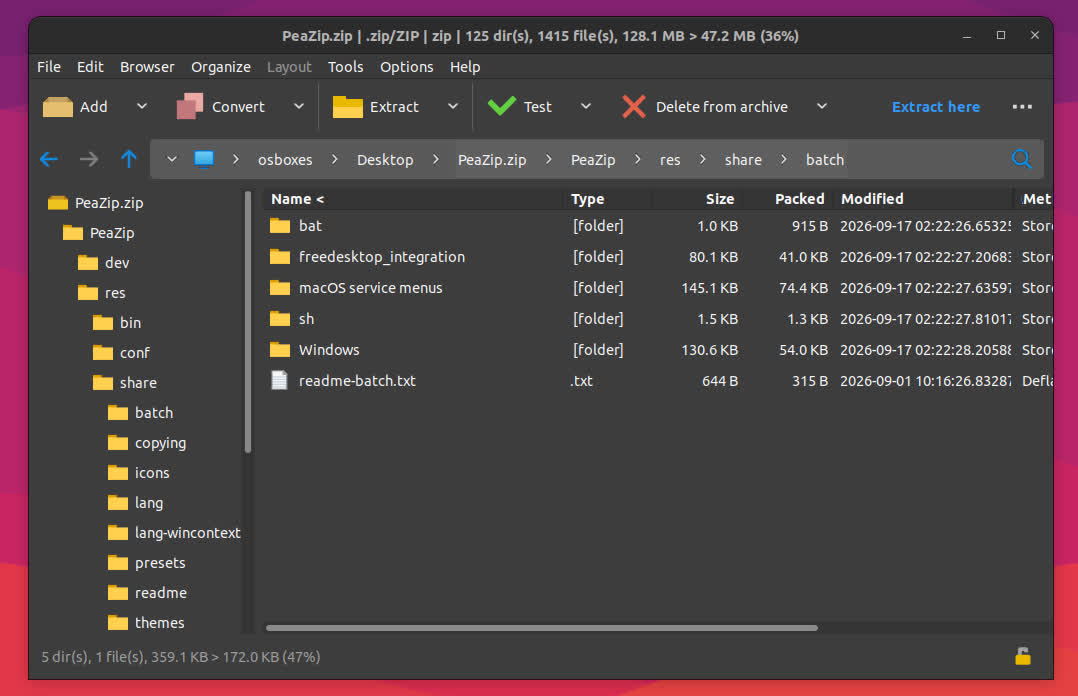
PeaZip 11.2.0 is focused on multiple QOL improvements: functions picker (F12) searching supported functions and applying chosen function to selected items, improved keyboard shortcuts, drag and drop, and file manager's auto-refresh.
Backend are updated to 7z/p7zip 26.02 and Pea 1.32.
Sources are compiled with Lazarus 4.x, and are still compatible with Lazarus 3.x and 2.x.
A total of 243 file extensions are now supported as archives by PeaZip, with the addition of .ZIM files (Wikipedia and Project Gutenberg data dumps).
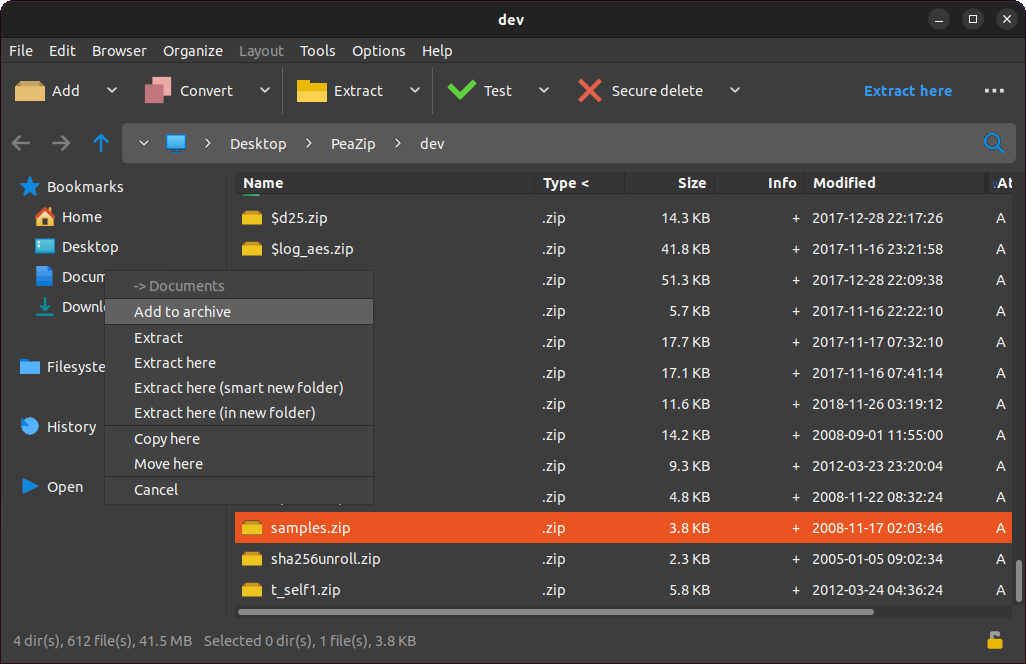
Internal drag&drop menu, showing Add to archive, Extraction options, and Copy/Move entries.

