

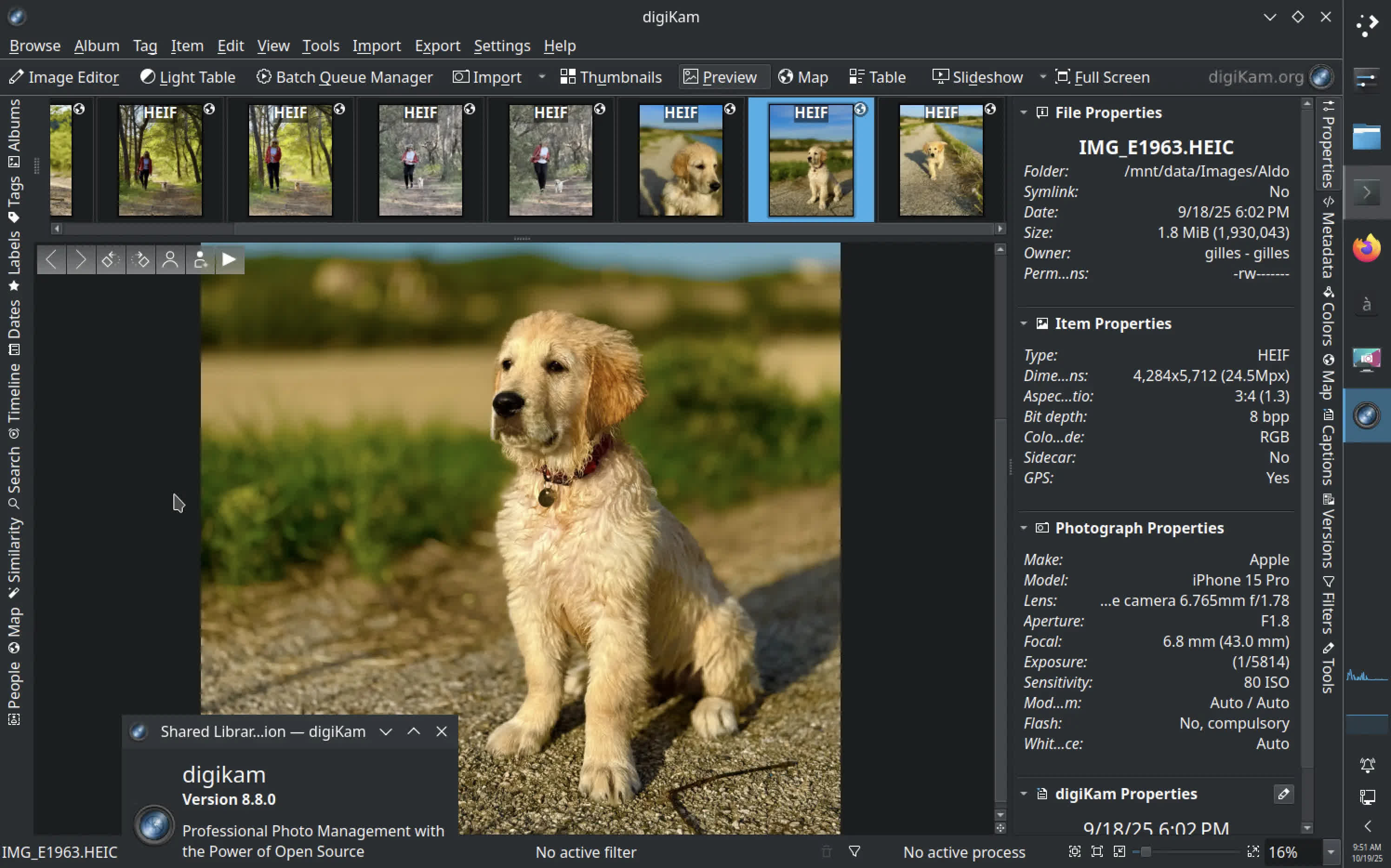
digiKam is a free and open-source photo management software designed for photographers and enthusiasts. It allows you to import, organize, edit, and share your digital photos with powerful tagging, metadata, and album management tools.
What makes digiKam different from other photo organizers?
Unlike basic image viewers, digiKam offers professional-grade tools such as RAW image processing, facial recognition, geotagging, and advanced metadata editing. It supports huge collections and gives users fine control over how photos are sorted, labeled, and rated.
Can digiKam edit photos?
Yes, digiKam includes a built-in editor that lets you adjust colors, exposure, and sharpness, apply filters, crop or rotate images, and perform batch processing. It also supports external tools like GIMP or Darktable for deeper editing workflows.
Does digiKam support cloud or remote storage?
Yes, digiKam can connect to popular online services such as Google Drive, Dropbox, Flickr, and OneDrive, allowing you to upload, export, or back up your photos directly from within the app.
How does digiKam's facial recognition work?
digiKam features an AI-powered face detection and recognition system that can automatically identify and tag people in your photo collection. You can train it to recognize specific faces, improving accuracy over time as it scans new albums.
With digiKam , you're able to:
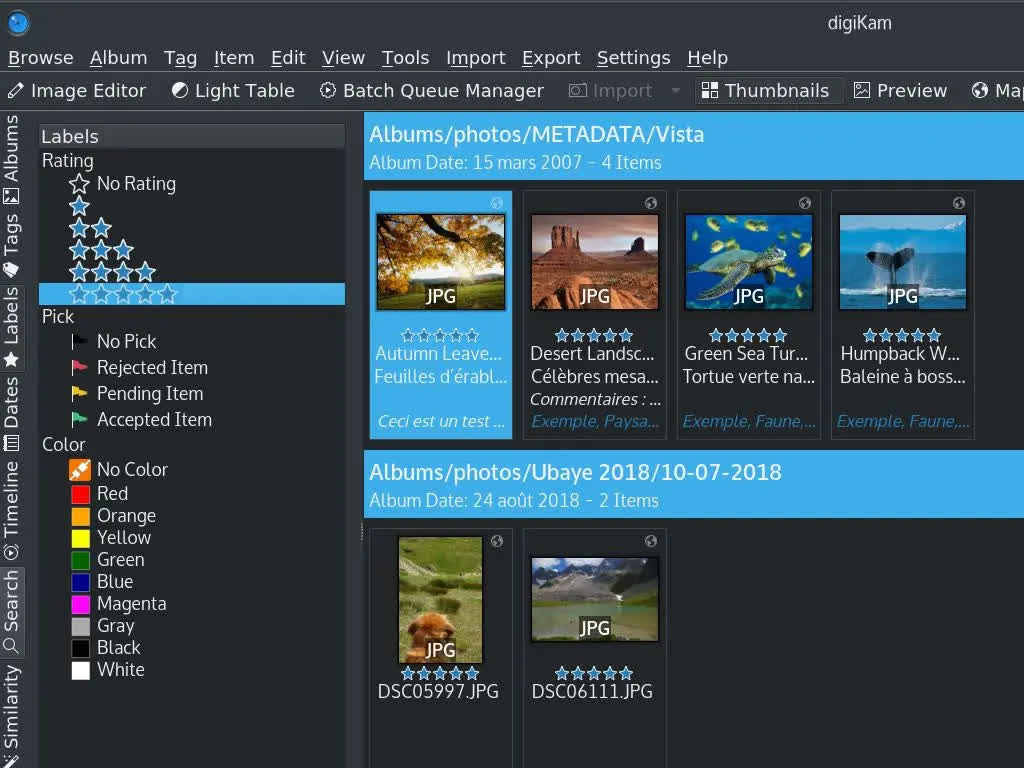
Import and Organize: Easily import photos and videos from your camera, smartphone, or other devices. Organize your collections using albums, tags, and labels.
Metadata Enrichment: Elevate your photo management with intelligent AI-driven tagging and rating. Automatically enrich your images with detailed metadata, making it easier than ever to organize and find images.
Advanced Search: Quickly find your photos using advanced search features, including tags, labels, dates, geolocation, and more.
Editing and Post-Processing: Enhance your photos with a wide range of editing tools, including color correction, cropping, and retouching. Apply filters and effects to give your images a professional touch.
Facial Recognition: Automatically detect and tag faces in your photos, making it easier to find and organize images of specific people.
Batch Processing: Save time by applying edits and adjustments to multiple photos at once.
Sharing and Publishing: Share your photos directly to social media platforms, create slideshows, and generate web galleries to showcase your work.
digiKam supports multiple collections hosted on local, removable, or network media, and it can store its database on local or remote servers. Whether you are a professional photographer or a hobbyist, digiKam provides the necessary tools to efficiently and effectively manage and edit your digital assets.
Features
Large Collections
- digiKam can easily handle libraries containing more than 100,000 images.
Efficient Editing Workflow
- Process raw files, edit JPEGs, publish photos to social media.
Work with Metadata
- AI metadata enrichment. View and edit metadata.
Free and Open Source
- digiKam is an open-source application that respects your freedom and privacy.
What's New
Dear digiKam fans and users,
After months of intensive development, bug triage, and feature integration, the digiKam team is thrilled to announce the stable release of digiKam 9.0.0. This major version introduces groundbreaking improvements in performance, usability, and workflow efficiency, with a strong focus on modernizing the user interface, enhancing metadata management, and expanding support for new camera models and file formats.
New Features and Major Changes
General Updates and Porting
digiKam 9.0.0 marks a significant milestone with the core code now fully ported to Qt 6.10.1 for the AppImage and macOS bundles, ensuring improved performance, security, and compatibility with modern operating systems. The Windows Qt6 bundle also benefits from the latest Qt 6.9.1 and KDE Frameworks 6.20.0.
The official digiKam website has received a huge update, including new screenshots, descriptions, history, features, support, and download sections.
Raw Camera Support
The internal Libraw engine has been updated to 20260215, bringing support for a wide range of new camera models, including:
- Canon: EOS R1, R5 Mark II, R5 C, R6 Mark II, R8, R50, R100, Ra
- Fujifilm: X-T50, GFX 100S II, GFX100-II, X-T5, X-S20, X-H2, X-H2S
- Hasselblad: CFV-50c, CFV-100c, X2D-100c
- Leica: Q3 43, D-Lux8, SL3, Q3, M11 Monochrom
- Nikon: Z6-III, Z f, Z30, Z8 (standard compression only)
- Olympus/OM System: OM-1 Mark II, TG-7, OM-5
- Panasonic: GH7, S9, DC-G9 II, DC-ZS200D / ZS220D, DC-TZ200D / TZ202D / TZ220D, DC-S5-II, DC-GH6
- Pentax: KF, K III Monochrome
- Sony: ZV-E10M2, UMC-R10C, A9-III, ILX-LR1, A7C-II, A7CR, ILCE-6700, ZV-1M2, ZV-E1, ILCE-7RM5 (A7R-V), ILME-FX30, A1
- Multiple DJI and Skydio drones
- Tested with multiple smartphones with DNG format recorded.
User Interface and Usability
Customizable Date Format
Users can now customize the date format displayed throughout the program, including the option to show seconds in the shot timestamp.
