
The big picture: Google is rolling out new Gemini privacy settings that let users keep their chat history even after opting out of AI model training. The change is likely to be welcomed by tech-savvy users and privacy advocates, who have long clamored for their chats to be excluded from generative AI training.
The new settings were reported by 9to5Google, which noted that the Gemini app now splits chat history saving and consent for generative AI model training into separate sections. The change allows users to switch off generative AI training on their data while still saving their chat history for future reference.
Google is dividing the existing Keep Activity setting into a History section, which lets users control how long their chats are saved, and an AI training section, which lets them independently control whether their chat content is used to train AI models.
If Keep Activity is already turned off when the change reaches an account, both new options will be disabled by default.
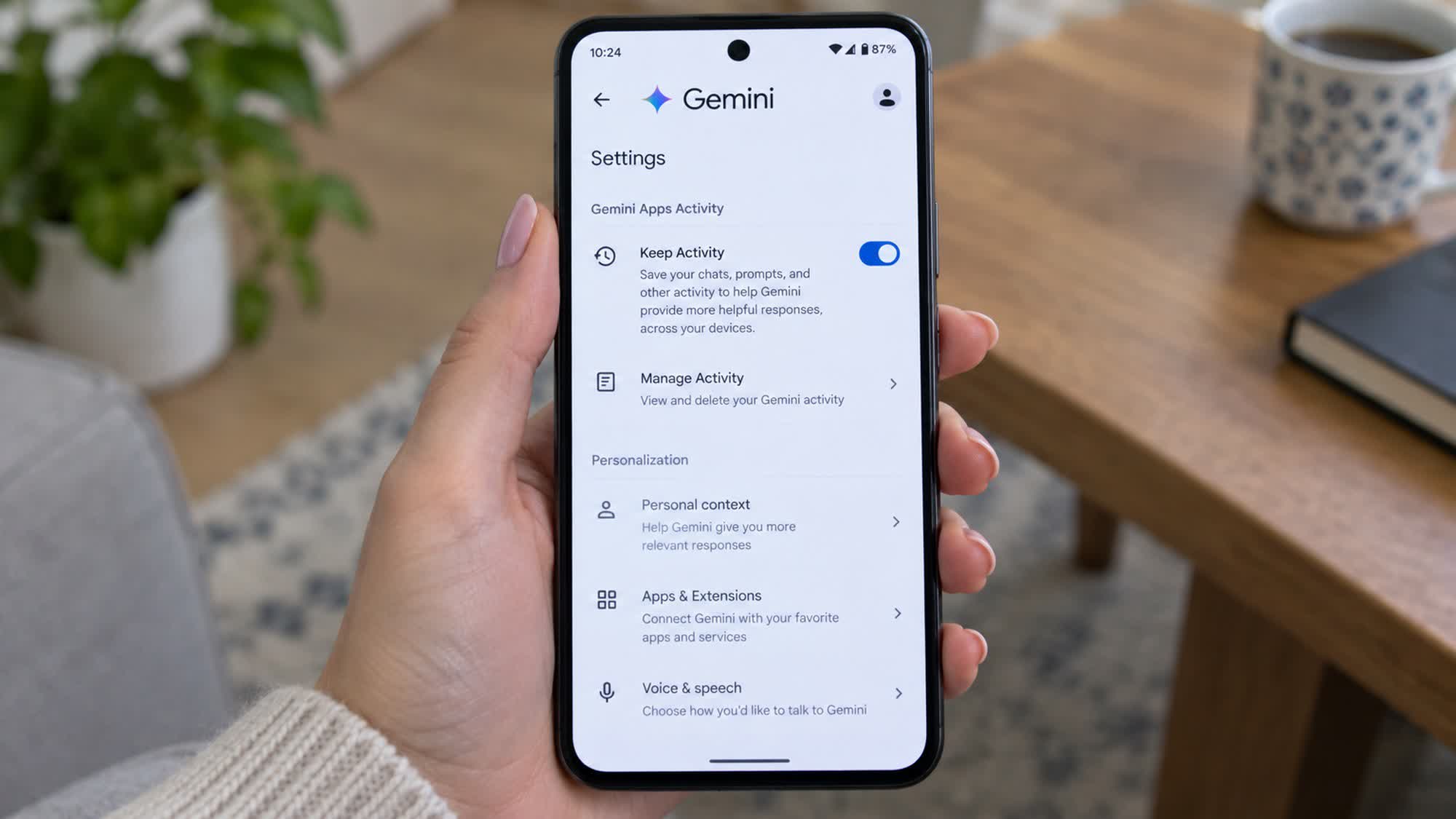
Once the change takes effect, if users turn off History, Gemini will save future chats for around two months, using them to "respond to you, process your feedback, and protect Google, its users, and the public, with help from human reviewers." Before the update, with saving disabled, chats were kept for only 72 hours to protect Google, its users, and the public, and only the last 24 hours were used for context.
Google clarified that temporary chats are not used to train its AI models, so users who have switched off History and don't submit feedback won't have their chats used for AI training.
If History is off but the user submits feedback, Google will use that feedback and the last 24 hours of chat history, including attachments and data from connected apps, to improve Gemini.
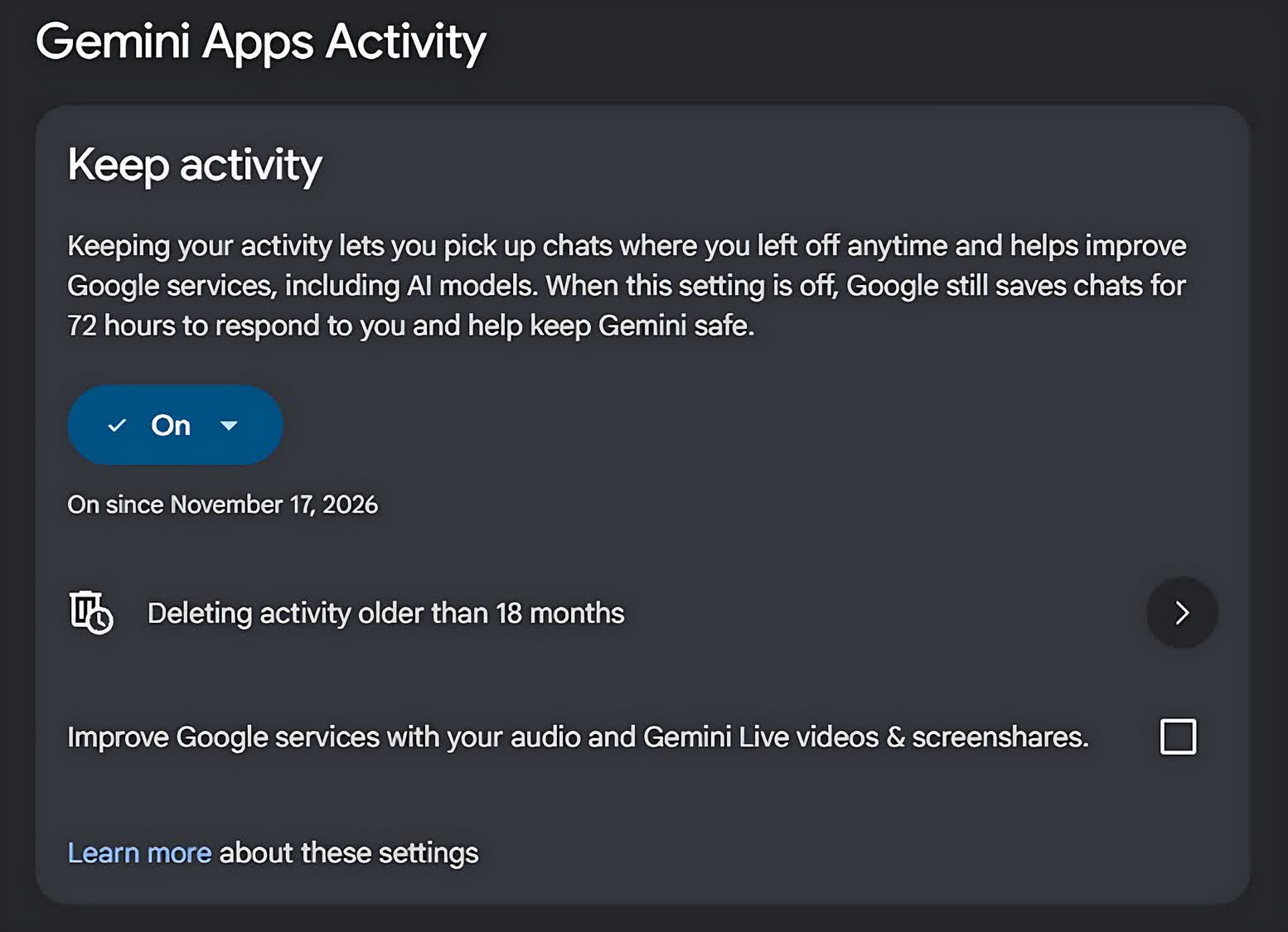
The second AI training setting, meanwhile, lets users keep their chat history while independently controlling whether their chat content, including text and attachments, can be used for generative AI model training.
Google says it is notifying users of the changes by email, and that they will roll out globally over the coming weeks. It's unclear whether the new settings can be configured on both desktop and mobile, but the official emails will likely provide more details.