

VLC Media Player is a free, open-source, and cross-platform multimedia player that plays almost every media format: files, discs, webcams, devices, and streams – with no need for additional codecs.
It supports a wide range of modern formats and inputs, constantly evolving to handle next-generation audio and video codecs. With features like customizable playback, audio and video filters, subtitle support, and streaming capabilities, VLC is a powerful tool for everyday media playback.
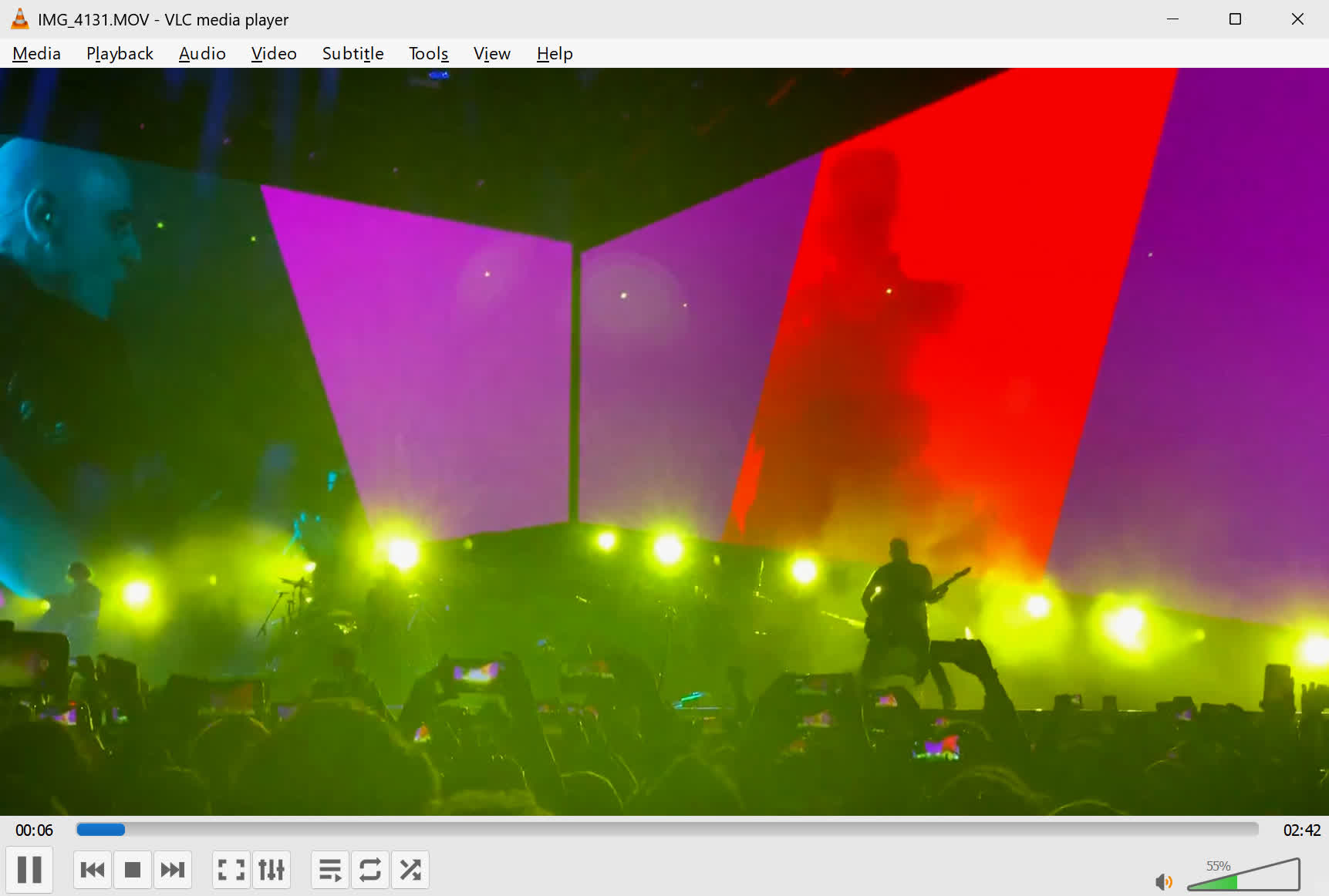
Originally developed in 1996 as the VideoLAN Client by students at École Centrale Paris, VLC has become one of the most trusted and widely used media players worldwide, known for its speed, flexibility, and reliability.
Looking for subtitles? Use the built-in VLSub extension to search and download them instantly.
Can VLC convert video and audio files?
Yes, VLC has a built-in media converter. You can convert between formats like MP4, MP3, AVI, and more by using the "Convert/Save" option under the Media menu. It's a quick and free way to change file formats without needing extra software.
How do I adjust playback speed in VLC?
To change the playback speed of a video in VLC, go to Playback > Speed and select either Faster or Slower. This is helpful for watching tutorials at a slower pace or speeding through content. You can also use keyboard shortcuts: press ] to speed up and [ to slow down.
How can I fix audio-video sync issues in VLC?
If you experience audio and video being out of sync, VLC provides hotkeys to adjust synchronization. Press J to move the audio forward and K to move it backward. You can also fine-tune this by going to Tools > Track Synchronization and adjusting the Audio track synchronization value.
How can I use VLC to record my screen?
VLC includes a screen capture feature. By selecting "Capture Device" under Media and choosing "Desktop" as the capture mode, you can record your screen activity – great for tutorials or presentations.
Can VLC play YouTube videos and other streaming online content?
Yes, VLC can play YouTube videos by copying the video's URL into the "Open Network Stream" feature. It even allows you to watch content ad-free and adjust playback speed or take screenshots while watching.
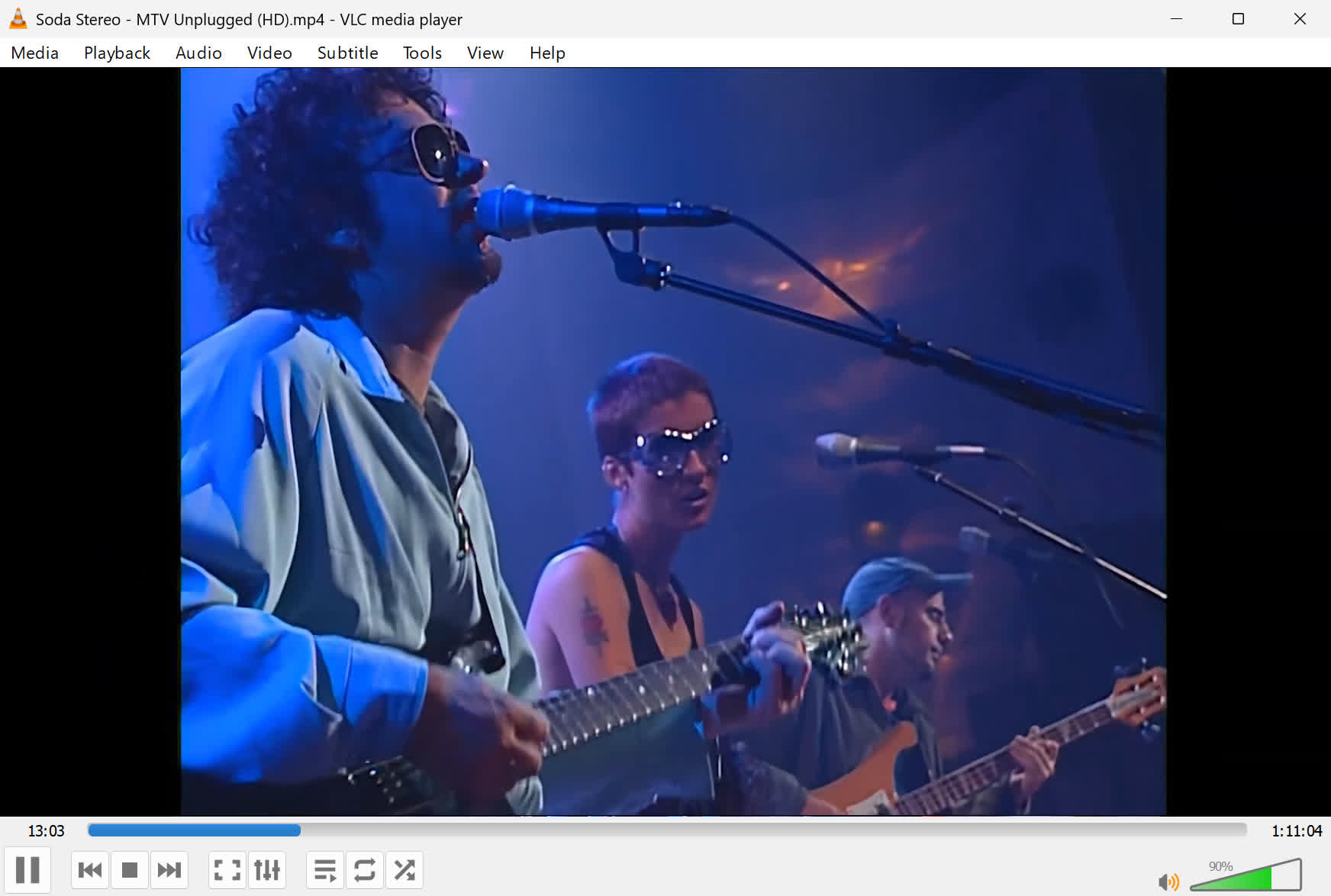
What video formats does VLC support?
VLC offers support for the following video formats: MPEG-1/2, DivX (1/2/3/4/5/6), MPEG-4 ASP, XviD, 3ivX D4, H.261, H.263 / H.263i, H.264 / MPEG-4 AVC, Cinepak, Theora, Dirac / VC-2, MJPEG (A/B), WMV 1/2, WMV 3 / WMV-9 / VC-1, Sorenson 1/3, DV, On2 VP3/VP5/VP6, Indeo Video v3 (IV32), Real Video (1/2/3/4). VLC can also play all kinds of DVDs, including discs with protection.
What audio formats does VLC support?
VLC player offers support for the following audio formats: MPEG Layer 1/2, MP3 - MPEG Layer 3, AAC - MPEG-4 part3, Vorbis, AC3 - A/52, E-AC-3, MLP / TrueHD>3, DTS, WMA 1/2, WMA 3, FLAC, ALAC, Speex, Musepack / MPC, ATRAC 3, Wavpack, Mod, TrueAudio, APE, Real Audio, Alaw/µlaw, AMR (3GPP), MIDI, LPCM, ADPCM, QCELP, DV Audio, QDM2/QDMC, MACE.
What's New
VLC Media Player 3.0.22 RC2
Core
- Assume subpictures are in SDR by default
Windows
- Add Windows ARM64 builds (Minimum Windows 10 RS5 17763 / 1809)
- Fix support for Windows XP SP3
- Allow renaming/moving/deleting of playing file on Windows
- Restrict SystemParametersInfo calls to Windows XP
Decoders
- Fix Opus channel mapping
- Fix hardware decoding with VideoToolbox of XVID MPEG-4 video
- Add dav1d-all-layers option
- Fix DVD CEA-608 captions parsing
- Fix ProRes 4:4:4:4
- Disable decoding using libdca, libmpeg2 and liba52 by default in favor of libavcodec
Demuxers
- Add support for DMX audio music (MUS) files
- Handle mkv-use-chapter-codec option
- Add A_ATRAC/AT1 support in matroska
- Prevent FLAC seeking logic get stuck
- Handle pictures in FLAC
- Fix VOB/AOB LPCM/MLP detection failing occasionally
- Cut QNap title on first invalid character
- Fix display of certain JPEG files
- Fix playback of very short ASF files (duration less than 1s)
- Multiple fixes in MPEG-TS
- Fix crashes in multiple demuxers (reported by rub.de, oss-fuzz and others)
Input
- Fix SFTP seeking for large files on 32-bit OS
Interface
- Add option to use dark palette (Qt)
- Add compilation support for newer versions of Qt5
- Qt: Fix scrolling on volume slider
Service Discovery
- UPnP: remove SAT>IP channel list fallback
Video Output
- Use a better stretch mode in wingdi
- Fetch missing device information when running in UWP
Video Filter
- Add AMD GPU Frame Rate Doubler (Direct3D11)
- Improve visualization of low frequencies in spectrogram
Contrib
- Update amf to 1.4.34
- Update dav1d to 1.5.1
- Update FFmpeg to 4.4.5
- Update freetype to 2.13.1
- Update gettext to 0.22.5
- Update gcrypt to 1.10.1
- Update glew to 2.1.0
- Update gmp to 6.3.0
- Udpate gnutls to 3.8.10
- Update harfbuzz to 11.5.0
- Update iconv to 1.17
- Update libarchive to 3.8.0 including support for RAR 5.0
- Update libass to 0.17.3
- Update libbluray to 1.4.0
- Update libmatroska to 1.7.0
- Update libogg to 1.3.6
- Update libpng to 1.6.50
- Update libvpx to 1.15.2
- Update lua to 5.1.5
- Update openjpeg to 2.5.0
- Update orc to 0.4.33
- Update srt to 1.5.3
- Update taglib to 1.13.1
- Update zlib to 1.3.1
- and more 3rd party updates
- libmpeg2, libdca and liba52 are no longer build by default
- build ragel inside harfbuzz if necessary
Misc
- gnutls: remove manual DH prime bits setting
- Avoid very large fonts in portrait mode
- Update of most translations
Security
- Heap Buffer Overflow READ in TY, NSV, CVDsub, SPU, Subrip, TX3G, MPJEG demuxers and decoders
- Heap Buffer Overflow Write in RLE, MP4, TX3G demuxers and decoders
- Assert failure in AVI, MP4 demuxers and Core
- Null dereferences in CSS, Flac and VTT modules
- Use-after Free in SVG decoder
- Crash in Subtitles core, in jpeg2 inside TS
- Multiple crashes and OOB in CEA-708 subtitles
- OOB read on Oggspot, MP4
- Multiple leaks in MKV, ASF/WMV, CAF and PS demuxers, WebVTT and SVCD decoders
- Busy loop in WebVTT
VLC 3.0.21 Changelog
- Android version updated to 3.6.2
Decoders:
- Improve Opus ambisonic support
- Fix some ASS subtitle rendering issues
- Fix Opus in MP4 behaviour
- Fix VAAPI hw decoding with some drivers
Input:
- Add support for HTTP content range handling according to RFC 9110
- Fix some HLS Adaptive Streaming not working in audio-only mode
Video Output:
- Super Resolution scaling with AMD GPUs
- The D3D11 HDR option can also turn on/off HDR for all sources regardless of the display
- Improve subtitles rendering on Apple platforms of notably Asian languages by correcting font fallback lookups
Video Filter:
- New AMD VQ Enhancer filter
- Add D3D11 option to use NVIDIA TrueHDR to generate HDR from SDR sources
Audio Output:
- Fix regression on macOS causing crashes when using audio devices with more than 9 channels
Services Discovery:
- Fix exposed UPnP directory URL schemes to be compliant with RFC 3986
Contrib:
- Update FFmpeg to 4.4.4
- Update dav1d to 1.4.2
- Update libvpx to 1.14.1
libVLC:
- The HWND passed to libvlc_media_player_set_hwnd must have the WS_CLIPCHILDREN style set.
- Fix crashes when using caopengllayer
Misc:
- Fix various warnings, leaks and potential crashes
- Fix security integer overflow in MMS module
Security:
- A denial of service through a potential integer overflow could be triggered with a maliciously crafted mms stream (heap based overflow)
Impact
- If successful, a malicious third party could trigger either a crash of VLC or an arbitratry code execution with the privileges of the target user.
- While these issues in themselves are most likely to just crash the player, we can't exclude that they could be combined to leak user informations or remotely execute code. ASLR and DEP help reduce the likelyness of code execution, but may be bypassed.
- We have not seen exploits performing code execution through this vulnerability.
Threat mitigation
- Exploitation of those issues requires the user to explicitly open a maliciously crafted mms stream.
Workarounds
- The user should refrain from opening mms streams from untrusted third parties (or disable the VLC browser plugins), until the patch is applied.
Solution
- VLC media player 3.0.21 addresses the issue.
Previous Release Notes:
Decoders:
- NvidiaImprove Opus ambisonic support
- NvidiaFix some ASS subtitle rendering issues
- NvidiaFix Opus in MP4 behaviour
- NvidiaFix VAAPI hw decoding with some drivers
Input:
- NvidiaAdd support for HTTP content range handling according to RFC 9110
- NvidiaFix some HLS Adaptive Streaming not working in audio-only mode
Video Output:
- NvidiaSuper Resolution scaling with AMD GPUs
- NvidiaThe D3D11 HDR option can also turn on/off HDR for all sources regardless of the display
- NvidiaImprove subtitles rendering on Apple platforms of notably Asian languages by correcting font fallback lookups
Video Filter:
- NvidiaNew AMD VQ Enhancer filter
- NvidiaAdd D3D11 option to use NVIDIA TrueHDR to generate HDR from SDR sources
Audio Output:
- NvidiaFix regression on macOS causing crashes when using audio devices with more than 9 channels
Services Discovery:
- NvidiaFix exposed UPnP directory URL schemes to be compliant with RFC 3986
Contrib:
- NvidiaUpdate FFmpeg to 4.4.4
- NvidiaUpdate dav1d to 1.4.2
- NvidiaUpdate libvpx to 1.14.1
libVLC:
- Nvidiathe HWND passed to libvlc_media_player_set_hwnd must have the WS_CLIPCHILDREN
- style set.
- NvidiaFix crashes when using caopengllayer
Misc:
- NvidiaFix various warnings, leaks and potential crashes
- NvidiaFix security integer overflow in MMS module

