

Comet browser by Perplexity is the AI browser that acts as a personal assistant. Automate tasks, research the web, organize your email, and more with Comet.
What search engine does Comet use?
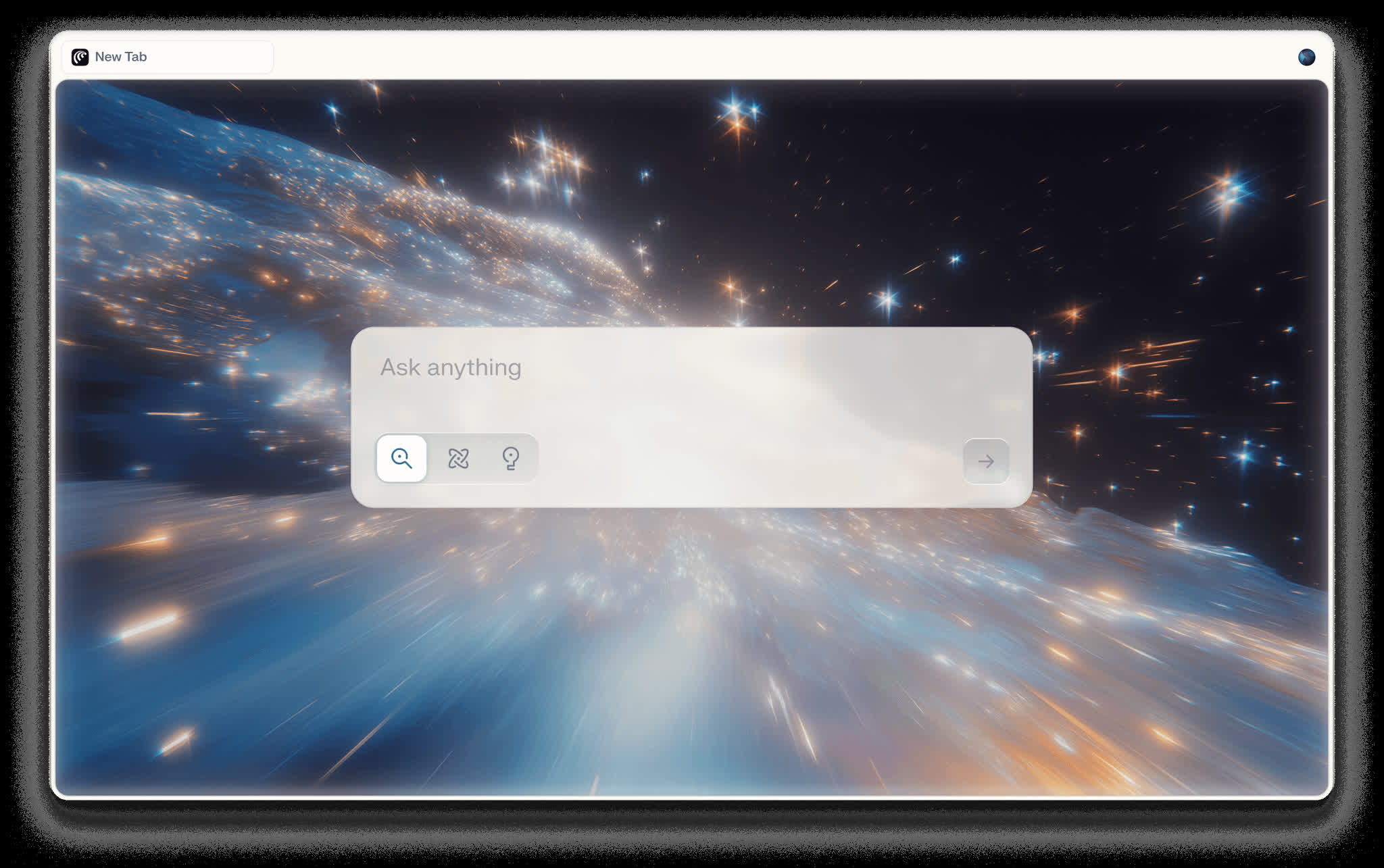
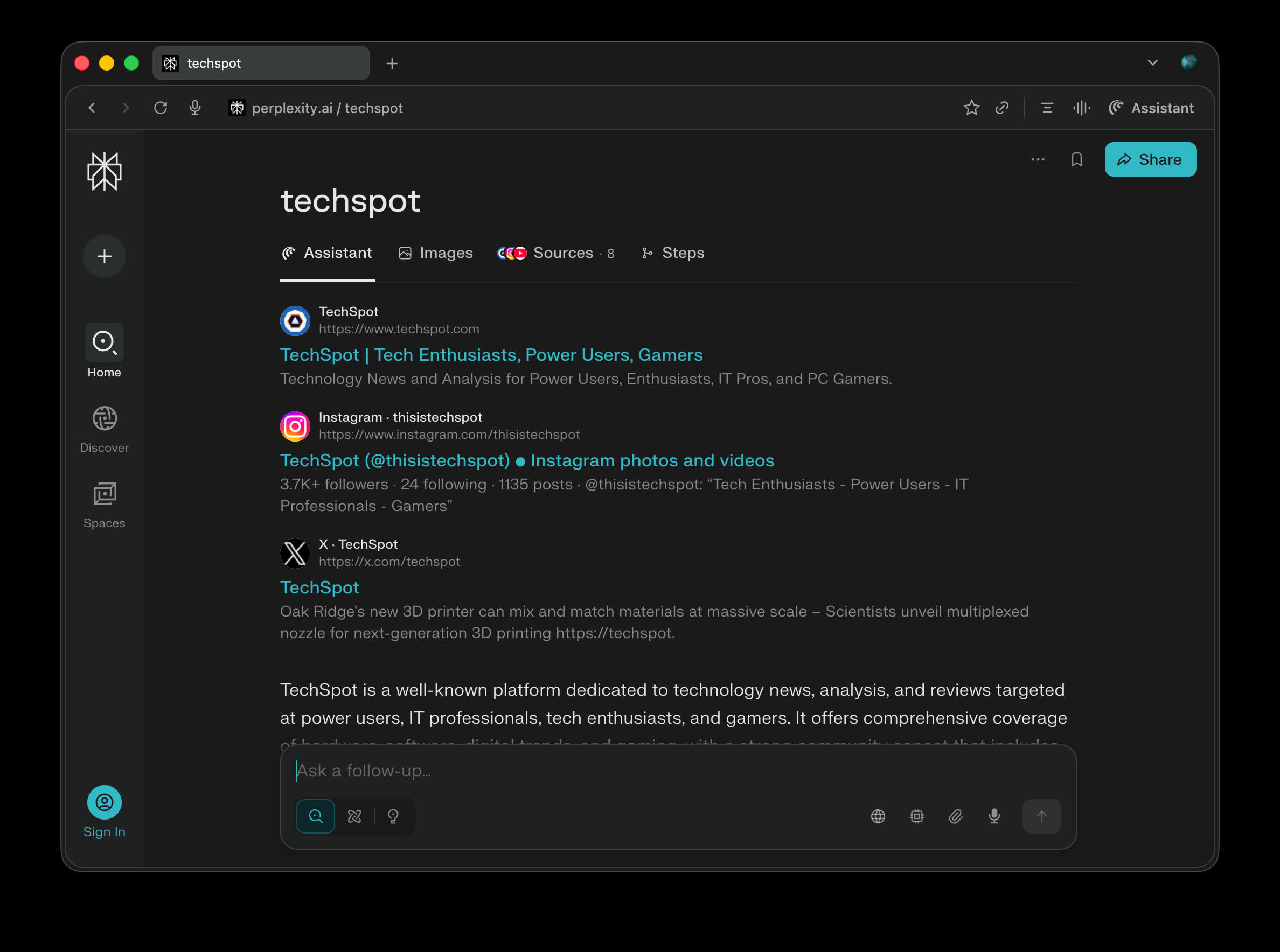
Comet uses Perplexity's search engine, optimized for fast and accurate answers. Perplexity search gives you the choice to navigate the web and check sources for original facts.
How is Comet different from Chrome or other browsers?
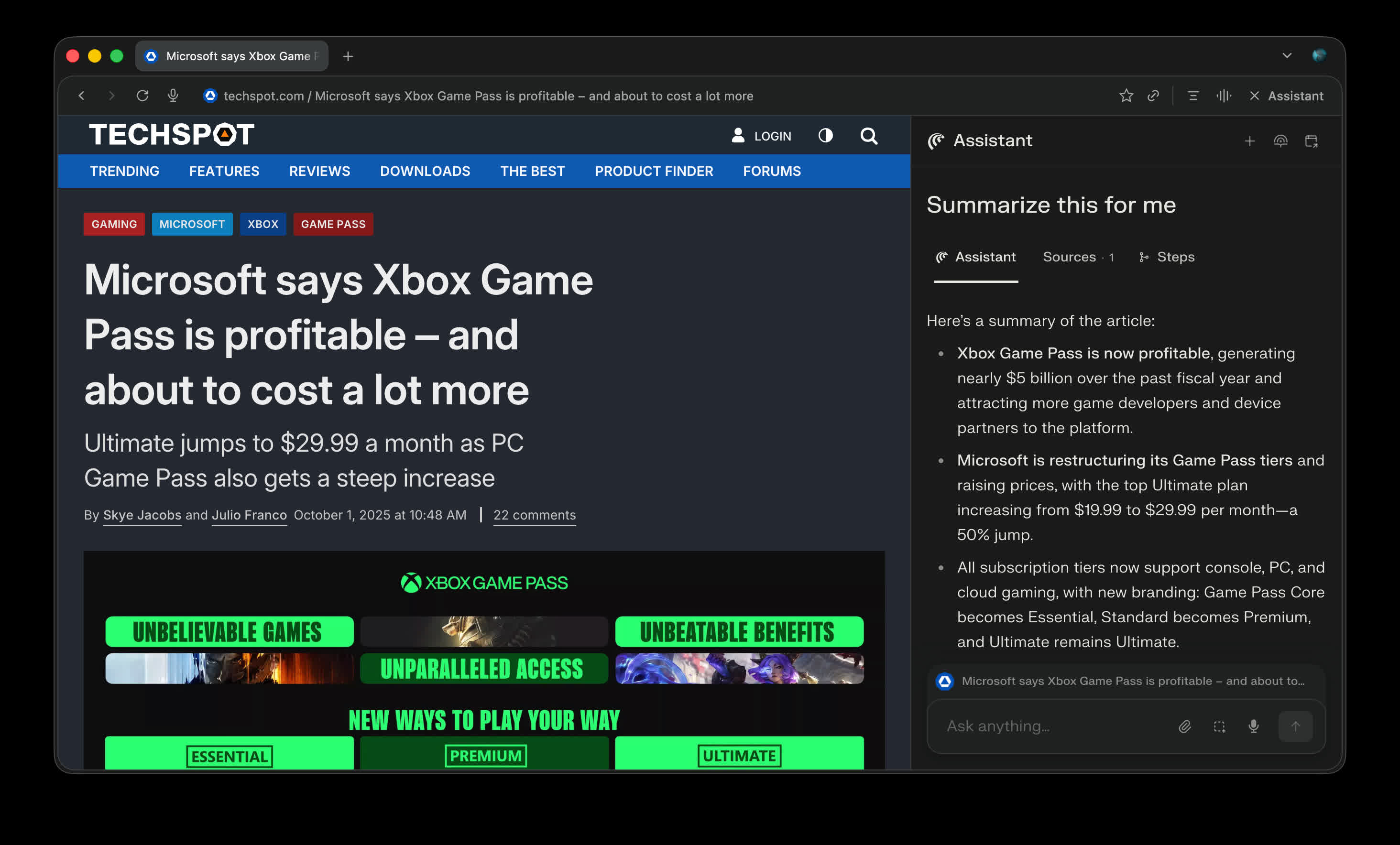
Unlike traditional browsers like Google Chrome, Microsoft Edge or Mozilla Firefox, Comet has an integrated AI assistant built into the sidebar. It can see and understand the web pages you visit, help with research, manage tabs, and even perform tasks like drafting emails or comparing products.
Can I use my Chrome extensions on Comet?
Yes, Since Comet is built on the Chromium engine, it supports most Chrome extensions, allowing users to import their existing tools, bookmarks, and settings seamlessly.
Does Comet require a subscription?
Comet is free to use, but some advanced AI features may require a Perplexity Pro subscription for expanded access, faster responses, or premium tools.
Does Comet store my email content or account credentials?
Comet may process some local data through Perplexity's servers in order to fulfill your queries. This means it can read the context of the page you're working on (such as text or email content) only to complete the requested task. Account credentials-like passwords, credit cards, and login details-are never sent to Perplexity's servers. Instead, they are stored securely on your device using the operating system's built-in secure vault.
What happens when I grant Comet integration permissions (e.g., Gmail or calendar access)?
For searches or actions related to your email or schedule, Comet may prompt you to grant the Perplexity Connector elevated access to third-party services. This access is strictly opt-in: you retain full control, can revoke or change permissions at any time in Perplexity's settings, and data is only accessed when explicitly relevant to a task you request.
Features
The Assistant Sidebar (Alt + A)
- Comet's AI assistant lives in a collapsible sidebar and understands every webpage you visit.
Capabilities include:
- Content Analysis: Ask questions, explain concepts, describe images
- Cross-Tab Intelligence: Compare information across multiple tabs
- Task Automation: Compose emails, schedule meetings, make purchases
- Autonomous Navigation: Fill out forms, navigate webpages, engage with web content
One-Click Summarization (Alt + S)
- Every webpage includes instant summaries for articles, videos, PDFs, and social media content.
Voice Mode (Shift + Alt + V)
- Interact with Comet entirely through speech for hands-free browsing, searching, and tab management.
Smart Tab Management
- AI-powered organization that automatically:
- Groups related tabs by topic
- Closes duplicate or unused tabs
- Creates color-coded collections
- Maintains context across tab switches
Tips and Best Practices:
- Writing Effective Prompts
- Be specific: "Compare camera specs in a table" vs. "help with phones"
- Use command prefixes: "take control of my browser" for automation
- Reference tabs: "@tab-name" for specific content
- Structure requests clearly for better results
Workflow Optimization
- Group related research tabs before analysis
- Use descriptive tab names for AI recognition
- Leverage voice mode during multitasking
- Set up recurring tasks for routine activities
What's New
Comet Voice Mode is now smarter and faster. Powered by GPT Realtime 1.5, you can now use Voice Mode to ask about what you're seeing, navigate the web by voice, and continue conversations seamlessly as you switch tabs. Start from the toolbar or use the keyboard shortcut (⌥⇧V on Mac / Alt+Shift+V on Windows).
- Screen awareness: Ask Comet about anything you're seeing. No copying, pasting, or jumping between apps.
- Navigate by voice: Open pages, move through sites, or take actions using your voice.
- Context that stays with you: Switch tabs freely. Comet remembers where you left off so you don't lose your place.
Perplexity Computer
Perplexity Computer is a general-purpose digital worker that operates the same interfaces you do. Computer creates and executes entire workflows, capable of running for hours or even months.
What Computer does for you:
- Background tasks and continuous monitoring: Set recurring tasks that Computer executes autonomously and persistently over time.
- Parallel research and browser automation: Search the web, automate browser actions, extract data, and synthesize findings in a single workflow.
- Connect tools and apps: Connect Gmail, Slack, Notion, Calendar, and hundreds of others.
- Create and build: Create production-ready apps, websites, reports, and more.
Put Computer to work. Available now to Perplexity Max subscribers. Coming soon to Enterprise and Pro users.

