

Bring new life to your aging Mac through a fully-featured web browsing experience. PowerFox is a secure and modern web browser that runs on PowerPC and Intel Macs running Mac OS X 10.5 Leopard or 10.6 Snow Leopard.
Leopard and Snow Leopard haven't received security updates from Apple in years, yet PowerFox brings modern security features to keep you safe online – from TLS 1.3 support to compliance with modern cipher suites and regular security patches.
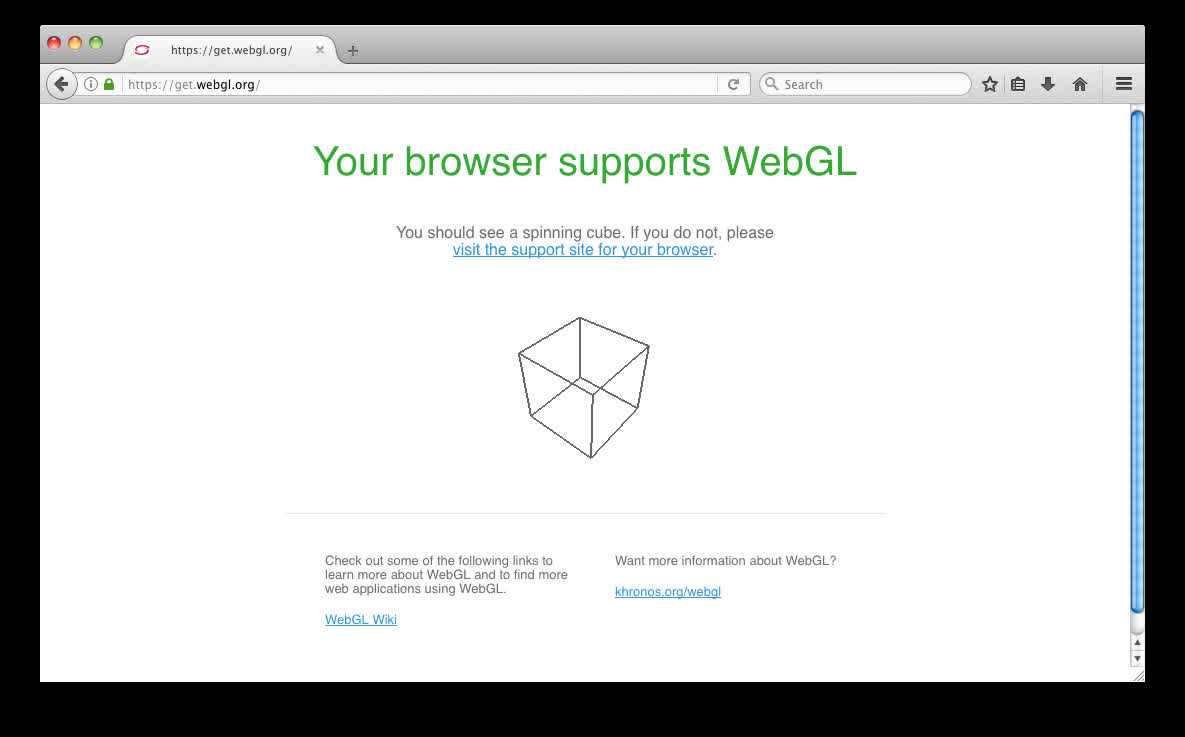
PowerFox is both standards compliant and feature-rich, supporting the latest web technologies to ensure compatibility with modern websites. Enjoy features like WebGL, an up-to-date JavaScript engine, color emoji, NPAPI plugins support, and much more.
PowerFox for PPC is not a derivative of TenFourFox. Rather, it is a brand-new browser for PowerPC, built from the same codebase as the 10.6 Intel variant. To refresh your memory, this brings a modern web engine (UXP) with excellent support for the modern internet, with features such as OpenGL acceleration, coloured emoji, modern HTML/CSS/JavaScript support, container tabs, language packs, video codecs (no need for an "enabler"), and much more.
Right now, PowerFox is offered in a beta state for PowerPC - expect bugs and other issues, and please report any of them that you encounter to this thread or on the GitHub bugtracker.
System Requirements
- Mac OS X 10.5 Leopard
- PowerPC G4 or PowerPC G5 processor
- 1 GHz processor for proper video playback
Known Issues / Limitations
JavaScript JIT (Just-In-Time) compilation is currently unimplemented. This means that JavaScript performance will be slower than that of TenFourFox and its derivatives, please consider installing an Ad Blocker and keeping expectations within reason.
Certain SVG images will not render correctly - under investigation.
PowerFox for PowerPC wouldn't have been possible without code written by Dr. Cameron Kaiser for TenFourFox, the developers behind the UXP web engine - namely dbsoft, and the Basilisk project. Thank you.
What's New
PowerFox Beta Browser for Intel-based Macs running Mac OS X 10.5 Leopard and PowerPC-based Macs running Mac OS X 10.5 Leopard or Mac OS X 10.6 Snow Leopard.
If you are unsure of which version to download, please choose the Intel 64-bit version for optimal performance on most Intel-based Mac computers.
