
Ultrawides have always been my personal favorite monitor format, and the lineup of available options today is the strongest it's ever been. The market has matured significantly, with great options spanning everything from affordable 34-inch LCDs to massive 45-inch OLEDs, and for the first time I feel confident recommending picks across every major size category.
A lot of what makes this a great time to buy is the recent wave of new OLED ultrawide panels. The 39-inch Tandem WOLED and the 34-inch V-Stripe QD-OLED are both recent releases that won't be superseded any time soon, and 240Hz QD-OLED at the mid-range level looks set to stick around, too.
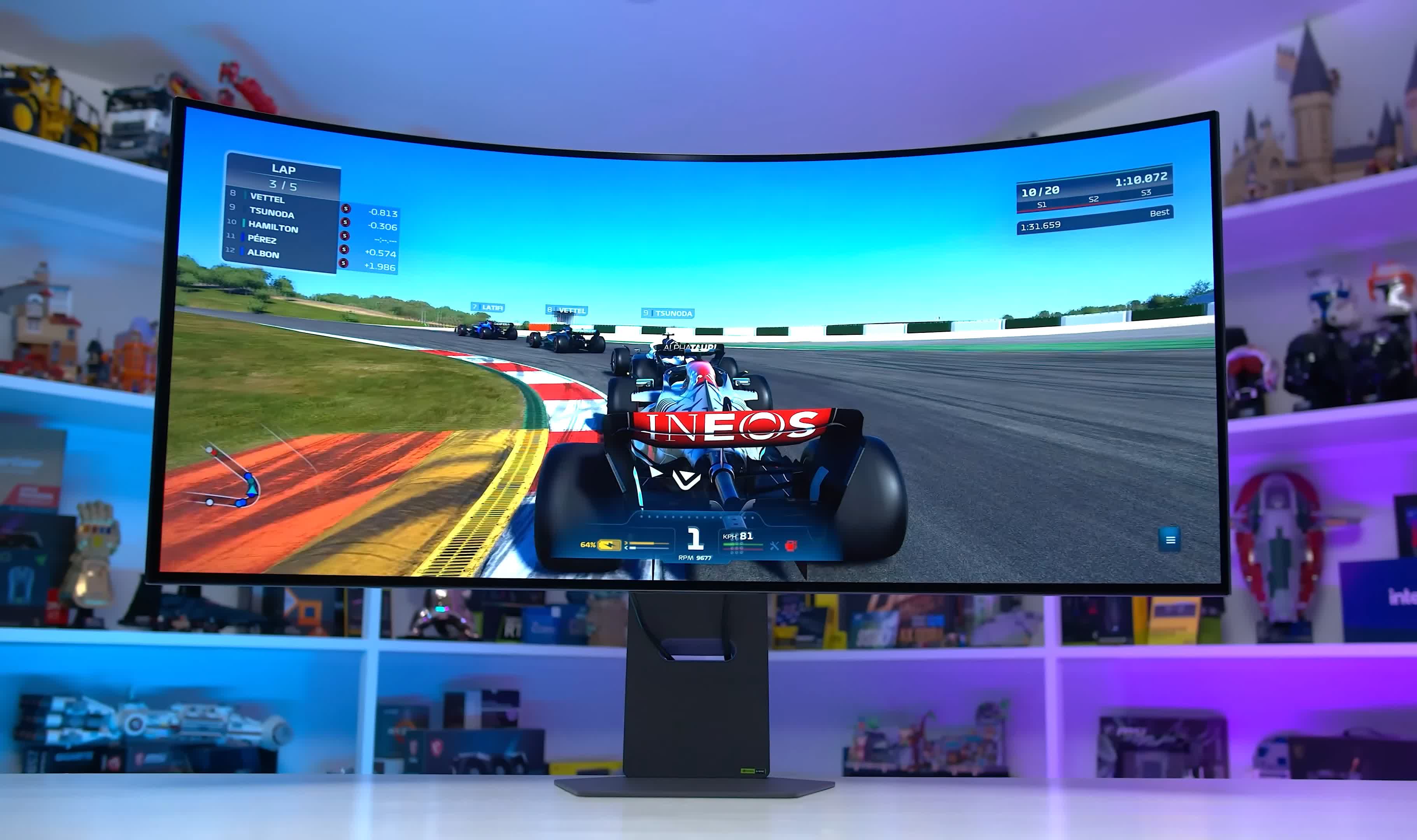
Further down the line, Samsung Display is working on an upgraded 49-inch 5120 x 1440 QD-OLED panel, and LG Display has a 34-inch 5K2K ultrawide in the works alongside 240Hz variants of existing 5K2K WOLEDs, but none of these have a firm release date and some could be more than a year away. For most categories in this guide, there's no reason to wait.
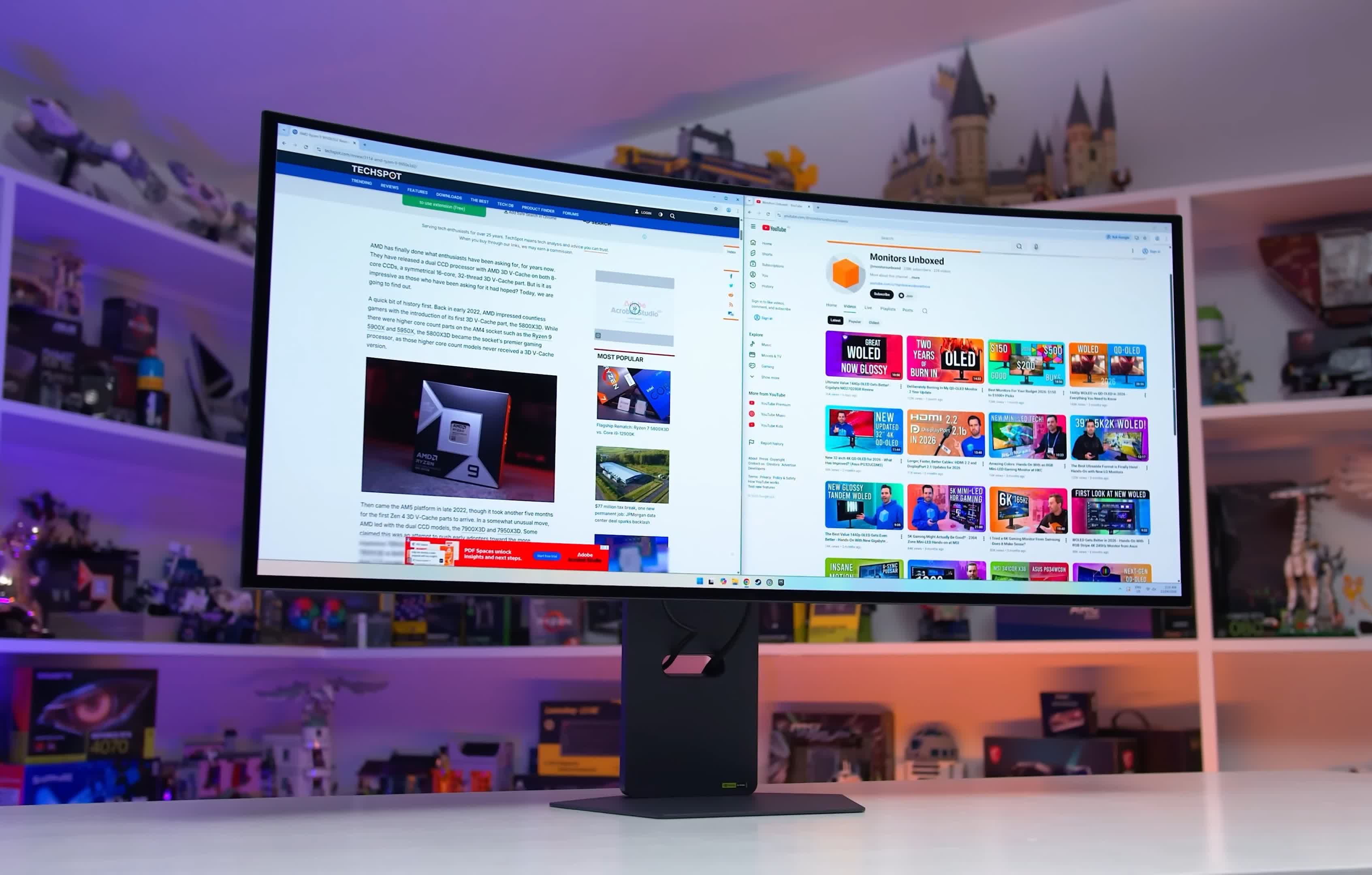
As with our other best monitor guides, every recommendation here is based on hands-on testing. We don't recommend monitors from spec sheets alone, so every pick in this guide has either been fully reviewed or is a close variant of something we've tested. Full reviews and additional testing data are available here at TechSpot and over at Monitors Unboxed on YouTube.
How to Choose Your Ultrawide Size
The first thing you have to decide upon when picking an ultrawide is the size and format you want to use. Most ultrawides come with a 21:9 aspect ratio, meaning they are about 30% wider than traditional 16:9 monitors of the same height.
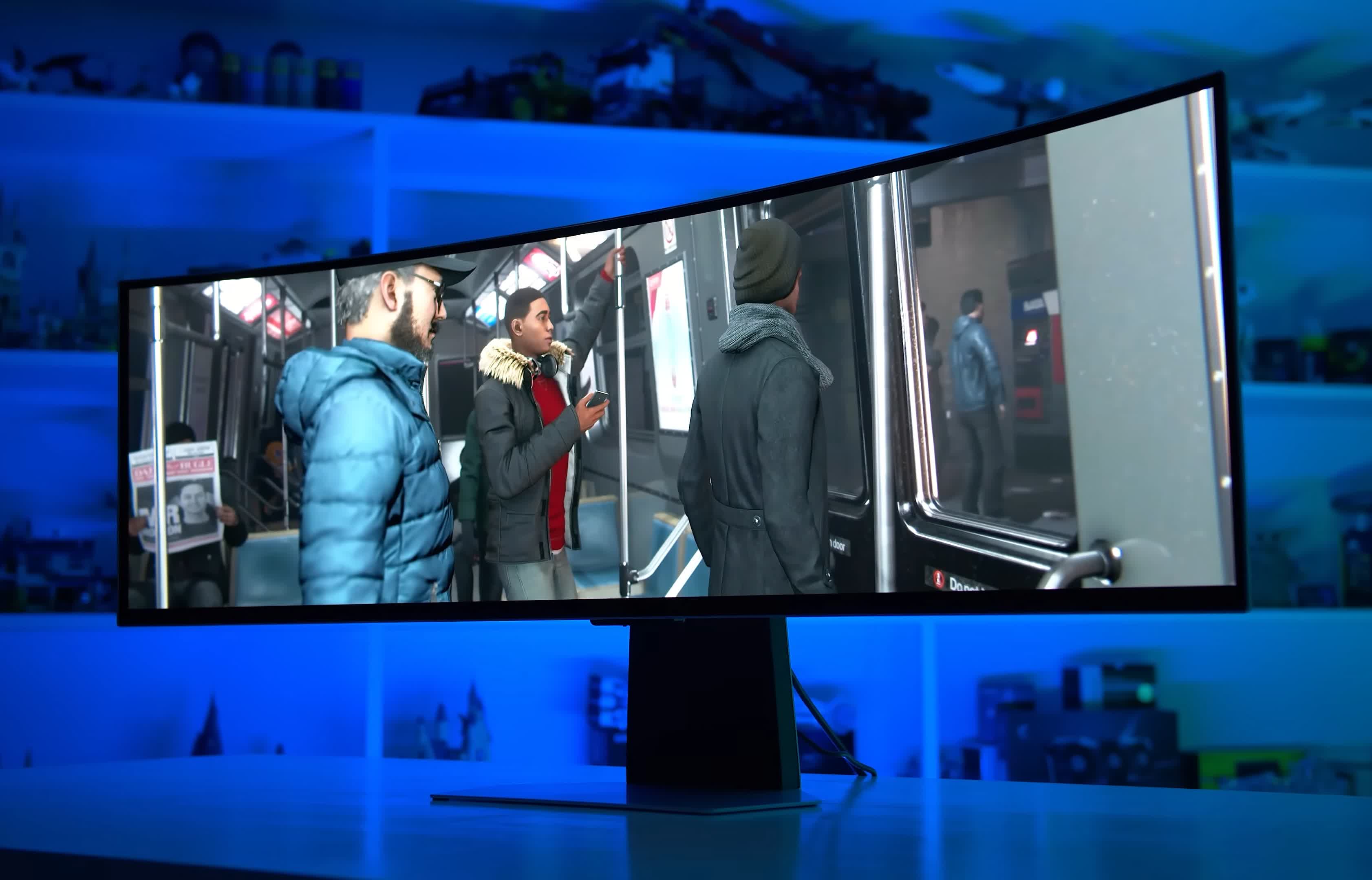
This width provides a lot of additional immersion while gaming. But there are even wider panels like the 32:9 format, which we typically refer to as "super ultrawide." These massive panels are like having two 16:9 monitors stitched together into one.
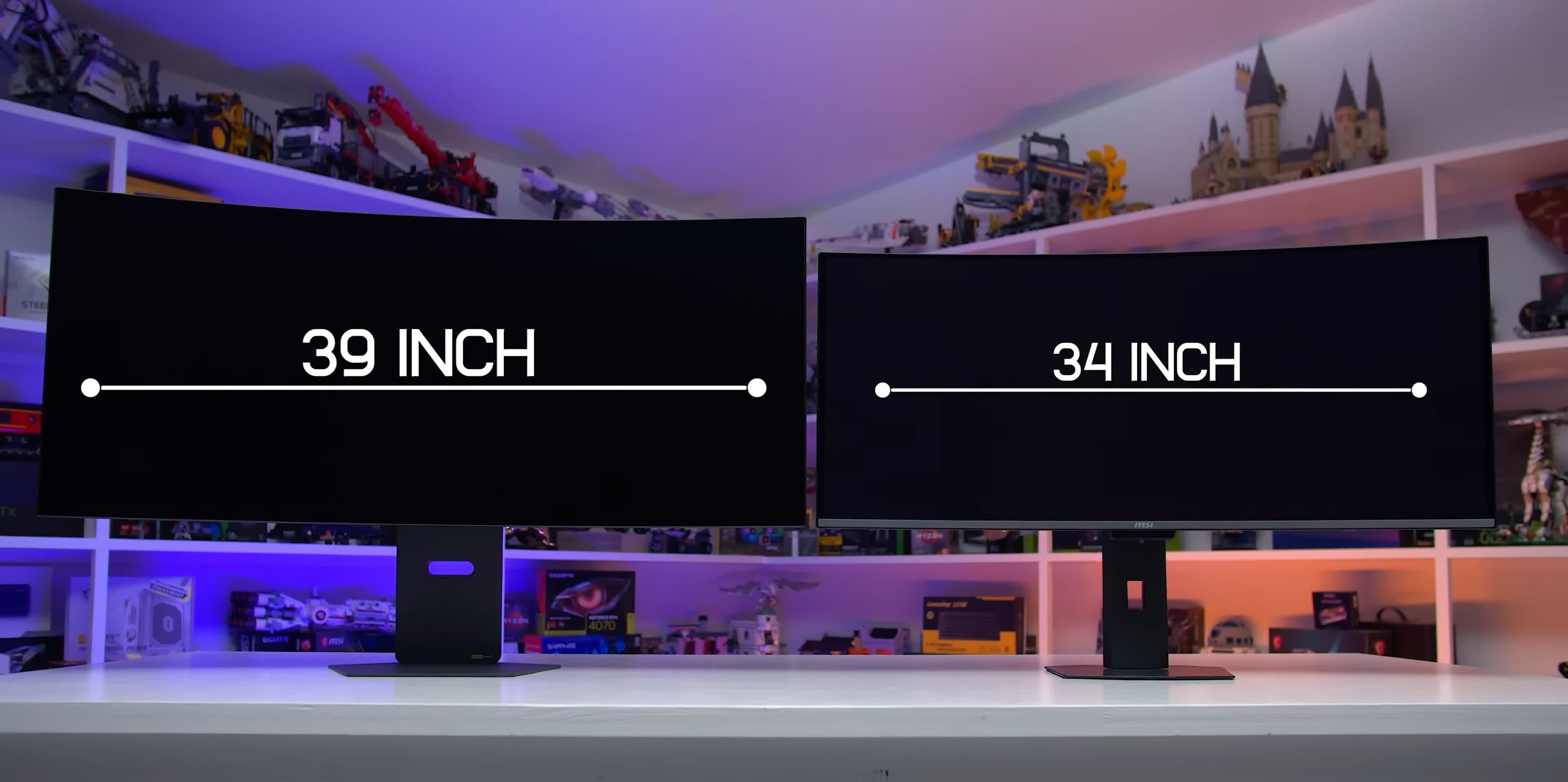
The listed monitor sizes can be a little deceptive if you're coming from the world of 16:9 displays. A 34-inch 21:9 monitor is wider than a 32-inch 16:9 monitor by about 10cm, but actually has about 5% less screen area overall, because the 32-inch monitor is taller. The true size difference between those panels may not be immediately apparent if you're just comparing the spec sheets.
Here's an easy guide to the main ultrawide formats:
- 34-inch 21:9 monitors are the same height as a regular 27-inch monitor, but with 20cm of additional width
- 39-inch 21:9 monitors are roughly the same height as a normal 32-inch monitor, but with 22cm of additional width
- 45-inch 21:9 monitors are massive, standing as tall as 36-inch 16:9 monitors with a width of over 1 meter
- 49-inch 32:9 super ultrawides have a format equivalent to two side-by-side 27-inch monitors
- 57-inch 32:9 format is less common for now, it is equivalent to two side-by-side 32-inch monitors
The best size is totally down to personal preference. I tend to prefer the 39-inch format as it hits a sweet spot, offering great immersion while gaming without being too large to fit comfortably on a desk. But if you're building a simulator rig for racing or flying games, the even larger or wider panels may be optimal as they wrap further around your field of view.
There's nothing wrong with 34 inches either; it's typically a noticeable improvement over standard 27-inch monitors. So what monitors would we choose at each size?

- Best 39-inch Ultrawide
- Best 34-inch Ultrawide
- Best 45-inch Ultrawide
- Budget OLED Ultrawide
- Ultrawide Under $500
- Best Super Ultrawide
Best 39-inch Ultrawide
LG UltraGear Evo 39GX950B 39" Curved

The LG 39GX950B is the best option because it's the first and only 39-inch WOLED with a 5120 x 2160 resolution and Tandem WOLED panel. The 5K2K resolution gives it equivalent pixel density to a 32-inch 4K display, which is fantastic for desktop use and super sharp for gaming, much better than previous 3440 x 1440 models.
If looking for alternatives, you will want to know that 38-inch ultrawide LCDs are no longer produced for gaming, instead they are only offered in office and professional displays with limited feature sets for gamers, so LCDs are out of the equation. And while 39-inch gaming OLEDs have been available for several years now, they've come with annoying flaws, like a poor resolution resulting in a low pixel density, too high of a curve, and weaker panel performance by today's standards.
The use of the latest Tandem WOLED technology in the 39GX950B results in the highest HDR brightness we've seen in an ultrawide OLED, very solid SDR brightness, deep blacks, and per-pixel control. This panel type also offers consistent performance across most HDR scenes, avoiding annoying pitfalls like panel dimming in bright content, and color gamut coverage is higher than previous WOLEDs.
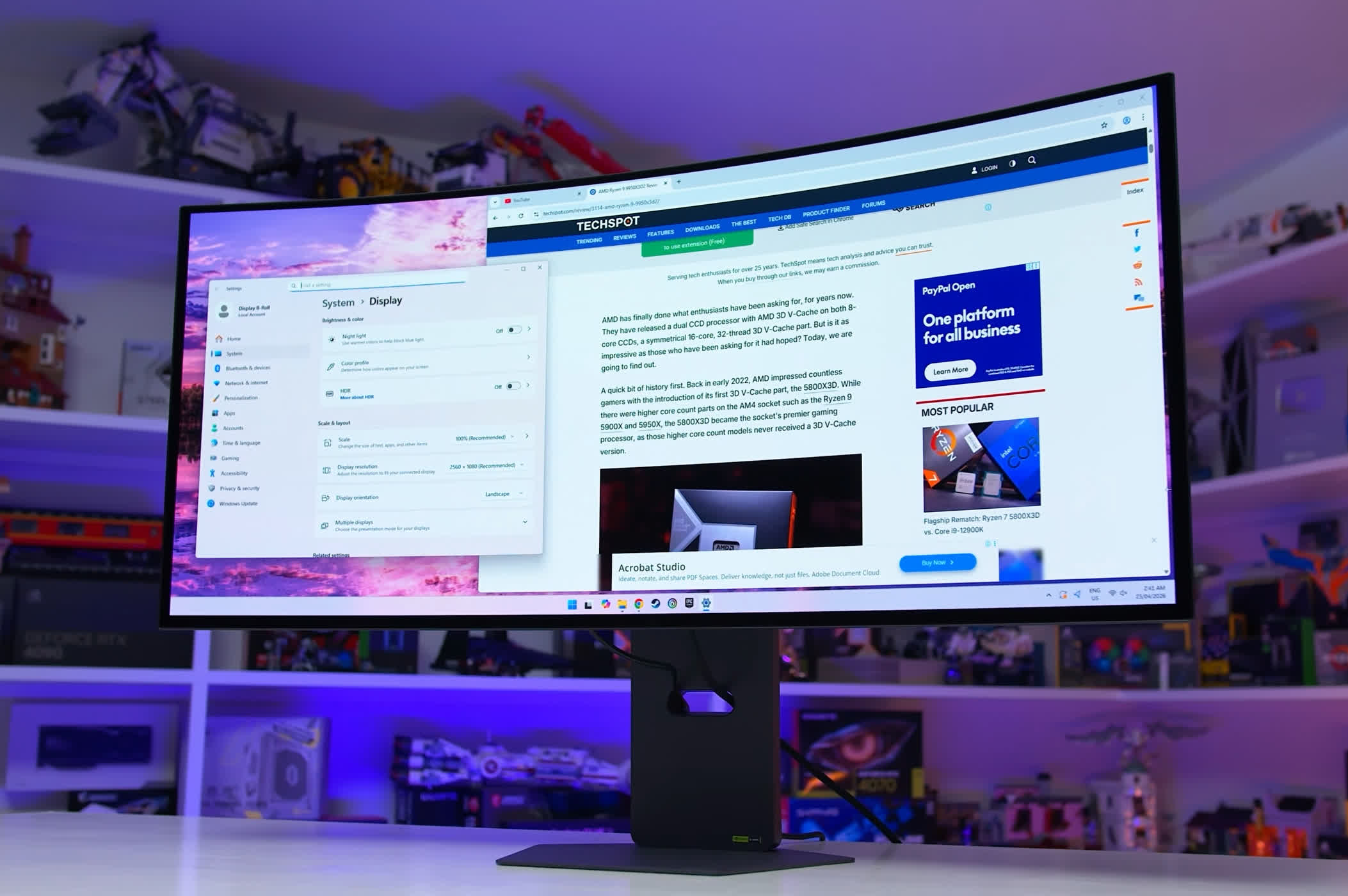
LG has complemented this with other upgrades. The 1500R curve is really pleasant for both gaming and desktop use, striking a nice balance that doesn't leave anything feeling distorted or uncomfortable. The latest subpixel layout helps with text rendering. And there's dual mode functionality, which boosts the refresh rate to 330Hz at a 2560 x 1080 resolution, increasing motion clarity for competitive gaming.
We really like this monitor's combination of size, resolution, HDR performance, and immersion for gaming. It doesn't feel nearly as compromised as previous options at this size, and it's just a really fun monitor to use. It's a fantastic choice for high-end setups and in particular for single-player gaming.
There are some drawbacks, though. In the 5K2K mode, the maximum refresh rate is just 165Hz, which feels a bit low for a brand new monitor in 2026. It's not a complete deal breaker, but in this price range it should be 240Hz. The matte screen coating won't be for everyone either, and there are some oddities with HDR calibration.
And the biggest issue is price. The 39GX950B has an MSRP of $1,800, which is very high for what this display offers. Yes, it's a unique 39-inch 5K2K format that offers a great gaming experience, but it's 50% more expensive than the best 34-inch options. The price is a little absurd in my opinion, and I'd wait for a discount later in the year, especially as LG monitors tend to go on sale several months after launch.
Best 34-inch Ultrawide
MSI MPG 341CQR X36 and Asus ROG Swift PG34WCDN

If you're looking for the ultimate 34-inch gaming ultrawide, we recommend one of the latest 360Hz QD-OLEDs released this year. This new 34-inch QD-OLED panel is excellent and includes several key improvements over first-gen models, including a higher refresh rate, higher brightness, and better text rendering.
The 2026 panel uses an RGB stripe subpixel layout that Samsung Display calls "V-Stripe," the same layout used on most LCDs, so for the first time these 1440p-class QD-OLEDs have text rendering on par with equivalent LCDs. Ambient light reflectivity has been improved too, and while it's not a fully solved problem, blacks are noticeably deeper compared to first-gen panels.
On top of these fundamental panel improvements, the new 2026 QD-OLEDs bring meaningful upgrades for gamers. We're looking at a 360Hz refresh rate, offering excellent motion clarity for all types of gaming, and HDR brightness is notably higher than older 34-inch QD-OLED ultrawides. Specifically, peak brightness hits 1,300 nits instead of 1,000 nits, and full-screen brightness is up as well. Panel dimming remains an issue, but aside from that these monitors offer a great HDR experience with deep blacks and per-pixel control... all the usual stuff.
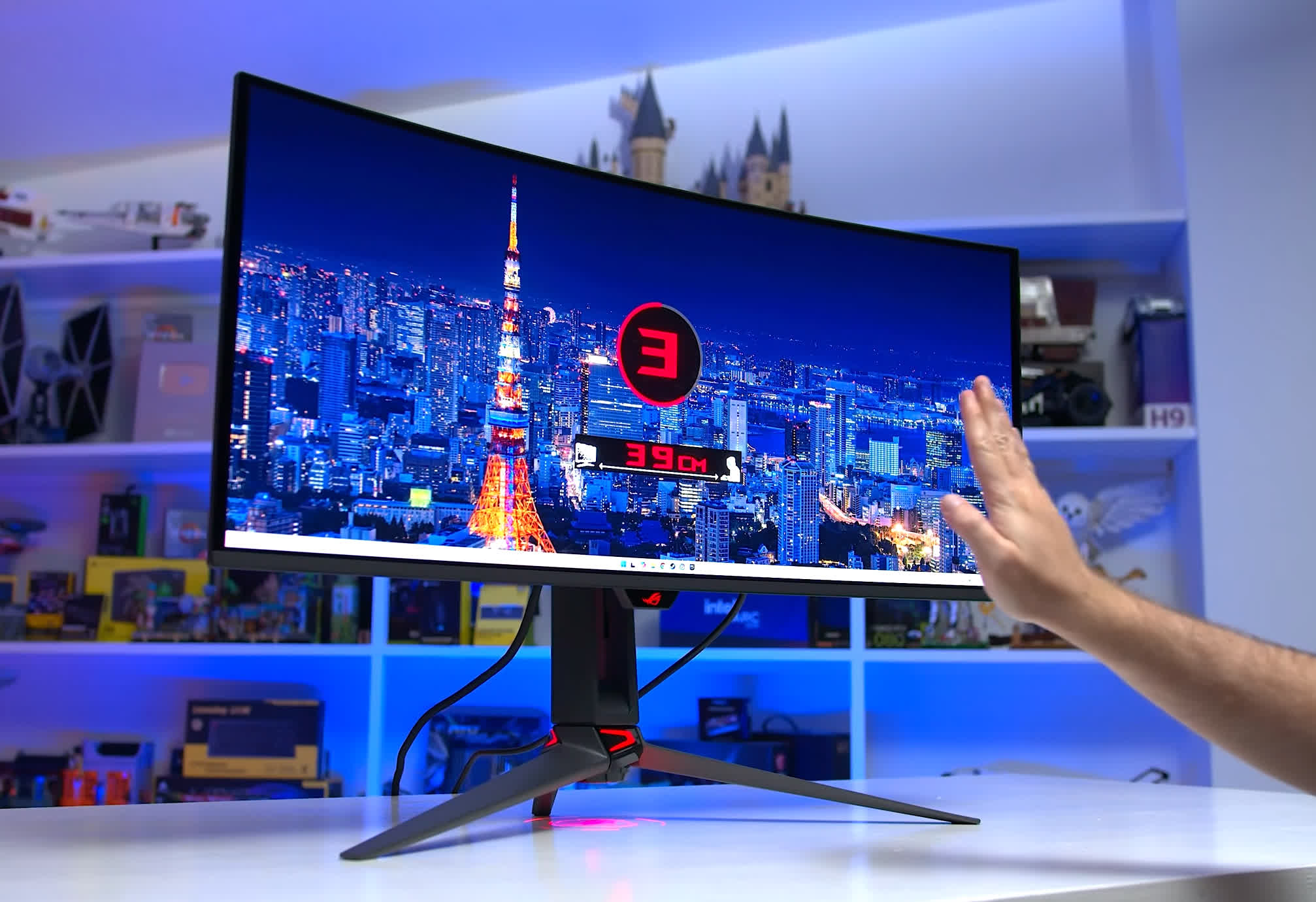
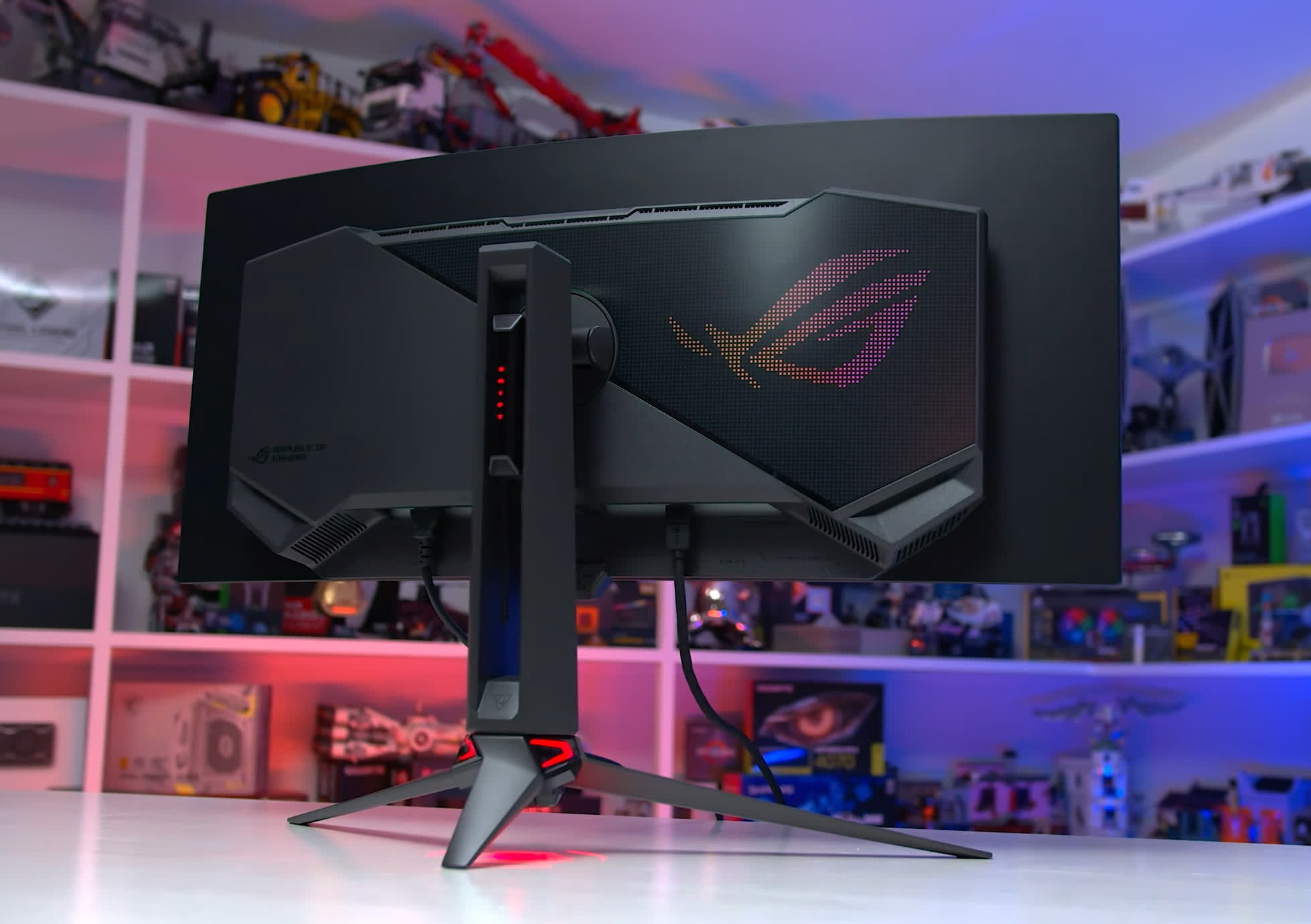
As for specific monitors using this panel, we've tested two and found them very difficult to separate: the MSI MPG 341CQR X36 and the Asus ROG Swift PG34WCDN. Both provide excellent calibration across SDR and HDR modes, along with identical brightness and general panel performance, so in games and applications they look virtually the same.
Outside of the panel, the Asus model offers DisplayPort 2.1 UHBR20, an unlocked sRGB mode, a mediocre implementation of OLED Anti-Flicker, and proximity sensor-based presence detection as exclusives. MSI offers adjustable HDR brightness curves, greater control over OLED care features, a better stand base, and a more advanced presence detection system as exclusives. It's a highly competitive feature set with no clear standout.
The best option for most will simply be whichever model is more affordable in your region. In the US, the MSI model is the clear winner in this regard, priced at just $950. The Asus model is too expensive at $1,300 with little reason to spend 37% more. In other parts of the world like Australia, however, the Asus model is $2,000 versus $1,900 AUD for the MSI, making it a much closer call.
Why do we recommend QD-OLED over WOLED in this category?
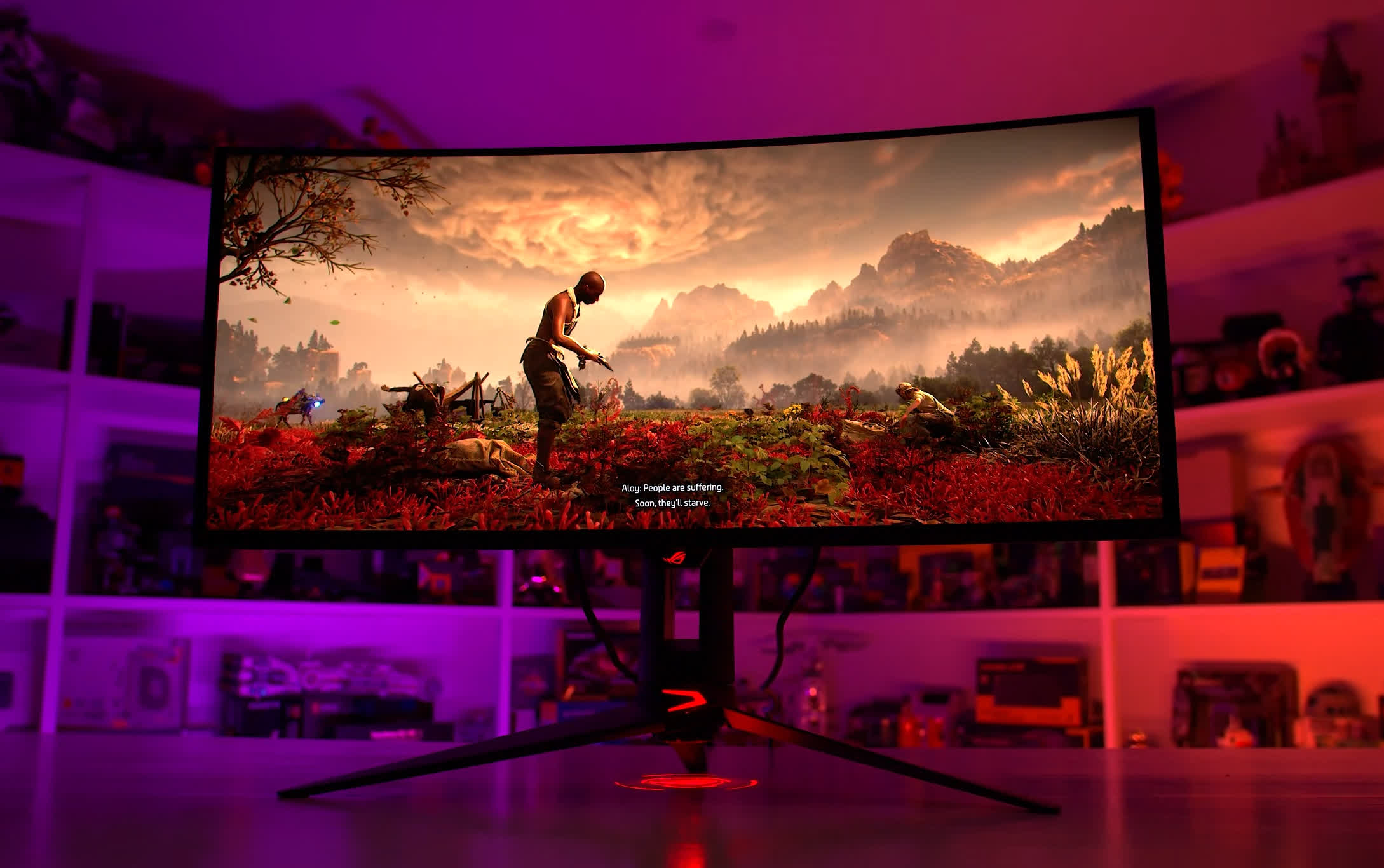
It comes down to panel performance and features. This new 2026 QD-OLED is faster, brighter, has a nicer glossy finish, and a more suitable 1800R curvature.
The best 34-inch WOLEDs still use panels first released several years ago, which don't quite stack up due to their aggressive 800R curve, matte finish, and weaker performance. We're expecting this WOLED format to get an upgrade soon, but as things stand, QD-OLED is the winner.
Best 45-inch Ultrawide
LG Ultragear 45GX950A 5K2K 45" Curved

Up until the recent release of massive 52-inch 5K2K ultrawides, 45 inches was the largest size available in a 21:9 ultrawide format. It absolutely engulfs your field of view at a normal desk viewing distance, making it a perfect choice for maximum immersion.
For a lot of people, this size is perhaps a little too large, especially compared to 39-inch and 34-inch formats, but some people swear by these screens and love the enormous amount of screen real estate they provide.
In particular, the 45-inch format could be a great choice if you are building a simulator rig and want a large screen that will dominate your field of view. Super ultrawide 32:9 monitors are also popular for simulators, but 45-inch 21:9 screens are much taller than 49-inch 32:9 screens, so it depends on what you want out of your setup.
There's only one 45-inch ultrawide we currently recommend: the LG 45GX950A. This is the only model on the market with a 5K2K resolution, a significant upgrade over older 45-inch WOLEDs that used a 3440 x 1440 resolution, which is simply too low for a display of this size. The pixel density on the latest generation 45-inch panel is actually higher than a 27-inch 1440p display, making it perfectly sharp for both gaming and desktop use.
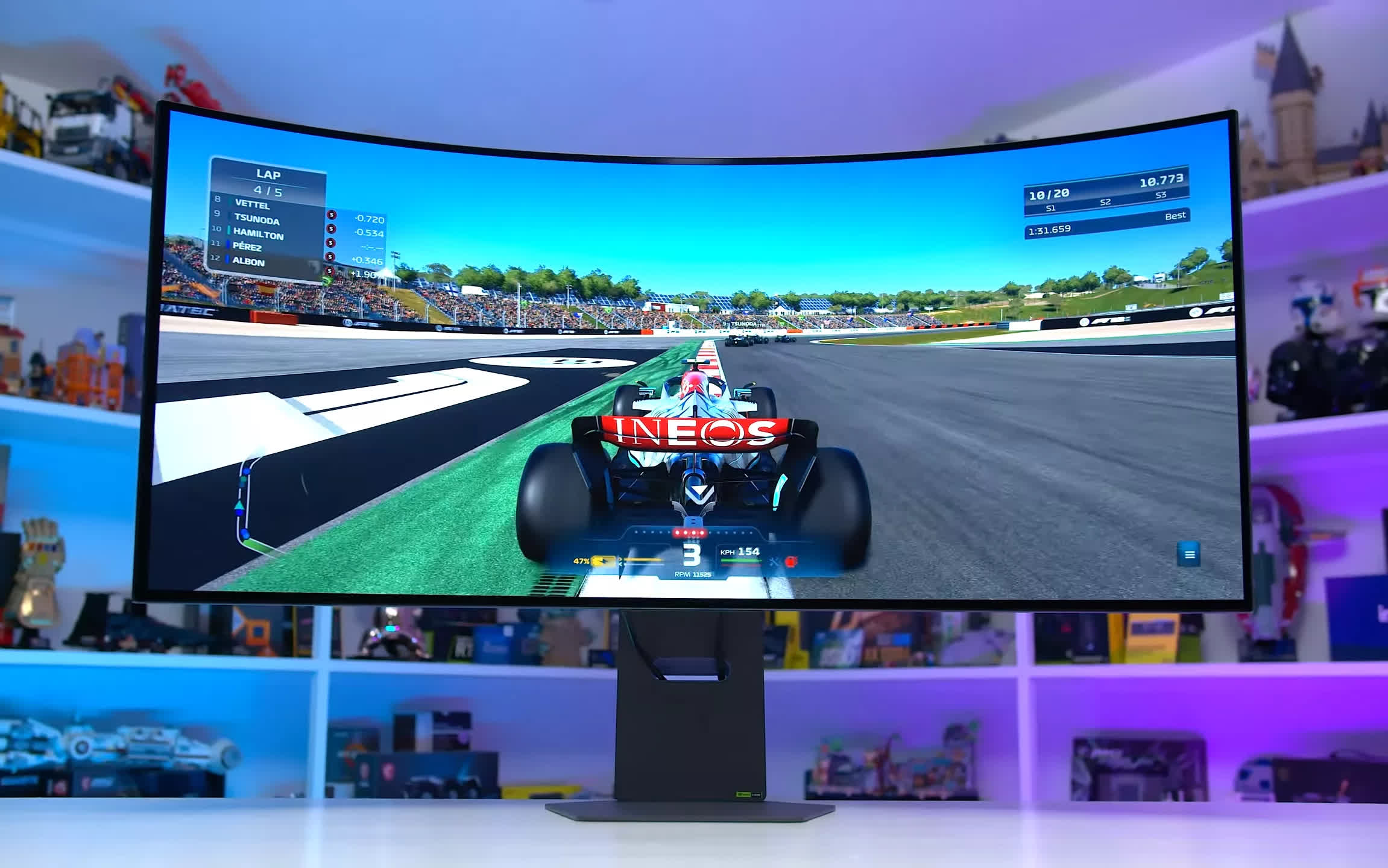
This monitor offers fantastic motion performance thanks to the speed of OLED, though its 165Hz refresh rate feels a little lean for a flagship monitor at this price. That said, there's dual mode support offering a 2560 x 1080 mode at 330Hz for increased clarity in multiplayer titles. HDR performance is great, with per-pixel dimming, a high contrast ratio, and strong brightness levels, though keep in mind this is not a Tandem WOLED panel, so brightness is a step behind the newest screens.
The 800R curve is not to everyone's taste, and an adjustable curve version is in the pipeline, though a firm release date hasn't been confirmed despite being shown off early last year. The matte screen coating is another consideration that won't suit all users.
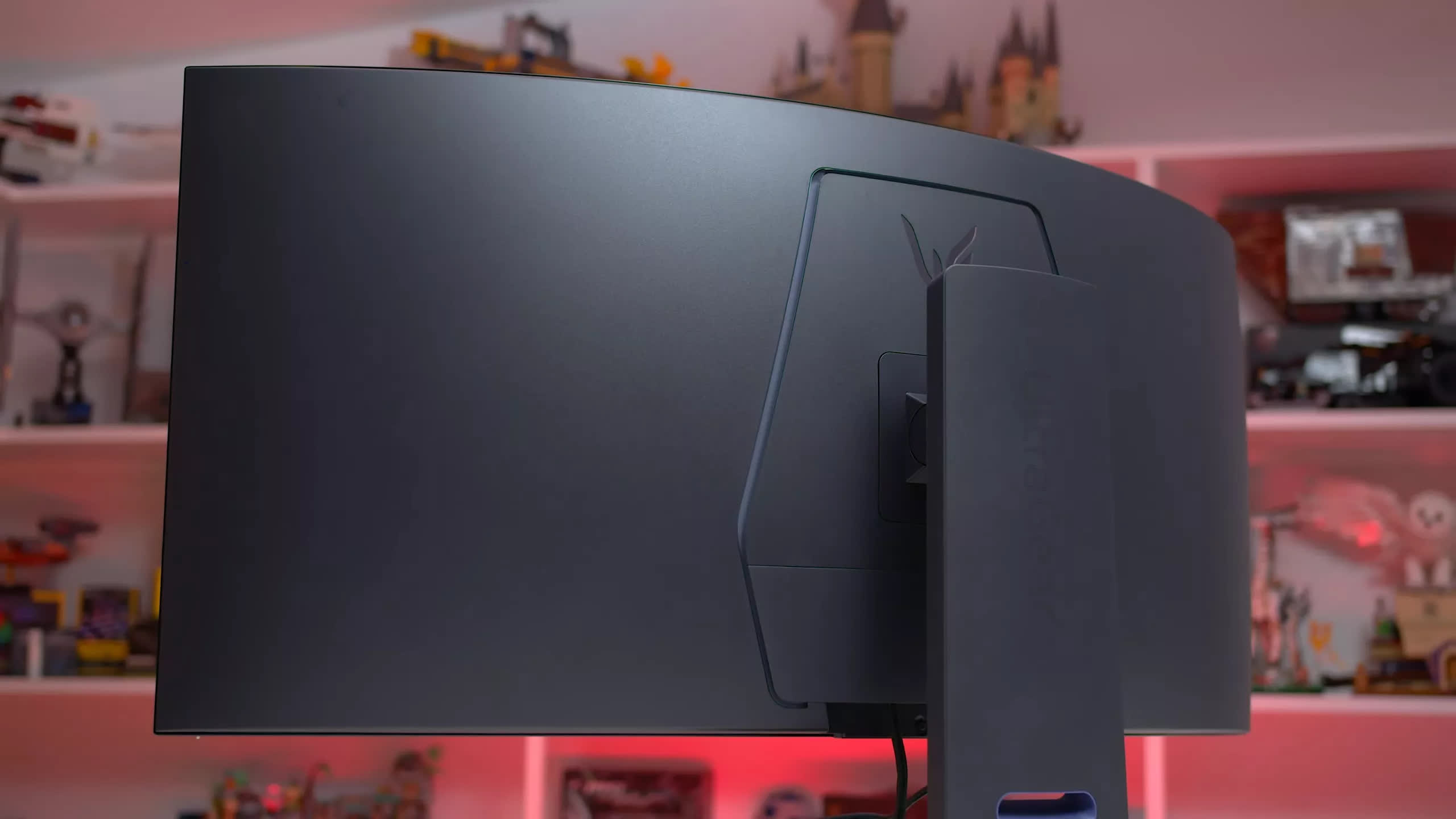
The biggest issue with the 45GX950A is its price. It debuted at $2,000 last year, and while it has since come down to $1,600 with occasional sales dipping a little below that, it remains a significant investment. It's a great monitor, but that price tag will limit it to buyers at the highest end of the market.
Best Budget OLED Ultrawide
Dell Alienware AW3425DW 34"

While all the best ultrawides on the market are priced above $1,000, you don't actually need to spend that much to get an excellent OLED ultrawide for gaming. For just $750 right now, you can get the Dell Alienware AW3425DW, which uses a 34-inch 3440 x 1440 QD-OLED panel running at 240Hz. It's a fantastic bang-for-buck screen that delivers all the benefits of OLED in a more affordable ultrawide package.
Earlier in this guide we recommended a 360Hz QD-OLED as the best in the 34-inch category, so what's different about this 240Hz model?
The refresh rate is lower, but for many gamers this won't matter. If you're playing a game at 150 FPS, motion clarity will look identical on a 240Hz monitor and a 360Hz monitor, since in both cases the monitor simply runs at 150Hz, and with the same response time performance, the visual output is the same.
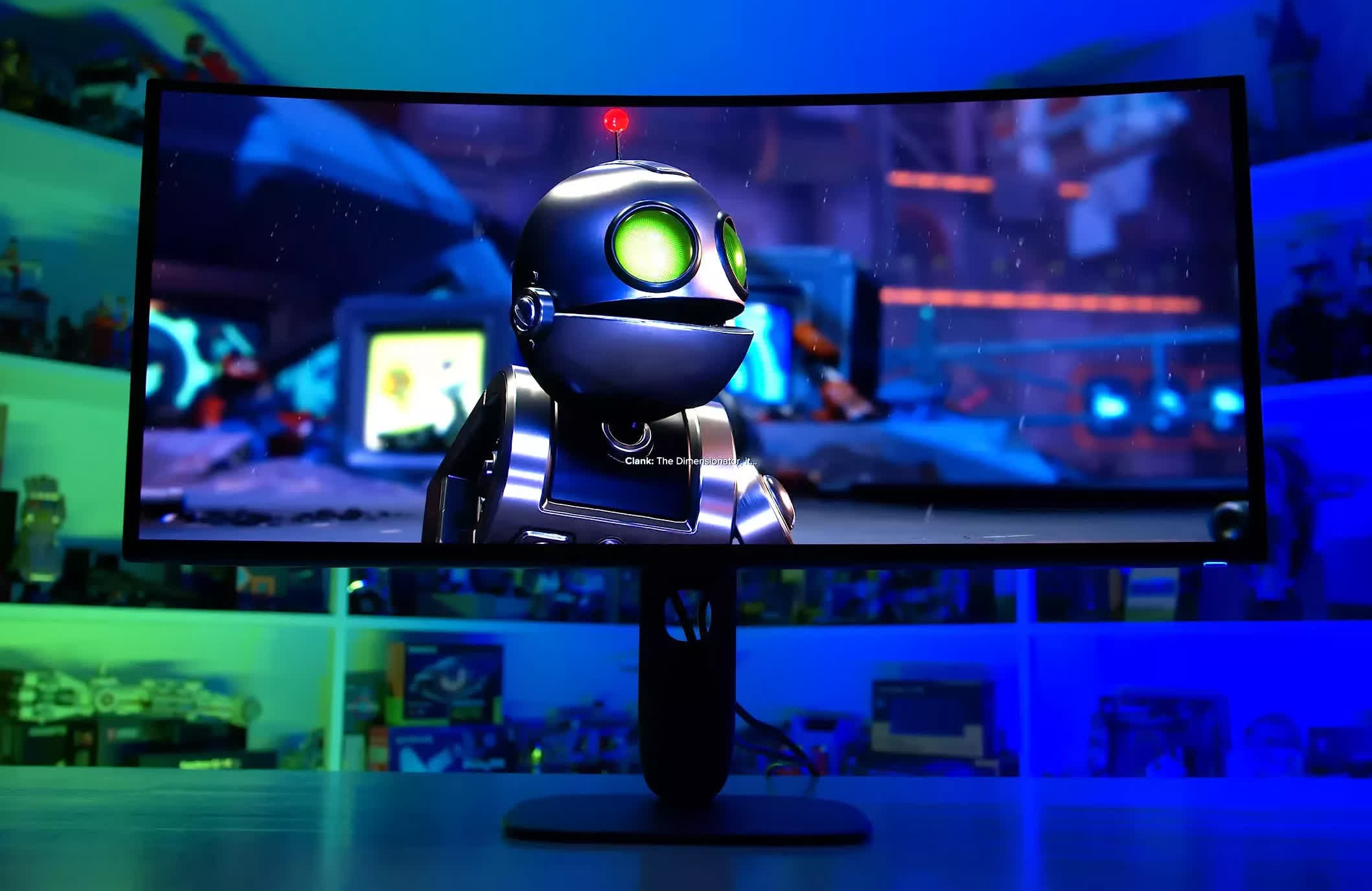
Where the 360Hz monitor has an advantage is when gaming above 240 FPS. If you're not planning on doing that, you can save quite a bit of money by going with a 240Hz model instead.
The AW3425DW is also not quite as bright as the latest 360Hz models, but it still offers up to 1,000 nits in HDR content and up to 250 nits full screen, which is solid for most use cases. It's a great screen for HDR, delivering all the usual benefits like deep blacks. Dell has also done a stellar job with calibration, making the screen look very accurate in its best configurations.
The other trade-offs are the absence of the RGB stripe subpixel layout and the improvements to the screen coating found on newer panels. This means text doesn't look as crisp, with some pink-green fringing, and ambient light is more likely to cause raised blacks in bright rooms. These are known limitations of earlier QD-OLED panels, but they're not serious enough to make the screen unusable, especially for gaming.
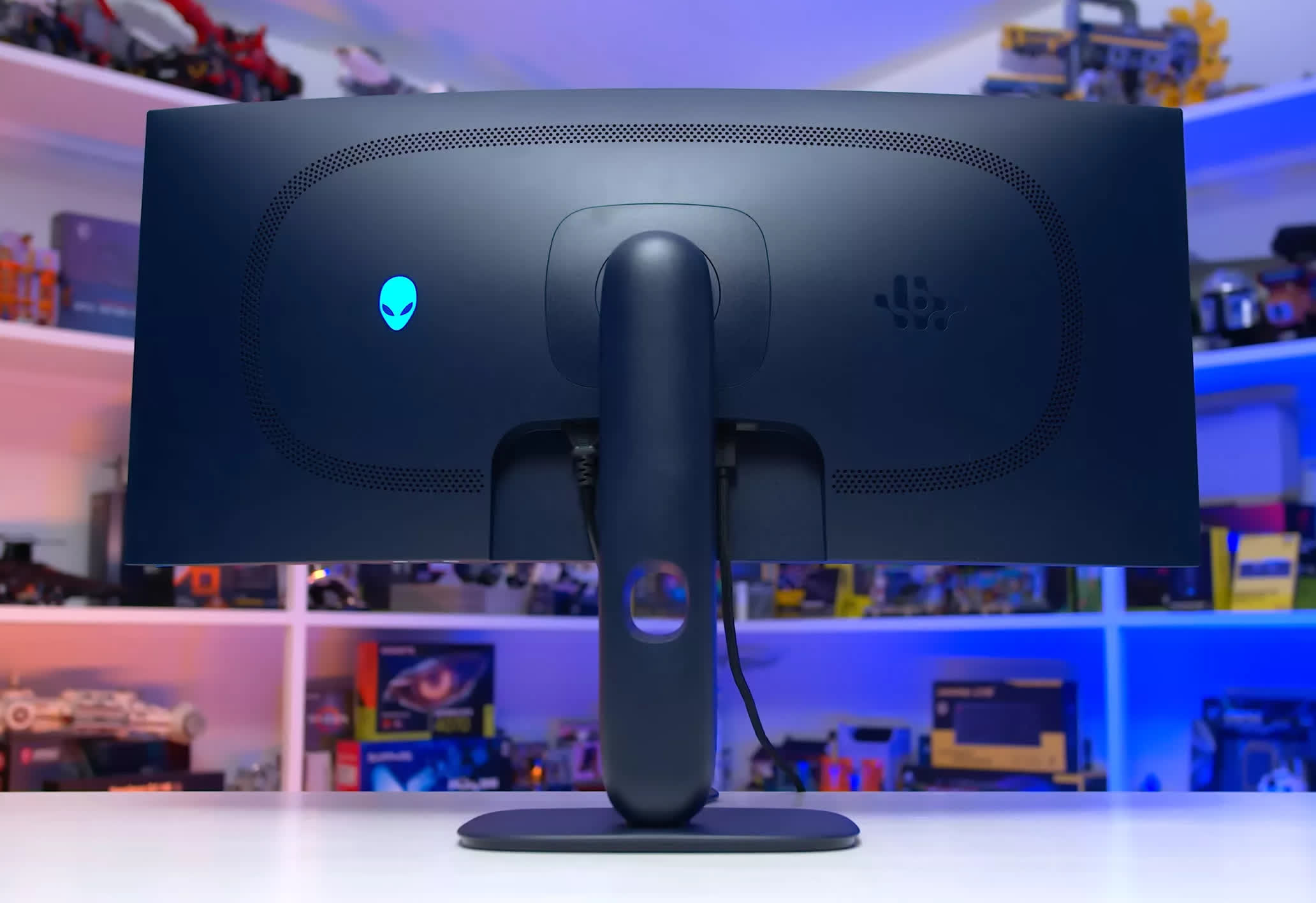
But for $750, these are sacrifices worth making, because at the end of the day you're still getting a fantastic gaming monitor with great HDR in an ultrawide format. The Alienware design and build quality are excellent, Dell regularly runs sales so it may be even more affordable in your region, and there are no major model-specific issues to be aware of.
Best Ultrawide Under $500
Dell Alienware AW3425DWM 34"

Our best budget OLED ultrawide is still expensive at $750 for many gamers, so what's the best choice below that price point? This is where LCDs come into play, but there are some unfortunate catches. The majority of budget LCD ultrawides use 34-inch VA panels, none of which offer particularly impressive motion performance. This makes them difficult to recommend broadly, unless you are absolutely certain you want a 34-inch ultrawide.
The most recent budget VA LCD ultrawide we tested was the Dell Alienware AW3425DWM, which we described as "perfectly fine" in our review. It's relatively cheap at $350, with sales taking it down to $300; it has a high contrast ratio exceeding 4,000:1; decent accuracy and a wide color gamut; and modern features like HDMI 2.1, a 3440 x 1440 resolution, and a 180Hz refresh rate.
The downside is that this is not a fast display. Motion performance is mediocre, with slow response times and classic VA LCD dark smearing. It falls short of today's fast IPS panels and well behind OLED. However, this is not an issue specific to the Dell AW3425DWM, it's just the reality of the entry-level ultrawide market. Virtually all budget options use VA LCD technology, and they all share the same limitation.
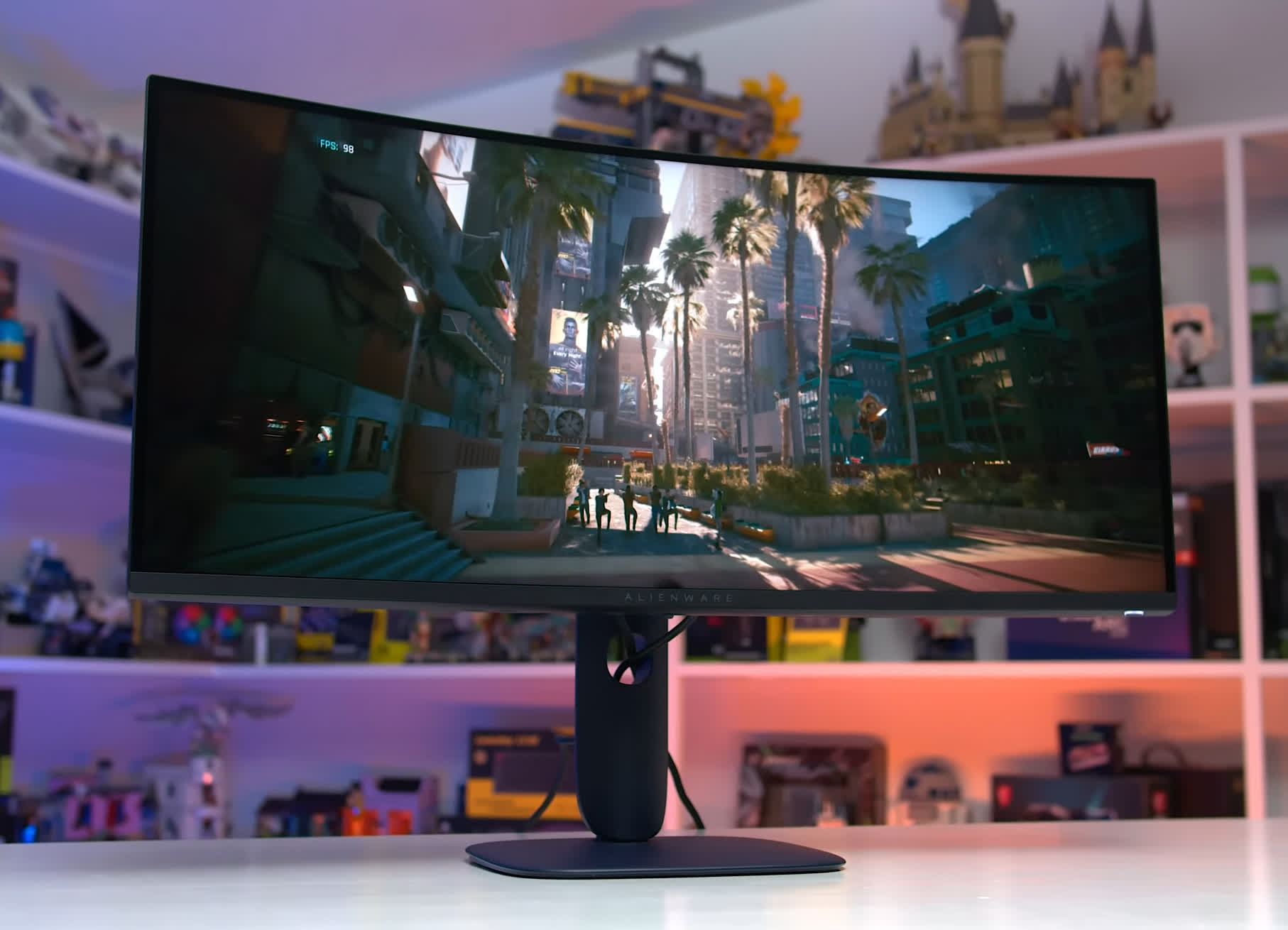
This puts us in two minds. We're not particularly enthusiastic about recommending a budget VA LCD ultrawide like the AW3425DWM, but there are no alternatives in the $300-$500 price range worth recommending instead. It is what it is in this category.
It's not all doom and gloom, though. These screens are not so slow that they completely ruin the gaming experience. If you're a motion purist who plays a lot of fast-paced games it may be an issue, but for standard single-player gaming they're perfectly usable.
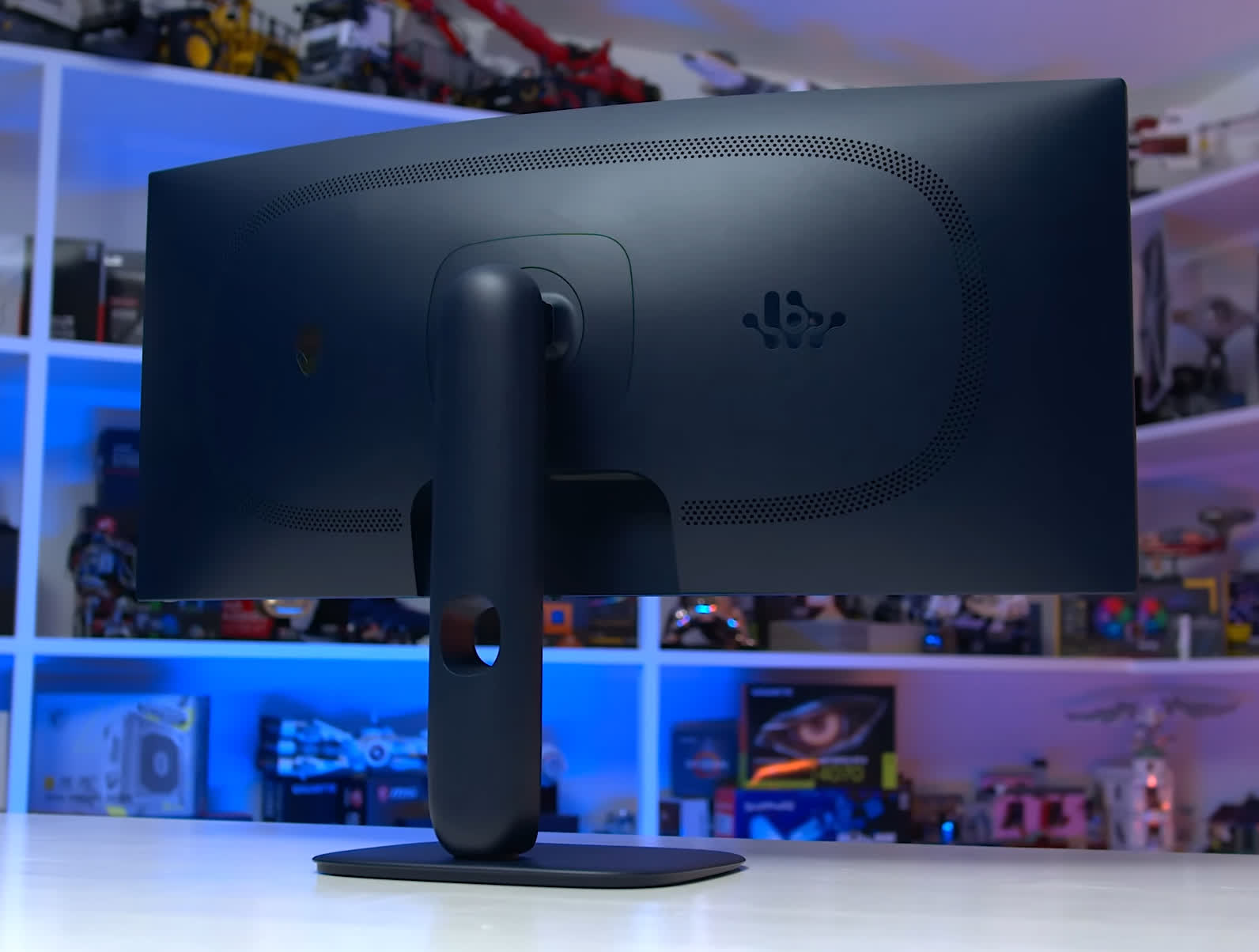
They also pack a great 34-inch size and 3440 x 1440 resolution, giving you that immersive element you simply don't get with a 27-inch 16:9 monitor. If a budget ultrawide is what you're after, VA LCDs are the only real option at this price range, and pricing these days is reasonable.
Best Super Ultrawide
Samsung Odyssey OLED G9 G95SC 49" Curved

The last category in this guide covers super ultrawide monitors, the big panels with a 32:9 aspect ratio. The most common format here is 49-inch 5120 x 1440 QD-OLED, equivalent to two 27-inch 2560 x 1440 displays stitched together side by side.
It's a very immersive format with productivity benefits too, essentially replacing a dual monitor setup with a single panel. Those building simulator rigs may find this format particularly appealing, as the extreme width is ideal for displaying multiple windows within a cockpit environment.
There are two versions of this 5120 x 1440 QD-OLED panel: one at 144Hz and one at 240Hz. Given these are generally quite pricey monitors, there's little reason to save a small amount by going with a 144Hz model over a 240Hz one. The higher refresh rate is the better option in 2026, offering superior motion clarity, responsiveness, and longevity through more GPU upgrades down the line.
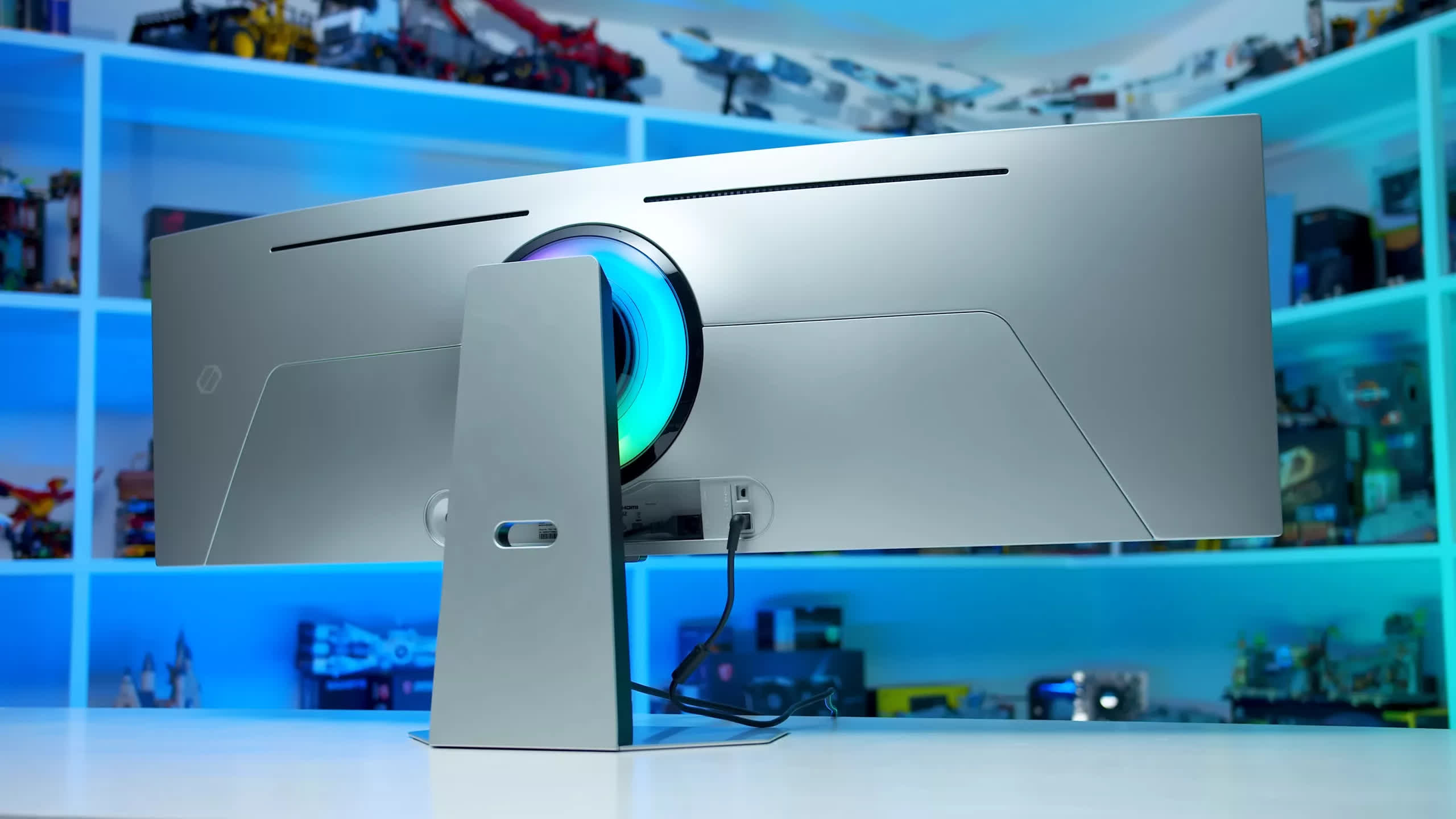
There aren't many 240Hz models on the market, and we typically recommend the cheapest Samsung option available, which right now is the Odyssey G95SC. This is the model we tested a while back and found to be solid, currently on sale at Best Buy for $720 at the time of writing.
Samsung also offers several other models using this same panel: the G95SD, G93SD, and G93SC, which is probably one too many options. To simplify: the SD variants are newer models that are nearly identical to the older SC variants, while the 93 variants are slightly lower spec and omit smart TV functionality. Depending on current promotions, you can typically find at least one of these options for under $1,000, and there's no strong performance reason to prefer one over another since they all deliver the same general experience.
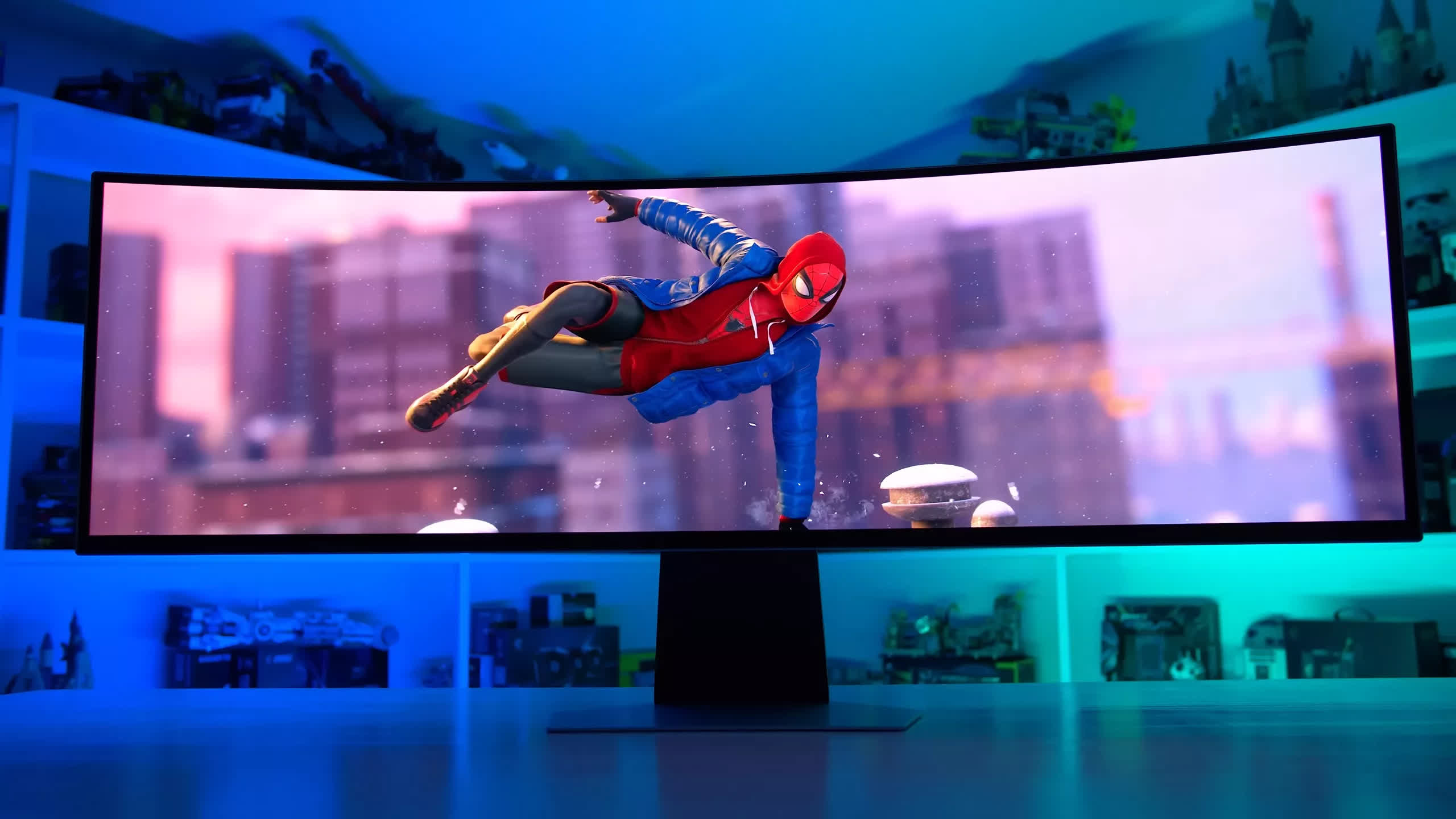
As for what this QD-OLED panel is like, it's essentially a larger version of the 34-inch 3440 x 1440 240Hz panels discussed earlier in this guide. Very similar text rendering, the same panel coating, and the same HDR performance with up to 1,000 nits of brightness. It's not the latest OLED technology, but it still delivers a solid experience, especially for the kind of immersive gaming you'd be doing on a screen like this.