Looking ahead: Displaying real-time search suggestions in the address bar is the default behavior for all major browsers including Chrome, Firefox, Edge, Opera, and Safari. Firefox is now taking this a step further, showing search results directly in the address bar for select queries instead of redirecting users to their default search provider's website.

According to Mozilla, the new feature will only display inline search results when Firefox has "high confidence" that they are relevant to the user's query. In each case, only the top result will appear alongside traditional search suggestions. Firefox will also show sponsored results (ads) if they are deemed "highly relevant."
Mozilla claims that, despite the personalized ads, user privacy will be protected, ensuring that neither Firefox nor its sponsors can collect any identifiable user data. The company added that the new feature relies on the same privacy-preserving technology Firefox has used for years.
Specifically, Firefox encrypts all search queries using a custom protocol called Oblivious HTTP and sends them to a relay operated by Fastly. Mozilla can see the query but not the user's IP address, while Fastly can see the IP address but not the query text. This separation ensures that no party can personally identify the user.
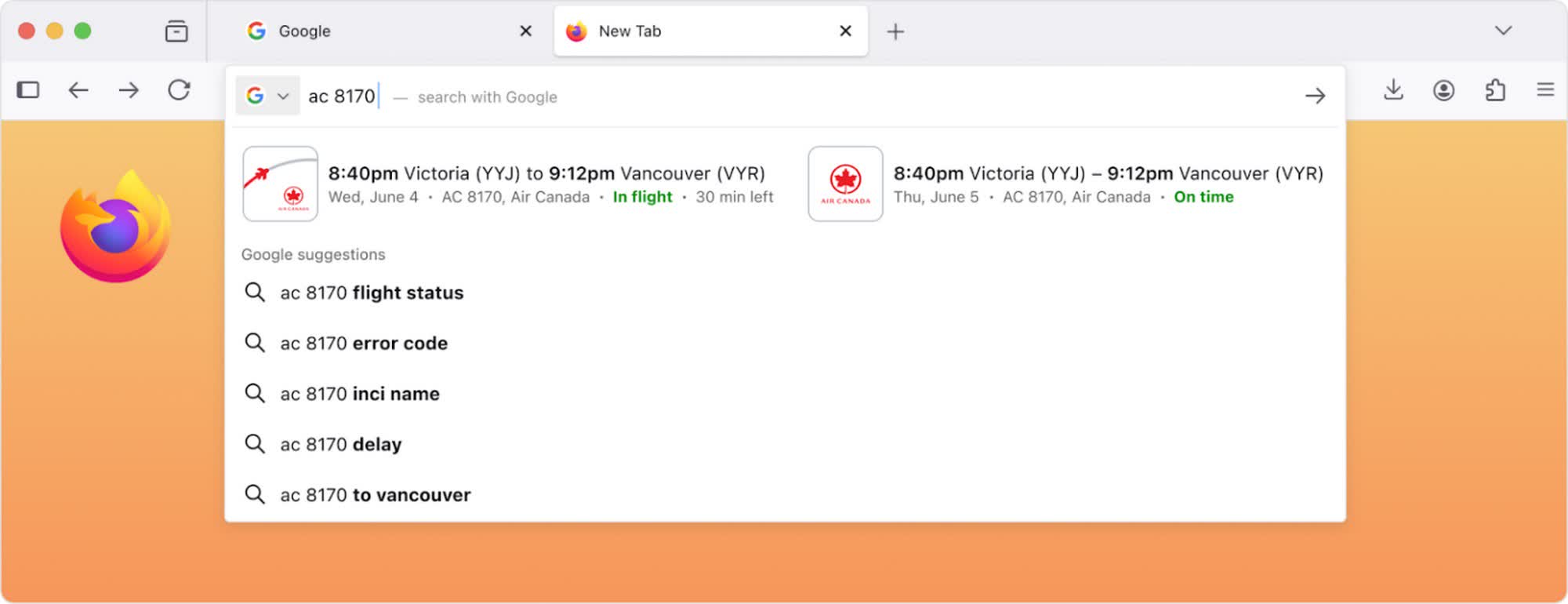
Mozilla cited several examples of the type of results that will appear directly in the address bar. One notable example is flight status summaries, which the company believes are more convenient when displayed inline rather than sending users to the full search results page.
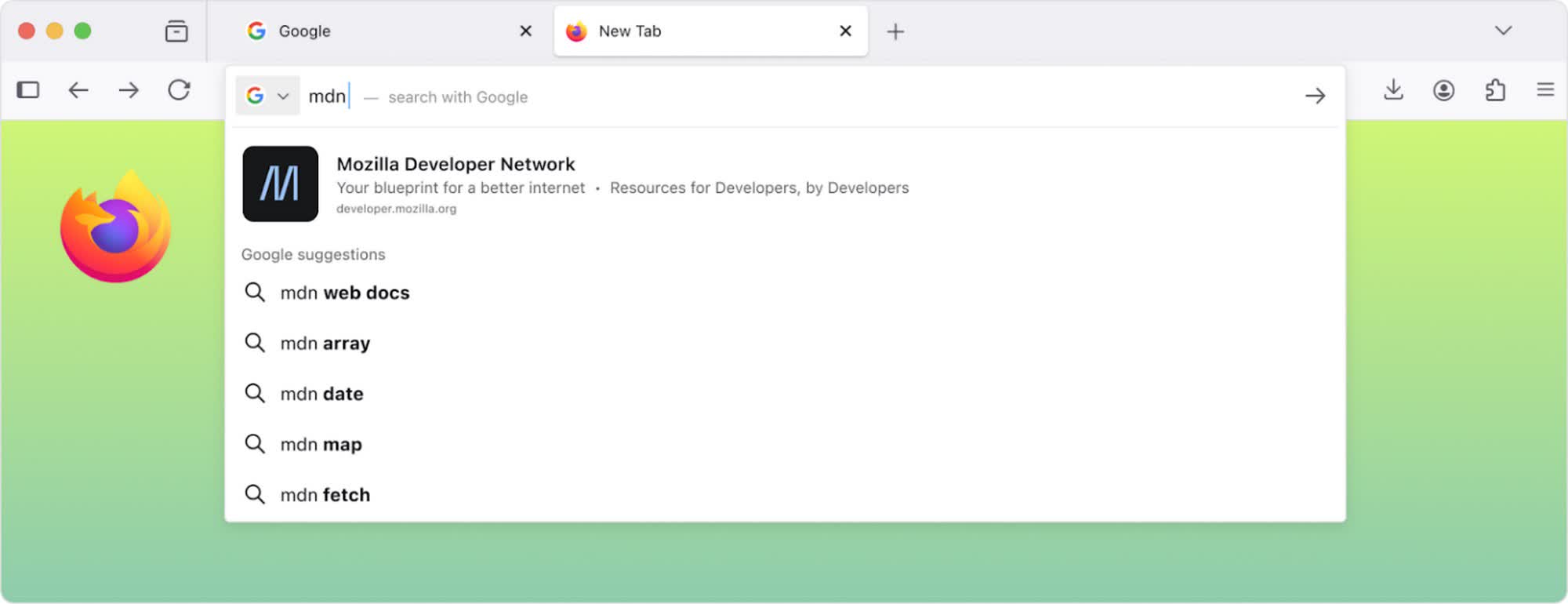
Similarly, when people are searching for a website without knowing the exact URL, the new feature will help them skip the search and take them directly to the intended site.
Another common use case is searching for recommendations for movie theaters, restaurants, hotels, or retail stores. In these cases, Firefox will display the most relevant result based on the user's location.
The new feature is still under development and does not have a confirmed release date. However, Mozilla says it is on track to roll out to US users within the next year. Depending on its success and user feedback in the home market, Mozilla may consider expanding it globally in the future.
Smart suggestions will be enabled by default but can be disabled by unchecking the "Retrieve suggestions as you type" option under Search in Firefox settings. If that option is unavailable in the GUI, the feature can also be disabled via about:config by setting browser.urlbar.quicksuggest.online.enabled to False.
Firefox will soon show search results directly in the address bar


