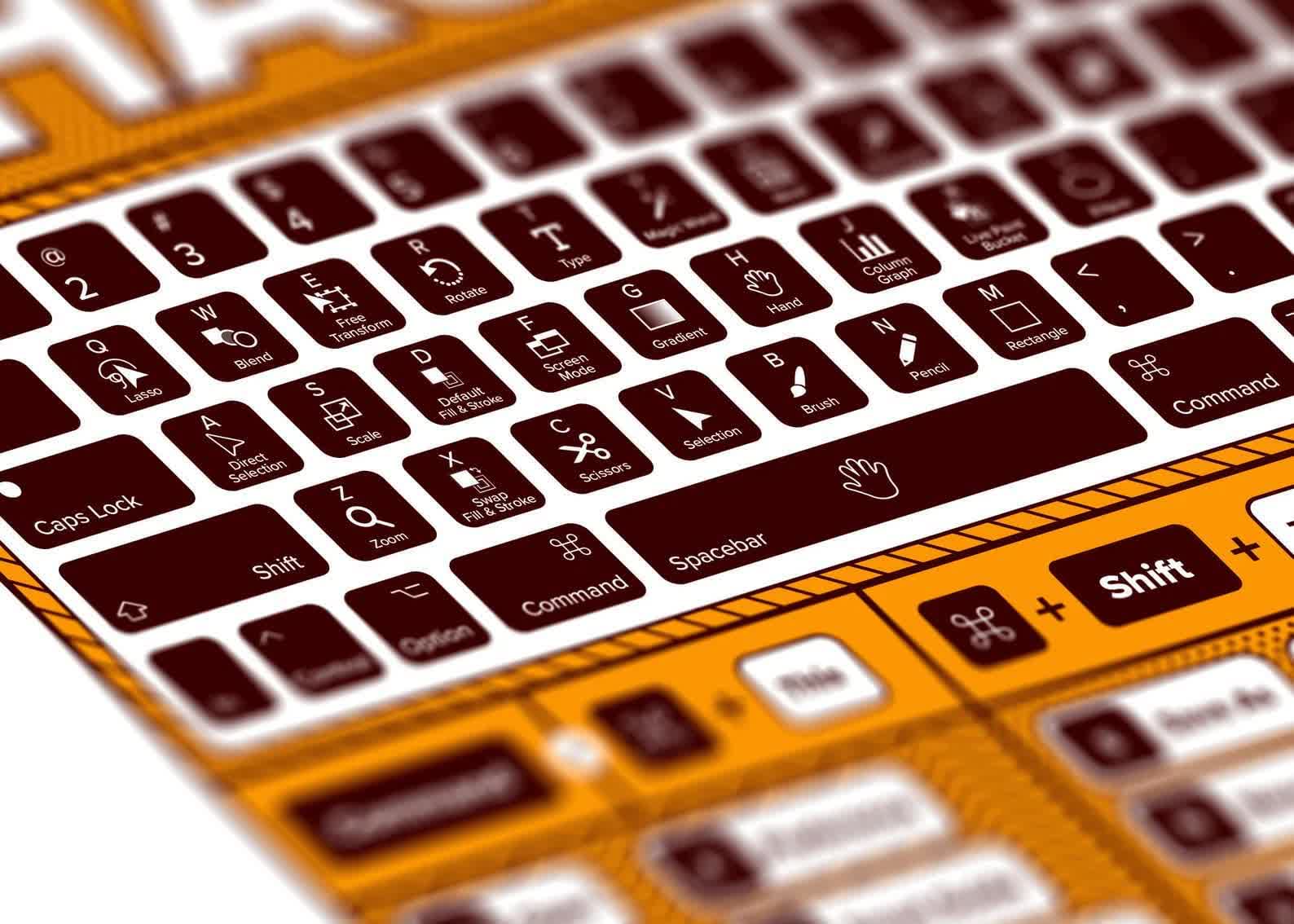
Open Forum: What's your most-used keyboard shortcut?

Julio Franco

Posts: 9,334   +2,262
Staff member

Some keyboard shortcuts are so ingrained that we barely think about using them anymore. Ctrl + C, Ctrl + V, Ctrl + Z, and Alt + Tab probably account for an absurd number of keystrokes on any given workday. But it's the less universal ones that tend to reveal how someone actually uses their computer.

For me, Ctrl + Shift + V for pasting without formatting is probably near the top. I also use Ctrl + T constantly for new browser tabs, while Ctrl + Shift + T has rescued more accidentally closed tabs than I'd care to admit. Another favorite is Ctrl + Shift + S, which I've mapped to a third-party screenshot app for quickly grabbing and annotating part of the screen.

Not all of my most-used shortcuts even involve a keyboard. On my MacBook, the three-finger trackpad swipe between virtual desktops has become just as automatic.

There are plenty of other favorites among power users: Win + V for clipboard history, Ctrl + Shift + Esc for Task Manager, Win + E for File Explorer, and Ctrl + Backspace to delete an entire word at once. We even put together a massive shortcut compilation years ago, and quite a few of them still hold up today.

So here's this weekend's question: excluding copy, paste, undo, and Alt + Tab, what's the keyboard shortcut you use the most? And better yet, what's one you think everyone else should know?

Permalink to story:

 
Mostly browser shortcuts.

Ctrl+tab — to switch to the next tab
Ctrl+shift+tab — to move back a tab

Although technically I often use the mouse for these uhum keyboard shortcuts
(Got a Roccat Tyon with a sideways flipper on top macro'd to those).

Also Ctrl+f4 to close a tab and Ctrl+L to jump to the address bar.

For Windows itself, not much. Mostly:
Win+arrow keys — to move windows
Win+shift+arrow keys — to move the window between screens

--
Calculator. Wait that's no shortcut.
I'll admit, I'm lazy. Rather than firing up calculator more often than not I tend to just alt tab to the browser and let Google do the calculation.
 
Last edited:
Win + V is one of those shortcuts that sounds unnecessary until you start using clipboard history. After that, going back to a single clipboard feels prehistoric.
 
Alt + F4
Alt + PrntScrn

But, if it counts, the Calculator key is number one. After getting used to, it became indispensable. Previously, it was Run and calc.
 
ctrl-alt-HEAVE

8ea06168f7219ede44c68dac8ed5cbef.gif
 
Last edited:
Ctrl + F to find things in a lot of software is my most used, but this is so common it only answer the question on a technicality.

As others, I use Ctrl + T to open a new Firefox tab all the time. And Win + arrows to move windows between monitors.

Another big set I use all the time, is the Ctrl modifier in text editing. Ctrl + Backspace to delete a word, but also Ctrl + arrow to move word from word, Ctrl + Shift + Arrow to fast select word by word, and so on.

Win + V is one of those shortcuts that sounds unnecessary until you start using clipboard history. After that, going back to a single clipboard feels prehistoric.
Yeah, I should really use it way more often.
 
Back