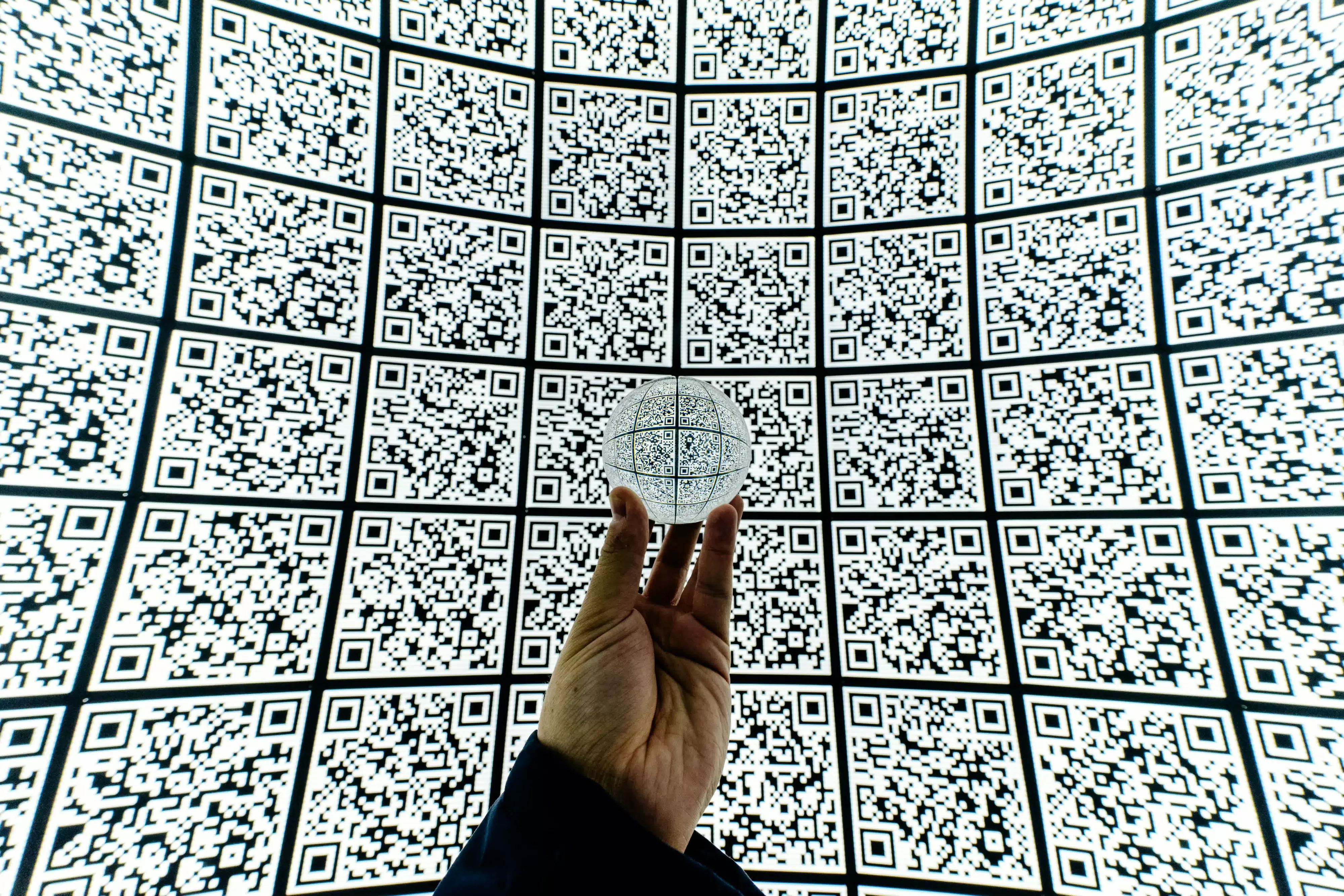
QR Codes Explained: How They Work and Why They're Everywhere

Wildly used in wechat for contact exchanging, epayment or website redirection. Not sure if facebook's app has this feature. Still used in decent Chinese factories to track each piece on the assembly line.
 
I had no idea the three big corner squares came from engineers looking for a black-to-white pattern that basically never appeared in printed material. That's one of those elegant engineering decisions you use every day without realizing anyone had to invent it.
 
QR codes might be the rare technology that went from futuristic, to deeply uncool, to almost invisible infrastructure without fundamentally changing. The real killer feature turned out to be Apple and Google finally putting the scanner directly in the camera app.
 
One of the best inventions ever but you have to be smart about scanning them. I'm so over barcodes, end them now!

This is an excellent video on QR's, you'll be an expert after watching:

Great article guys!
 
QR codes might be the rare technology that went from futuristic, to deeply uncool, to almost invisible infrastructure without fundamentally changing. The real killer feature turned out to be Apple and Google finally putting the scanner directly in the camera app.
Soooo convenient! I use the QR scanner frequently.
 
For those of you who don't know, you don't need to use "free web services" to create QR Code. Just use MS Word and do this:

1. Put your mouse cursor where you want the QR code.
2. Press Ctrl + F9 on your keyboard to insert special curly brackets.
3. Type this exact text inside the curly brackets: DISPLAYBARCODE "https://yourwebsite.com" QR \Q3 (replacing the URL with your link).
4. Press F9 or right-click and select Toggle Field Codes to change the text into a working QR code image
 
QR codes might be the rare technology that went from futuristic, to deeply uncool, to almost invisible infrastructure without fundamentally changing. The real killer feature turned out to be Apple and Google finally putting the scanner directly in the camera app.

Google and Apple brought it to the West. Dedicated scanner apps were and generally are still the goto in Asia.
 
“…you can’t hover over a QR code to see where it leads before you commit.”
Uh, sure you can.
Like many that live or travel in Asia or South America I use a dedicated QR scanner.

By default press on the shortened link and the whole code data pops up.
Or switch a toggle and every code pops up as a text screen, allowing you to click a button to complete the action task.

This is the way to properly and safely use qr codes.
Paired with the app for the service that you downloaded from the official App Store on your own, you can’t get misdirected in making payments or credits, the link is an app link.

For websites you can look at the full url.
For vCards you can choose to cut off any binary data eg images.

Be safe, get a dedicated scanning app. The level of protection over your phone camera makes the extra 3 taps worth it.
 
Back