Two generations apart, AMD's Radeon RX 9070 XT and RX 7900 XTX are surprisingly close. We benchmark 51 games to see where RDNA 4 pulls ahead, where RDNA 3 holds on, and which GPU makes more sense.
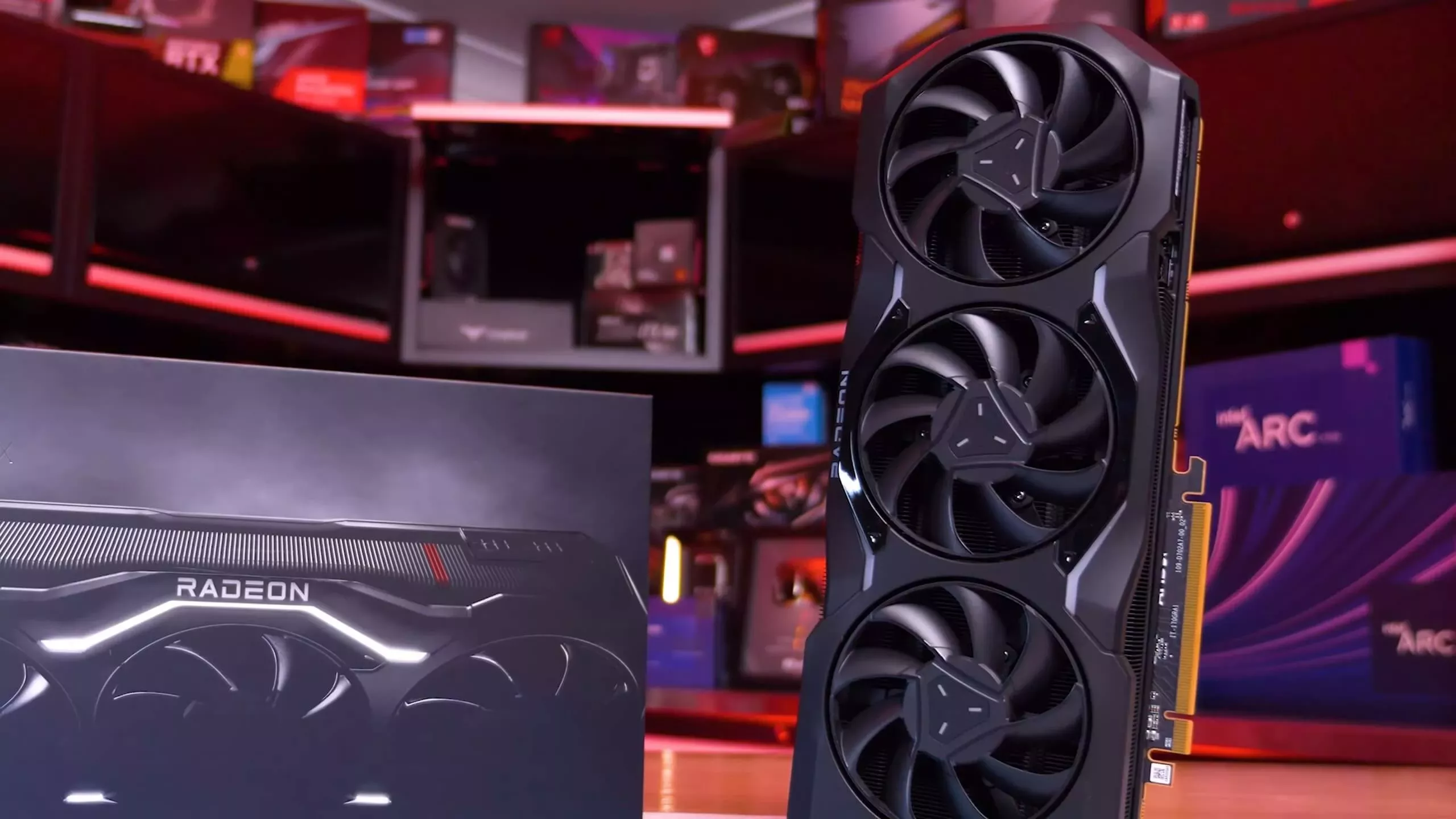
Two generations apart, AMD's Radeon RX 9070 XT and RX 7900 XTX are surprisingly close. We benchmark 51 games to see where RDNA 4 pulls ahead, where RDNA 3 holds on, and which GPU makes more sense.


Only if you utilize those extra 8GB on the XTX. Otherwise 16GB and identical performance at lower power is generally better.I regret not getting an XTX instead of the 9070XT that I got last for 650 USD.
That is a very good point and I bought my XT based on power consumption and RT performance (which I don't use). At that time the XTX was cheaper and not desired due to it lacking INT8. However, the XTX has surpassed my card due to the extra 8GB RAM.Only if you utilize those extra 8GB on the XTX. Otherwise 16GB and identical performance at lower power is generally better.
Could you please share a bit more - how you do this: using "AMD software adrenalin edition" or some other (3rd party) utility. Then where you see "no performance loss": check FPS in (which) games or run some benchmarks?I finally decided to upgrade from 3070 to 9070XT last week. Overall experience is good.
What I do not understand is why they force the card to +300W since it has no performance loss at 250W. UV -80mv and -15% power target makes the card run cool and no issues.
Using the embedded tools in the driver now. But they fail to stay the same after restart sometimes. Thinking to get back to afterburner.Could you please share a bit more - how you do this: using "AMD software adrenalin edition" or some other (3rd party) utility. Then where you see "no performance loss": check FPS in (which) games or run some benchmarks?
Could you please share a bit more - how you do this: using "AMD software adrenalin edition" or some other (3rd party) utility. Then where you see "no performance loss": check FPS in (which) games or run some benchmarks?
Could you please share a bit more - how you do this: using "AMD software adrenalin edition" or some other (3rd party) utility. Then where you see "no performance loss": check FPS in (which) games or run some benchmarks?