
Because, Why Not: There has been a growing trend among many PC builders recently: in-case displays. Not only have these screens been getting bigger and more advanced, but some people find that one just isn't enough. That's where Chinese firm Jonsbo comes in. The company's new AIO cooler series packs a bewildering four customizable LCDs.
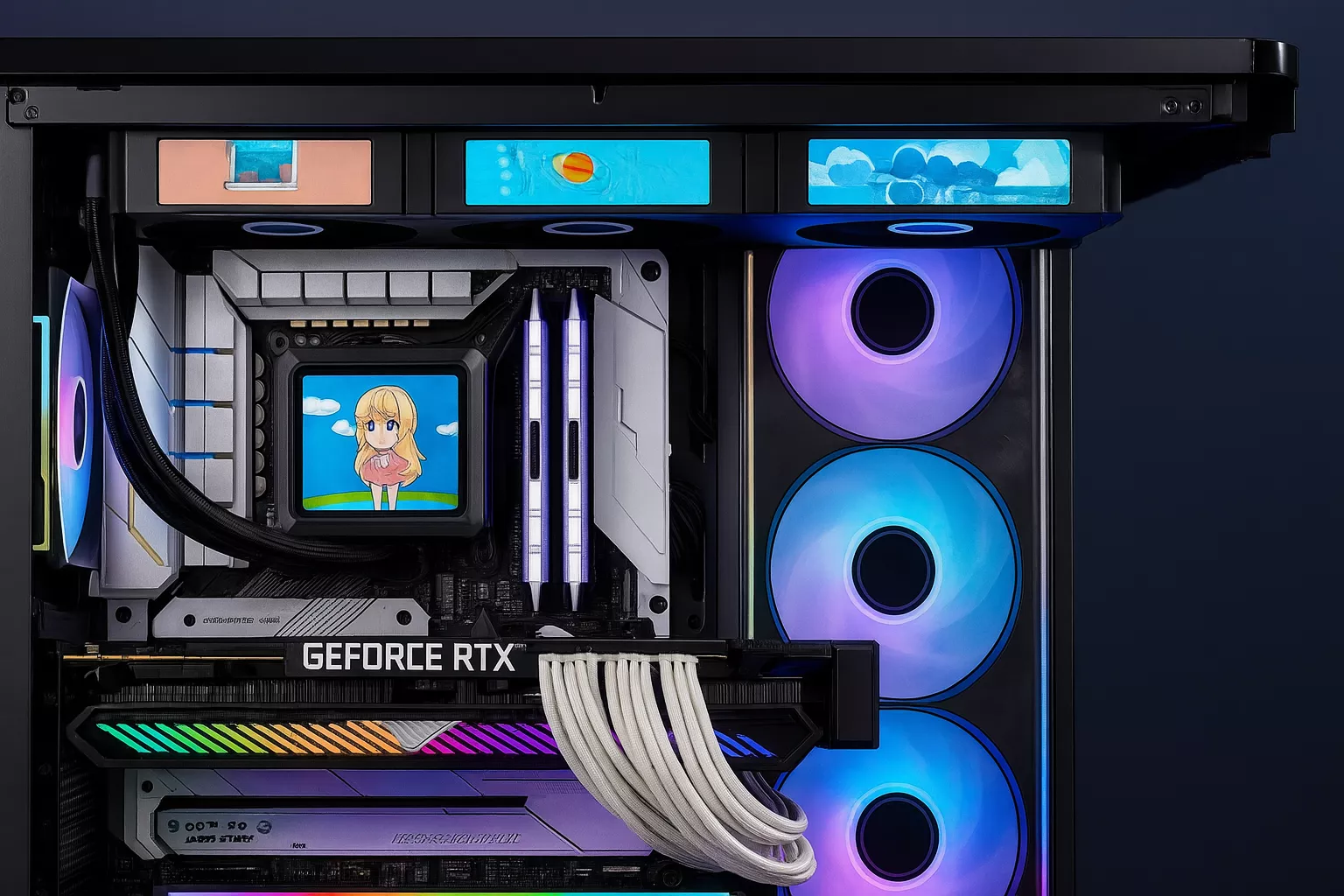
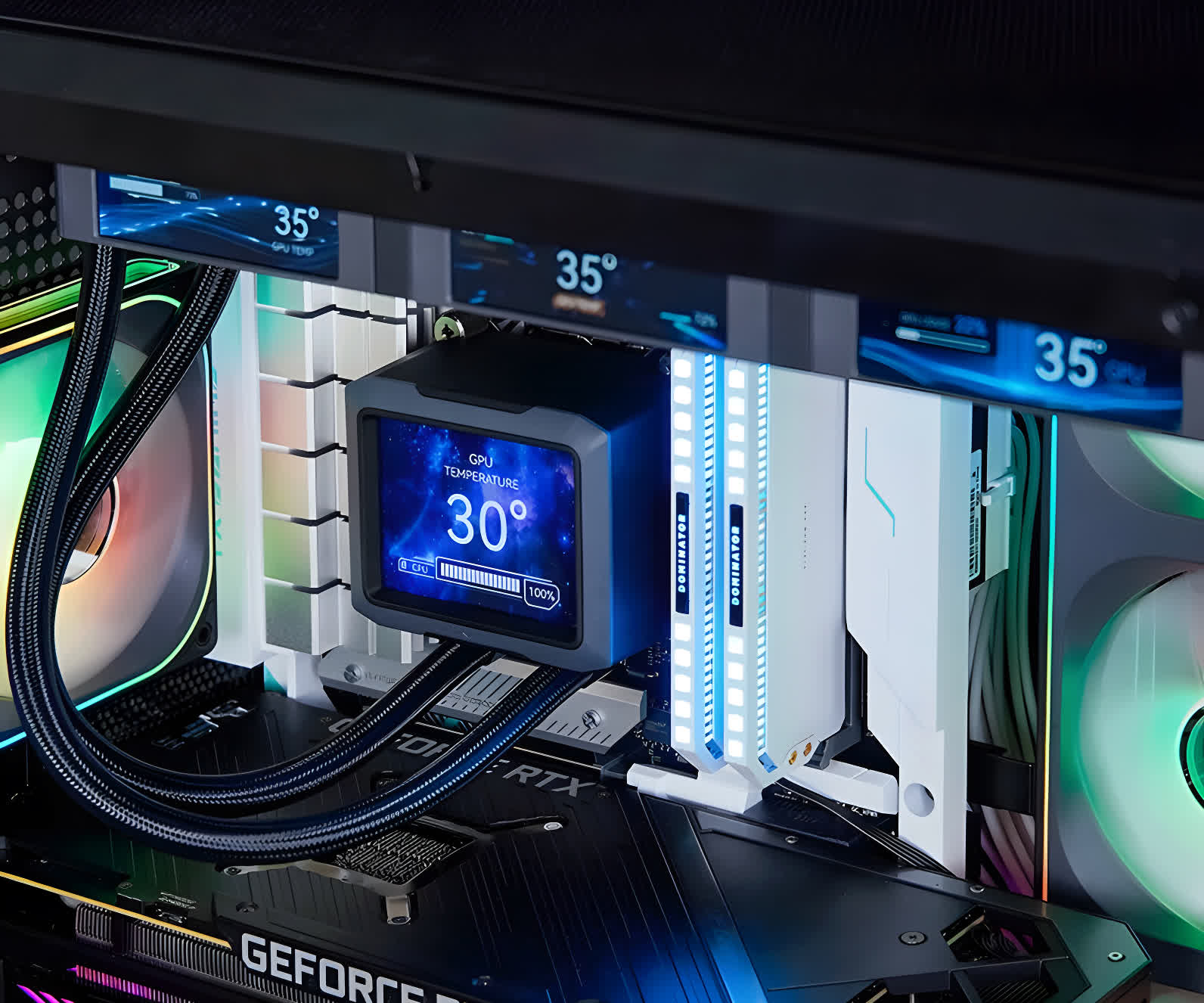
Jonsbo's TF3-360SC series initially looks like a typical AIO cooler with a 3.5-inch 640 x 480 screen built into the pump block – a design we've seen many times before.
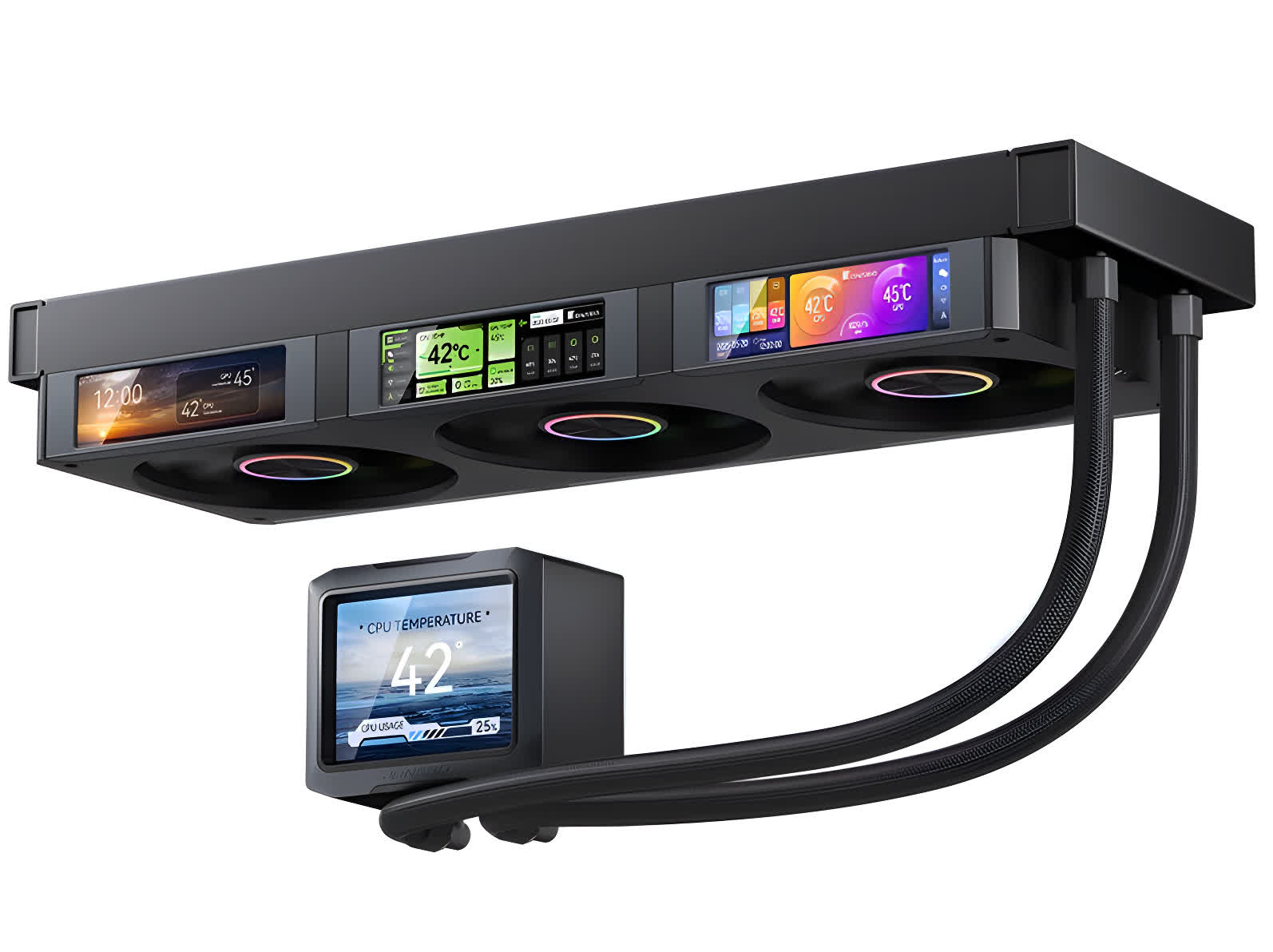
But Jonsbo has decided that one screen is far from enough. Embedded into the frames of the 120mm fans are three 3.38-inch 640 x 180 displays, ensuring users have all the data they could possibly want on display at all times.
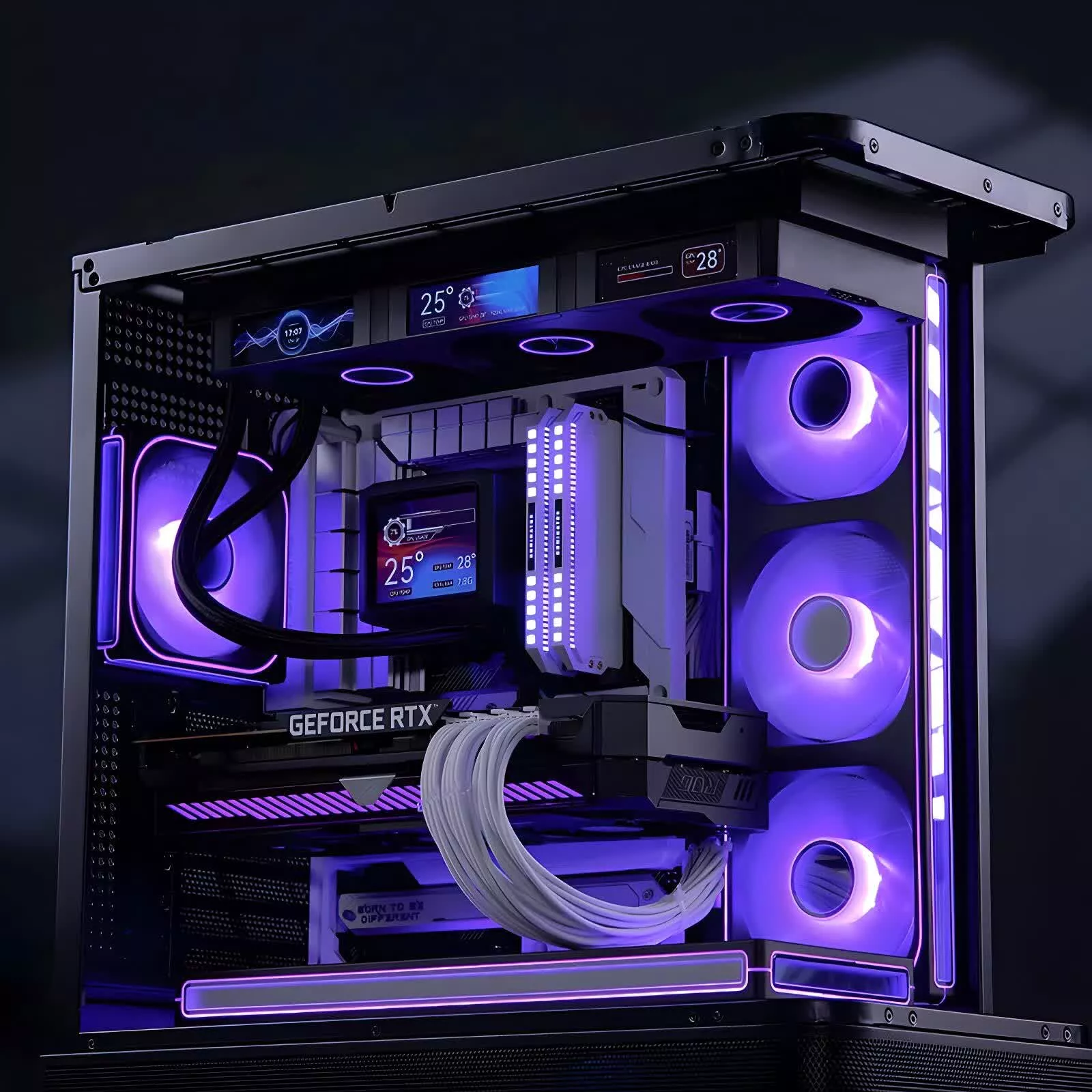
The three panels, which operate at 350 nits brightness, can be customized to show system information such as temperatures, fan speeds, and clock rates. They can also be programmed using Jonsbo's proprietary software to display JPG images, GIFs, and MP4 videos.
The pump block has a detachable top cover that can be rotated to allow for different installation orientations, too.
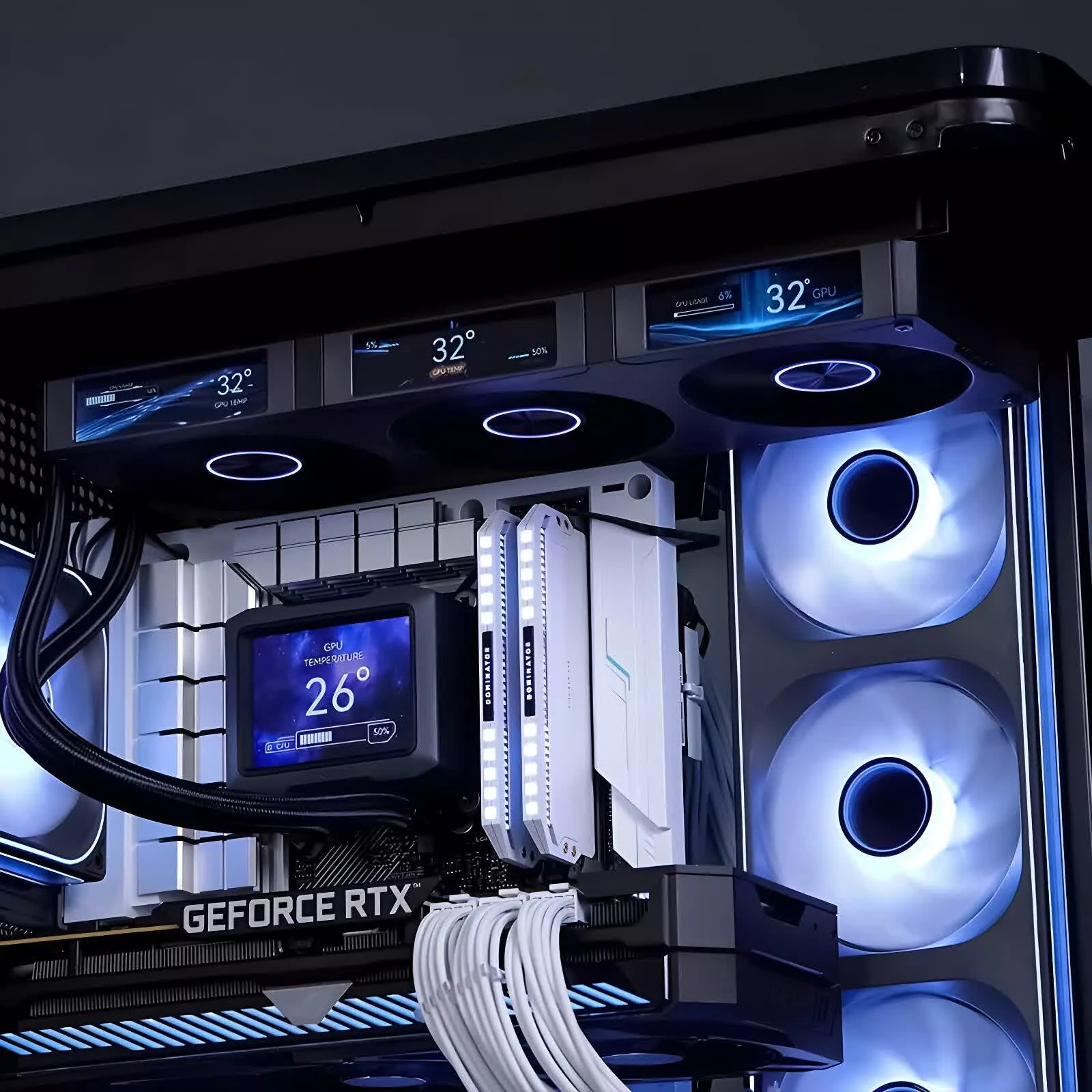
The radiator, meanwhile, measures 397 x 120 x 27mm and is able to fit standard triple-fan mounting spots. The fans operate between 700 and 2,400 RPM, are rated between 21.46 and 62.40 CFM of airflow, and reach a maximum noise level of 37.3 dBA. The pump runs at 2,500 RPM and keeps below 30 dBA.
The TF3-360SC is compatible with a wide range of new and old Intel and AMD sockets: it fits Team Blue's LGA2011, 1851, 1700, 1200, and 115x, as well as Team Red's AM5 and AM4.
The displays can be managed through Jonsbo's Windows app, allowing different content to appear on each individual screen. The app connects to the AIO via USB headers and SATA power, which means that unlike some similar products, it doesn't require extra power cables.
The TF3-360SC series is available in matte black and gloss white to match specific PC builds. No word yet on pricing, but expect to take a big chunk out of your wallet. For comparison, Thermaltake's TH360 V2 Ultra AIO, which has "only" a single screen on the water block, is $150.
This new AIO cooler packs more displays than your entire setup


 - Use them to show different statuses - Like cpu temp, gpu temp, fanspeed etc..not something I "need"..but still...cool


