Valve pulls GPU monitoring tool from Steam after claiming it's more accurate than Windows Task Manager

DragonSlayer101

Posts: 953   +13
Staff
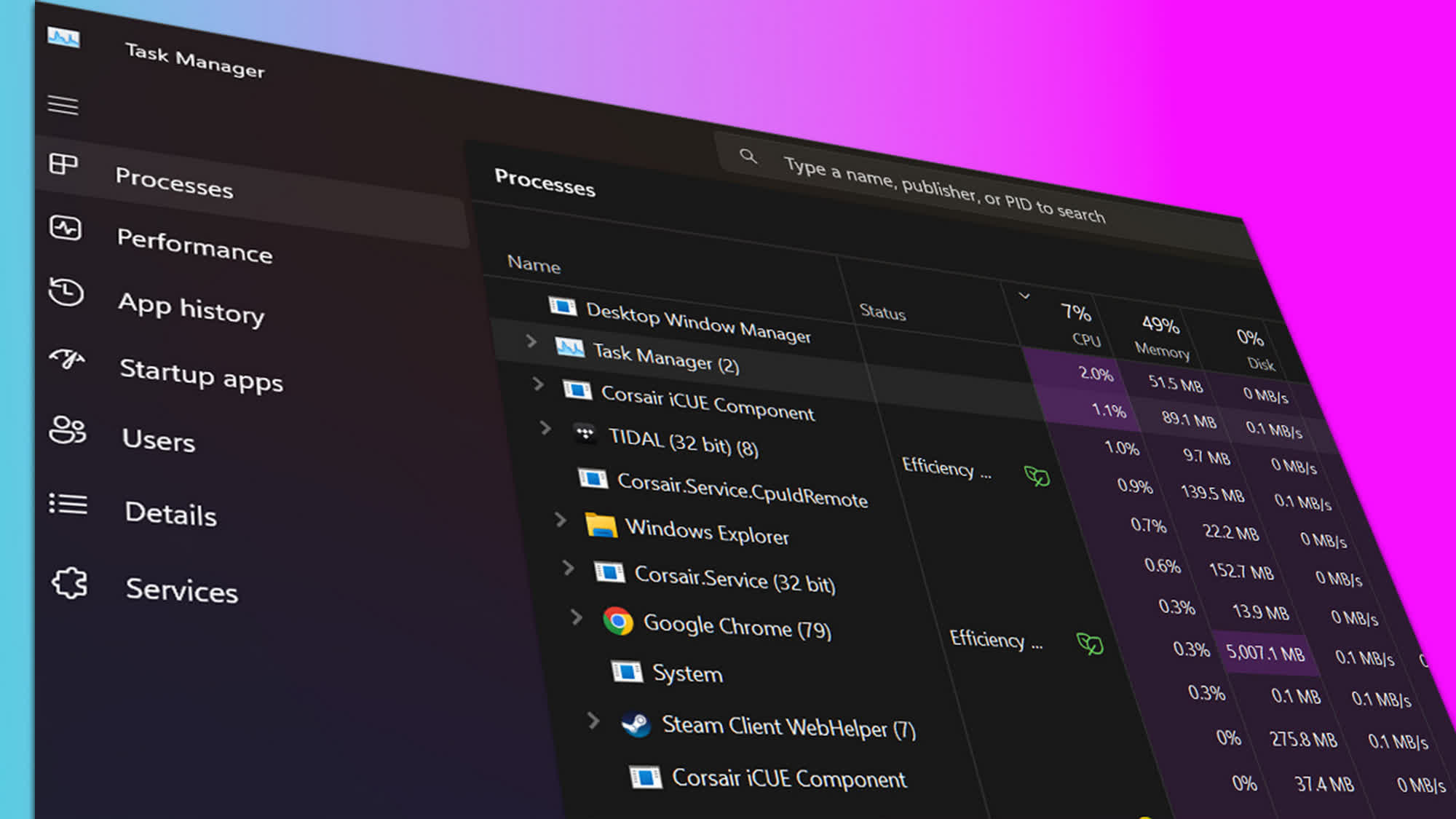
What just happened? In a surprising move, Valve has removed the updated GPU monitoring feature from the latest Steam client beta. The company previously stated that its new performance overlay offered more accurate GPU utilization statistics than Windows Task Manager.
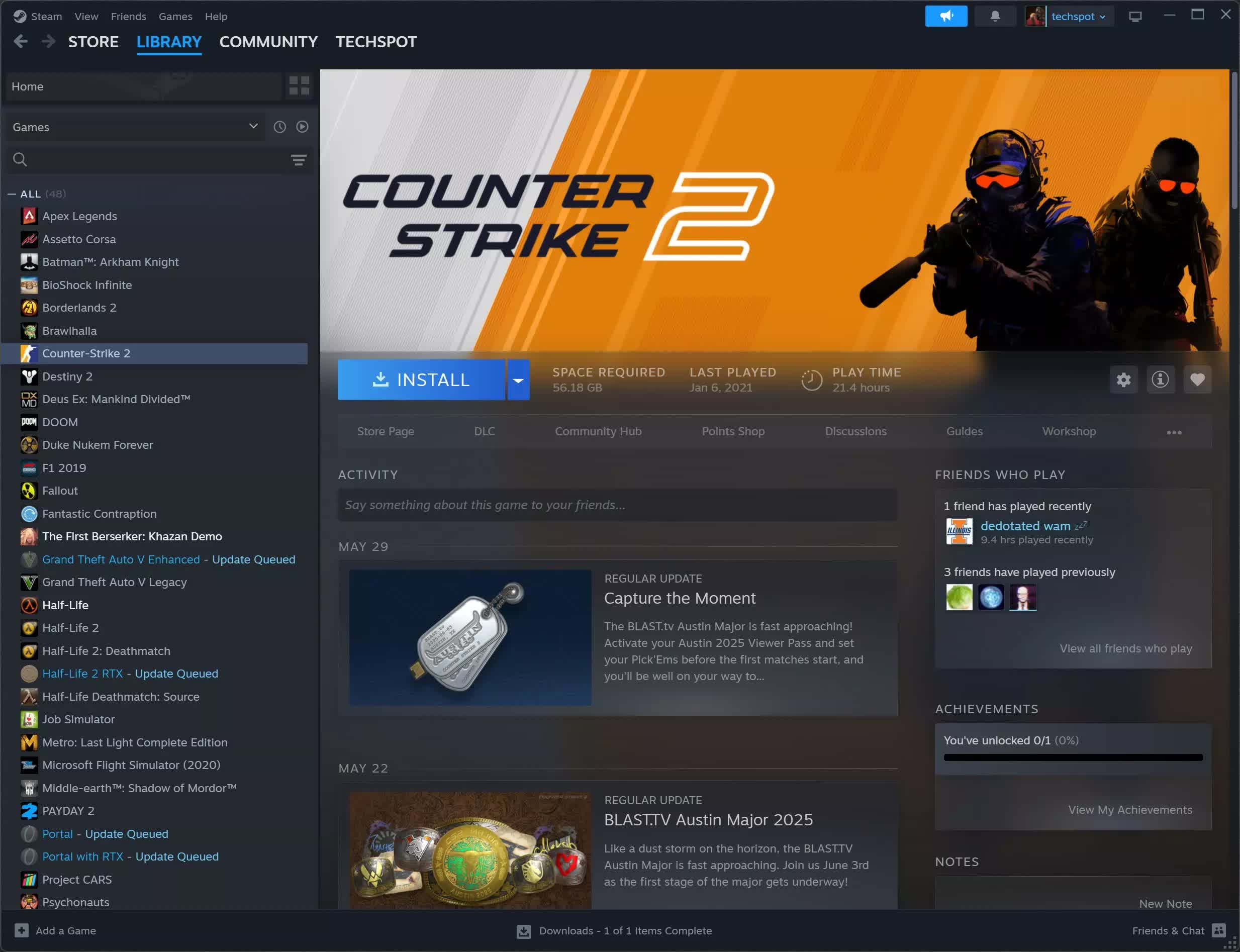
In the patch notes for the Steam client beta released on August 14, Valve stated that its new in-game overlay was more accurate than Windows Task Manager, especially when processes launched after the game use the GPU outside of that environment.

However, the update has now been rolled back, and a new version has been released without the GPU monitoring tool. Explaining its decision, Valve said the updated software "needs more testing," suggesting it may have been rushed out before it was ready for prime time. The company also removed portions of the changelog that compared the tool to Windows Task Manager.
In the original changelog for the August 14 release, Valve noted that the updated tool would report similar GPU utilization numbers as before in most games but would be more accurate in situations where it previously under-reported actual usage. The company added that GPU utilization figures would now be higher and align more closely with third-party tools like MSI Afterburner.

Valve also criticized Windows Task Manager for allegedly under-reporting GPU utilization in some scenarios, acknowledging that its previous implementation suffered from the same issue because it "closely matched" the Windows app. The updated software was intended to fix this problem, but the recent rollback suggests some issues still persist.

Most enthusiasts, power users, and gamers don't rely on Windows Task Manager to monitor PC performance. Instead, they typically use third-party tools like MSI Afterburner to diagnose performance issues such as bottlenecking, thermal throttling, and poor game optimization.

Once Valve releases a stable and accurate version of its performance monitor, gamers will be able to check for potential hardware issues without installing additional software. It's unclear when the revised version will arrive, but many hope it's sooner rather than later.

Permalink to story:

 
Strange, I just did a fresh install of Windows 11 a few weeks back and because of this updated performance monitor in the steam overlay I haven't even bothered with installing afterburner. The only thing it's missing for my needs really is a frametime graph, but I can do without that. Hopefully they sort out whatever issues cropped up.
 
Can we go back to the alleged bugs in Windows Task Manager? I mean yes it doesn't do power, temp, and fans, so of course there's other tools for all that; but for what it does do, which is per-process details, it's pretty important for being preinstalled on every windows device and it is one of the first things I look at if a machine feels like it is more burdened than it should be. So what's wrong with its reporting and what are other people using instead?
 
I generally just use the single paramater FPS with Steam. Tried the whole shebang, but not really useful unless finding the cause of poor performance.

What I do instead, and have done for many years is leave HWInFO64 pro, with GPU, CPU and Memory speeds, temps, loads and voltage running in the background. I alway save a screen shot of it, and whatever ABurner profile I used (if any).

It's like a library of past and present games and how much heat, resources etc they require. It logs Max and average over playtime.

Very useful after a while as one has a comprehensive library of performance paramaters of the desktop in a variety of games, and with different settings.

It's not much good for on the fly adjustments though as, of course, it's recording out of site in the background.

It's kind of interesting looking back to reading from 10 or more years ago, for a game which I still play like Doom 2016 and comparing stats on new equipment vs old.

Finally, I find I "get to know," my PC and can often start a new game that doesn't need much or any tweaking from my original ABurner, and NVCP settings, plus more.
 
Task manager is solid for basic system information but steam shouldn't even be dedicating resources to something like this when most people who actually care about this information already have third party software like msi afterburner seems like a waste of resources and the audience they are targeting to use probably won't even know how to find it let alone understand what they are looking at
 
Back