Platform longevity helped define Ryzen's rise, but was it really the secret sauce? As Nova Lake and Zen 6 approach, we revisit AM4 to see how much socket support truly shaped the CPU market.
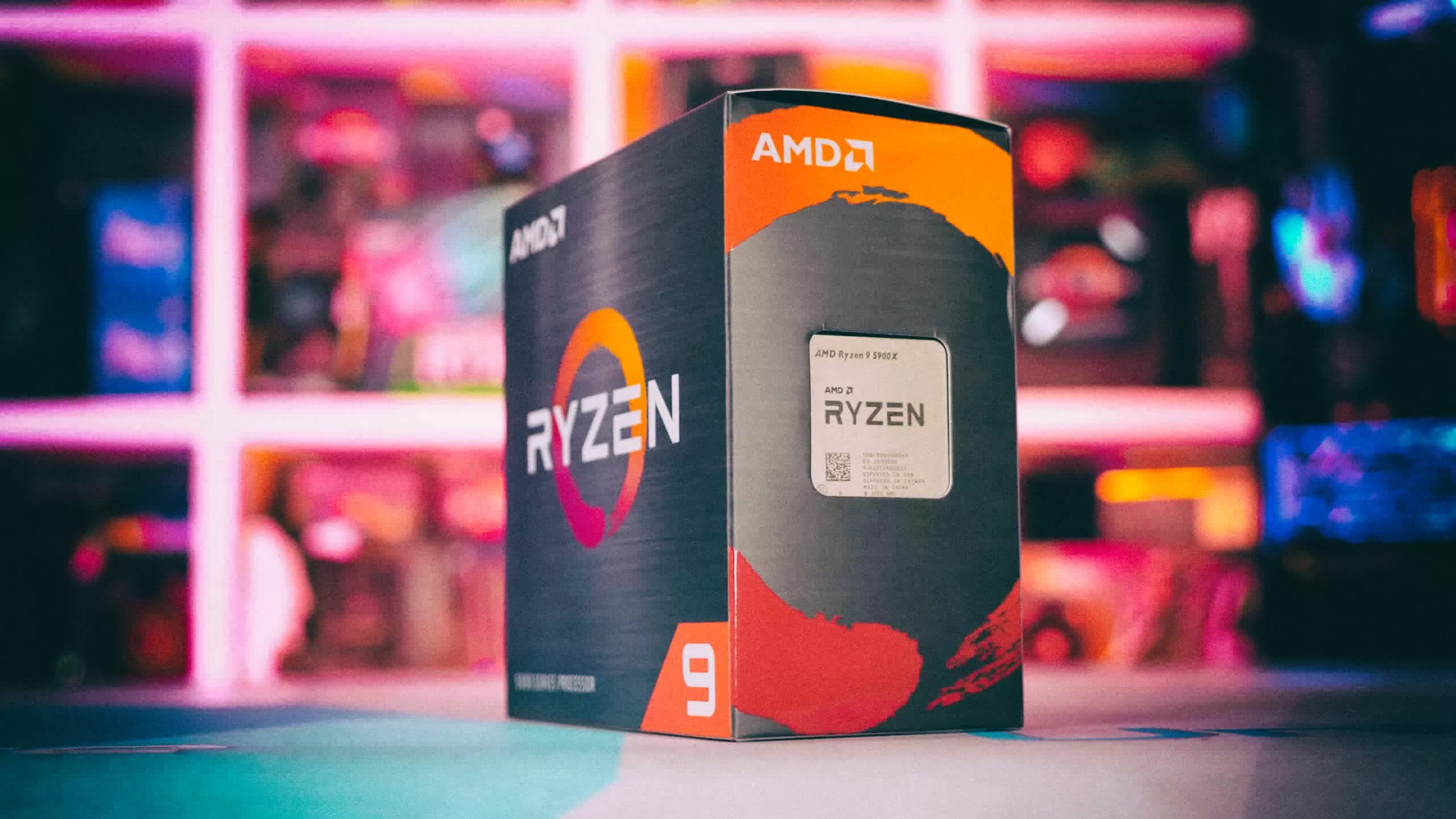
Platform longevity helped define Ryzen's rise, but was it really the secret sauce? As Nova Lake and Zen 6 approach, we revisit AM4 to see how much socket support truly shaped the CPU market.


I honestly don't understand this mentality. So over the last eight years and (effectively) two separate systems, you saved the cost of one motherboard; a negligible amount compared to the total cost of all the other components in both systems.It is something very satisfying to be able to play Ghost of Tsushima / Yotei or Indiana Jones at 1440p on a system I purchased in 2018 spotting a Ryzen 5 2600X / GTX 1080 which went thru a single upgrade to a 5700X and a RX 6800 six years later while the system was being transferred to Media PC duties.
I bought into the AMD platform specifically for this kind of flexibility and support.


My 2017 motherboard already had USB 3.1 and a USB C port and whilst the PCIE maxes out at 3.0 it has 3 full length slots. Whilst it is only gigbit ethernet it has 2 of these so if I ever got over 1 Gb/s internet I could bridge the connections (I'm only on 500 Mbps so not a problem). Wifi - 802.11ac - technically slower than my wifi router can MIMO up to but irrelevent when I use ethernet. Only had a single M.2 NVME slot but I've added 2 more via PCIE cards.... Of course though this is an intel X299 board with a i9-7980XE 18 core cpu which will keep me going for a little while yet (I expect to get 10 years at least). What is there that requires more than what a 2017 motherboard can give? (PS originally had a i7 7820X but "upgraded" to the i9 last year for just over £100). PPS I have friends that bought into the AM4 platform and are now on 5000 series CPUs after starting on either 1000 or 2000 series ryzen. In total we have probably spent the same but their machines are a little bit faster in games (I also use mine for work so stability of platform (as in the fewer the changes the better) is a consideration).I honestly don't understand this mentality. So over the last eight years and (effectively) two separate systems, you saved the cost of one motherboard; a negligible amount compared to the total cost of all the other components in both systems.
Motherboards are no different than processors and video cards -- they get upgraded over time with enhanced performance and new features. Using a 5+ year old motherboard in a new system means you give up all that. Older WiFi and USB standards, potentially slower memory, narrower PCI buses, and the ever-present spectre of sunsetted BIOS support. You can obviate some of that with add-in cards ... but then there goes the cost savings of retaining the motherboard.


I honestly don't understand this mentality. So over the last eight years and (effectively) two separate systems, you saved the cost of one motherboard; a negligible amount compared to the total cost of all the other components in both systems.


I honestly don't understand this mentality. So over the last eight years and (effectively) two separate systems, you saved the cost of one motherboard; a negligible amount compared to the total cost of all the other components in both systems.
Motherboards are no different than processors and video cards -- they get upgraded over time with enhanced performance and new features. Using a 5+ year old motherboard in a new system means you give up all that. Older WiFi and USB standards, potentially slower memory, narrower PCI buses, and the ever-present spectre of sunsetted BIOS support. You can obviate some of that with add-in cards ... but then there goes the cost savings of retaining the motherboard.
A motherboard from 2018 is going to have at most Wifi 5 support, giving up both Wifi 6 and 7. Nor will it support the higher-speed DDR4 that's available today. Those are not trivial losses.The only one of your old Mobo concerns which are relevant for mostly gaming usecases is narrower PCI ... In fact the useful things a newer mobo would get are more fan headers and better m.2 support
You have it in reverse. If you purchase a system with motherboard included, that leaves the old system intact, which can then be sold or passed on to others. Scavenging the motherboard from an old system leaves you with a pile of parts. Even if you eventually sell those components, it still only takes you to the level of the original approach: buy an entire new system, and leave the old one functional.And to put it bluntly: tossing out old equipment that still works ~95% as well as replacement equipment is disposable society BS that I choose not to participate in.
A motherboard from 2018 is going to have at most Wifi 5 support, giving up both Wifi 6 and 7. Nor will it support the higher-speed DDR4 that's available today. Those are not trivial losses.
You have it in reverse. If you purchase a system with motherboard included, that leaves the old system intact, which can then be sold or passed on to others. Scavenging the motherboard from an old system leaves you with a pile of parts. Even if you eventually sell those components, it still only takes you to the level of the original approach: buy an entire new system, and leave the old one functional.
The cost of that add-in Wifi adaptor subtracted how much from what you saved by scavenging the old motherboard? And it still didn't get you Wifi 7 nor USB 4.0. And Zen 3 CPUs and DDR4 ram have been outdated since 2022 ... a new motherboard would have allowed you into the realm of Zen 4/5, and DDR5. Instead, you spent money to lock yourself further into the past.I guess my son's B350 with a 5800x3d and 16GB of cl14 3600 isn't a thing then.
Or that PCIe x1 wifi 6 adapter.
A motherboard from 2018 is going to have at most Wifi 5 support, giving up both Wifi 6 and 7. Nor will it support the higher-speed DDR4 that's available today. Those are not trivial losses.
You have it in reverse. If you purchase a system with motherboard included, that leaves the old system intact, which can then be sold or passed on to others. Scavenging the motherboard from an old system leaves you with a pile of parts. Even if you eventually sell those components, it still only takes you to the level of the original approach: buy an entire new system, and leave the old one functional.
The motherboard wasn't scavenged. It's the original build, handed down to him. The only parts that changed in the PC between the initial build and today were the CPU (because each was a substantial upgrade), RAM (one of the original sticks died) and eventually, video card (an old mining Vega56 to a 3080 12GB).The cost of that add-in Wifi adaptor subtracted how much from what you saved by scavenging the old motherboard? And it still didn't get you Wifi 7 nor USB 4.0. And Zen 3 CPUs and DDR4 ram have been outdated since 2022 ... a new motherboard would have allowed you into the realm of Zen 4/5, and DDR5. Instead, you spent money to lock yourself further into the past.
No one's saying that, all else being equal, the option to retain the motherboard during a CPU upgrade isn't useful in some cases. But not nearly useful enough to base your entire buying decision around it.
9800X3Ds are crashing all over.

Because those features are often irrelevant? I started with a b450 and Ryzen 1600AF. Upgraded later on to an extremely good deal on a 5800X. Separately the GPU underwent some changes from AMD Fury to RX290 to RX580 to GTX1070 to RX 6700 XT.I honestly don't understand this mentality. So over the last eight years and (effectively) two separate systems, you saved the cost of one motherboard; a negligible amount compared to the total cost of all the other components in both systems.
Motherboards are no different than processors and video cards -- they get upgraded over time with enhanced performance and new features. Using a 5+ year old motherboard in a new system means you give up all that. Older WiFi and USB standards, potentially slower memory, narrower PCI buses, and the ever-present spectre of sunsetted BIOS support. You can obviate some of that with add-in cards ... but then there goes the cost savings of retaining the motherboard.
 not that Intel has ever done that...but stil