LibreCAD is a feature-packed and mature 2D-CAD application. Support and documentation are free from our large, dedicated community of users, contributors and developers. Most of the interface and handle concepts are analogous to AutoCAD, making it easier to use for users with experience in this type of commercial CAD application.
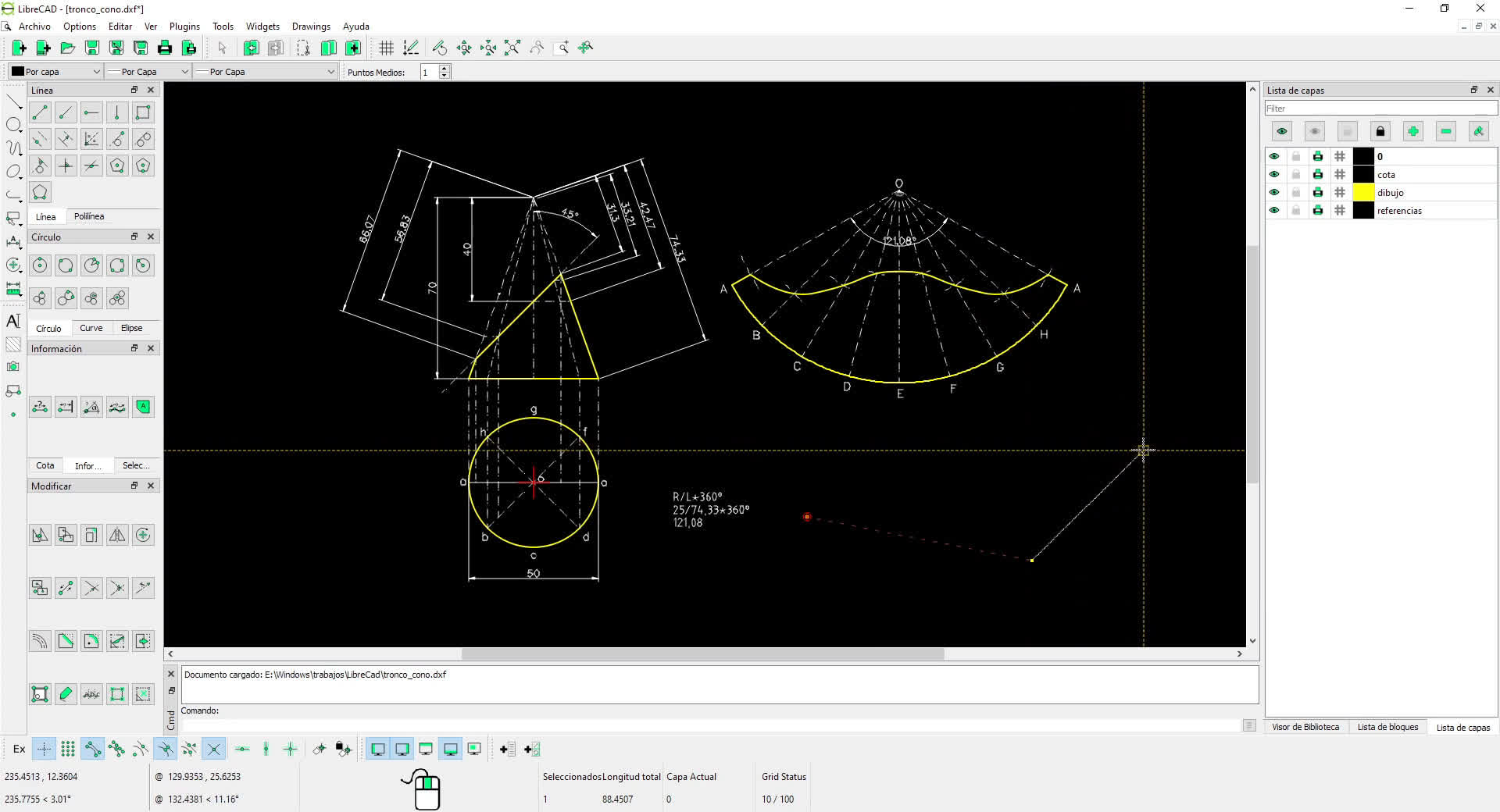
LibreCAD is available in over 30 languages. It uses the AutoCAD DXF file format internally for import and save files, as well as allowing export to many other file formats.
Is LibreCAD free to use?
Yes. LibreCAD is completely free and open source, with no licensing fees or feature restrictions.
Does LibreCAD support AutoCAD files?
LibreCAD works primarily with DXF files, which are widely supported by AutoCAD. However, LibreCAD does not fully support DWG files, AutoCAD's proprietary format. To open DWG files, users typically need to convert them to DXF first using AutoCAD itself or third-party conversion tools.
Is LibreCAD suitable for professional work?
For 2D drafting tasks like architectural plans, technical drawings, and schematics, LibreCAD can be perfectly suitable, especially for small studios or independent users.
Does LibreCAD support 3D modeling?
No. LibreCAD is strictly a 2D CAD application and does not offer 3D modeling features. FreeCAD, which is also free, is one of the most popular open-source 3D CAD programs. It's great for engineering, product design, and parametric modeling.
Is LibreCAD suitable for beginners?
LibreCAD has a relatively gentle learning curve for users familiar with basic CAD concepts, its interface is very simple and functional.
Features
LibreCAD is a feature-packed and mature 2D-CAD application with some really great advantages:
Completely and Utterly Free
No worries about trials, subscriptions, license costs or annual fees.
Open Source and GPLv2
Developed by an experienced team and supported by an awesome community, LibreCAD is also free to hack and copy.
No Language Barriers
It's available in over 30 languages with cross-platform support for macOS, Windows, and Linux.
A Little History
LibreCAD started as a project to build CAM capabilities into the community version of QCad for use with a Mechmate CNC router. Since QCad CE was built around the outdated Qt3 library, it had to be ported to Qt4 before additional enhancements. This gave rise to CADuntu. The project was known as CADuntu only for a couple of months before the community decided that the name was inappropriate. After some discussion within the community and research on existing names, CADuntu was renamed to LibreCAD.
Porting the rendering engine to Qt4 proved to be a large task, so LibreCAD initially still depended on the Qt3 support library. The Qt4 porting was completed eventually during the development of 2.0.0 series, thanks to our master developer Rallaz, and LibreCAD has become Qt3 free except in the 1.0.0 series. Meanwhile, for LibreCAD 2.2.0 series, Qt5 is mandatory.
What's New
LibreCAD 2.2.1.6 is a maintenance release for the stable 2.2.1 series. It brings selected backported features alongside important fixes for drawing integrity, Undo/Redo, geometry, text, printing, and packaging.
Backported Features
- Bounded hyperbolas: Draw hyperbola arcs from two foci and start/end points, with snapping, tangent construction, transformations, and trimming. Bounded arcs can be saved and read through rational DXF spline conversion. #2827
- Right-to-left MText: Backported drawing-direction support in the MText editor, including direction handling when importing DWG and preserving the RTL setting when saving and reopening LibreCAD DXF files. #2553
- CJK fonts and localization: Added Noto Sans SC, Noto Sans TC, and WenQuanYi Micro Hei fonts; corrected LFF glyph loading/saving across the Unicode code-point range to avoid truncated or misidentified glyphs. Includes Lao language support, updated Japanese and Traditional Chinese translations, and other translation corrections. #2991, #2729, #2735, #3143
- Small-display layouts: Improved main-window and dock fitting on small screens, with compact default right-dock widths and layout adjustments when the available screen area changes. #2989, #3149
Critical Fixes
- Undo/Redo and entity ownership: Fix crashes and unintended changes when property dialogs or modify tools encounter generated text/dimension geometry or block children, and make re-filleting corners safe for Undo/Redo. #2878
- Clipboard and library blocks: Preserve layers and nested block definitions during copy/paste, restore Undo for Cut, guard against recursive block references, and prevent empty or incorrect library imports caused by block-name collisions. #2930, #3147
- Hatch reliability and area: Avoid assertions or hangs on degenerate boundary edges, retain valid hatches containing duplicate edges, and correctly subtract holes when computing hatch area. #2856, #2858, #2859
- Snapping and intersections: Prevent recursive snapping crashes inside filled hatches, correct ellipse vertex snapping and scale-sensitive circle/ellipse intersections, and keep hyperbola trimming and previews on the intended branches. #2671, #2946, #3148
- Drawing appearance and text: Preserve ByLayer/ByBlock pen inheritance when splitting entities or editing line properties, keep entity visibility independent of layer freezing, restore missing text display, and retain leading-space indentation in MText. #3054, #2949, #2740, #3062
- Printing and conversion: Correct Linux/CUPS landscape orientation and page margins, improve print-preview state and PDF hairline output, and honor --outfile consistently in dxf2png and dxf2svg. #2674, #2745, #2802
- Reader and tool stability: Fix sanitizer- and static-analysis findings, including a use-after-free in Tangent Orthogonal, unsafe binary DXF/DWG value reads, invalid debug-format handling, and out-of-range view-coordinate conversions. #3036, #3057
- Release packaging: Match Windows installers to the executable architecture, correct numeric installer version metadata, build Snap from the release checkout instead of the old pinned version, and preserve draft status during CI asset uploads. #3070, #3155
What's Changed
- Mtext rtl port 2.2.1 by @dxli in #2553
- Issue #2570: scaling factor by @dxli in #2573
- Win32 registry and pen palette fixes by @dxli in #2567
- Update TS files by @dxli in #2575
- dxfrw security scan and TS updates by @dxli in #2626
- Issue #2621 and TS file cleanup by @dxli in #2635
- Fix proposal for #2604 - Circle center-point error by @qwilvove in #2616
- Issue #2604: fixed commandEvent() for drawing circle(center, point) by @dxli in #2653
- Fix proposal for library items being listed twice in library widget by @qwilvove in #2665
- Fix proposal for #2013 (fix cancel action on MDIWindow close event) by @qwilvove in #2666
- Complement for #2666 (Fix proposal for #2013 - fix cancel action on MDIWindow close event) by @qwilvove in #2667
- Issue #2670: avoid getNearestEntity() infinite loop crashing by @dxli in #2671
- Fix #2681: Dimension line doesn't change layer by @dxli in #2684
- 2.2.1: add the Lao translation by @dxli in #2735
- 2.2.1: load and save LFF glyph codes over the full Unicode range by @dxli in #2729
- Update Japanese translation by @coolvitto in #2736
- 2.2.1: fix text not rendered in the drawing view (#2737) by @dxli in #2740
- Fix print preview state and PDF hairlines on 2.2.1 by @dxli in #2745
- [2.2.1] Fix active-layer state and macOS UI regressions by @dxli in #2747
- [2.2.1] Fix line-points prompt text by @dxli in #2749
- Allow reusing block name after deletion by @dxli in #2751
- Fix proposal for #2681 - Wrong dimension line colour when text is horizontal by @qwilvove in https://github.com/LibreCAD/...