

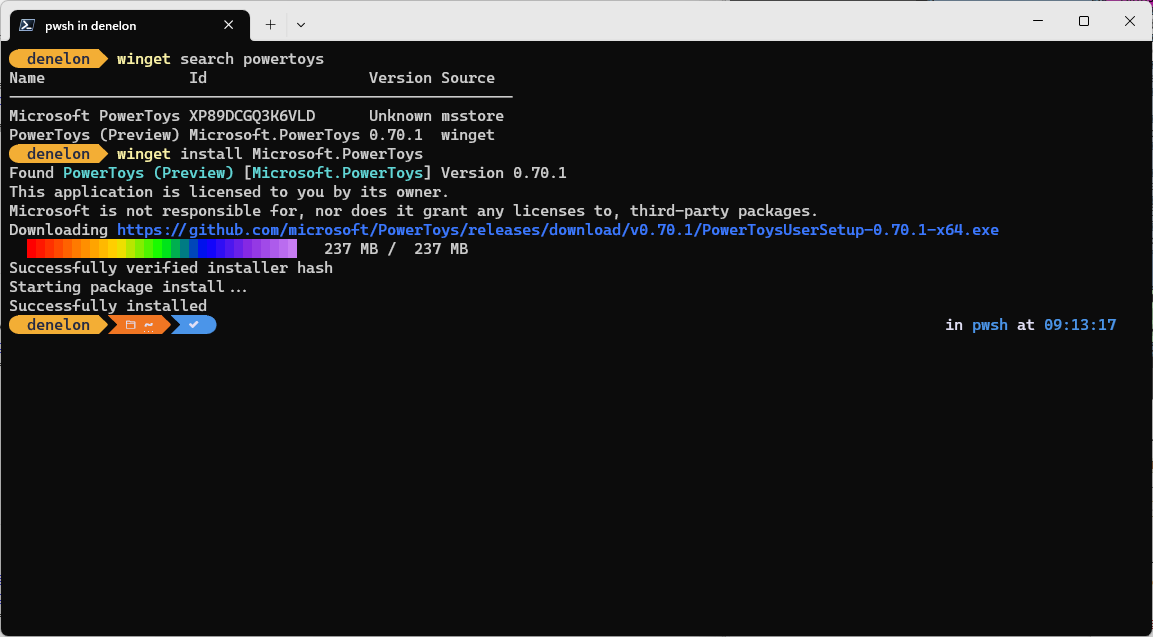
WinGet is the Windows Package Manager. This project includes a CLI (Command Line Interface), PowerShell modules, and a COM (Component Object Model) API (Application Programming Interface).
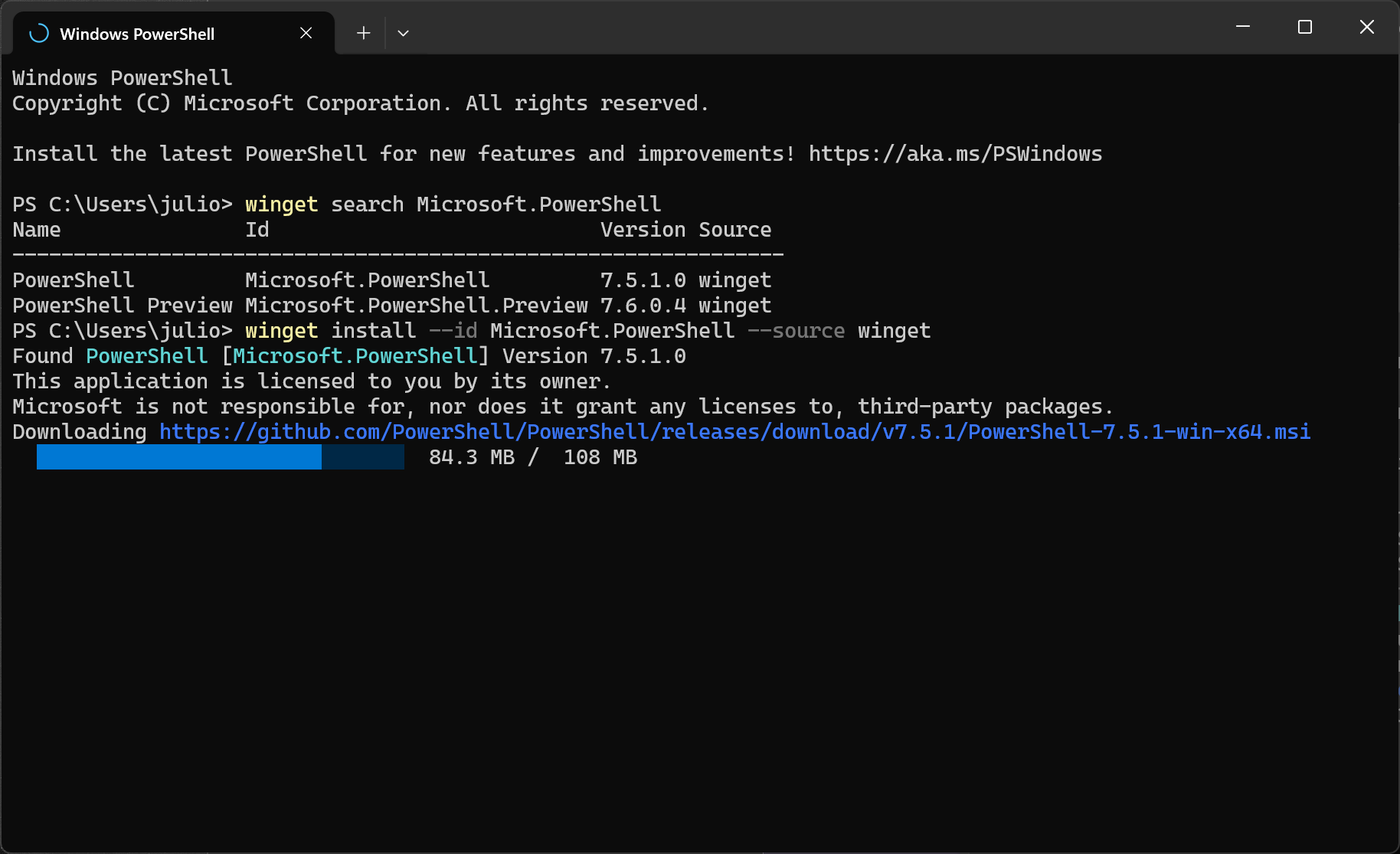
What exactly is WinGet and where does it come from?
WinGet is Microsoft's official, open-source Windows Package Manager, included in modern versions of Windows 10 and Windows 11 via the App Installer. Think of it as apt or yum for Windows – it lets you perform everything from searching and installing to upgrading and uninstalling software through simple command-line instructions.
Can I script WinGet installations and updates?
Yes – one of WinGet's strongest features is scripting. You can run winget install or winget upgrade with multiple package names in a single command, and include silent install switches (--silent, -h) to automate the process. Many users combine this with tools like Windows Task Scheduler or config management systems for fully automated setups.
Can WinGet install Microsoft Store apps, and how?
Yes. Since version 1.8, WinGet supports installing apps from the Microsoft Store using the -s msstore source. You can also use winget download to fetch store apps offline for deployment later.
Is WinGet secure and enterprise-ready?
WinGet uses SmartScreen, static analysis, SHA-256 hash validation, and digital signing checks to ensure a high level of trust in downloaded packages. It also supports custom or private repositories, making it suitable for internal enterprise deployments.
How do I perform system-wide installs for all users?
WinGet supports machine-wide installations with either --global or -g. This installs software for every user on the computer – but requires administrator privileges.
Features
- HTTP Proxy support
- WinGet Configuration Mixed Elevation Mode support via COM
- WinGet Package Icon support via COM
- PowerShell Modules work on ARM64
- Control Characters shouldn't be allowed in user generated content
- Downloading MSStore packages
- Extracting archives using tar.exe
- V2 Index
What's New
New Feature: Source Priority
With this feature, one can assign a numerical priority to sources when added or later through the source edit command. Sources with higher priority are sorted first in the list of sources, which results in them getting put first in the results if other things are equal.
Beyond the ability to slightly affect the result ordering, commands that primarily target available packages (largely install) will now prefer to use a single result from a source with higher priority rather than prompting for disambiguation from the user. Said another way, if multiple sources return results but only one of those sources has the highest priority value (and it returned only one result) then that package will be used rather than giving a "multiple packages were found" error. This has been applied to both winget CLI and PowerShell module commands.
Bug Fixes
- winget export now works when the destination path is a hidden file
- Fixed the useLatest property in the DSC v3 Microsoft.WinGet/Package resource schema to emit a boolean default (false) instead of the incorrect string "false".
- SignFile in WinGetSourceCreator now supports an optional RFC 3161 timestamp server via the new TimestampServer property on the Signature model. When set, signtool.exe is called with /tr
/td sha256, embedding a countersignature timestamp so that signed packages remain valid after the signing certificate expires. - File and directory paths passed to signtool.exe and makeappx.exe are now quoted, fixing failures when paths contain spaces.
- DSC export now correctly exports WinGet Admin Settings
- winget validate now performs case-insensitive comparison for file extensions where applicable
- winget source reset now properly resets default sources instead of removing them
- DSC v3 Microsoft.WinGet/Package resource now honors the installMode property to use silent or interactive installer switches as specified
- Fixed a crash (0x8000ffff) when using --disable-interactivity with the Resume experimental feature enabled during install operations.
What's Changed
- [1.29] Fix crash with --disable-interactivity and EFResume by @Trenly in #6303
- Fix configuration elevation validation for standard flow (1.29) by @JohnMcPMS in #6318

