

LibreCAD is a feature-packed and mature 2D-CAD application. Support and documentation are free from our large, dedicated community of users, contributors and developers. Most of the interface and handle concepts are analogous to AutoCAD, making it easier to use for users with experience in this type of commercial CAD application.
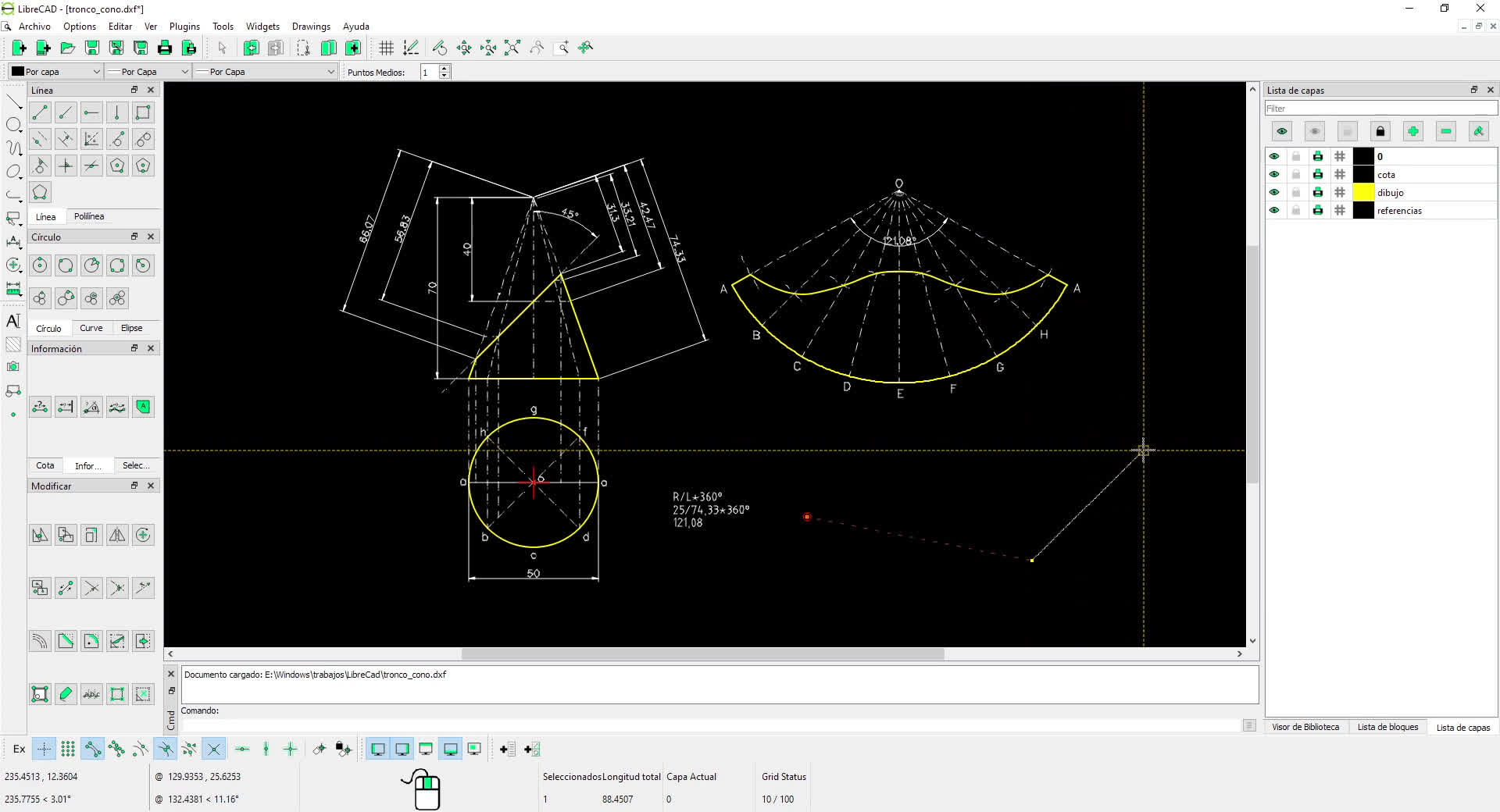
LibreCAD is available in over 30 languages. It uses the AutoCAD DXF file format internally for import and save files, as well as allowing export to many other file formats.
Is LibreCAD free to use?
Yes. LibreCAD is completely free and open source, with no licensing fees or feature restrictions.
Does LibreCAD support AutoCAD files?
LibreCAD works primarily with DXF files, which are widely supported by AutoCAD. However, LibreCAD does not fully support DWG files, AutoCAD's proprietary format. To open DWG files, users typically need to convert them to DXF first using AutoCAD itself or third-party conversion tools.
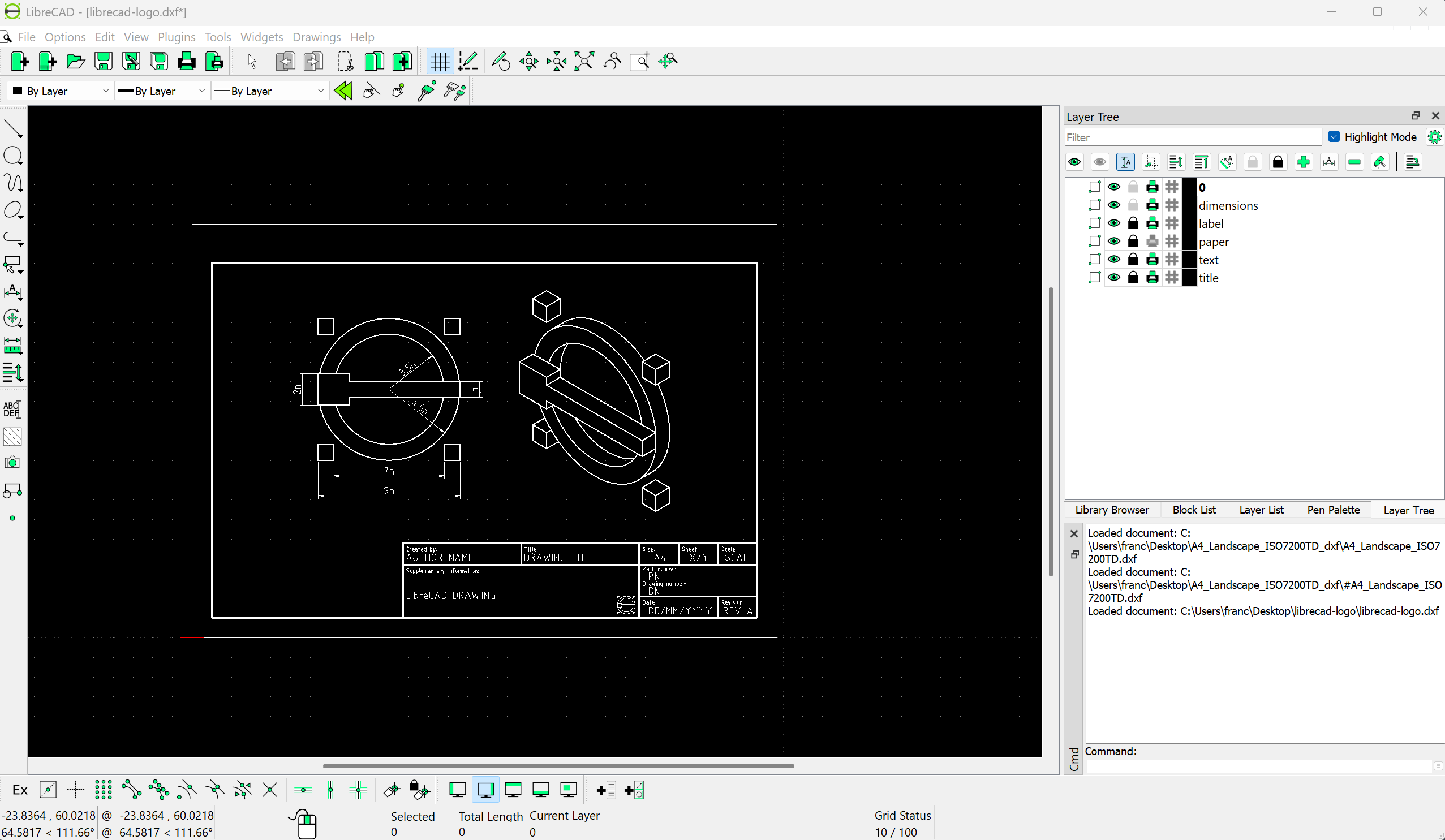
Is LibreCAD suitable for professional work?
For 2D drafting tasks like architectural plans, technical drawings, and schematics, LibreCAD can be perfectly suitable, especially for small studios or independent users.
Does LibreCAD support 3D modeling?
No. LibreCAD is strictly a 2D CAD application and does not offer 3D modeling features. FreeCAD, which is also free, is one of the most popular open-source 3D CAD programs. It's great for engineering, product design, and parametric modeling.
Is LibreCAD suitable for beginners?
LibreCAD has a relatively gentle learning curve for users familiar with basic CAD concepts, its interface is very simple and functional.
Features
LibreCAD is a feature-packed and mature 2D-CAD application with some really great advantages:
Completely and Utterly Free
No worries about trials, subscriptions, license costs or annual fees.
Open Source and GPLv2
Developed by an experienced team and supported by an awesome community, LibreCAD is also free to hack and copy.
No Language Barriers
It's available in over 30 languages with cross-platform support for macOS, Windows, and Linux.
A Little History
LibreCAD started as a project to build CAM capabilities into the community version of QCad for use with a Mechmate CNC router. Since QCad CE was built around the outdated Qt3 library, it had to be ported to Qt4 before additional enhancements. This gave rise to CADuntu. The project was known as CADuntu only for a couple of months before the community decided that the name was inappropriate. After some discussion within the community and research on existing names, CADuntu was renamed to LibreCAD.
Porting the rendering engine to Qt4 proved to be a large task, so LibreCAD initially still depended on the Qt3 support library. The Qt4 porting was completed eventually during the development of 2.0.0 series, thanks to our master developer Rallaz, and LibreCAD has become Qt3 free except in the 1.0.0 series. Meanwhile, for LibreCAD 2.2.0 series, Qt5 is mandatory.
What's New
- Issue #2501: update translations by @dxli in #2502
- 2.2.1: update translations by @dxli in #2512
- 2.2.1 fixes by @dxli in #2525
- 2.2.1 Translations by @dxli in #2531
- Add crash handler by @dxli in #2542
- CI: 2.2.1.5 preparation by @dxli in #2544
