

Google Play Store is the official marketplace for Android apps and games. It lets you discover and install software, manage app updates, review subscriptions and purchases, join beta programs, and access security tools such as Google Play Protect.
Google Play handles app updates, security checks, and compatibility behind the scenes, making sure software installs smoothly and stays up to date. Operated by Google, the Play Store is an essential system component rather than just a storefront – one that most users rely on daily without ever having to think about it.
How do I install the Google Play Store APK on my Android device?
To install the APK, users need to enable "Install from unknown sources" or use the phone's file manager or browser to initiate installation after downloading. On newer Android versions, permissions may need to be granted per app (like Chrome or Files). It's also important to install the correct version based on your Android version and CPU architecture.
What's the difference between the Google Play Store vs Google Play Services?
Google Play Store is the app marketplace and update manager that users interact with directly. Google Play services is a separate background system component used by Android apps for functions such as Google account authentication, notifications, location services, device security, and synchronization. Updating or installing the Play Store does not replace Google Play services.
What is a Google Play Store APK and why would someone want to install it manually?
A Google Play Store APK is the installation file for Google's official Android app marketplace. Users may install it manually when the Play Store is outdated, damaged, missing, or unable to update normally. This is common on devices that come without Google services, such as some tablets or phones from China, or after a custom ROM installation.
Why doesn't the Google Play Store work even after installing the APK?
Installing the Play Store APK may not be enough because it depends on components such as Google Play services, Google Services Framework, and Google account services. If these components are missing or incompatible, the Play Store may crash or fail to open. Users often need to install a compatible bundle of Google apps, known as a GApps package, to get full functionality.
Can I downgrade the Google Play Store by installing an older APK?
Yes, many users do this to avoid bugs introduced in newer versions. However, the Play Store will usually auto-update to the latest version unless updates are disabled. Downgrading may require uninstalling updates via system settings first, and success may vary based on Android version and device restrictions.
Features

Download apps and games
Browse Android apps and games by category, search for specific titles, view screenshots and ratings, and check compatibility before installing.
Manage app updates
Update individual apps manually, install all pending updates at once, or configure automatic updates based on your network preferences.
Review security information
Google Play Protect scans apps for potentially harmful behavior and can warn you about, disable, or remove unsafe software. App listings may also include permissions, content ratings, and Data safety information supplied by developers.
Manage purchases and subscriptions
Review installed apps, subscriptions, payment methods, purchase history, Play balance, and family-related settings from your Google account.
Discover new and upcoming apps
Pre-register for upcoming releases, join supported beta programs, follow personalized recommendations, and find apps that are compatible with your devices.
Access books and audiobooks
Google Play also provides access to eBooks and audiobooks through Google Play Books. Movies and television purchases are now handled primarily through Google TV rather than the Play Store's older Movies & TV interface.
What's New
Google Play Store v53.5
- [Phone] With this update, AI-generated images in India will now include an AI label, with some exceptions.
- [Phone] You can now find your global influence, including total views and helpfulness votes on your reviews.
Google Play Store v53.4
- [Phone] You'll no longer find the "Users are saying" header above review paragraph summaries in the "Details Page Rating & Review" section.
Google Play Store v53.3
- [Wear] This update includes changes to the search results page.
- [Phone] You can add a pre-registered paid title to your wishlist once it's published.
Google Play Store v53.2
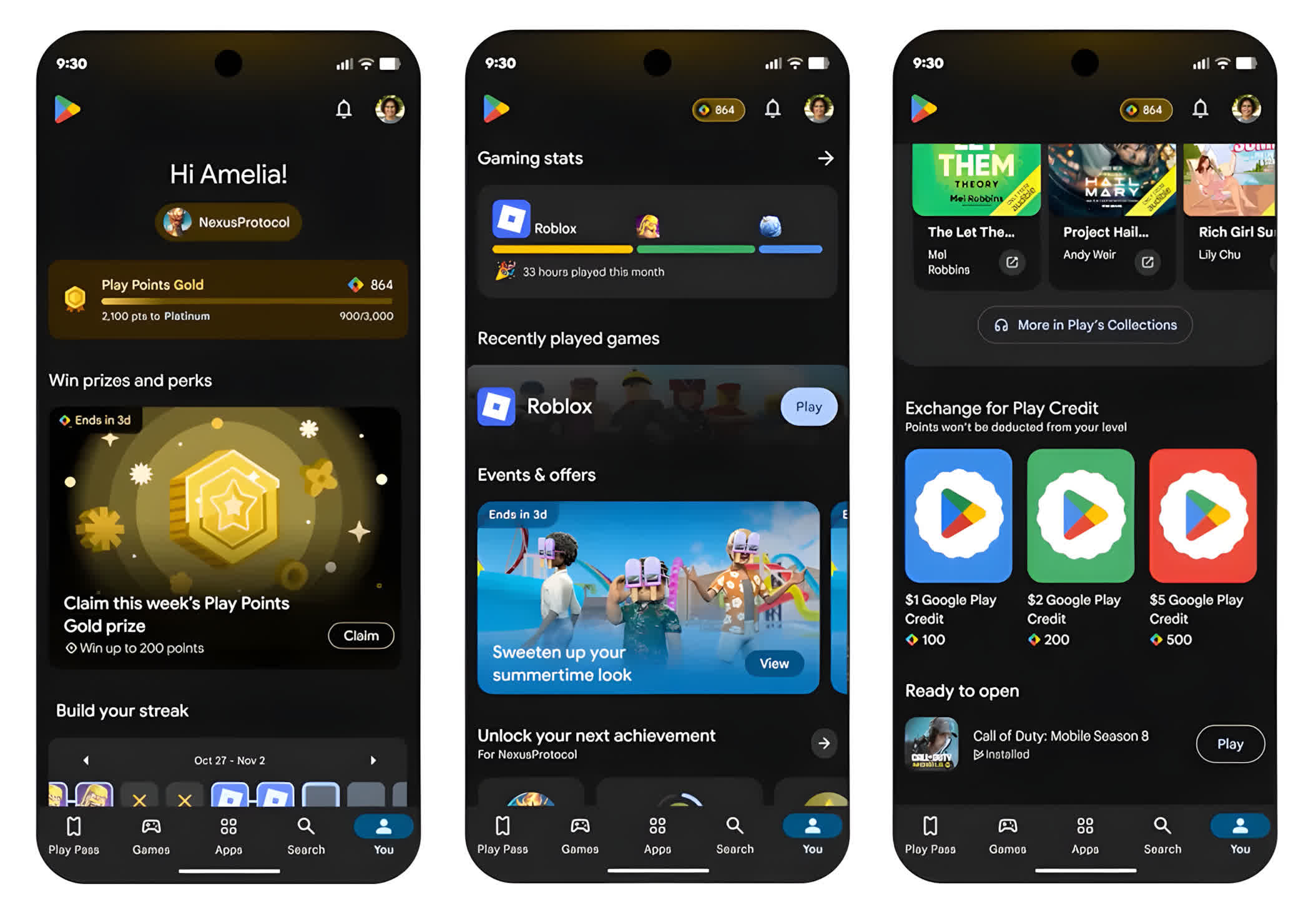
- [Phone] You can now use the Contribution Hub cluster on the "You" tab to submit ratings and reviews while you track the social impact of your contributions.
- [Phone] You can now select category specific Collections widgets.
Google Play Store v53.1
- [Phone] You can now find a short description that highlights a key feature in similar apps, in the similar apps section of the app details pages.
- [Phone] You can now find on what devices an app is installed when you browse recommendations on the other devices sub-navigation.
- [Phone] With a new navigation bar, you can explore more of your interests directly on Play home pages.
Google Play Store v53.0
- [Phone] You can now view subscription and monetization options directly within the Where to Watch experience.
- [Phone] With updates to Google Play search, you can easily discover books and comics directly from your search results.
- [Phone] With this change to the Play Store, you can now find apps and games related to the content in a photo.
- [Phone] You can now find trusted Creators in the Creator Edit cluster to help you discover better content recommendations in the Play Store.
Important: Some features may be experimental and available to certain users.
