

Kali Linux is an open-source, Debian-based Linux distribution geared towards various information security tasks, such as Penetration Testing, Security Research, Computer Forensics and Reverse Engineering.
Because Kali Linux is multi-platform, it gives you a strong, stable, known baseline to operate from regardless of where you use it: desktops, servers, virtual machines, live environments, cloud or containers.

Why is Kali Linux popular among hackers and IT security professionals?
Kali Linux is widely used in the cybersecurity community due to its focus on penetration testing, digital forensics, reverse engineering, and security research. It comes pre-installed with hundreds of tools tailored for ethical hacking. Its mainstream visibility was boosted by popular media like the TV series Mr. Robot, but its utility, reliability, and backing by Offensive Security are what make it a standard in the field.
How many tools does Kali Linux include?
Kali Linux includes over 600 pre-installed tools used for various aspects of cybersecurity. These tools cover everything from network scanning and traffic analysis to password cracking and web application testing. Some of the most well-known tools in Kali Linux are nmap for port scanning, Wireshark for packet analysis, John the Ripper for password cracking, Aircrack-ng for wireless network testing, and Burp Suite and OWASP ZAP for web application security assessments.
How secure is Kali Linux?
Kali Linux is developed with a strong emphasis on security and integrity. Only a small group of trusted developers can commit packages, and each package is signed to ensure authenticity. The distribution also uses a custom kernel that is patched for features such as packet injection, which is essential for wireless network assessments.
Is Kali Linux portable?
Kali Linux is highly portable. It can be installed directly onto a hard drive for regular use, or it can be run in live mode from a USB or CD without installation. It also supports virtualized environments such as VirtualBox and VMware, allowing users to run it within other operating systems. In addition, Kali Linux can be used on Arm-based devices like the Raspberry Pi, through the Windows Subsystem for Linux (WSL), or in cloud environments such as AWS and Azure.
What Linux distribution is Kali Linux based on?
Kali Linux is based on Debian Testing. This foundation gives Kali Linux a stable and widely supported base while allowing it to include newer tools and packages optimized for security research.
What version of Kali Linux should I download?
If you have a 64-bit system and want to install Kali permanently, the standard 64-bit ISO is recommended. For temporary use or testing, the live version allows you to run Kali without installation.
Virtual machine images are ideal for users who prefer to run Kali in a controlled environment, and Arm images are available for devices like the Raspberry Pi. For Android-based penetration testing, Kali NetHunter is the appropriate version. If you're using Windows 10 or 11, Kali Linux can also run through the Windows Subsystem for Linux.
Can I use Kali Linux as my daily OS?
While technically possible, using Kali Linux as a daily driver is generally discouraged. Kali is optimized for security testing, not for general-purpose computing. It may lack certain conveniences and stability found in mainstream distributions, and using it for everyday tasks could pose security risks if not properly managed.
What's New
Build-Scripts Refresh
Back in Kali 2026.2, we gave a sneak peek that we were working on our build-scripts. Well, here it is!
We have always made our build-scripts public. These are the same scripts we use to generate every official Kali image available from kali.org/get-kali. Building your own Kali image may sound scary, but it is not as hard as it looks (see the quick example below).
We've brought consistency to our build-scripts across platforms. Each one now has the same features, command-line arguments, structure and layout (where possible), and the same look and feel.
Would you rather build inside a container? That is now supported, with both Docker and Podman! Each refreshed build-script comes with build-in-container.sh, which detects which container engine you have, creates the build container, and then runs the build from within it. Previously, we had recommended building Kali on Kali, which caused a bit of a chicken-and-egg problem. We have also improved the documentation for building Kali on Debian-based systems.
These changes are still underway. We are sorry for any CI pipelines or workflows we have broken along the way. Hopefully, the breakage is now behind us.
KDE Plasma 6.7
KDE Plasma has been updated to 6.7, bringing a variety of workflow and performance improvements to the Kali desktop. One of the most interesting additions is per-screen virtual desktops, particularly handy for multi-monitor setups where you may want to keep terminals, browsers, Burp, or documentation separated without changing the workspace on every display. Moving around those desktops is also quicker from the Overview, while support for additional Wayland protocols and portals continues to improve the experience on modern Linux setups.
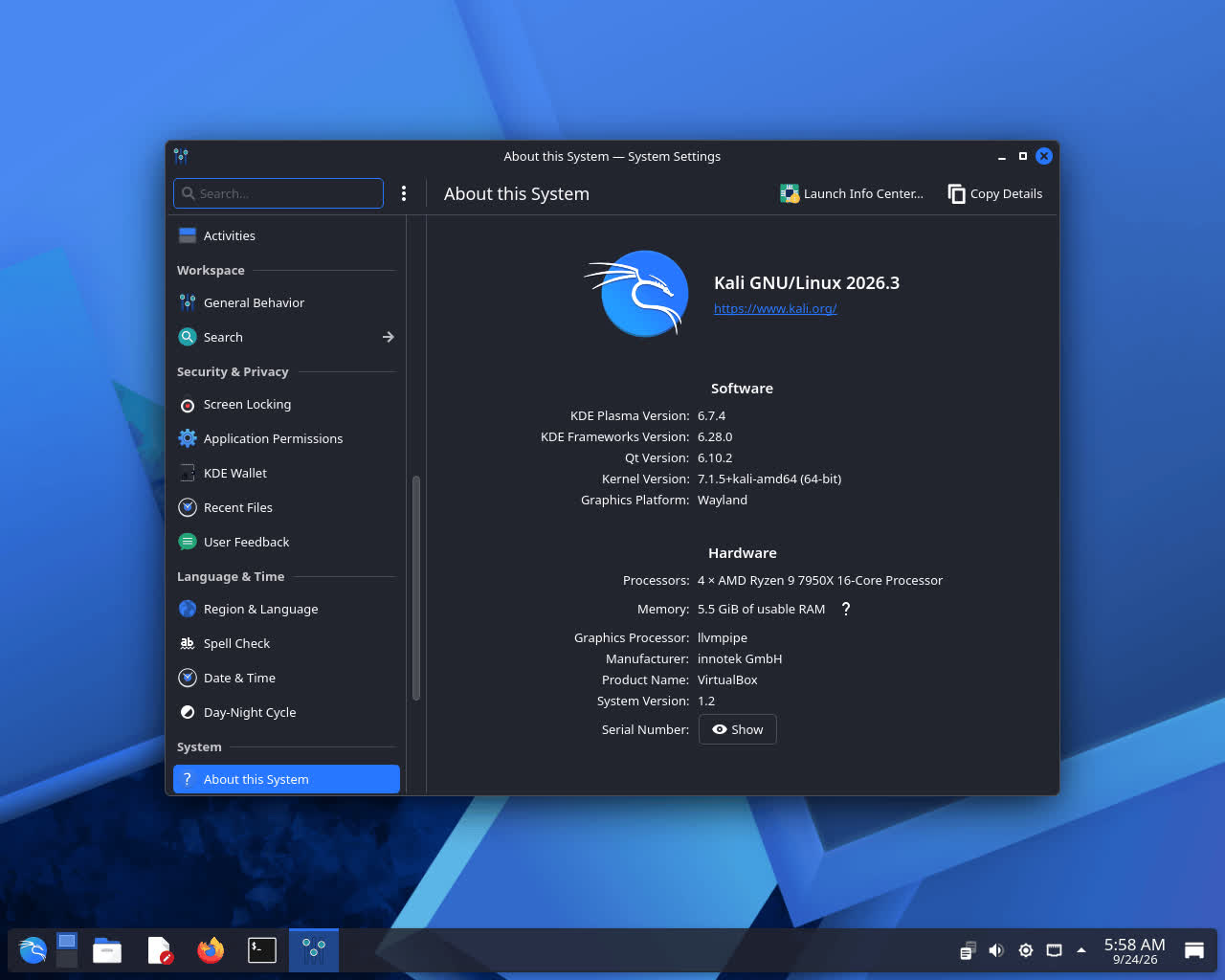
Plasma 6.7 includes performance and power-usage optimizations, especially for integrated Intel GPUs and workloads involving multiple full-screen windows. Network connections can now be duplicated, which can save some time when working with several similar network configurations, and System Monitor has received further refinements.
For the full list of changes, make sure to check out the official KDE Plasma 6.7 announcement.
New Icons
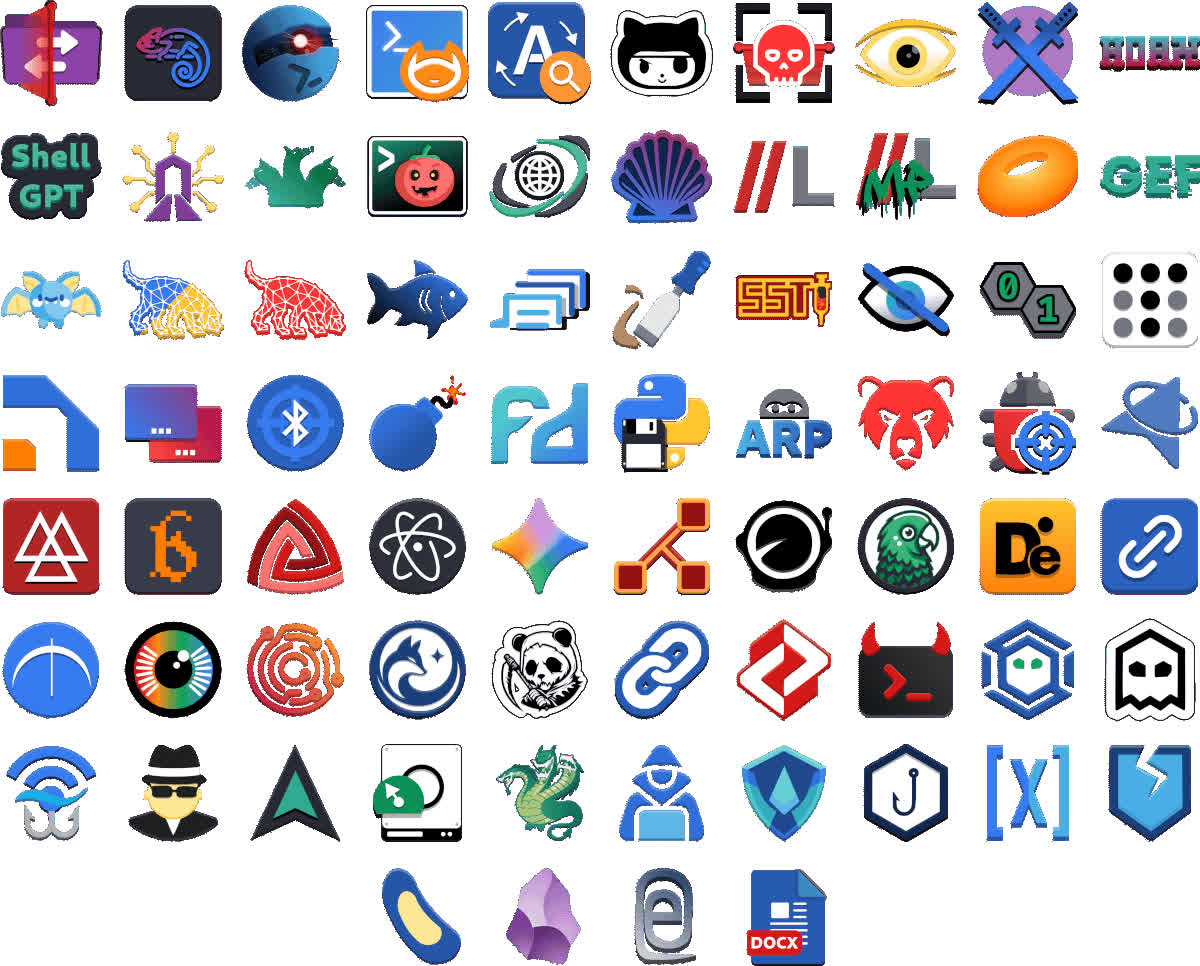
Updating icons is an ongoing process, but we took some time to review our progress, and we are happy with the results. We have added icons to tools that previously had none and updated existing icons to make them easier to recognize in the applications menu and on kali.org/tools. Here is a preview of some of them:
New Tools in Kali
What would a Kali release be without new tools? Here is a quick rundown of the new tools available in the network repositories:
- dalfox - Powerful open-source XSS scanner and utility focused on automation
- katana - Next-generation crawling and spidering framework
- qsreplace - Accept URLs on stdin, replace all query string values with a user-supplied value
- rustscan - Modern port scanner
- sdrangel - Qt-based SDR front-end for various devices
- snaffler-ng - SMB share credential and sensitive data scanner
The 2026.3 release includes 126 package updates, including an update to the Kali kernel from 6.19 to 7.1.5!
Misc
- TicWatch Pro 3 reboot is patched by @yesimxev
- Initial support for devices with no ramdisk
- The Bluetooth Arsenal airplane mode is now back! @MrR0b0X has also improved EvilTwin and Wardriving to make them easier to launch
- Custom commands now support Nexmon monitor mode, as well as wifite
- The crash triggered by the Kali NetHunter app's storage request has been fixed, along with other bug fixes and performance improvements
New Kernels
- Google Pixel on LineageOS 22.2 / Android 15 (@willuhm-js)
- Huawei P9 on EMUI8/LineageOS 16.0 (@apk0mix5900)
- LG K20 Plus for Lineage OS 14.1 (@robnew1)
- Moto G Stylus 5G 2022 on LineageOS 23.2 (@TigerClips1)
- Nubia Z17 on LineageOS 22.2 (@luckyyyyyy)
- POCO X5 5G / Redmi Note 12 5G on crDroid 12 (@harifhaqim)
- Redmi Note 5 Pro on LineageOS 18.1 (@notatallnic189)
- Sony Xperia 10 V on LineageOS 23.2 (@Tom60chat)
- Ulefone Armor 34+ on Android 16 (@art0181)
Kali Linux 2026.2 Release (GNOME 50, KDE 6.6, Helper Scripts, APT Formats & VM Boot Tweaking)
It's the final week of Q2, and Kali Linux 2026.2 is here - right on schedule ;) We have been heads down since our last release, and we are ready to share what we have been working on. This release is a mix of desktop refreshes, infrastructure improvements, and quality-of-life changes that we think you will appreciate.
The summary of the changelog since the 2026.1 release from March is:
- Desktop Environments - Bump to GNOME 50 and KDE Plasma 6.6
- Helper Scripts Consistency - Consistency to our little launches at starting services
- APT Format - Goodbye sources.list, hello sources.list.d/kali.source
- VM Boot Optimisation - Smaller initrd + faster boot times = happy virtual machine users
- Reboot Warning - Heads-up, polkit and xrdp upgrades require a system reboot
- Kali Kernel Incoming - Staying with 6.19 for now, how to get 7.0 early
- Build Scripts Incoming - Heads-up with some changing on the way
- New Tools - As always, various new shiny packages have been added (9!)
GNOME 50
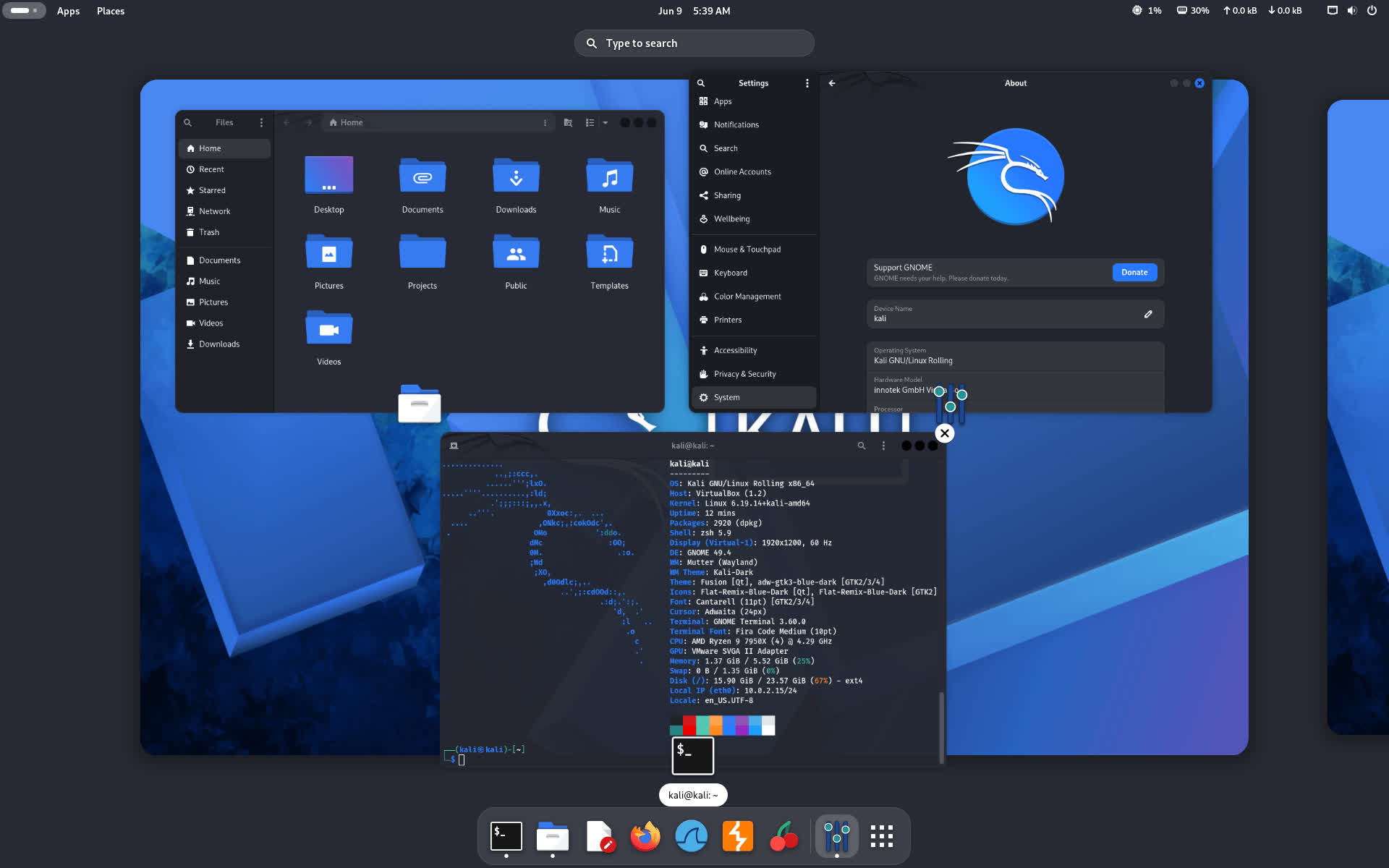
GNOME 50 brings usability and performance improvements across the desktop. The file manager received significant optimizations, resulting in faster thumbnail and icon loading, improved responsiveness, and reduced memory usage. The desktop also received new accessibility enhancements through a brand-new preferences window, tweaks to the screen reader, and automatic language switching.
Another addition is support for document annotations in the Document Viewer app, making it easier to add text notes and highlights directly to documents.
Here you can read more about all the changes with this new GNOME release: GNOME 50 release announcement.
KDE Plasma 6.6
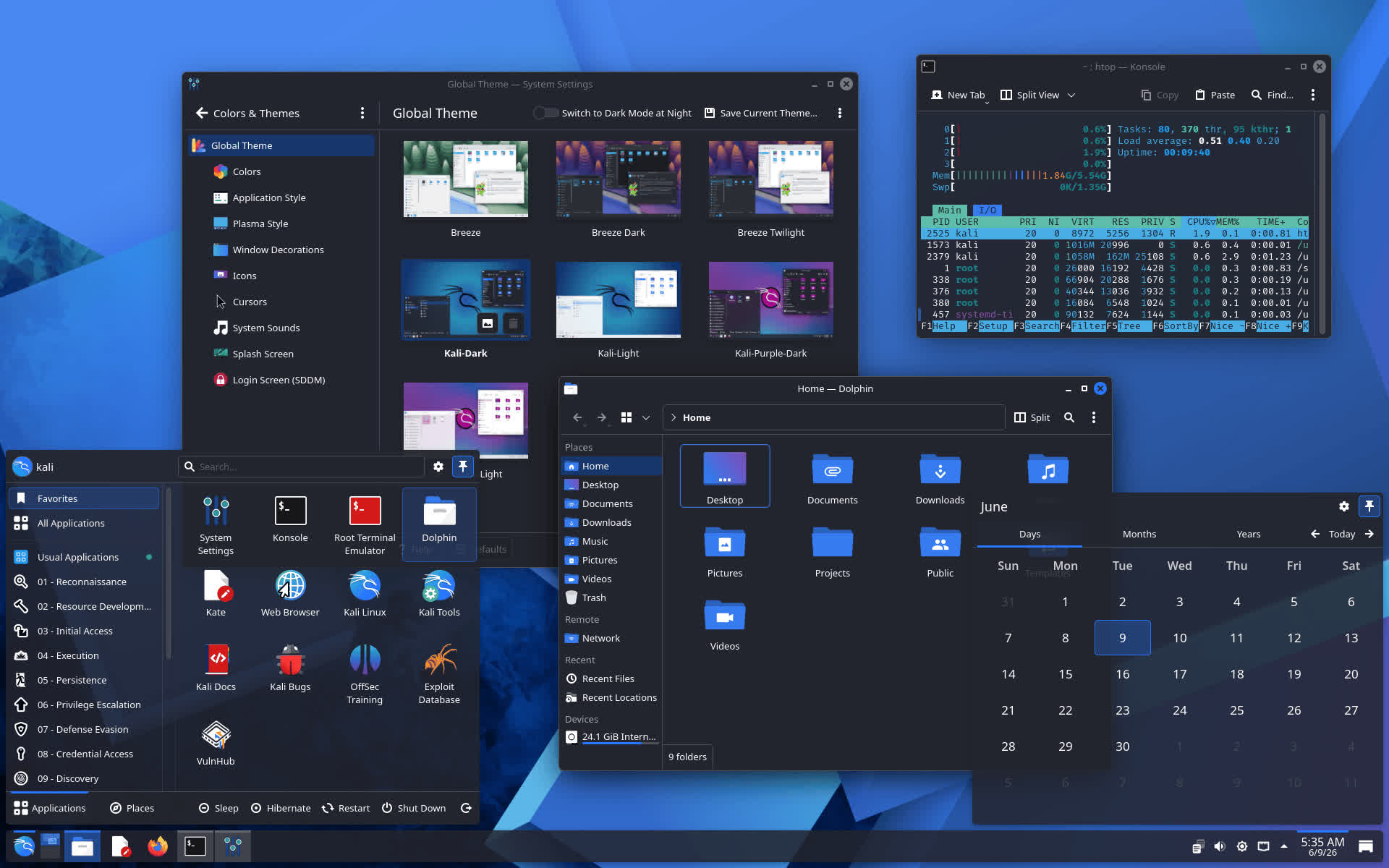
KDE Plasma 6.6 focuses on improving usability and accessibility while introducing several new features, including a new on-screen keyboard, providing a better experience particularly for touch-enabled devices.
The Spectacle screenshot utility can now recognize and extract text directly from screenshots, making OCR functionality available from the desktop. Accessibility has also been enhanced with new color-vision support options, improvements to Zoom and Magnifier, support for Slow Keys on Wayland, and adoption of the standardized Reduced Motion setting.
Here you can read more about all the changes with this new Plasma release: KDE Plasma 6.6 release announcement.
Improved Consistency For Services Helper Scripts
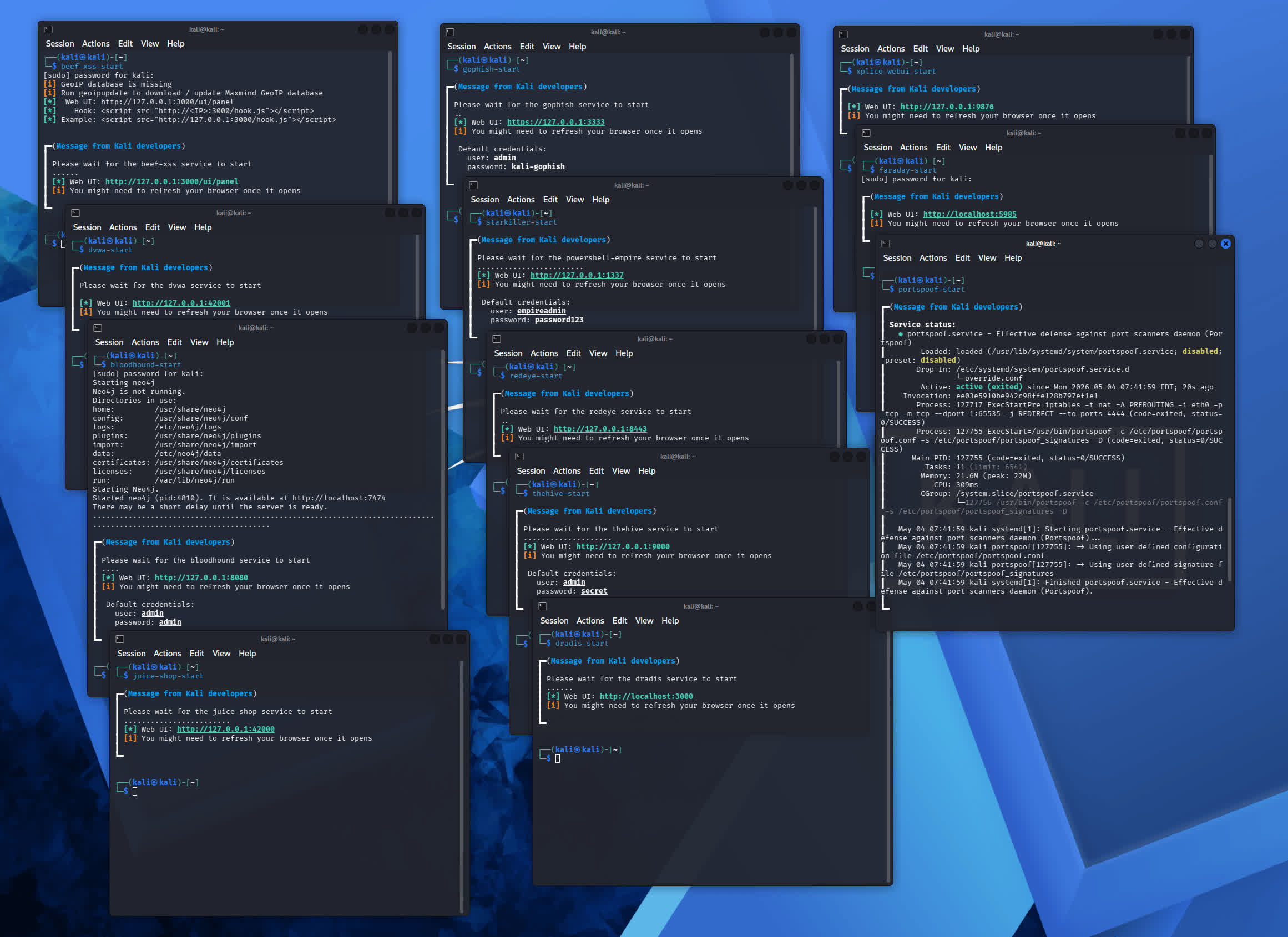
To improve consistency across tools that depend on a service, we have updated our helper scripts. Previously, a tool that required a service might only let you start it (with no way to stop) - and the information displayed back was inconsistent (mixture of service status, how to access, default credentials or nothing at all). With this change, multiple packages have been updated to use these new scripts, which now handle the following tasks:
- Manage the service - start/stop
- Check if the service is already running - avoiding starting it twice
- Show the service status
- Show any default credentials
- Show how to access it - such as if it's a web UI, the URL (and bonus, automatically open it in the browser!)
We also make sure that any Kali packages which include a service use
New Tools in Kali
This release brings 9 new tools (to the network repositories). As always, we have been busy adding to the arsenal:
- arsenal-ng - Go-based command library equipped with 200+ cybersecurity cheat-sheets
- hydra-gtk - [Re-added] Very fast network logon cracker - GTK+ based GUI
- legba - Multiprotocol credentials bruteforcer / password sprayer and enumerator
- oletools - Analyze MS OLE2 files and MS Office documents
- penelope - Powerful shell handler
- shell-gpt - Command-line productivity tool powered by AI large language models
- tailscale - Secure connectivity platform
- tookie-osint - OSINT information gathering tool for finding social media accounts
- uro - Declutter URLs for crawling/pentesting
Kali Linux 2026.1 Release (2026 Theme & BackTrack Mode)
New year, new release - Kali 2026.1 is here! There is everything from a fresh coat of paint to a nod to our roots, with normal ongoing improvements. Building on from December's 2025.4, the summary of the changelog:
- 2026 Theme Refresh - Our yearly theme refresh
- BackTrack Mode For Kali-Undercover - New mode celebrating BackTrack's 20th anniversary
- Kali's 13th Birthday Event - A little community event
- New Tools - 8 new programs
2026 Theme Refresh
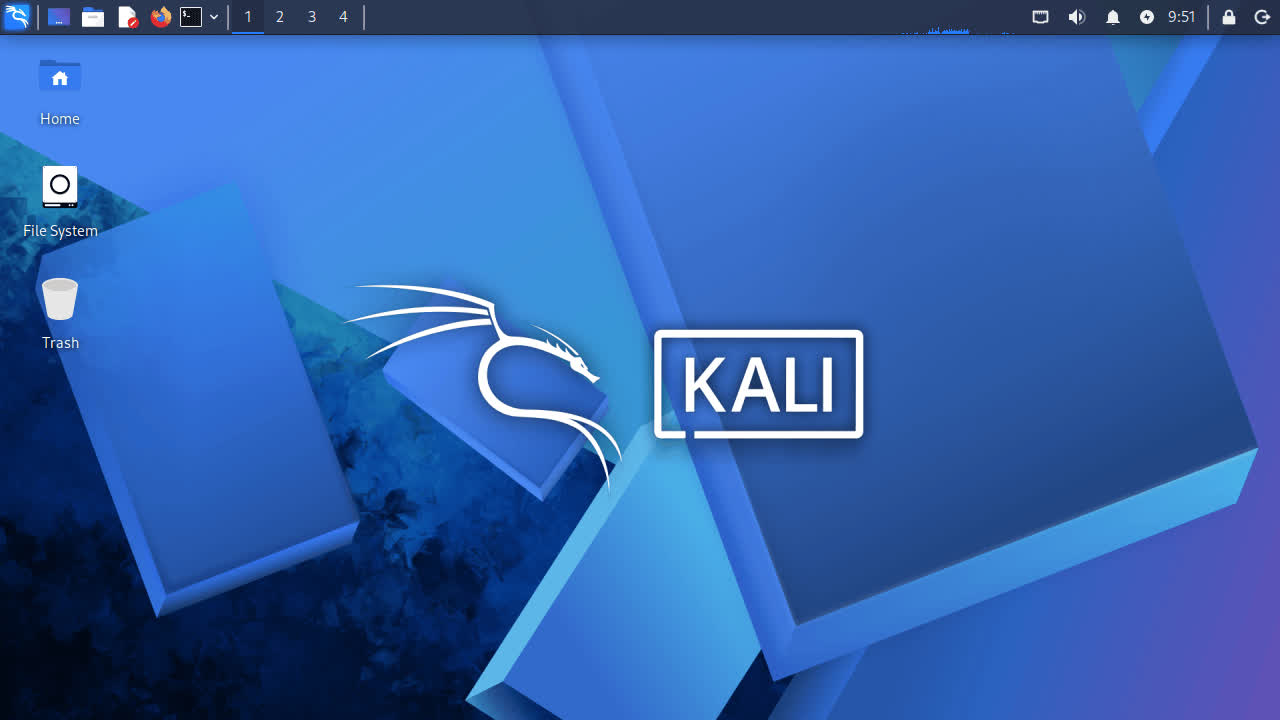
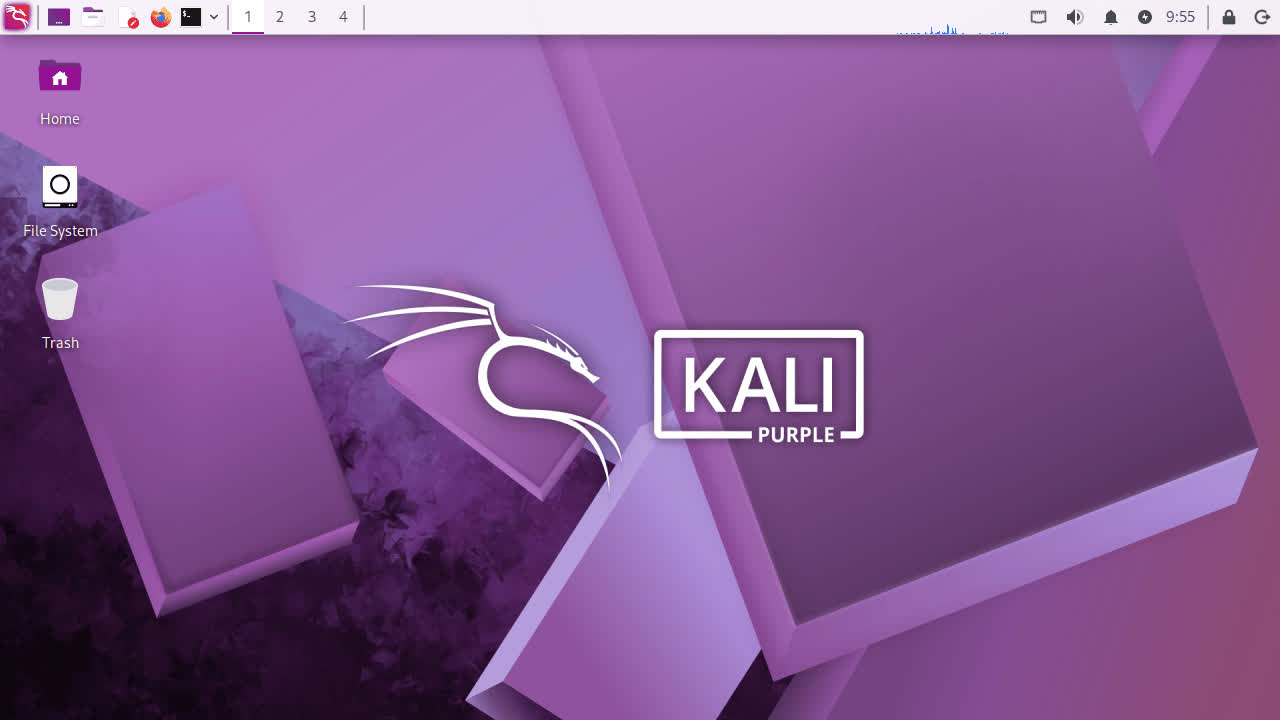
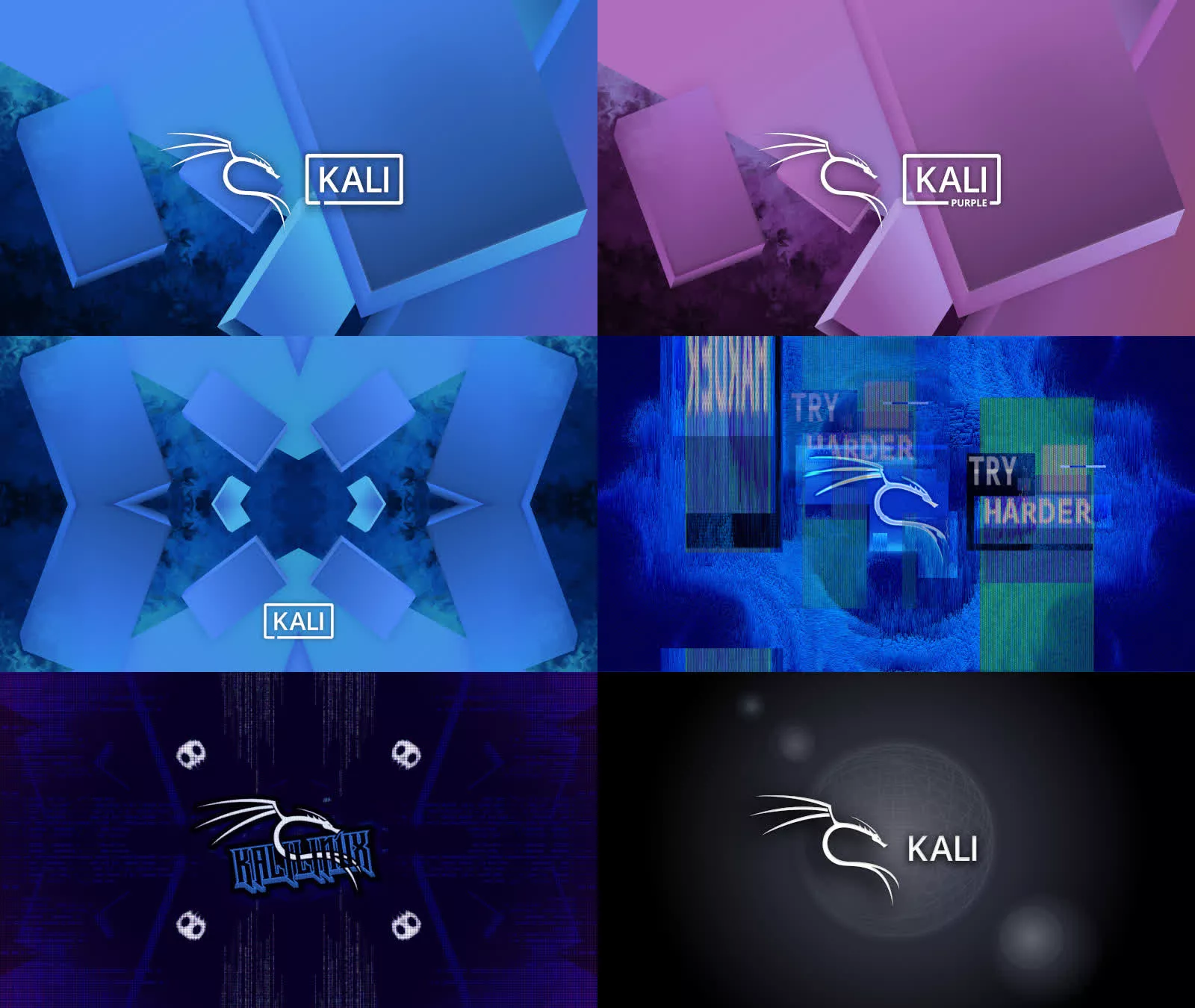
As with previous 20xx.1 releases, this major update brings our annual theme refresh, a long-standing tradition that keeps the Kali Linux interface as modern and innovative. This year's release unveils a brand-new theme from the moment you boot. Everything from the boot menu, installer to the login display, and a fresh set of desktop wallpapers.
Boot Animation
The changes to the boot animation are subtle, but now the animation is fixed for live images, where it used to get stuck at the beginning, showing only the tail. It will also restart the loop in case the boot process takes longer, making it look smoother.
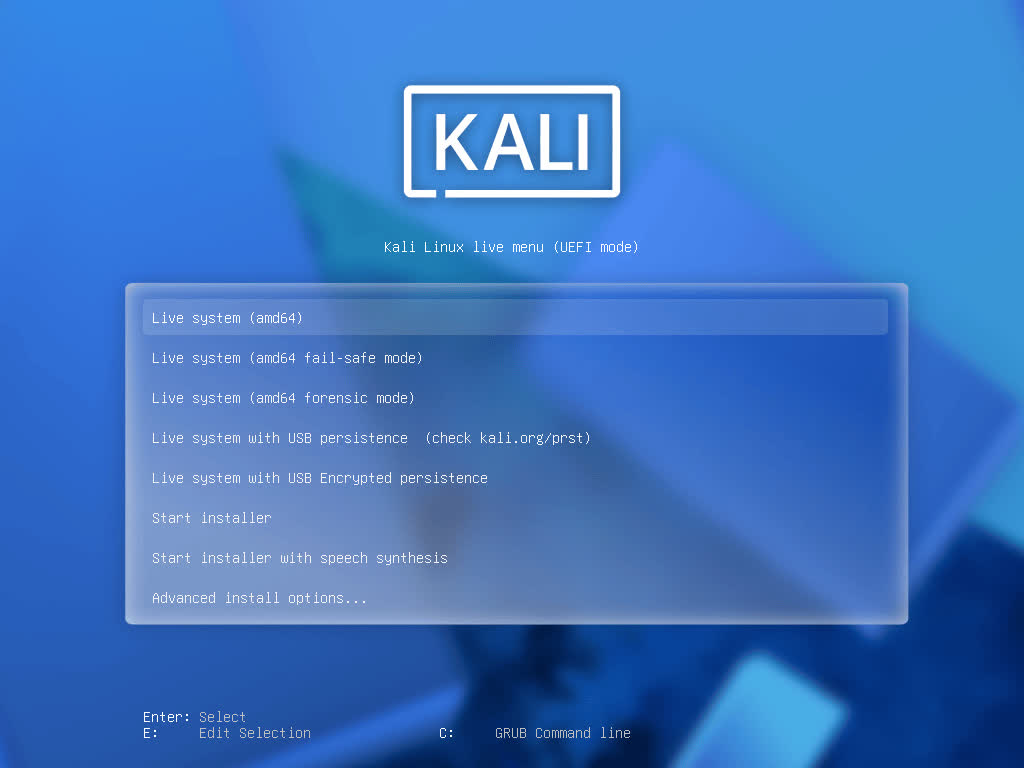
Graphical Installer
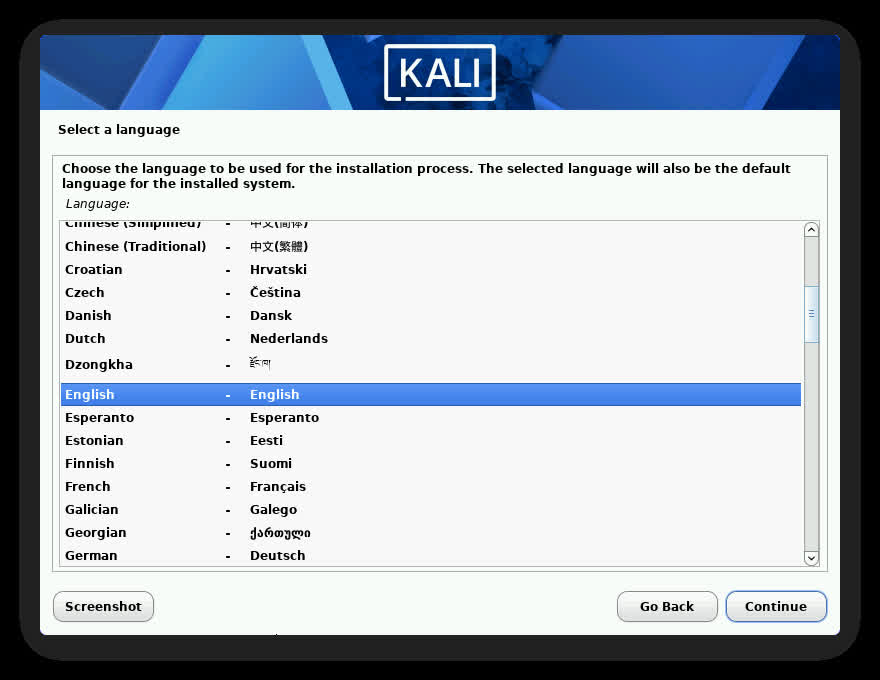
Login
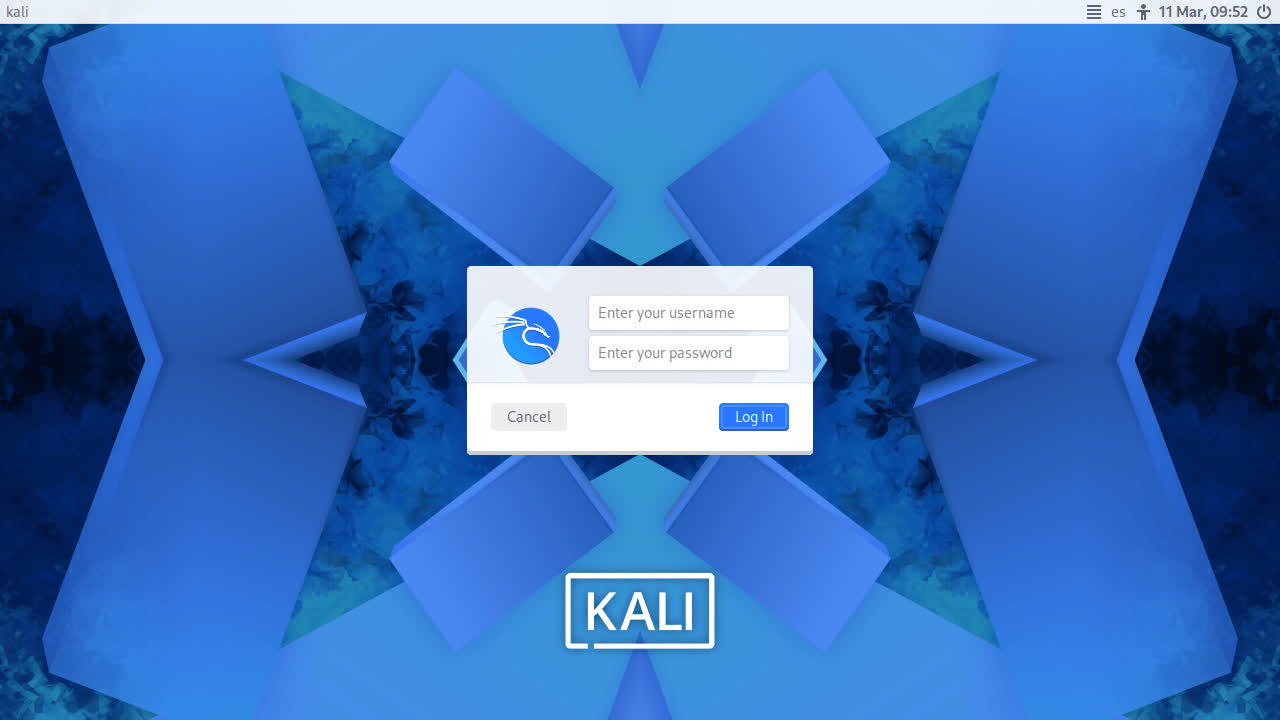
Desktop
Kali Purple Desktop
New Wallpapers
BackTrack Mode For Kali-Undercover
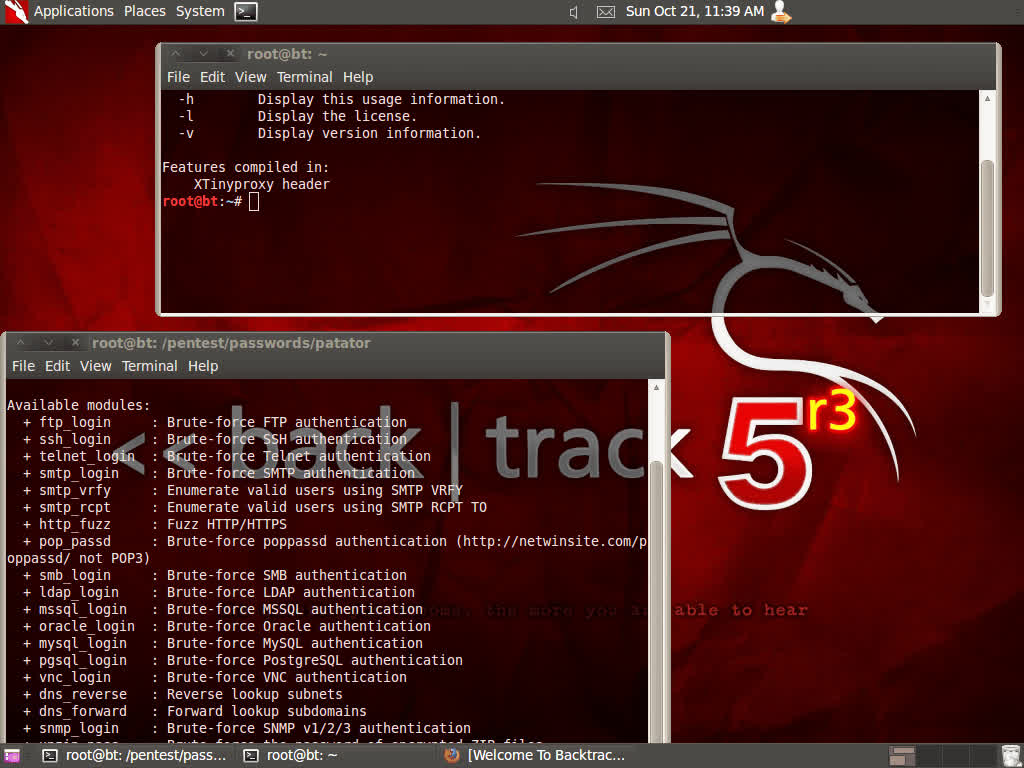
2026 marks the 20th anniversary of BackTrack Linux, the predecessor to Kali. To celebrate this milestone, we wanted to bring back some nostalgia for longtime users of this legendary cybersecurity distribution by adding a "BackTrack mode" to kali-undercover. This mode transforms the desktop to recreate the look and feel of BackTrack 5, with the same wallpaper, colors, and window themes.
You can run it directly from the menu or by running kali-undercover --backtrack in the terminal. You can switch back to the default Kali desktop (or not) by running it again.
Here is a screenshot of BackTrack 5, so you can compare it with our theme:
New Tools in Kali
It would not be a Kali release without some new tools! Here is a quick rundown of the 8 new tools which have been added (to the network repositories):
- AdaptixC2 - Extensible post-exploitation and adversarial emulation framework
- Atomic-Operator - Execute Atomic Red Team tests across multiple operating system environments
- Fluxion - Security auditing and social-engineering research tool
- GEF - Modern experience for GDB with advanced debugging capabilities
- MetasploitMCP - MCP server for Metasploit
- SSTImap - Automatic SSTI detection tool with interactive interface
- WPProbe - Fast WordPress plugin enumeration tool
- XSStrike - Advanced XSS scanner
There have been a total of 25 new packages, 9 removed, and 183 updates. On top of that, we also bump the Kali kernel to 6.18.

