

Visual Studio Code is a free, open-source code editor available on Windows, macOS, Linux, and even through a browser-based version. It's lightweight yet powerful, bridging the gap between a simple text editor and a full integrated IDE.
VS Code comes with built-in support for popular languages like JavaScript, TypeScript, and Node.js, while its extensive extension marketplace lets developers add tools for Python, Java, C++, Go, PHP, and many more.
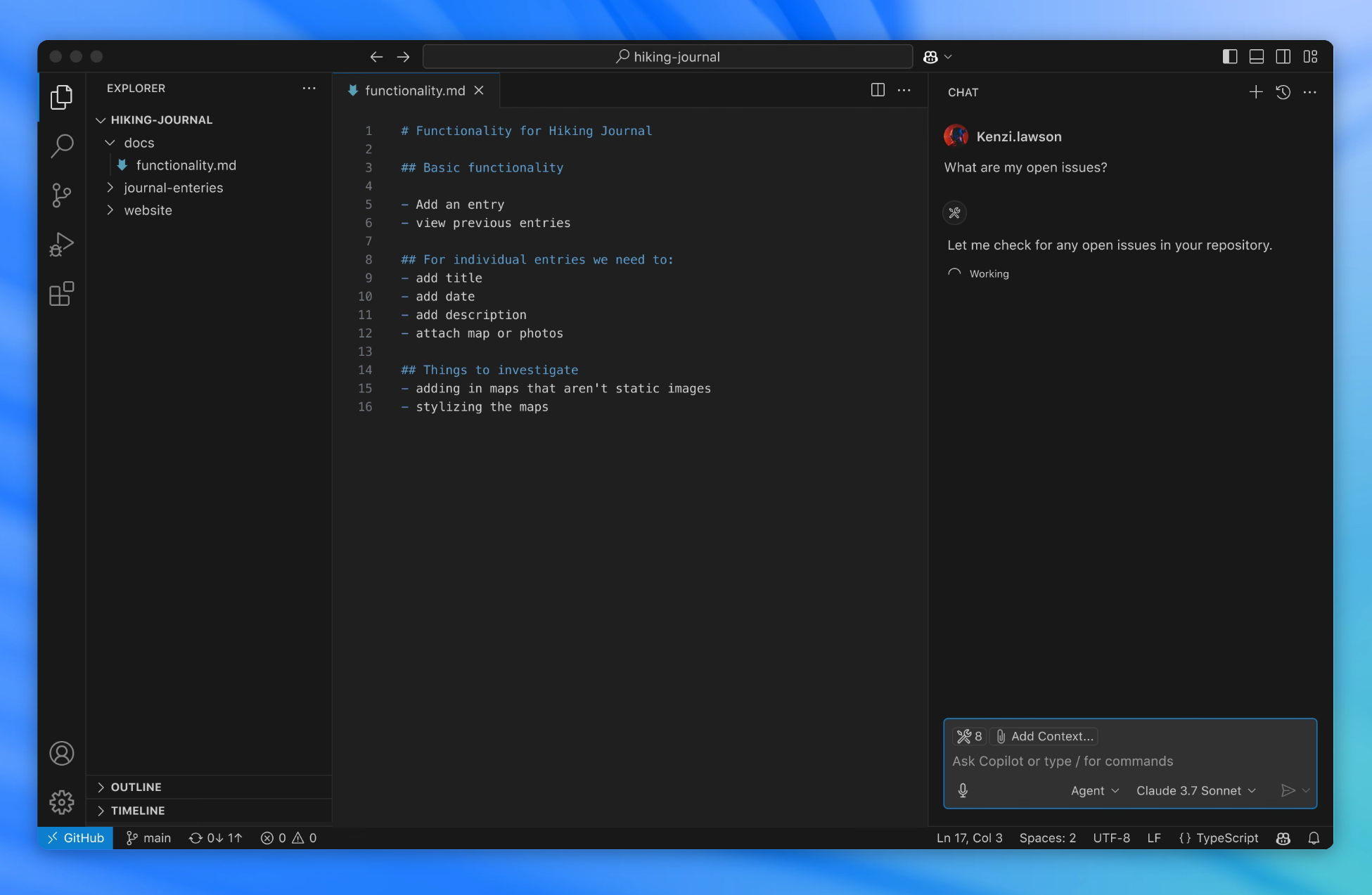
The editor features smart code completion (IntelliSense), debugging tools, integrated Git support, and customization options for themes, layouts, and keyboard shortcuts. Developers especially appreciate its fast performance, productivity features like multi-cursor editing, and a command palette that makes most actions accessible via keyboard. Its versatility and growing ecosystem have made VS Code one of the most popular editors for both beginners and experienced developers.
What is the difference between Visual Studio and Visual Studio Code?
Visual Studio Code is a streamlined code editor with support for development operations like debugging, task running, and version control. It aims to provide just the tools a developer needs for a quick code-build-debug cycle and leaves more complex workflows to Visual Studio. Visual Studio is a complete IDE out of the box: built-in support for project/solution management, GUI designers, integrated debugging & profiling, and tighter coupling with Microsoft tooling.
VS Code is lighter, more modular, relies heavily on extensions, and tends to have faster startup/less UI clutter. For front-end web, scripting, or mixed small tasks many prefer VS Code; for heavier desktop/.NET UI work, Visual Studio usually wins.
Why is VS Code so popular among developers?
VS Code strikes a balance between being lightweight and feature-rich. It launches quickly, has a clean interface, and offers powerful features like IntelliSense, debugging, Git integration, and an integrated terminal. Its extension marketplace allows developers to customize it for virtually any language or workflow, making it versatile for everything from quick scripts to large-scale projects.
Is Visual Studio Code free?
Yes, VS Code is free for individual users or for commercial use.
Can VS Code be used for team collaboration?
Yes, Visual Studio Code supports team collaboration through features like Live Share, which allows multiple developers to edit and debug code together in real time. It also integrates well with Git and other version control systems, making it easy to manage shared projects and track changes across a team.
How customizable is Visual Studio Code?
VS Code is highly customizable. Users can change themes, configure key bindings, adjust layouts, and tweak settings to match their workflow. The extension marketplace offers thousands of add-ons, ranging from language packs and debuggers to productivity tools and visual enhancements, allowing developers to tailor the editor to their exact needs.
Features
Meet IntelliSense
Go beyond syntax highlighting and autocomplete with IntelliSense, which provides smart completions based on variable types, function definitions, and imported modules.
Print statement debugging is a thing of the past
Debug code right from the editor. Launch or attach to your running apps and debug with break points, call stacks, and an interactive console.
Git commands built-in
Working with Git and other SCM providers has never been easier. Review diffs, stage files, and make commits right from the editor. Push and pull from any hosted SCM service.
Extensible and customizable
Want even more features? Install extensions to add new languages, themes, debuggers, and to connect to additional services. Extensions run in separate processes, ensuring they won't slow down your editor.
What's New
Welcome to the 1.138 release of Visual Studio Code. This release helps agents work in your project's development environment, gives Codex sessions more flexibility, and keeps completed sessions organized.
- Agent sessions in Dev Containers: Run agents with your project's tools and dependencies in a local Dev Container.
- Expanded Codex harness: Continue Codex sessions across apps, choose between Copilot and ChatGPT subscriptions, and use VS Code tools.
- Session cleanup (Preview): Automatically mark merged sessions as done and optionally delete them after a grace period.
These release notes were generated using GitHub Copilot and might contain inaccuracies.
Happy Coding!
If you'd like to read these release notes online, go to Updates on code.visualstudio.com.

