

Used by professional photographers, fine artists, designers, illustrators, and creative teams worldwide. Gigapixel AI was the first commercially available AI image upscaler, since 2019. Now as Topaz Gigapixel, the models are better than ever.
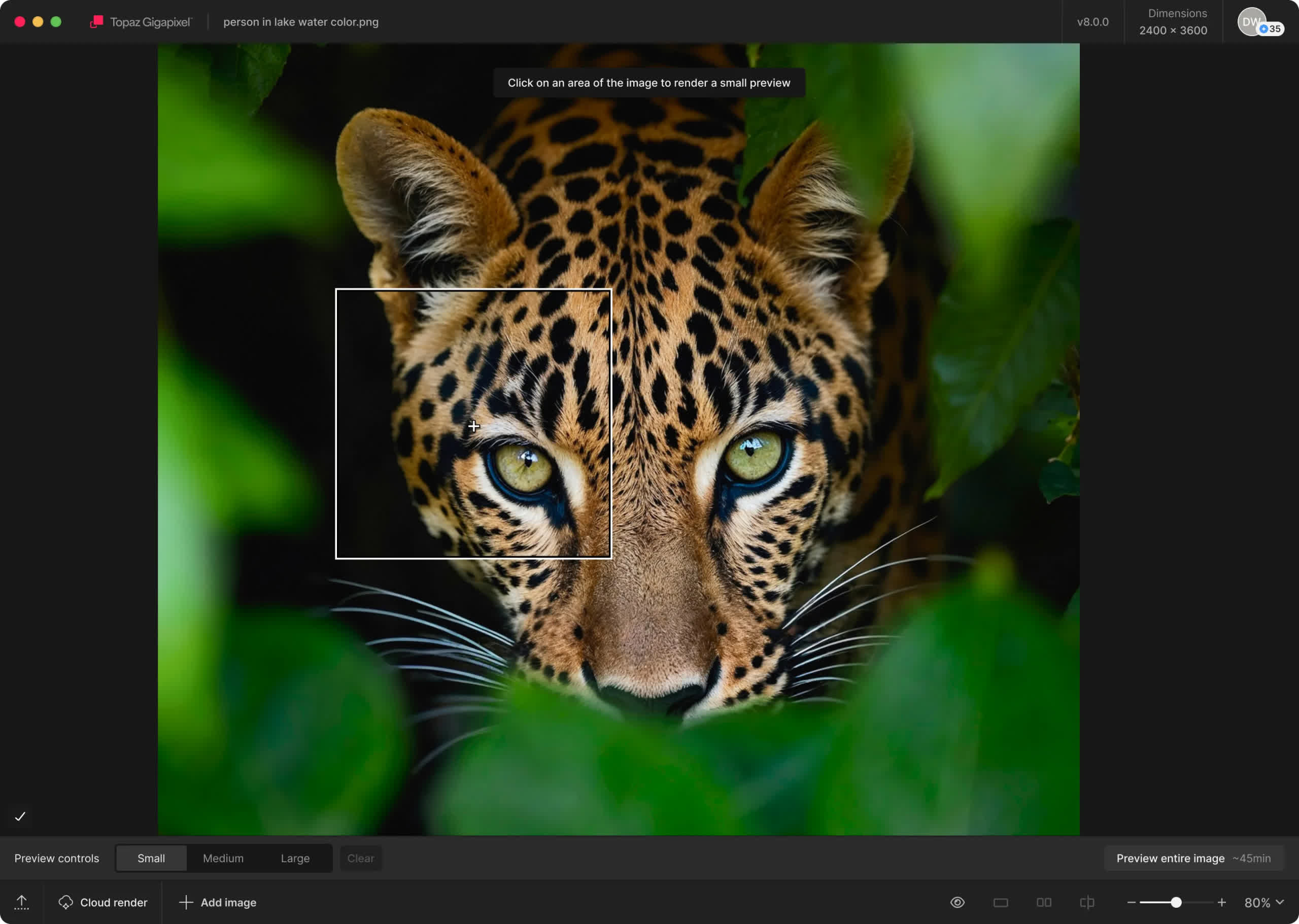
6x Lossless Zoom
Crop in on your subject without losing quality and while enhancing detail.
True-to-Input Details
Explore nine different AI models inside Topaz Gigapixel to make every image larger.
Use Before Every Print
From poster to billboard. Ensure every detail is crisp, defined, and bold.
Photogs, Artists & Designers
Every type of creative professional can benefit from running their images through Topaz Gigapixel.
Unlimited Local Rendering
Your files never leave your computer with local rendering. Perfect for pros handling confidential or proprietary material.
Unlimited Cloud Rendering
Take the pressure off your hardware with cloud rendering. You'll get the fastest processing times with the latest AI models. And it's all unlimited.
A Seamless Addition To Your Workflow
- Photoshop
- Lightroom Classic
- Desktop App
Use Topaz Gigapixel as a standalone app, or as a plugin to your favorite image editing software.
Note: Topaz Gigapixel is only compatible with PS CC 2020 and later

What's New
Changelog:
- Fixed Photoshop plugin not opening due to library conflict on Mac (v.1.3.6)
- Fixed certain JPG images loading gray
- Fixed face recovery settings not being passed to the engine correctly
- Fixed grain not processing during slider changes
- Fixed license files not respecting custom install directories on Windows
- Fixed Wonder 3.5 extraction not extracting all files on Mac
- Added block on running Neuroserver on Apple Silicon devices with under 16GB system memory
- Neuroserver requires 16GB or may freeze, which is why this block exists
- Updated the subscription information dialog to make it less confusing
- Updated EULA
Known issues:
- v1.3.5 macOS installer breaks Ps plugin (discovered after release)
Previous Release Notes:
- Fixed certain JPG images loading gray
- Fixed face recovery settings not being passed to the engine correctly
- Fixed grain not processing during slider changes
- Fixed license files not respecting custom install directories on Windows
- Fixed Wonder 3.5 extraction not extracting all files on Mac
- Added block on running Neuroserver on Apple Silicon devices with under 16GB system memory
- Neuroserver requires 16GB or may freeze, which is why this block exists
- Updated the subscription information dialog to make it less confusing
- Updated EULA
Wonder 3.5 is here
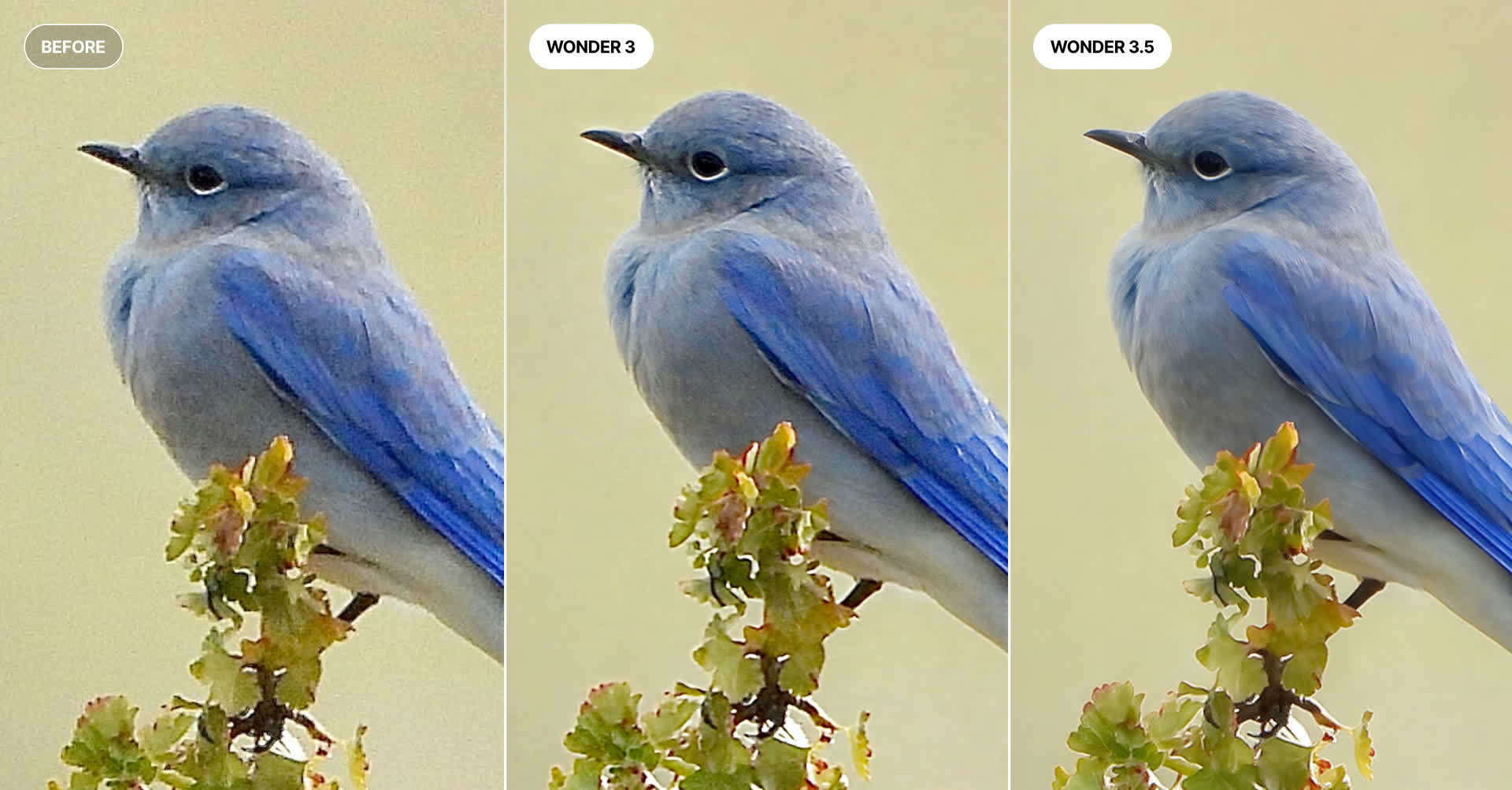
If you've been exploring our Wonder models, Version 3.5 is a straight upgrade - same tool, same speed, just better output.
Here's what changed:
Images come out crisper with more genuine detail, and that repetitive/patterned look you'd occasionally get is much less common now. Noisy source images also get handled more gracefully.
The real difference shows up when you're working with rough source material - think low-res or heavily compressed photos. 3.5 pushes harder to recover real detail and legible text from images that used to be tough cases. Tables, charts, and other structured content also come out sharper and more accurate than before.
Everything else you already do well - portraits, landscapes, wildlife, tricky textures – still holds up just as strong.
No new settings to learn, no speed penalty. It's a drop-in replacement that just performs better.
Watermark Available
Inside this update, we've now included the option to include watermarks on your enhanced images. You can toggle on/off this setting in the Preferences menu under Settings → Export. By default this toggle is off.
Changelog
- Added Wonder 3.5 which supports local and cloud
- Added ability to watermark images in export preferences (default off)
- Added support for adding and updating provenance metadata tags
- Fixed font display issue when app font was already installed as a different version
- Fixed rare memory allocation crash
