

Roblox Studio, available for both Windows and Mac, is the essential building tool for Roblox games. It's free to use and does not require you to purchase a license.
Roblox Studio is the building tool of Roblox that helps you to create the places of your dreams. It provides our Developers with a more comprehensive and intricate set of tools, which allows for a greater sense of control and creative expression.
Note: Once version 2026 is installed, it is not possible to revert to the previous 2025 version. Even if version 2026 is uninstalled and version 2025 is reinstalled, access to the 2025 version will not be restored.
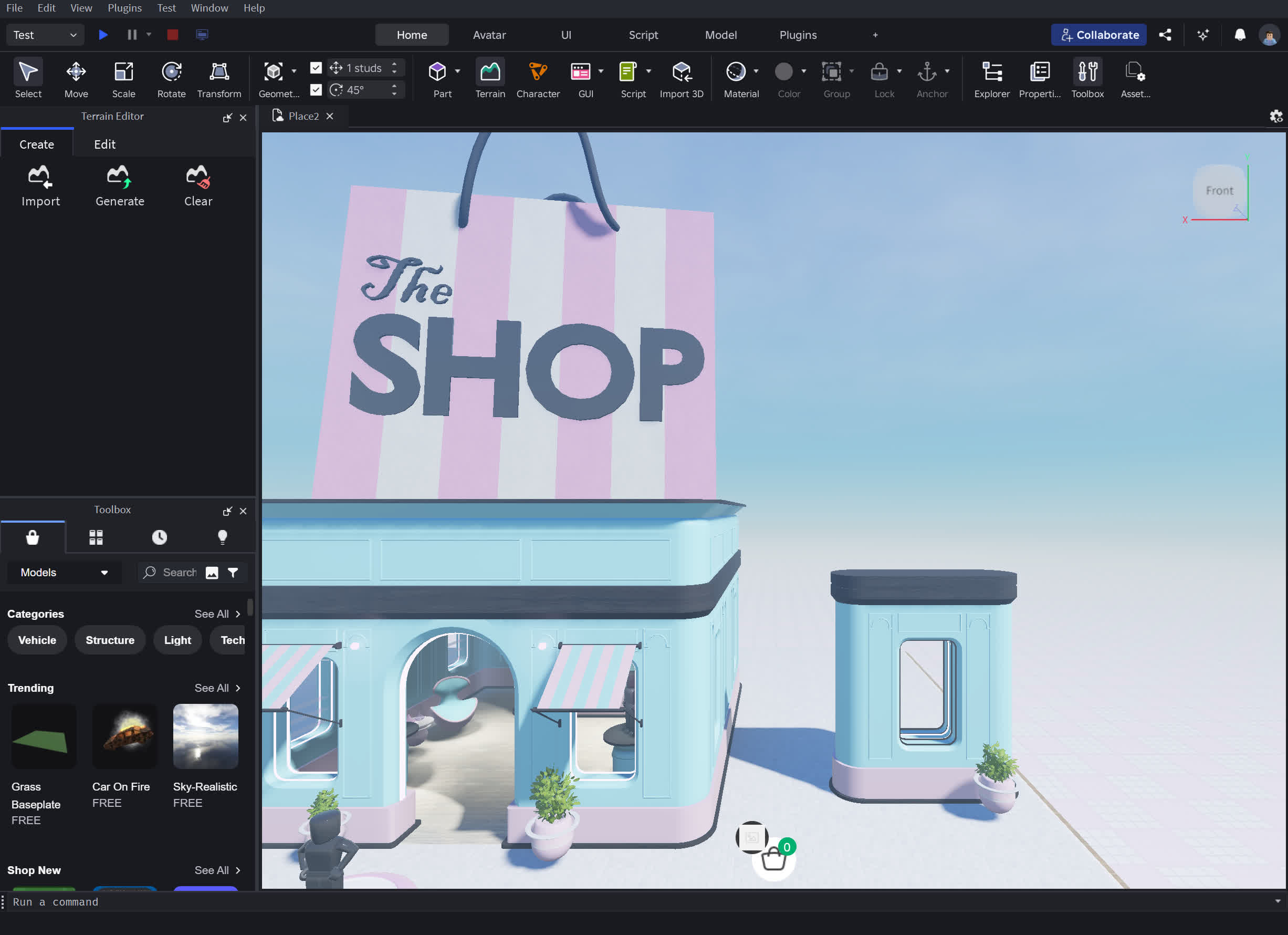
Roblox Studio's features are accessible to a variety of skill levels ranging from a novice to an experienced programmer. Tools range from simple manipulation of objects or terrain, to entering complex scripts and game functions. Studio also allows you to test your games in an isolated environment before uploading them to the Roblox website.
Do I need to know coding to use Roblox Studio?
No, you don't need to know coding to get started. Roblox Studio includes drag-and-drop building tools and premade templates. However, learning Lua scripting allows you to add advanced features, customize gameplay, and create more complex experiences.
Is Roblox Studio free to use?
Yes, Roblox Studio is completely free to download and use. Anyone with a Roblox account can access it, and you can publish games without paying any fees. Monetization is available through in-game purchases using Robux, Roblox's virtual currency.
Can I make money with Roblox Studio?
Yes, Developers can earn Robux through in-game purchases, game passes, and private servers. Robux can then be converted into real money through the Developer Exchange (DevEx) program, as long as you meet Roblox's eligibility requirements.
On which devices can I run Roblox Studio?
Roblox Studio is available for Windows and macOS computers. It is not currently supported on mobile devices or tablets, but games created in Studio can be played on Windows, Mac, iOS, Android, and Xbox.
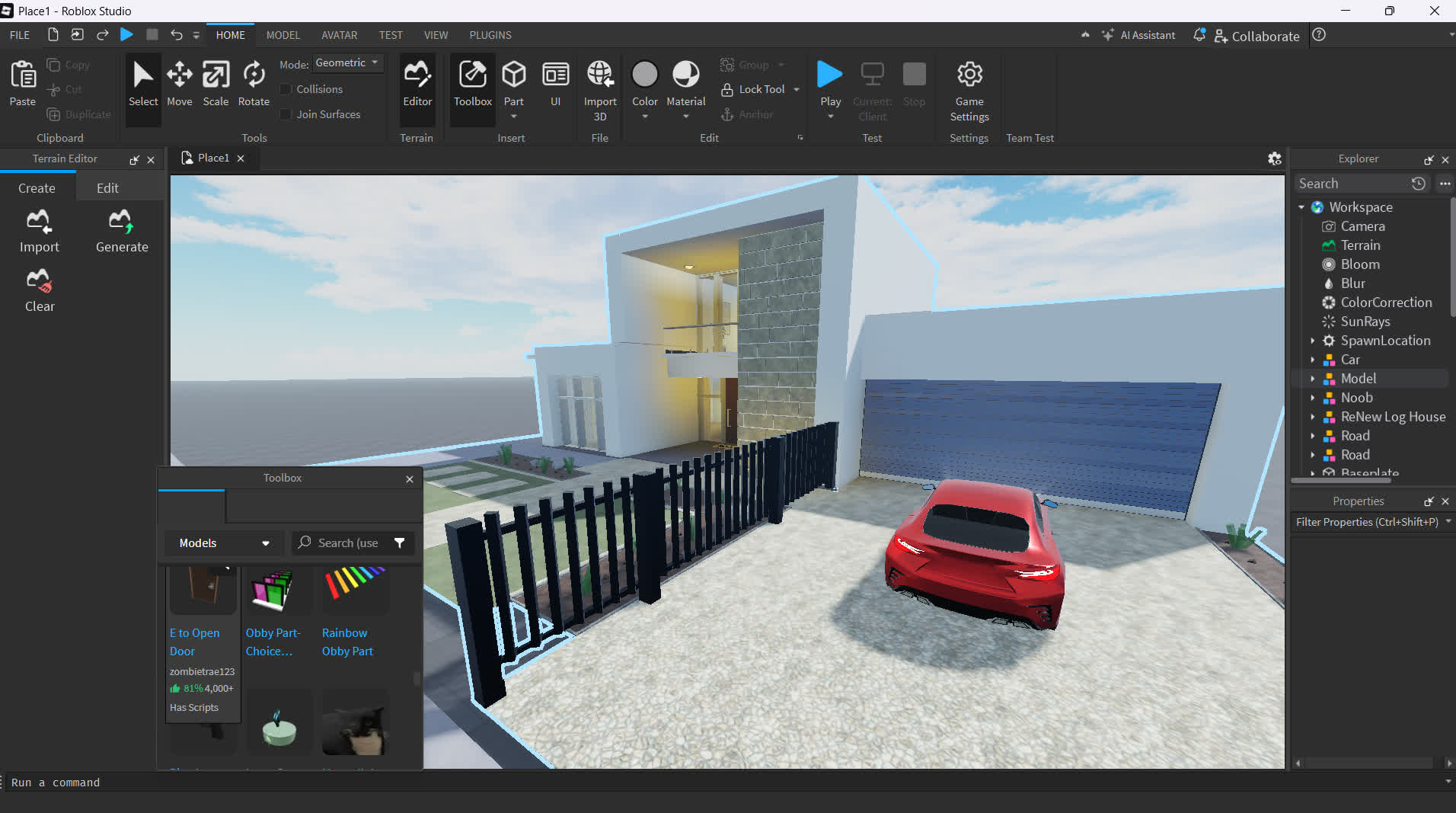
Features
Make Anything
Roblox Studio lets you create anything and release with one click to smartphones, tablets, desktops, consoles, and virtual reality devices
Reach Millions of Players
Connect with a massive audience by tapping into an incredibly enthusiastic and international community of over 50 million monthly players
Official Roblox Studio tutorials and courses can be found here.
System Requirements
The following system OS/hardware will ensure Roblox Studio runs smoothly:
- PC/Windows --- Windows 7, Windows 8/8.1, or Windows 10, running IE (Internet Explorer) version 11 or higher. For Windows 8/8.1 you will need to run Roblox in Desktop Mode, as Metro Mode (the tiled start-screen) is not currently supported.
- Mac --- macOS 10.11 (El Capitan) and above.
- Graphics Card --- A computer less than 5 years old with a dedicated video card, or a laptop less than 3 years old with an integrated video card.
- Processor --- Processor with a clock speed of 1.6 GHz or better.
- Memory --- At least 1 GB of system memory.
- Internet access. This keeps the software up-to-date and lets you save projects to your Roblox account. A minimum 4-8 MB/s internet connection is recommended.
- In addition, a 2-button mouse with a scroll wheel will enhance your Studio experience.
