

Apple's new image format is awesome: same quality, less space hungry. But what about compatibility with older macOS versions or Windows? With iMazing HEIC Converter, you can adopt Apple's brand new format without worrying about compatibility with your older software. Simple, and truly free.
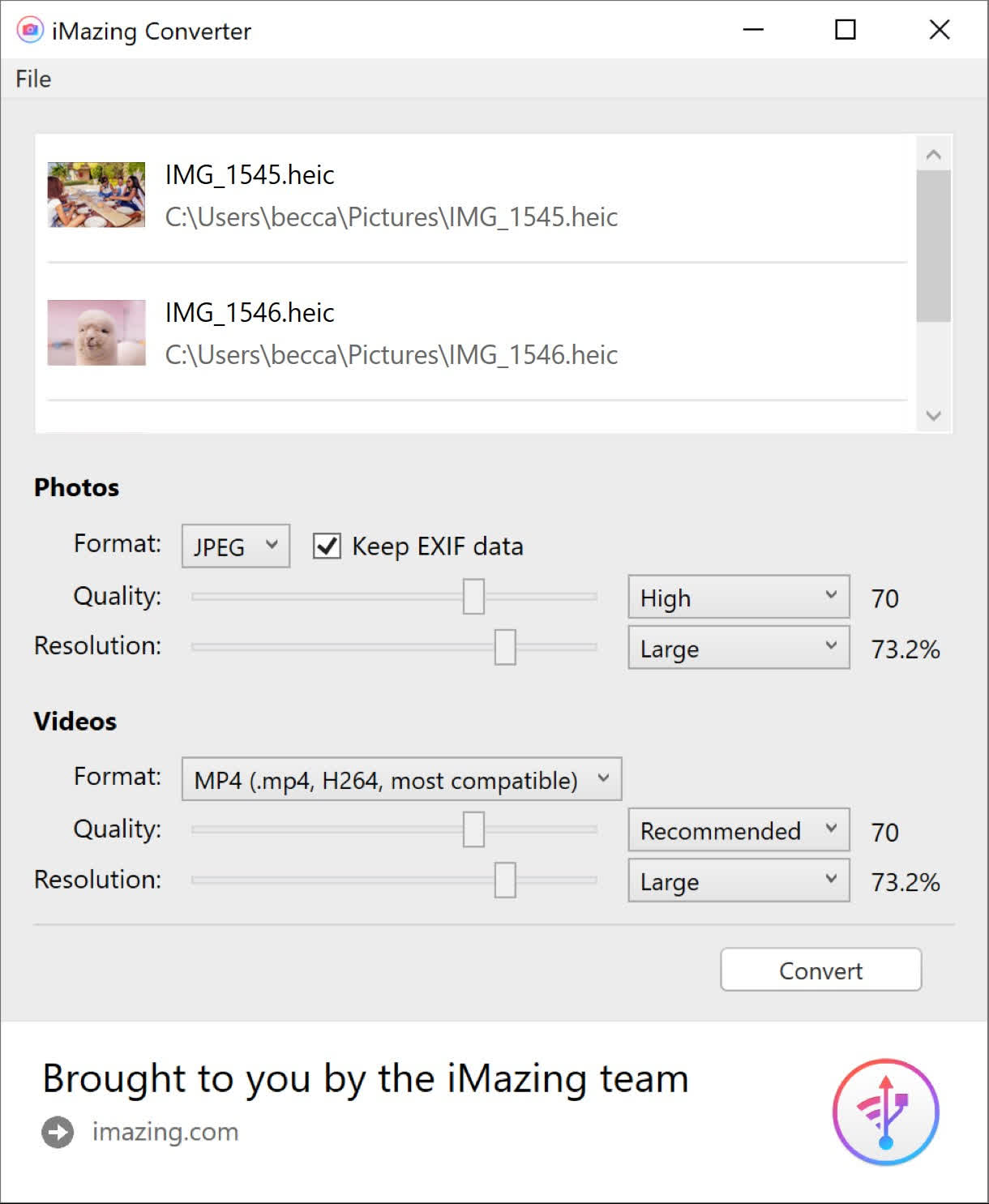
Features
- Convert HEIC to JPG
- Convert HEIC to PNG
- Drag & Drop .heic files or folders
- Fast and easy to use
- Preserves EXIF metadata
- Support for color profiles, including wide-gamut
- 100% Free
What's New
iMazing Converter 2 adds the following new features:
- Convert HEVC (H.265) videos to MPEG-4 (H.264)
- Customize compression/quality ratio of MPEG-4 (H.264) output
- Customize resolution ratio of MPEG-4 (H.264) output
- Customize resolution ratio of JPEG output
iMazing Converter 2.0.11 Windows
- Fixed a startup issue on Windows 8
iMazing Converter 2.0.10 macOS
- Fixed potential issues when converting HEIC images: "File is not HEVC encoded" or "Invalid data size"
