

Discover and download new games with Xbox Game Pass, play console games on your Windows PC through cloud gaming, and stay connected with friends across PC, mobile, and console using voice and text chat.
The app lets you explore the Game Pass catalog, view achievements and notifications, redeem Perks, buy games and add-on content, and share game clips or screenshots to your favorite social networks. You can also get in-game assistance through Copilot to overcome challenges, level up faster, or get unstuck - so you can spend less time troubleshooting and more time playing.
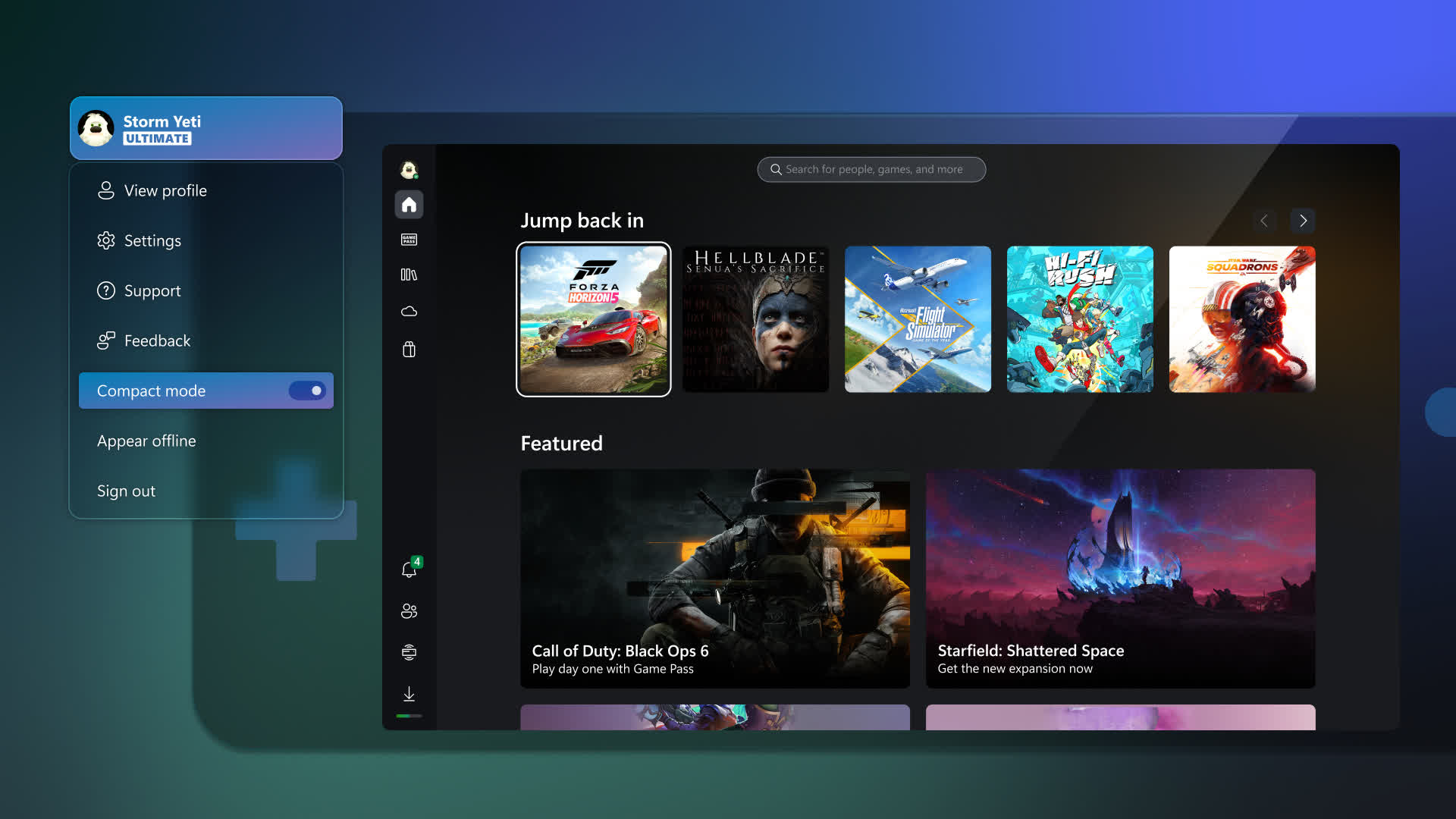
Features
- Download the Xbox app and stay connected to friends & games
- Buy games and add-on content you want without leaving the app
- Download games to your console so they're ready to play when you are
- Get notifications for new game launches, party invites, messages and more
- Use integrated voice and text chat with friends on console or PC
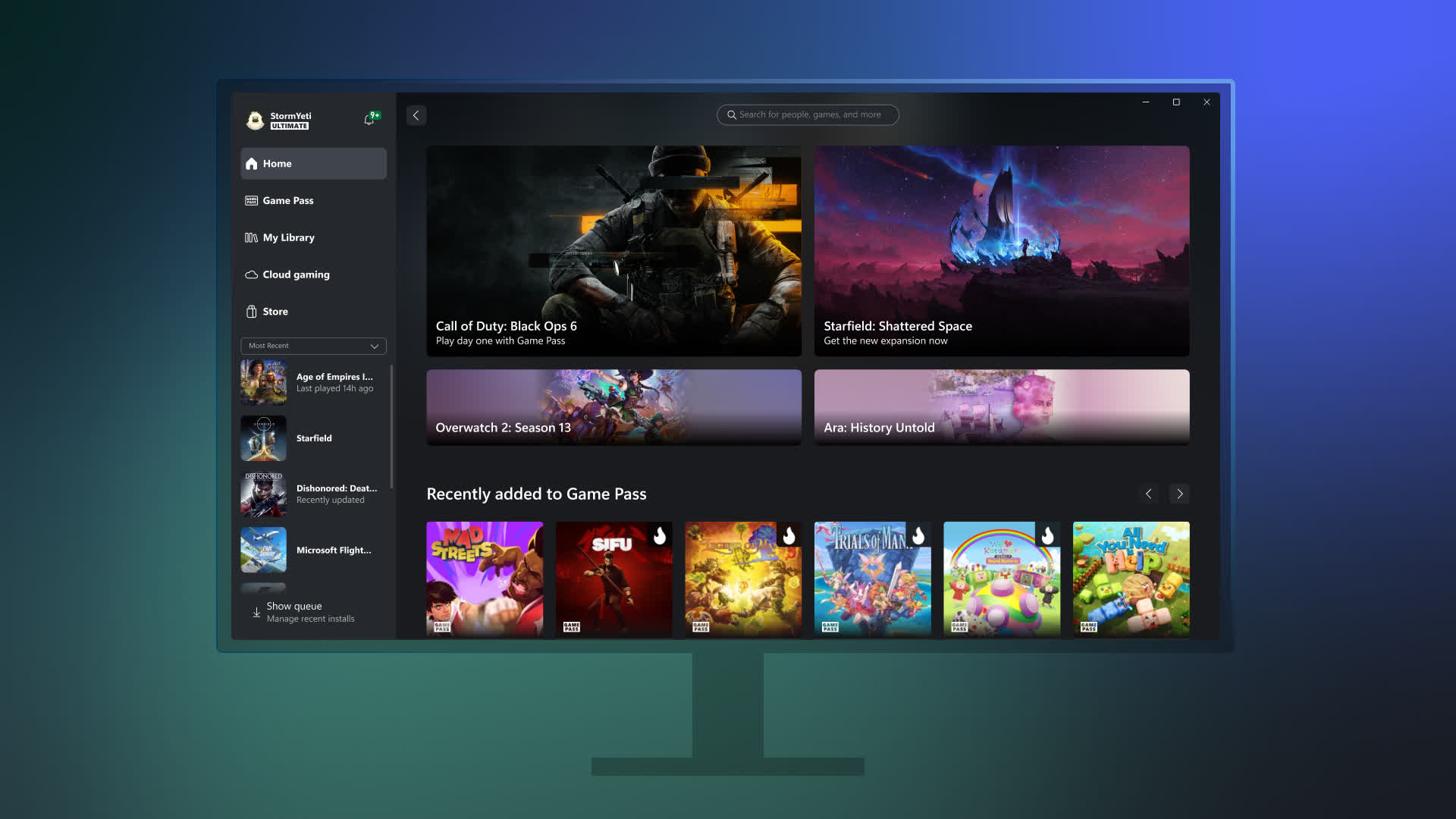
- Explore the Game Pass catalog, view and redeem Perks, and more
- Easily share game clips & screenshots to your favorite social networks
- Gaming Copilot (Beta) - Your personal gaming sidekick for recommendations, help, insights, and more
Quick access to play
Browse the Xbox Game Pass library, download your next favorite game, and launch it directly from the app. Organize your games any way you like and launch them when you're ready to play. Even play console games with friends from the cloud.
Connect and chat with friends
See what your friends are playing and chat with them on PC, console, and mobile. Simply press Win+G to keep the conversation going with Xbox Game Bar while playing your favorite game.
Shop for PC games
Use the Store tab in the app to buy your favorite PC games, DLC, and add-ons. Xbox Game Pass subscribers get a discount on games in the Game Pass library to buy and own.
Gaming Copilot (Beta)
Your personal gaming sidekick for recommendations, help, insights, and more. Tap Windows + G to get started.
What's New
Xbox app is now available on Arm-based Windows 11 PCs
Today marks another milestone for players everywhere. The Xbox app is now available on all Arm-based Windows 11 PCs, bringing you the experience you know and love – ready for you to download, play and enjoy.
Your library and benefits come with you.
Players can now download and enjoy a wide range of titles from the Xbox PC app game catalog on Arm-based Windows 11 PCs. Today, more than 85% of the Game Pass catalog is compatible with these PCs, and we're actively working with partners to expand support even further. For titles not yet supported running locally, Xbox Cloud Gaming remains an easy way to jump in while we work with partners to broaden compatibility.
Unlock more of what you love.
Since releasing the Xbox app to Windows and Xbox Insiders and listening to the gaming community, platform updates were implemented to expand compatibility. Prism, the emulator that runs x86/x64 software on Arm, now supports AVX and AVX2, which helps expand compatibility for many modern games.
Epic Anti-Cheat (EAC) support also enables fan favorites for games on Arm-based Windows 11 PCs, including popular titles such as Gears of War: Reloaded, Fortnite and more. And with Windows Performance Fit offering guidance on which titles should play well on a given device based on its hardware capabilities, players can feel confident choosing what to download.
Together with Xbox and our partners, we'll keep working to bring even more titles to Arm-based Windows 11 PCs over time.
