

Develop and publish your project on any modern desktop platform. Let everyone play your game by deploying to web and mobile. Make your game handle various forms of inputs and share the same project between every release.
Godot is free under the MIT license. This means you don't owe us anything (other than a friendly mention), and can do with your project or even the engine itself whatever you want. Build your game or build your own engine on top of it – it's all in your hands.
Godot 4 is the latest stable version, but, if you want to stick to the true and trusted Godot 3, download the long-term support version.
Is Godot free for commercial use?
Yes. Godot is released under the MIT license, which means it's completely free to use, modify, and distribute-even for commercial projects-with no royalties.
What programming languages can I use with Godot?
Godot supports GDScript (its own Python-like language), C#, VisualScript (node-based), and C++ via GDNative or modules.
Can I export games to consoles using Godot?
Godot supports exporting to Windows, macOS, Linux, Android, iOS, and web (HTML5). Console support (PS5, Xbox, Switch) requires third-party services or custom builds due to NDA restrictions.
Is Godot good for 3D game development?
Godot supports 3D development, but while its 3D tools are improving, it remains more mature and widely used for 2D games. For more advanced 3D development, engines like Unity and Unreal Engine offer high-end graphics and visual scripting capabilities.
Features
Build your game from simple blocks
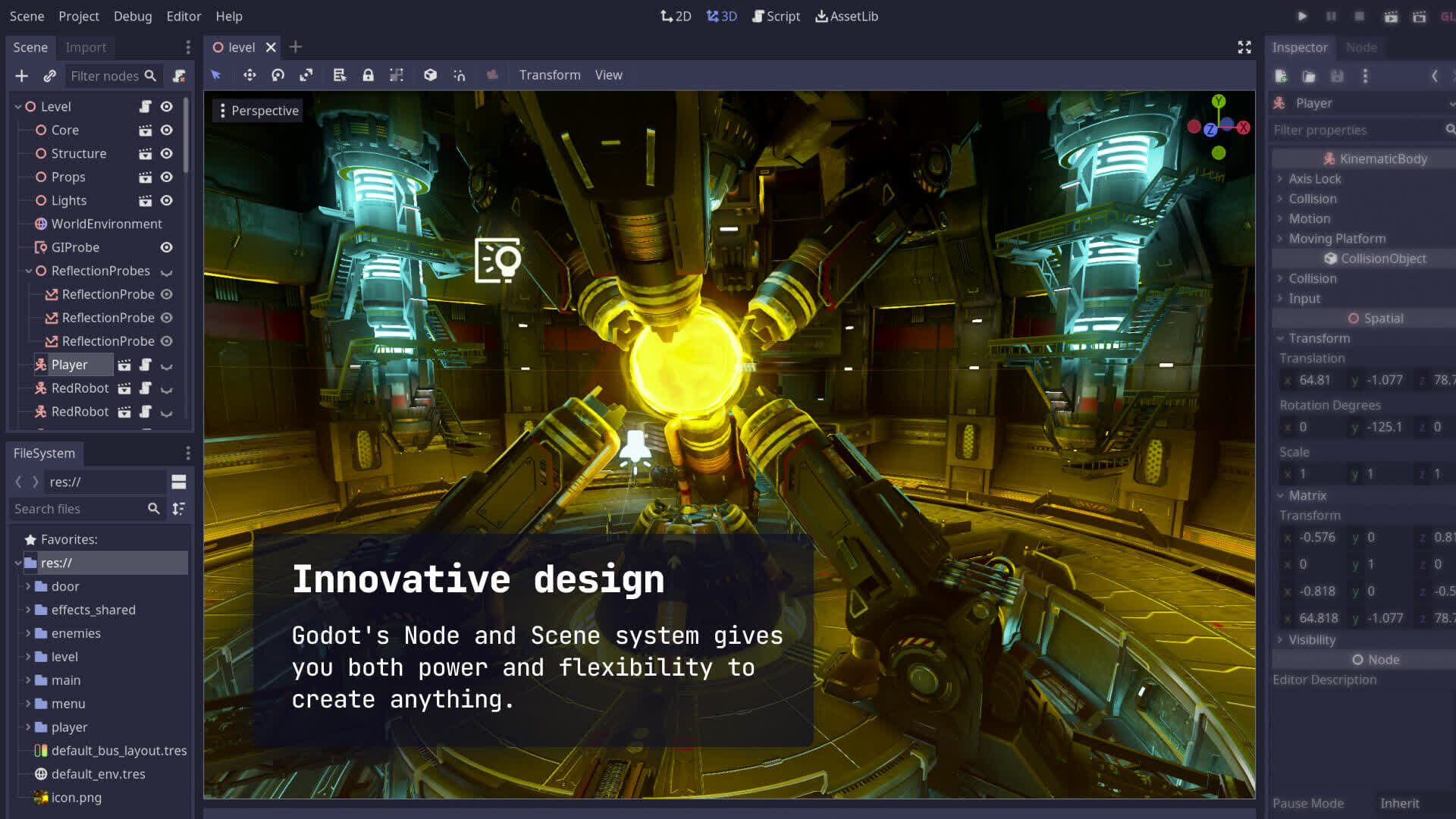
Use building blocks called nodes to create more complex and reusable scenes. Add scripts to your scenes and customize built-in behavior to implement your unique game mechanics. Rely on composition and node hierarchy to make game logic clear at a glance.
Extend beyond features provided by the engine
Make your scenes into full-featured components, with tools for your designers to tweak and adjust the look and function. Share your components with the community of like-minded developers as addons and templates.
Write code without hurdles with a high-level scripting language
Get things done quickly with Godot's built-in scripting language GDScript. Inspired by Python and other languages, it is easy to pick up even if you are a beginner. Tight engine integration allows it to express game logic in a clear and natural form.
Leverage your C# experience to feel right at home
If you're an experienced C# user, Godot offers you first-class support for the .NET platform. Power your game with familiar libraries and give them performance boost, while still benefiting from close engine integration.
Note: .NET support is provided as a dedicated engine executable. C# support is currently only available for desktop platforms in Godot 4. Use Godot 3 to run C# on Android, iOS and Web.
Pick from a variety of community-supported languages
Godot is built to be extended, and that means you can choose a programming language not provided by the Godot team itself. Thanks to our community there are many language bindings for popular tools like Rust, Nim, Python, and JavaScript.
Modify the engine itself and integrate with 3rd party libraries
Thanks to the modular structure and a straightforward build process of Godot you can create your own engine modules. Gain every last drop of performance or integrate with many 3rd party libraries with low-level C++ code.
Support both high and low-end devices
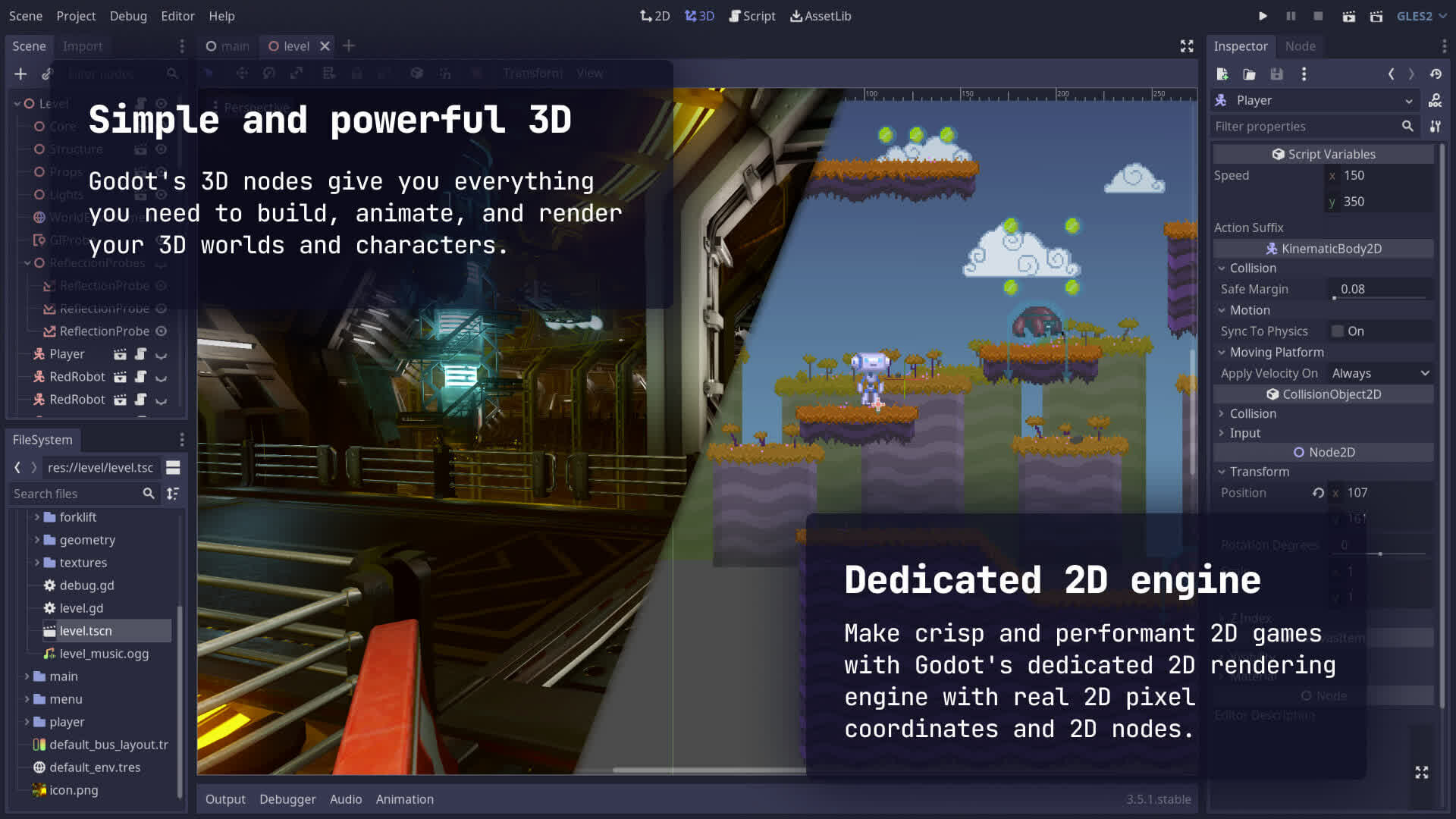
Make beautiful 3D games for a range of devices, starting from desktop computers and ending with mid-range Android phones. Powered by OpenGL, Godot allows your projects to run on most modern GPUs, including integrated graphics.
Seamlessly integrate with your asset pipeline
Bring your 3D models into your game world with a robust importing pipeline. Take entire scenes – with animated models, lighting, cameras, and physics objects, – and customize how the engine views them. Modify your assets and see changes in the engine immediately.
Specialized 2D workflow for games and apps
Thanks to a dedicated 2D pipeline you can forget about Z axis, and simplify your game logic. Think in pixels and screen coordinates, while the engine does the rest.
Save time creating 2D worlds with a tile map editor
Whether you want procedural generation or a meticulously hand-crafted level, with Godot's built-in tile map editor you can achieve every goal. Import a sprite and convert it into a database of building blocks for your 2D worlds.
Master usability with a flexible GUI system
Build scalable and adaptive user interfaces with Godot's unique GUI system. Created specifically to power layouts common to games, it is also capable of handling complex UI applications and tools.
Partner with a publisher to target consoles
If you want to release to a console, you can find several 3rd party publishers which specialize on that. Godot games can run on any modern hardware, all you need to worry about is your performance and controls.
Find the logic behind any system in an open source codebase
No need to wait for a support team to respond when you can read the source code. Godot is an open book, and you can figure out everything that is not yet documented after a single git checkout. If you find and fix an issue, we will appreciate a PR upstream too.
What's New
Fresh look, fresh focus
New editor theme: "Modern"
Since its launch last year, "Godot Minimal Theme" has quickly become a fan-favorite with its clean lines, reduced clutter, and contemporary feel. It was time to integrate it and make it official!
You can now choose between the older "Classic" theme and the newer "Modern" theme with Godot 4.6 shipping out with the "Modern" theme by default.
The new theme, which will continue to mature with user feedback, brings you subtle contrast adjustments and improved readability and spacing between UI elements. Many testers have found it helps reduce competition on focus and gives center-stage to the viewport where your game lives.
The new grayscale allows you to do color-sensitive work on your game without the blue tint altering your perception.
Time for a test drive! Give your eyes some time to get used to the new look before you can start to notice its impact. If you still prefer the classic theme, you can easily switch back in the editor settings.
We put a bolt on Jolt
Jolt Physics by default
Remember when we integrated Jolt Physics as an experimental option in 4.4? Since then, many of you have tested it in real projects, and it has proven itself ready for production. So here it comes!
Jolt is without a doubt a fantastic standalone physics engine. It's fast, stable, and it's no surprise it powers AAA games like Hideo Kojima's Death Stranding 2. We've built a tight, high-quality integration that brings all of Jolt's power directly into the engine. With this release, we're confident enough to remove the experimental label and make Jolt the default physics engine for all new 3D projects.
Dock your heart out
Movable floatable docks and panels
Panel shufflers and multi-monitor Feng Shui masters rejoice… 4.6 is your version. You can finally move that bottom panel.
We unified the entire docking system in this release. Bottom panels are now regular docks, and you can drag and drop docks and move them around between the sides and the bottom of the editor. Most docks can also be floated.
It's a significant step toward a full workspace system, allowing you to arrange the editor in a way that makes sense for your workflow.
Brand new IK framework
It's time to pull some bone chains again! Animators and gameplay programmers among us will be thrilled to know inverse kinematics (IK) is back with a bang. You decide where the endpoint goes and your chain of bones follows naturally.
Whether you need a character's feet to plant on uneven terrain or a robot arm to reach for objects, the framework to achieve this is right at your fingertips with a full suite of modifiers and constraints.
We're introducing the core IKModifier3D class built on the revamped SkeletonModifier3D. It comes with a family of deterministic solvers including TwoBoneIK3D, SplineIK3D, and iterative solvers like FABRIK3D, CCDIK3D, and JacobianIK3D.
You'll also find new constraints to control the twist and angular velocity of joints, which helps prevent excessive and unwanted motion.
What's more, you can set the target of animation constraints to 3D nodes to make, for example, the arm of a character extend and snap to a weapon.
The modular approach of this new framework lets you combine IK with other modifiers and constraints to fine-tune your procedural animations directly in the engine and documentation is in the works to help you make the best of the framework depending on your use case.
Reflections got real
Major SSR Overhaul
If your 3D game environment includes reflective materials like metal, water and glass, things are about to get exciting for you.
Screen Space Reflection (SSR) has been completely overhauled in this version, giving you a significant leap in realism, visual stability and performance. Not only will your reflective surfaces look more realistic with better handling of roughness, but the effect will run faster too!
To further optimize, you can choose between full-resolution mode for maximum quality, or half-resolution mode for higher performance. Even with reflections calculated at half your viewport size, the new SSR allows you to preserve decent quality. Check it out!
