

Zen Browser is focused on being always at the latest version of Firefox, ensuring that you have the latest security updates and features.
Features
- Firefox Based
- Fully Open source
- Automated Releases to ensure security
- Community driven
- Constantly improving
- Completely Customizable
- Vertical Tabs
- Thoughtful Design
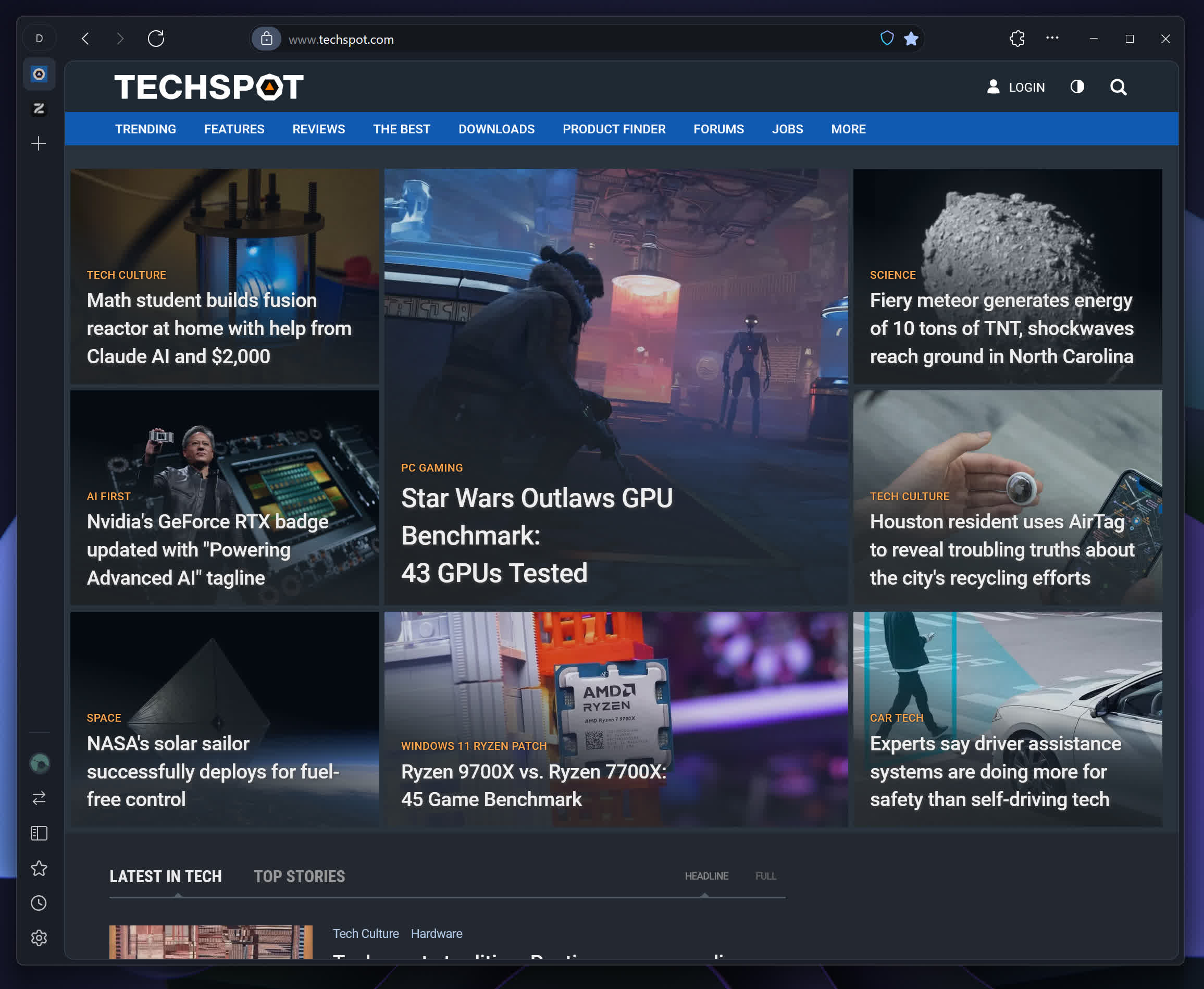
Split Views
Zen Browser allows you to split your view into multiple panes, so you can work on multiple things at once. It's perfect for multitasking.
Better tab management
Better tab management helps you stay organized and focused, reducing clutter and enhancing productivity.
Security and Privacy is important to us
Zen is based on Firefox, ensuring that your browsing experience prioritizes security and privacy. With advanced tracking protection and minimal data collection, Zen keeps your online activity safe and secure, giving you peace of mind as you explore the web.
Sidebar
Zen Browser has a built-in sidebar that lets you quickly access your favorite websites, bookmarks, and more. It's the perfect way to stay organized.
Introducing Compact Mode
Zen Browser's compact mode gives you more screen real estate by hiding the title bar and tabs. It's perfect for when you need to focus on your work.
Does it track me?
No! Zen Browser is built with privacy in mind. We don't track you, we don't collect your data, and we don't sell your data to third parties.
How secure is Zen Browser?
Zen Browser is built on top of Firefox, which is known for its security features. We also have additional security features like https only built into Zen Browser to help keep you safe online.
What's New
New Features
- Updated to Firefox 158.0.1
- Boosts now have a 'focus' feature, allowing you to concentrate on a specific part of the website.
- Windows builds now run with CSIR PGO, improving performance and startup times. All other platforms also have performance improvements.
Fixes
- Mozilla blocked compromised eMudhra intermediate certificates via OneCRL on October 17th. The blocks were distributed to clients via Remote Settings the same day. This update contains the updated OneCRL block list, ensuring clients will block the compromised certificates even if RemoteSettings is disabled by policy or otherwise unavailable in the user's network environment. (Learn More)
- Fixed the sidebar hiding when the mouse is still over it. (#15995)
- Fixed devtools not appearing on glance tabs. (#15261)
- Boosts zap bar will now push the web contents up when activated. (#13972)
- Fixed sidebar scroll being reset when entering fullscreen. (#14389)
- Fixed multiple windows launching on startup on Linux and Windows. (#12140)
- Fixed a crash on Windows when printing or saving a page as PDF while a screen reader or other assistive technology was running.
- Fixed an issue where Zen was opening windows on the wrong monitor in multi-monitor setups on Linux.
- Fixed multiple media bars appearing when 2 or more tabs are using WebRTC.
- Fixed an issue where files dragged into Firefox from other applications were not dropped onto the page on macOS.
- External links will now be routed through the Space Routing feature on startup
- More bug fixes and improvements.
