
In brief: Testing internet speeds normally involves third-party services such as Ookla Speedtest (update: Microsoft is using just that), but a new Windows 11 preview build adds this functionality to the taskbar. The update also introduces new camera, security, and account controls, as well as numerous other features. Elsewhere, a recent public update to the OS addresses issues with Nvidia graphics cards.
Update: It should be noted that this new Windows 11 "speed test" isn't a native benchmarking tool but more of a shortcut. The taskbar button will simply open a Bing webpage that embeds Ookla Speedtest using a simplified interface, rather than running a test locally within the OS. In other words, it's a shortcut to a familiar third-party service accessed through Bing, not a built-in network diagnostics feature in Windows 11.
To start a network speed test, right-click the network icon on the system tray or access the Wi-Fi and cellular quick settings. The test opens in the default browser and benchmarks the speeds of Ethernet, Wi-Fi, and cellular connections. The update also changes taskbar behavior so that uncombined windows from the same app no longer automatically move to the overflow area.
The beta update is now available to Release Preview Channel insiders, labeled Windows 11 version 24H2 Build 26100 and 25H2 Build 26200. The new features from the update will roll out gradually.
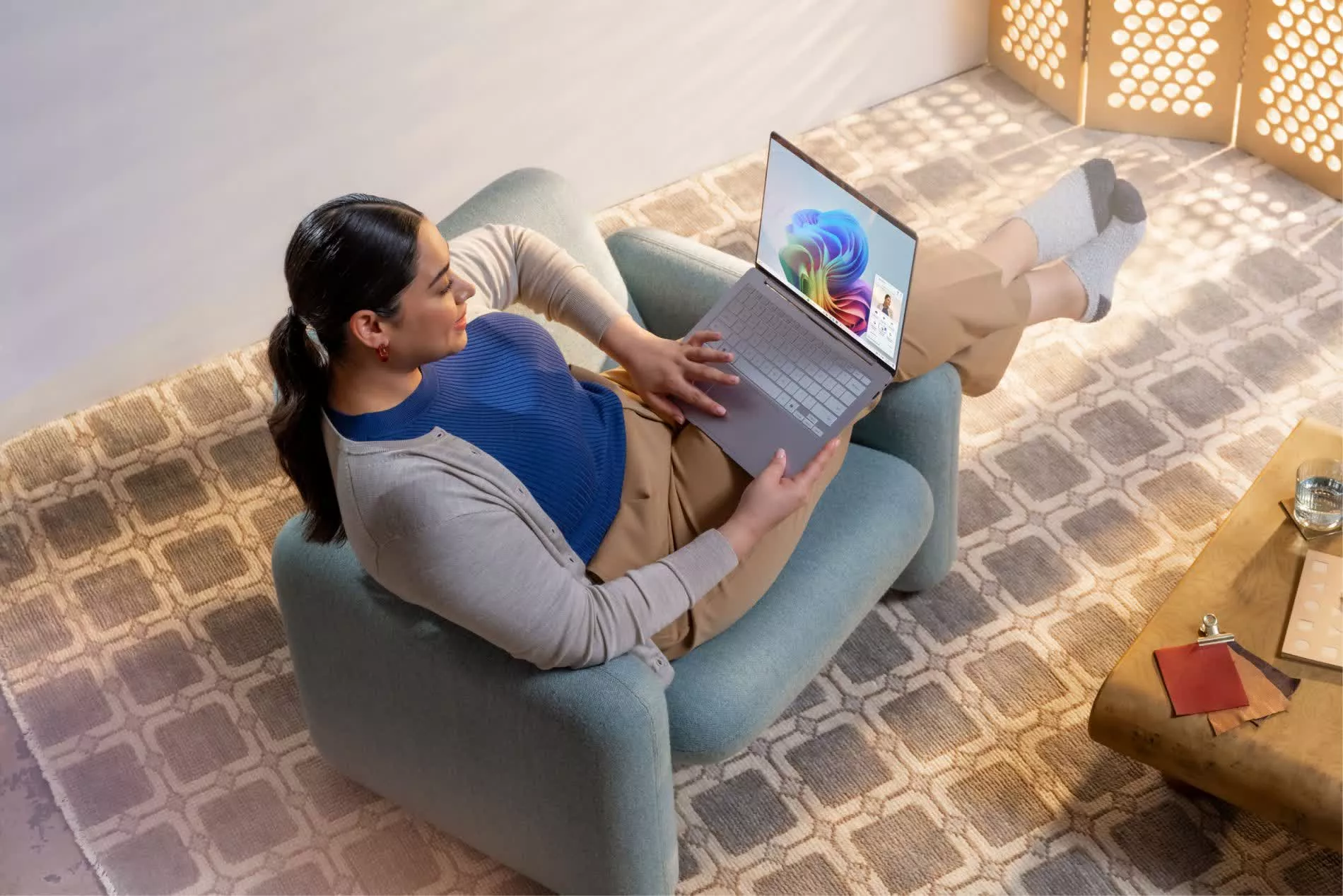
Additionally, users can now pan and tilt connected cameras from the system settings. The option is located under Settings > Bluetooth & devices > Cameras, where users can access the basic settings for the selected camera.
Meanwhile, enterprise users receive additional restore and recovery features. More device types now support Windows Backup for Organizations, enabling users to automatically restore settings and Microsoft Store apps upon first sign-in on Microsoft Entra hybrid devices, cloud PCs, and multi-user environments. Windows Pro devices that are not domain-joined or enrolled in enterprise endpoint management also now receive the same recovery functionality as Windows Home.
Insiders can also now set WebP images as desktop backgrounds, activate Microsoft Entra ID, access native Sysmon functionality, and view new emoji.
Users with the general release version of Windows 11 25H2 should begin seeing a mandatory update labeled KB5077181. According to Windows Latest, the patch introduces several features and addresses a major issue from an update released earlier this month.
Users with Samsung, Vivo, Xiaomi, Oppo, or Honor phones can now smoothly resume Spotify, Word, PowerPoint, Excel, and sessions from supported web browsers when moving between Windows PCs and Android devices. Notifications to resume content from a phone will appear in the taskbar.
KB5077181 also enhances MIDI compatibility and expands support for Microsoft's new smartphone-like Smart App Control. Engaging the feature, which blocks unsigned apps from running without direct user consent, traditionally requires reinstalling Windows, but existing installations can now access it from Windows Security > App & Browser Control > Smart App Control. Additionally, the update reorganizes the Start menu, introduces a color-coded battery icon, and adds a card to the home section of the Settings screen that lists basic device hardware specifications.
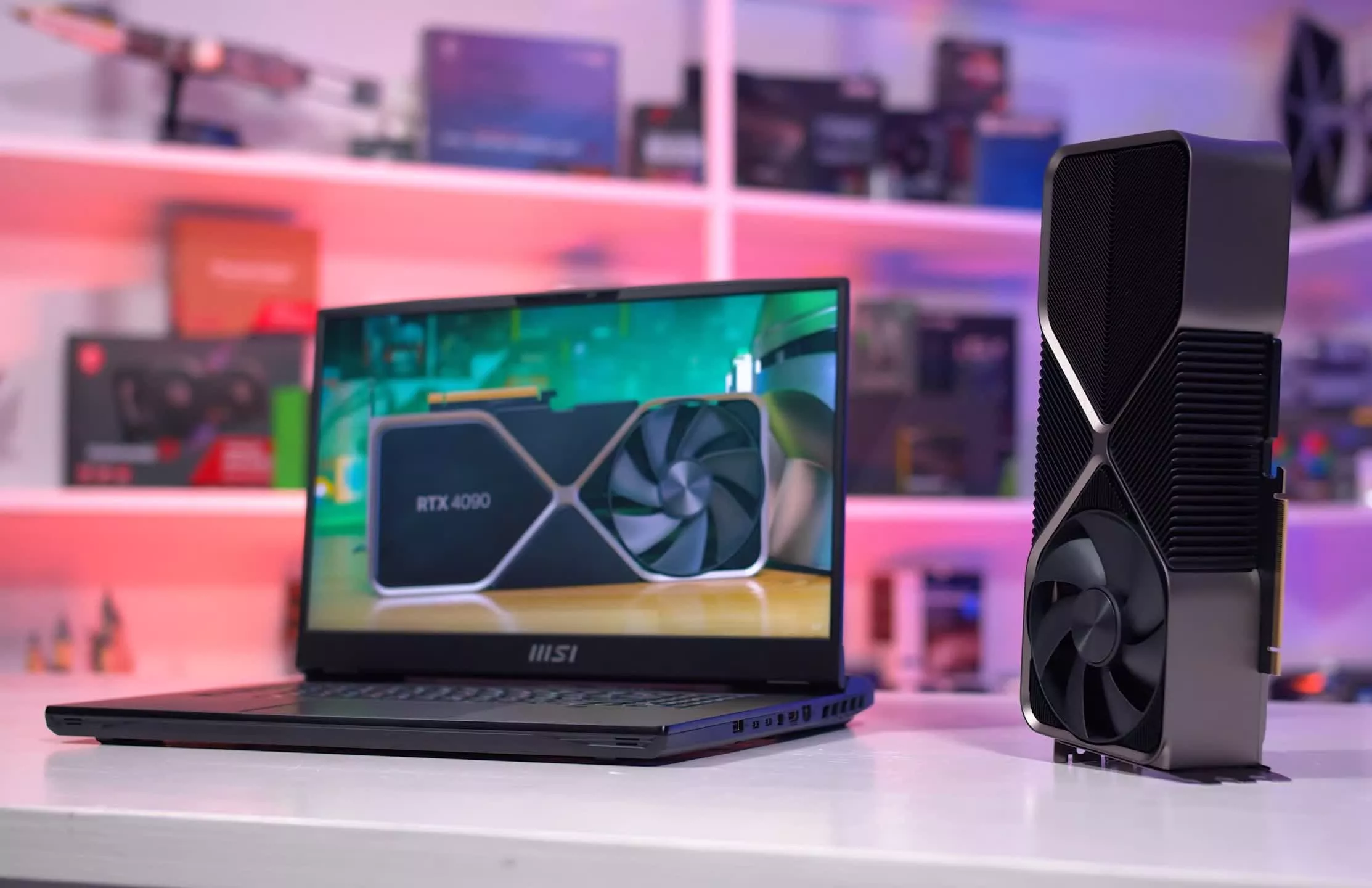
Users with Nvidia graphics cards who experienced black screens or degraded performance after installing update KB5074109 should install KB5077181, which fixes the problem. It is the latest in a long line of issues that Windows 11 has encountered in recent months, forcing Microsoft engineers to rapidly issue hotfixes and focus more on stabilizing the operating system than adding new features.